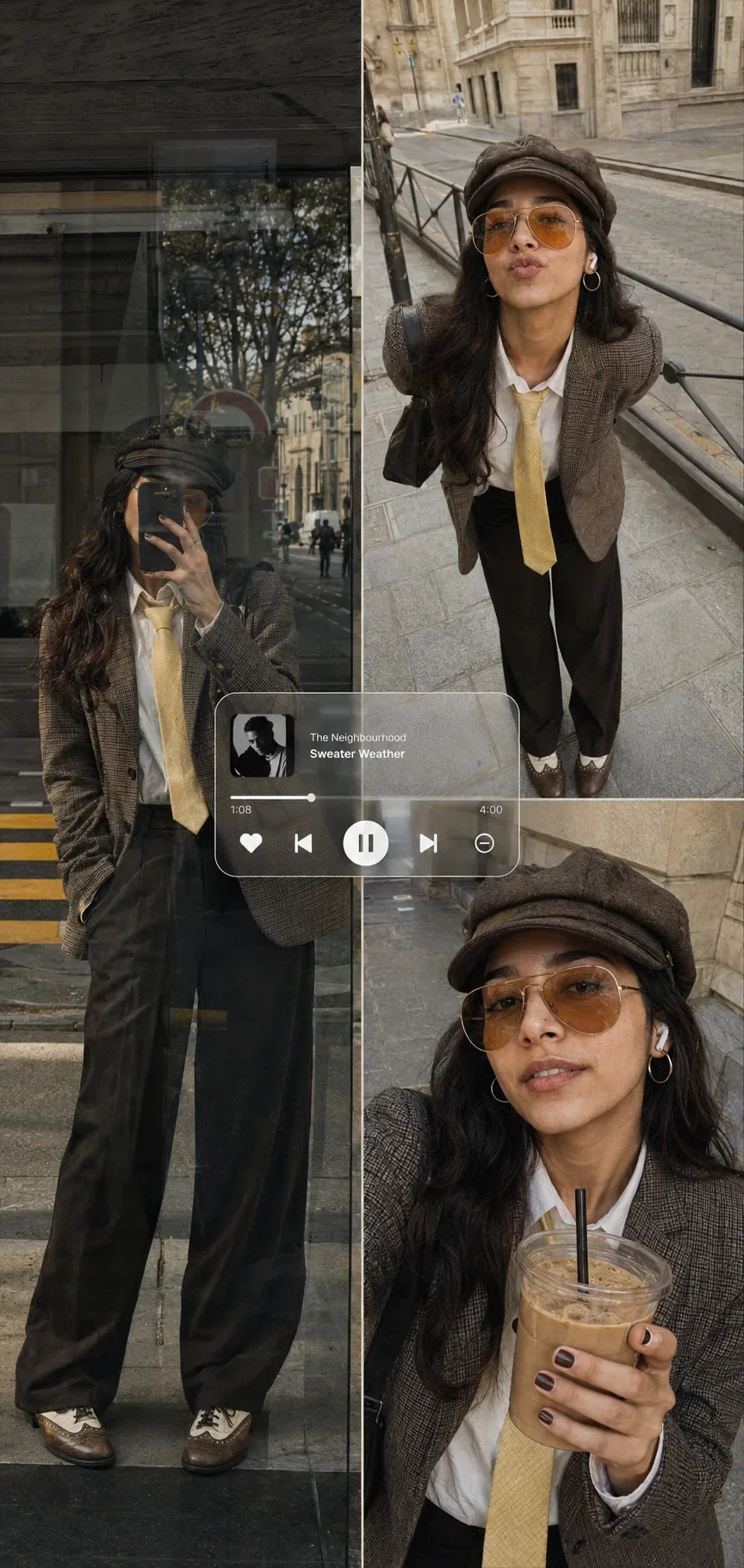
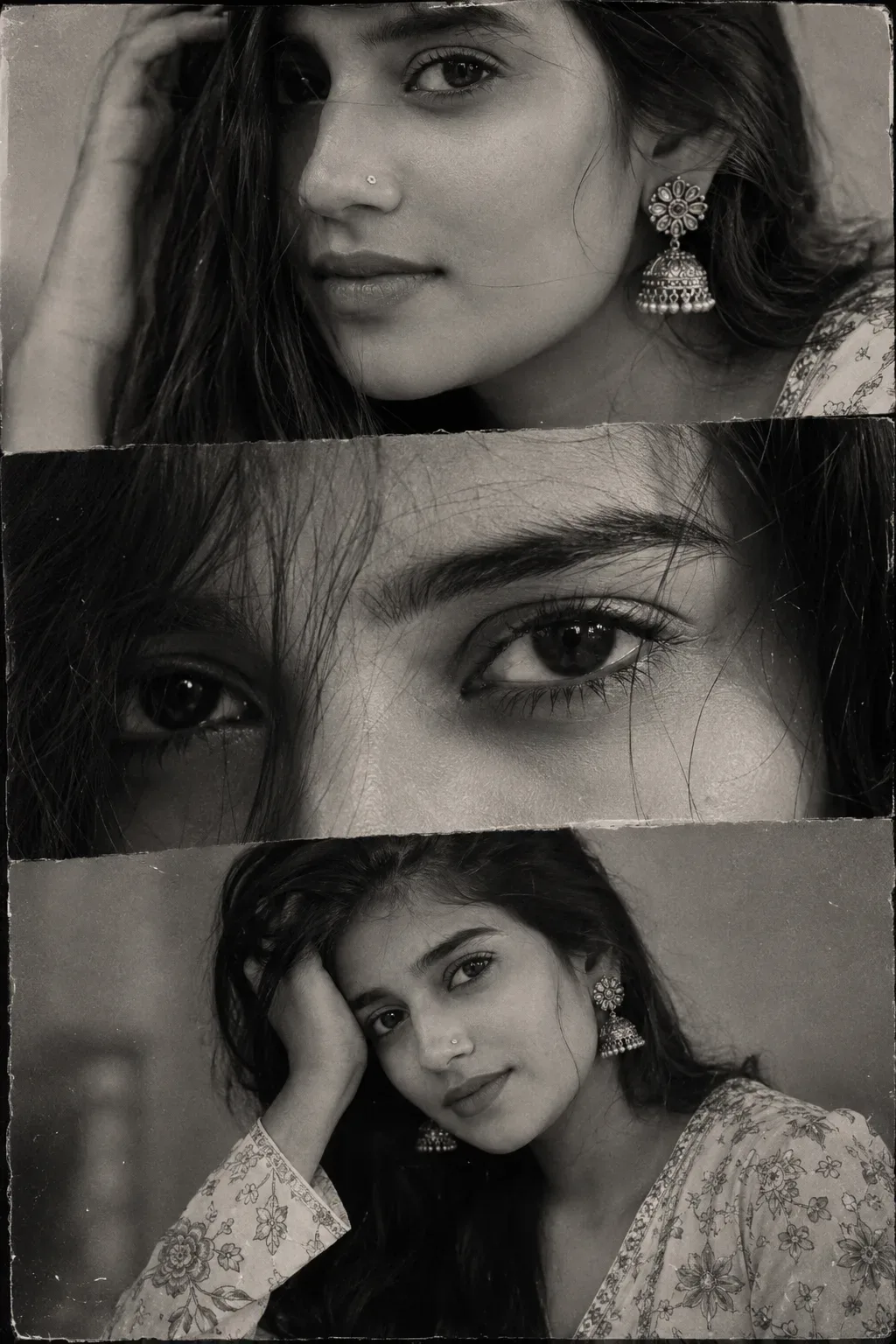
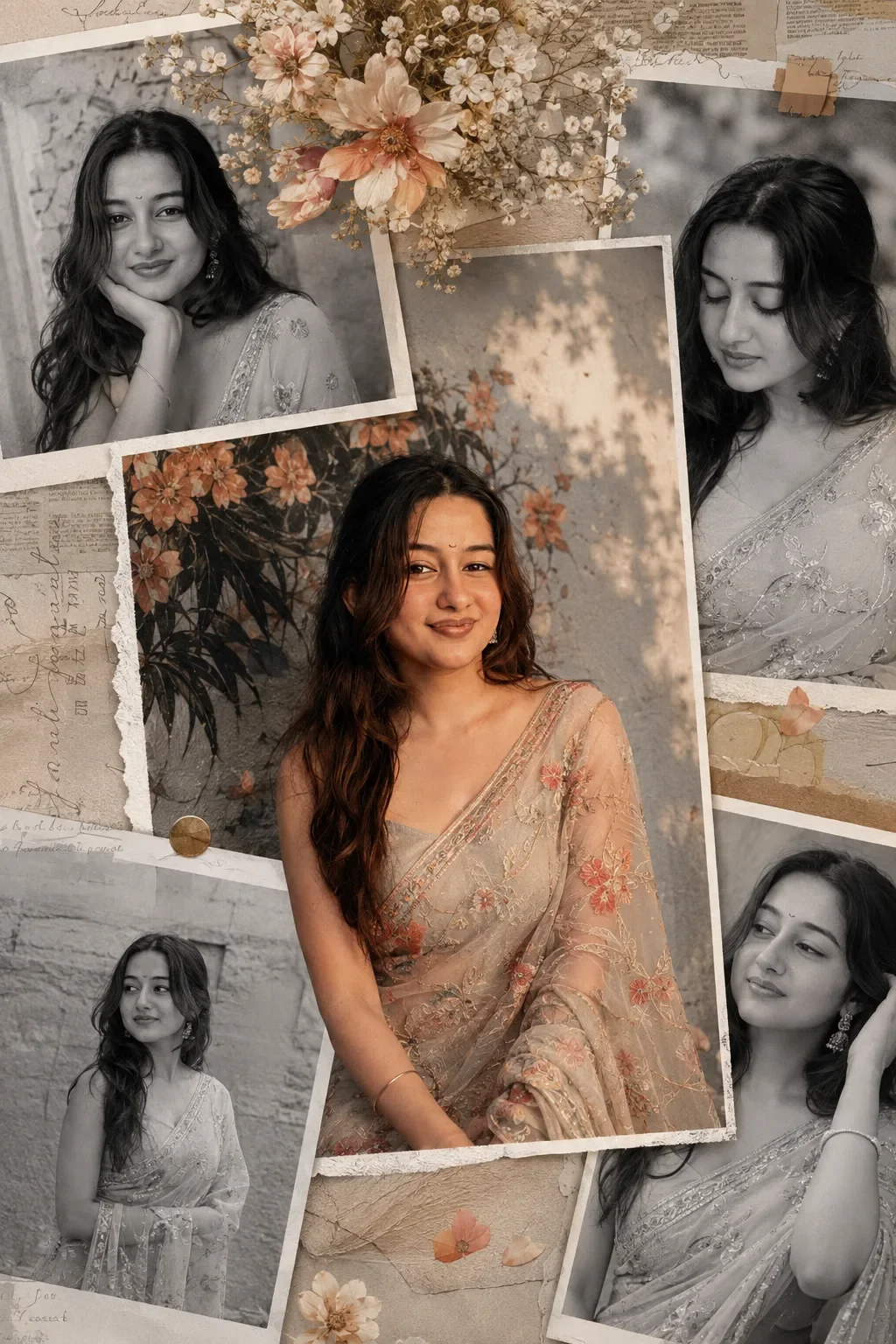
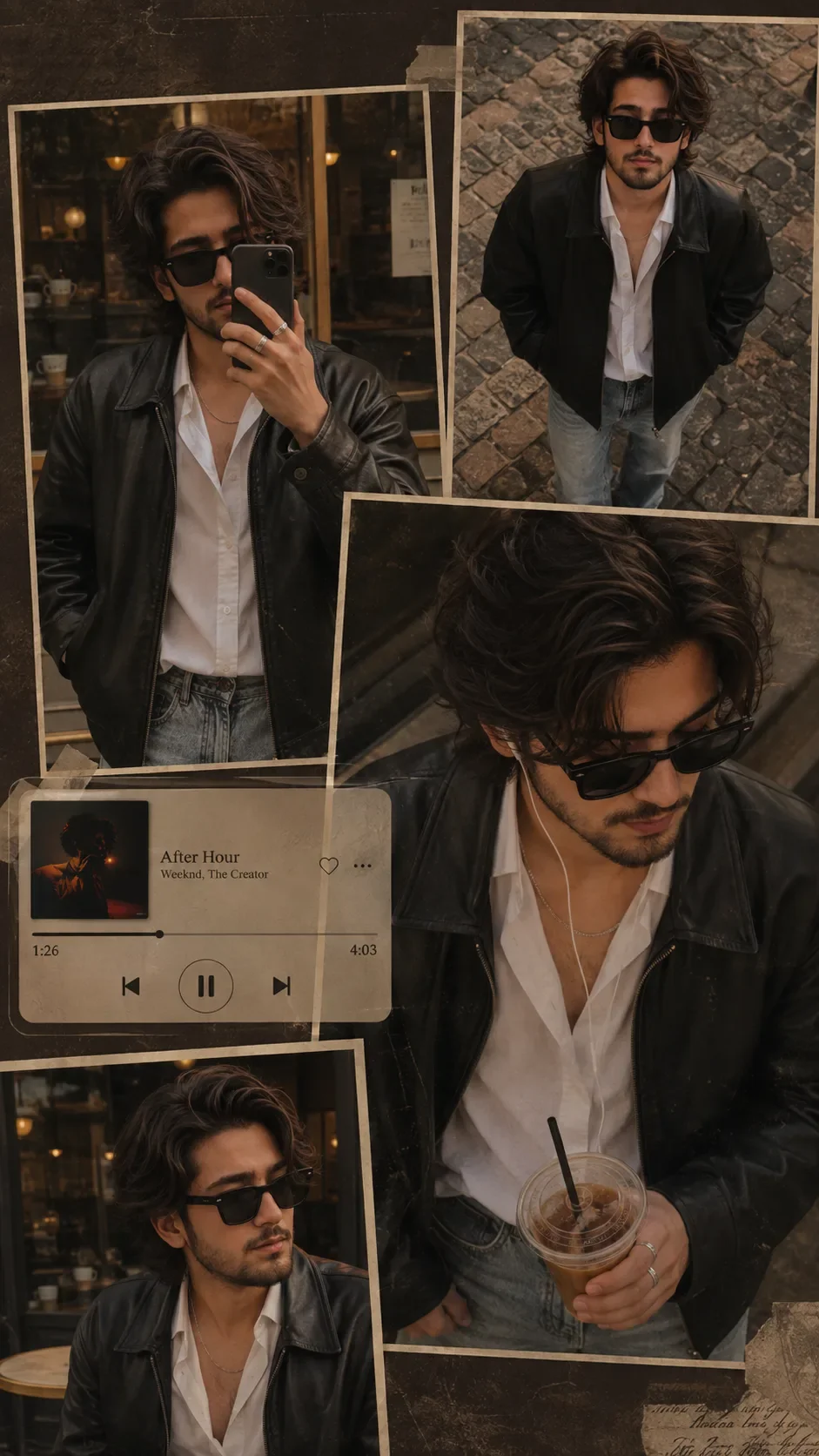
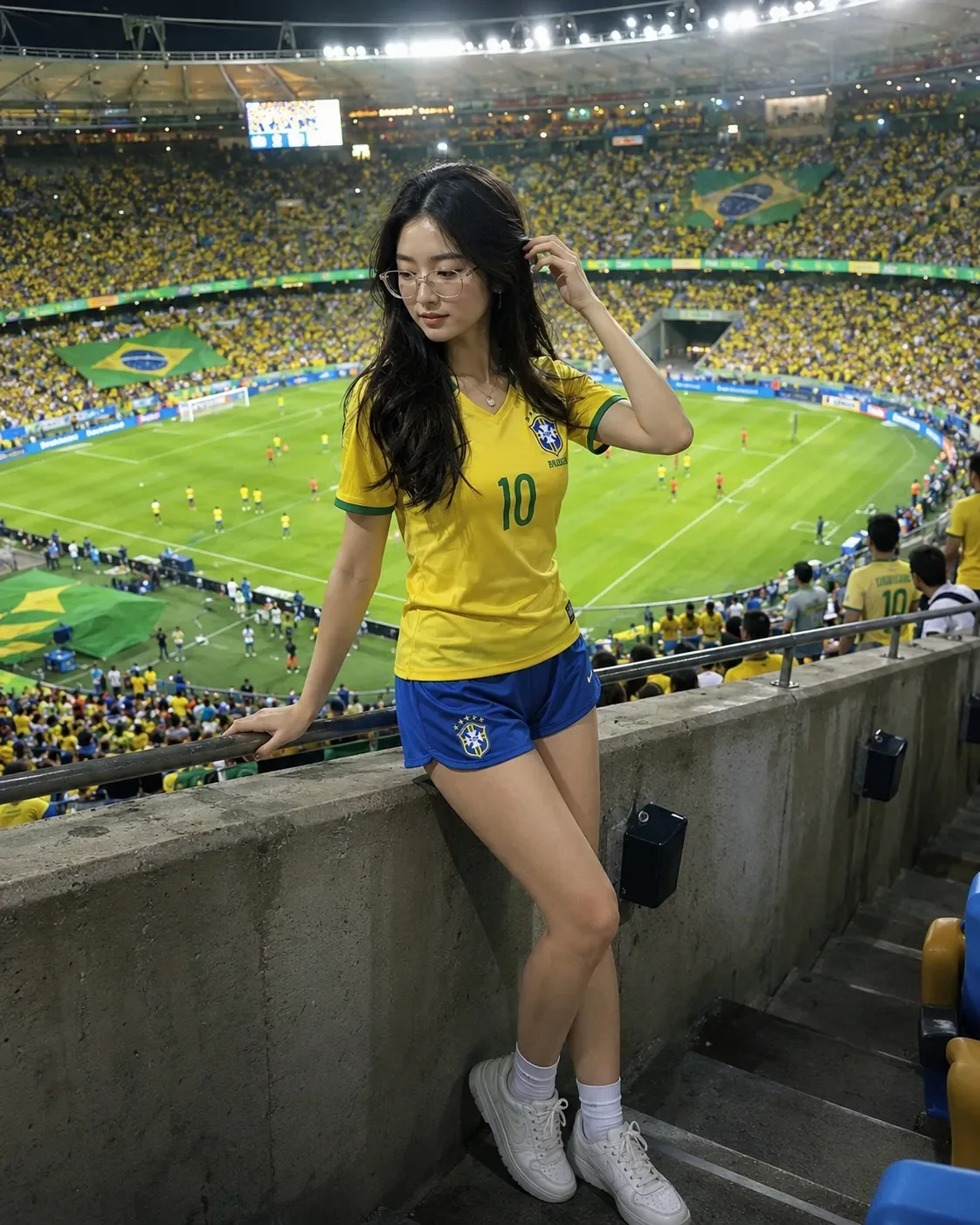
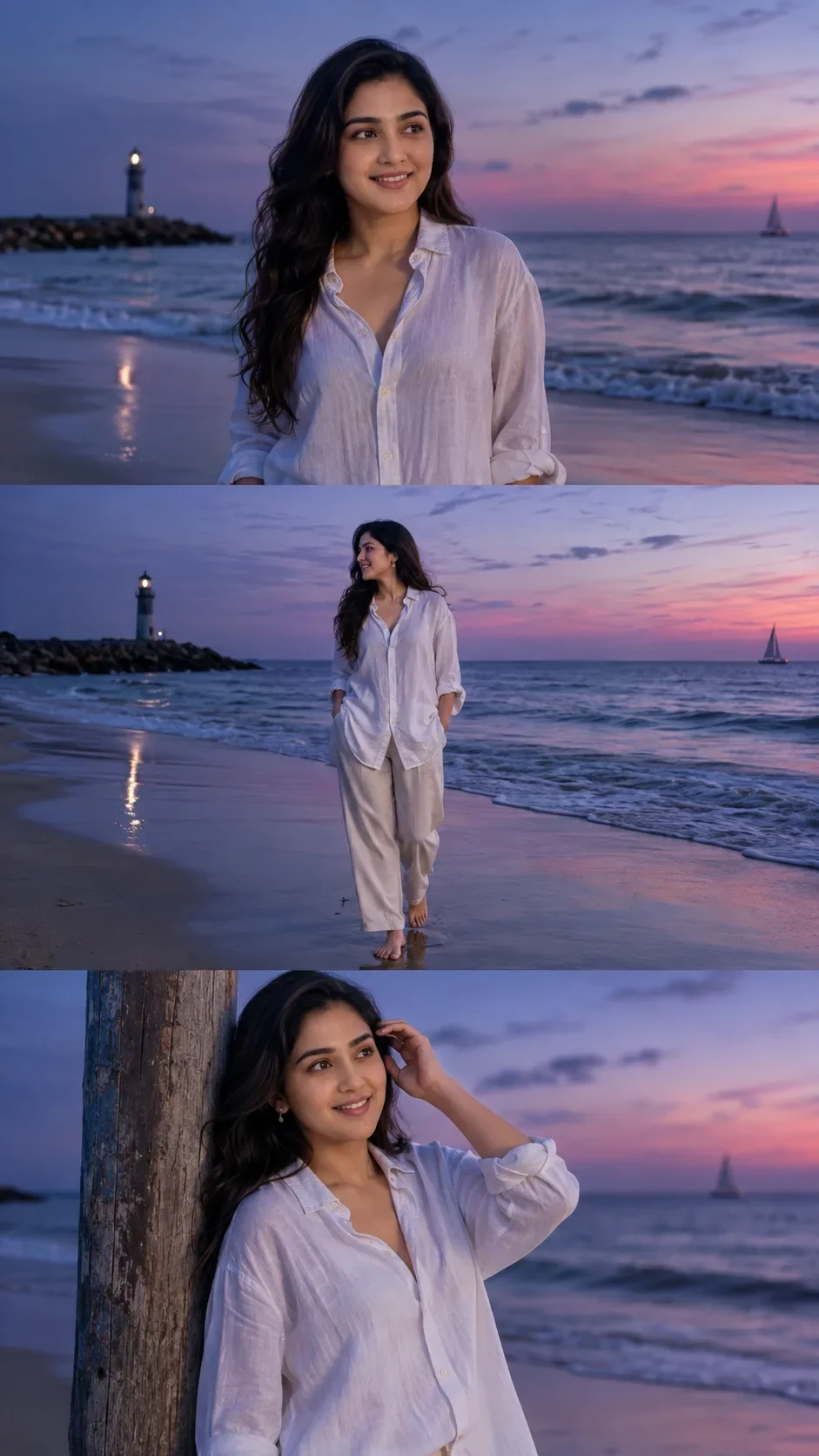
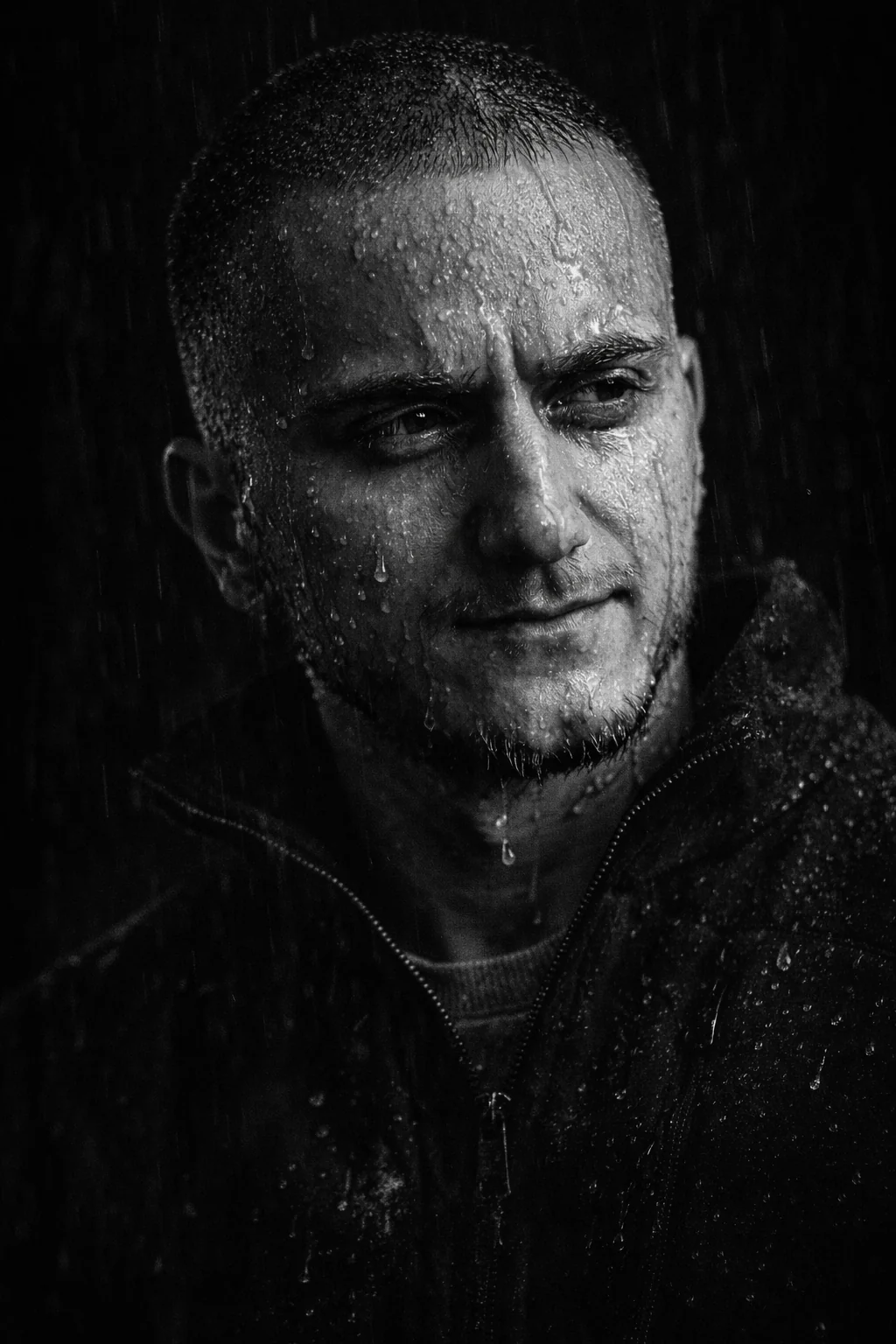
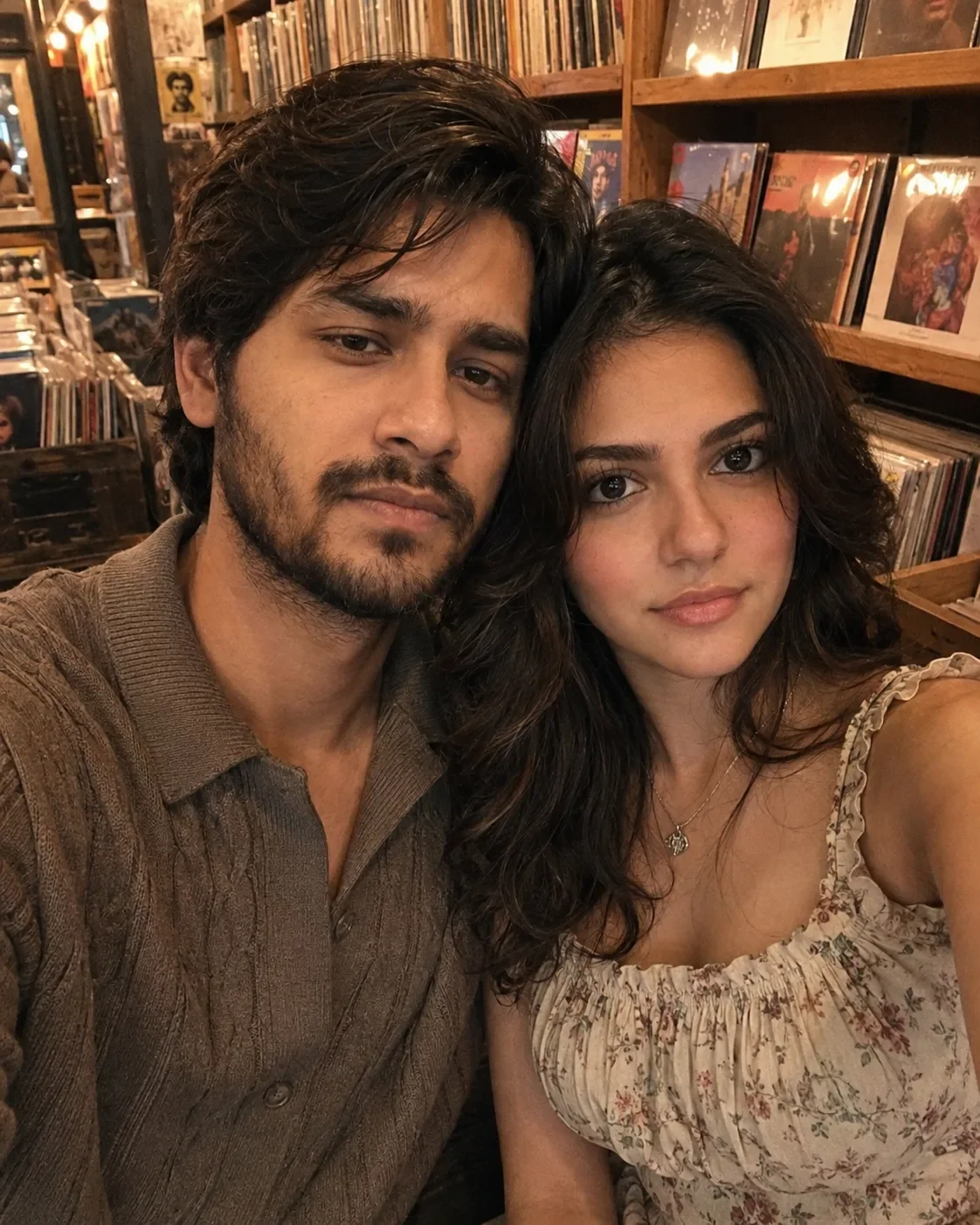
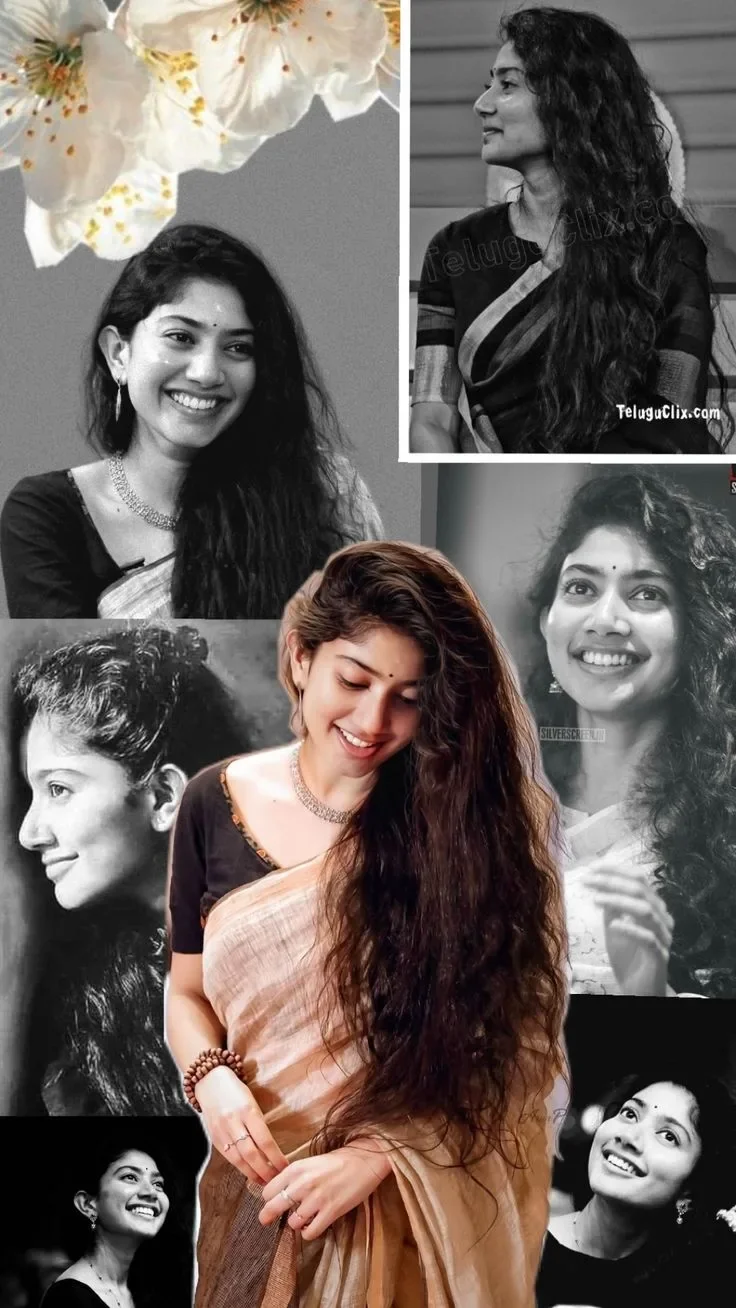
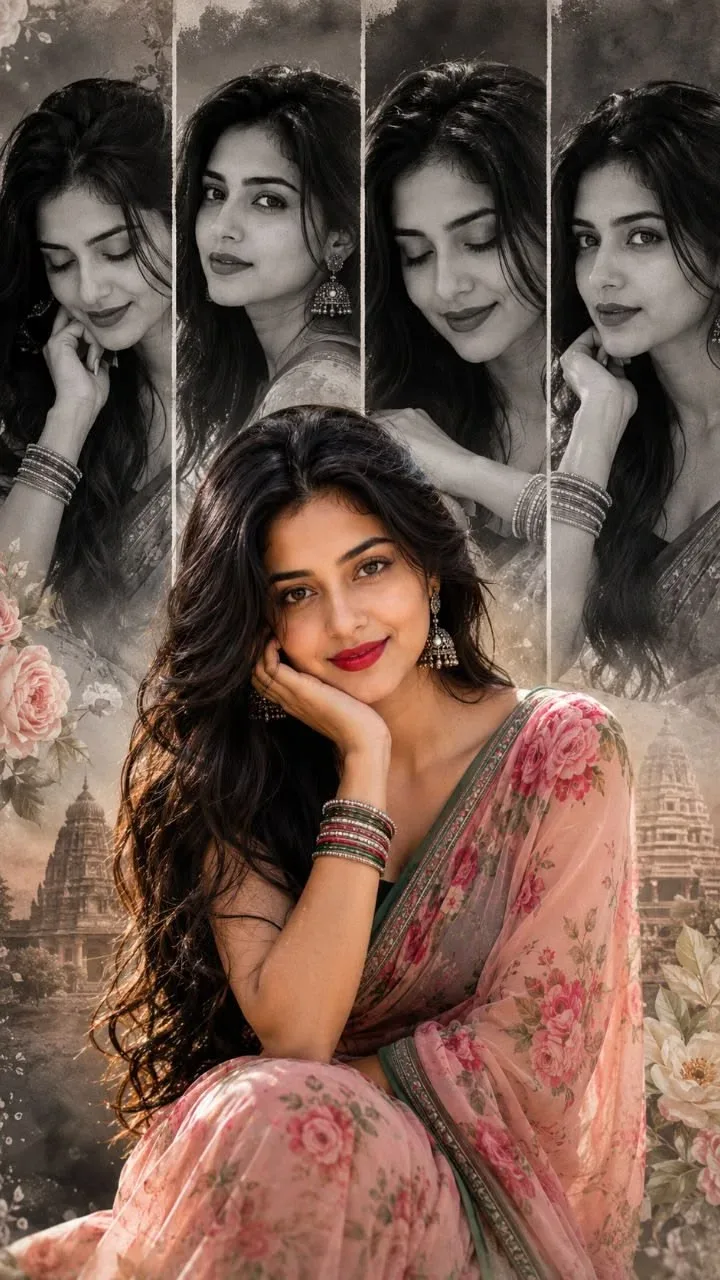
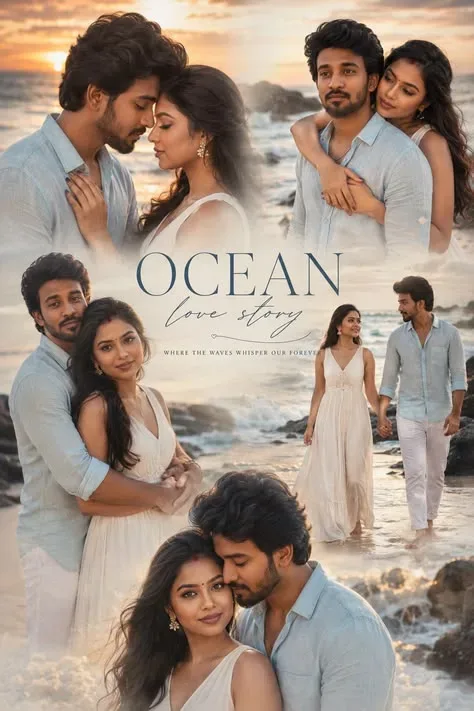
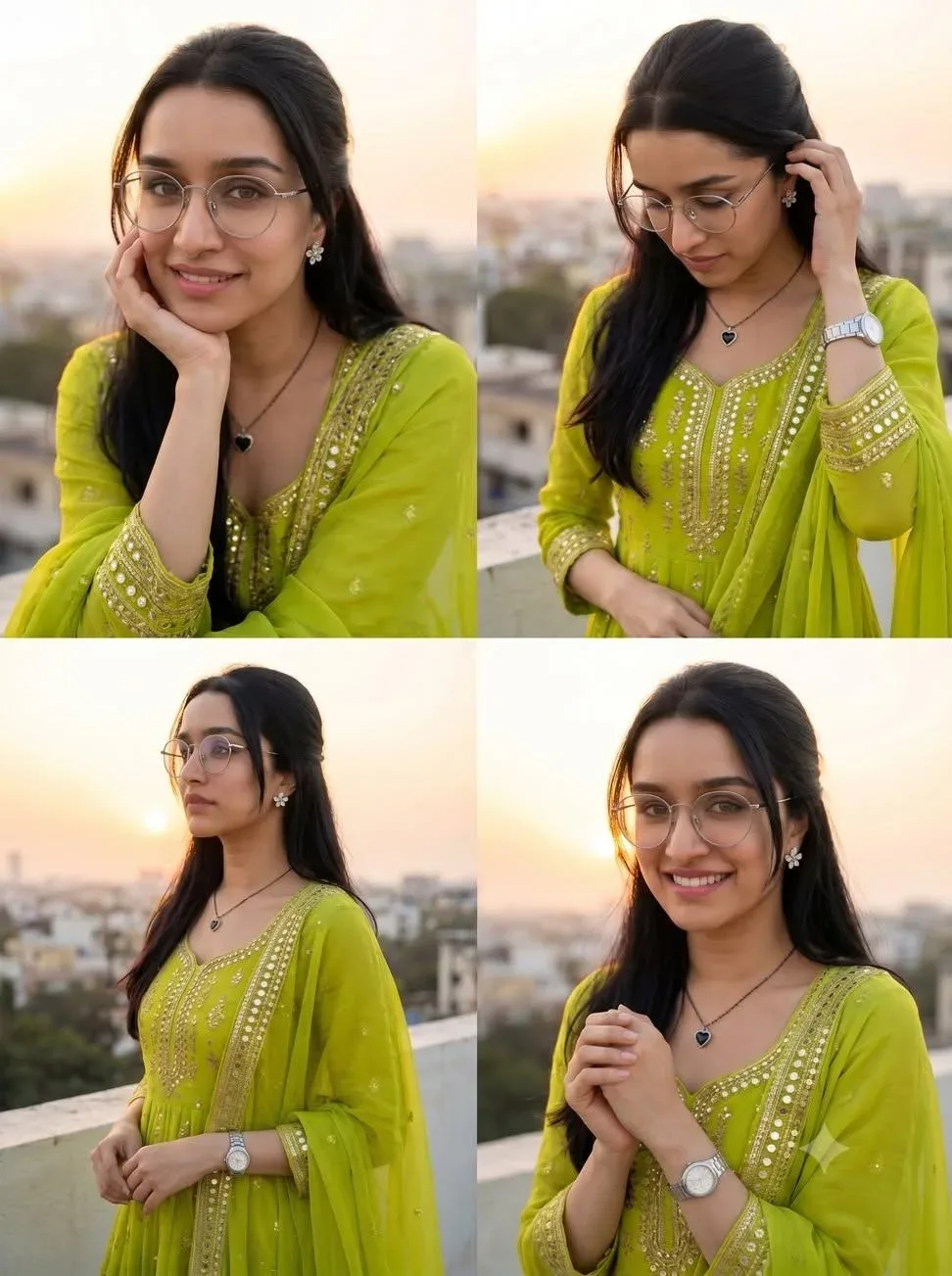
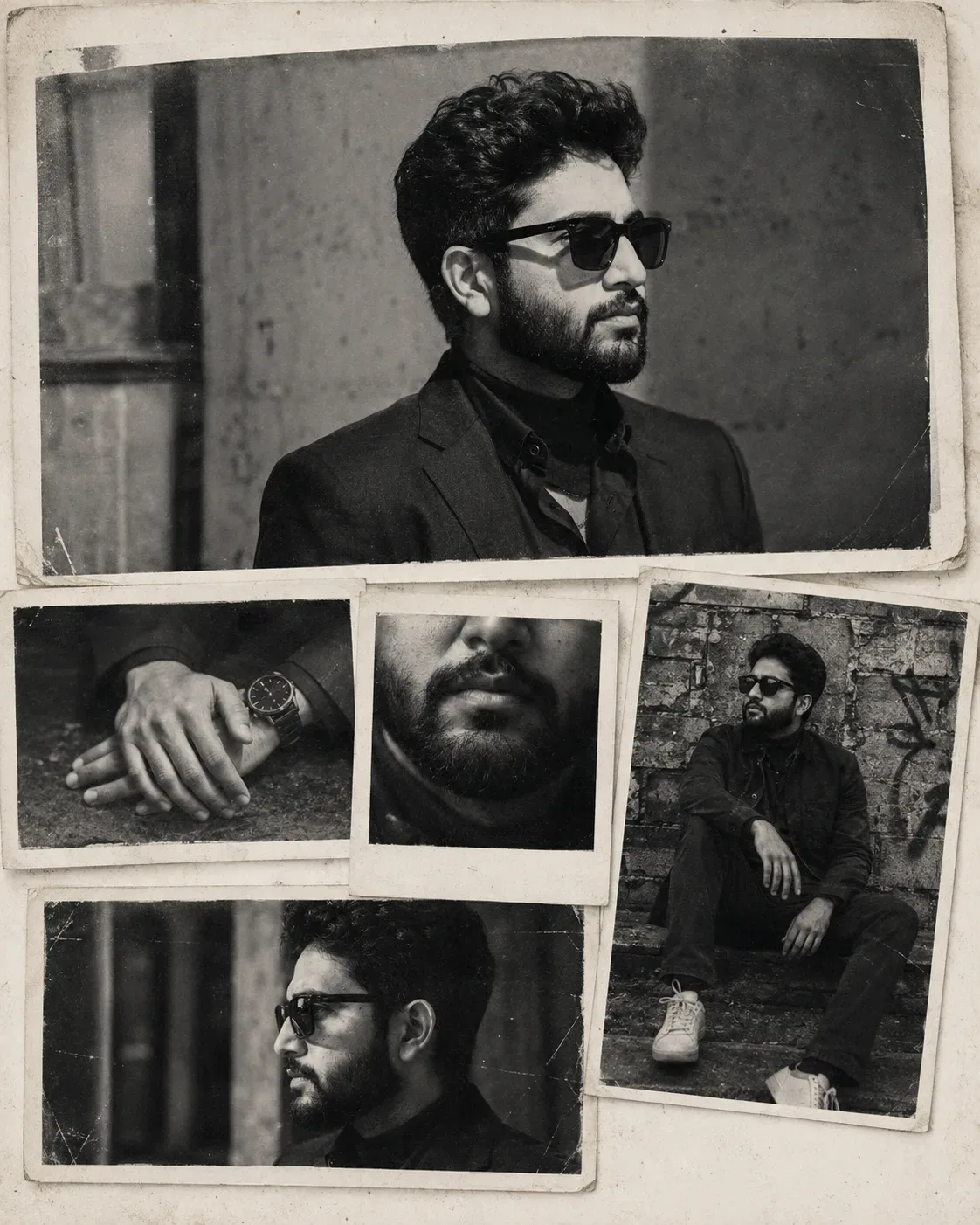
Quick Summary: This verified Google Gemini & Midjourney v6 prompt creates an authentic 90s vintage film aesthetic for Vintage Monochrome Portrait Collage AI Photo Prompt with calibrated lighting, authentic texture physics, and tested 1-click copy-paste formula for instant AI generation without facial distortion.
- Wallpapers
- Vintage
- Retro
- Collage
- Editorial
- Ai Image
- Trending
- Wallpapers
- Vintage
- Retro
- Collage
- Editorial
- Ai Image
- Trending
- Viral Prompt
- Gemini Ai
- Bing Image Creator
- Copy Paste
Vintage Monochrome Portrait Collage AI Photo Prompt - Copy Paste AI Prompt
### PROMPT

**IMPORTANT IDENTITY & FACE PRESERVATION INSTRUCTION**

Use the **uploaded photo of the person as the ONLY identity and facial reference for the main subject**. The person in the uploaded photo must remain **fully recognizable and visually identical to the uploaded person**.

Preserve the person's exact:

- Facial identity and overall likeness
- Face shape and facial proportions
- Forehead and hairline
- Eyes, eye shape, and eye spacing
- Eyebrows
- Nose shape and proportions
- Lips and mouth shape
- Jawline, chin, and cheekbones
- Skin tone and natural facial characteristics
- Hair texture, hairstyle, and hairline
- Facial hair, if present
- Distinctive marks and other recognizable characteristics

**Do NOT redesign, beautify, masculinize, feminize, age, de-age, slim, widen, or otherwise alter the person's face. Do not replace the face with a generic model.**

The uploaded person should appear naturally in the same photographic concept as the reference image. **The reference image is used ONLY for composition, framing, collage structure, photographic mood, textures, lighting, and visual style — never as the identity reference.**

### OVERALL DESIGN

Create a premium **vintage black-and-white documentary photography collage**, closely matching the visual composition of the provided reference.

Create a vertical **4:5 portrait composition** resembling a collection of old physical photographs carefully arranged on a textured off-white paper surface.

The entire artwork should feel like an authentic **1990s/early-2000s analog photography contact sheet / personal photo collage**, with realistic film grain, imperfect exposure, faded blacks, soft highlights, dust, scratches, paper aging, photographic borders, slight blur, and subtle physical imperfections.

### MAIN PHOTOGRAPH

At the top, place one **large horizontal black-and-white portrait photograph** of the uploaded person.

Show the person in a natural **side-profile or three-quarter profile**, looking toward one side of the frame with a quiet, introspective expression.

Use:

- Moody documentary photography
- Soft natural window light
- Strong side lighting
- Deep but detailed shadows
- Slightly underexposed film look
- Fine analog grain
- Soft focus around the background
- Authentic monochrome tonal range

Place the person against an understated **aged interior/background**, such as a rough plaster wall, old concrete wall, or softly blurred architectural environment.

The photograph should have an **irregular vintage rectangular print border**, slightly tilted, with subtle worn edges and faded corners.

### SECONDARY PHOTOGRAPHS

Arrange several smaller photographs underneath the main image, creating a natural physical collage.

**PHOTO 1 — HANDS**

Create a black-and-white documentary photograph showing the uploaded person's hands resting naturally on a surface.

Maintain the person's recognizable physical characteristics where visible. The photograph should feel candid and imperfect, with soft focus and analog film grain.

**PHOTO 2 — CLOSE-UP PORTRAIT**

Create a small square/Polaroid-style photograph showing a close-up crop of the uploaded person's lower face — mouth, chin, jawline, and part of the cheeks.

**CRITICAL:** The facial structure must still clearly belong to the uploaded person. Do not generate a different mouth, jaw, or face.

Use shallow depth of field and soft analog blur.

**PHOTO 3 — FULL/BODY PORTRAIT**

Create a larger vertical photograph showing the uploaded person sitting casually against an **aged graffiti-covered brick or concrete wall**.

The person should have a relaxed, introspective posture, sitting naturally with legs positioned comfortably and arms resting naturally.

The clothing should be simple, understated, and documentary-inspired — for example a dark jacket, sweater, trousers, and simple shoes.

Do not copy the clothing from the reference person's identity. Adapt the clothing naturally to the uploaded person's appearance while maintaining the same overall monochrome documentary aesthetic.

**PHOTO 4 — SOFT SIDE PORTRAIT**

Add another smaller horizontal photograph showing the uploaded person in side profile.

Use a slightly motion-softened or intentionally imperfect analog-film appearance, as if photographed spontaneously.

### COLLAGE ARRANGEMENT

Arrange the photographs as **separate physical prints layered on top of one another**.

Use:

- Slight rotations
- Uneven spacing
- Overlapping edges
- Off-white photographic borders
- Torn/worn corners
- Faded paper
- Subtle paper shadows
- Slight curling at photograph edges
- Realistic print thickness
- Dust and scratches

The arrangement should feel **handmade rather than digitally perfect**.

The large main photograph occupies the upper portion, while the smaller photographs form an irregular cluster beneath it.

### COLOR & TONAL TREATMENT

Entire image must be **black and white / monochrome**.

Use a rich analog photographic tonal range:

- Deep charcoal blacks
- Soft gray midtones
- Slightly warm/off-white paper
- Bright but gently faded highlights
- Natural skin texture
- Subtle silver-gelatin print appearance

Avoid overly clean digital black-and-white processing.

### TEXTURE

Add authentic physical and photographic imperfections:

- 35mm film grain
- Fine dust particles
- Tiny scratches
- Film speckles
- Slight lens softness
- Faded emulsion
- Uneven exposure
- Minor light leaks
- Subtle vignetting
- Worn photographic edges
- Paper fibers
- Creases
- Small stains
- Slightly yellowed/off-white paper
- Realistic shadows between photographs

The final result should look like **real old photographs physically placed on an aged sheet of paper**, photographed/scanned rather than digitally assembled.

### LIGHTING & MOOD

Quiet, melancholic, intimate, artistic, nostalgic, cinematic, introspective.

Use soft directional light with gentle shadows and realistic analog exposure.

The person should feel **natural and emotionally authentic**, not like a fashion-model pose.

### IMPORTANT REFERENCE RULE

**Do not copy the reference person's face, identity, ethnicity, hairstyle, or personal characteristics.**

The **uploaded person's photo controls identity**.

The **provided reference image controls only:**

- Composition
- Number and placement of photographs
- Collage structure
- Photography style
- Monochrome treatment
- Lighting mood
- Paper texture
- Vintage film aesthetic
- Print borders
- Overall visual atmosphere

### FINAL QUALITY

Photorealistic analog photography, authentic vintage documentary photographs, realistic facial identity preservation, natural skin texture, realistic hands, convincing photographic depth, subtle imperfections, high-detail film grain, physical collage realism, editorial photography, nostalgic archival photography, sophisticated monochrome composition.

**Most important requirement: the generated person must remain unmistakably the SAME PERSON shown in the uploaded photo. Do not generate a lookalike or reinterpret the person's face.**

Optical Identity & Likeness Preservation: Lock subject's authentic facial identity and natural posture while seamlessly integrating with sharp vehicle reflections and cinematic ambient lighting.📸Customize in 90s Retro Film Studio
Add authentic Kodak 35mm grain, vintage flash & nostalgic tones.
Technical Prompt Parameters (Vintage Film & Retro Polaroid)
| Parameter | Configuration | Output Impact |
|---|---|---|
| Target AI Engine | Google Gemini & Midjourney v6 | Preserves organic analog warmth, natural color saturation, and retro lighting response. |
| Recommended Aspect Ratio | 4:5 (Classic Film) or 1:1 (Square Polaroid) | Faithful recreation of vintage paper print dimensions and nostalgic photo albums. |
| Camera & Lens Settings | 35mm Leica M6, Kodak Portra 400, f/2.8, subtle chromatic dispersion | Renders genuine analog grain, gentle halation, and authentic film stock color science. |
| Lighting Style | Direct camera flash with soft falloff or warm golden hour sunset flare | Creates natural retro exposure highlights without artificial digital gloss. |
| Negative Constraints | digital sheen, oversaturated HDR, plastic skin, neon light, CGI 3D, modern watermark | Eliminates hyper-digital smoothness to maintain true photochemical aesthetic. |
| Reference Photo | Upload a daylight selfie; avoid heavy ring-light filters for best film look. | Upload front-facing reference photo for face matching. |
How to use this prompt
- Copy the prompt, open Google Gemini or Bing Image Creator, attach your reference photo, and generate instant 8K results.
How to get better results from Vintage Monochrome Portrait Collage AI Photo Prompt
Free 1-click copy vintage monochrome portrait collage ai photo prompt for Google Gemini and Bing Image Creator. Authentic wallpapers aesthetic, realistic lighting, and instant camera settings. Use it as a copy-ready starting point, then adjust the subject, scene, tone and output format for your own result.
- Wallpapers
- Vintage
- Retro
- Collage
- Editorial
- Ai Image
Customize before generating
- Replace the main subject, name, product or character details.
- Adjust lighting, background, mood, camera angle or aspect ratio if the prompt is visual.
- Change tone, audience, language and output format if the prompt is for text.
- Keep this core idea clear: ### PROMPT **IMPORTANT IDENTITY & FACE PRESERVATION INSTRUCTION** Use the **uploaded photo of the person as the ONLY identity and facial reference for the main...
Quick variations to try
- Make Vintage Monochrome Portrait Collage AI Photo Prompt more cinematic with stronger lighting and richer background detail.
- Turn Vintage Monochrome Portrait Collage AI Photo Prompt into a cleaner mobile-first version for social media posts or profile use.
- Create a premium version of Vintage Monochrome Portrait Collage AI Photo Prompt with sharper style, higher detail and a more polished final output.