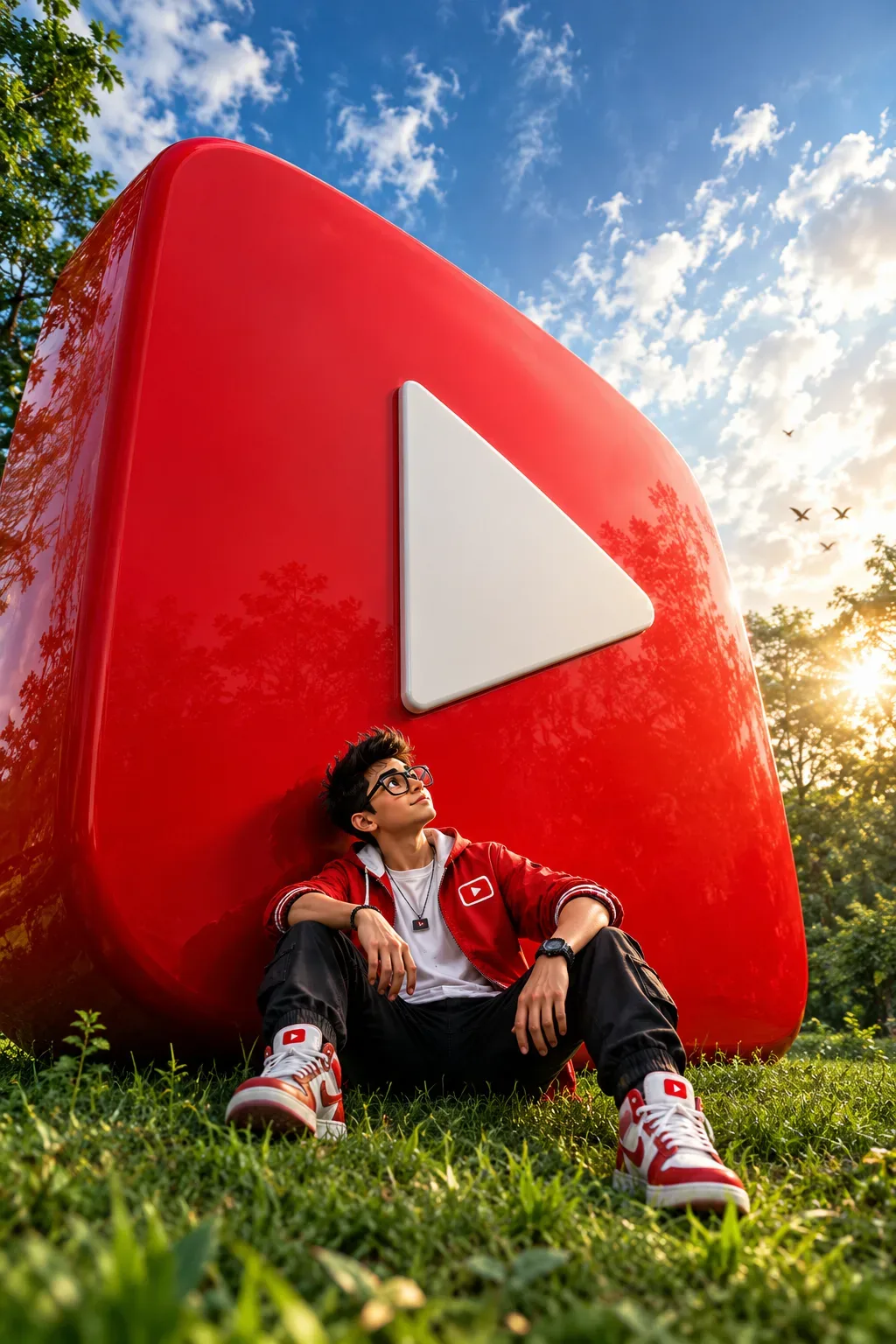
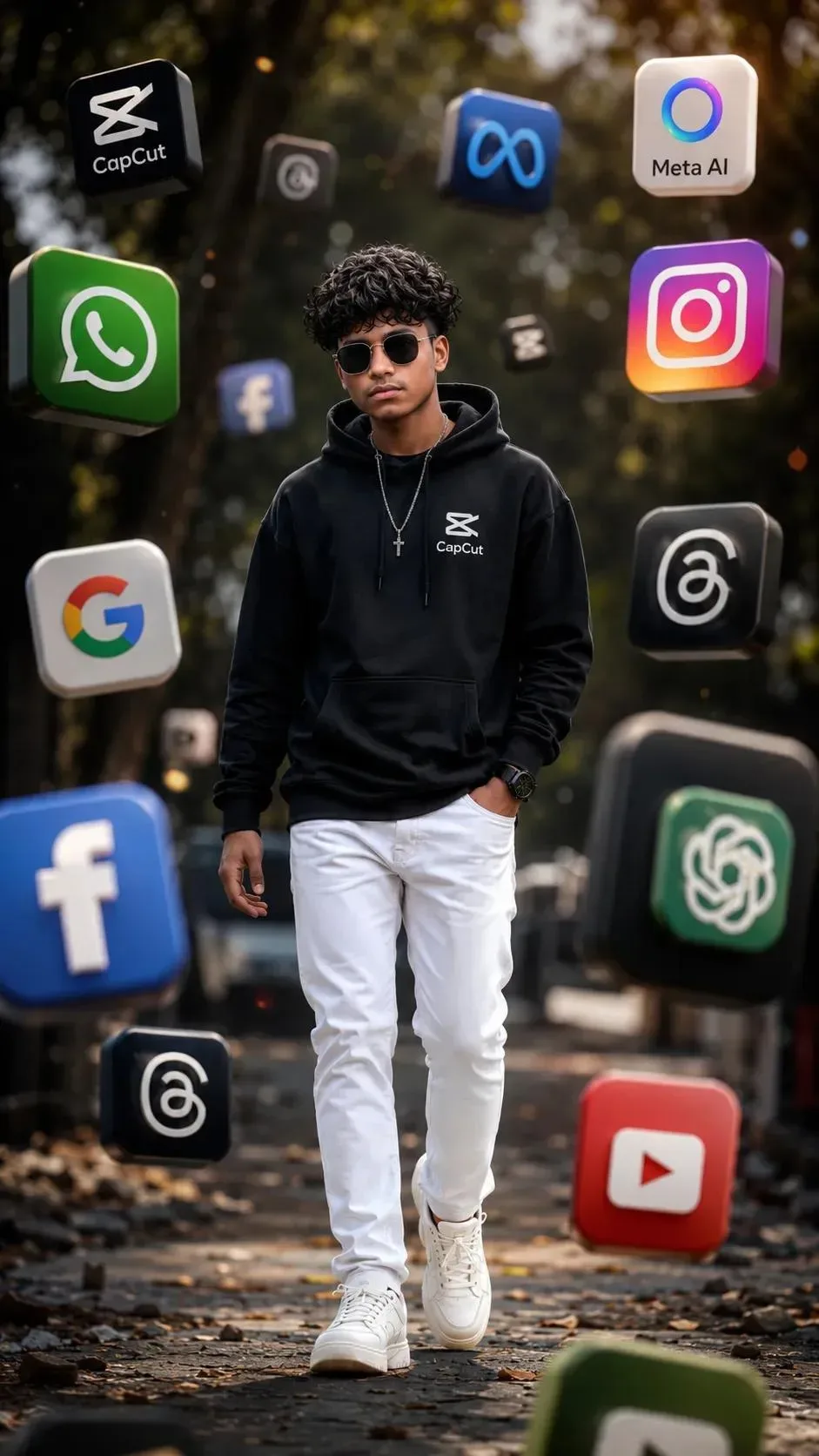
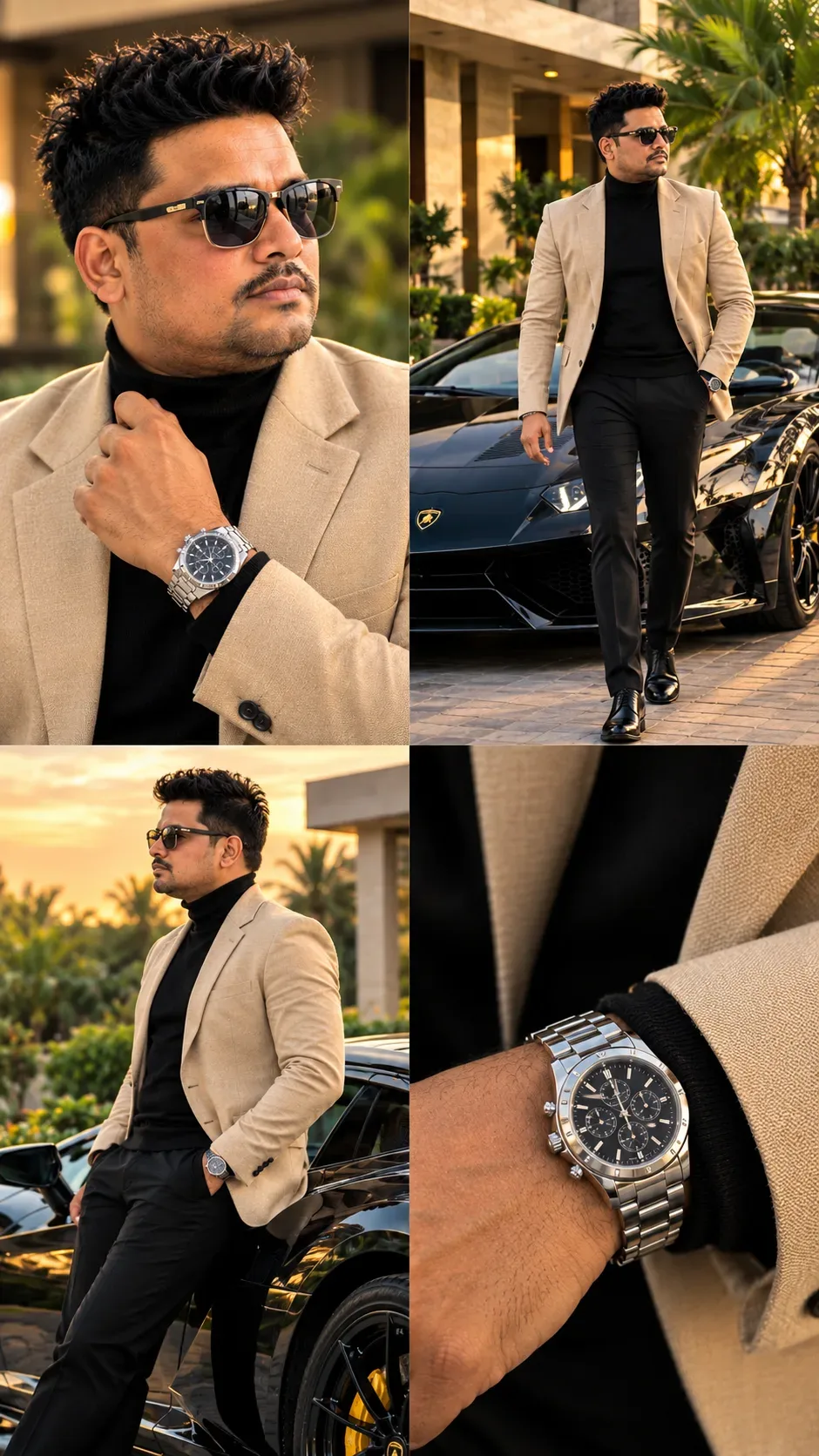
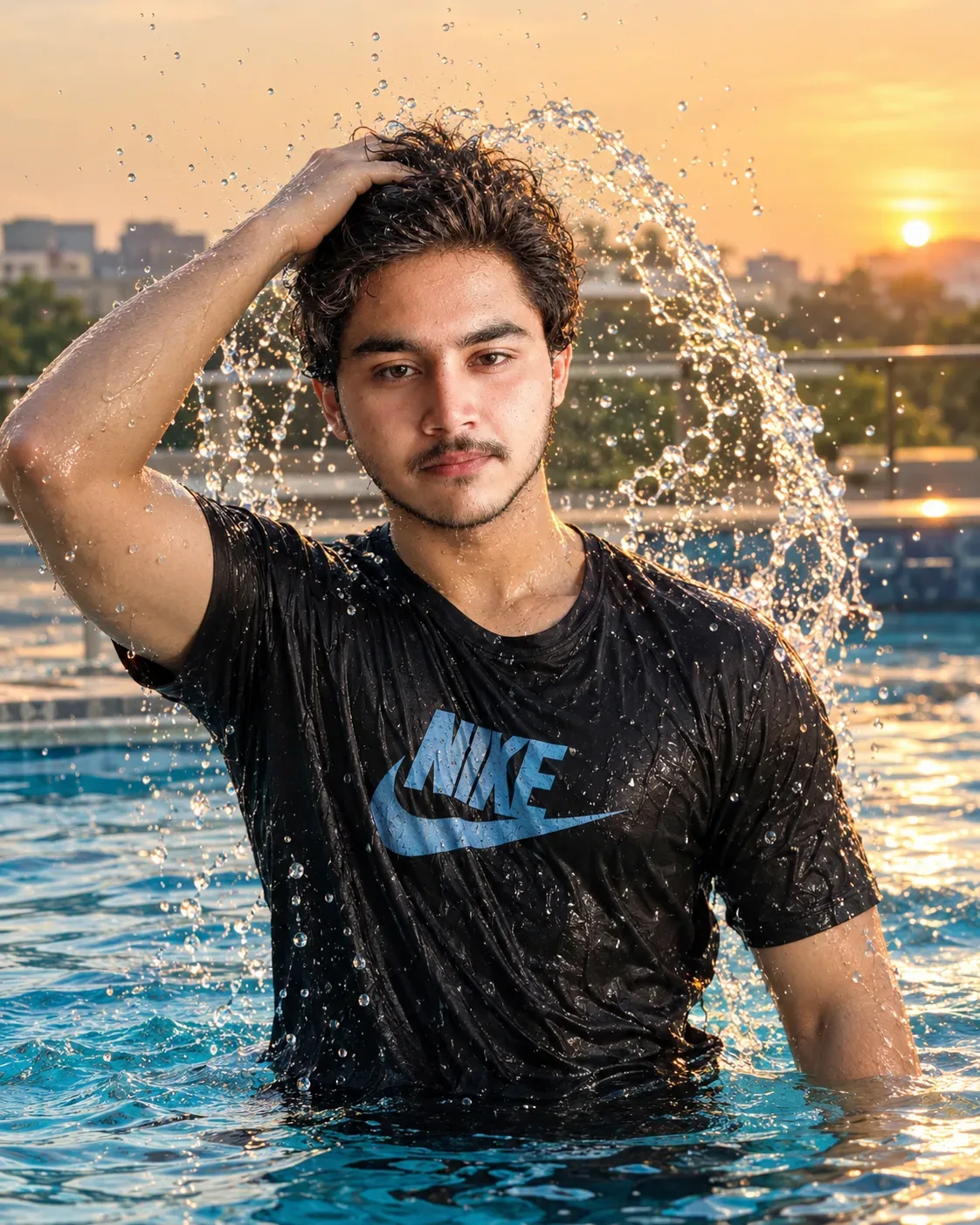
Quick Summary: This verified Midjourney Niji 6 / Flux.1 Schnell / Bing Image Creator prompt creates an hyper-detailed 3D cyberpunk stylized aesthetic for Just Looking Like A Wow AI Photo Prompt with calibrated lighting, authentic texture physics, and tested 1-click copy-paste formula for instant AI generation without facial distortion.
- Social Media
- Ai Image
- Trending
- Social Media
- Ai Image
- Trending
- Viral Prompt
- Gemini Ai
- Bing Image Creator
- Copy Paste
About This Prompt
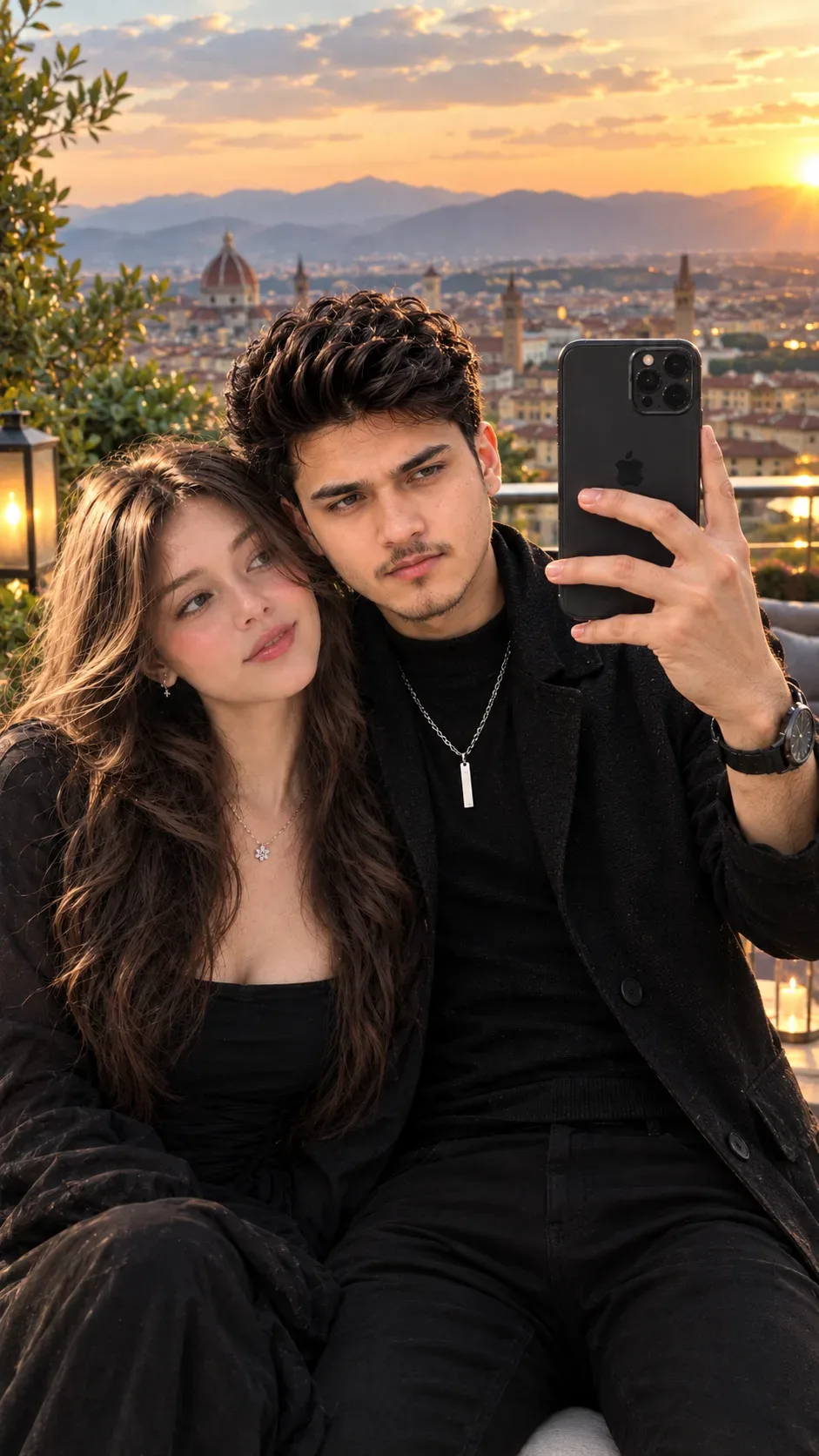
Use this prompt to generate a Just Looking Like A Wow AI Photo Prompt — a high-quality, photorealistic image with balanced lighting, sharp focus, and intricate details suitable for social media sharing and digital content creation.
This prompt works best with Google Gemini. Simply copy the prompt text below and paste it into the generator. You can easily customize specific keywords like colors, backgrounds, or subjects to make the final output uniquely yours.
Just Looking Like A Wow AI Photo Prompt - Copy Paste AI Prompt
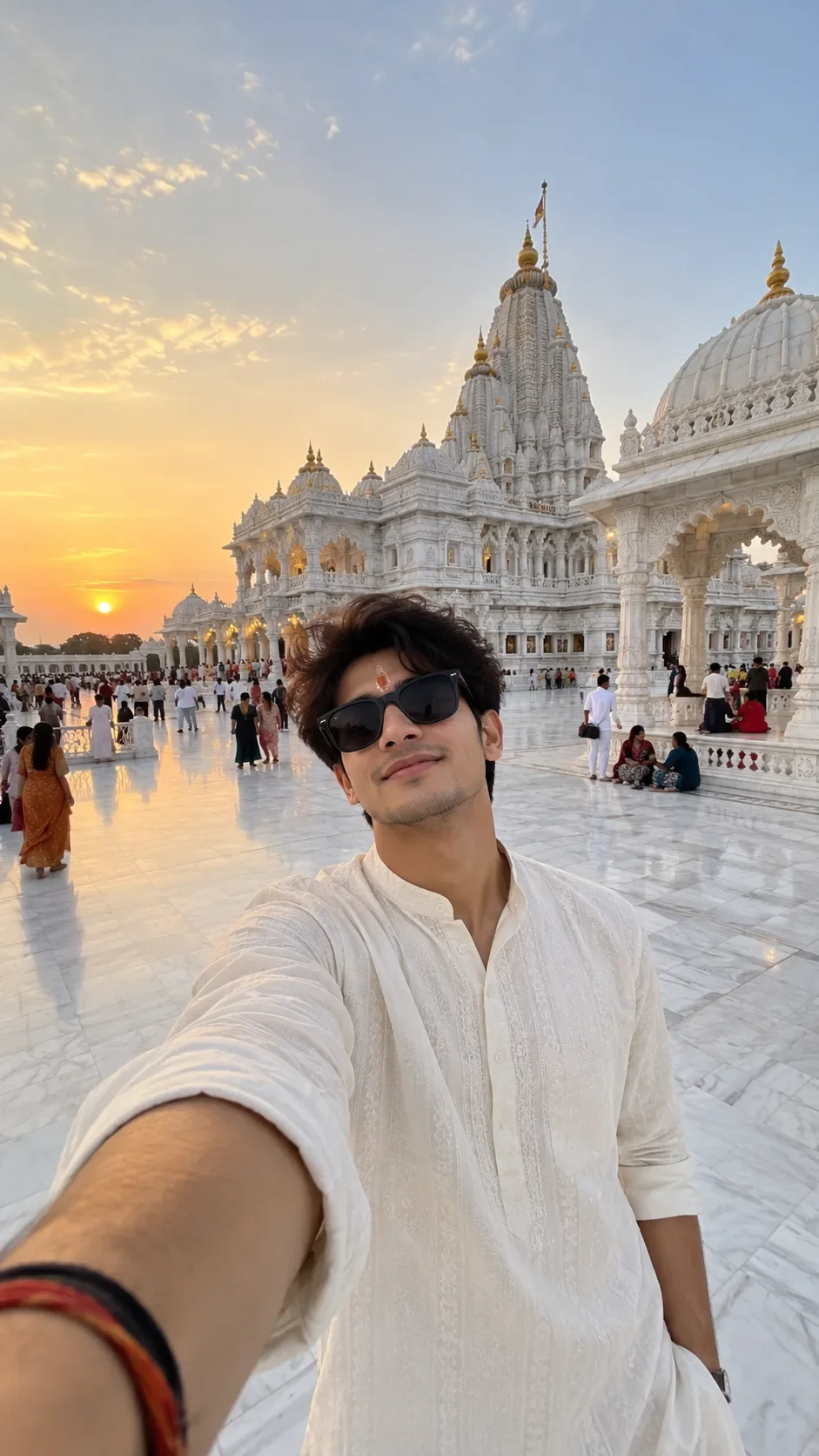
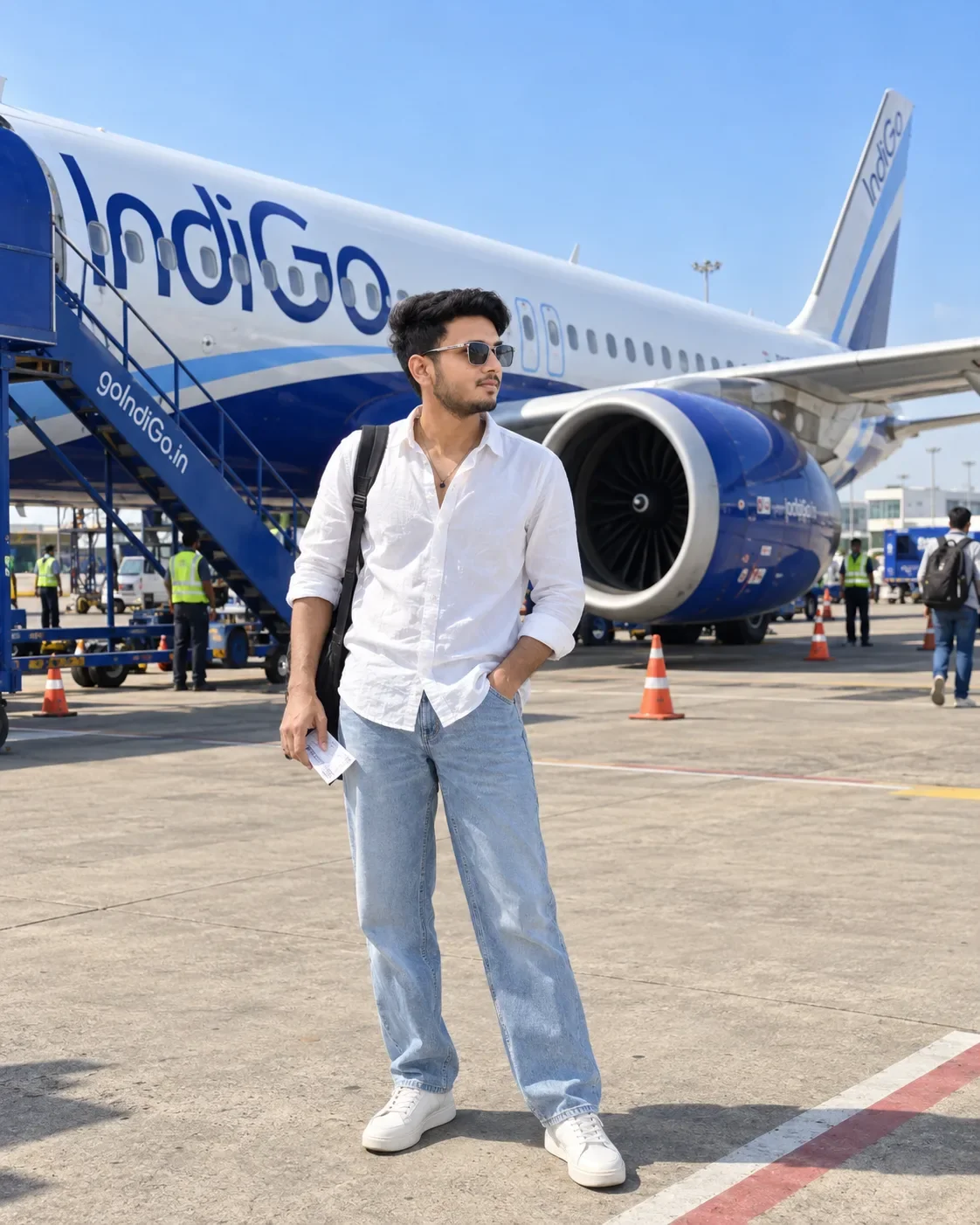
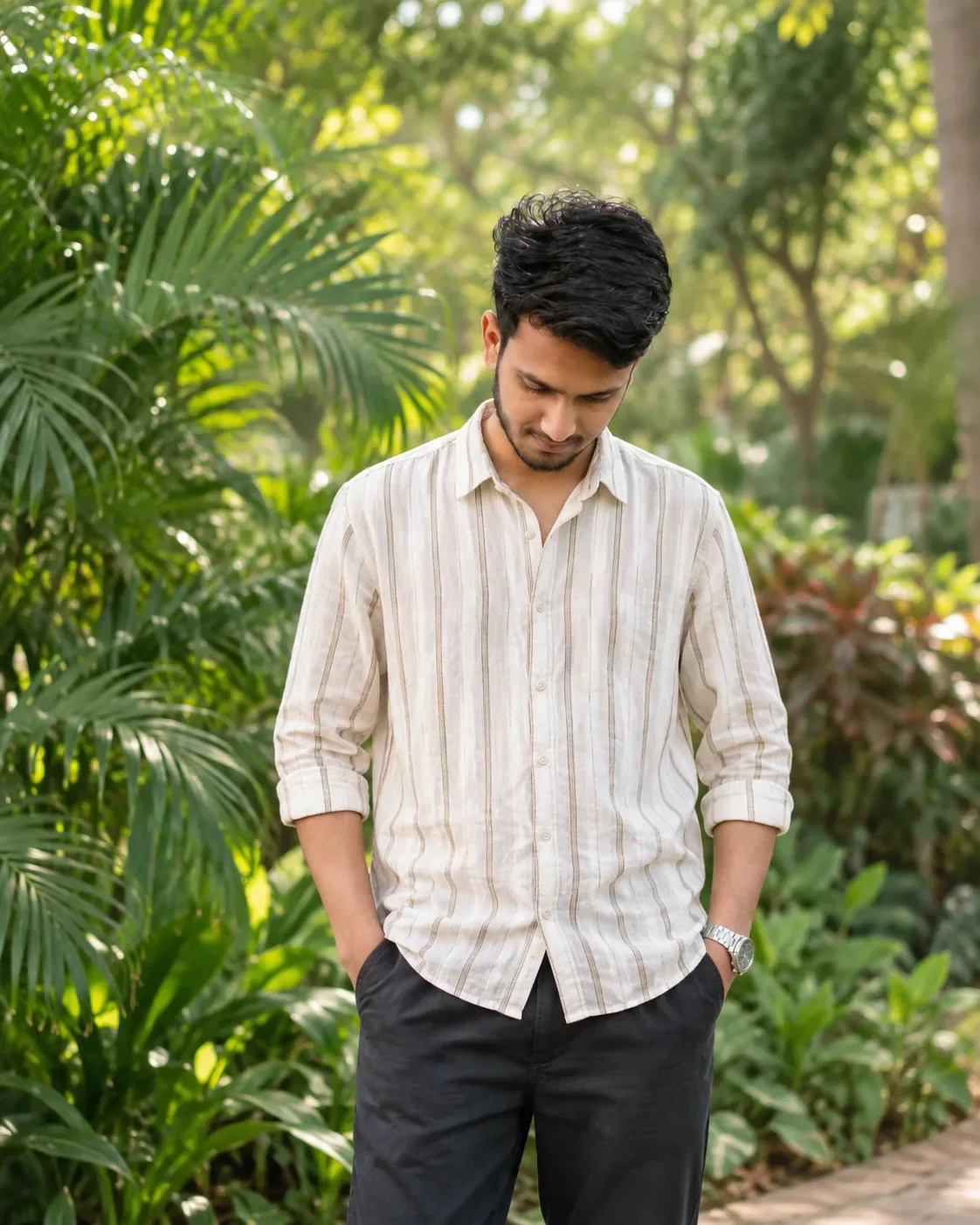
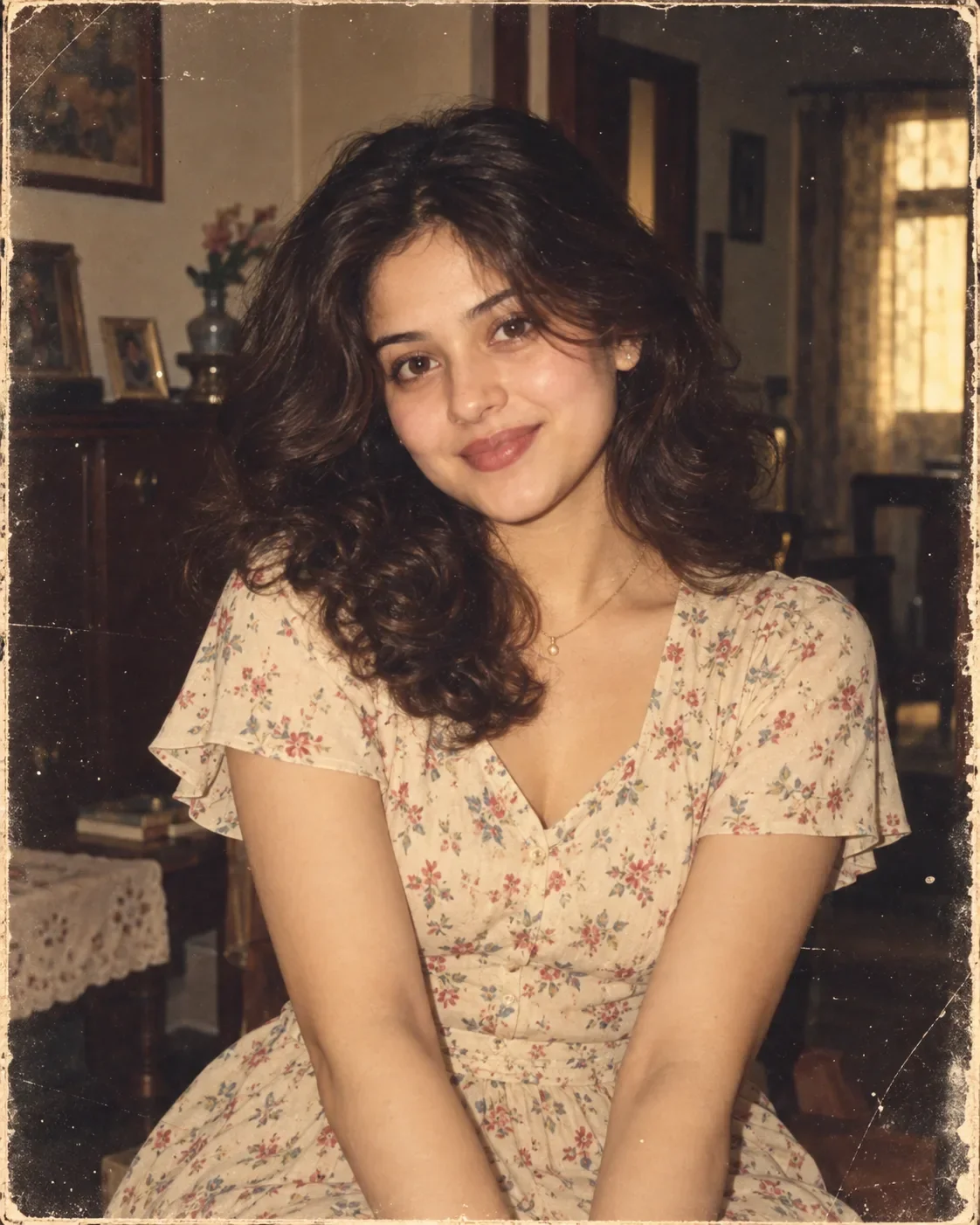
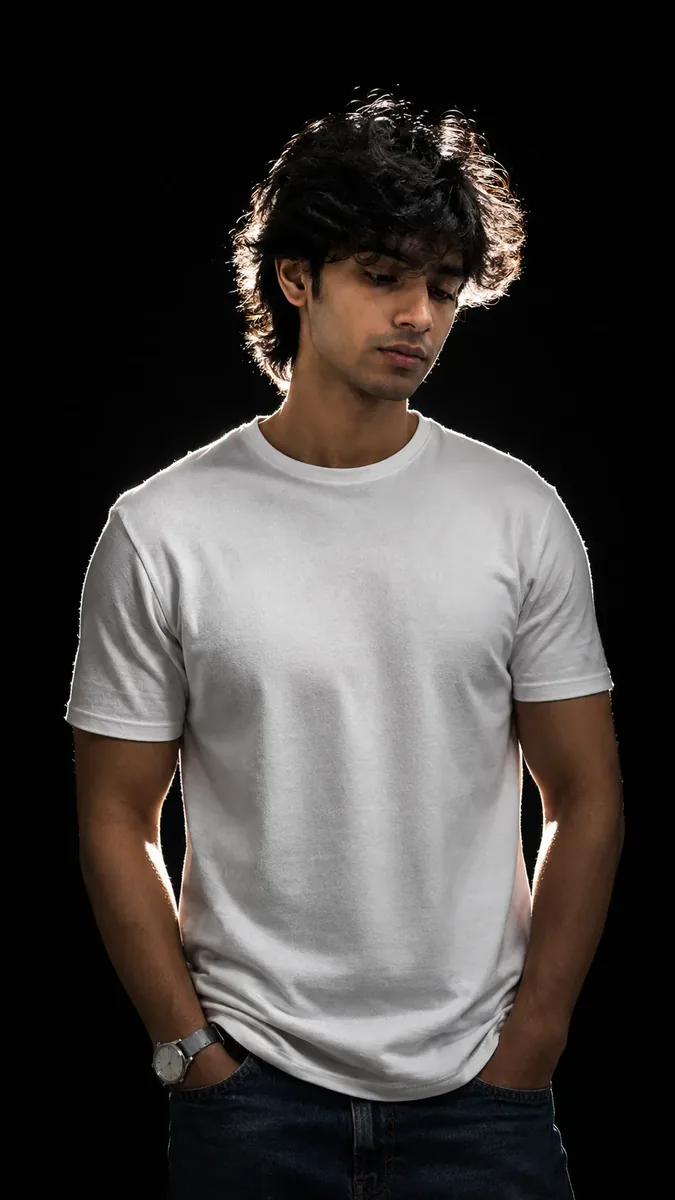
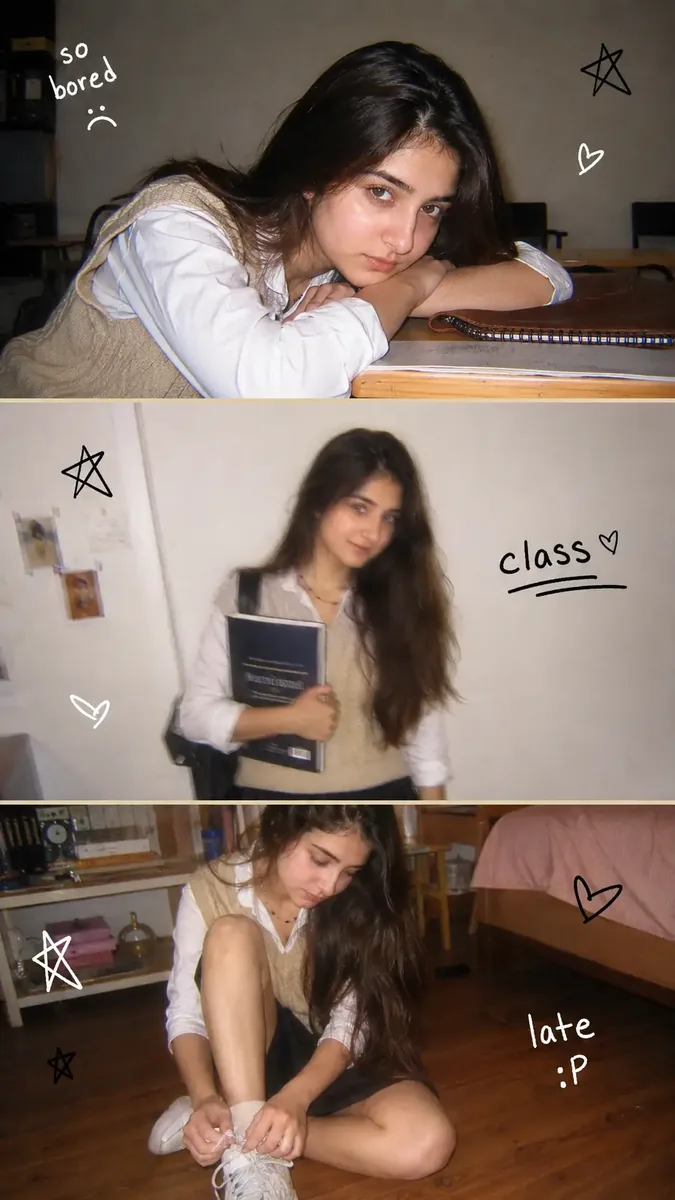
Use the uploaded BOY PHOTO and GIRL PHOTO as the STRICT PRIMARY IDENTITY REFERENCES.

Create a photorealistic vertical 9:16 lifestyle portrait featuring the SAME boy and SAME girl from the uploaded reference photos.

IDENTITY:
- Preserve both people's recognizable facial identity exactly.
- Keep their facial proportions, face shape, eyes, eyebrows, nose, lips, jawline, skin tone, hairstyle and distinctive facial characteristics consistent with their respective reference photos.
- Do NOT replace either person with a different person.
- Do NOT merge or mix their facial features.
- Keep both people looking natural and realistic.

SCENE:
Place them together in a completely new beautiful location.
Use a premium cinematic environment such as a luxury rooftop terrace overlooking a scenic European-style city at golden hour, with elegant architecture, distant mountains, greenery, soft clouds and warm atmospheric depth.
The background must be completely different from both reference photos.

POSE:
Create a natural, comfortable couple-photo pose.
Both people should be standing or sitting naturally close together.
Keep realistic body proportions, hands, fingers and posture.

PHONE / SELFIE:
The boy or girl may hold a modern smartphone naturally in one hand.
The smartphone must have realistic geometry and realistic fingers around it.
If using a selfie composition, make the eyes naturally directed toward the upper area of the smartphone rather than directly toward the viewer.

OUTFIT:
Give both people stylish, elegant, realistic outfits appropriate for the location.
Keep the clothing natural and properly fitted without changing body proportions.

PHOTOGRAPHY:
Ultra-photorealistic smartphone photography,
4K-level detail,
realistic skin texture,
individual hair strands,
sharp realistic eyes,
natural eyelashes,
realistic hands and fingers,
natural depth of field,
cinematic golden-hour lighting,
realistic shadows,
premium Instagram lifestyle photography.

COMPOSITION:
Vertical 9:16 frame.
Attractive balanced composition.
Show both people clearly from approximately waist/chest upward.
Keep the scenic environment visible behind them.
Natural camera perspective.

IMPORTANT:
The two uploaded people must remain the SAME two people throughout the generated image.
Do not create a different boy or girl.
Do not change their identity, age appearance, facial structure or distinctive characteristics.

NEGATIVE PROMPT:
different person, changed identity, face swap errors, mixed facial features, altered facial structure, distorted face, blurry face, plastic skin, excessive beauty filter, unrealistic eyes, glowing eyes, crossed eyes, distorted hands, extra fingers, missing fingers, deformed phone, duplicate person, duplicate phone, warped body, unnatural pose, unrealistic lighting, low resolution, cartoon, anime, CGI, artificial-looking skin.

Optical Identity & Likeness Preservation: Preserve authentic facial proportions, eye alignment, natural expressions, and true bone structure of both subjects from reference photo 1:1 without distortion.What You'll Get
- 🎨 Style: Social Media
- ✨ Mood: Social Media
- 📱 Best For: Ai Image
- 🤖 Works With: Google Gemini
- 🔥 Popularity: Copied 29 times
- 📅 Added: Sep 14, 2026
Frequently asked questions
- How do I use the Just Looking Like A Wow AI Photo Prompt prompt?
- To use this prompt, simply click the "Copy Prompt" button above. Then, open Google Gemini, paste the copied text into the prompt box, and hit generate. You can instantly generate high-quality images without needing any reference photos.
- What is this prompt best used for?
- This specific prompt is highly optimized for creating engaging social media content and digital art. The formula is structured to produce high-contrast, visually appealing results that perform well on visual platforms.
- Can I customize the details of this prompt?
- Yes! While the core structure of the prompt is optimized for Google Gemini, you can easily customize the details. We recommend changing specific keywords like clothing colors, background locations, or the overall mood (e.g., changing "sunny" to "rainy" or "neon") to match your exact vision.
Explore Related Collections
Explore Social Media Prompts — Browse our curated collection of Social Media prompts tailored for creators. View all Social Media prompts →
Explore Ai Image Prompts — Discover more viral Ai Image ideas for your next AI generation. View all Ai Image prompts →
Explore Trending Prompts — Explore our extensive library of Trending templates ready to copy and paste. View all Trending prompts →