Server-rendered page

Cyberpunk Woman and Robot in Dark Alley AI Prompt

Copy this AI prompt for Cyberpunk Woman and Robot in Dark Alley. Use it as a ready prompt, adjust the subject, then generate a polished AI result.

Quick Summary: This verified Midjourney Niji 6 / Flux.1 Schnell / Bing Image Creator prompt creates an hyper-detailed 3D cyberpunk stylized aesthetic for Cyberpunk Woman and Robot in Dark Alley with calibrated lighting, authentic texture physics, and tested 1-click copy-paste formula for instant AI generation without facial distortion.
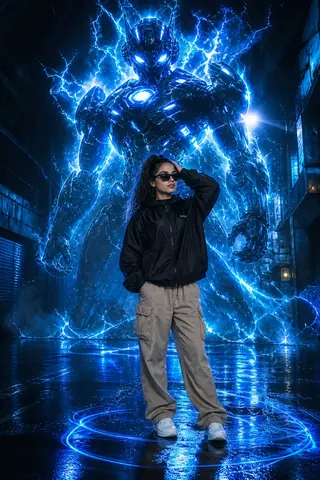
Cyberpunk Woman and Robot in Dark Alley - AI copy paste AI prompt example for cinematic, city

3,461 copies

Cyberpunk Woman and Robot in Dark Alley - Copy Paste AI Prompt

ultra realistic cinematic photo of a stylish young woman standing confidently in a dark urban alley, wet ground reflections, wearing black windbreaker jacket, beige cargo pants, white sneakers, black sunglasses, curly hair, one hand touching head, relaxed pose behind him a gigantic futuristic humanoid robot made of blue electricity and energy, glowing neon blue aura, lightning particles, intense glowing eyes, cyberpunk style, energy waves swirling around both character and subject, volumetric lighting, sparks, mist, rain atmosphere ground glowing with neon light trails circling around feet, dramatic lighting, high contrast, sharp focus, 8k resolution, depth of field, photorealistic, cinematic composition, unreal engine, octane render

Technical Prompt Parameters (Cyberpunk, 3D Avatar & Anime)

ParameterConfigurationOutput Impact
Target AI EngineMidjourney Niji 6 / Flux.1 Schnell / Bing Image CreatorSpecialized prompt weights for volumetric rendering, cell-shading, and neon emission.
Recommended Aspect Ratio9:16 (Phone Wallpaper) or 16:9 (Desktop Ultra-Wide)Ideal for custom gaming wallpapers, Discord avatars, and futuristic phone lock screens.
Camera & Lens SettingsOctane 3D Render, Raytraced Global Illumination, 35mm virtual lensSimulates volumetric atmospheric smoke, holographic reflections, and crisp polygonal precision.
Lighting StyleDual-tone neon split lighting (electric cyan key + magenta rim light)Produces dynamic sci-fi contrast with vibrant edge glows and deep blacks.
Negative Constraintslow-poly flaws, blurry textures, realistic photographic noise, dull matte lightingEnsures sharp vector/render lines, vivid luminous glow, and zero muddy compression.
Reference PhotoUpload a clear face photo; prompt transforms human proportions into stylized avatar art.Upload front-facing reference photo for face matching.

How to use this prompt

  1. Copy the prompt
  2. Open your AI tool
  3. Upload a reference photo if needed
  4. Paste the prompt
  5. Generate and save the result

How to get better results from Cyberpunk Woman and Robot in Dark Alley

Copy this AI prompt for Cyberpunk Woman and Robot in Dark Alley. Use it as a ready prompt, adjust the subject, then generate a polished AI result. Use it as a copy-ready starting point, then adjust the subject, scene, tone and output format for your own result.

  • Cinematic
  • City
  • your AI tool prompt testing
  • fast copy-paste workflow
  • creator ready output

Customize before generating

  • Replace the main subject, name, product or character details.
  • Adjust lighting, background, mood, camera angle or aspect ratio if the prompt is visual.
  • Change tone, audience, language and output format if the prompt is for text.
  • Keep this core idea clear: ultra realistic cinematic photo of a stylish young woman standing confidently in a dark urban alley, wet ground reflections, wearing black windbreaker jacket, beige...

Quick variations to try

  1. Make Cyberpunk Woman and Robot in Dark Alley more cinematic with stronger lighting and richer background detail.
  2. Turn Cyberpunk Woman and Robot in Dark Alley into a cleaner mobile-first version for social media posts or profile use.
  3. Create a premium version of Cyberpunk Woman and Robot in Dark Alley with sharper style, higher detail and a more polished final output.
Prompt quality checklist

Keep the subject, reference image, style, output format and quality constraint clear before generating. Change only the personal details, platform, language, background or tone that matter for your result.

Suggested prompt examples

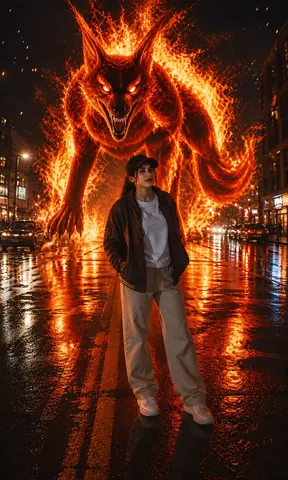
  • Flaming Fox Demon in City Street - Stable Diffusion copy paste AI prompt example for cinematic, city

    Flaming Fox Demon in City Street

    Copy this Stable Diffusion prompt for Flaming Fox Demon in City Street. Use it as a ready prompt, adjust the subject, then generate a polished AI result.

    Cinematic / City · 10,408 copies · May 17, 2026

  • Krishna Street Art Cinematic Portrait AI Prompt for Gemini

    Krishna Street Art Cinematic Portrait

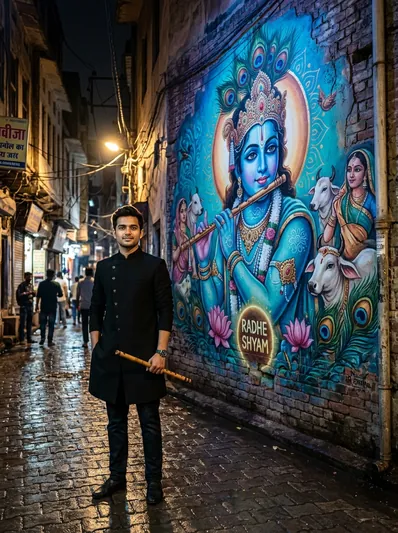
    Create an ultra-realistic cinematic portrait of a boy standing beside a giant Lord Krishna street-art mural in a rain-slicked alleyway with flute and warm rim lighting.

    Boys / Cinematic / Gemini / Indian · 5,494 copies · Sep 6, 2026

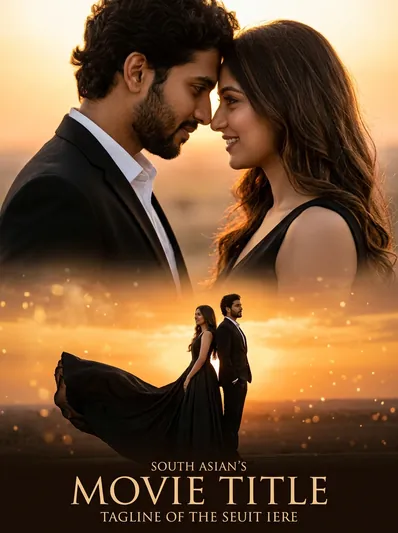
  • Cinematic Couple Golden Hour Movie Poster AI Prompt for Gemini

    Cinematic Couple Golden Hour Movie Poster

    Transform your couple photos into a dramatic cinematic golden hour movie poster featuring a split composition with intimate portrait and sweeping horizon ballgown.

    Cinematic / Couples / Gemini / Photo Editing · 4,715 copies · Sep 6, 2026

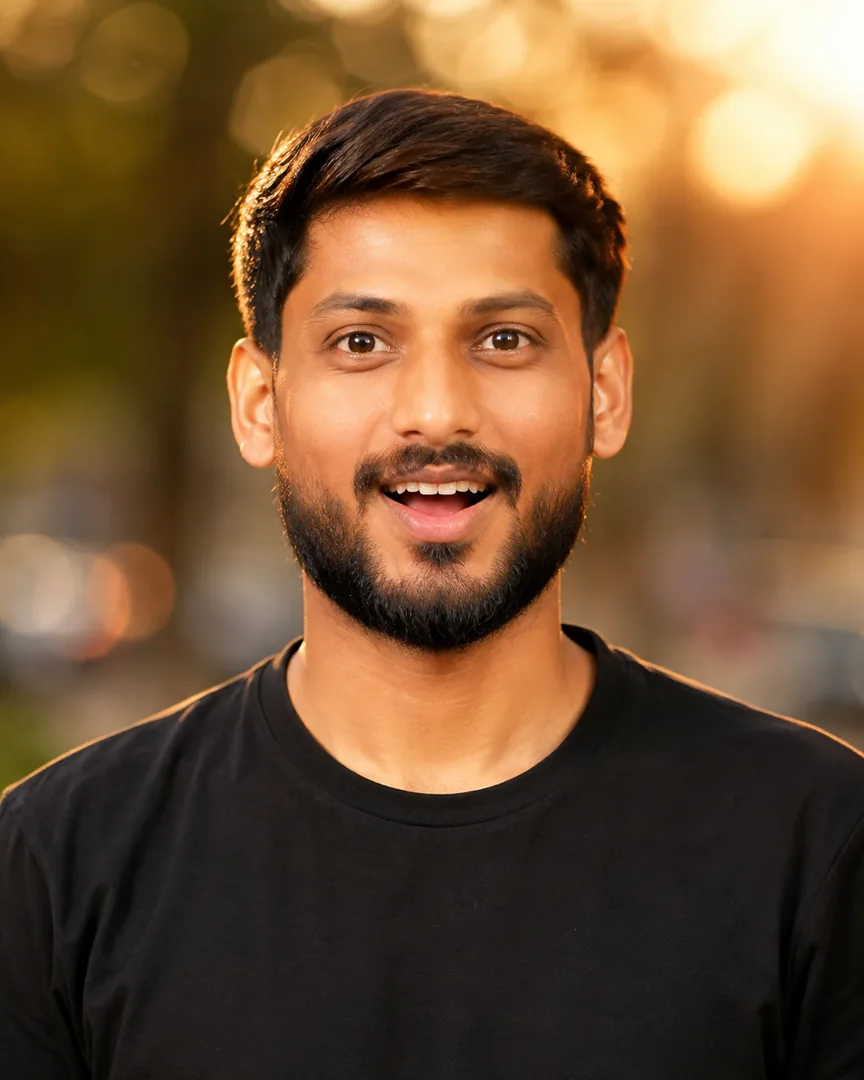
  • Cinematic Golden Hour Identity Portrait 8K - copy paste viral AI prompt preview

    Cinematic Golden Hour Identity Portrait 8K

    Create a highly detailed cinematic portrait with realistic lighting, sharp facial details and a professional background.

    Ai Image / Boys / Cinematic / Gemini · 3,757 copies · Sep 10, 2026

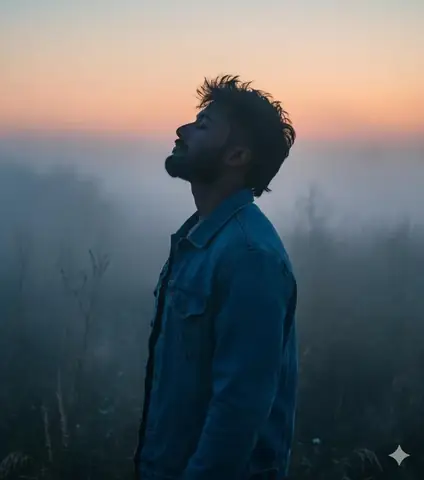
  • Mullet Man Wilderness Portrait - copy paste viral AI prompt

    Mullet Man Wilderness Portrait

    A man with modern mullet hairstyle stands in misty wilderness at twilight serene.

    Ai Image / Boys / Cinematic / Dark · 6,580 copies · Jan 14, 2026

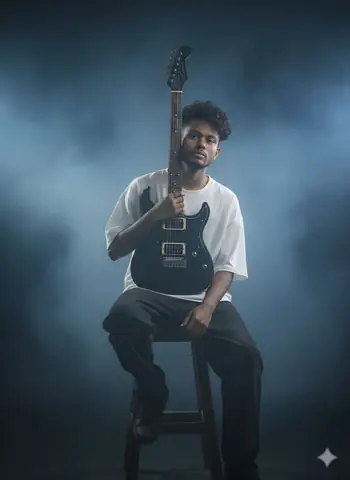
  • boy guitar beige tshirt - copy paste viral AI prompt

    boy guitar beige tshirt

    Create a photo of a boy holding an electric guitar, perfect for music lover profiles, Instagram posts, and social media.

    Aesthetic / Ai Image / Boys / Cinematic · 4,201 copies · Feb 11, 2026

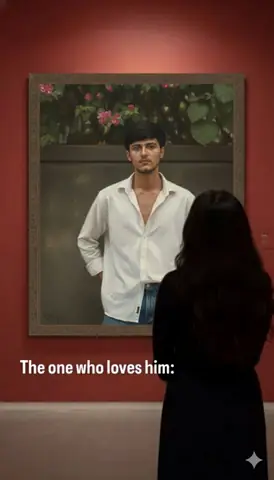
  • woman red wall art gallery - copy paste viral AI prompt

    woman red wall art gallery

    Create a contemporary art scene of a woman viewing a large oil portrait in a professional gallery setting, perfect for art exhibition and gallery insp

    Aesthetic / Ai Image / Boys / Cinematic · 4,172 copies · Feb 11, 2026

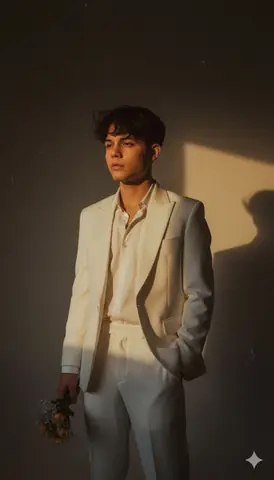
  • Retro Man Portrait Sunset - copy paste viral AI prompt

    Retro Man Portrait Sunset

    A man in white suit stands against deep shadows with warm golden lighting.

    Aesthetic / Ai Image / Boys / Cinematic · 6,141 copies · Jan 18, 2026

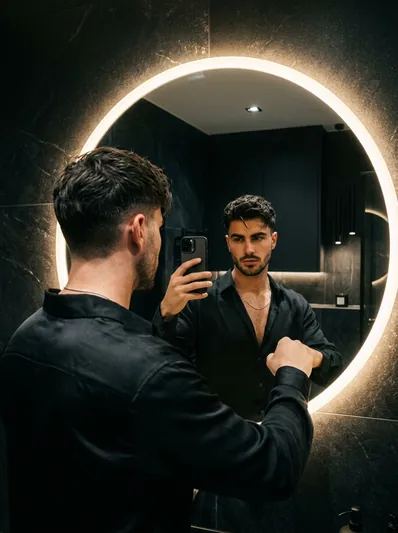
  • Moody Dark Aesthetic LED Mirror Selfie Portrait AI Prompt for Gemini

    Moody Dark Aesthetic LED Mirror Selfie Portrait

    Create a moody, cinematic mirror selfie portrait in front of a sleek circular backlit LED mirror with comma haircut, black silk shirt, and thin chain.

    Boys / Cinematic / Fashion / Gemini · 10,007 copies · Sep 6, 2026

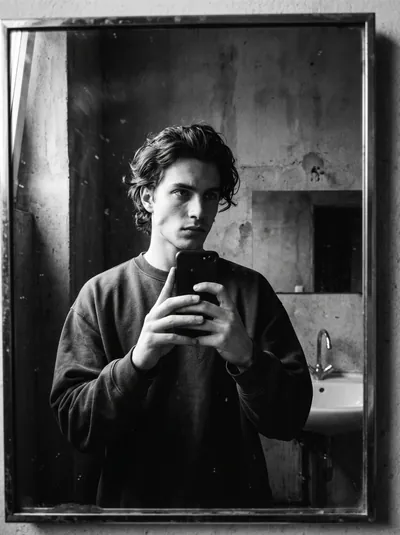
  • Cinematic Low-Key Noir Mirror Selfie Portrait - copy paste viral AI prompt

    Cinematic Low-Key Noir Mirror Selfie Portrait

    Cinematic 35mm film noir mirror selfie of an attractive young man holding a smartphone against a minimal concrete wall with dramatic shadows.

    Ai Image / Boys / Cinematic / Gemini · 3,569 copies · Sep 9, 2026

  • Handsome man urban alley nano banana gemini prompt - copy paste on Gemini AI

    Handsome man urban alley nano banana gemini prompt

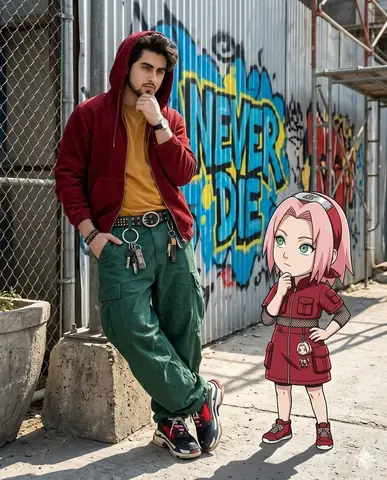
    Copy paste this urban alley man with chibi Sakura Haruno Gemini AI prompt to create a hyper-realistic photo. Works instantly — just upload your photo and paste.

    Ai Image / Boys / Cinematic / City · 2,392 copies · Apr 27, 2026

  • Urban alley man and chibi Kakashi Hatake gemini prompt - copy paste on Gemini AI

    Urban alley man and chibi Kakashi Hatake gemini prompt

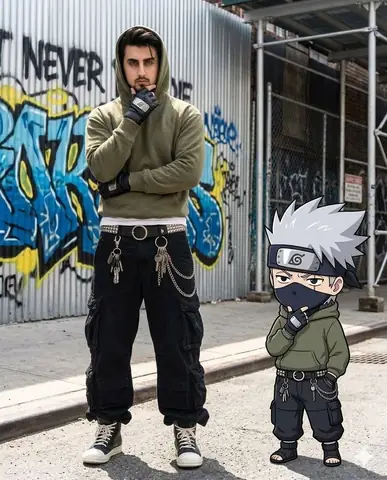
    Copy paste this chibi Kakashi Hatake Gemini AI prompt to create a hyper-realistic urban alley photo. Works instantly — just upload your photo and paste.

    Ai Image / Boys / Cinematic / City · 2,798 copies · Apr 27, 2026

Frequently asked questions about this prompt

How do I generate Cyberpunk Woman and Robot in Dark Alley on Midjourney Niji 6 / Flux.1 Schnell / Bing Image Creator?
Click "Copy Prompt" above to copy the formula to your clipboard. Next, open Midjourney Niji 6 / Flux.1 Schnell / Bing Image Creator, paste the prompt text, select the recommended 9:16 (Phone Wallpaper) or 16:9 (Desktop Ultra-Wide) aspect ratio, and generate. Upload a clear face photo; prompt transforms human proportions into stylized avatar art.
What camera lens and lighting setup creates the Cyberpunk, 3D Avatar & Anime look?
This prompt leverages simulated optics: Octane 3D Render, Raytraced Global Illumination, 35mm virtual lens paired with Dual-tone neon split lighting (electric cyan key + magenta rim light). This combination ensures realistic optical depth, natural skin micro-texture, and balanced subject separation without artificial AI gloss.
How do I customize Cyberpunk Woman and Robot in Dark Alley for my own face or personal style?
Keep the core lighting and camera instructions intact, and only replace subject tokens (such as outfit colors, background scenery, hair style, or age). In image-to-image tools like Gemini or Bing, upload your selfie as an image reference along with the prompt.
What negative prompt or settings prevent distorted hands and faces?
To ensure high output fidelity, include the following negative constraints in advanced settings: "low-poly flaws, blurry textures, realistic photographic noise, dull matte lighting". Setting aspect ratio to 9:16 (Phone Wallpaper) or 16:9 (Desktop Ultra-Wide) also prevents AI letterboxing and unwanted cropping.

Trending AI Prompt Hubs & Curated Silos

Explore high-authority prompt collections crafted for viral social media content, 8K photo editing, and next-gen AI generators.

Core prompt workflow

Choose the closest page, open one prompt, copy the text, replace only the personal details, then test one version before trying another. Image prompts work best with clear subject, lighting, camera, background and aspect ratio details. Text prompts work best with role, audience, tone, examples, limits and final output format.