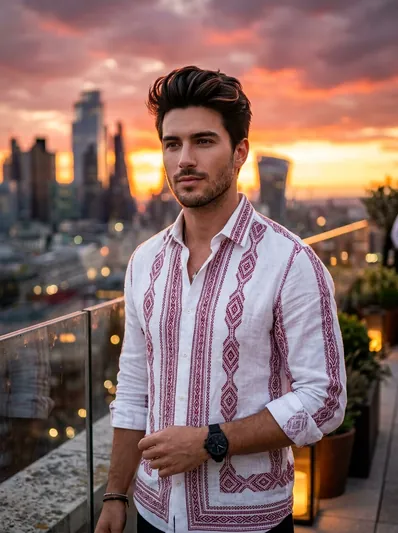
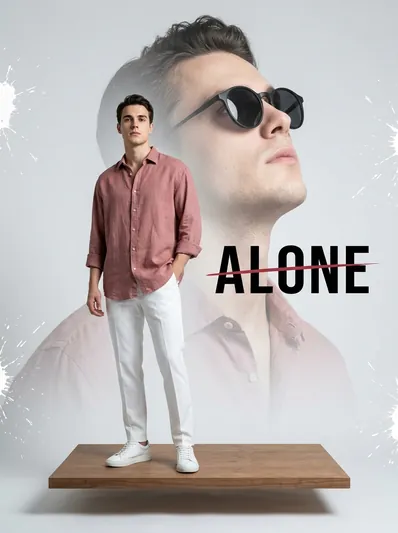
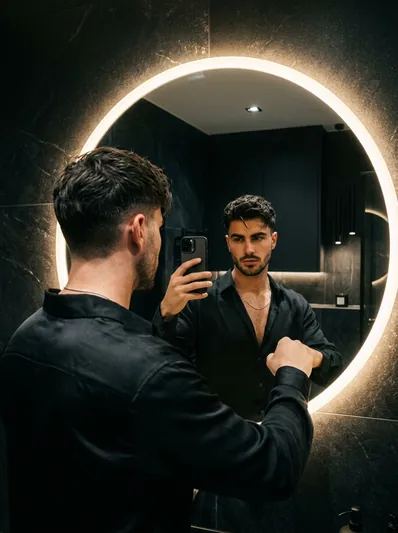
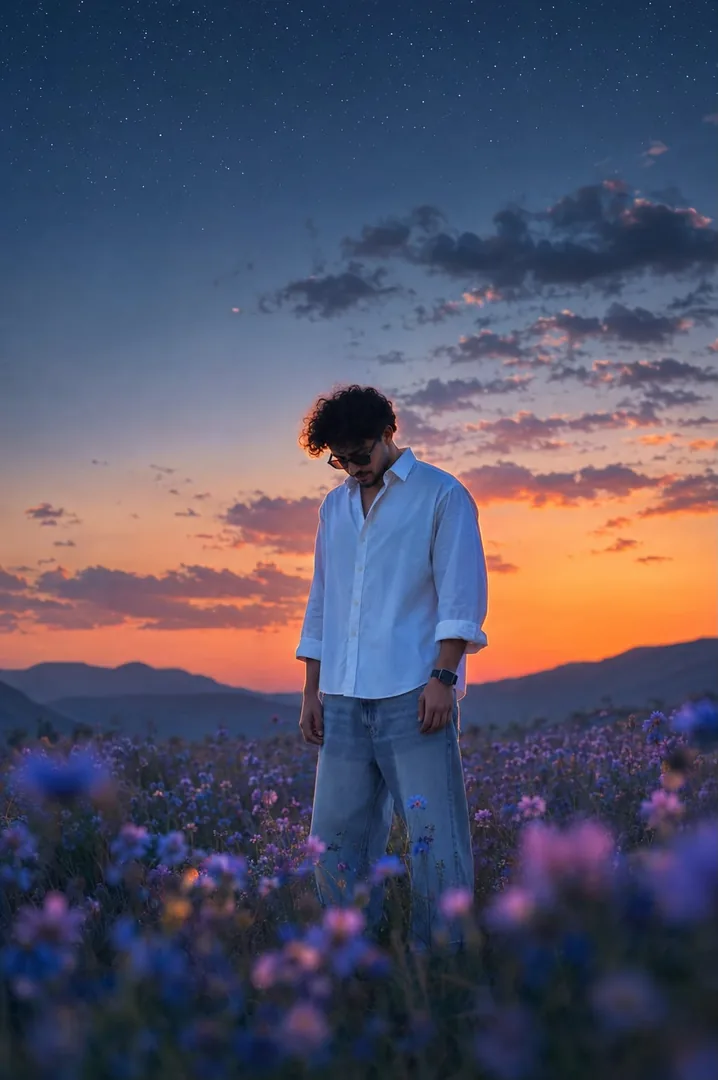
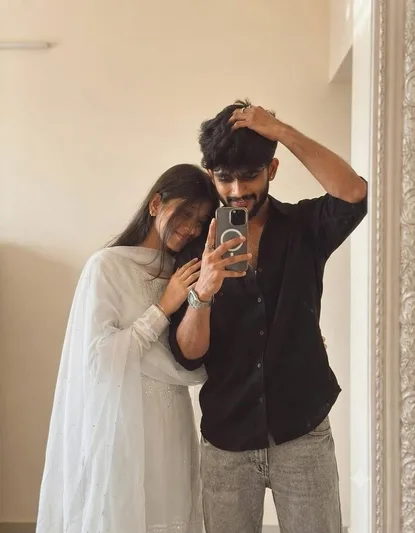
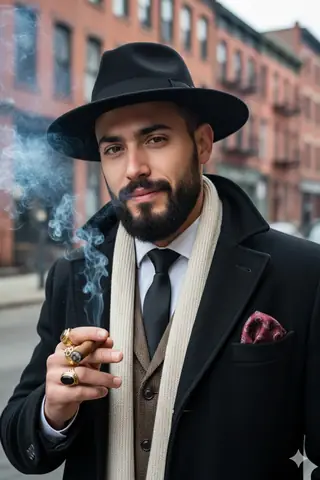
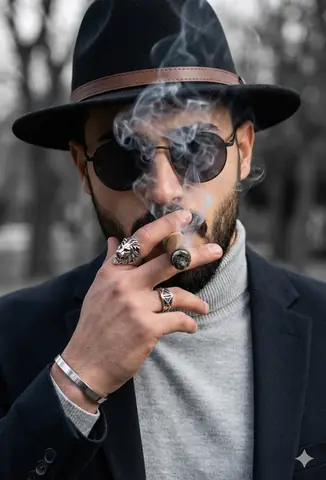
Quick Summary: This verified Google Gemini & Bing Image Creator (DALL-E 3) prompt creates an rich traditional Indian cultural aesthetic for Ultra Realistic Bhagavad Gita Scene with calibrated lighting, authentic texture physics, and tested 1-click copy-paste formula for instant AI generation without facial distortion.
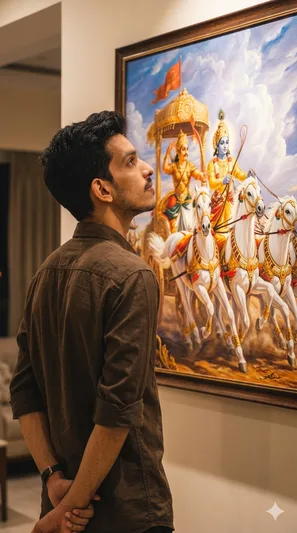
Ultra Realistic Bhagavad Gita Scene - Copy Paste AI Prompt
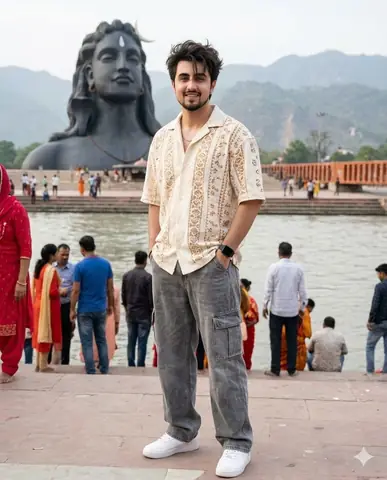
Transform the uploaded reference person into an ultra-realistic cinematic Bhagavad Gita inspired scene while preserving ONLY the exact facial identity, hairstyle, beard details, skin tone, and natural human realism from the uploaded reference image. IMPORTANT CAMERA ANGLE: the image should feel naturally clicked slightly from the left-back side perspective, not perfectly centered. The camera must capture both the person and the Mahabharata painting clearly in the frame exactly like a casual cinematic candid photo. The person should stand calmly facing the painting with both hands folded behind the back, giving a mature, leadership, wiseemotionally powerful, and self-controlled aura. The head should be slightly raised upward as if deeply thinking and absorbing the wisdom of Bhagavad Gita. Only a subtle portion of the side jawline and hairstyle should be visible naturally from the left-back angle - not a full side face Outfit should be a realistic premium dark earthy-brown cotton shirt with soft rolled sleeves, natural wrinkles, realistic texture, and masculine minimal Indian aesthetic exactly like a stylish everyday luxury look. Environment should look like a realistic modern Indian luxury room or elegant home interior with soft cream/beige walls and warm cinematic indoor lighting. The Mahabharata painting should be colorful, rich, vibrant, and highly detailed - Lord Krishna driving the divine chariot with Arjuna, white horses in motion, dramatic clouds, spiritual battlefield atmosphere, golden-orange tones, rich blue sky, premium mythological realism. The painting should remain fully visible while the person occupies the lower-right or center-right foreground naturally, creating balanced cinematic composition. Lighting style: realistic warm room lighting with subtle top glow above the artwork, natural indoor shadows, soft highlights on hair and shoulders, realistic depth and cinematic warmth. The overall image must look like real DSLR or iPhone portrait photograph captured naturally inside a luxury modern home - absolutely NO anime look, NO Al-art appearance, NO illustration style. Ultra-photorealistic cinematic photography, authentic skin texture, realistic brown shirt fabric, natural hair details, cinematic color grading, subtle depth of field, premium Instagram aesthetic, emotionally powerful masculine leadership vibe. No text, no captions, no watermark, no Ul elements. Vertical 9:16 composition.Technical Prompt Parameters (Traditional Ethnic Indian)
| Parameter | Configuration | Output Impact |
|---|---|---|
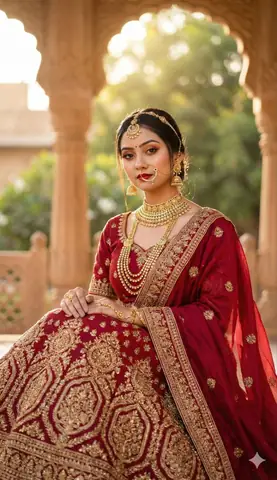
| Target AI Engine | Google Gemini & Bing Image Creator (DALL-E 3) | Accurately understands intricate South Asian ethnic motifs, zardozi embroidery, and festive ambiance. |
| Recommended Aspect Ratio | 9:16 (Story / Reels / DP) or 3:4 (Portrait) | Optimized for mobile festive display pictures, WhatsApp status, and Instagram reels. |
| Camera & Lens Settings | 85mm f/1.4 G-Master, Sony A7R V, 61MP ultra-high texture fidelity | Resolves micro-level silk weave, mirror embroidery, and jewelry sparkle with zero blur. |
| Lighting Style | Festive diya ambient warmth + soft golden temple architectural light | Accentuates vibrant colors (marigold, crimson, gold) while keeping skin tones natural. |
| Negative Constraints | western attire, distorted jewelry, unnatural skin bleaching, muddy colors, deformed hands | Guarantees authentic cultural attire detailing and natural Indian skin melanin realism. |
| Reference Photo | Upload a front-facing portrait wearing festive or simple ethnic attire. | Upload front-facing reference photo for face matching. |
How to use this prompt
- Copy the prompt
- Open Google Gemini
- Upload your photo
- Paste the prompt
- Generate the image
How to get better results from Ultra Realistic Bhagavad Gita Scene
Creates an ultra-realistic cinematic portrait inspired by the Bhagavad Gita with dramatic lighting and highly detailed facial preservation. Use it as a copy-ready starting point, then adjust the subject, scene, tone and output format for your own result.
- Gemini
- Gemini prompt testing
- fast copy-paste workflow
- creator ready output
Customize before generating
- Replace the main subject, name, product or character details.
- Adjust lighting, background, mood, camera angle or aspect ratio if the prompt is visual.
- Change tone, audience, language and output format if the prompt is for text.
- Keep this core idea clear: Transform the uploaded reference person into an ultra-realistic cinematic Bhagavad Gita inspired scene while preserving ONLY the exact facial identity, hairstyle...
Quick variations to try
- Make Ultra Realistic Bhagavad Gita Scene more cinematic with stronger lighting and richer background detail.
- Turn Ultra Realistic Bhagavad Gita Scene into a cleaner mobile-first version for social media posts or profile use.
- Create a premium version of Ultra Realistic Bhagavad Gita Scene with sharper style, higher detail and a more polished final output.