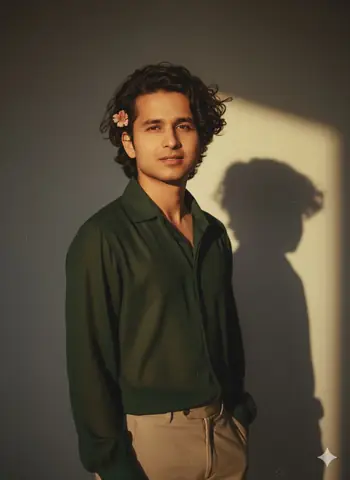
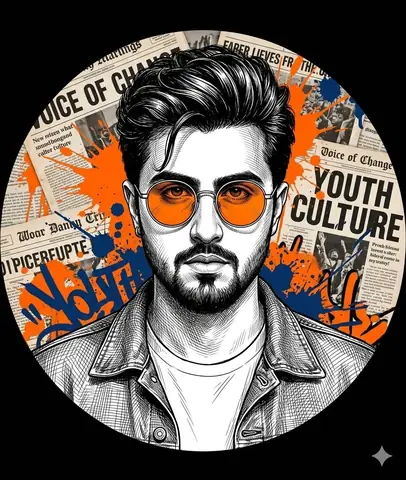
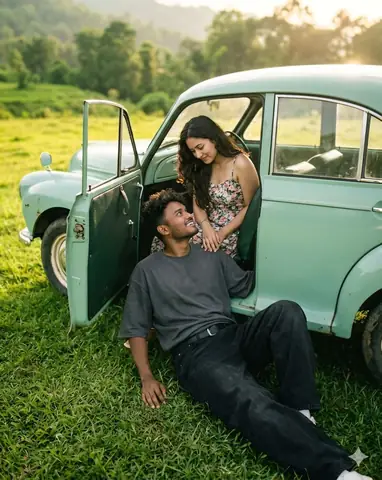
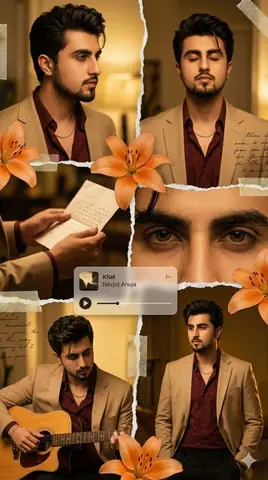
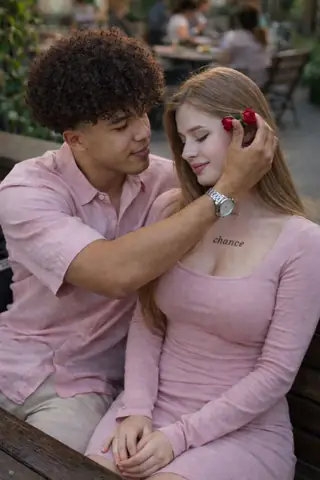
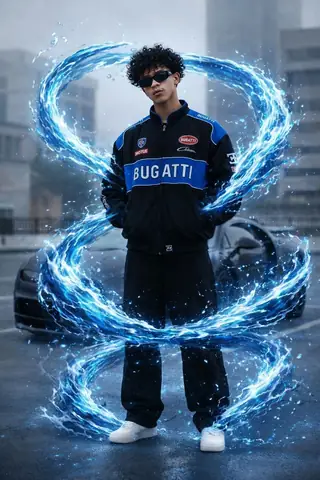
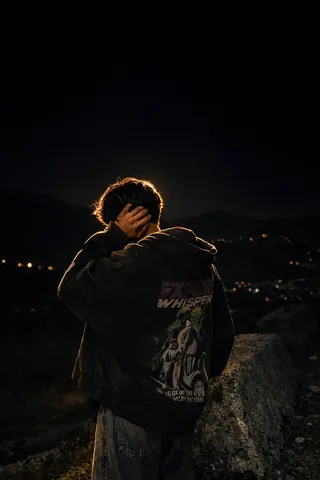
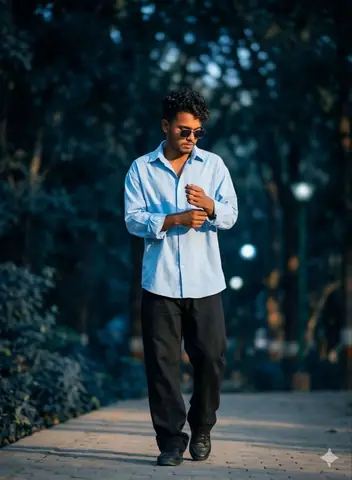
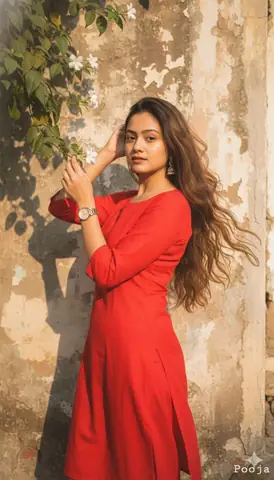
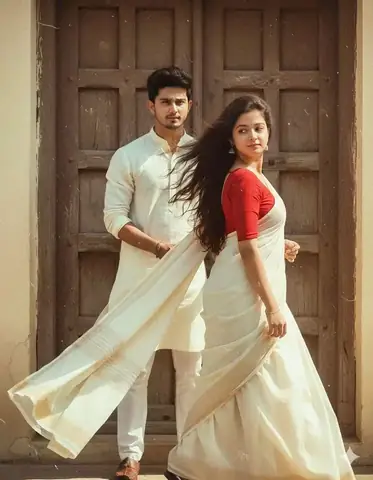
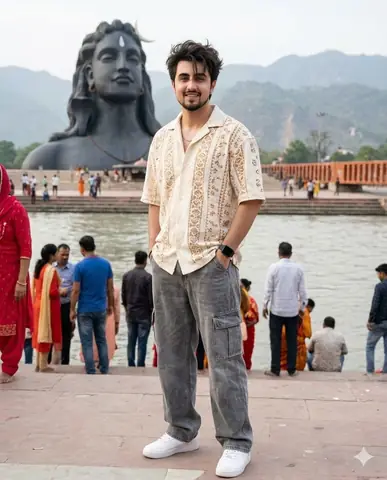
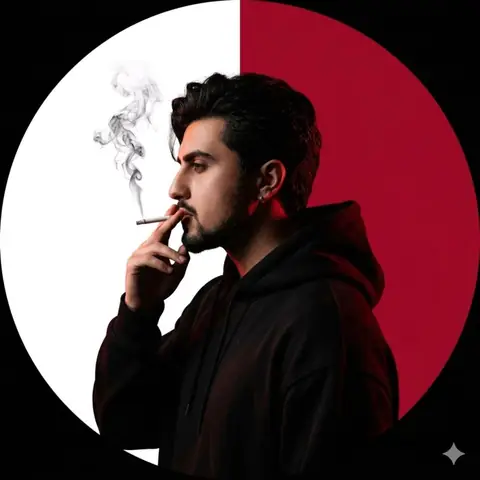
Quick Summary: This verified Google Gemini & Midjourney v6 prompt creates an authentic 90s vintage film aesthetic for Vintage Photo 4K AI Restoration & Upscaling Prompt with calibrated lighting, authentic texture physics, and tested 1-click copy-paste formula for instant AI generation without facial distortion.
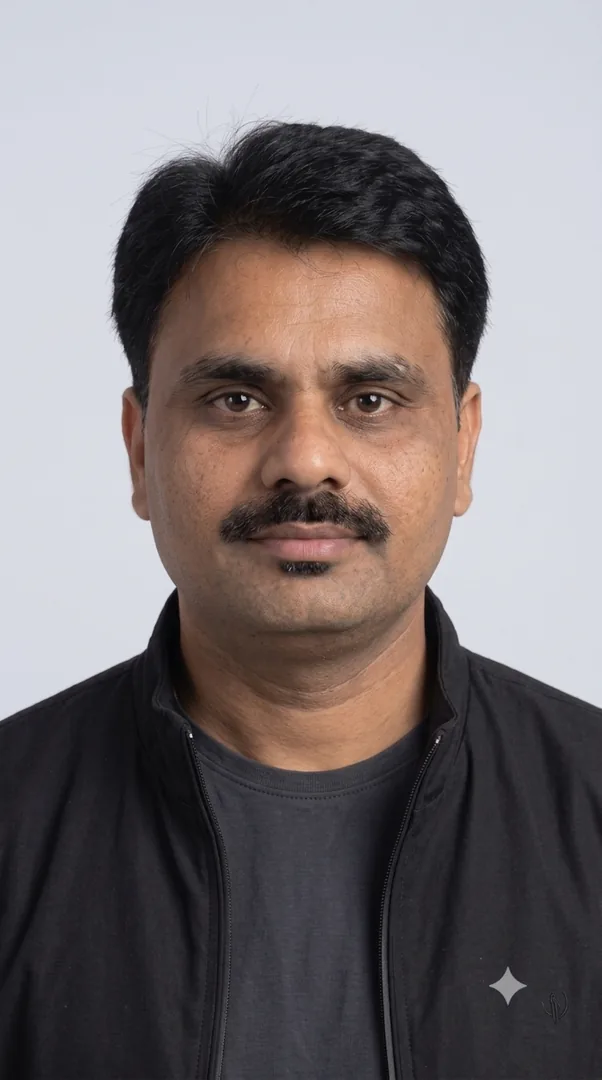
Vintage Photo 4K AI Restoration & Upscaling Prompt - Copy Paste AI Prompt
Upscale this photo from 144p to true 4K (3840×2160) while preserving the original composition, framing, colors, and motion. Remove compression artifacts, JPEG blocking, pixelation, noise, banding, and blur. Recover realistic facial features, skin texture, hair strands, clothing details, and environmental textures without creating artificial or distorted features. Sharpen edges naturally, improve dynamic range and contrast, maintain accurate colors, stabilize any camera shake, and ensure smooth temporal consistency across frames with no flickering or ghosting. Keep the image photorealistic and avoid oversharpening, over-smoothing, or AI-generated artifacts. Output at 4K with the highest possible quality while preserving the original frame rate.Technical Prompt Parameters (Vintage Film & Retro Polaroid)
| Parameter | Configuration | Output Impact |
|---|---|---|
| Target AI Engine | Google Gemini & Midjourney v6 | Preserves organic analog warmth, natural color saturation, and retro lighting response. |
| Recommended Aspect Ratio | 4:5 (Classic Film) or 1:1 (Square Polaroid) | Faithful recreation of vintage paper print dimensions and nostalgic photo albums. |
| Camera & Lens Settings | 35mm Leica M6, Kodak Portra 400, f/2.8, subtle chromatic dispersion | Renders genuine analog grain, gentle halation, and authentic film stock color science. |
| Lighting Style | Direct camera flash with soft falloff or warm golden hour sunset flare | Creates natural retro exposure highlights without artificial digital gloss. |
| Negative Constraints | digital sheen, oversaturated HDR, plastic skin, neon light, CGI 3D, modern watermark | Eliminates hyper-digital smoothness to maintain true photochemical aesthetic. |
| Reference Photo | Upload a daylight selfie; avoid heavy ring-light filters for best film look. | Upload front-facing reference photo for face matching. |
How to use this prompt
- Copy the prompt
- Open Google Gemini or your AI generator
- Upload reference photo if needed
- Paste the prompt
- Generate your image
How to get better results from Vintage Photo 4K AI Restoration & Upscaling Prompt
Upscale Image Prompt Use it as a copy-ready starting point, then adjust the subject, scene, tone and output format for your own result.
- Gemini
- Photo Editing
- Restoration
- Upscale
- Vintage
- Gemini prompt testing
Customize before generating
- Replace the main subject, name, product or character details.
- Adjust lighting, background, mood, camera angle or aspect ratio if the prompt is visual.
- Change tone, audience, language and output format if the prompt is for text.
- Keep this core idea clear: Upscale this photo from 144p to true 4K (3840×2160) while preserving the original composition, framing, colors, and motion. Remove compression artifacts, JPEG...
Quick variations to try
- Make Vintage Photo 4K AI Restoration & Upscaling Prompt more cinematic with stronger lighting and richer background detail.
- Turn Vintage Photo 4K AI Restoration & Upscaling Prompt into a cleaner mobile-first version for social media posts or profile use.
- Create a premium version of Vintage Photo 4K AI Restoration & Upscaling Prompt with sharper style, higher detail and a more polished final output.