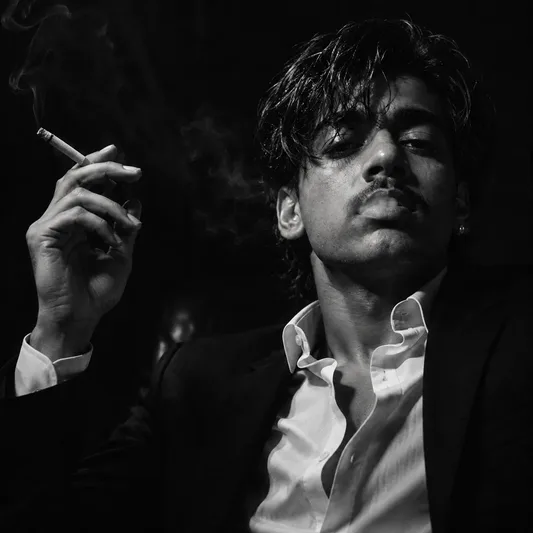
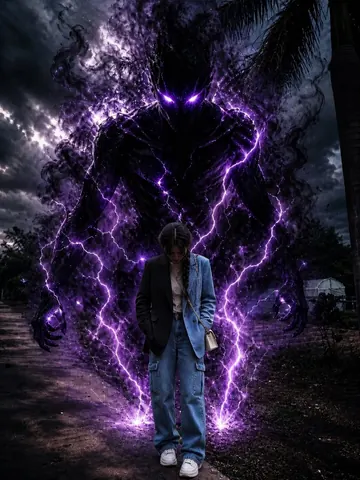
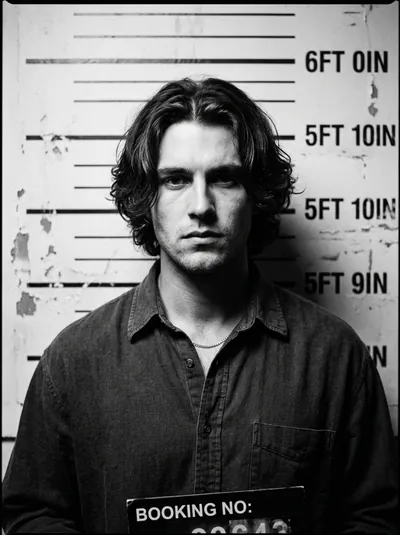
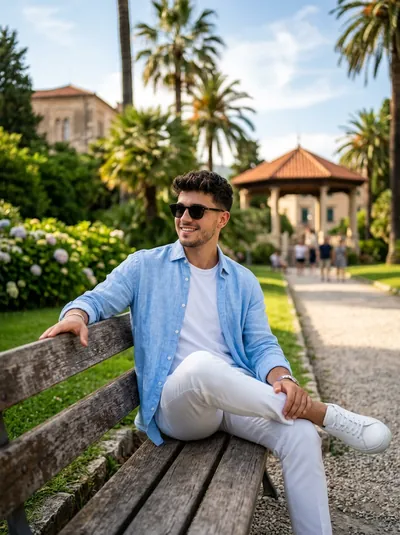
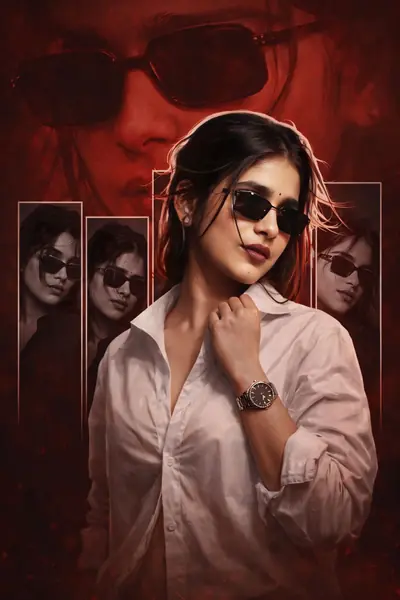
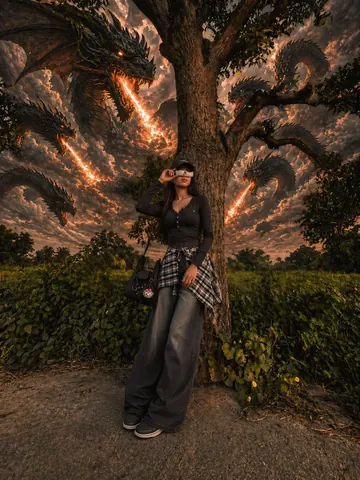
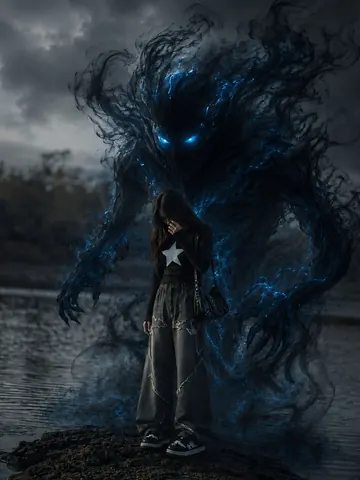
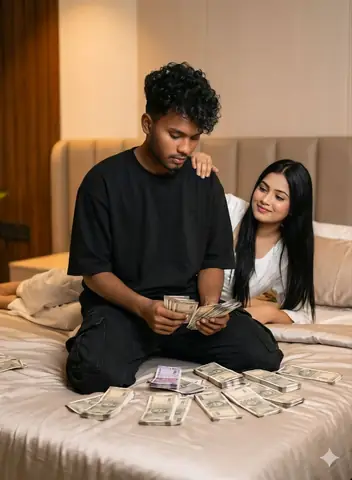
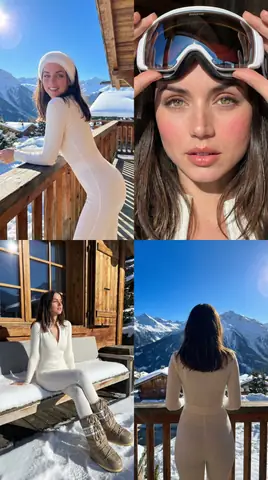
Quick Summary: This verified Google Gemini & Midjourney v6 prompt creates an cinematic moody dark atmospheric aesthetic for Bold Night Flash Photo Edit with calibrated lighting, authentic texture physics, and tested 1-click copy-paste formula for instant AI generation without facial distortion.
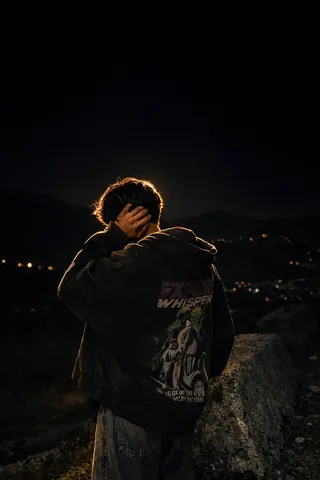
Bold Night Flash Photo Edit - Copy Paste AI Prompt
Apply a bold night-fl@sh aesthetic to the upl0aded ph0to while preserving original detaiIs except for Iighting, gIow, and c0lor m00d. Keep the night-time enviroment dark and unIit, maintaining existing shad0ws and siIhouettes. Do n0t brighten the backgrounnd except for sIight enhancement of p0int lights. Illuminate the subject with a strong, warm, direct fr0nt-facing fIash, focused near the f@ce and upper b0dy (primary br1ght area). Add diffused sun-be@m style highlights on cheekb0nes, n0se bridge, lips and hair str@nds. Maintain separation between br1ght areas and deep shad0ws for cinematic contrast.Technical Prompt Parameters (Cinematic Moody Noir)
| Parameter | Configuration | Output Impact |
|---|---|---|
| Target AI Engine | Google Gemini & Midjourney v6 | Renders deep shadow latitude, high dynamic range chiaroscuro, and atmospheric drama. |
| Recommended Aspect Ratio | 2.39:1 (Anamorphic Cinema) or 9:16 (Moody Vertical) | Creates Hollywood-grade wide letterboxed framing or striking immersive mobile wallpapers. |
| Camera & Lens Settings | Arri Alexa Mini LF, Cooke Anamorphic /i 50mm T2.3 prime | Distinctive anamorphic oval bokeh, delicate horizontal flare streaks, and rich organic grain. |
| Lighting Style | Chiaroscuro single key source with atmospheric haze and deep obsidian shadows | Accentuates mystery, silhouette shapes, and cinematic emotional depth. |
| Negative Constraints | flat daytime lighting, overexposed highlights, washed out blacks, cheerful colors, cartoonish lines | Preserves deep cinematic black levels and brooding atmospheric realism. |
| Reference Photo | Upload a moodily lit portrait or high-contrast side-lit photo. | Upload front-facing reference photo for face matching. |
How to use this prompt
- Copy the prompt
- Open your AI tool
- Upload a reference photo if needed
- Paste the prompt
- Generate and save the result
How to get better results from Bold Night Flash Photo Edit
Copy this Gemini prompt for Bold Night Flash Photo Edit. Use it as a ready prompt, adjust the subject, then generate a polished AI result. Use it as a copy-ready starting point, then adjust the subject, scene, tone and output format for your own result.
- Aesthetic
- Dark
- Gemini prompt testing
- fast copy-paste workflow
- creator ready output
Customize before generating
- Replace the main subject, name, product or character details.
- Adjust lighting, background, mood, camera angle or aspect ratio if the prompt is visual.
- Change tone, audience, language and output format if the prompt is for text.
- Keep this core idea clear: Apply a bold night-fl@sh aesthetic to the upl0aded ph0to while preserving original detaiIs except for Iighting, gIow, and c0lor m00d. Keep the night-time enviroment...
Quick variations to try
- Make Bold Night Flash Photo Edit more cinematic with stronger lighting and richer background detail.
- Turn Bold Night Flash Photo Edit into a cleaner mobile-first version for social media posts or profile use.
- Create a premium version of Bold Night Flash Photo Edit with sharper style, higher detail and a more polished final output.