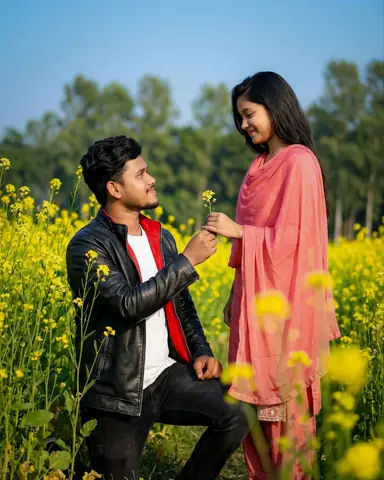
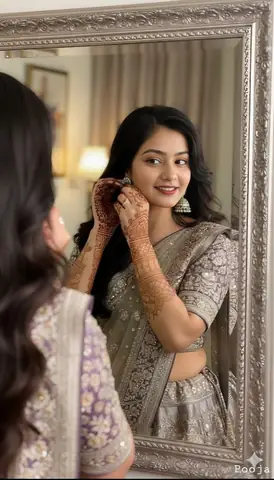
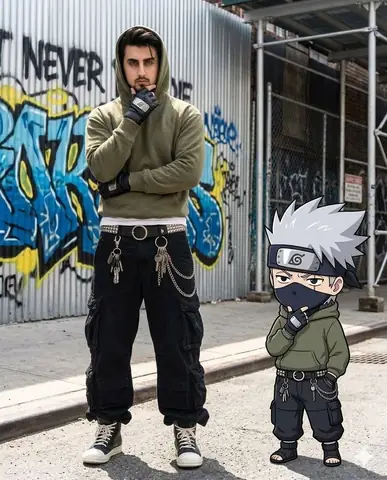
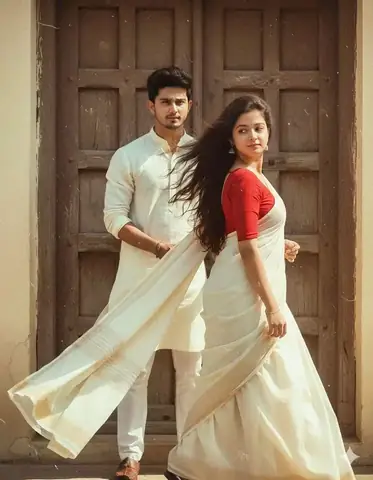
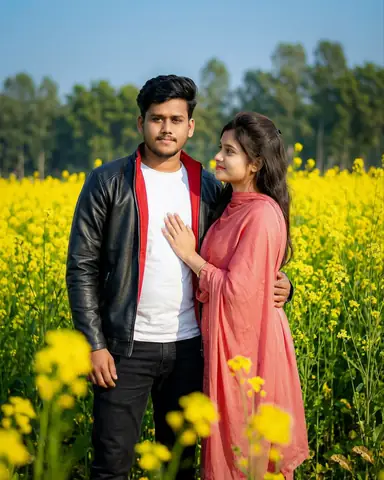
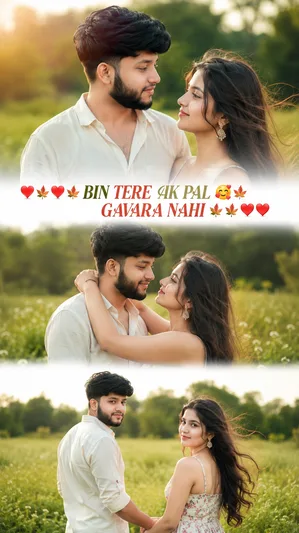
Quick Summary: This verified Google Gemini (Imagen 3) & Bing Image Creator prompt creates an intimate cinematic romantic couple aesthetic for Elder Wisdom Forest Portrait with calibrated lighting, authentic texture physics, and tested 1-click copy-paste formula for instant AI generation without facial distortion.
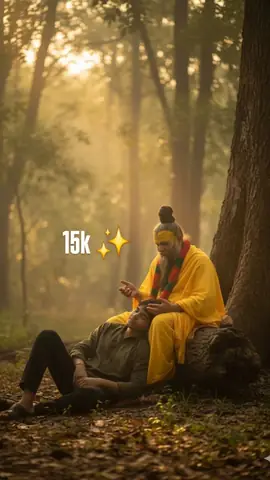
Elder Wisdom Forest Portrait - Copy Paste AI Prompt
A hyper-realistic cinematic portrait featuring the two uploaded persons together in a tranquil forest at dusk. The environment is filled with towering ancient trees, with soft golden evening light filtering through the dense foliage, creating a warm and serene atmosphere. Both subjects are seated by the base of a massive old tree trunk. The elder person (preserve exact face, likeness 100%) sits gracefully upright on the log, radiating calmness and wisdom as they gently speak, their posture dignified yet approachable. The younger person (preserve exact face, likeness 100%) is

seated on the ground nearby, gazing upward towards the elder with deep attentiveness and emotion, capturing a

sense of respect and connection. The scene feels cinematic, softly dramatic, and emotionally moving, with natural details highlighted-gentle rays of light, drifting leaves, and earthy tones enhancing the timeless bond between them.Technical Prompt Parameters (Cinematic Romantic Couple)
| Parameter | Configuration | Output Impact |
|---|---|---|
| Target AI Engine | Google Gemini (Imagen 3) & Bing Image Creator | Flawless multi-subject compositional coherence and genuine emotional expressions. |
| Recommended Aspect Ratio | 3:4 (Portrait) or 16:9 (Cinematic Widescreen) | Perfect framing for dual-subject intimacy, shared poses, and environmental background depth. |
| Camera & Lens Settings | 50mm f/1.2 prime lens, Canon EOS R5, shallow depth of field | Isolates both subjects with creamy optical bokeh and ultra-sharp facial details. |
| Lighting Style | Warm twilight golden hour backlight with soft rim separation | Bathes both figures in romantic golden warmth while maintaining facial contour shadows. |
| Negative Constraints | misaligned eye lines, unnatural duplicate hands, harsh flat flash, plastic skin, distorted fingers | Prevents common AI multi-character hand mergers and disjointed eye directions. |
| Reference Photo | Upload individual headshots or a couple photo with visible facial angles. | Upload front-facing reference photo for face matching. |
How to use this prompt
- Copy prompt
- Use with AI image generator
- Generate amazing images
How to get better results from Elder Wisdom Forest Portrait
Two persons seated in a tranquil forest, surrounded by ancient trees and soft golden light. Use it as a copy-ready starting point, then adjust the subject, scene, tone and output format for your own result.
- Ai Image
- Cinematic
- Couples
- Gemini
- Outdoor
- Photo Editing
Customize before generating
- Replace the main subject, name, product or character details.
- Adjust lighting, background, mood, camera angle or aspect ratio if the prompt is visual.
- Change tone, audience, language and output format if the prompt is for text.
- Keep this core idea clear: A hyper-realistic cinematic portrait featuring the two uploaded persons together in a tranquil forest at dusk. The environment is filled with towering ancient trees...
Quick variations to try
- Make Elder Wisdom Forest Portrait more cinematic with stronger lighting and richer background detail.
- Turn Elder Wisdom Forest Portrait into a cleaner mobile-first version for social media posts or profile use.
- Create a premium version of Elder Wisdom Forest Portrait with sharper style, higher detail and a more polished final output.