Quick Summary: This verified Google Gemini & Bing Image Creator (DALL-E 3) prompt creates an rich traditional Indian cultural aesthetic for I Had Nowhere To Go Then Mahadev Appeared AI Photo Prompt with calibrated lighting, authentic texture physics, and tested 1-click copy-paste formula for instant AI generation without facial distortion.
- Ai Image
- Photography
- Trending
- Photography
- Ai Image
- Trending
- Viral Prompt
- Gemini Ai
- Bing Image Creator
- Copy Paste
About This Prompt
This AI prompt generates a I Had Nowhere To Go Then Mahadev Appeared AI Photo Prompt — a high-quality, photorealistic image with balanced lighting, sharp focus, and intricate details suitable for social media sharing and digital content creation.
For the best results, use this with Google Gemini. Simply copy the prompt text below and paste it into the generator. You can easily customize specific keywords like colors, backgrounds, or subjects to make the final output uniquely yours.
I Had Nowhere To Go Then Mahadev Appeared AI Photo Prompt - Copy Paste AI Prompt
🎬 Image Prompt

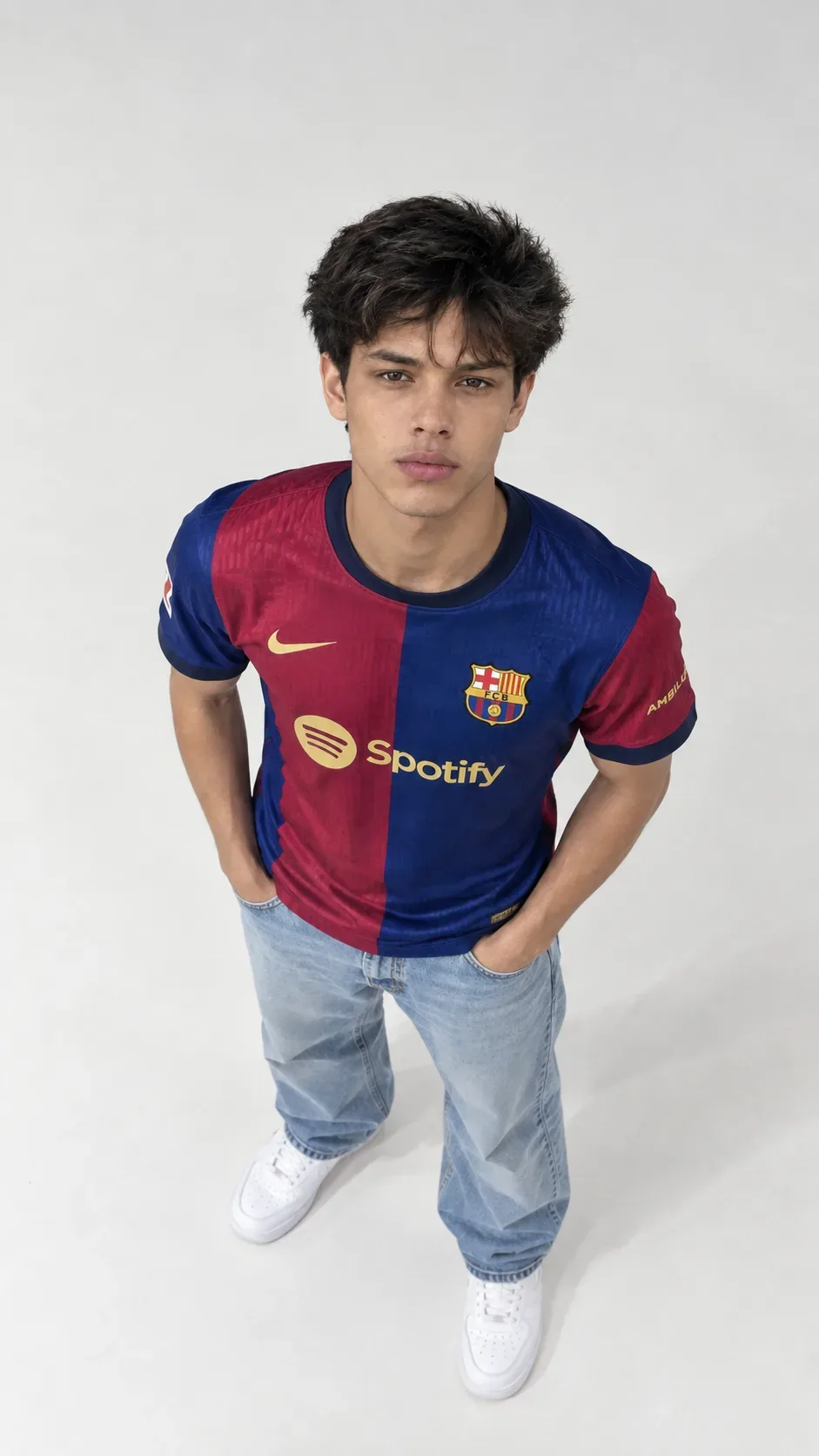
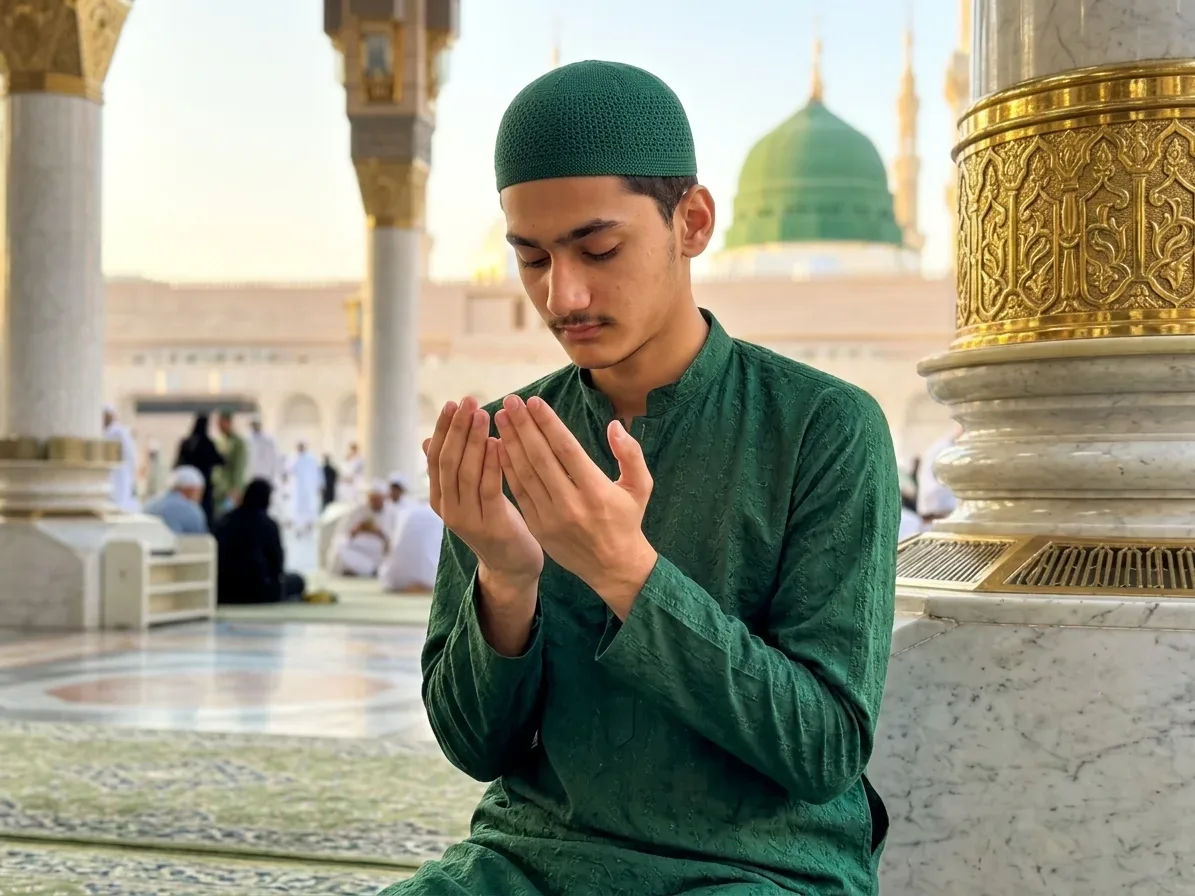
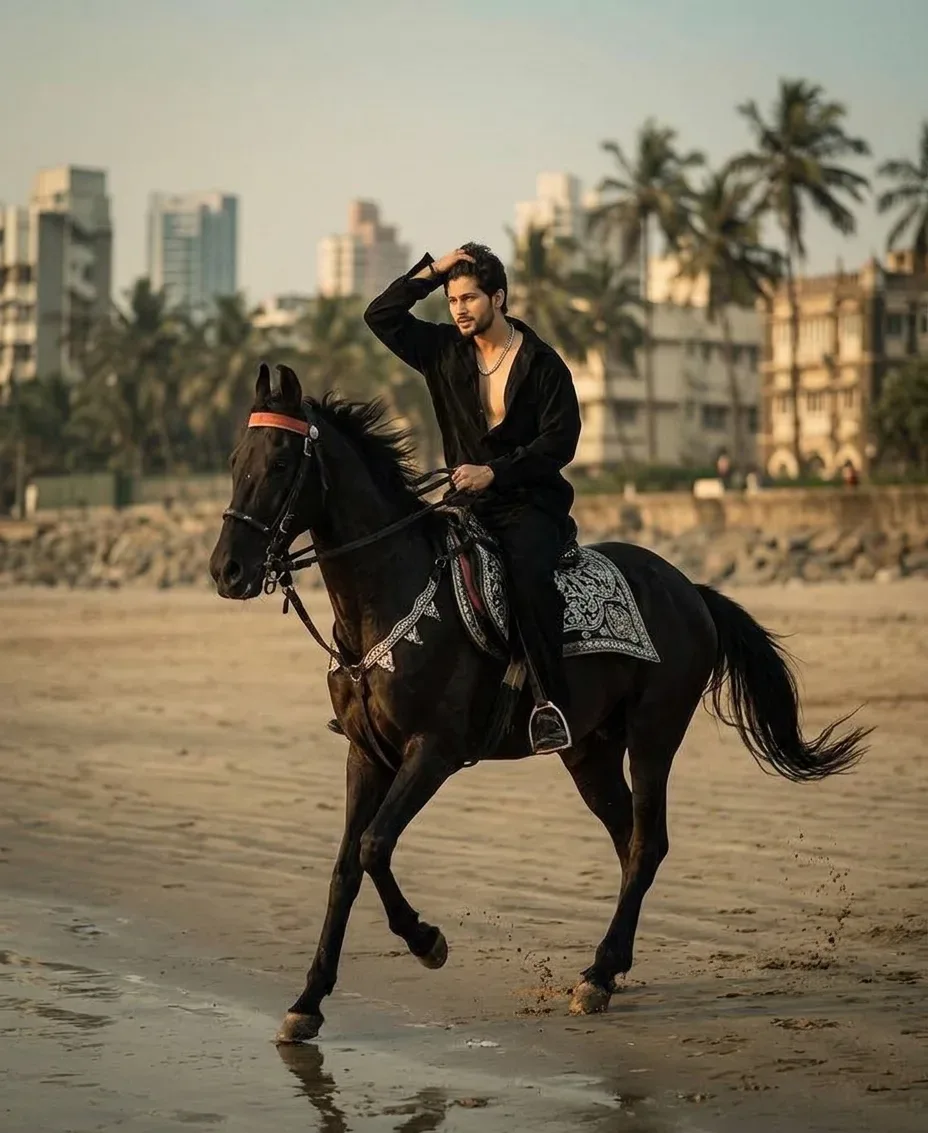
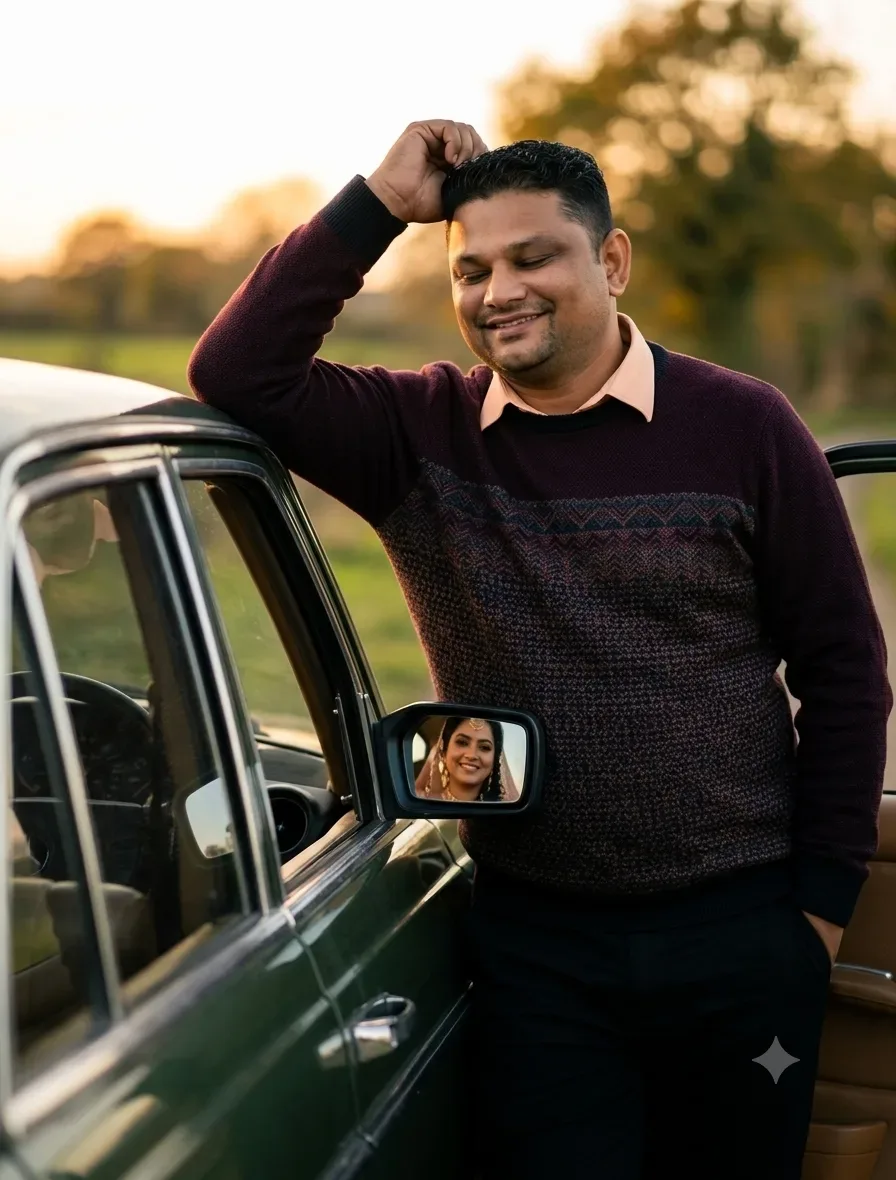
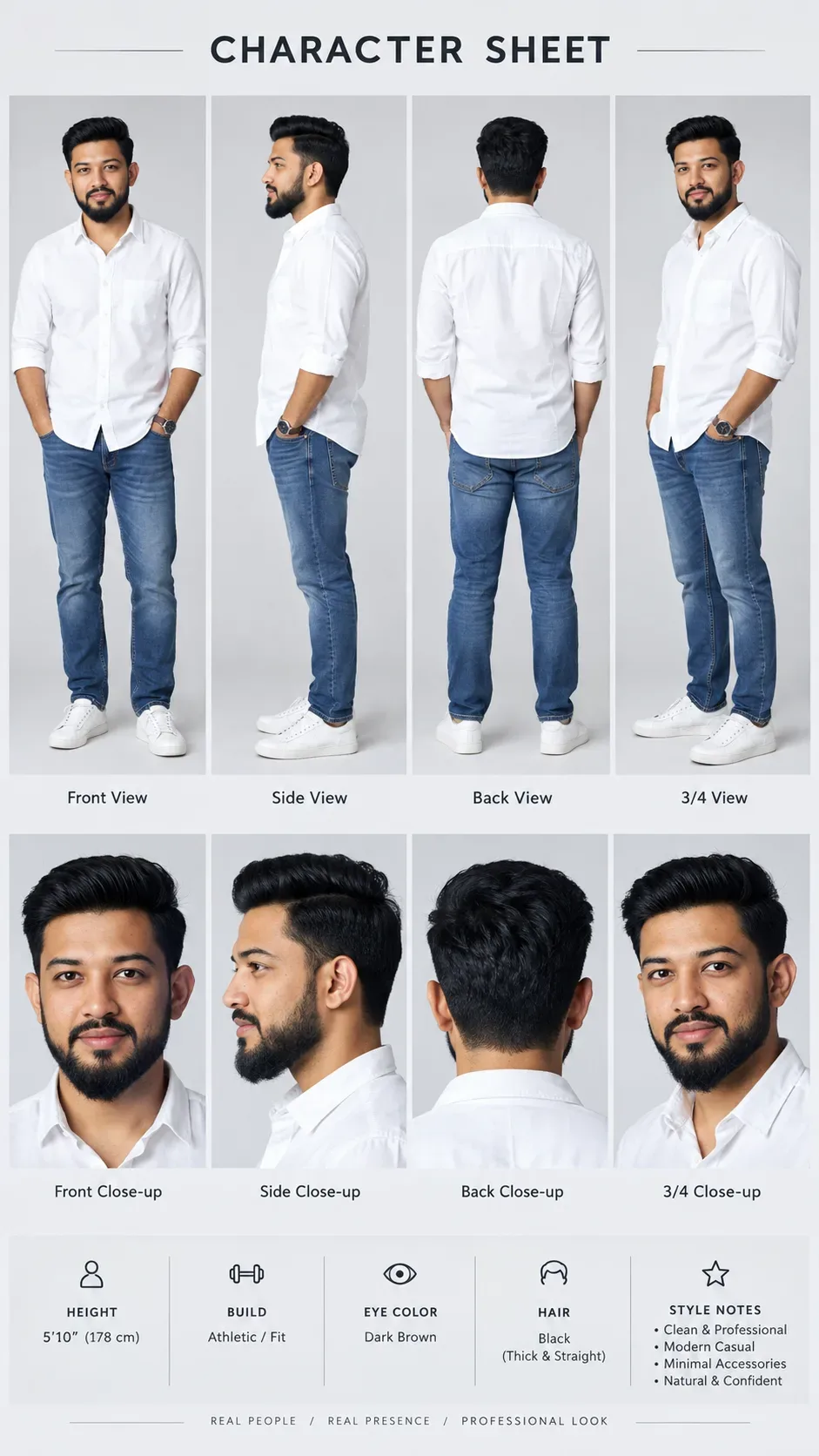
Create a hyper-realistic 9:16 vertical cinematic fantasy artwork using the uploaded reference photo for the male subject. Preserve his facial identity, hairstyle, beard, skin tone, facial structure, and recognizable likeness.

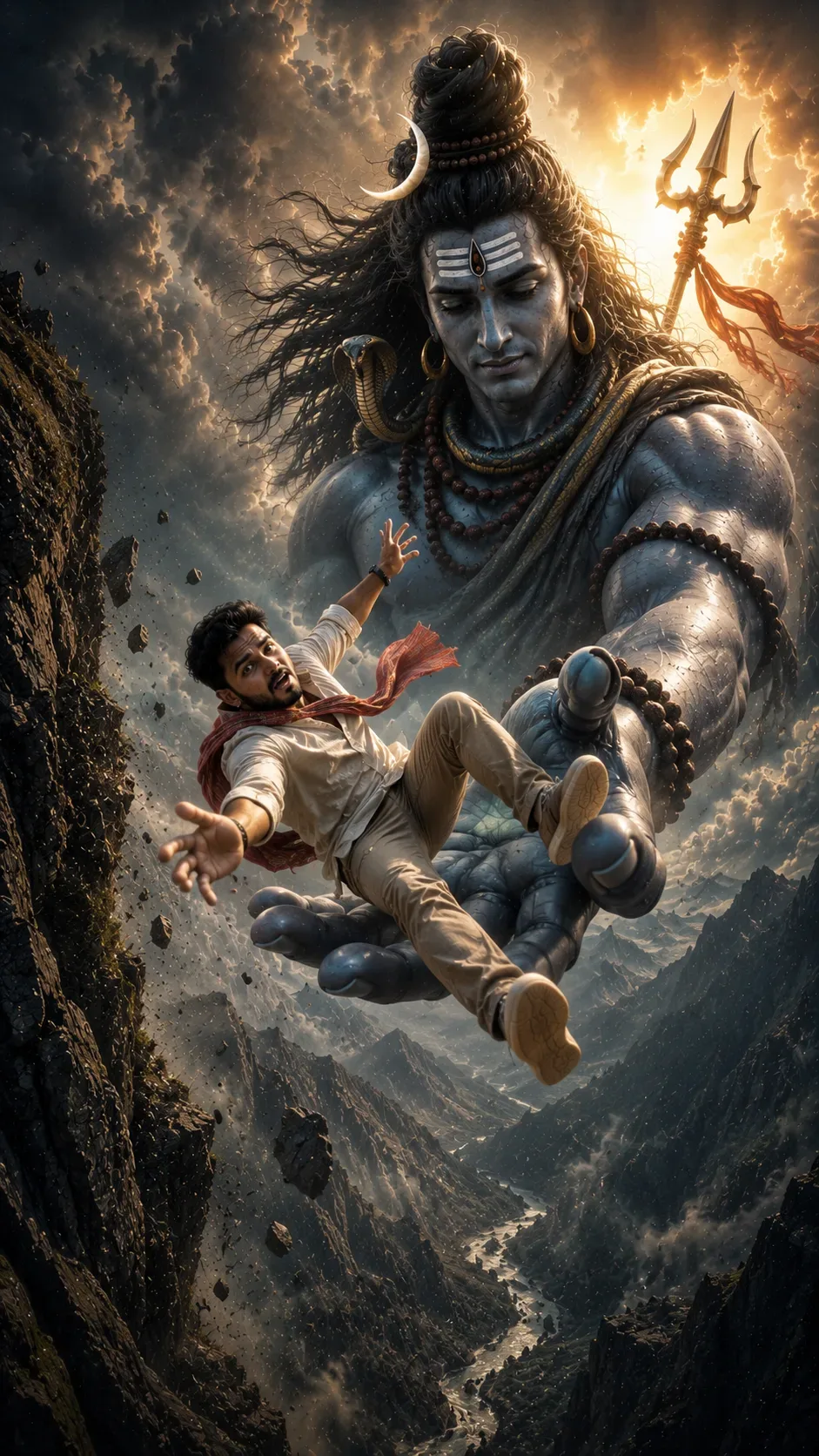
Show the young man falling from the edge of a massive Himalayan mountain cliff, suspended high above an enormous mist-covered valley. His body is tilted diagonally in mid-air, one arm stretched desperately upward toward Lord Mahadev and the other reaching toward the camera. His legs are naturally separated by the momentum of the fall, creating a strong sense of motion and height. His expression should show fear, surprise, and complete surrender, not calmness.

He wears a stylish cream-white traditional kurta, fitted beige trousers, brown boots, and a flowing deep-red scarf whipping dramatically through the wind. The clothing should feel premium, realistic, and dynamically affected by the fall.

Behind and beneath him appears VIRAAT MAHADEV, an immense divine manifestation of Lord Shiva, towering above the mountains and clouds. Mahadev should be overwhelmingly gigantic, with one enormous hand extended beneath the falling man, catching him safely in his palm. The man's body should be clearly above the palm, moments away from being caught, creating dramatic suspense.

Mahadev should have a powerful yet compassionate expression, blue-gray divine skin, extremely detailed long matted hair tied into a high jata, glowing crescent moon, sacred Tripundra on the forehead, subtle third-eye symbolism, large rudraksha malas, traditional ornaments, a serpent around his neck, and flowing ancient robes. His massive trident should rise behind him, silhouetted against the glowing sky.

Create an enormous mountain environment surrounding the scene: sharp rocky cliffs, snow-covered Himalayan peaks, a winding river far below, thick clouds, drifting mist, floating rock fragments, dust particles, and atmospheric depth. The extreme distance beneath the falling man should communicate the terrifying scale of the fall.

Use dramatic golden sunlight breaking through dark storm clouds, creating a divine halo behind Mahadev. Combine cool blue-gray shadows with warm golden highlights. Add volumetric god rays, cinematic rim lighting, realistic cloud illumination, atmospheric perspective, realistic rock textures, detailed fabric movement, natural skin texture, and subtle particles illuminated by sunlight.

The composition should use a low-angle / extreme wide cinematic perspective, making Mahadev appear colossal while keeping the falling man clearly visible in the foreground. Create strong depth layers:

foreground: falling man
middle ground: gigantic divine hand
background: colossal Mahadev, trident, clouds and mountains
far background: endless Himalayan valley and river

The visual story must immediately communicate:

“When a human falls beyond his limits, Mahadev becomes his protection.”

Make it look like a high-budget Indian mythological movie poster, blending photorealistic photography with epic VFX, spiritual grandeur, dramatic storytelling, and premium cinematic composition.

No text, no typography, no logos, no watermark.

Ultra-realistic, photorealistic, epic scale, divine atmosphere, cinematic VFX, realistic anatomy, realistic hands, dramatic motion, volumetric lighting, HDR, 8K detail, premium color grading, Hollywood-level composition, 9:16 vertical aspect ratio.

Optical Identity & Likeness Preservation: Lock subject's authentic facial identity and natural posture while seamlessly integrating with sharp vehicle reflections and cinematic ambient lighting.What You'll Get
- 🎨 Style: Ai Image
- ✨ Mood: Photography
- 📱 Best For: Photography
- 🤖 Works With: Google Gemini
- 🔥 Popularity: Copied 138 times
- 📅 Added: Sep 14, 2026
Explore Related Collections
Explore Ai Image Prompts — Browse our curated collection of Ai Image prompts tailored for creators. View all Ai Image prompts →
Explore Photography Prompts — Discover more viral Photography ideas for your next AI generation. View all Photography prompts →
Explore Trending Prompts — Explore our extensive library of Trending templates ready to copy and paste. View all Trending prompts →
Frequently asked questions
- How do I use the I Had Nowhere To Go Then Mahadev Appeared AI Photo Prompt prompt?
- To use this prompt, simply click the "Copy Prompt" button above. Then, open Google Gemini, paste the copied text into the prompt box, and hit generate. You can instantly generate high-quality images without needing any reference photos.
- What is this prompt best used for?
- This specific prompt is highly optimized for creating engaging social media content and digital art. The formula is structured to produce high-contrast, visually appealing results that perform well on visual platforms.
- Can I customize the details of this prompt?
- Yes! While the core structure of the prompt is optimized for Google Gemini, you can easily customize the details. We recommend changing specific keywords like clothing colors, background locations, or the overall mood (e.g., changing "sunny" to "rainy" or "neon") to match your exact vision.