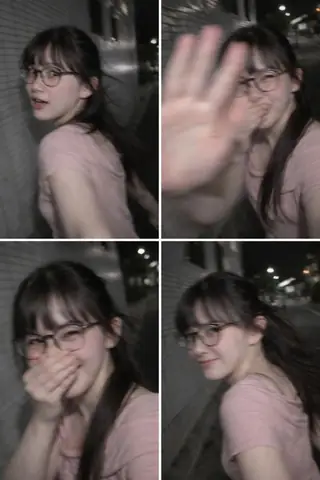
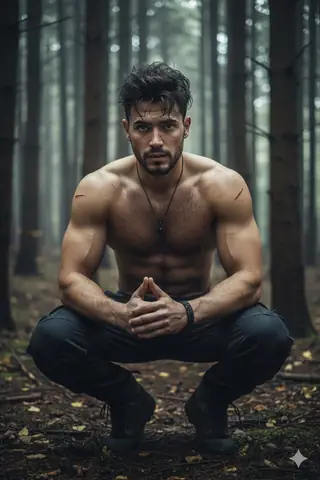
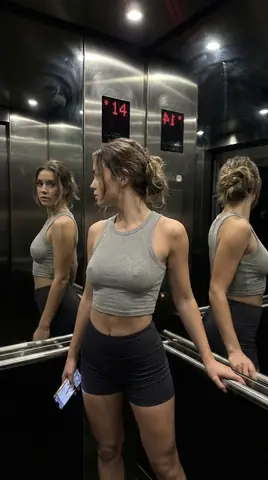
Quick Summary: This verified Midjourney Niji 6 / Flux.1 Schnell / Bing Image Creator prompt creates an hyper-detailed 3D cyberpunk stylized aesthetic for Character Sheet For Make AI Videos AI Photo Prompt with calibrated lighting, authentic texture physics, and tested 1-click copy-paste formula for instant AI generation without facial distortion.
- Photography
- Ai Image
- Trending
- Photography
- Ai Image
- Trending
- Viral Prompt
- Gemini Ai
- Bing Image Creator
- Copy Paste
About This Prompt
This prompt creates an Character Sheet For Make AI Videos AI Photo Prompt — a high-quality, photorealistic image with balanced lighting, sharp focus, and intricate details suitable for social media sharing and digital content creation.
This prompt works best with Google Gemini. Simply copy the prompt text below and paste it into the generator. You can easily customize specific keywords like colors, backgrounds, or subjects to make the final output uniquely yours.
Character Sheet For Make AI Videos AI Photo Prompt - Copy Paste AI Prompt
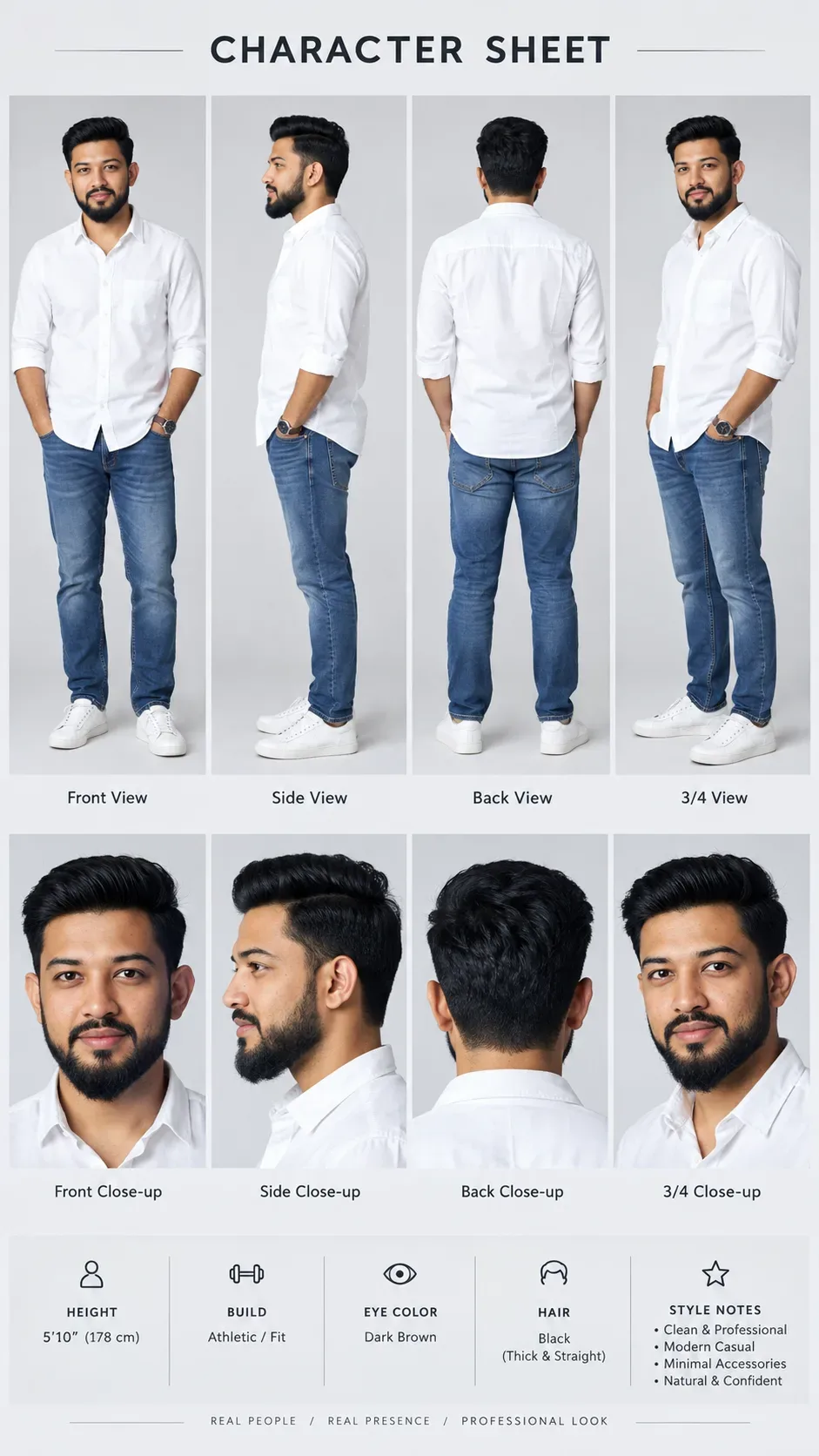
Use the uploaded image as the exact identity and face reference and generate a professional character sheet of the same person in a 9:16 ratio. Critical Identity Rules (Strict): The face must be 100% identical, preserving exact facial structure, skin tone, hairstyle, and proportions, with no stylization, cartoon, illustration, or CGI; the output must look like a real photoshoot. Character Sheet Layout: Create a clean, minimal studio-style sheet with a top section showing full body views (front relaxed pose, side left profile, back, and 3/4 angle) and a bottom section with close-ups (front neutral, side profile, back of head, and 3/4). Style & Visual Look: Fully photorealistic (not 3D or digital art), with soft diffused studio lighting, a clean neutral background (light grey/white gradient), natural skin texture, and realistic shadows and depth. Outfit: Modern professional casual ( e.g., White Shirt with rolled sleeves , Blue Jeans pants, white sneakers), same across all views with realistic fabric texture. Composition & Design: Structured grid layout with even spacing, minimal clean design, labeled views ("Front View", "Side View", etc.) and top title "CHARACTER SHEET". Extra Details (Optional): Add a small info section with height, build, eye color, hair, and style notes. Camera & Quality: DSLR/mirrorless look, 50-85mm lens feel, sharp focus, high resolution, balanced exposure, natural colors. Negative Instructions: No cartoon/anime style, no 3D/CGI, no face modification, no exaggerated features, no artificial skin. End Goal: A real professional model portfolio sheet showing the same person from multiple studio angles.

Optical Identity & Likeness Preservation: Lock subject's authentic facial identity and natural posture while seamlessly integrating with sharp vehicle reflections and cinematic ambient lighting.What You'll Get
- 🎨 Style: Photography
- ✨ Mood: Photography
- 📱 Best For: Ai Image
- 🤖 Works With: Google Gemini
- 🔥 Popularity: Copied 66 times
- 📅 Added: Sep 14, 2026
Explore Related Collections
Explore Photography Prompts — Browse our curated collection of Photography prompts tailored for creators. View all Photography prompts →
Explore Ai Image Prompts — Discover more viral Ai Image ideas for your next AI generation. View all Ai Image prompts →
Explore Trending Prompts — Explore our extensive library of Trending templates ready to copy and paste. View all Trending prompts →
Frequently asked questions
- How do I use the Character Sheet For Make AI Videos AI Photo Prompt prompt?
- To use this prompt, simply click the "Copy Prompt" button above. Then, open Google Gemini, paste the copied text into the prompt box, and hit generate. You can instantly generate high-quality images without needing any reference photos.
- What is this prompt best used for?
- This specific prompt is highly optimized for creating engaging social media content and digital art. The formula is structured to produce high-contrast, visually appealing results that perform well on visual platforms.
- Can I customize the details of this prompt?
- Yes! While the core structure of the prompt is optimized for Google Gemini, you can easily customize the details. We recommend changing specific keywords like clothing colors, background locations, or the overall mood (e.g., changing "sunny" to "rainy" or "neon") to match your exact vision.