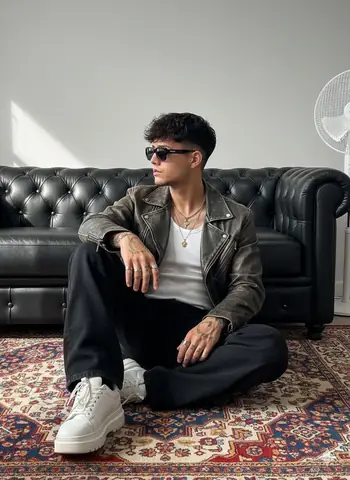
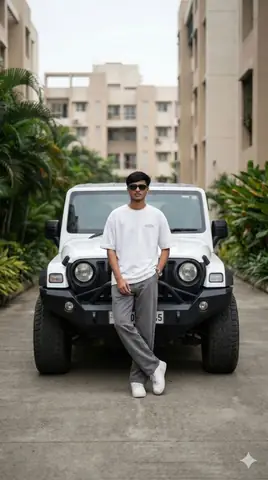
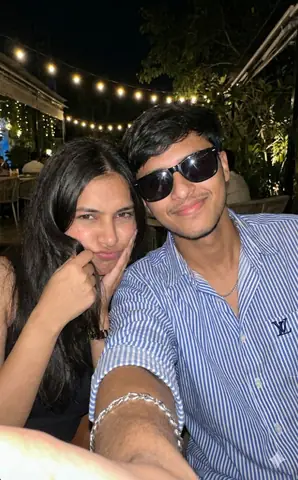
Server-rendered page

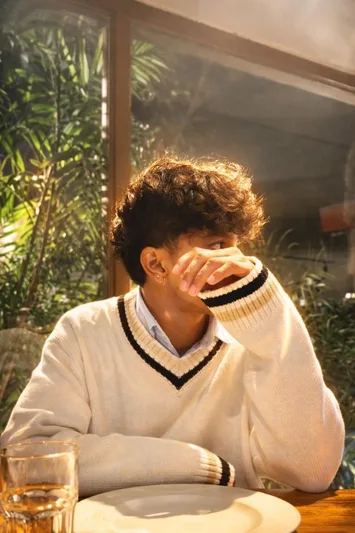
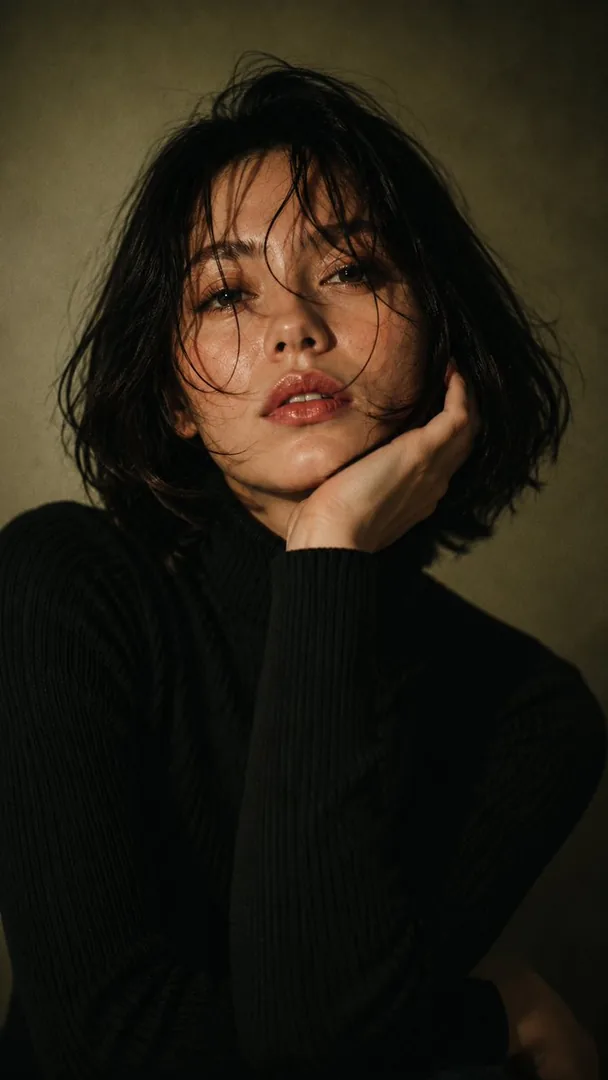
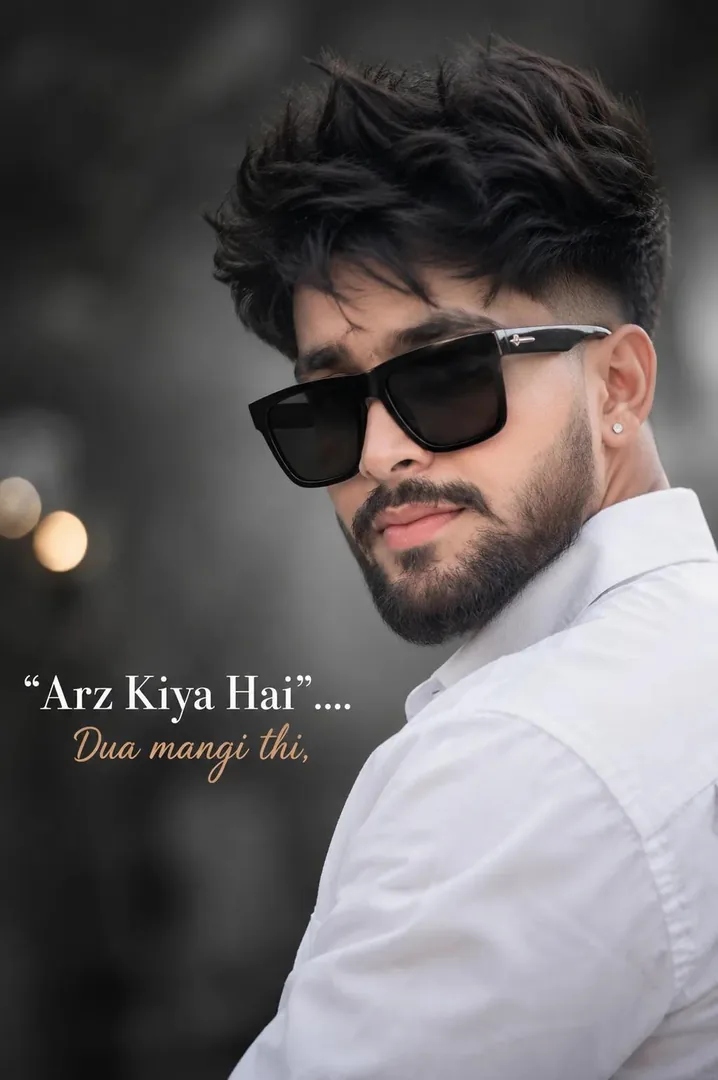
Warm Front Flash Portrait Edit Gemini Prompt Copy Paste

Copy this Gemini prompt for Warm Front Flash Portrait Edit. Use it as a ready prompt, adjust the subject, then generate a polished AI result.

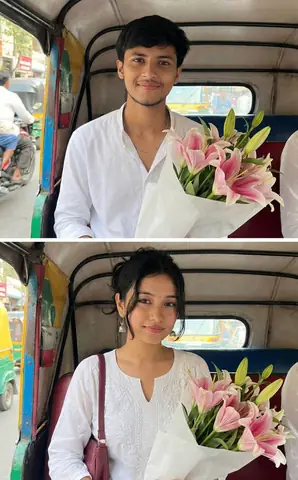
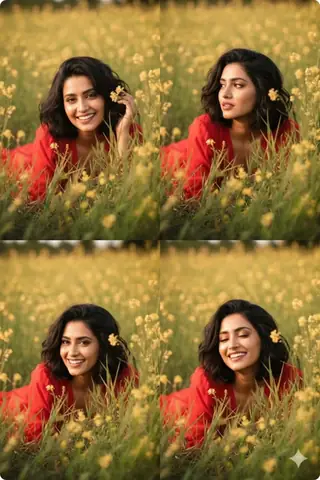
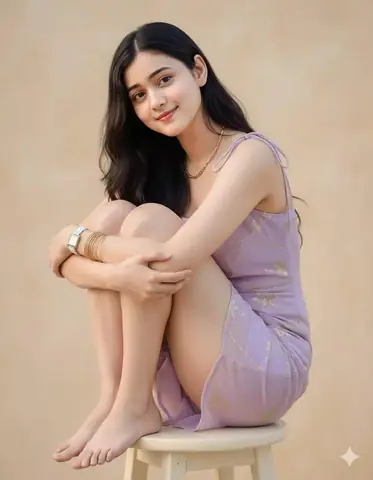
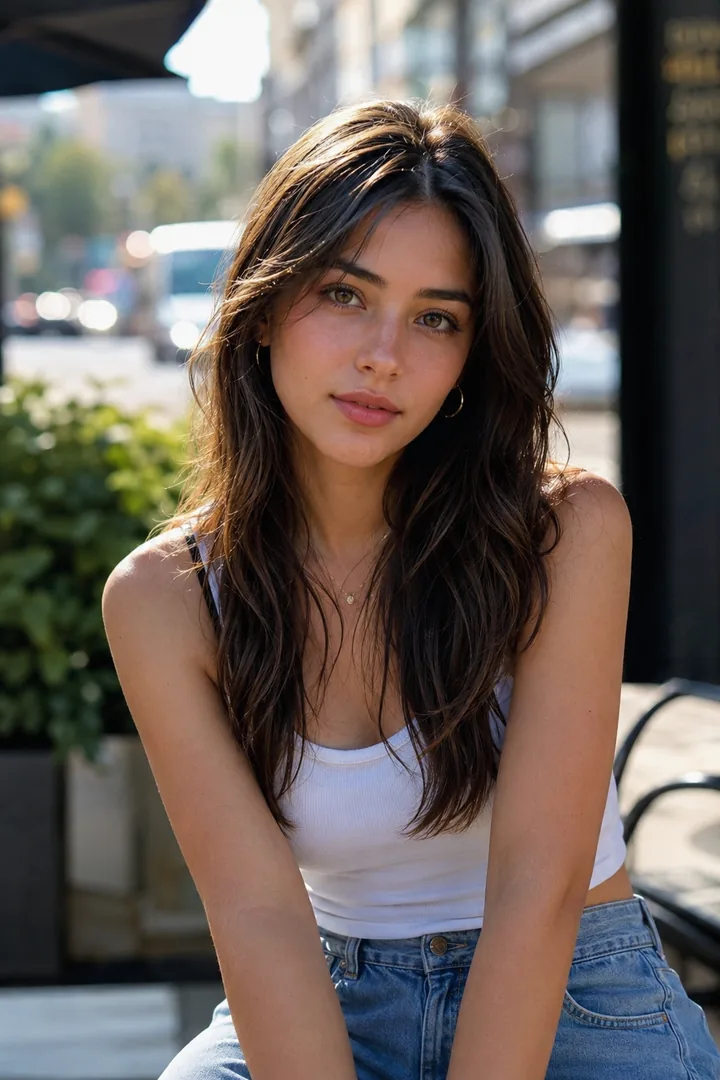
Warm Front Flash Portrait Edit - Gemini copy paste AI prompt example for portrait, hair

Warm Front Flash Portrait Edit - Gemini copy paste AI prompt example for portrait, hair

14 copies

Prompt text

shadows and background intact. Use a strong warm front flash on the face and upper body so the subject is the brightest element. Add high contrast, subtle bloom, light haze, gentle peach skin glow, soft backlit hair strands, and slight foreground depth. Face, hair, pose, and composition must remain 100% identical.

How to use this prompt

  1. Copy the prompt
  2. Open your AI tool
  3. Upload a reference photo if needed
  4. Paste the prompt
  5. Generate and save the result

How to get better results from Warm Front Flash Portrait Edit

Copy this Gemini prompt for Warm Front Flash Portrait Edit. Use it as a ready prompt, adjust the subject, then generate a polished AI result. Use it as a copy-ready starting point, then adjust the subject, scene, tone and output format for your own result.

  • Hair
  • Portrait
  • Gemini prompt testing
  • fast copy-paste workflow
  • creator ready output

Customize before generating

  • Replace the main subject, name, product or character details.
  • Adjust lighting, background, mood, camera angle or aspect ratio if the prompt is visual.
  • Change tone, audience, language and output format if the prompt is for text.
  • Keep this core idea clear: shadows and background intact. Use a strong warm front flash on the face and upper body so the subject is the brightest element. Add high contrast, subtle bloom...

Quick variations to try

  1. Make Warm Front Flash Portrait Edit more cinematic with stronger lighting and richer background detail.
  2. Turn Warm Front Flash Portrait Edit into a cleaner mobile-first version for social media posts or profile use.
  3. Create a premium version of Warm Front Flash Portrait Edit with sharper style, higher detail and a more polished final output.
Prompt quality checklist

Keep the subject, reference image, style, output format and quality constraint clear before generating. Change only the personal details, platform, language, background or tone that matter for your result.

Suggested prompt examples

  • Winter Snowflake Close-up Portrait - copy paste viral AI prompt

    Winter Snowflake Close-up Portrait

    An extreme close-up macro portrait of a young woman with striking hazel-green eyes, pale porcelain skin with freckles, and jet black hair sprinkled with fresh...

    Aesthetic / Ai Image / Beauty / Cinematic · Apr 14, 2026

  • Black Hair Boy Motorcycle - copy paste viral AI prompt

    Black Hair Boy Motorcycle

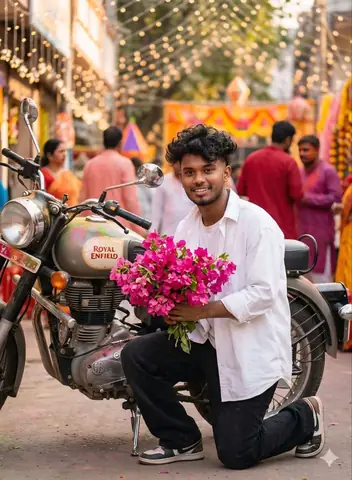
    Create a romantic portrait of a boy with messy black hair, holding pink flowers, perfect for social media posts, WhatsApp DP, and profile pictures.

    Ai Image / Boys / Dark / Fashion · 1 copies · Apr 13, 2026

  • Young Man Boat Portrait - copy paste viral AI prompt

    Young Man Boat Portrait

    A stylish young man sitting calmly on a boat with messy hair and plaid shirt.

    Ai Image / Boys / Cinematic / Fashion · 2,610 copies · Apr 14, 2026

  • Young Man Urban Portrait - copy paste viral AI prompt

    Young Man Urban Portrait

    A stylish young man sitting on rug, wearing leather jacket and sunglasses indoors.

    Ai Image / Boys / City / Dark · 3,701 copies · Apr 14, 2026

  • Lone Figure Train Portrait - copy paste viral AI prompt

    Lone Figure Train Portrait

    A lone figure lights cigarette beside open train window at night.

    Ai Image / Dark / Hair / Interior · 3,700 copies · Apr 14, 2026

  • Urban Figure Overhead Portrait - copy paste viral AI prompt

    Urban Figure Overhead Portrait

    Solitary figure stands on zebra crossing with motion blur surrounding them.

    Aesthetic / Ai Image / Cinematic / City · 3,454 copies · Apr 14, 2026

  • Young Man with Messy Dark Hair Portrait - AI copy paste AI prompt example for portrait, dark

    Young Man with Messy Dark Hair Portrait

    Copy this AI prompt for Young Man with Messy Dark Hair Portrait. Use it as a ready prompt, adjust the subject, then generate a polished AI result.

    Dark / Portrait · 46 copies · May 22, 2026

  • Male Smoker Night Portrait - copy paste viral AI prompt

    Male Smoker Night Portrait

    A male figure exhales smoke upwards with golden rim lighting at night.

    Ai Image / Boys / Cinematic / Fashion · 3,170 copies · Apr 14, 2026

  • Young Man Elevator Portrait - copy paste viral AI prompt

    Young Man Elevator Portrait

    A stylish young man in a dark elevator, checking phone with calm expression.

    Ai Image / Boys / Cinematic / Hair · 3,131 copies · Apr 14, 2026

  • Smoker Portrait Dark Background - copy paste viral AI prompt

    Smoker Portrait Dark Background

    A person smoking with vibrant green smoke surrounding their head outdoors.

    Ai Image / Cinematic / Dark / Fashion · 3,062 copies · Apr 14, 2026

  • Muscular Male Torch Portrait - copy paste viral AI prompt

    Muscular Male Torch Portrait

    A muscular male stands in dark water, holding a flaming torch under night sky.

    Ai Image / Boys / Cinematic / Fitness · 3,022 copies · Apr 14, 2026

  • Gym Portrait 3/4 Rear View - copy paste viral AI prompt

    Gym Portrait 3/4 Rear View

    A hyper-realistic cinematic gym portrait of a fitness model from 3/4 rear view with arched back looking over shoulder, wearing grey multi-strap sports bra and brown...

    Aesthetic / Ai Image / Cinematic / Editorial · 1 copies · Apr 14, 2026

Frequently asked questions about this prompt

What does Warm Front Flash Portrait Edit help create?
Copy this Gemini prompt for Warm Front Flash Portrait Edit. Use it as a ready prompt, adjust the subject, then generate a polished AI result. The page is built around Hair, Portrait, so users can copy the prompt, customize the important details and generate a more specific result.
Which AI tool should I use with Warm Front Flash Portrait Edit?
Gemini is the clearest match for this prompt. If your tool supports reference images, upload a clean image before pasting the prompt.
How do I customize Warm Front Flash Portrait Edit without breaking the result?
Keep the core intent intact and only replace the personal details that matter: subject, name, product, location, style, background, tone, language and output size. The useful core starts around: shadows and background intact. Use a strong warm front flash on the face and upper body so the subject is the brightest element. Add high contrast, subtle bloom, light haze, gentle peach...
Is this prompt good for Hair workflows?
Yes. This prompt is grouped with Hair, Portrait, which makes it useful for users looking for similar copy-paste ideas, visual styles, caption formats or creator workflows.
Why should I not remove too many details from the prompt?
AI tools respond better when the prompt keeps the subject, style, constraints and final output clear. Removing too much detail usually makes the result generic, inconsistent or harder to repeat.
What should I do if the first result is weak?
Change one thing at a time. Improve the weakest detail first, such as lighting, composition, subject description, language, aspect ratio, realism, tone or final format, then generate again.
Can I use Warm Front Flash Portrait Edit for social media or client work?
You can use it as a starting point for personal, creator or business workflows. Before publishing, check the output carefully, remove private details and make sure the generated content matches your brand or client brief.
What should I open after this prompt?
Use the suggested prompt section to explore 12 related ideas from the Viral Prompts library. Internal prompt links help you compare styles quickly without starting over.

Core prompt workflow

Choose the closest page, open one prompt, copy the text, replace only the personal details, then test one version before trying another. Image prompts work best with clear subject, lighting, camera, background and aspect ratio details. Text prompts work best with role, audience, tone, examples, limits and final output format.