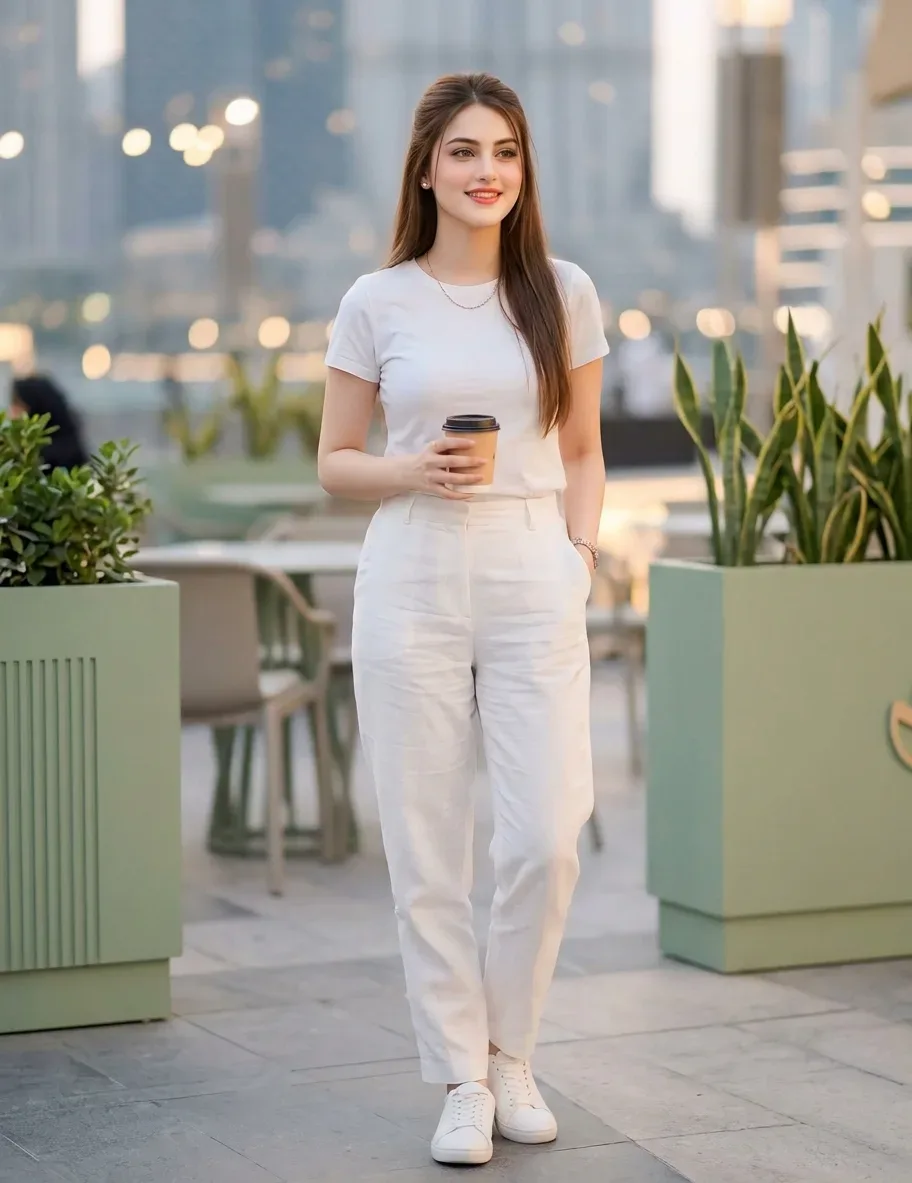
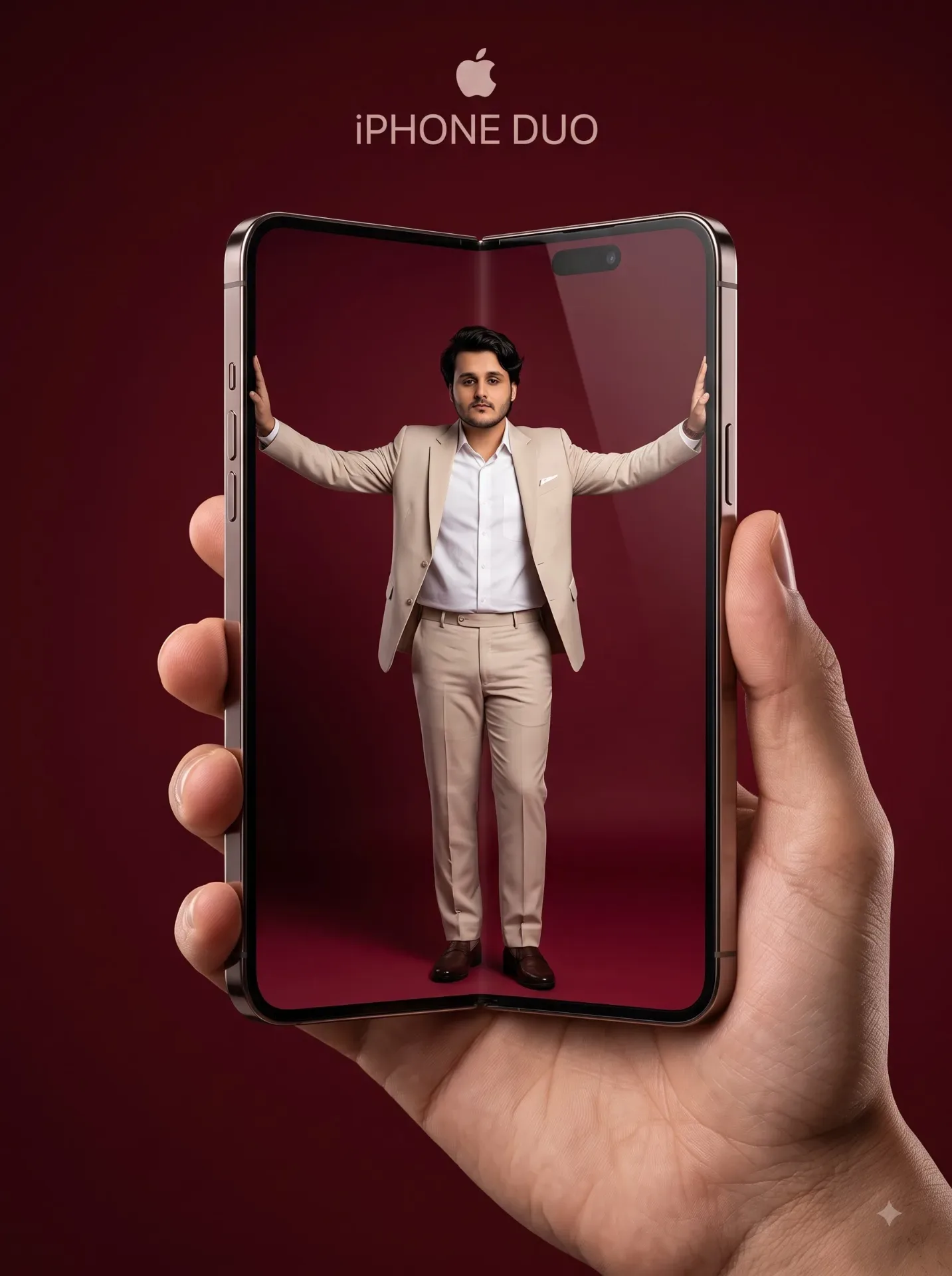
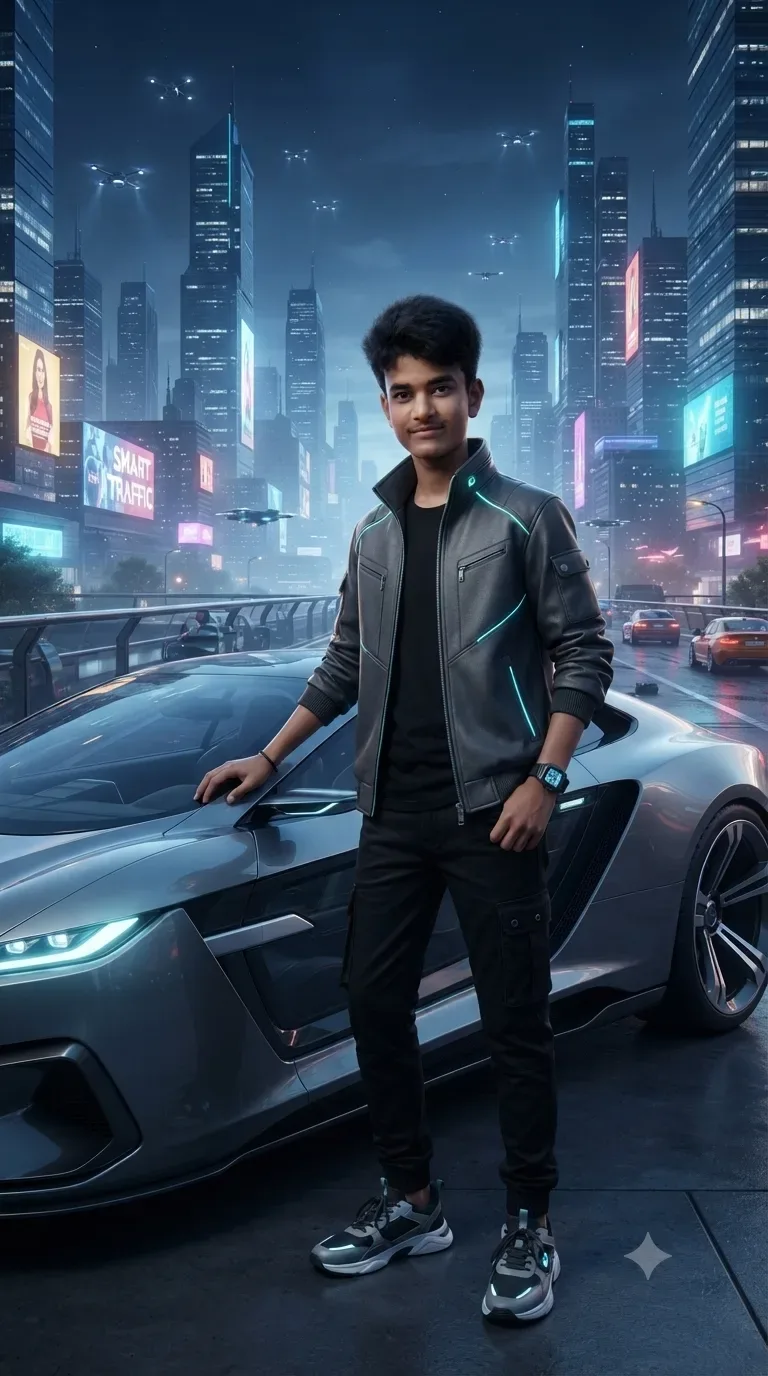
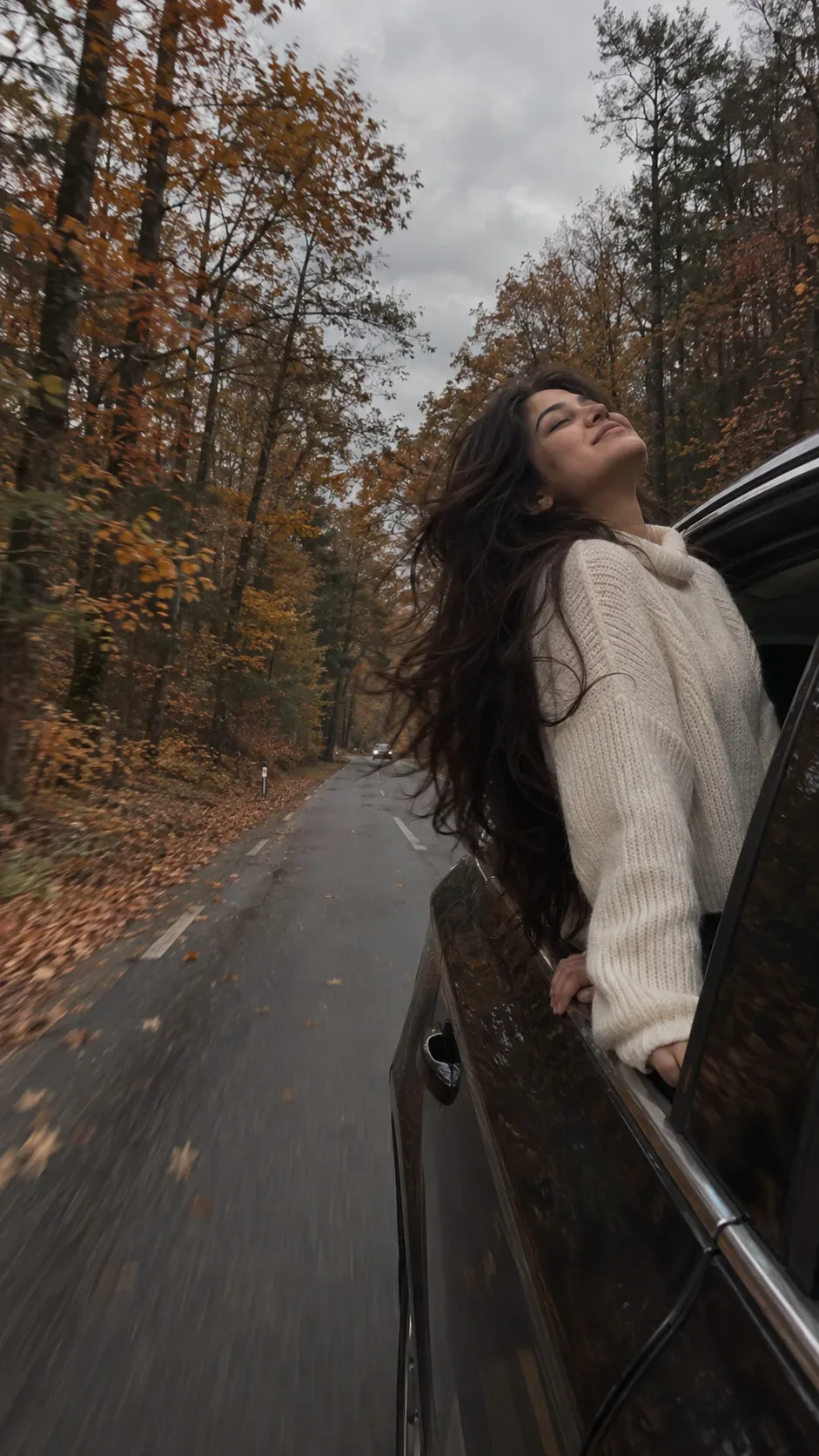
Quick Summary: This verified Google Gemini & Midjourney v6 prompt creates an authentic 90s vintage film aesthetic for The MACOS Doc Ai AI Photo Prompt with calibrated lighting, authentic texture physics, and tested 1-click copy-paste formula for instant AI generation without facial distortion.
- Photography
- Ai Image
- Trending
- Photography
- Ai Image
- Trending
- Viral Prompt
- Gemini Ai
- Bing Image Creator
- Copy Paste
About This Prompt
Use this prompt to generate a The MACOS Doc Ai AI Photo Prompt — a high-quality, photorealistic image with balanced lighting, sharp focus, and intricate details suitable for social media sharing and digital content creation.
For the best results, use this with Google Gemini. Simply copy the prompt text below and paste it into the generator. You can easily customize specific keywords like colors, backgrounds, or subjects to make the final output uniquely yours.
What You'll Get
- 🎨 Style: Photography
- ✨ Mood: Photography
- 📱 Best For: Ai Image
- 🤖 Works With: Google Gemini
- 🔥 Popularity: Copied 2 times
- 📅 Added: Sep 14, 2026
The MACOS Doc Ai AI Photo Prompt - Copy Paste AI Prompt
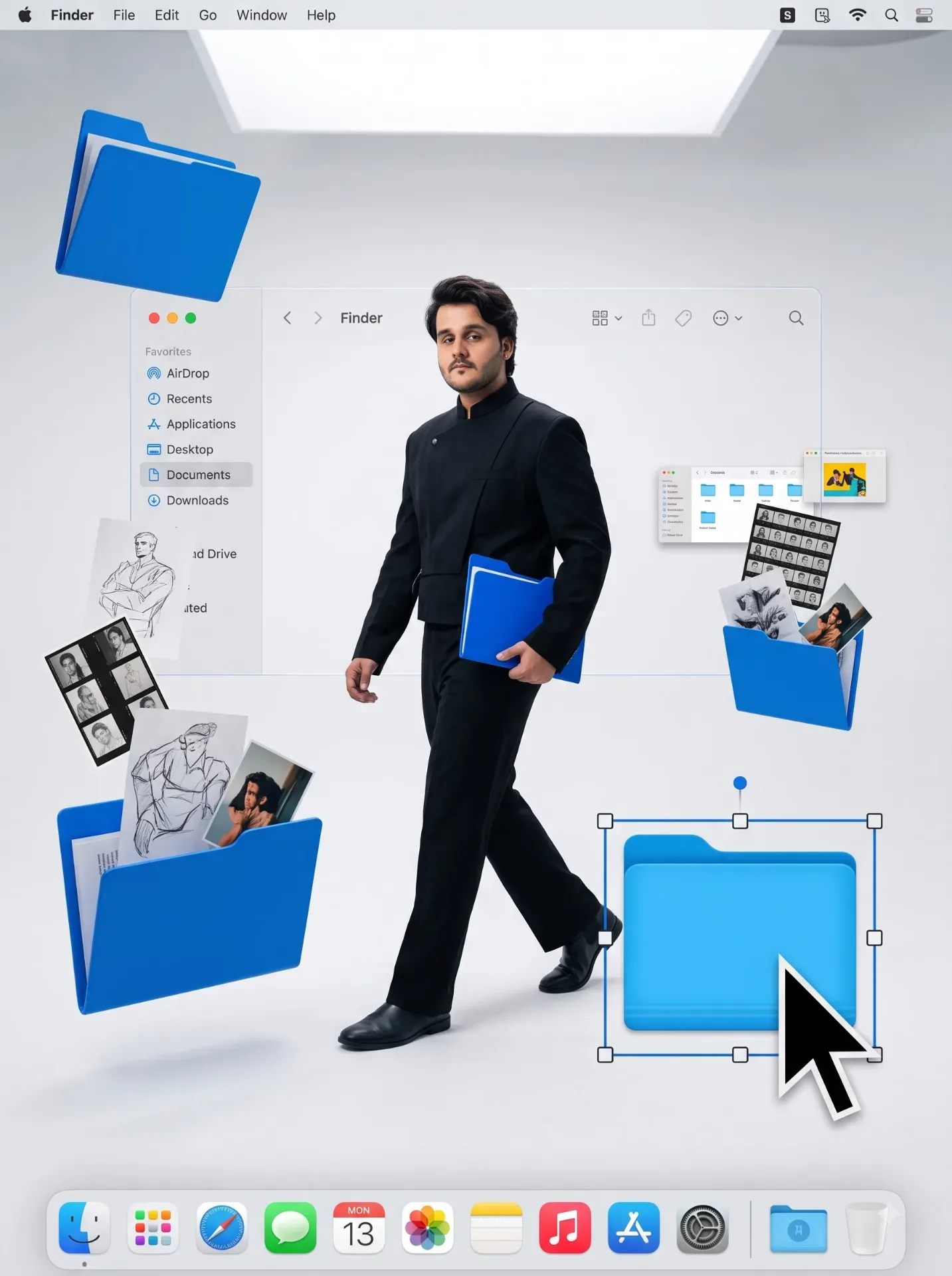
Surreal high-fashion full-body portrait of me walking through a vast seamless white studio transformed into a three-dimensional MACOS Finder environment, preserving my facial identity from the provided character reference. Giant electric-blue desktop folders float through the space at different distances like minimalist sculptures, some closed, others opening in mid-air and releasing physical fragments of my creative life: contact sheets, sketches, photographs, typography sheets, color palettes, miniature prototypes windows of translucent image previews, tiny positioned slightly off-center, caught midstride, confidently passing through this digital archive while holding one small blue folder in one hand. A large floating Finder window frames me from behind like an architectural portal, with elegant sidebar geometry and subtle translucent glass material. One oversized cursor in the foreground is dragging a selected project folder, complete with elegant selection outline and tiny resize handles. The MACOS dock appears far below as a glossy floating platform integrated into the floor visible, Sophisticated editorial styling, structured dark outfit with metallic accessories, clean silhouette. Bright diffused daylight style studio illumination, soft contact shadows beneath floating objects, white, silver, graphite and signature blue palette with tiny red and yellow UI accents. Dreamlike but believable, playful visual metaphor for memory, ambition and creative organization, premium conceptual advertising, contemporary digital surrealism, clean Apple-inspired aesthetic, no literal computer screen. Shot with Phase One XF 104, 45mm lens, f/4, crisp central subject, great depth of field on foreground elements, physically accurate reflections and translucent glass, editorial sharpness, subtle film grain, ultra-realistic, 8K.

Optical Identity & Likeness Preservation: Maintain 100% exact facial identity, bone structure, jawline contours, and natural skin undertone of reference photo without alteration or distortion.Explore Related Collections
Explore Photography Prompts — Browse our curated collection of Photography prompts tailored for creators. View all Photography prompts →
Explore Ai Image Prompts — Discover more viral Ai Image ideas for your next AI generation. View all Ai Image prompts →
Explore Trending Prompts — Explore our extensive library of Trending templates ready to copy and paste. View all Trending prompts →
Frequently asked questions
- How do I use the The MACOS Doc Ai AI Photo Prompt prompt?
- To use this prompt, simply click the "Copy Prompt" button above. Then, open Google Gemini, paste the copied text into the prompt box, and hit generate. You can instantly generate high-quality images without needing any reference photos.
- What is this prompt best used for?
- This specific prompt is highly optimized for creating engaging social media content and digital art. The formula is structured to produce high-contrast, visually appealing results that perform well on visual platforms.
- Can I customize the details of this prompt?
- Yes! While the core structure of the prompt is optimized for Google Gemini, you can easily customize the details. We recommend changing specific keywords like clothing colors, background locations, or the overall mood (e.g., changing "sunny" to "rainy" or "neon") to match your exact vision.