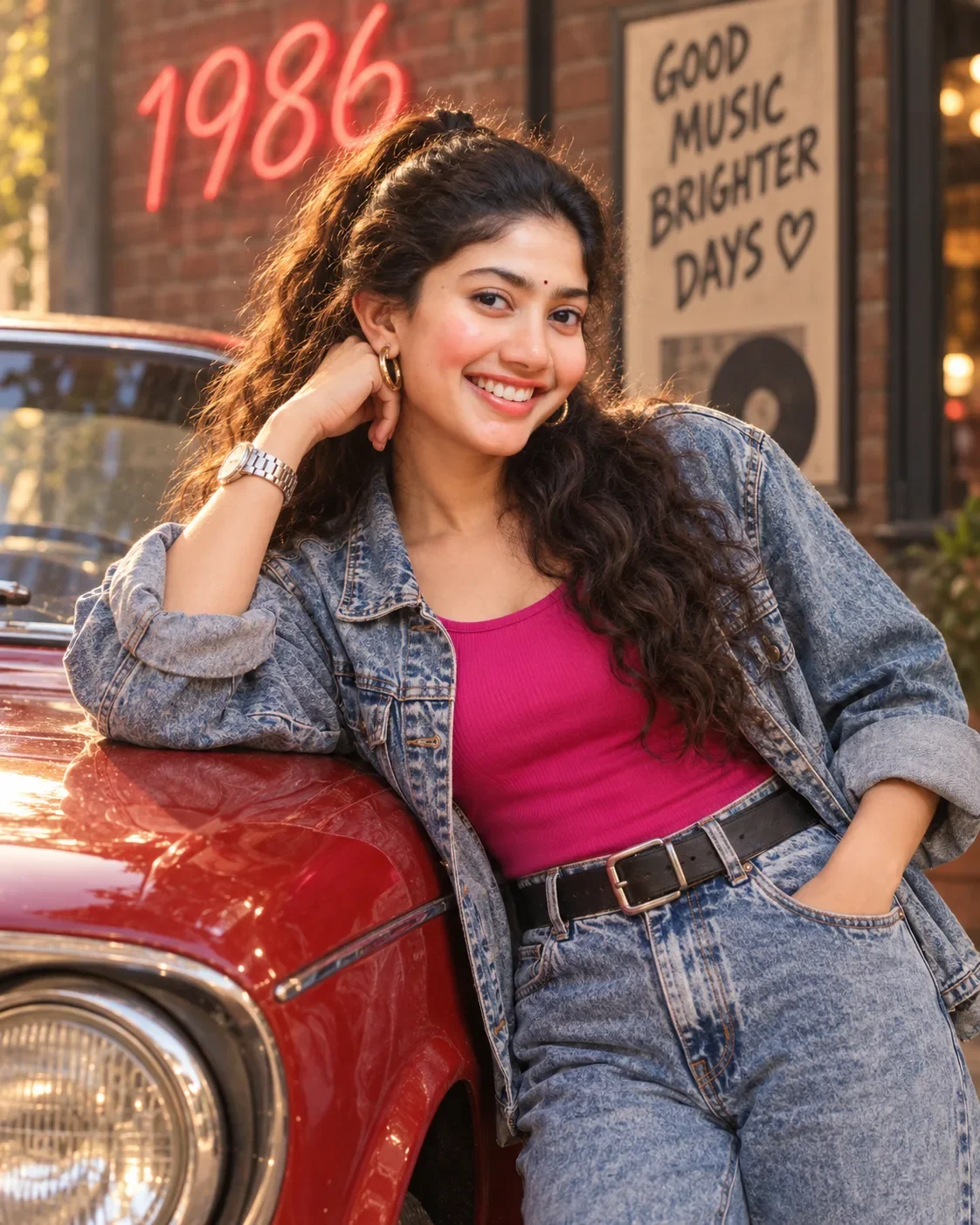
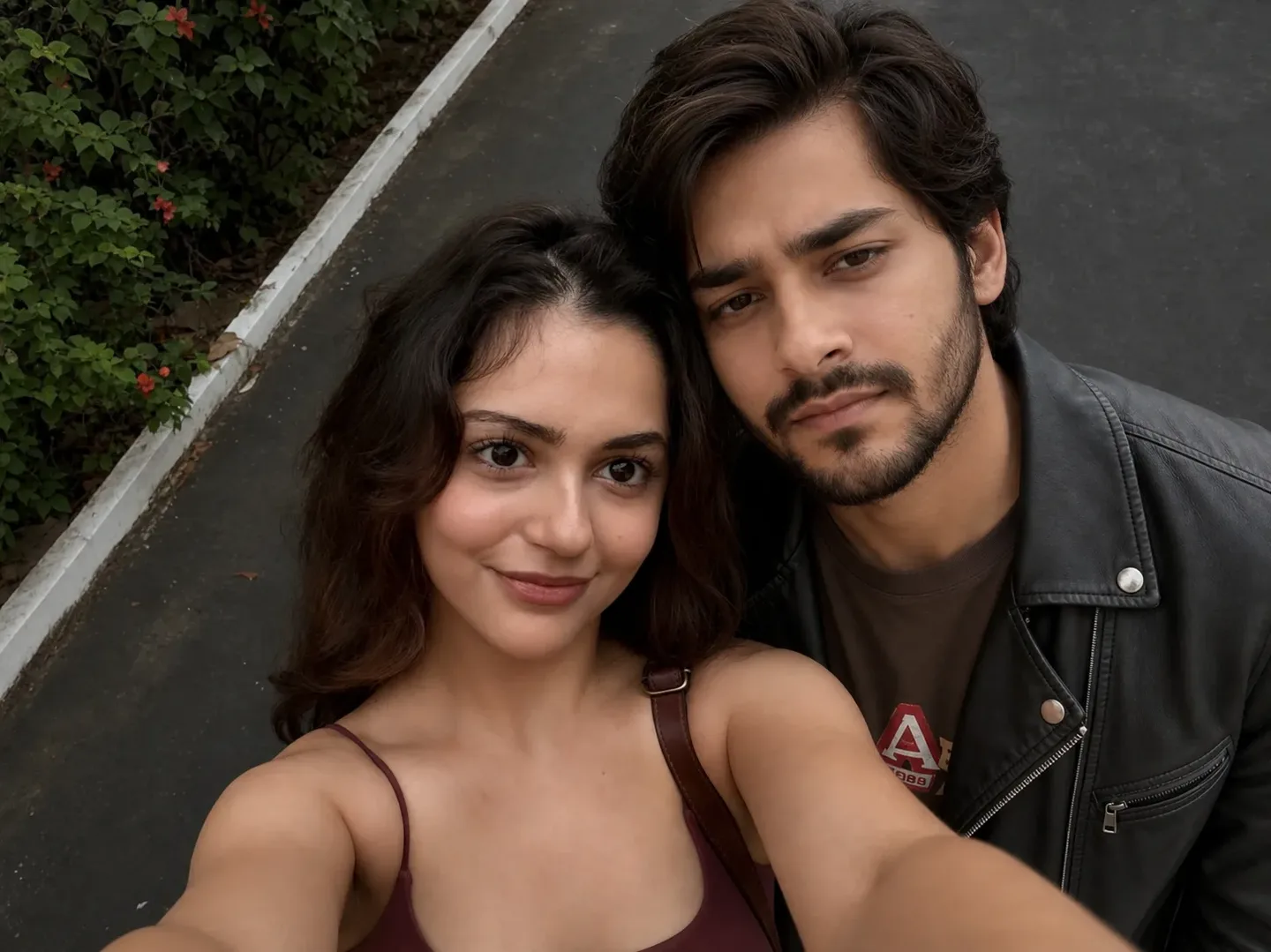
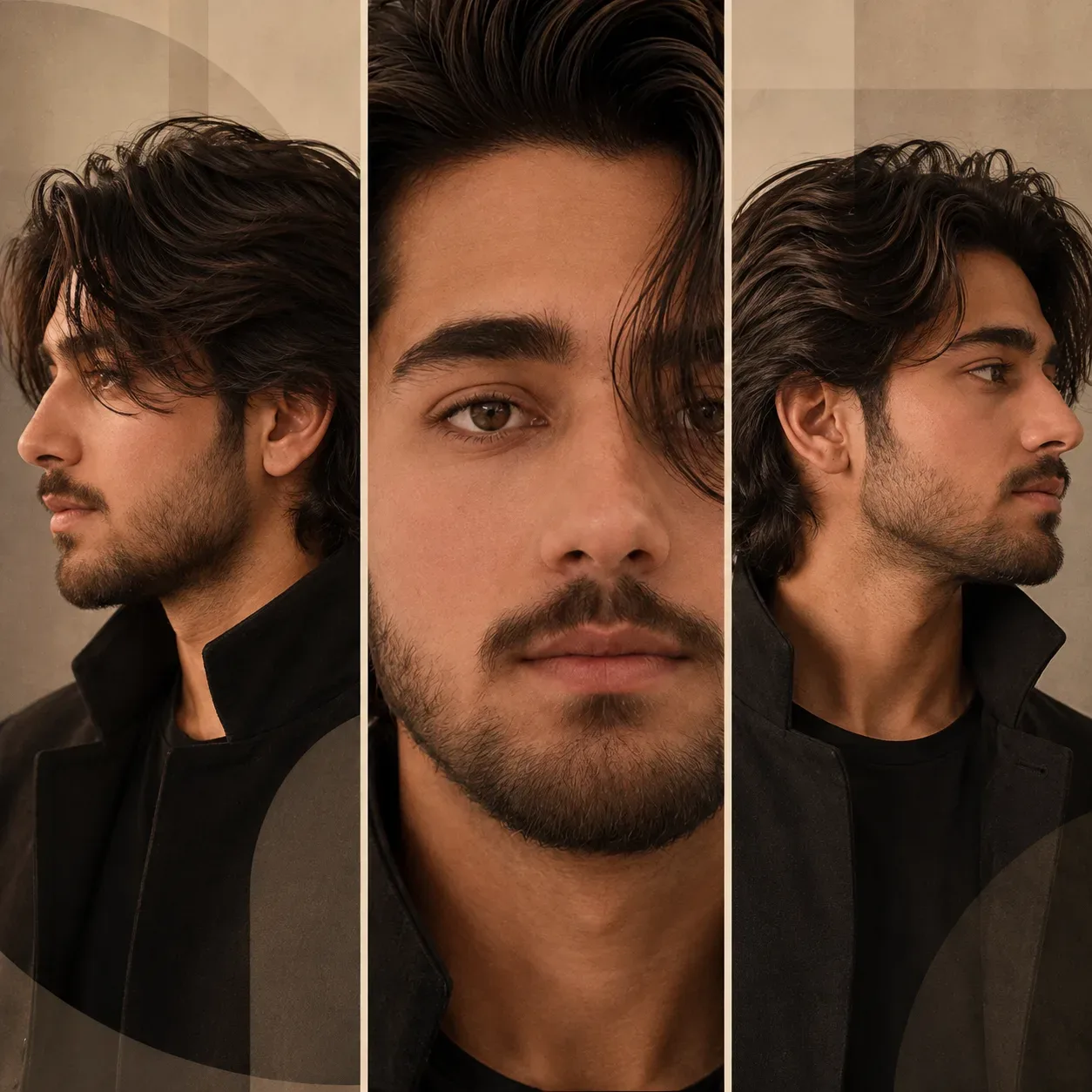
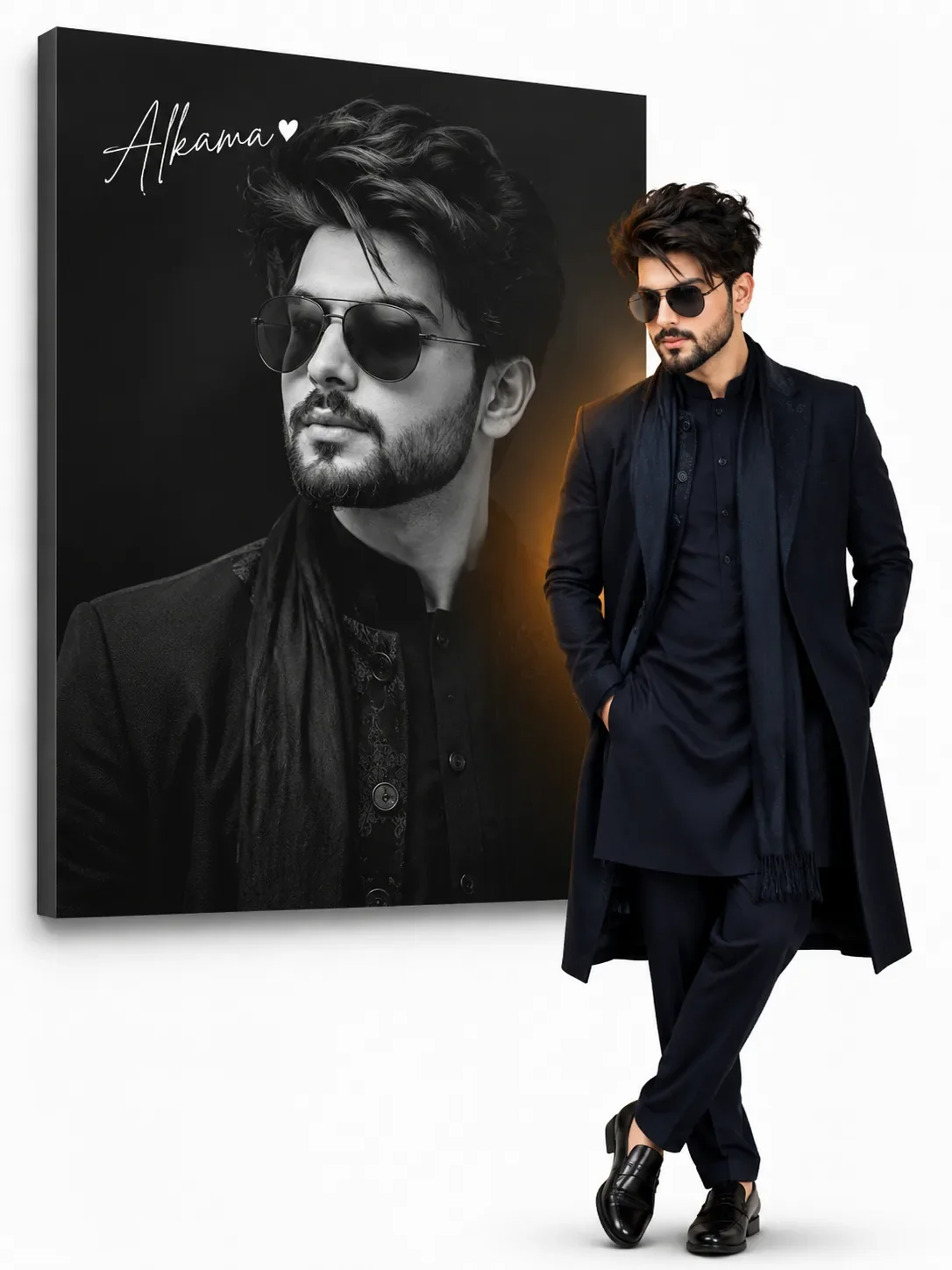
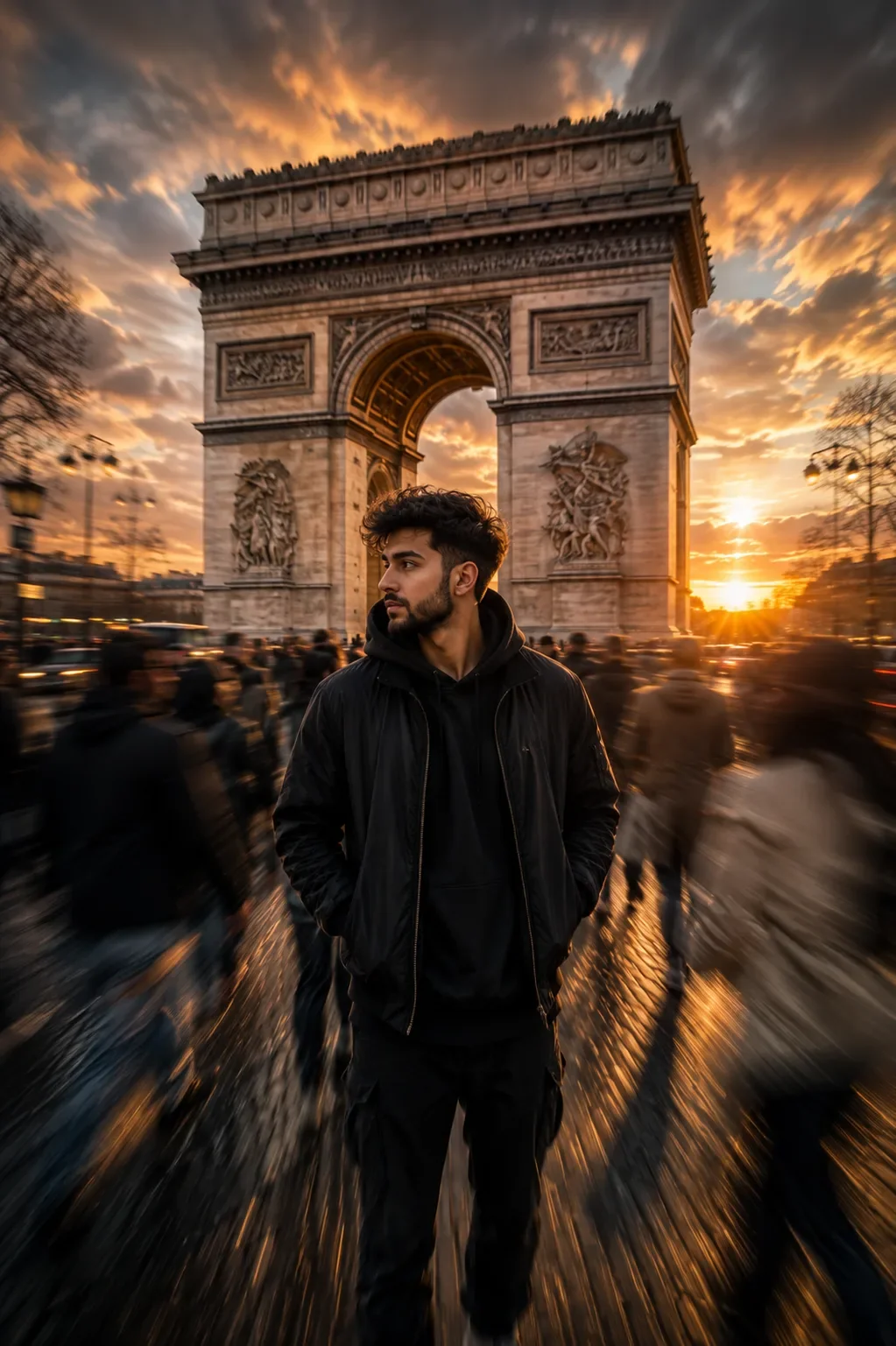
Quick Summary: This verified Midjourney v6.1 & Google Gemini Pro prompt creates an high-end Vogue editorial photoshoot aesthetic for Naahtm Realistic Aesthetic Concept AI Photo Prompt with calibrated lighting, authentic texture physics, and tested 1-click copy-paste formula for instant AI generation without facial distortion.
About This Prompt
Use this prompt to generate a Naahtm Realistic Aesthetic Concept AI Photo Prompt — a high-quality, photorealistic image with balanced lighting, sharp focus, and intricate details suitable for social media sharing and digital content creation.
This prompt works best with your AI generator. Simply copy the prompt text below and paste it into the generator. You can easily customize specific keywords like colors, backgrounds, or subjects to make the final output uniquely yours.
What You'll Get
- 🎨 Style: Ai Image
- ✨ Mood: Meigen
- 📱 Best For: Trending
- 🤖 Works With: your AI generator
- 🔥 Popularity: Copied 54 times
- 📅 Added: Sep 14, 2026
Naahtm Realistic Aesthetic Concept AI Photo Prompt - Copy Paste AI Prompt
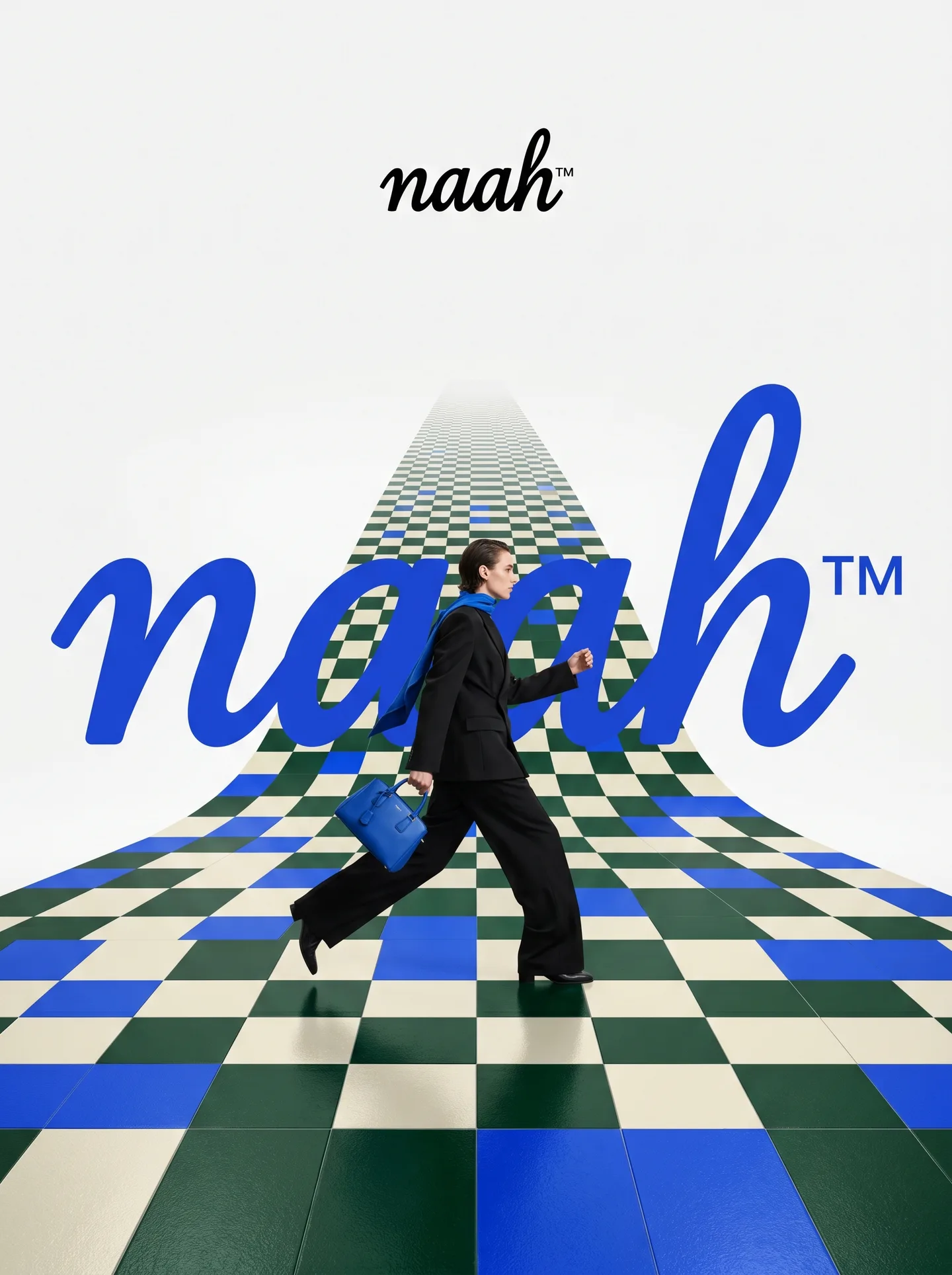
naah™️. Act as a Fashion Photographer and Graphic Designer specializing in luxury brand campaign visuals with integrated typography and surreal spatial design.

PHASE 1: SPATIAL CONCEPT

Create a high-fashion editorial image where architecture and graphic design merge into a theatrical stage. The foundation is a bold geometric floor pattern that extends into forced perspective, creating infinite depth and visual drama. This is not a neutral backdrop – the floor is a protagonist that amplifies brand identity through pattern, color, and spatial illusion.

PHASE 2: CHECKERBOARD ARCHITECTURE

- Surface: Checkerboard/geometric tile pattern rendered in brand-relevant colors

- Perspective: Aggressive forced perspective starting from bottom foreground and receding toward horizon (vanishing point at upper third of frame)

- Pattern Logic: Autonomously determine pattern based on naah™️:

- Color Palette: Incorporate 2-3 signature colors of naah™️ into floor pattern while maintaining readability

- Texture: Photorealistic rendering with subtle reflections and shadows for depth

PHASE 3: MODEL & STYLING

- Subject: One fashion model (gender-fluid casting) captured mid-motion – dynamic pose suggesting walking, running, or dancing

- Outfit: Elevated monochrome look (black, white, or brand-neutral tone) to let floor pattern and typography dominate. Include 1-2 key accessories in naah™️'s signature color as hero product focal points

- Pose Energy: 70% movement, 30% control – fashion-forward but grounded (avoid floating/unnatural levitation)

- Placement: Model positioned in lower-mid frame, interacting spatially with both floor perspective and typography layer

- Camera Angle: Low-to-mid angle (waist-to-full body shot) to emphasize floor perspective drama

PHASE 4: TYPOGRAPHY INTEGRATION

- Brand Script: Oversized handwritten/script version of naah™️ rendered as flat graphic element behind or around the model

- Scale: Typography should be 40-60% of frame width – bold and unmissable but not crushing the model

- Color: Signature brand color (autonomously selected), solid fill with clean edges

- Interaction: Typography appears to "sit" in the space – model may partially overlap letters, creating layering hierarchy

- Logo Lockup: Clean, small brand logo centered in upper portion of frame (10-15% of width) in black or brand color

- Treatment: Pure vector aesthetic – no gradients, no shadows, no dimensional effects. Flat color only.

PHASE 5: COLOR ORCHESTRATION (AUTONOMOUS)

Autonomously research and apply naah™️'s iconic color system:

- Primary: Identify 1-2 hero brand colors (e.g., Gucci → forest green + red, Tiffany → robin egg blue)

- Application: Use primary colors in floor pattern AND typography for visual cohesion

- Balance: 60% white/neutral space, 30% brand color saturation, 10% black for anchoring

- Accent: Hero product (bag, shoes, accessory) should echo brand color for strategic eye-pull

PHASE 6: LIGHTING & ATMOSPHERE

- Lighting Setup: High-key fashion lighting with soft shadows – think editorial studio quality

- Key Light: 45° front-left to sculpt model, creating gentle shadows on checkerboard

- Fill: Ambient fill to prevent harsh contrast while maintaining drama

- Floor Treatment: Subtle specular highlights on floor tiles for luxury sheen (not glossy/mirror-like)

- Background: Pure white or subtle gradient to white at horizon line – maintains clean editorial feel

PHASE 7: TECHNICAL EXECUTION

- Mood: Playful luxury – sophisticated but not stiff, energetic but refined

- Composition Rule: Dynamic diagonal lines (floor perspective) + vertical anchor (model) + horizontal balance (typography)

- Depth Layers: Background (white) → Typography (mid-ground) → Model (foreground) → Floor pattern (spanning all depths)

- Post-Production: Magazine-cover polish with color grading that enhances brand palette

TECHNICAL SPECS:

- Camera Simulation: Phase One XF IQ4 150MP, 80mm lens, f/5.6 for controlled depth

- Aspect Ratio: 4:5 (Instagram editorial) or 3:4 (print campaign)

- Resolution: 8K output, print-ready sharpness

- Color Space: sRGB with vibrant saturation for digital, slight desaturation for luxury print feel

- Style Reference: Gucci campaigns by Glen Luchford, Prada visuals, Highsnobiety x luxury collabs, Vogue Italia editorials

- Rendering: Photorealistic model and floor, graphic-design-quality typography (hybrid aesthetic)

Note: Strictly retain 100% exact facial likeness, natural cheekbone contours, true skin undertone, and authentic gaze from source image without generic face replacement.Explore Related Collections
Explore Ai Image Prompts — Browse our curated collection of Ai Image prompts tailored for creators. View all Ai Image prompts →
Explore Trending Prompts — Discover more viral Trending ideas for your next AI generation. View all Trending prompts →
Frequently asked questions
- How do I use the Naahtm Realistic Aesthetic Concept AI Photo Prompt prompt?
- To use this prompt, simply click the "Copy Prompt" button above. Then, open your AI generator, paste the copied text into the prompt box, and hit generate. You can instantly generate high-quality images without needing any reference photos.
- What is this prompt best used for?
- This specific prompt is highly optimized for creating engaging social media content and digital art. The formula is structured to produce high-contrast, visually appealing results that perform well on visual platforms.
- Can I customize the details of this prompt?
- Yes! While the core structure of the prompt is optimized for your AI generator, you can easily customize the details. We recommend changing specific keywords like clothing colors, background locations, or the overall mood (e.g., changing "sunny" to "rainy" or "neon") to match your exact vision.