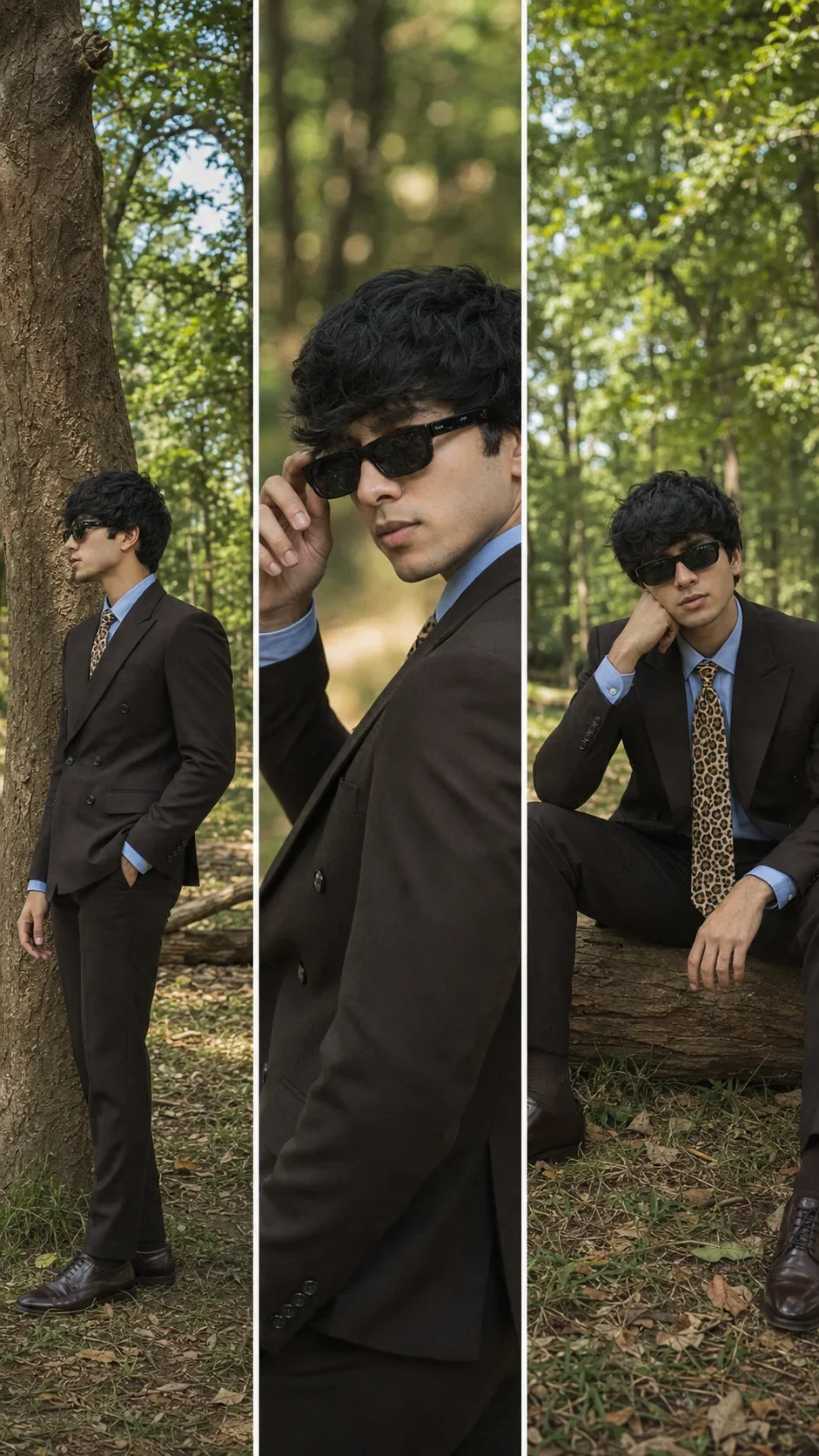
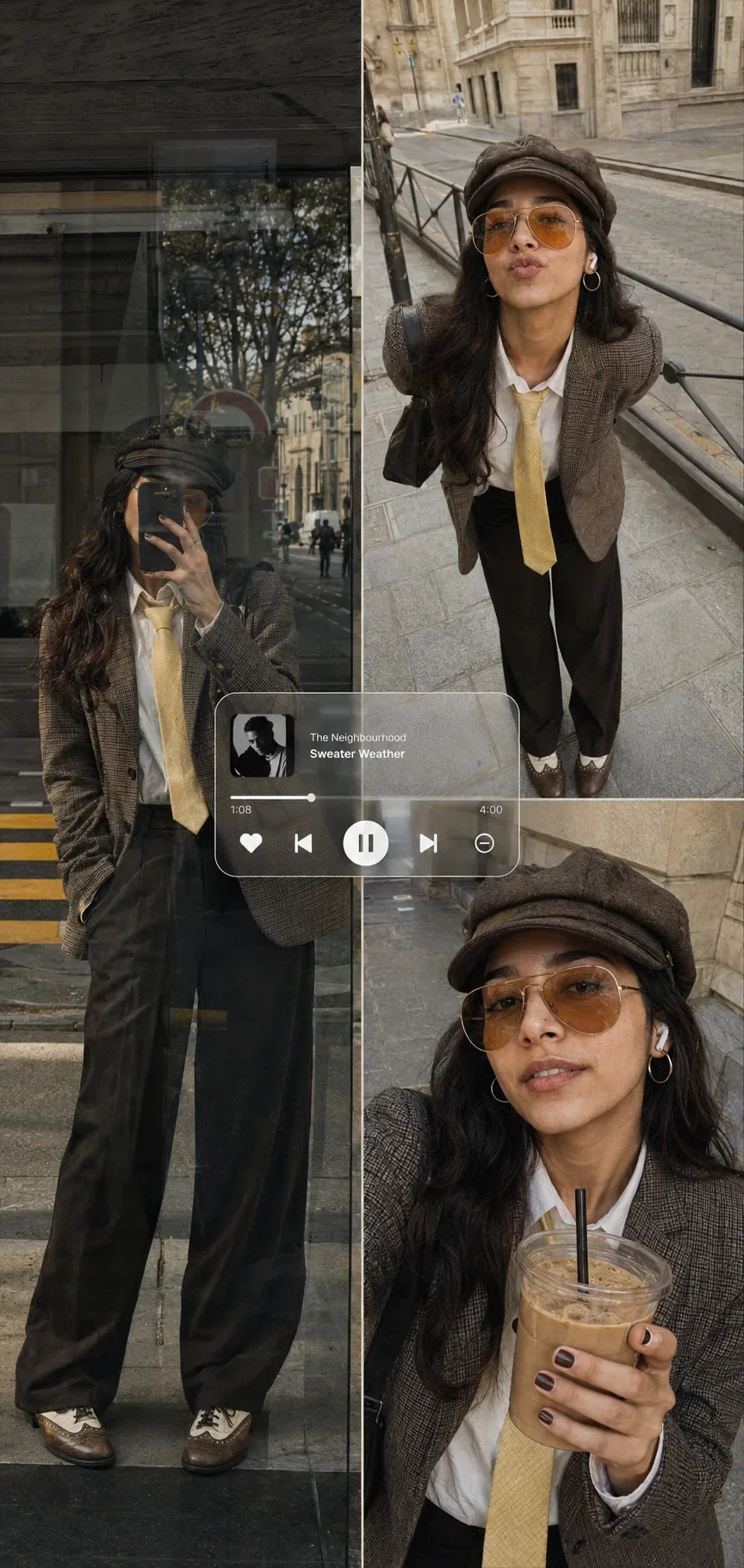
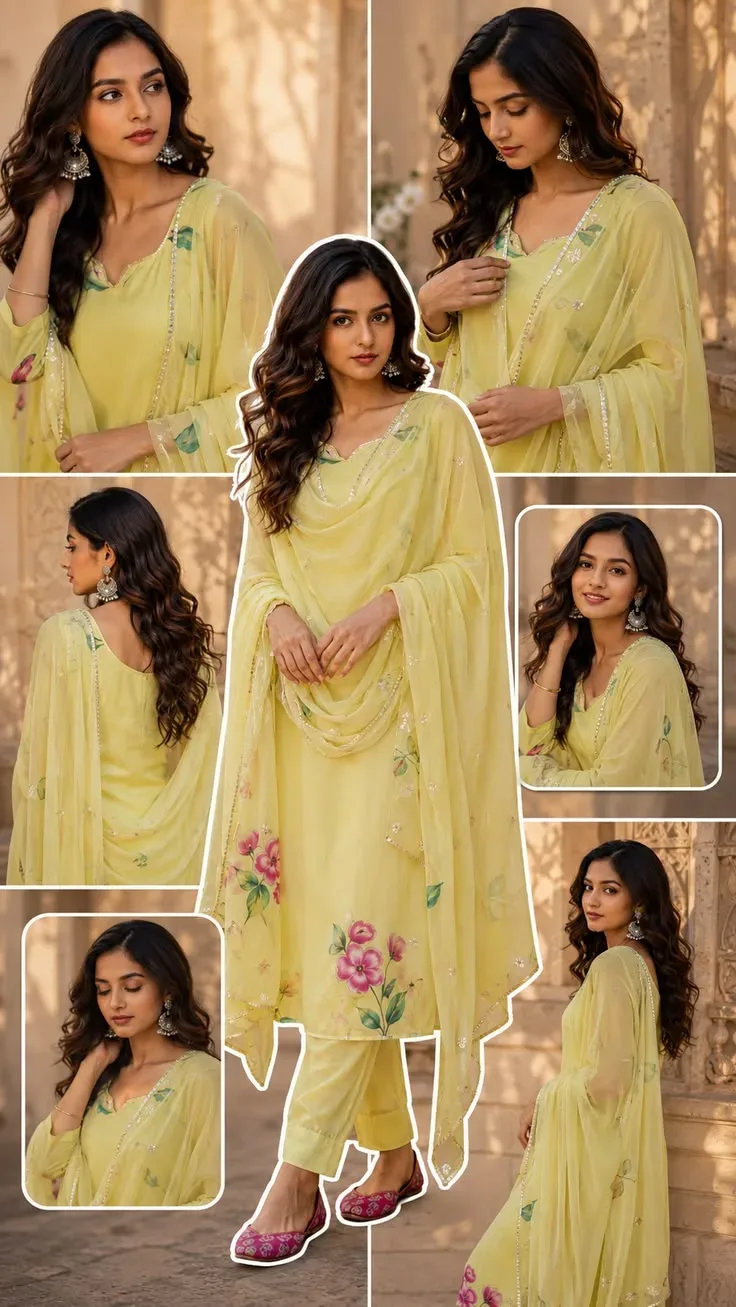
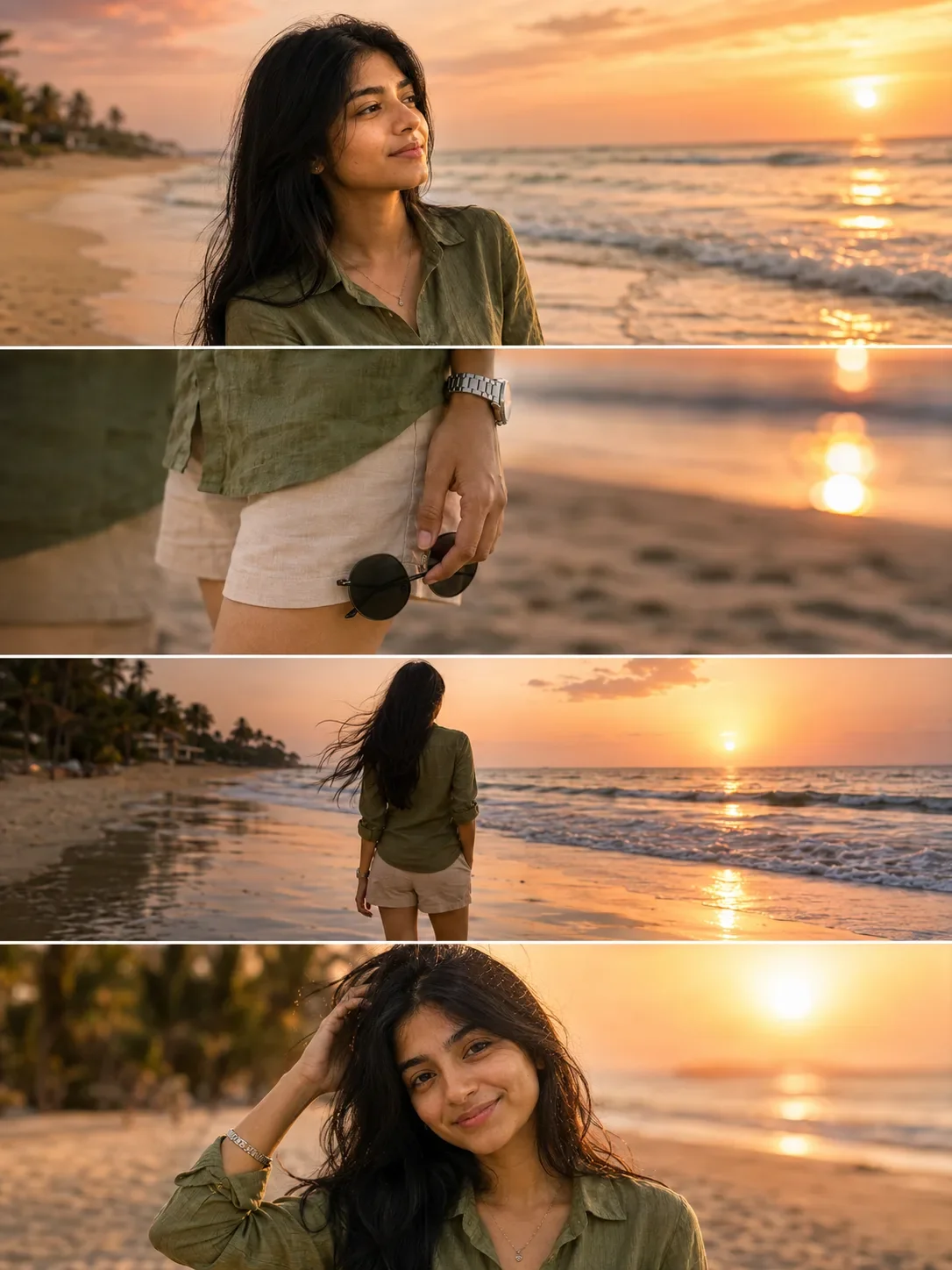
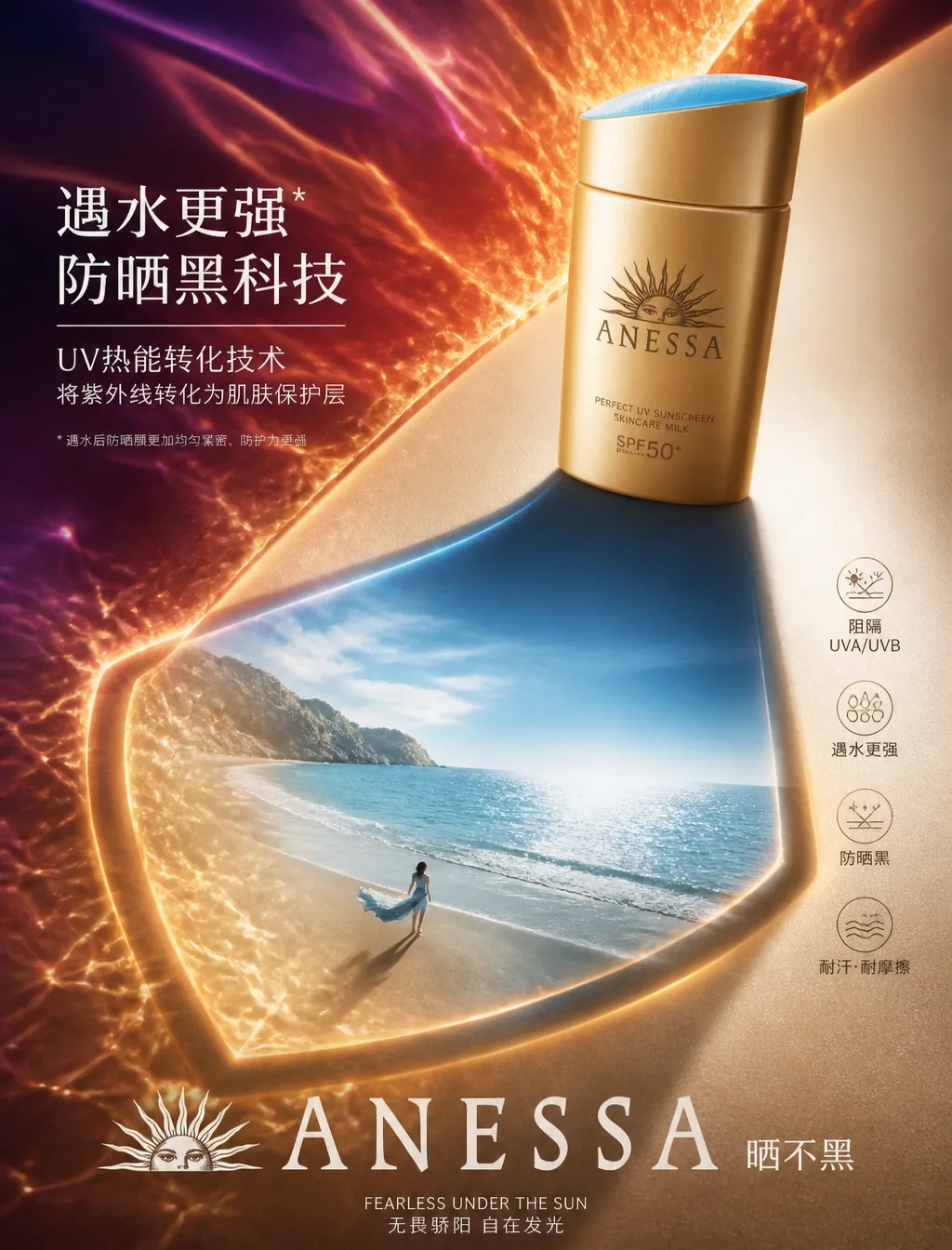
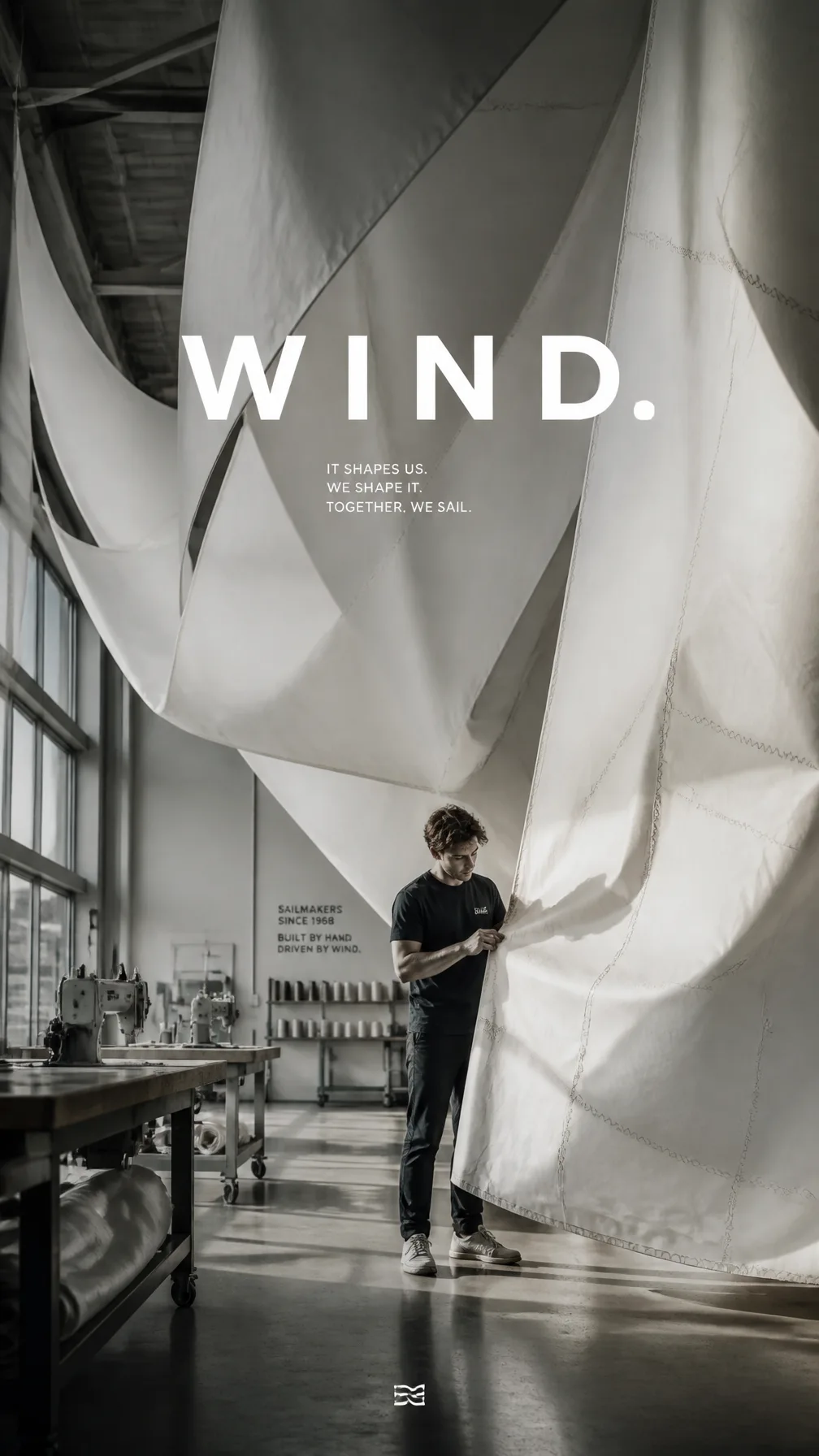
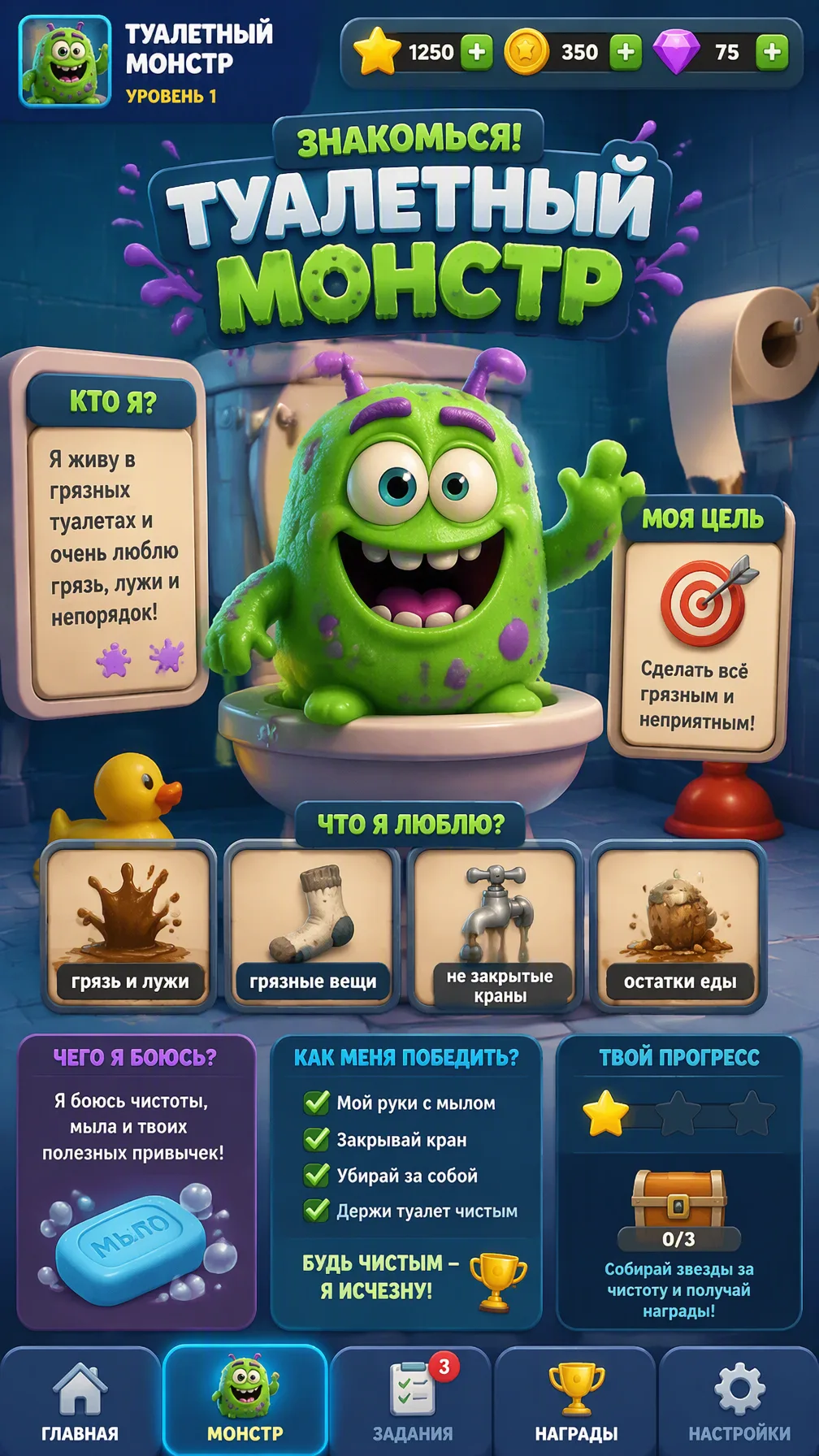
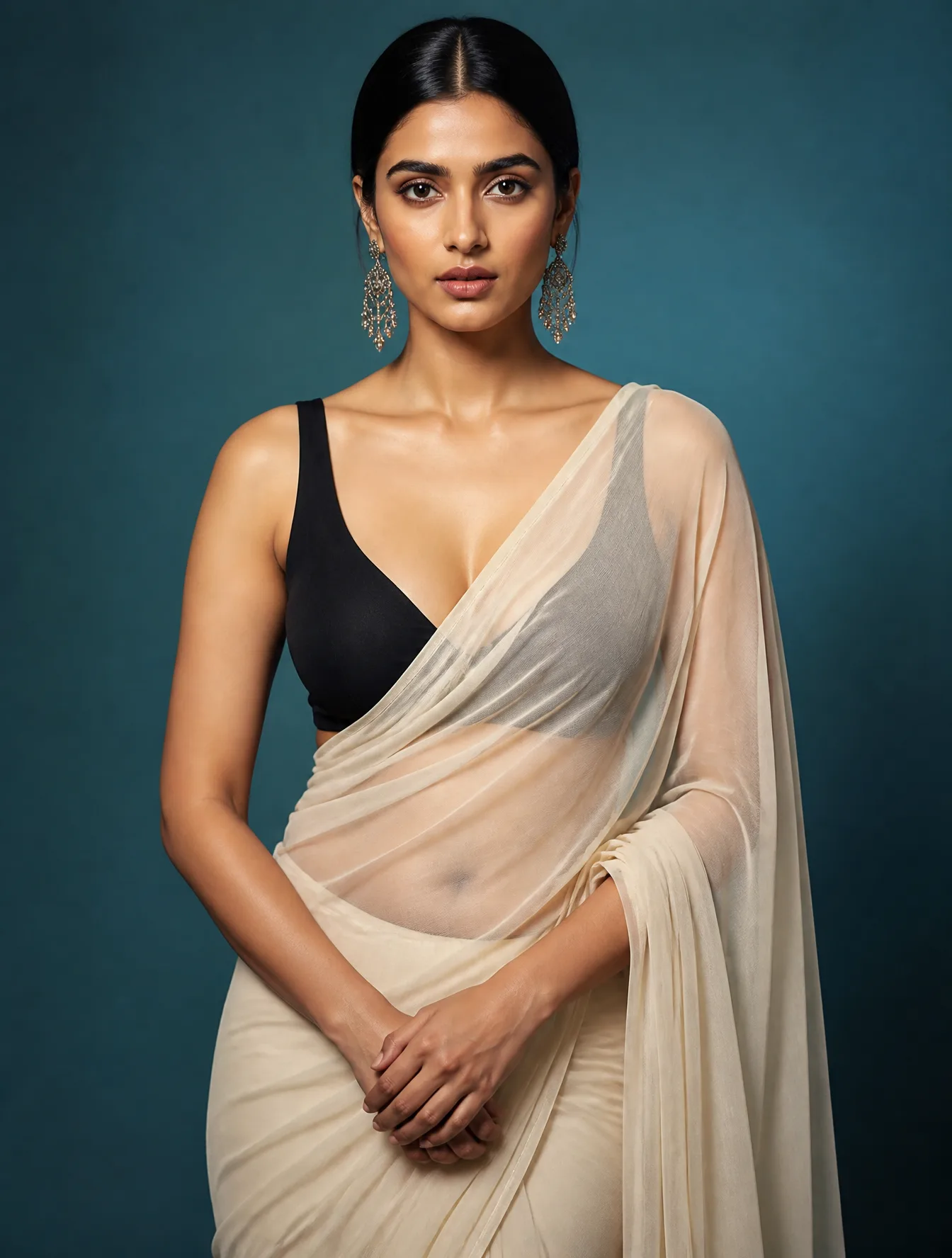
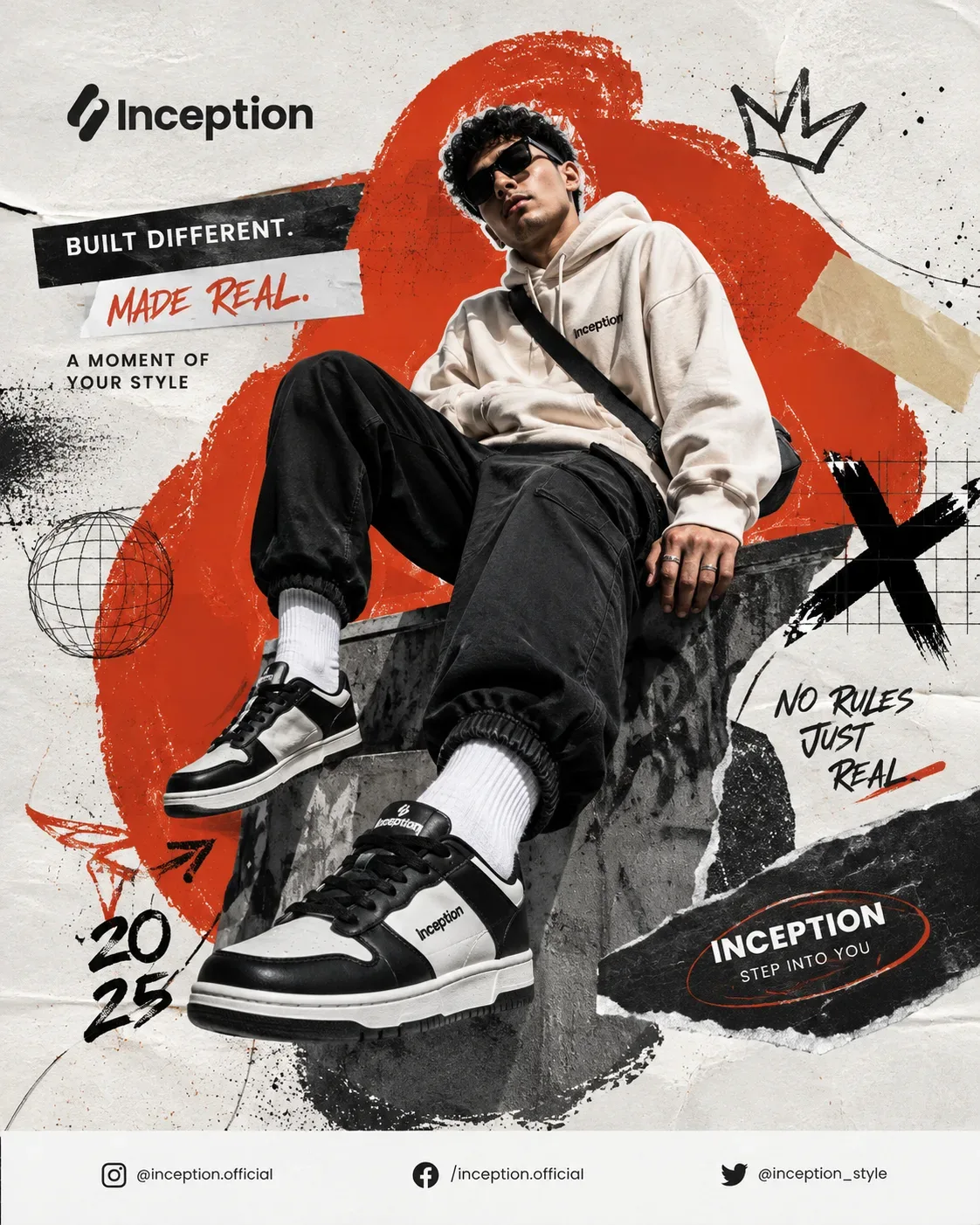
Quick Summary: This verified Google Gemini & Midjourney v6 prompt creates an authentic 90s vintage film aesthetic for FAYMAS Streetwear Digital Collage Bold Gen Z Fashion Campaign AI Photo Prompt with calibrated lighting, authentic texture physics, and tested 1-click copy-paste formula for instant AI generation without facial distortion.
- Aesthetic
- Ai Image
- Collage
- Editorial
- Fashion
- Poster Design
- Trending
- Poster Design
- Collage
- Editorial
- Fashion
- Aesthetic
- Ai Image
- Trending
- Viral Prompt
- Gemini Ai
- Bing Image Creator
- Copy Paste
About This Prompt
This AI prompt generates a FAYMAS Streetwear Digital Collage Bold Gen Z Fashion Campaign AI Photo Prompt — a high-quality, photorealistic image with balanced lighting, sharp focus, and intricate details suitable for social media sharing and digital content creation.
For the best results, use this with Google Gemini. Simply copy the prompt text below and paste it into the generator. You can easily customize specific keywords like colors, backgrounds, or subjects to make the final output uniquely yours.
FAYMAS Streetwear Digital Collage Bold Gen Z Fashion Campaign AI Photo Prompt - Copy Paste AI Prompt
[BRAND NAME = FAYMAS.
Act as a Social Media Art Director and Digital Collage Artist specializing in bold, youth-oriented brand content for Instagram and digital campaigns. PHASE 1: CONCEPTUAL FRAMEWORK Create a dynamic digital collage that merges fashion photography with graphic design chaos. This is controlled rebellion – a composition that feels spontaneous and energetic while maintaining brand coherence. The aesthetic is anti-polished: torn edges, layered textures, hand-drawn elements, and bold color blocking that screams confidence and movement. PHASE 2: MODEL & PHOTOGRAPHY - Subject: One model (diverse casting, age 18-30) in a dynamic, confident pose - Pose Energy: 80% attitude, 20% natural – sitting, jumping, mid-motion, or power stance (avoid static standing) - Outfit: Street style/athleisure that aligns with Inception aesthetic – casual but styled - Hero Product: Feature 1 signature Inception product prominently (sneakers, bag, apparel) – this is the visual anchor - Photography Style: Editorial fashion cutout – model extracted from background with clean edges - Camera Angle: Slight low angle to empower subject (hero perspective) - Crop: Full body or 3/4 body showing hero product clearly - Background Removal: Model cut out cleanly for layering over collage elements PHASE 3: COLOR BLOCKING FOUNDATION - Primary Color Blob: Large organic shape (40-60% of composition) in bold, saturated brand color behind/around model - Shape Style: Irregular, hand-painted aesthetic – think Photoshop brush strokes or torn paper texture (NOT perfect geometric shapes) - Color Selection (Autonomous): Choose 1 hero color from Inception palette: - Texture: Visible brush strokes, grain, or subtle noise (15-25% opacity) – avoid flat digital fills - Placement: Blob positioned to frame model without obscuring key product details PHASE 4: GRAPHIC ELEMENTS LAYER Add 3-5 abstract graphic elements scattered across composition: - Element Types: - Color Palette: Use 2-3 accent colors total (main blob color + 1-2 contrasting tones from brand palette) - Placement: Asymmetric scatter – top-left and bottom-right zones primarily (avoid center crowding) - Scale: Mix small (5% of canvas) and medium (15% of canvas) elements – nothing overpowering - Aesthetic: Analog/handmade feel – imperfect circles, rough edges, visible texture PHASE 5: TYPOGRAPHY INTEGRATION - Brand Logo: Clean Inception logo placed in upper-left or upper-right quadrant (10-15% of width) - Slogan/Tagline: If Inception has an iconic slogan, integrate it using: - Supporting Copy: Optional 1-line descriptor (e.g., "A MOMENT OF YOUR STYLE") in smaller uppercase sans-serif - Type Treatment: Mix of aligned and slightly rotated text (2-5° angles) for dynamic energy - Hierarchy: Logo largest → Slogan medium → Copy smallest PHASE 6: TEXTURE & BACKGROUND - Base Layer: Off-white or light gray textured background (NOT pure white) - Texture Options (Autonomous selection): - Color: RGB 245-250 (near-white with warmth) – maintains brightness while adding depth - Treatment: Texture should be felt, not seen – enhances tactility without competing with foreground PHASE 7: COMPOSITION RULES - Layout: Asymmetric balance – model off-center, graphic elements counter-balance - Breathing Room: 15-20% negative space (textured background visible) to prevent claustrophobia - Layering Order: Background texture → Color blob → Graphic elements → Model (cutout) → Typography top layer - Focal Point: Model + hero product = primary focus (60% visual weight), graphics support (40%) - Movement: Diagonal lines and angled elements create directional flow (top-left to bottom-right or vice versa) PHASE 8: BRAND INTELLIGENCE (AUTONOMOUS) Autonomously adapt composition based on Inception personality: - Streetwear/Sportswear (Nike, Adidas, Supreme): - Luxury Streetwear (Balenciaga, Off-White, Gucci): - Beauty/Lifestyle (Glossier, Fenty, Skims): - Tech/Modern (Apple, Tesla, Beats): PHASE 9: SOCIAL MEDIA FOOTER (OPTIONAL) - Bottom Strip: Clean white or light gray bar at bottom 8-10% of frame - Content: Social media handles (Instagram, Facebook, Twitter) in small sans-serif - Layout: Three-column grid with platform icons or text handles - Aesthetic: Minimal and professional – contrast with chaotic collage above TECHNICAL SPECS: - Aspect Ratio: 4:5 (Instagram feed) or 1:1 (square social post) - Resolution: 2400x3000px minimum (high-quality for zoom and detail) - Color Mode: sRGB, vibrant saturation (Instagram-optimized) - File Aesthetic: Digital collage that mimics analog craft (Photoshop + hand-drawn hybrid) - Model Photography: 85mm lens, f/2.8, shallow depth of field on original shoot (before cutout) - Style Reference: Nike social campaigns, Spotify wrapped graphics, Gen Z Instagram aesthetics, Hypebeast x streetwear collabs - Mood: Confident, energetic, youthful, authentic chaos, anti-corporate polish

Optical Identity & Likeness Preservation: Maintain 100% exact facial identity, bone structure, jawline contours, and natural skin undertone of reference photo without alteration or distortion.What You'll Get
- 🎨 Style: Aesthetic
- ✨ Mood: Poster Design
- 📱 Best For: Ai Image
- 🤖 Works With: Google Gemini
- 🔥 Popularity: Copied 112 times
- 📅 Added: Sep 14, 2026
Frequently asked questions
- How do I use the FAYMAS Streetwear Digital Collage Bold Gen Z Fashion Campaign AI Photo Prompt prompt?
- To use this prompt, simply click the "Copy Prompt" button above. Then, open Google Gemini, paste the copied text into the prompt box, and hit generate. You can instantly generate high-quality images without needing any reference photos.
- What is this prompt best used for?
- This specific prompt is highly optimized for creating engaging social media content and digital art. The formula is structured to produce high-contrast, visually appealing results that perform well on visual platforms.
- Can I customize the details of this prompt?
- Yes! While the core structure of the prompt is optimized for Google Gemini, you can easily customize the details. We recommend changing specific keywords like clothing colors, background locations, or the overall mood (e.g., changing "sunny" to "rainy" or "neon") to match your exact vision.
Explore Related Collections
Explore Aesthetic Prompts — Browse our curated collection of Aesthetic prompts tailored for creators. View all Aesthetic prompts →
Explore Ai Image Prompts — Discover more viral Ai Image ideas for your next AI generation. View all Ai Image prompts →
Explore Collage Prompts — Explore our extensive library of Collage templates ready to copy and paste. View all Collage prompts →