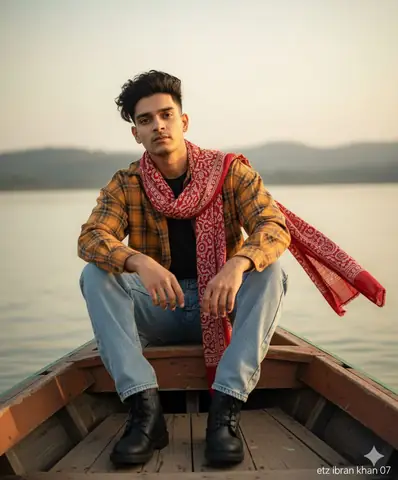
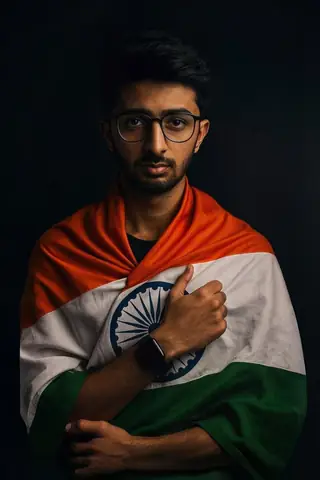
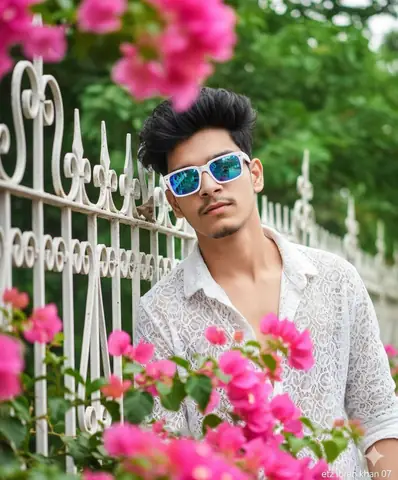
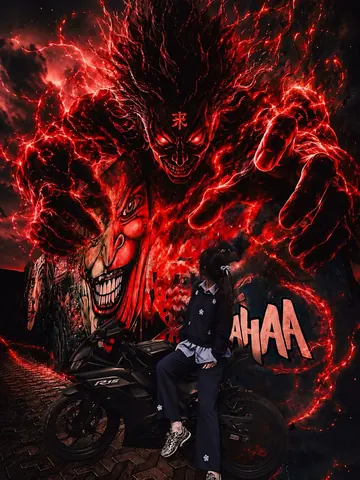
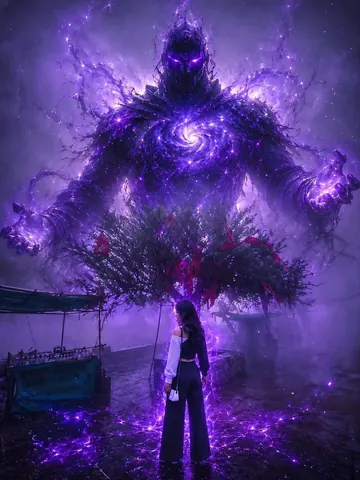
Quick Summary: This verified Google Gemini & Bing Image Creator prompt creates an stylish attitude boy street portrait for Ultra Realistic Vertical Photo Split into Three Frames with calibrated lighting, authentic texture physics, and tested 1-click copy-paste formula for instant AI generation without facial distortion.
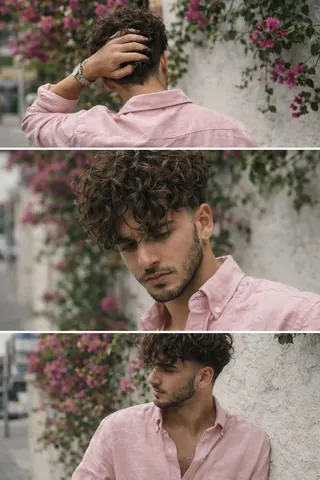
Ultra Realistic Vertical Photo Split into Three Frames - Copy Paste AI Prompt
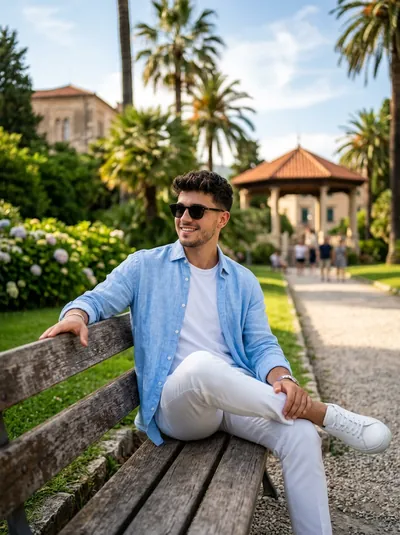
Ultra-realistic vertical image split equally into three stacked frames (top / middle / bottom) within one single photo.All frames show the same person, same outfit, same location, captured seconds apart like a casual smartphone burst. Only subtle movement changes. Feels accidental, real, and human. LOCATION & BACKGROUND (UNCHANGED) Outdoor sidewalk in daylight. White plaster wall covered with climbing Bougainvillea glabra plants.Subtle urban background.Looks real, everyday, not staged. OUTFIT (LOCKED - UNCHANGED) Pastel neon pink button-down loosefit shirt, light weight fabric, natural wrinkles. top buttons open showing slight chest. Shirt untucked. Full Sleeves rolled to forearms. Loose off-white/cream straight fit trousers. Metal wristwatch on one wrist. No sunglasses. HAIR & FACE (LOCKED - UNCHANGED) Medium-length naturally volumious wavy hair, slightlytousled, lived-in texture. Real skin texture, visible pores. smoothing. FRAME BREAKDOWN (GEN-Z ADJUSTED POSES) TOP FRAME - BACK / TURNING AWAY SHOTTechnical Prompt Parameters (Attitude Boy & Stylish DP)
| Parameter | Configuration | Output Impact |
|---|---|---|
| Target AI Engine | Google Gemini & Bing Image Creator | Engineered for viral Instagram reels display pictures and WhatsApp DP engagement. |
| Recommended Aspect Ratio | 9:16 (Full Screen DP & Reel) or 1:1 (Profile Icon) | Fills mobile display screens completely without black letterboxing or cropped hair. |
| Camera & Lens Settings | 85mm f/1.8 prime lens, Sony A7 IV, crisp focal separation | Sharp high-contrast focus on sunglasses, hoodie texture, and confident facial expression. |
| Lighting Style | Dramatic street golden hour or neon urban backlighting with cool rim contour | Carves strong jawline definition and dramatic contrast for a bold, commanding profile look. |
| Negative Constraints | cartoon face, childish features, distorted sunglasses, blurred background clutter, extra limbs | Keeps masculine features razor-sharp, realistic, and free from cartoon distortion. |
| Reference Photo | Upload a confident front-facing or slight 3/4 angle selfie with good daylight. | Upload front-facing reference photo for face matching. |
How to use this prompt
- Copy the prompt
- Open your AI tool
- Upload a reference photo if needed
- Paste the prompt
- Generate and save the result
How to get better results from Ultra Realistic Vertical Photo Split into Three Frames
Copy this Midjourney prompt for Ultra Realistic Vertical Photo Split into Three Frames. Use it as a ready prompt, adjust the subject, then generate a polishe... Use it as a copy-ready starting point, then adjust the subject, scene, tone and output format for your own result.
- Outdoor
- Portrait
- Midjourney prompt testing
- fast copy-paste workflow
- creator ready output
Customize before generating
- Replace the main subject, name, product or character details.
- Adjust lighting, background, mood, camera angle or aspect ratio if the prompt is visual.
- Change tone, audience, language and output format if the prompt is for text.
- Keep this core idea clear: Ultra-realistic vertical image split equally into three stacked frames (top / middle / bottom) within one single photo.All frames show the same person, same outfit...
Quick variations to try
- Make Ultra Realistic Vertical Photo Split into Three Frames more cinematic with stronger lighting and richer background detail.
- Turn Ultra Realistic Vertical Photo Split into Three Frames into a cleaner mobile-first version for social media posts or profile use.
- Create a premium version of Ultra Realistic Vertical Photo Split into Three Frames with sharper style, higher detail and a more polished final output.