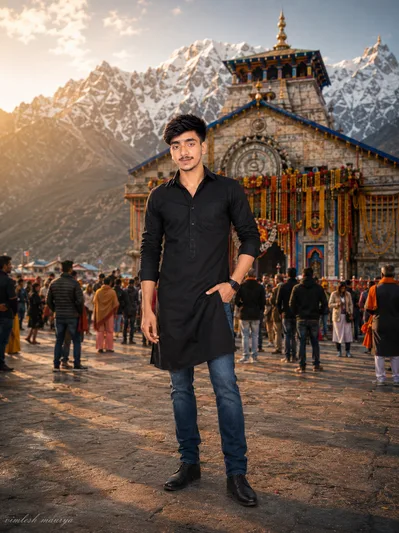
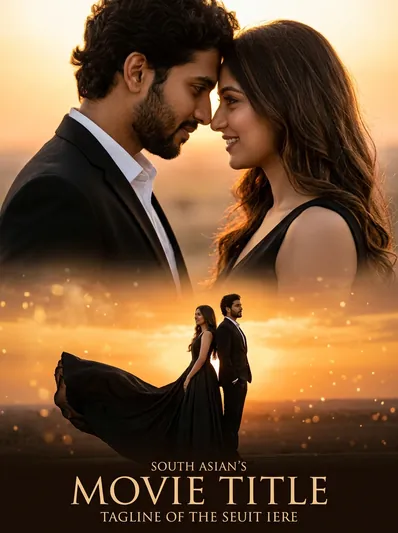
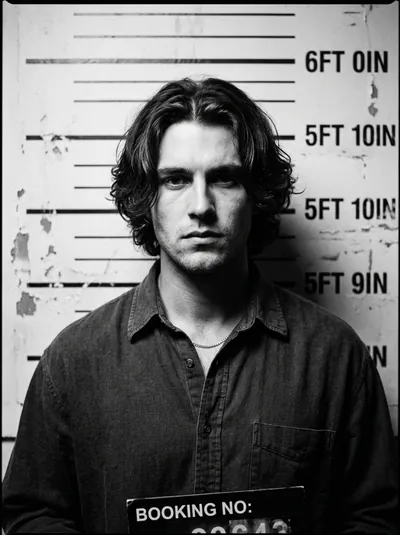
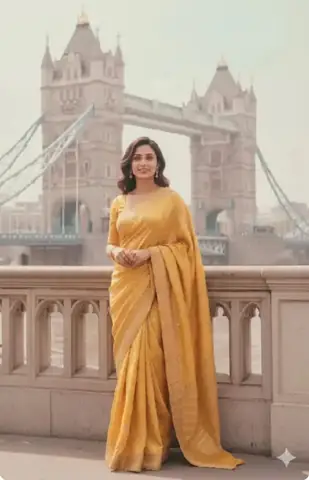
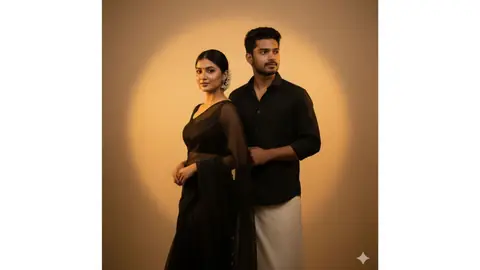
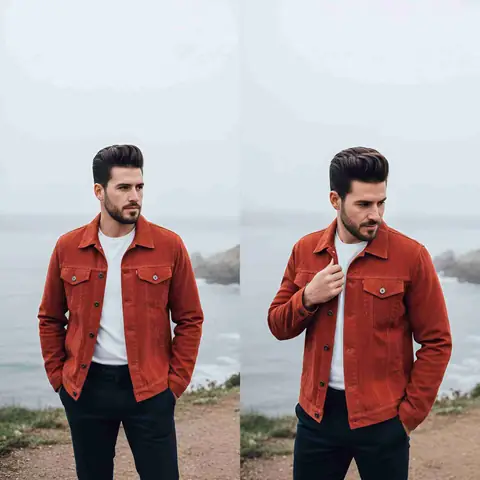
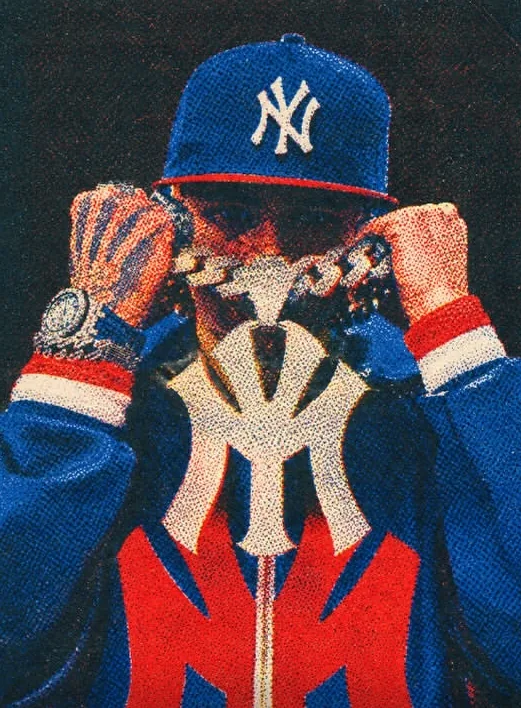
Quick Summary: This verified Google Gemini & Midjourney v6 prompt creates an authentic 90s vintage film aesthetic for Tumse Milne Ki Der Thi – Cinematic Collage with calibrated lighting, authentic texture physics, and tested 1-click copy-paste formula for instant AI generation without facial distortion.
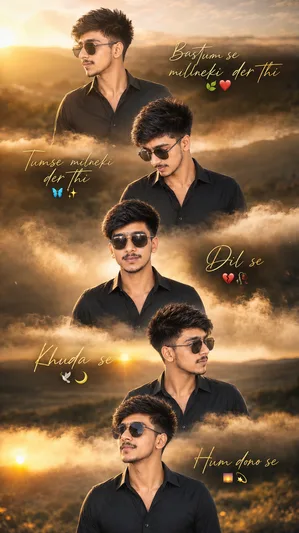
Tumse Milne Ki Der Thi – Cinematic Collage - Copy Paste AI Prompt
Create an ultra-realistic cinematic vertical photo composite in 8K Ultra HD with a 9:16 mobile wallpaper composition, styled as a luxury Instagram-reel editorial collage with dreamy golden-hour lighting, emotional storytelling, and premium DSLR realism. FACE & IDENTITY LOCK (STRICT — CRITICAL) • Use the uploaded image as the ONLY facial identity reference • Preserve the exact same: – Curly hairstyle and natural hair texture – Sunglasses style and reflections – Facial structure and jawline – Beard details and skin texture – Eyes, lips, and expression style – Natural body proportions and overall personality • Maintain 100% facial consistency across all five portrait layers • Do NOT beautify, stylize, smooth, or redesign the face • Keep realistic masculine texture and authentic photorealism MAIN COMPOSITION • Vertical 9:16 cinematic mobile wallpaper layout • Five distinct portrait layers stacked vertically from top to bottom • Layers separated using soft dreamy cloud/fog transitions • Smooth cinematic blending between each section • Premium editorial collage aesthetic with emotional visual storytelling BACKGROUND • Warm golden-hour field environment across all layers • Soft sunset glow with realistic natural lighting • Cinematic shallow depth of field and atmospheric blur • Consistent background mood throughout all portrait sections POSES FOR EACH LAYER Each layer should feature the same young man in a completely different pose: Top Layer: • Looking left-profile • Calm emotional expression Second Layer: • Looking downward toward the center • Reflective cinematic mood Third Layer: • Looking directly straight ahead • Strong emotional center composition Fourth Layer: • Looking right-profile • Relaxed cinematic body language Bottom Layer: • Looking slightly upward • Dreamy hopeful expression • Maintain consistent outfit and realistic identity across all poses OUTFIT • Black open shirt with realistic fabric texture and natural folds • Sunglasses preserved naturally with realistic reflections • Consistent styling across all portrait layers TEXT & TYPOGRAPHY Add elegant handwritten gold-script typography in each layer: Top Layer: “Bastum se milneki der thi” leaf emoji + heart emoji Second Layer: “Tumse milneki der thi” aesthetic emoji combination Third Layer: “Dil se” emotional emoji combination Fourth Layer: “Khuda se” cinematic emoji combination Bottom Layer: “Hum dono se” dreamy emoji combination • Gold handwritten typography should feel elegant, cinematic, and emotional • Natural placement integrated beautifully into each layer LIGHTING STYLE • Warm cinematic golden-hour lighting across all portraits • Soft sunlight glow with realistic skin highlights • Cinematic shadow falloff and dreamy atmosphere • Consistent lighting direction throughout the composition • Luxury editorial sunset-photography aesthetic ATMOSPHERIC EFFECTS • Soft cloud/fog transitions between layers • Slight atmospheric haze and floating light particles • Gentle cinematic bloom around highlights • Dreamy emotional Instagram-reel mood CAMERA & STYLE • Ultra-realistic DSLR portrait photography aesthetic • Premium editorial collage composition • Shallow depth of field with razor-sharp facial focus • Soft cinematic background blur and realistic depth separation • High-end fashion-editorial storytelling style COLOR GRADING • Warm golden sunset tones mixed with soft earthy shadows • Cinematic contrast with rich amber highlights • Slight filmic grain for premium realism • Balanced tones without oversaturation DETAILING & FINISH • Hyper-detailed skin texture and realistic beard strands • Fine hair details and realistic sunglass reflections • Smooth cloud transitions and atmospheric depth • Premium polished cinematic wallpaper finish • Masterpiece-level ultra-realistic DSLR quality STYLE Cinematic golden-hour editorial wallpaper collage, emotional, dreamy, stylish, luxurious, and ultra-realistic NEGATIVE PROMPT cartoon style, CGI look, plastic skin, distorted anatomy, blurry face, fake lighting, oversaturated colors, duplicated poses, bad typography placement, low detail, unrealistic shadowsTechnical Prompt Parameters (Vintage Film & Retro Polaroid)
| Parameter | Configuration | Output Impact |
|---|---|---|
| Target AI Engine | Google Gemini & Midjourney v6 | Preserves organic analog warmth, natural color saturation, and retro lighting response. |
| Recommended Aspect Ratio | 4:5 (Classic Film) or 1:1 (Square Polaroid) | Faithful recreation of vintage paper print dimensions and nostalgic photo albums. |
| Camera & Lens Settings | 35mm Leica M6, Kodak Portra 400, f/2.8, subtle chromatic dispersion | Renders genuine analog grain, gentle halation, and authentic film stock color science. |
| Lighting Style | Direct camera flash with soft falloff or warm golden hour sunset flare | Creates natural retro exposure highlights without artificial digital gloss. |
| Negative Constraints | digital sheen, oversaturated HDR, plastic skin, neon light, CGI 3D, modern watermark | Eliminates hyper-digital smoothness to maintain true photochemical aesthetic. |
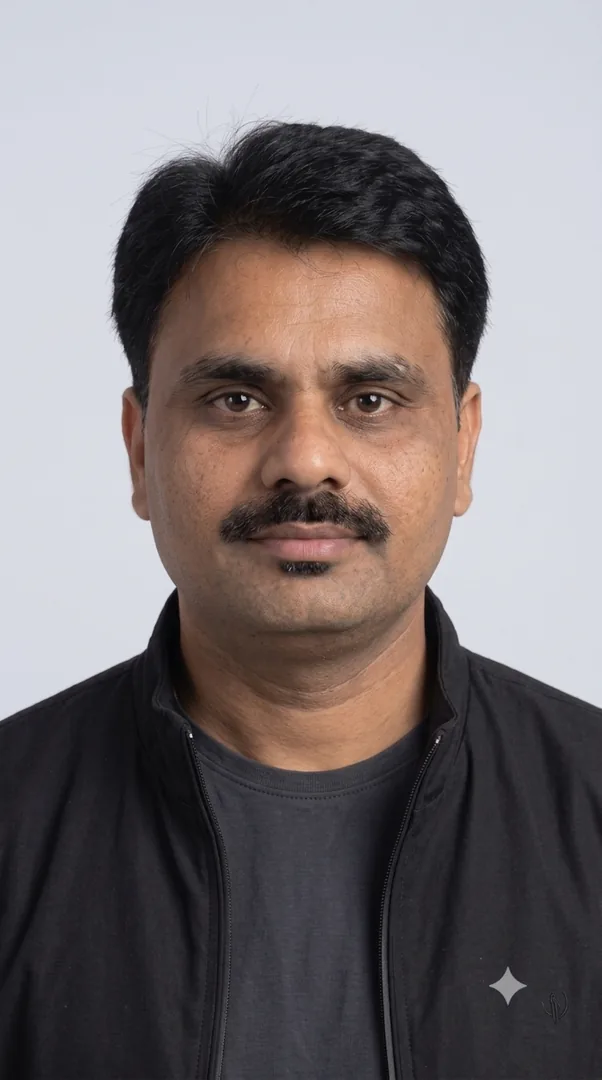
| Reference Photo | Upload a daylight selfie; avoid heavy ring-light filters for best film look. | Upload front-facing reference photo for face matching. |
How to use this prompt
- Copy the prompt
- Open Google Gemini
- Upload your photo
- Paste the prompt
- Generate the image
How to get better results from Tumse Milne Ki Der Thi – Cinematic Collage
"बस तुमसे मिलने की देर थी... ❤️ फिर हर दुआ मुकम्मल लगने लगी। 🌙✨ दिल से, ख़ुदा से, हम दोनों से जुड़ी एक खूबसूरत कहानी... 🥀🤍 कुछ रिश्ते किस्मत नहीं, रहमत बनकर आते हैं। 💫" #GoldenHour #CinematicEdit #LoveQuotes #AestheticWallpaper #EmotionalVibes #LuxuryEdit Use it as a copy-ready starting point, then adjust the subject, scene, tone and output format for your own result.
- Chatgpt
- Photo Editing
- ChatGPT prompt testing
- fast copy-paste workflow
- creator ready output
Customize before generating
- Replace the main subject, name, product or character details.
- Adjust lighting, background, mood, camera angle or aspect ratio if the prompt is visual.
- Change tone, audience, language and output format if the prompt is for text.
- Keep this core idea clear: Create an ultra-realistic cinematic vertical photo composite in 8K Ultra HD with a 9:16 mobile wallpaper composition, styled as a luxury Instagram-reel editorial...
Quick variations to try
- Make Tumse Milne Ki Der Thi – Cinematic Collage more cinematic with stronger lighting and richer background detail.
- Turn Tumse Milne Ki Der Thi – Cinematic Collage into a cleaner mobile-first version for social media posts or profile use.
- Create a premium version of Tumse Milne Ki Der Thi – Cinematic Collage with sharper style, higher detail and a more polished final output.