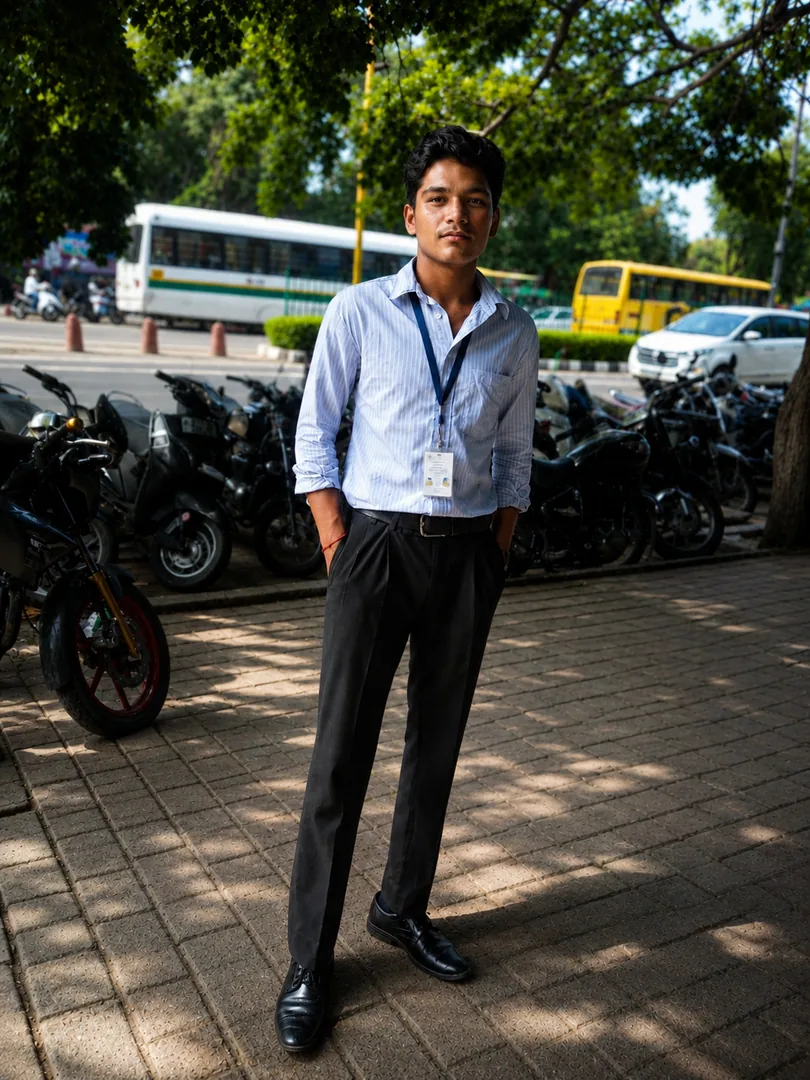
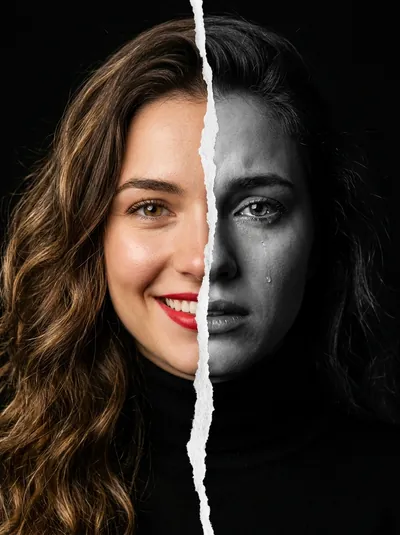
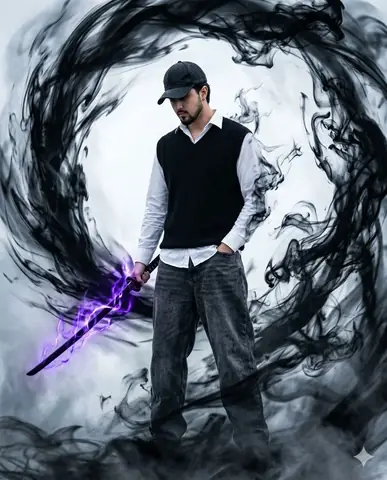
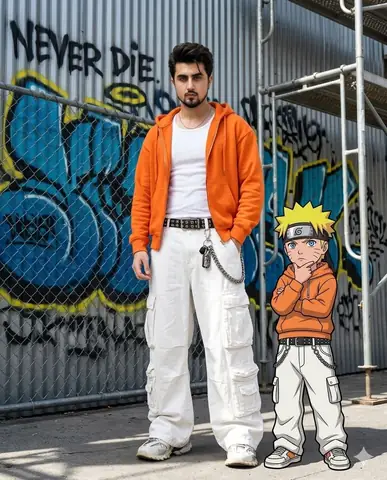
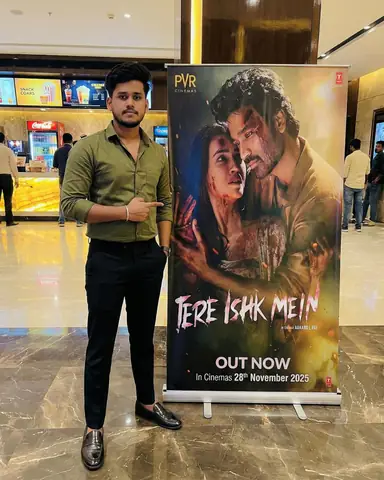
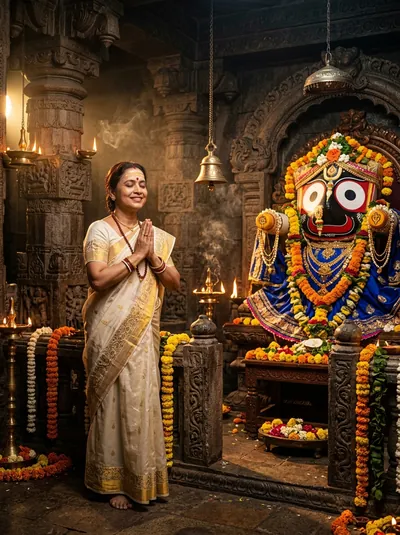
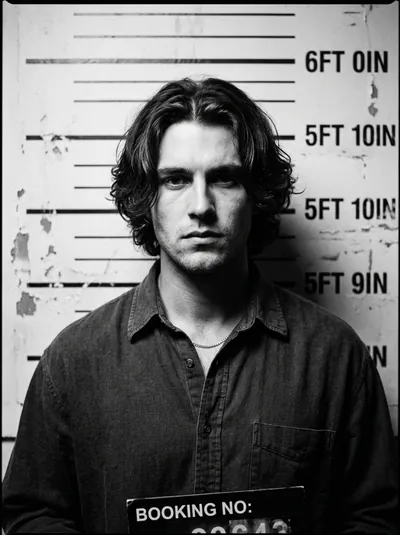
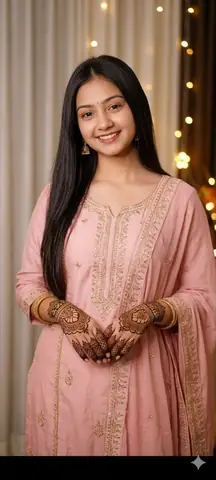
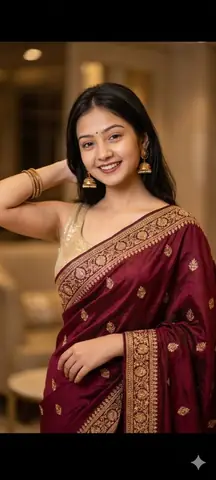
Quick Summary: This verified Midjourney v6.1 & Google Gemini Pro prompt creates an high-end Vogue editorial photoshoot aesthetic for travelling style poster with calibrated lighting, authentic texture physics, and tested 1-click copy-paste formula for instant AI generation without facial distortion.
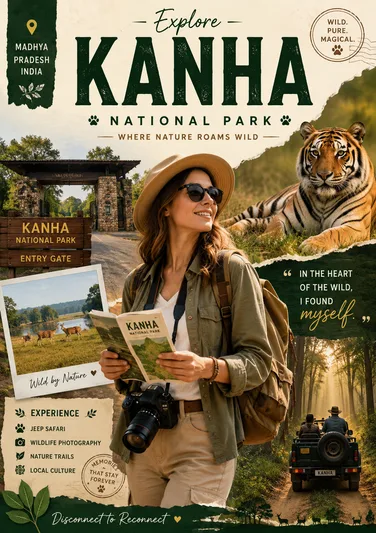
travelling style poster - Copy Paste AI Prompt
Create a stylized travel poster graphic collage for [country name]. The main subject should be a stylish international tourist visiting [country name], clearly presented as a traveler and not a local resident. Show the tourist wearing modern travel fashion, with details such as a camera, backpack, sunglasses, map, or suitcase, exploring the culture and atmosphere of [country name ].Technical Prompt Parameters (High-Fashion & Editorial Studio)
| Parameter | Configuration | Output Impact |
|---|---|---|
| Target AI Engine | Midjourney v6.1 & Google Gemini Pro | Tailored for high-end luxury editorial aesthetics, studio lighting ratios, and runway poses. |
| Recommended Aspect Ratio | 3:4 or 4:5 (Vogue & Instagram Portrait) | Matches professional fashion magazine crop standards and mobile feed aspect ratios. |
| Camera & Lens Settings | Hasselblad H6D-100c, 100mm f/2.2 medium format portrait lens | Produces ultra-clean skin pore texture, precise fabric weave detail, and three-dimensional falloff. |
| Lighting Style | Large parabolic softbox key light + silver reflector accent fill | Flattering, even illumination that highlights makeup, bone structure, and jewelry without harsh glare. |
| Negative Constraints | airbrushed wax skin, asymmetrical makeup, doll plastic appearance, deformed fingers, low resolution | Retains realistic human skin micro-texture without aggressive synthetic AI smoothing. |
| Reference Photo | Upload a clean studio headshot or selfie with neutral expression and hair pulled back. | Upload front-facing reference photo for face matching. |
How to use this prompt
- Copy the prompt
- Open Google Gemini
- Upload your photo
- Paste the prompt
- Generate the image
How to get better results from travelling style poster
this prompt helps you to create a stylish travel poster Use it as a copy-ready starting point, then adjust the subject, scene, tone and output format for your own result.
- Ai Image
- Photo Editing
- Portrait
- your AI tool prompt testing
- fast copy-paste workflow
- creator ready output
Customize before generating
- Replace the main subject, name, product or character details.
- Adjust lighting, background, mood, camera angle or aspect ratio if the prompt is visual.
- Change tone, audience, language and output format if the prompt is for text.
- Keep this core idea clear: Create a stylized travel poster graphic collage for [country name]. The main subject should be a stylish international tourist visiting [country name], clearly...
Quick variations to try
- Make travelling style poster more cinematic with stronger lighting and richer background detail.
- Turn travelling style poster into a cleaner mobile-first version for social media posts or profile use.
- Create a premium version of travelling style poster with sharper style, higher detail and a more polished final output.