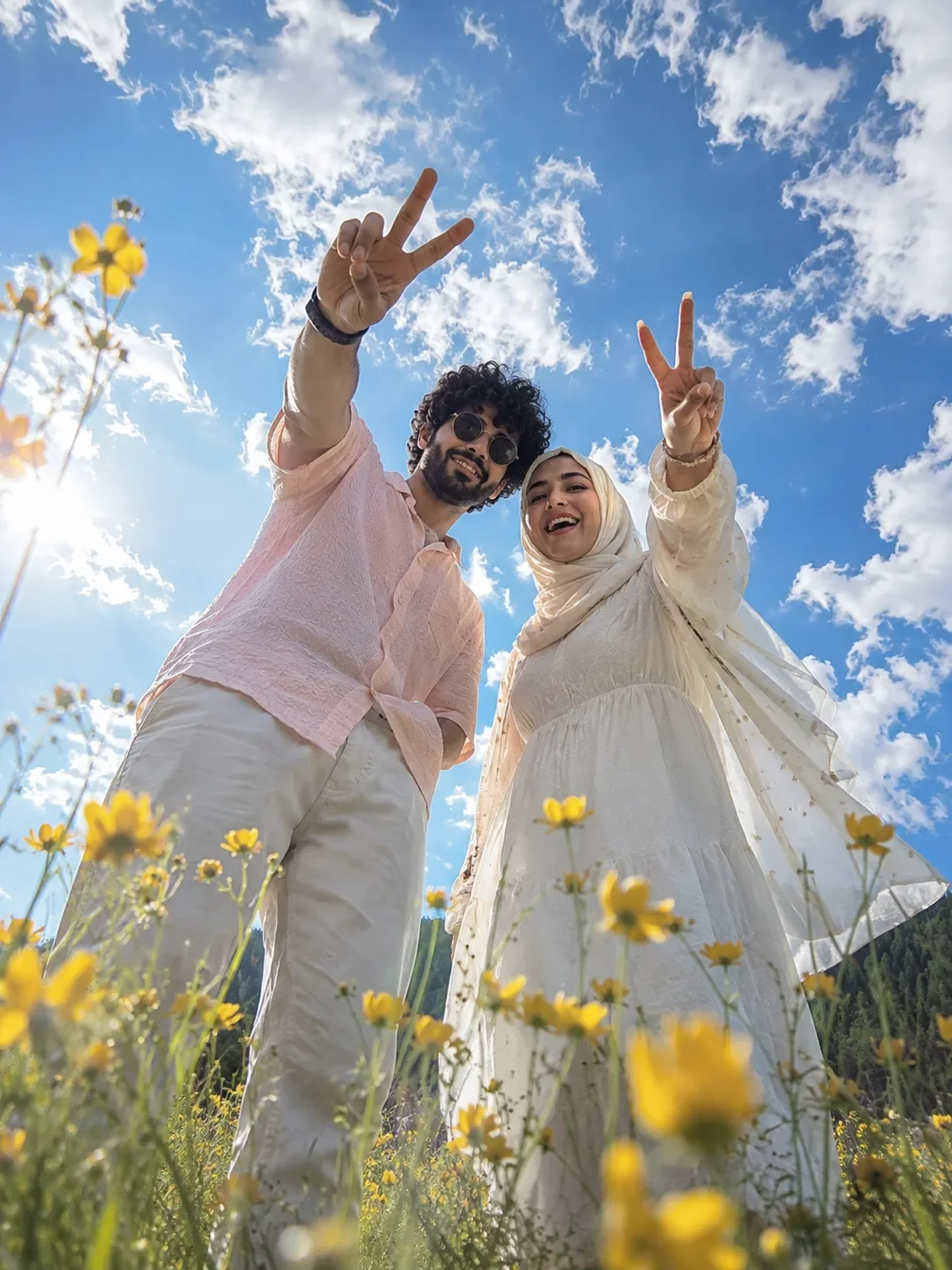
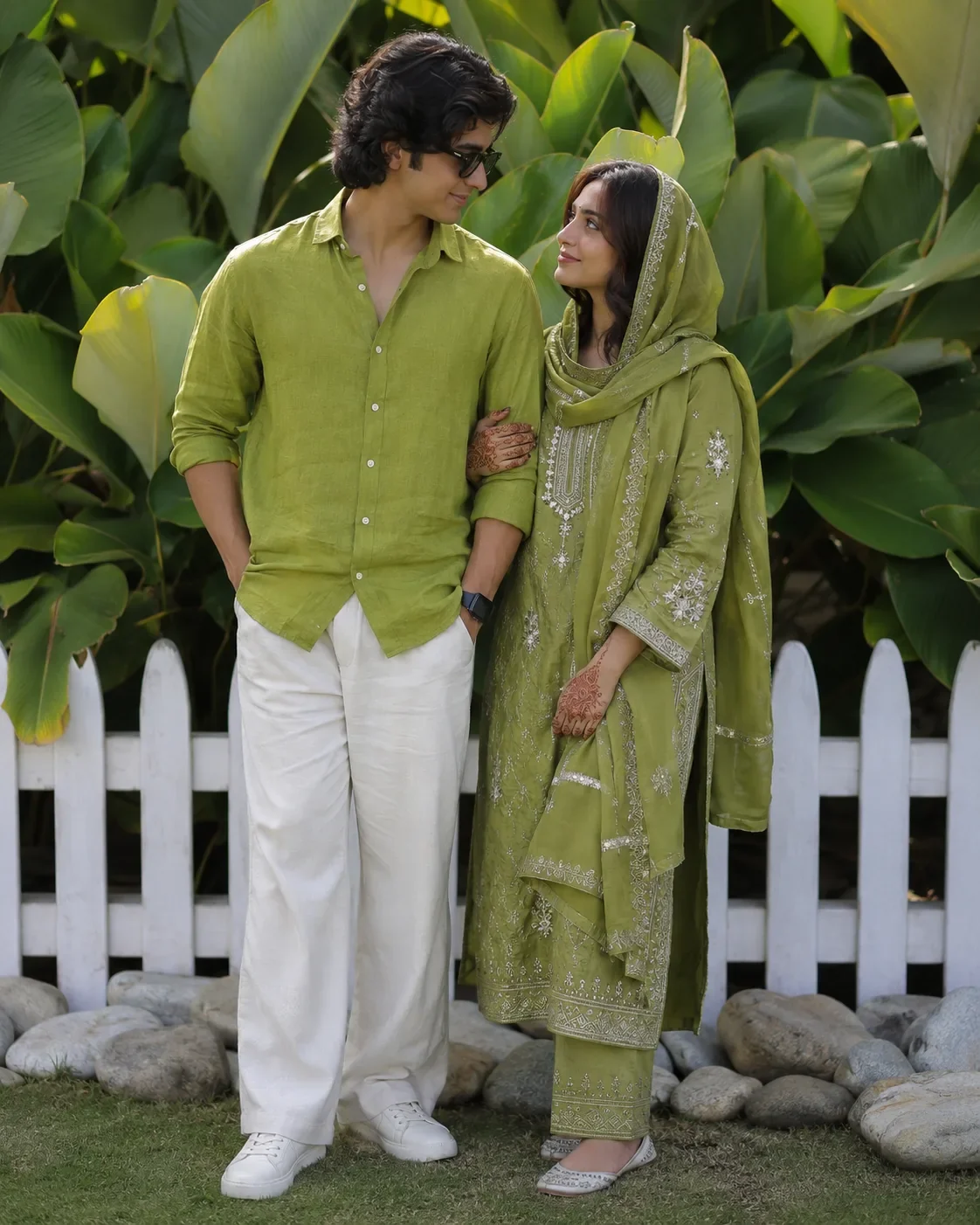
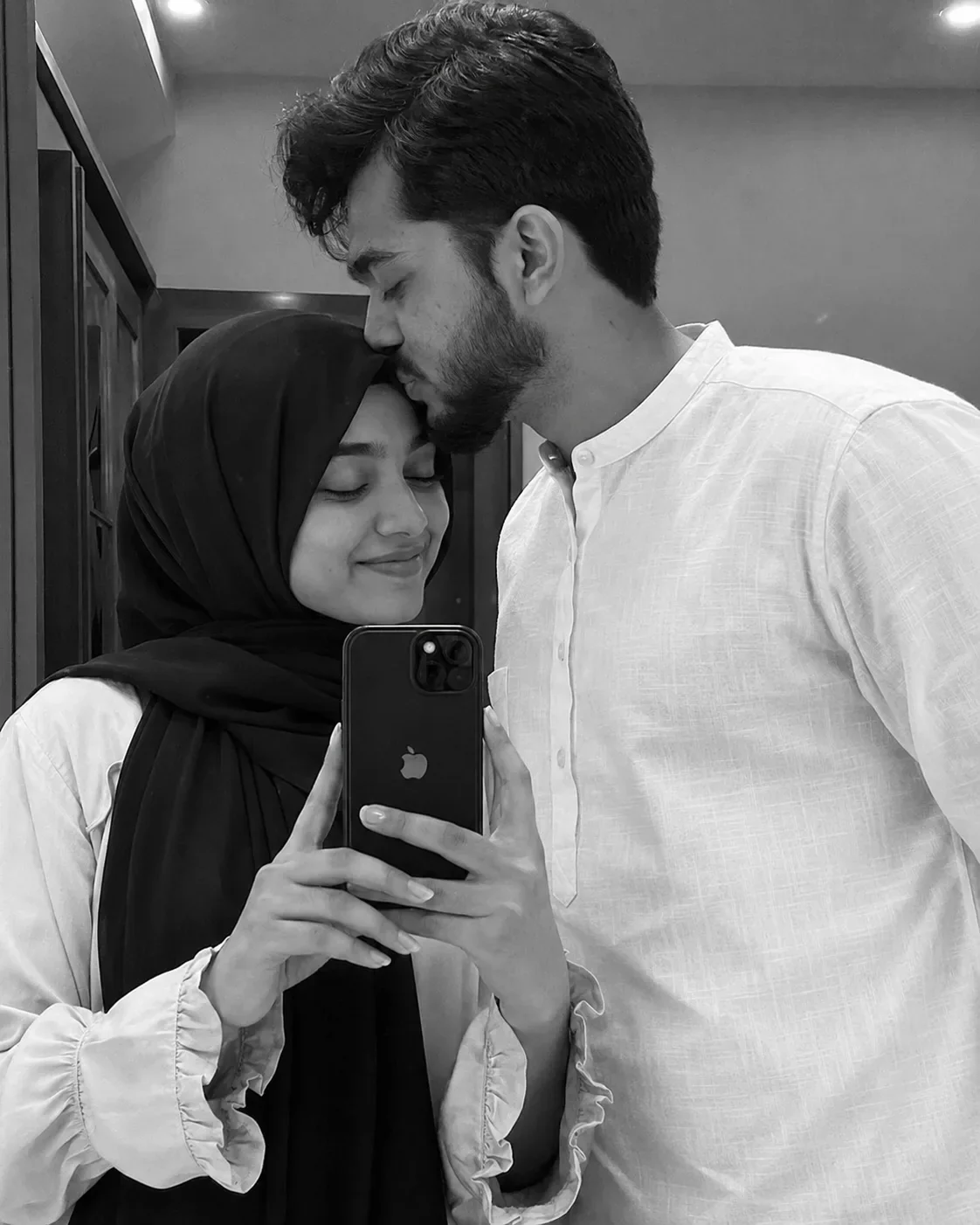
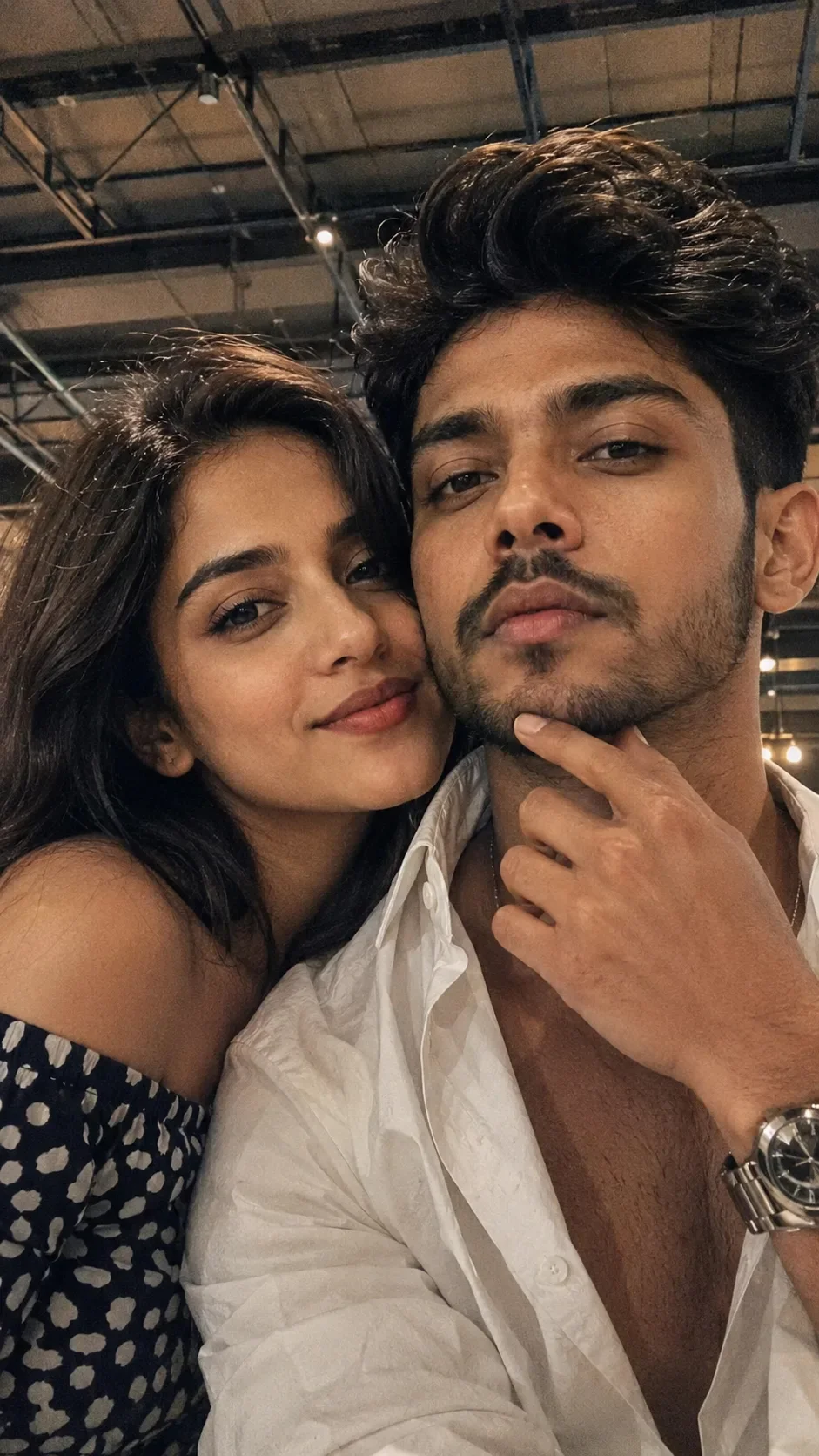
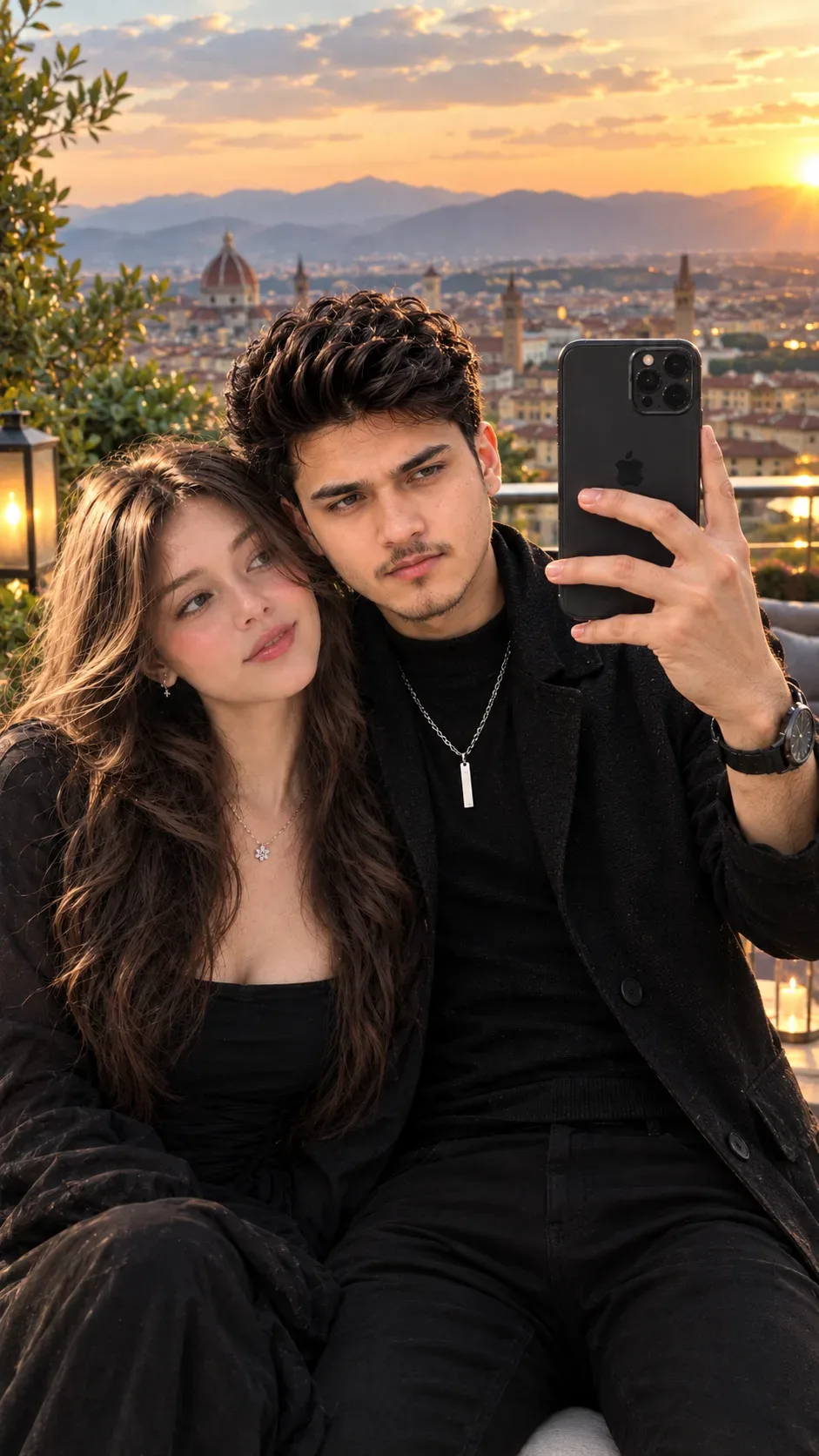
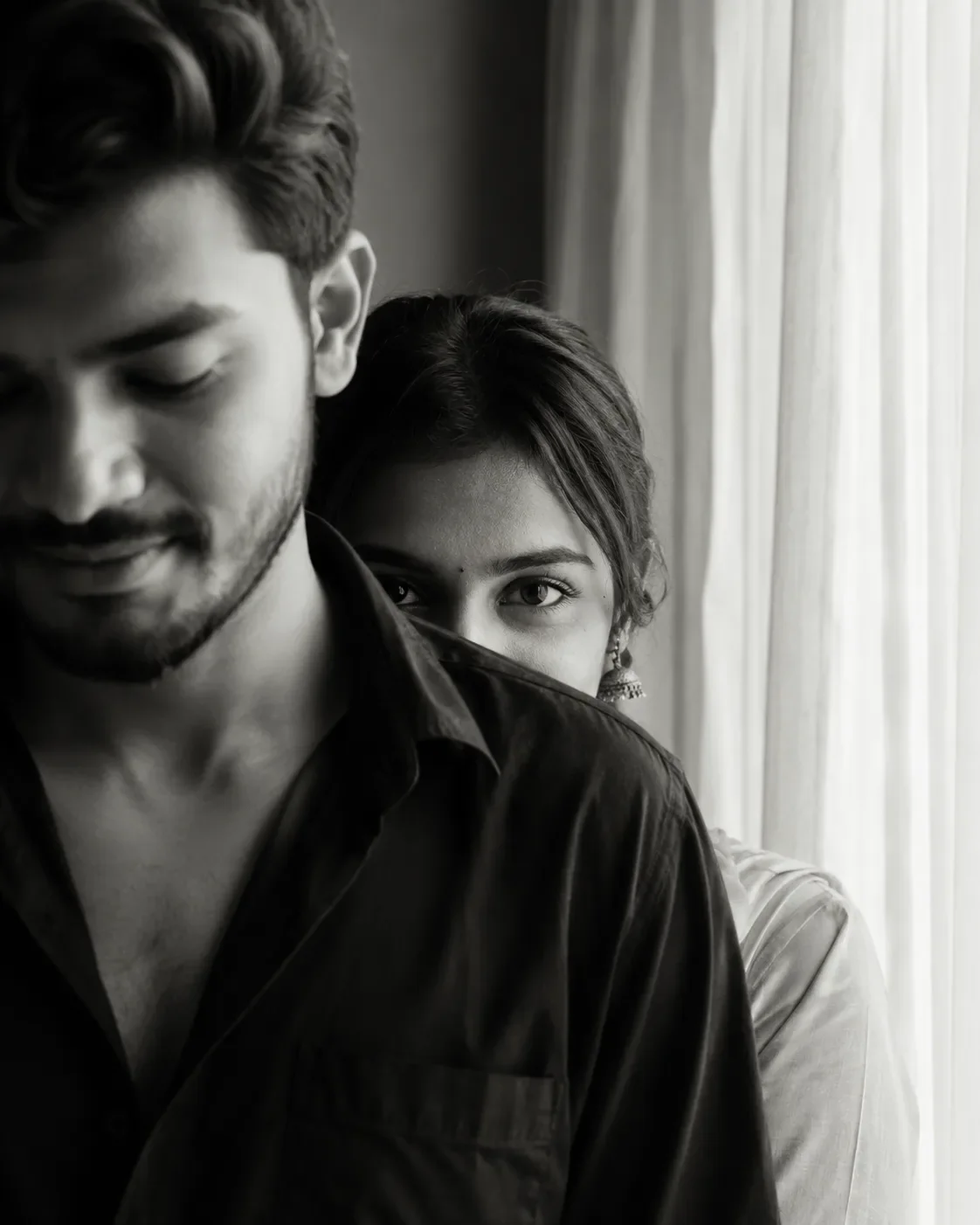
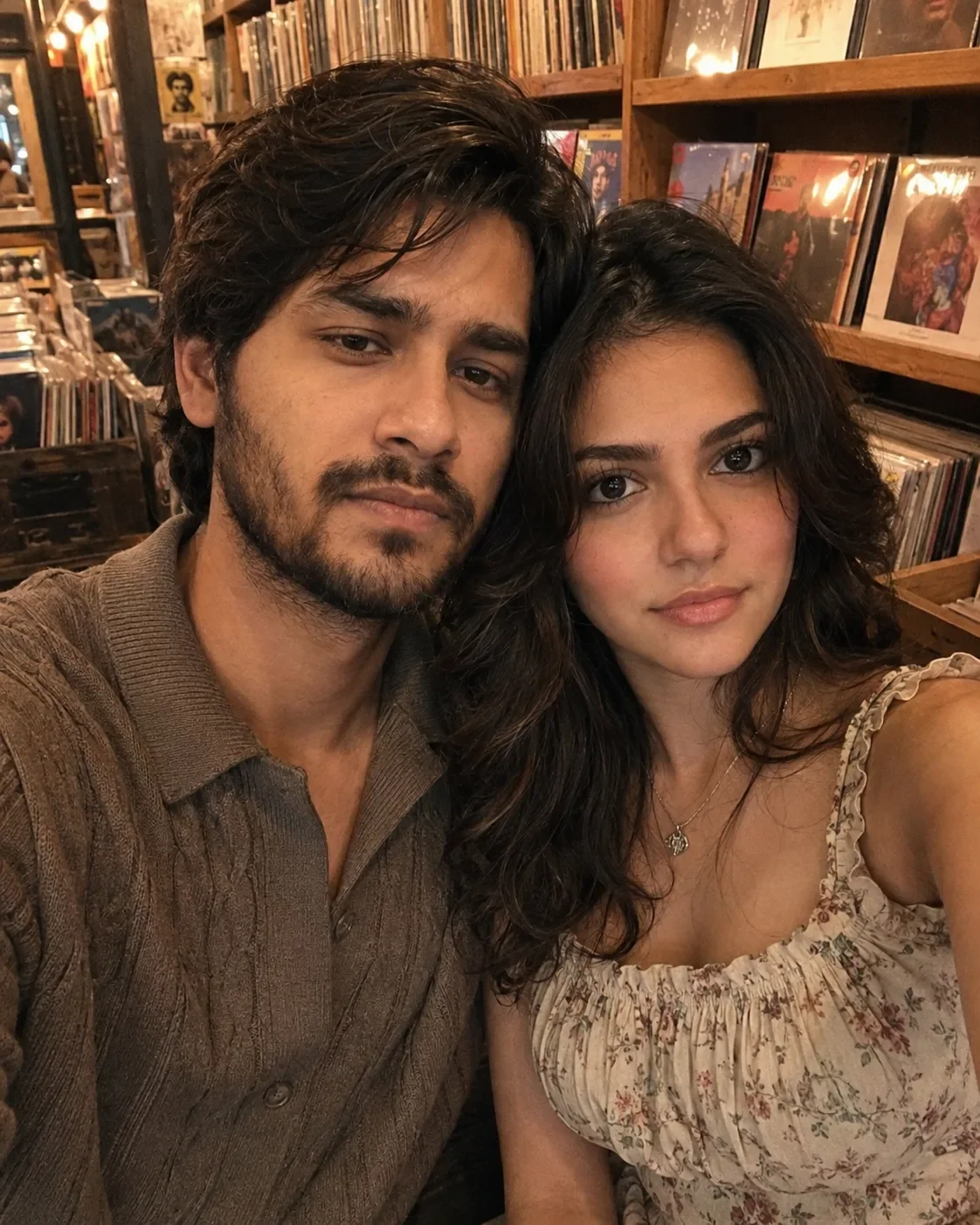
Quick Summary: This verified Google Gemini (Imagen 3) & Bing Image Creator prompt creates an intimate cinematic romantic couple aesthetic for Realistic Couple iPhone Selfie AI Prompt | Candid Instagram Story Portrait with calibrated lighting, authentic texture physics, and tested 1-click copy-paste formula for instant AI generation without facial distortion.
- Photography
- Couples
- Romantic
- Ai Image
- Trending
- Photography
- Couples
- Romantic
- Ai Image
- Trending
- Viral Prompt
- Gemini Ai
- Bing Image Creator
- Copy Paste
About This Prompt
Create a Realistic Couple iPhone Selfie AI Prompt | Candid Instagram Story Portrait — a cinematic and romantic couple scene. The generation focuses on realistic multi-subject composition, genuine expressions, and beautiful background depth, making it ideal for wedding invitations or couple DPs.
For the best results, use this with Google Gemini. Upload a clear front-facing selfie as a reference image, then paste the prompt text. The AI will preserve your facial likeness while applying the requested style, lighting, and background.
Realistic Couple iPhone Selfie AI Prompt | Candid Instagram Story Portrait - Copy Paste AI Prompt
Use the two reference images exactly as provided. Preserve each person's identity with maximum accuracy. Do not alter, reinterpret, beautify, or replace either face. Maintain each person's original facial structure, eye shape, nose, lips, eyebrows, hairstyle, hairline, skin tone, age, body proportions, expression, and all unique identifying characteristics. The final image must clearly look like the exact same two people from the reference photos, with complete facial consistency.

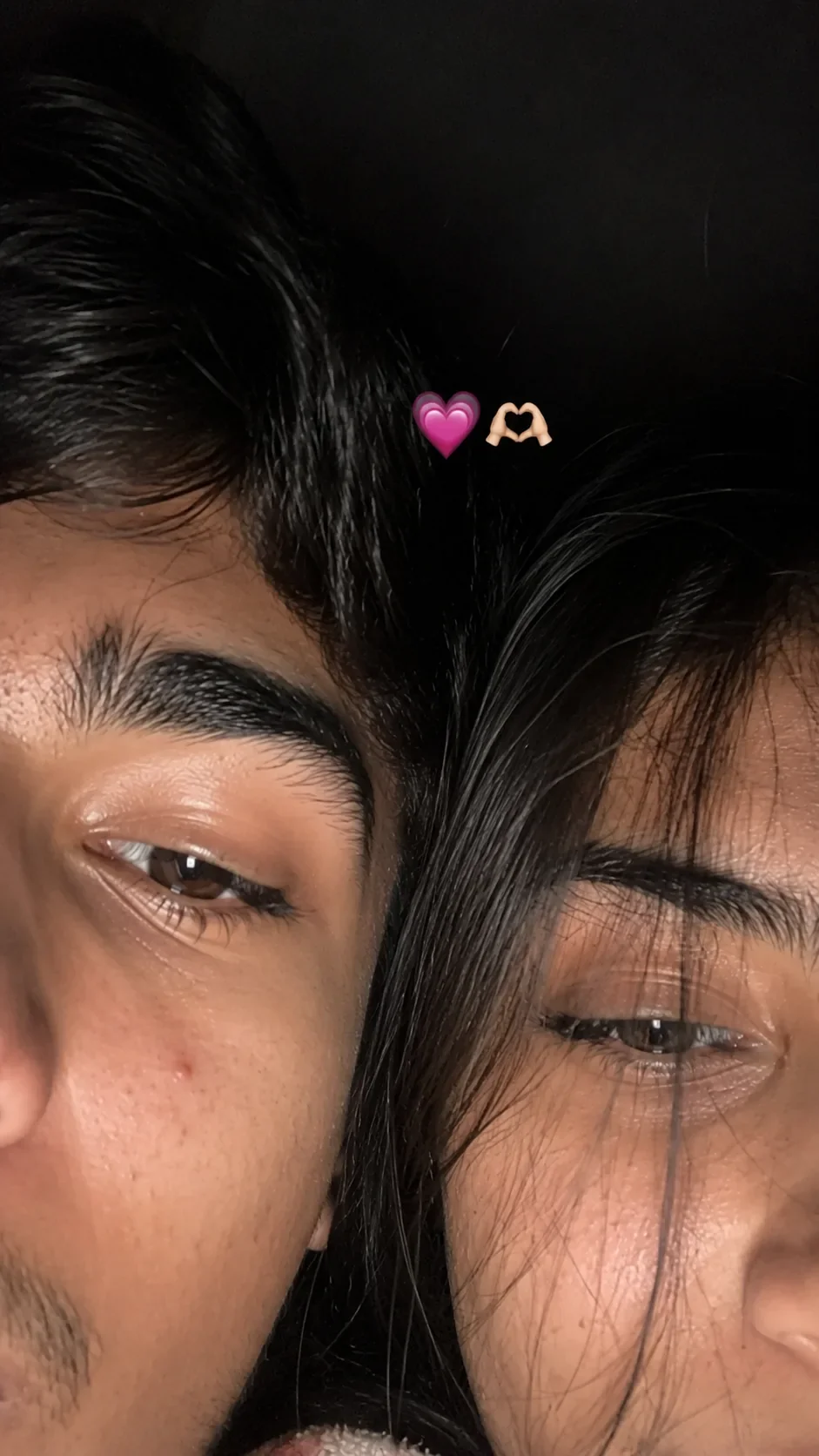
Create an ultra-realistic candid smartphone selfie of the two people standing extremely close together, with only the upper half of their faces visible, framed very tightly as if the phone was accidentally held too close. Their faces are naturally pressed together, creating an intimate, cozy, authentic composition.

One person's face is partially cropped so only one eye is fully visible, while the other person's face is partially covered by soft, natural strands of hair falling across one eye. Preserve each person's original eye colour, eyelashes, eyebrows, hairstyle, and facial features exactly as they appear in the reference images.

The image should resemble a real iPhone front-camera flash selfie uploaded to Instagram, not AI-generated. Capture authentic smartphone photography with:

Natural skin pores
Tiny blemishes and faint acne marks
Realistic skin texture
Slight under-eye texture
Natural lip texture
Loose flyaway hair
Soft facial shadows
Subtle oiliness on skin
Authentic facial asymmetry
No skin smoothing
No beauty filters
No face reshaping
No cosmetic enhancement

Scene:

Low-light indoor environment
Bright iPhone front-camera flash
Soft overexposed highlights
Slight motion blur
Slightly imperfect focus
Shallow depth of field
Subtle lens softness
Realistic smartphone HDR processing
Fine digital sensor noise
Natural white balance
Authentic smartphone colour rendering
Imperfect framing that feels genuinely accidental

Place a small pink heart emoji (💗) and a heart-hands emoji (🫶🏻) naturally between both faces, matching the style of an Instagram Story sticker.

Vertical 9:16 composition.

The final result must look like a genuine, unedited, spontaneous late-night iPhone selfie captured by two real people—not an AI illustration or digital artwork. Preserve both identities perfectly while maintaining realistic smartphone camera imperfections, authentic lighting, and natural human detail. The image should be completely photorealistic and indistinguishable from a real Instagram Story photo.

Optical Identity & Likeness Preservation: Maintain 100% exact facial identity, bone structure, jawline contours, and natural skin undertone of reference photo without alteration or distortion.Frequently asked questions
- How do I use the Realistic Couple iPhone Selfie AI Prompt | Candid Instagram Story Portrait prompt?
- To use this prompt, simply click the "Copy Prompt" button above. Then, open Google Gemini, paste the copied text into the prompt box, and hit generate. Since this is a character-focused prompt, make sure to upload a clear reference photo of your face before generating to maintain your facial identity.
- What is this prompt best used for?
- This specific prompt is highly optimized for designing romantic couple portraits and wedding invitations. The formula is structured to produce high-contrast, visually appealing results that perform well on visual platforms.
- Can I customize the details of this prompt?
- Yes! While the core structure of the prompt is optimized for Google Gemini, you can easily customize the details. We recommend changing specific keywords like clothing colors, background locations, or the overall mood (e.g., changing "sunny" to "rainy" or "neon") to match your exact vision.
What You'll Get
- 🎨 Style: Photography
- ✨ Mood: Photography
- 📱 Best For: Couples
- 🤖 Works With: Google Gemini
- 🔥 Popularity: Copied 3,627 times
- 📅 Added: Sep 14, 2026
Explore Related Collections
Explore Photography Prompts — Browse our curated collection of Photography prompts tailored for creators. View all Photography prompts →
Explore Couples Prompts — Discover more viral Couples ideas for your next AI generation. View all Couples prompts →
Explore Romantic Prompts — Explore our extensive library of Romantic templates ready to copy and paste. View all Romantic prompts →