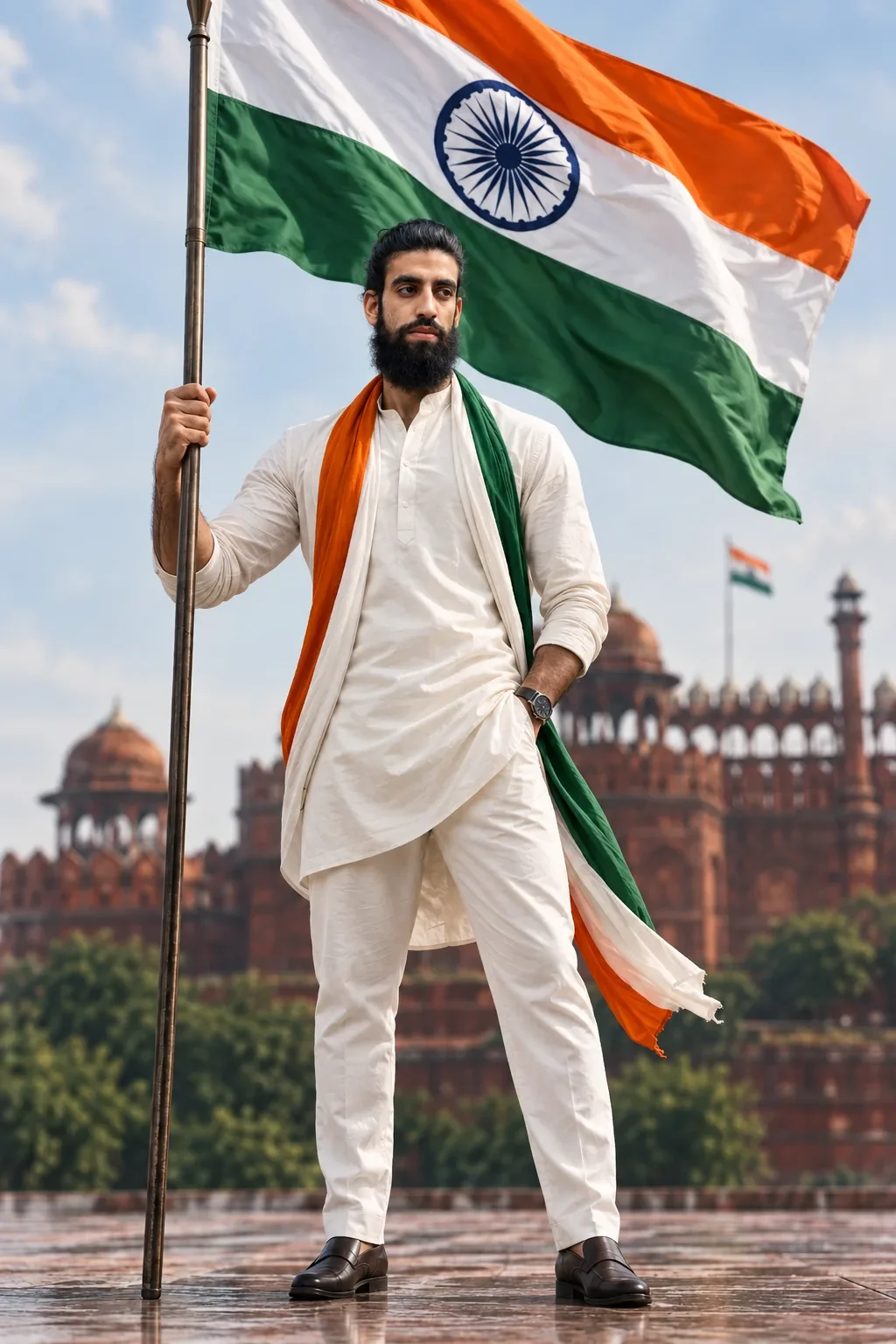
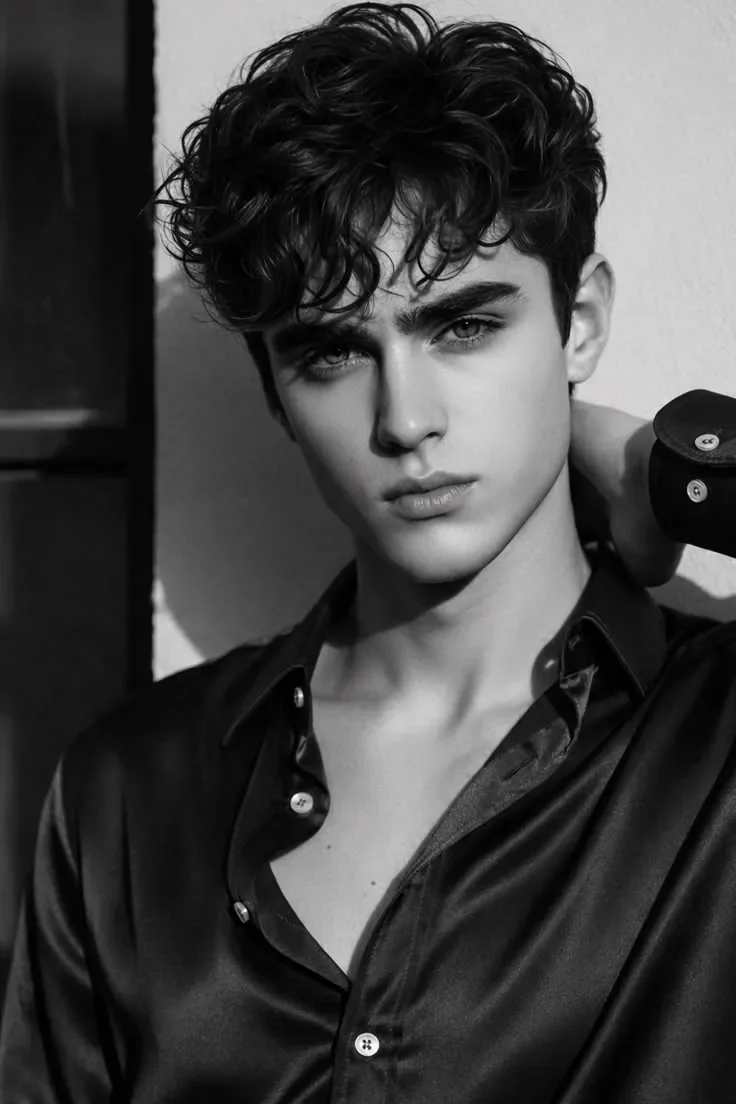
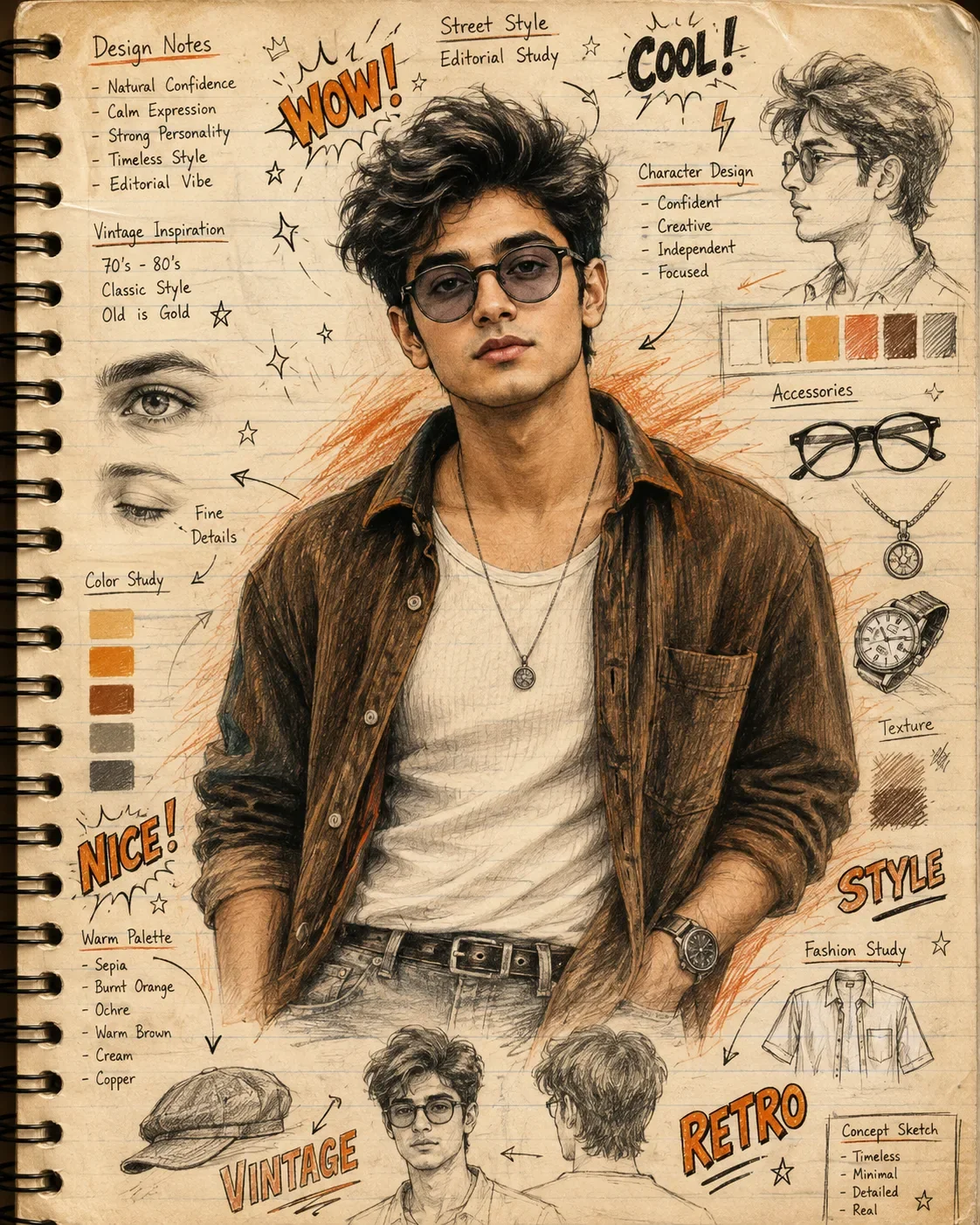
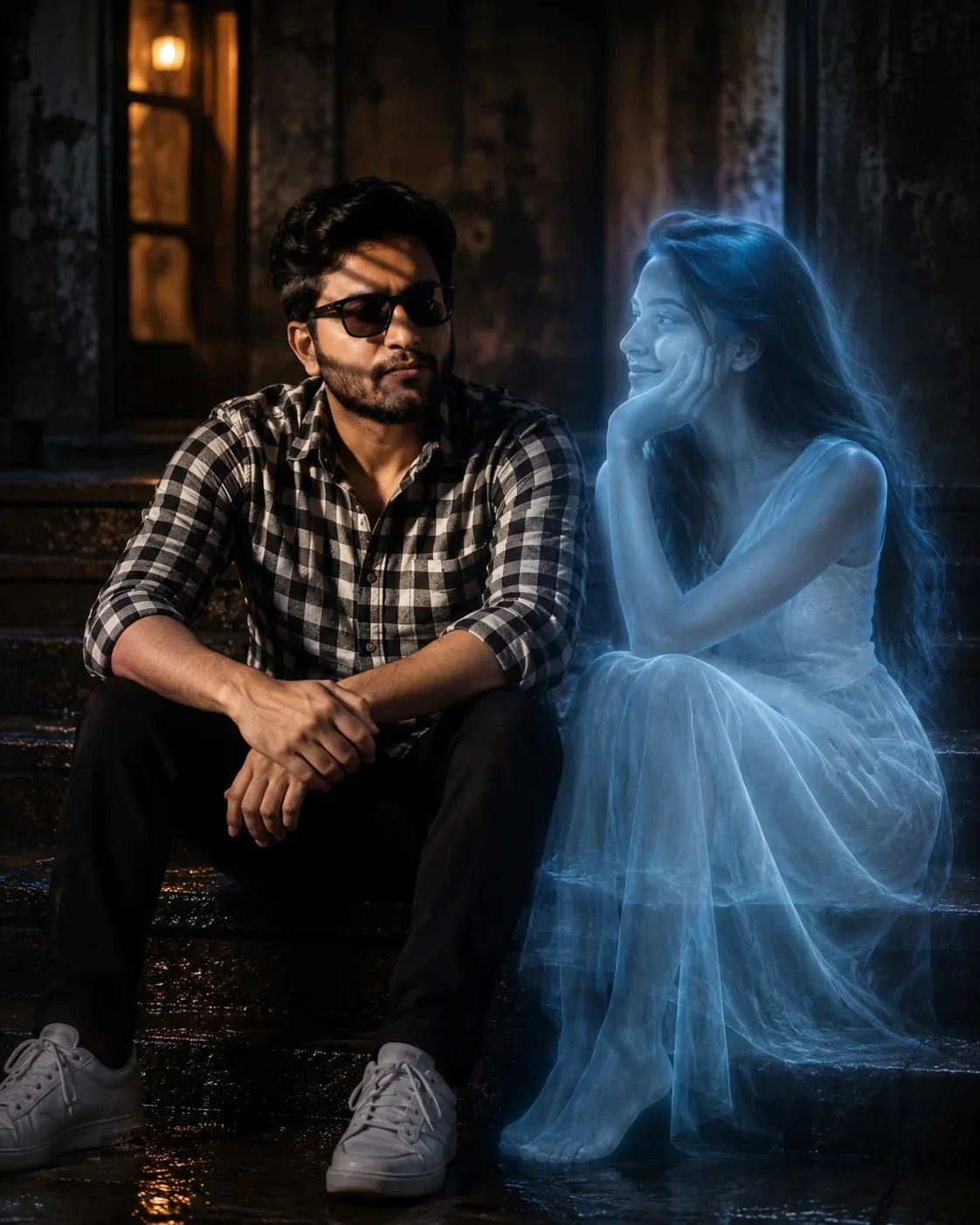
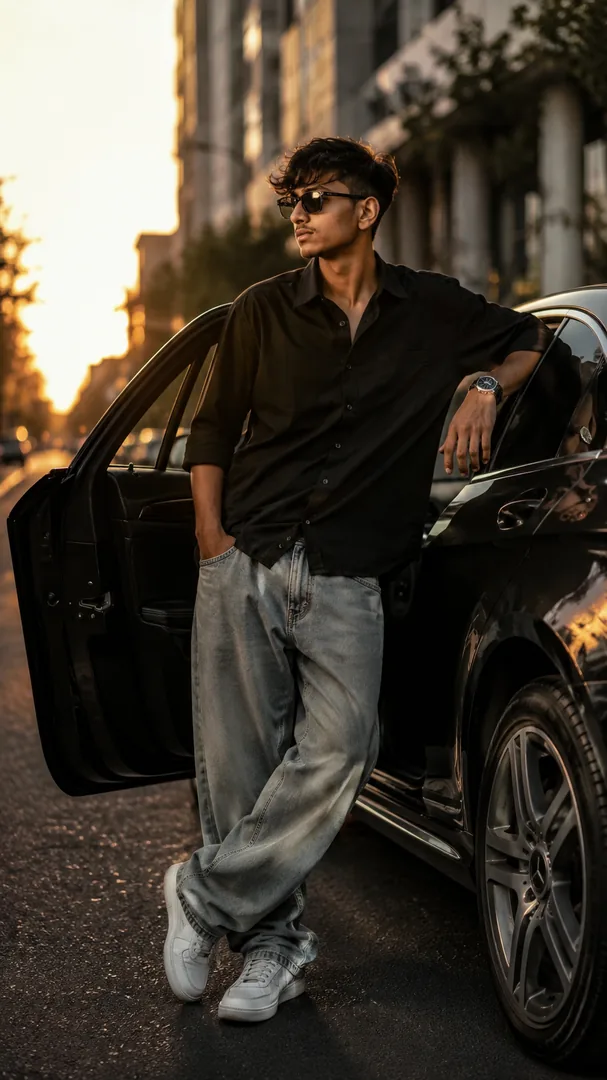
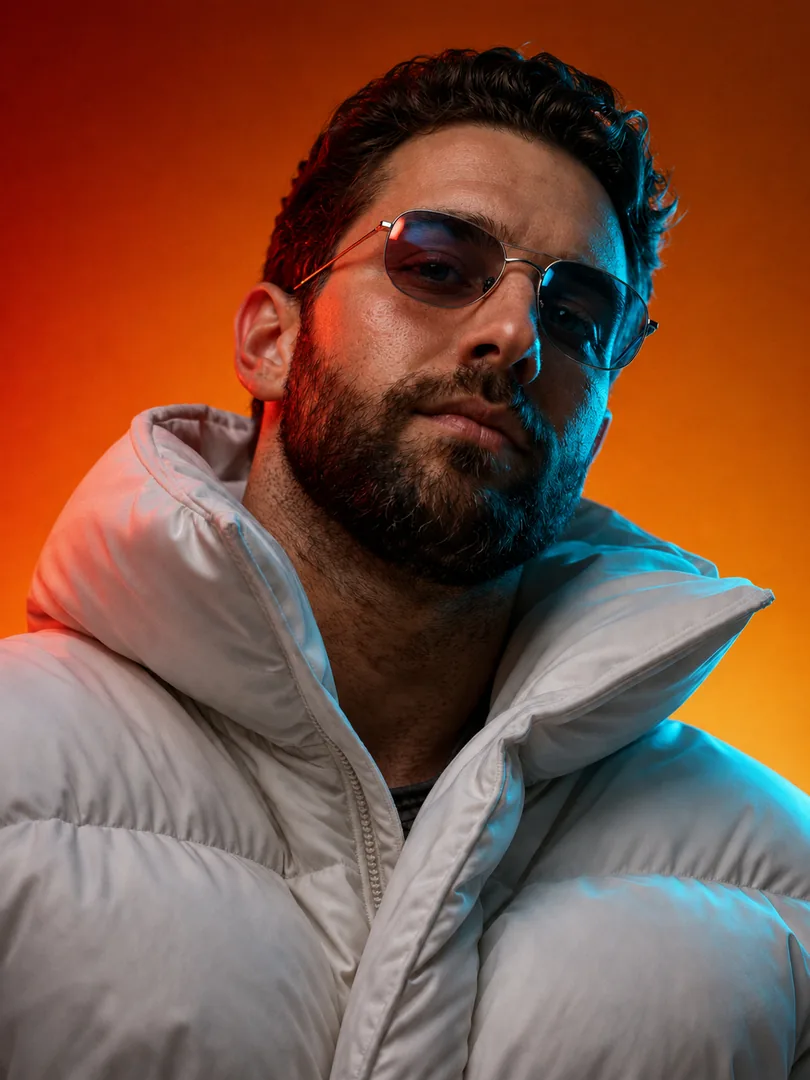
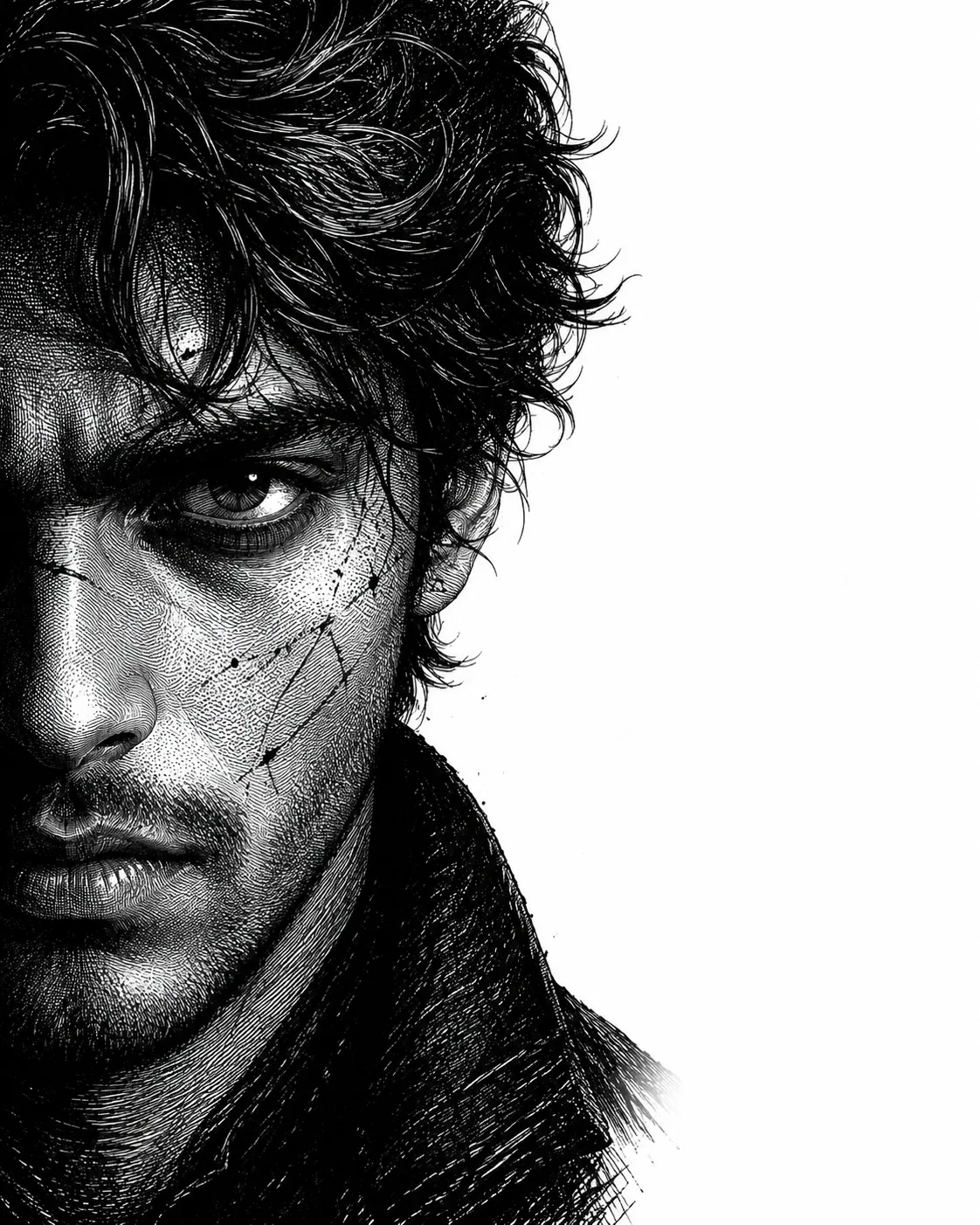
Quick Summary: This verified Google Gemini & Midjourney v6 prompt creates an authentic 90s vintage film aesthetic for Neo-Noir Ink Engraving Portrait AI Prompt | Cinematic Black & White Assassin Illustration with calibrated lighting, authentic texture physics, and tested 1-click copy-paste formula for instant AI generation without facial distortion.
- Illustration 3d
- Ai Image
- Trending
- Illustration 3d
- Ai Image
- Trending
- Viral Prompt
- Gemini Ai
- Bing Image Creator
- Copy Paste
Neo-Noir Ink Engraving Portrait AI Prompt | Cinematic Black & White Assassin Illustration - Copy Paste AI Prompt
Use the uploaded reference image as the identity source. Preserve the subject's identity with maximum accuracy. Maintain the original facial structure, facial proportions, skin tone, eye shape, nose, lips, eyebrows, age, and all unique identifying features. Do not replace, reinterpret, beautify, or alter the person's identity. Transform only the artistic style while keeping the subject instantly recognizable.

Create a hyper-realistic, dramatic black-and-white neo-noir assassin portrait illustrated in an ultra-detailed ink engraving and cross-hatching style.

COMPOSITION & FRAMING
• Vertical 4:5 aspect ratio.
• Position the subject on the far left with virtually no left margin.
• The subject should occupy approximately 60–65% of the frame.
• Keep the remaining 35–40% on the right as clean white negative space with no distractions.
• Show approximately two-thirds of the face using a vertical crop passing near the center of one eye.
• Tight cinematic close-up:
  - Top crop slightly through the hair.
  - Bottom crop just above the shoulders.
• Face oriented almost directly toward the viewer with only a subtle forward angle.
• The eyes must be the strongest visual focal point.

HAIR (ADAPTIVE TO REFERENCE)
Analyze the hairstyle from the reference image and recreate it faithfully while enhancing it with a dramatic neo-noir aesthetic.

Preserve:
• Overall hairstyle
• Hairline
• Length
• Parting
• Natural texture
• Volume
• Curl or wave pattern

Enhance with:
• Rich, highly detailed strand rendering
• Natural thickness and density
• Dynamic movement and layered flow
• Slightly windswept appearance
• Subtle damp or wet texture
• Individual flyaway strands
• Fine engraved line work
• High-detail cross-hatching throughout the hair

The hairstyle should remain authentic to the reference while appearing cinematic and intense.

FACIAL HAIR (ADAPTIVE)
Analyze the reference image and preserve the subject's natural facial-hair characteristics.

If clean-shaven:
• Add only subtle rugged skin texture with extremely light natural stubble.

If light stubble:
• Increase density slightly while maintaining realism.

If a beard or mustache is present:
• Preserve the original style while enhancing depth, texture, and volume using engraved strokes.

Render facial hair using:
• Individual hair strokes
• Cross-hatched shadowing
• Natural density
• Strong facial contour definition
• Rugged but believable appearance

(For subjects without facial hair, do not add a full beard.)

SKIN TEXTURE
Create a battle-hardened cinematic appearance using:
• Fine skin texture
• Subtle scars
• Light scratches
• Tiny ink splatter accents
• Engraved pores
• Dense cross-hatching instead of smooth gradients
• High-detail etched shading

LIGHTING
Extreme noir chiaroscuro lighting.
• One side of the face illuminated dramatically.
• The opposite side fades into deep shadow.
• Strong directional contrast.
• Shadows created entirely through dense engraved cross-hatching.
• Extremely high contrast with rich blacks and bright whites.

ILLUSTRATION STYLE
Ultra-detailed ink engraving illustration featuring:
• Dense cross-hatching
• Fine line engraving
• Ink scratches
• Etched textures
• Vintage engraving techniques
• Graphic novel aesthetics
• Crime-thriller poster style
• Museum-quality monochrome illustration
• Crisp, razor-sharp line work

BACKGROUND
• Pure white background.
• Large clean negative space on the right.
• No objects.
• No patterns.
• No textures.
• No distractions.

MOOD
Dark, cinematic, mysterious, and powerful.
The subject should project calm confidence, unwavering determination, and quiet intensity, resembling a legendary neo-noir protagonist while remaining unmistakably the same person as in the reference image.

QUALITY
Ultra-high resolution, hyper-realistic engraving detail, razor-sharp focus, exceptional micro-detail, dramatic contrast, premium editorial composition, masterpiece quality.

Optical Identity & Likeness Preservation: Lock subject's authentic facial identity and natural posture while seamlessly integrating with sharp vehicle reflections and cinematic ambient lighting.Lock 100% exact facial identity, bone structure & eye shape in Gemini & Bing.
Technical Prompt Parameters (Vintage Film & Retro Polaroid)
| Parameter | Configuration | Output Impact |
|---|---|---|
| Target AI Engine | Google Gemini & Midjourney v6 | Preserves organic analog warmth, natural color saturation, and retro lighting response. |
| Recommended Aspect Ratio | 4:5 (Classic Film) or 1:1 (Square Polaroid) | Faithful recreation of vintage paper print dimensions and nostalgic photo albums. |
| Camera & Lens Settings | 35mm Leica M6, Kodak Portra 400, f/2.8, subtle chromatic dispersion | Renders genuine analog grain, gentle halation, and authentic film stock color science. |
| Lighting Style | Direct camera flash with soft falloff or warm golden hour sunset flare | Creates natural retro exposure highlights without artificial digital gloss. |
| Negative Constraints | digital sheen, oversaturated HDR, plastic skin, neon light, CGI 3D, modern watermark | Eliminates hyper-digital smoothness to maintain true photochemical aesthetic. |
| Reference Photo | Upload a daylight selfie; avoid heavy ring-light filters for best film look. | Upload front-facing reference photo for face matching. |
How to use this prompt
- Copy the prompt, open Google Gemini or Bing Image Creator, attach your reference photo, and generate instant 8K results.
How to get better results from Neo-Noir Ink Engraving Portrait AI Prompt | Cinematic Black & White Assassin Illustration
Free 1-click copy neo-noir ink engraving portrait ai prompt | cinematic black & white assassin illustration for Google Gemini and Bing Image Creator. Authentic illustration 3d aesthetic, realistic lighting, and instant camera settings. Use it as a copy-ready starting point, then adjust the subject, scene, tone and output format for your own result.
- Illustration 3d
- Ai Image
- Trending
- Viral Prompt
- Gemini Ai
- Bing Image Creator
Customize before generating
- Replace the main subject, name, product or character details.
- Adjust lighting, background, mood, camera angle or aspect ratio if the prompt is visual.
- Change tone, audience, language and output format if the prompt is for text.
- Keep this core idea clear: Use the uploaded reference image as the identity source. Preserve the subject's identity with maximum accuracy. Maintain the original facial structure, facial...
Quick variations to try
- Make Neo-Noir Ink Engraving Portrait AI Prompt | Cinematic Black & White Assassin Illustration more cinematic with stronger lighting and richer background detail.
- Turn Neo-Noir Ink Engraving Portrait AI Prompt | Cinematic Black & White Assassin Illustration into a cleaner mobile-first version for social media posts or profile use.
- Create a premium version of Neo-Noir Ink Engraving Portrait AI Prompt | Cinematic Black & White Assassin Illustration with sharper style, higher detail and a more polished final output.