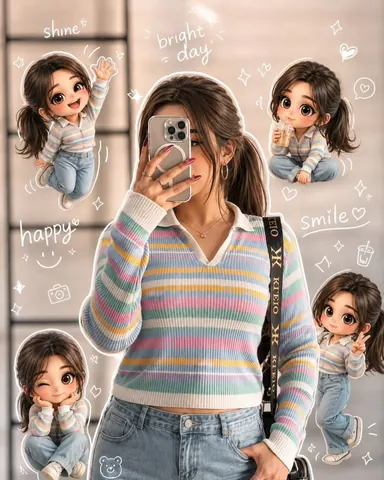
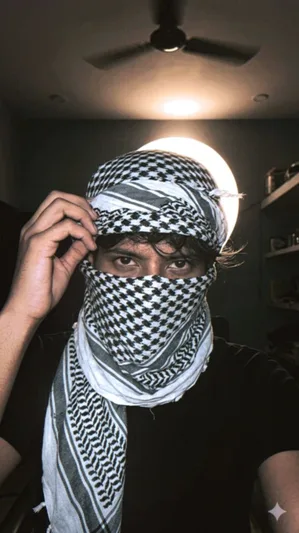
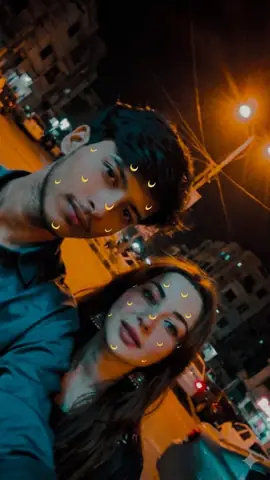
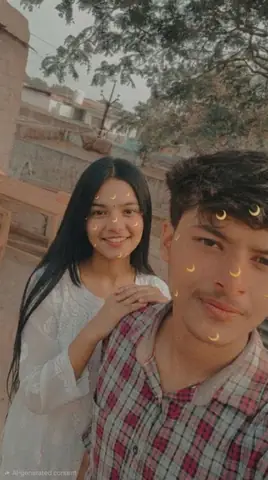
Quick Summary: This verified Google Gemini & Midjourney v6 prompt creates an authentic 90s vintage film aesthetic for Flux 1.0 Ultra-Photorealistic Macro Eye Human Iris with calibrated lighting, authentic texture physics, and tested 1-click copy-paste formula for instant AI generation without facial distortion.
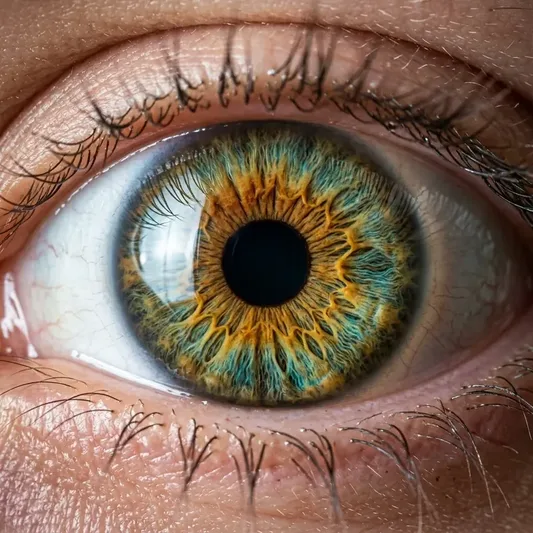
Flux 1.0 Ultra-Photorealistic Macro Eye Human Iris - Copy Paste AI Prompt
Extreme macro close-up photograph of a human eye with amber, golden honey, and turquoise hazel iris patterns. Hyper-detailed iris fibers, intricate crypts and folds, crystal clear cornea reflection of a subtle studio softbox window, delicate eyelashes, natural moist skin texture with visible pores around the eyelid, 8k resolution, shot on 100mm macro f/2.8 lens, raw photorealistic masterpiece, authentic film clarity, zero artificial smoothing.Technical Prompt Parameters (Vintage Film & Retro Polaroid)
| Parameter | Configuration | Output Impact |
|---|---|---|
| Target AI Engine | Google Gemini & Midjourney v6 | Preserves organic analog warmth, natural color saturation, and retro lighting response. |
| Recommended Aspect Ratio | 4:5 (Classic Film) or 1:1 (Square Polaroid) | Faithful recreation of vintage paper print dimensions and nostalgic photo albums. |
| Camera & Lens Settings | 35mm Leica M6, Kodak Portra 400, f/2.8, subtle chromatic dispersion | Renders genuine analog grain, gentle halation, and authentic film stock color science. |
| Lighting Style | Direct camera flash with soft falloff or warm golden hour sunset flare | Creates natural retro exposure highlights without artificial digital gloss. |
| Negative Constraints | digital sheen, oversaturated HDR, plastic skin, neon light, CGI 3D, modern watermark | Eliminates hyper-digital smoothness to maintain true photochemical aesthetic. |
| Reference Photo | Upload a daylight selfie; avoid heavy ring-light filters for best film look. | Upload front-facing reference photo for face matching. |
How to use this prompt
- Copy the prompt
- Open Flux 1.0 or Midjourney
- Paste the prompt
- Generate the image
How to get better results from Flux 1.0 Ultra-Photorealistic Macro Eye Human Iris
Experience next-gen Flux 1.0 hyper-realism with this extreme macro close-up prompt capturing intricate human iris fibers. Use it as a copy-ready starting point, then adjust the subject, scene, tone and output format for your own result.
- Flux
- Macro
- Portrait
- Realistic
- your AI tool prompt testing
- fast copy-paste workflow
Customize before generating
- Replace the main subject, name, product or character details.
- Adjust lighting, background, mood, camera angle or aspect ratio if the prompt is visual.
- Change tone, audience, language and output format if the prompt is for text.
- Keep this core idea clear: Extreme macro close-up photograph of a human eye with amber, golden honey, and turquoise hazel iris patterns. Hyper-detailed iris fibers, intricate crypts and folds...
Quick variations to try
- Make Flux 1.0 Ultra-Photorealistic Macro Eye Human Iris more cinematic with stronger lighting and richer background detail.
- Turn Flux 1.0 Ultra-Photorealistic Macro Eye Human Iris into a cleaner mobile-first version for social media posts or profile use.
- Create a premium version of Flux 1.0 Ultra-Photorealistic Macro Eye Human Iris with sharper style, higher detail and a more polished final output.