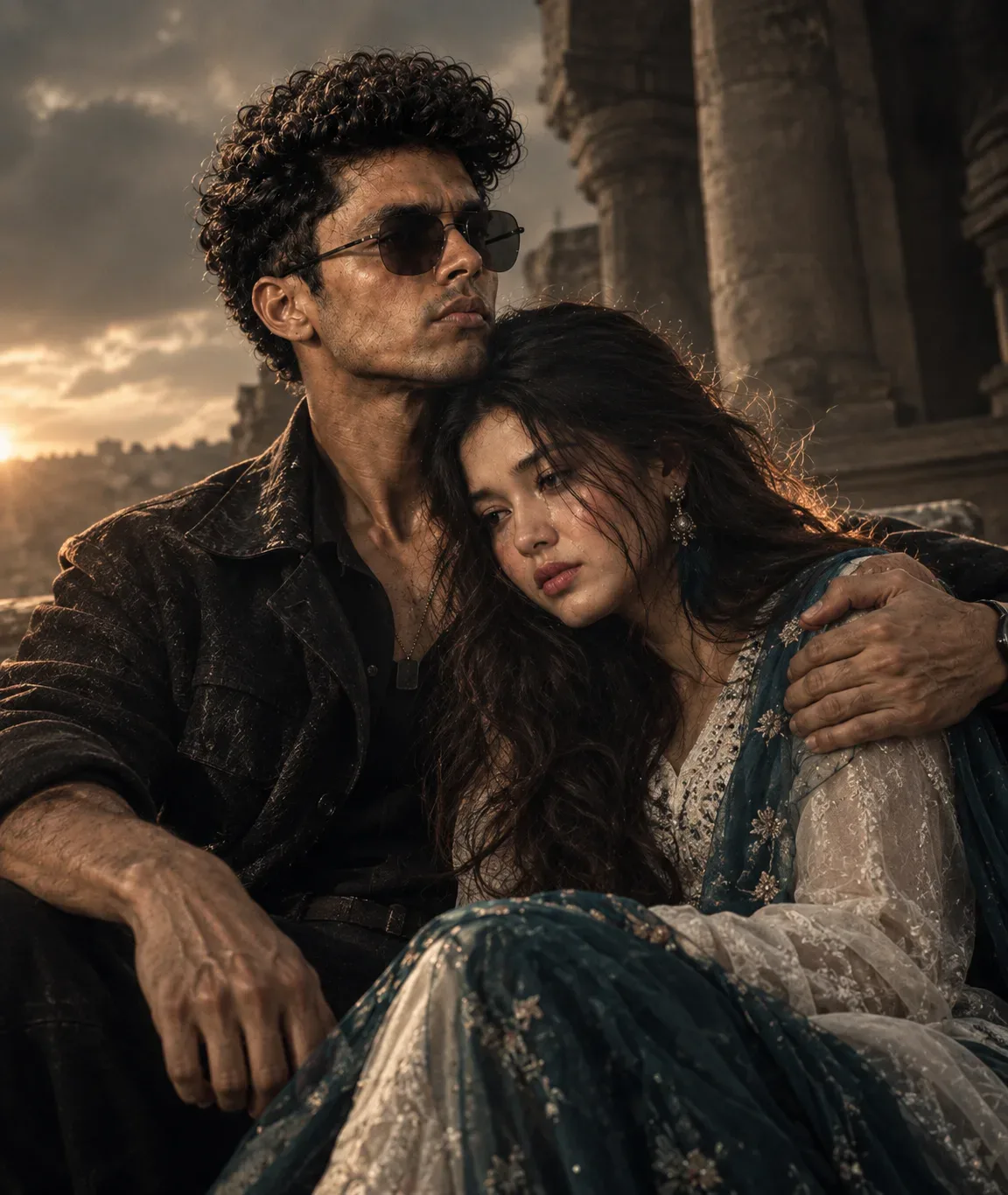
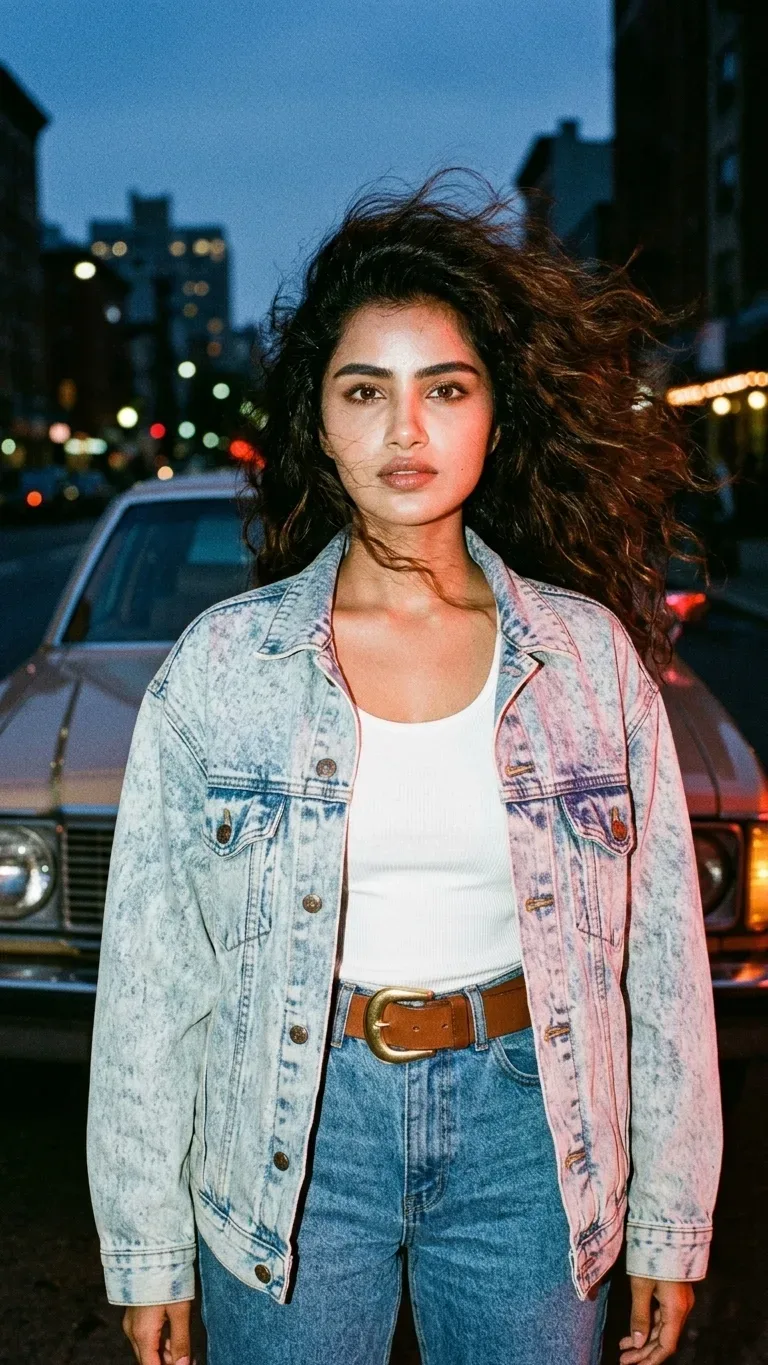
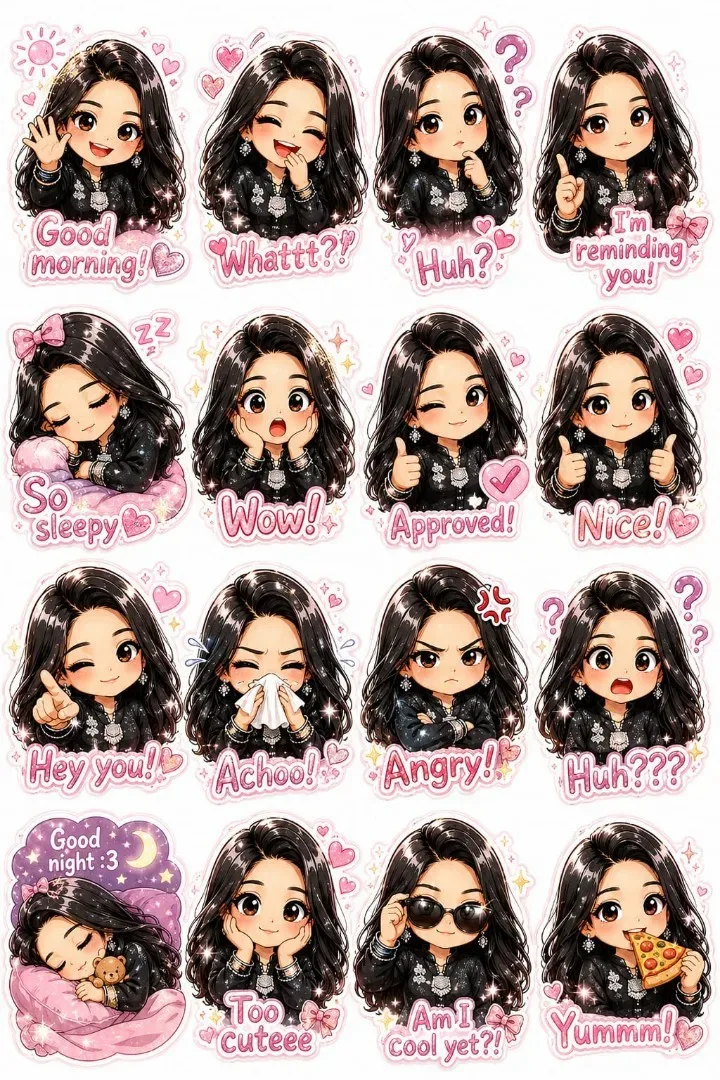
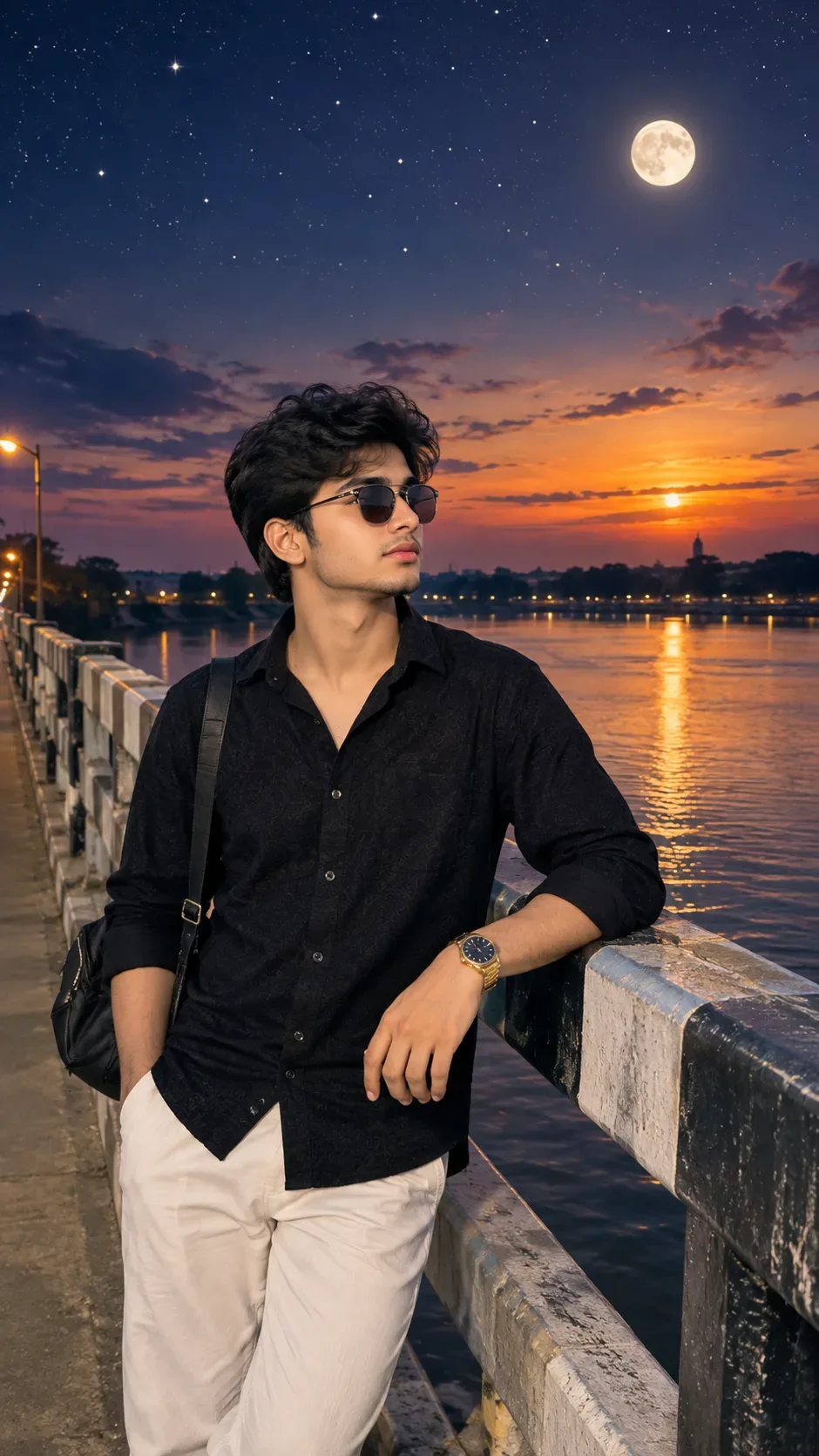
Quick Summary: This verified Google Gemini & Midjourney v6 prompt creates an cinematic moody dark atmospheric aesthetic for Critical Instruction Read First: The Uploaded AI Photo Prompt with calibrated lighting, authentic texture physics, and tested 1-click copy-paste formula for instant AI generation without facial distortion.
About This Prompt
This prompt creates an Critical Instruction Read First: The Uploaded AI Photo Prompt — a high-quality, photorealistic image with balanced lighting, sharp focus, and intricate details suitable for social media sharing and digital content creation.
Optimized specifically for Google Gemini. Simply copy the prompt text below and paste it into the generator. You can easily customize specific keywords like colors, backgrounds, or subjects to make the final output uniquely yours.
Critical Instruction Read First: The Uploaded AI Photo Prompt - Copy Paste AI Prompt
CRITICAL INSTRUCTION — READ FIRST:
The uploaded shoe images are FINAL PRODUCT PHOTOS. They are locked assets.Do NOT redesign the shoe.
Do NOT alter the shoe shape.
Do NOT generate new shoe details.
Do NOT change panel shapes.
Do NOT change logo shape on the shoe.
Do NOT change stitching pattern.
Do NOT change outsole shape or color.
Do NOT change lace color.
Do NOT change proportions.
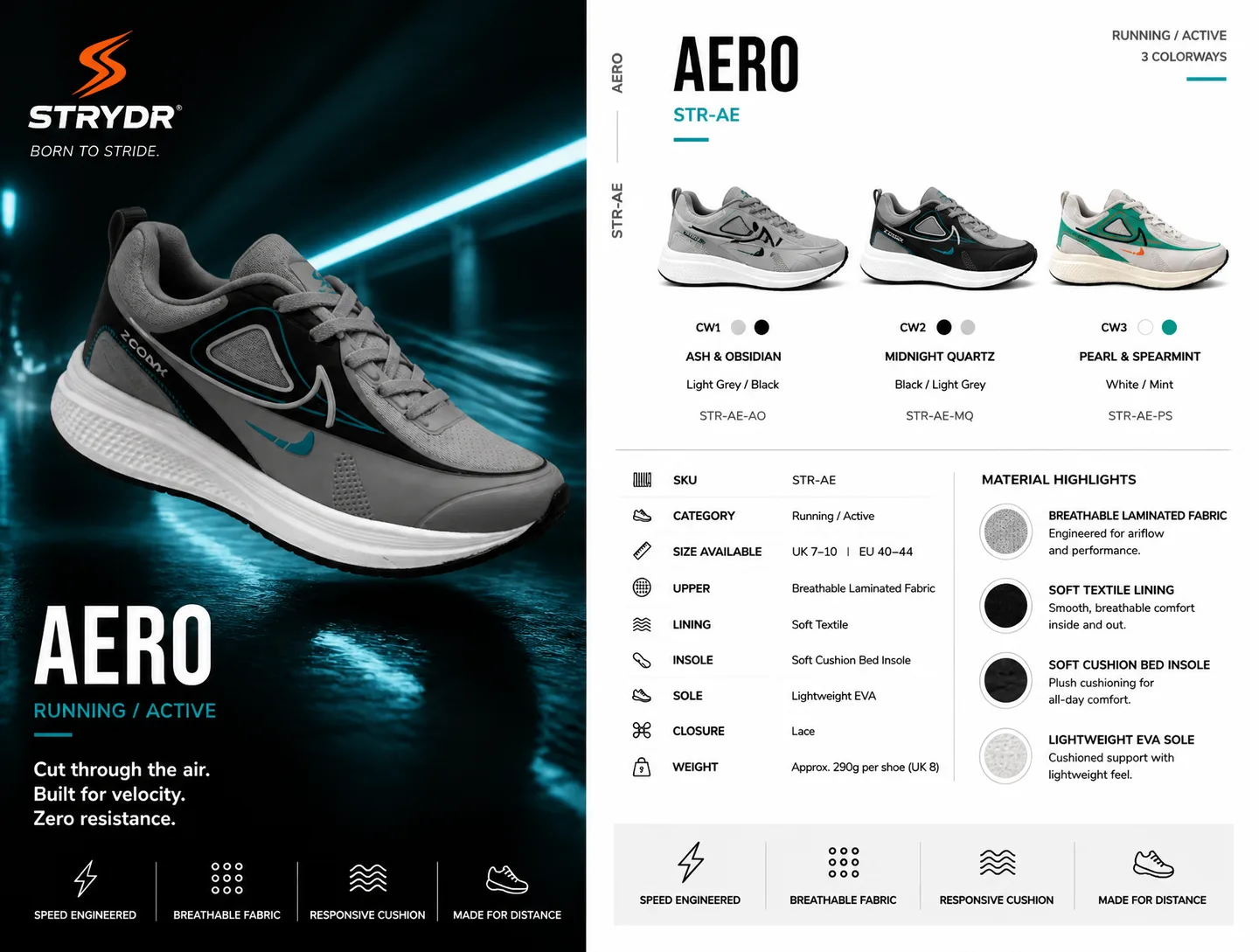
Do NOT modify any material, texture, or surface detail.Treat every uploaded shoe image as a locked, untouchable asset. The shoe must appear exactly as photographed. Your ONLY job is to place the correct shoe photo into the correct position in the layout with accurate colorway labeling, color dots, and supporting text.Create a professional two-panel sneaker product sheet for the STRYDR AERO (STR-AE). Do not change any text, layout, spec data, or structure — only correct the visual elements as specified below.LEFT PANEL — Hero Shot:
Dark, dramatic tunnel/stadium atmosphere with teal/cyan light streaks. Place the CW2 "Midnight Quartz" shoe photo (black dominant, dark grey panels, teal swoosh) as the hero. The shoe must appear EXACTLY as in the uploaded photo — do not alter shape, sole, panels, or any detail. The shoe floats slightly above a wet reflective surface. Lighting is cinematic from front-left with teal atmospheric glow.STRYDR Logo (top-left of left panel):
The icon mark must be a sharp, angular lightning bolt "S" strike shape in solid ORANGE. Below it: wordmark "STRYDR®" in bold white, and "BORN TO STRIDE." in small white text. Do NOT render the logo as a blocky badge, serif letter, or any other shape.RIGHT PANEL — Product Details (white background):Top-right corner: "RUNNING / ACTIVE" and "3 COLORWAYS" with a short teal horizontal underline accent.Header: "AERO" in large black bold sans-serif. Below it: "STR-AE" in teal accent color. Vertical side tab reads "AERO" and "STR-AE".THREE COLORWAY THUMBNAILS — ⚠️ USE UPLOADED PHOTOS EXACTLY AS-IS:Each thumbnail must use the actual uploaded shoe photo. Do NOT redraw, rerender, or reinterpret the shoe. Do NOT change any detail of the shoe image.CW1 — "ASH & OBSIDIAN" | Light Grey / Black | STR-AE-AO:
Use the uploaded Light Grey / Black shoe photo exactly as-is. Color dots: large light grey filled circle + smaller black filled circle. Label: "ASH & OBSIDIAN", subtitle: "Light Grey / Black", SKU: "STR-AE-AO"CW2 — "MIDNIGHT QUARTZ" | Black / Light Grey | STR-AE-MQ:
Use the uploaded Black / Light Grey shoe photo exactly as-is. Color dots: large black filled circle + smaller light grey filled circle. Label: "MIDNIGHT QUARTZ", subtitle: "Black / Light Grey", SKU: "STR-AE-MQ"CW3 — "PEARL & SPEARMINT" | White / Mint | STR-AE-PS:
Use the uploaded White / Mint shoe photo exactly as-is. Cream/off-white midsole must remain as photographed — do not brighten to pure white. Color dots: white circle with grey outline + filled mint green circle. Label: "PEARL & SPEARMINT", subtitle: "White / Mint", SKU: "STR-AE-PS"SPECS SECTION (keep all rows exactly as-is):SKU: STR-AECategory: Running / ActiveSize Available: UK 7–10 | EU 40–44Upper: Breathable Laminated FabricLining: Soft TextileInsole: Soft Cushion Bed InsoleSole: Lightweight EVAClosure: LaceWeight: Approx. 290g per shoe (UK 8)MATERIAL HIGHLIGHTS (right column, 4 rows with texture swatches):Breathable Laminated Fabric — light grey mesh texture swatchSoft Textile Lining — dark/black textile swatchSoft Cushion Bed Insole — dark padded swatchLightweight EVA Sole — white/cream foam swatchBOTTOM FOOTER ICONS (both panels) — spell exactly:
⚡ SPEED ENGINEERED | 🔘 BREATHABLE FABRIC | 〰️ RESPONSIVE CUSHION | 👟 MADE FOR DISTANCE
⚠️ Correct spelling: RESPONSIVE — not "REEPONSIVE"LEFT PANEL TEXT (keep exactly):
Large: "AERO"
Subtitle: "RUNNING / ACTIVE" with short teal underline
*"Cut through the air. Built for velocity. Zero resistance."*

Note: Strictly retain 100% exact facial likeness, natural cheekbone contours, true skin undertone, and authentic gaze from source image without generic face replacement.What You'll Get
- 🎨 Style: Ai Image
- ✨ Mood: Meigen
- 📱 Best For: Trending
- 🤖 Works With: Google Gemini
- 🔥 Popularity: Copied 67 times
- 📅 Added: Sep 14, 2026
Explore Related Collections
Explore Ai Image Prompts — Browse our curated collection of Ai Image prompts tailored for creators. View all Ai Image prompts →
Explore Trending Prompts — Discover more viral Trending ideas for your next AI generation. View all Trending prompts →
Frequently asked questions
- How do I use the Critical Instruction Read First: The Uploaded AI Photo Prompt prompt?
- To use this prompt, simply click the "Copy Prompt" button above. Then, open Google Gemini, paste the copied text into the prompt box, and hit generate. You can instantly generate high-quality images without needing any reference photos.
- What is this prompt best used for?
- This specific prompt is highly optimized for creating engaging social media content and digital art. The formula is structured to produce high-contrast, visually appealing results that perform well on visual platforms.
- Can I customize the details of this prompt?
- Yes! While the core structure of the prompt is optimized for Google Gemini, you can easily customize the details. We recommend changing specific keywords like clothing colors, background locations, or the overall mood (e.g., changing "sunny" to "rainy" or "neon") to match your exact vision.