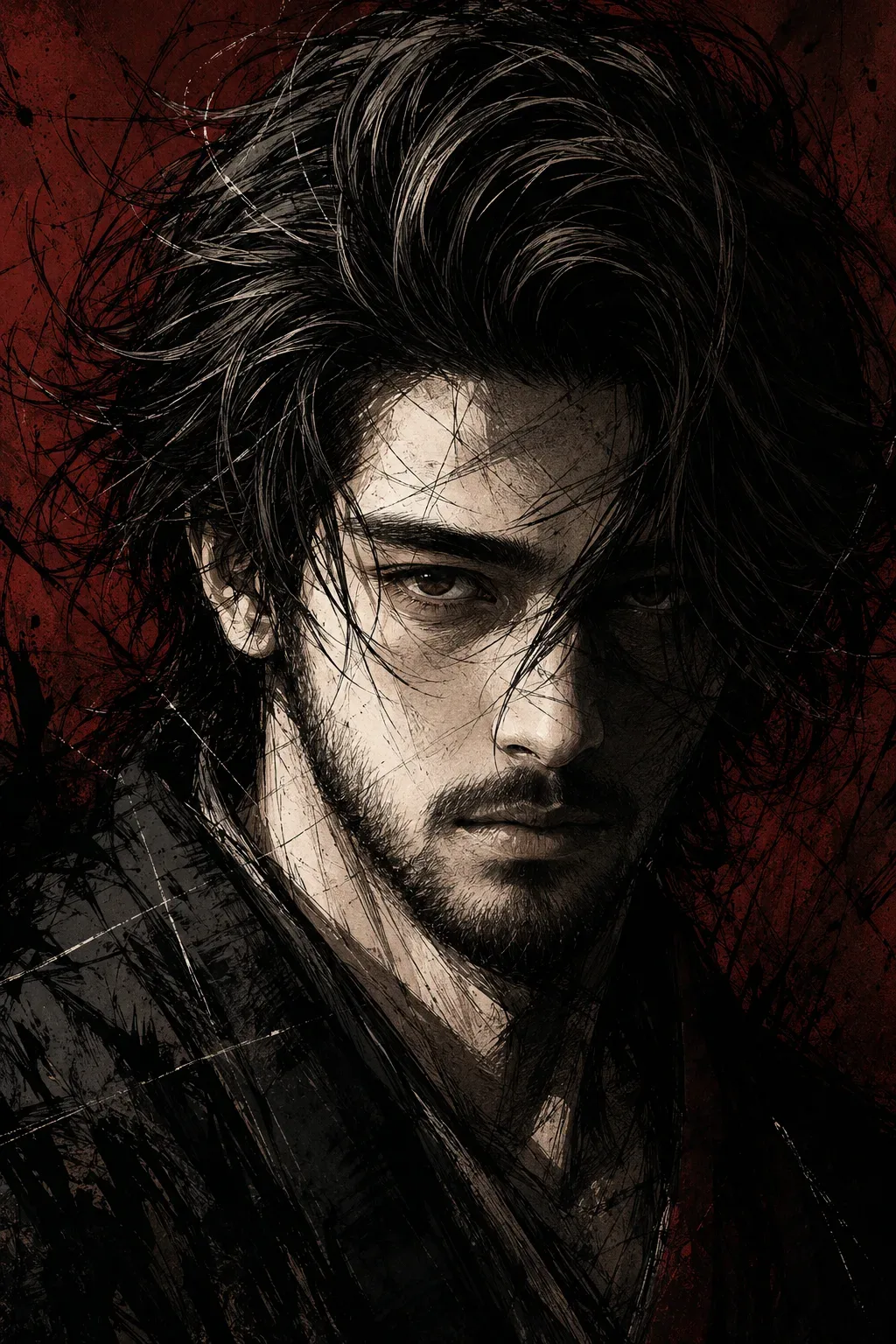
Quick Summary: This verified Google Gemini & Midjourney v6 prompt creates an authentic 90s vintage film aesthetic for Brooding Ink Portrait On Crimson AI Photo Prompt with calibrated lighting, authentic texture physics, and tested 1-click copy-paste formula for instant AI generation without facial distortion.
- Ai Image
- Illustration 3d
- Trending
- Illustration 3d
- Ai Image
- Trending
- Viral Prompt
- Gemini Ai
- Bing Image Creator
- Copy Paste
About This Prompt
Use this prompt to generate a Brooding Ink Portrait On Crimson AI Photo Prompt — a high-quality, photorealistic image with balanced lighting, sharp focus, and intricate details suitable for social media sharing and digital content creation.
This prompt works best with Google Gemini. Simply copy the prompt text below and paste it into the generator. You can easily customize specific keywords like colors, backgrounds, or subjects to make the final output uniquely yours.
Brooding Ink Portrait On Crimson AI Photo Prompt - Copy Paste AI Prompt
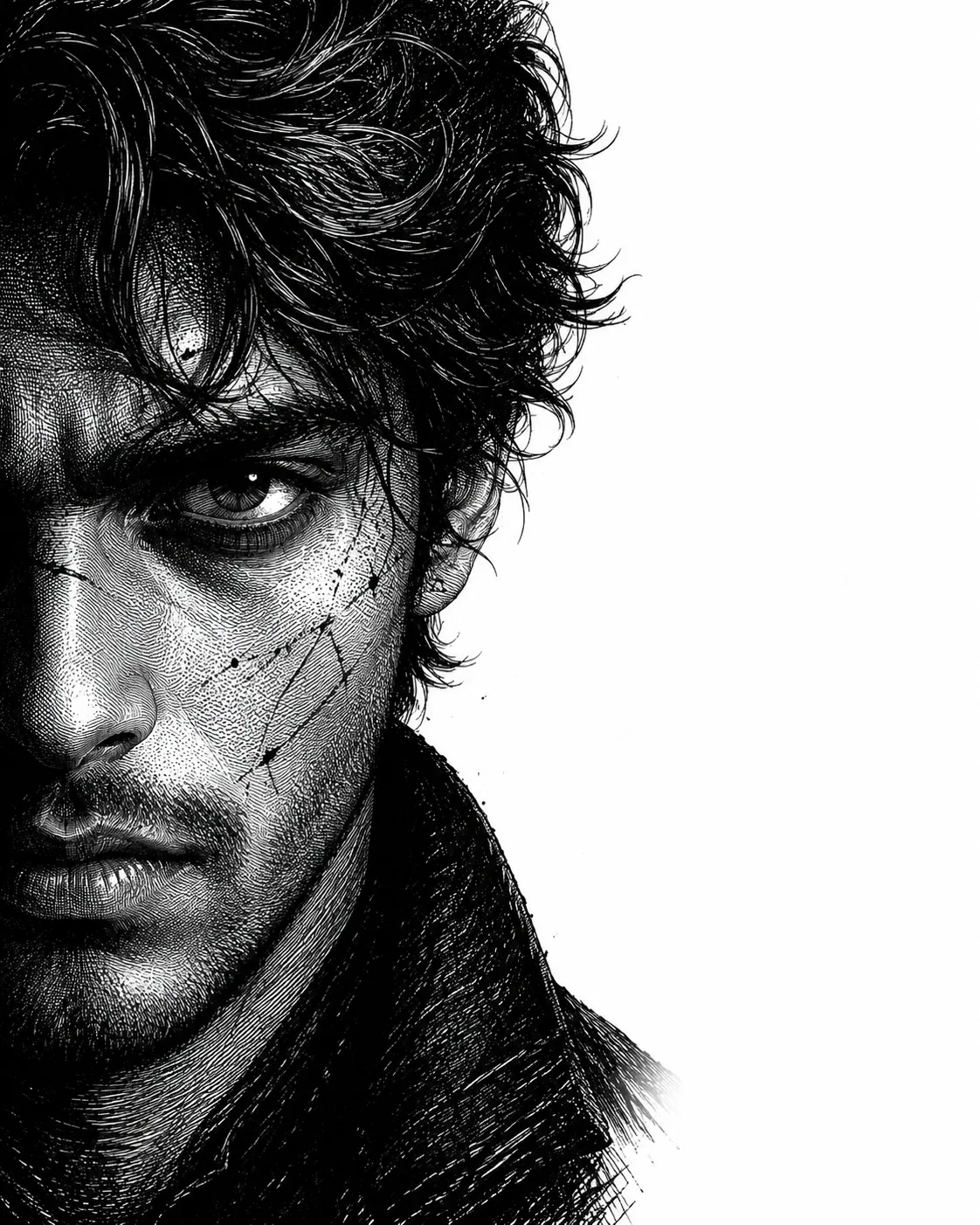
A striking **dark anime-inspired ink illustration** of a handsome young adult man shown in an extreme close-up, three-quarter portrait. His head is slightly tilted downward while his intense eyes stare directly toward the viewer with a cold, serious, intimidating expression.

He has **thick, messy, medium-length black hair**, dramatically windswept across his forehead and face, with long sharp strands overlapping the eyes and cheeks. The hair is rendered with bold black brushstrokes, loose sketch lines, and highly dynamic ink details.

His face has strong masculine features: sharp cheekbones, a defined jawline, straight nose, narrow intense eyes, subtle dark under-eye shading, and short rough stubble along the jaw, chin, and upper lip. Strong directional lighting illuminates the left side of his face and neck in pale ivory tones, while the right side disappears into deep black shadow.

The portrait is illustrated in a **high-contrast monochrome manga, graphic novel, and Japanese ink style**, combining detailed linework, rough cross-hatching, charcoal textures, expressive black brush strokes, sketch marks, and subtle paper grain. Thin chaotic ink lines cross over the face and background, creating a raw, gritty, hand-drawn aesthetic.

The background is a deep, muted **blood-red and dark burgundy textured field**, partially obscured by black shadows and abstract ink strokes. The color palette is extremely limited: black, charcoal, warm gray, pale ivory skin tones, and dark crimson red.

Dramatic cinematic lighting, extreme chiaroscuro, sharp highlights across the cheek, nose, lips, and neck, deep shadows, moody atmosphere, intense gaze, dark psychological tone, gritty texture, elegant composition, highly detailed facial anatomy, expressive line art, seinen manga aesthetic, dark fantasy illustration, raw ink sketch, graphic novel cover quality, vertical **2:3 portrait composition**. Preserve the reference image 100%

**Negative prompt:** bright colorful palette, cheerful expression, smile, soft pastel colors, cute anime style, cartoon proportions, smooth digital painting, glossy skin, blurry face, low detail, extra eyes, distorted facial features, deformed anatomy, text, watermark, logo.

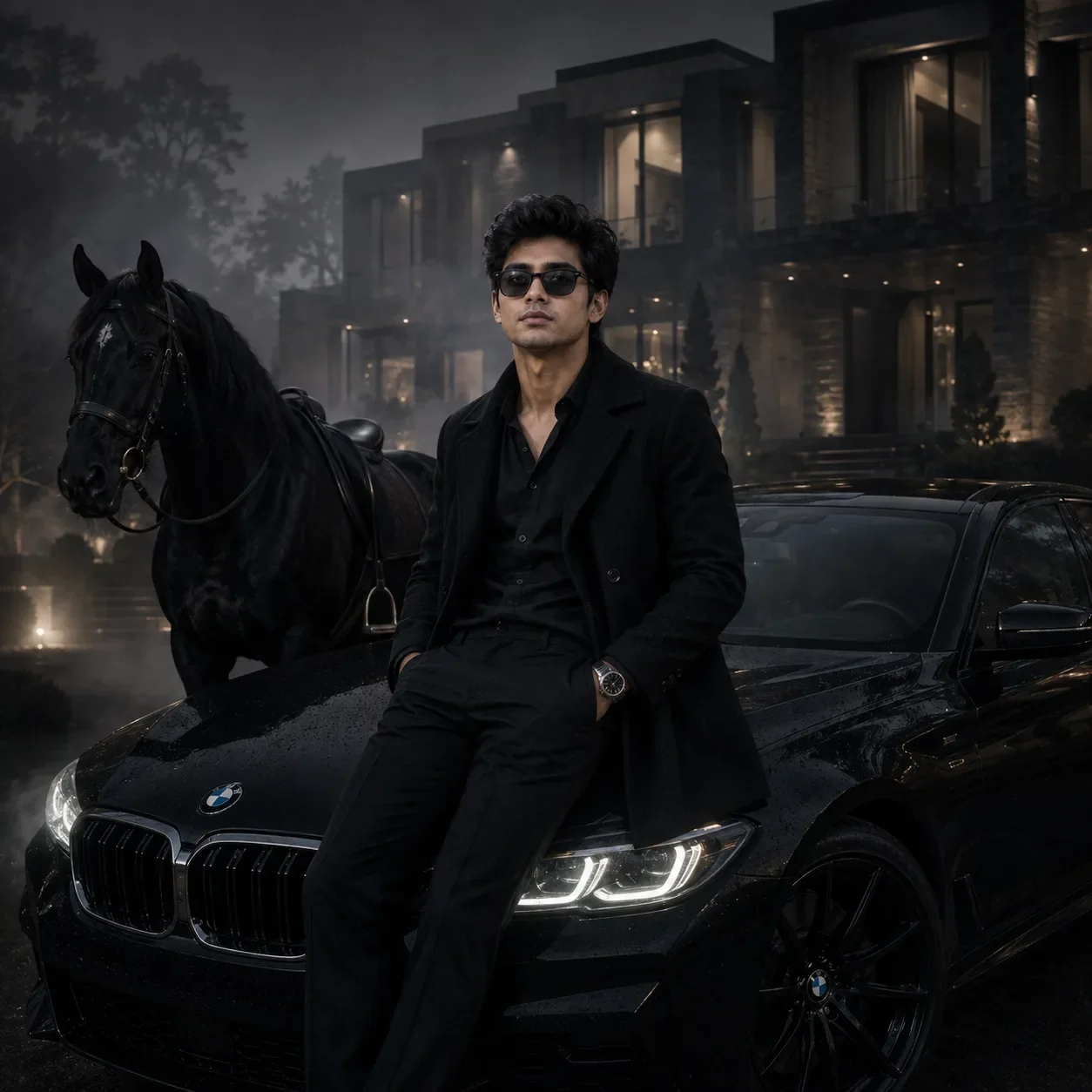
Optical Identity & Likeness Preservation: Lock subject's authentic facial identity and natural posture while seamlessly integrating with sharp vehicle reflections and cinematic ambient lighting.What You'll Get
- 🎨 Style: Ai Image
- ✨ Mood: Illustration 3d
- 📱 Best For: Illustration 3d
- 🤖 Works With: Google Gemini
- 🔥 Popularity: Copied 205 times
- 📅 Added: Sep 14, 2026
Explore Related Collections
Explore Ai Image Prompts — Browse our curated collection of Ai Image prompts tailored for creators. View all Ai Image prompts →
Explore Illustration 3d Prompts — Discover more viral Illustration 3d ideas for your next AI generation. View all Illustration 3d prompts →
Explore Trending Prompts — Explore our extensive library of Trending templates ready to copy and paste. View all Trending prompts →
Frequently asked questions
- How do I use the Brooding Ink Portrait On Crimson AI Photo Prompt prompt?
- To use this prompt, simply click the "Copy Prompt" button above. Then, open Google Gemini, paste the copied text into the prompt box, and hit generate. You can instantly generate high-quality images without needing any reference photos.
- What is this prompt best used for?
- This specific prompt is highly optimized for creating engaging social media content and digital art. The formula is structured to produce high-contrast, visually appealing results that perform well on visual platforms.
- Can I customize the details of this prompt?
- Yes! While the core structure of the prompt is optimized for Google Gemini, you can easily customize the details. We recommend changing specific keywords like clothing colors, background locations, or the overall mood (e.g., changing "sunny" to "rainy" or "neon") to match your exact vision.