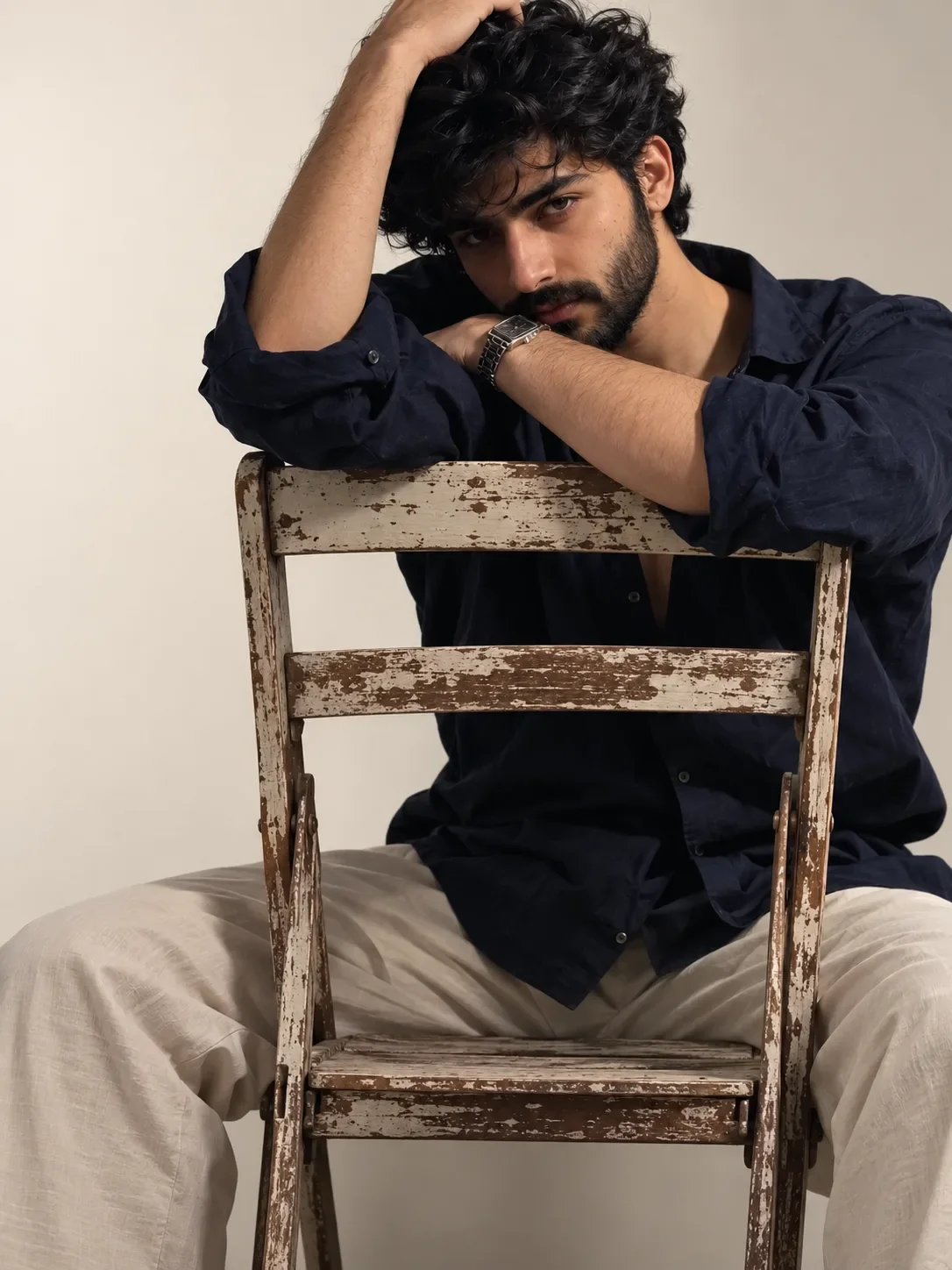
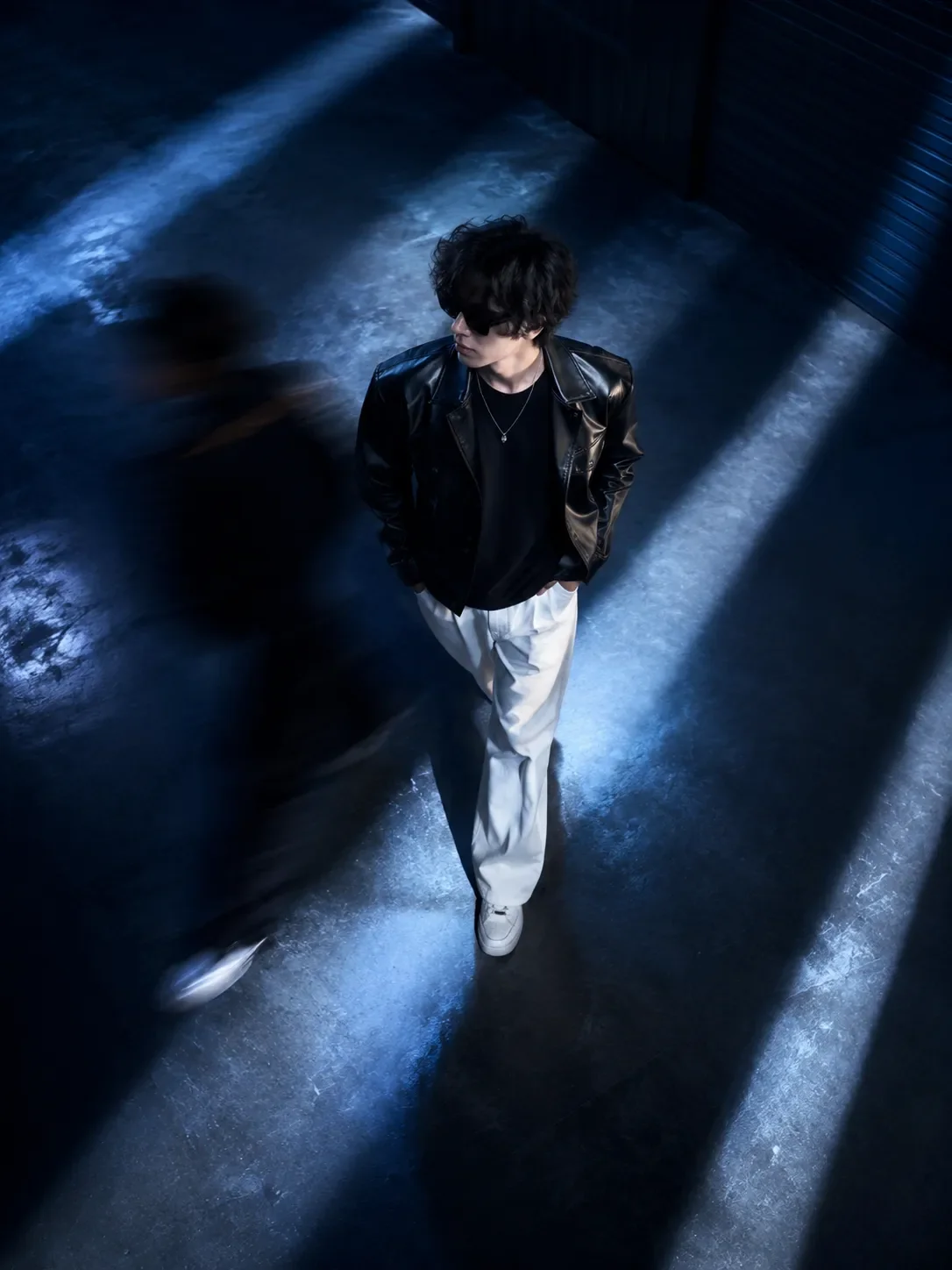
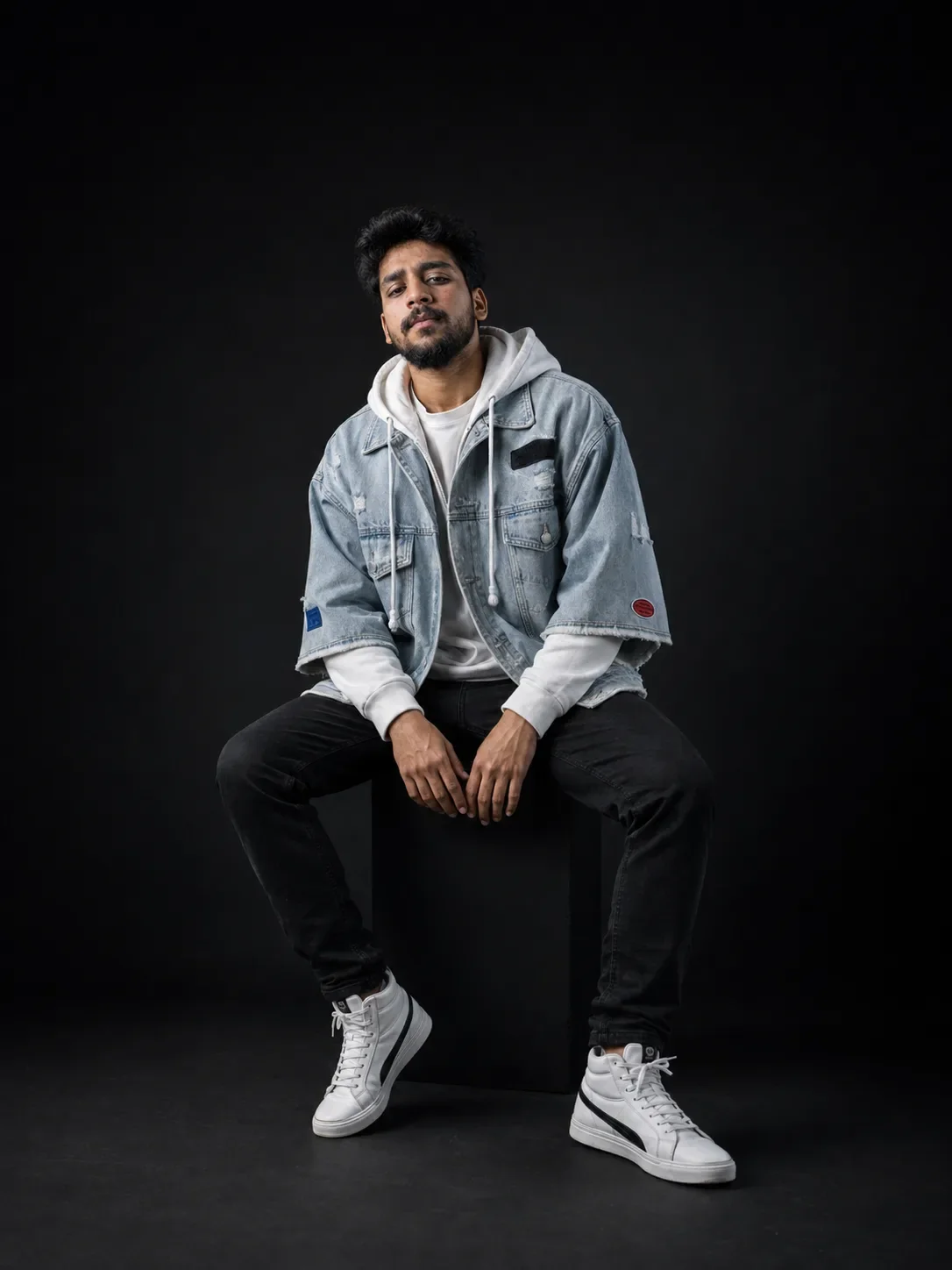
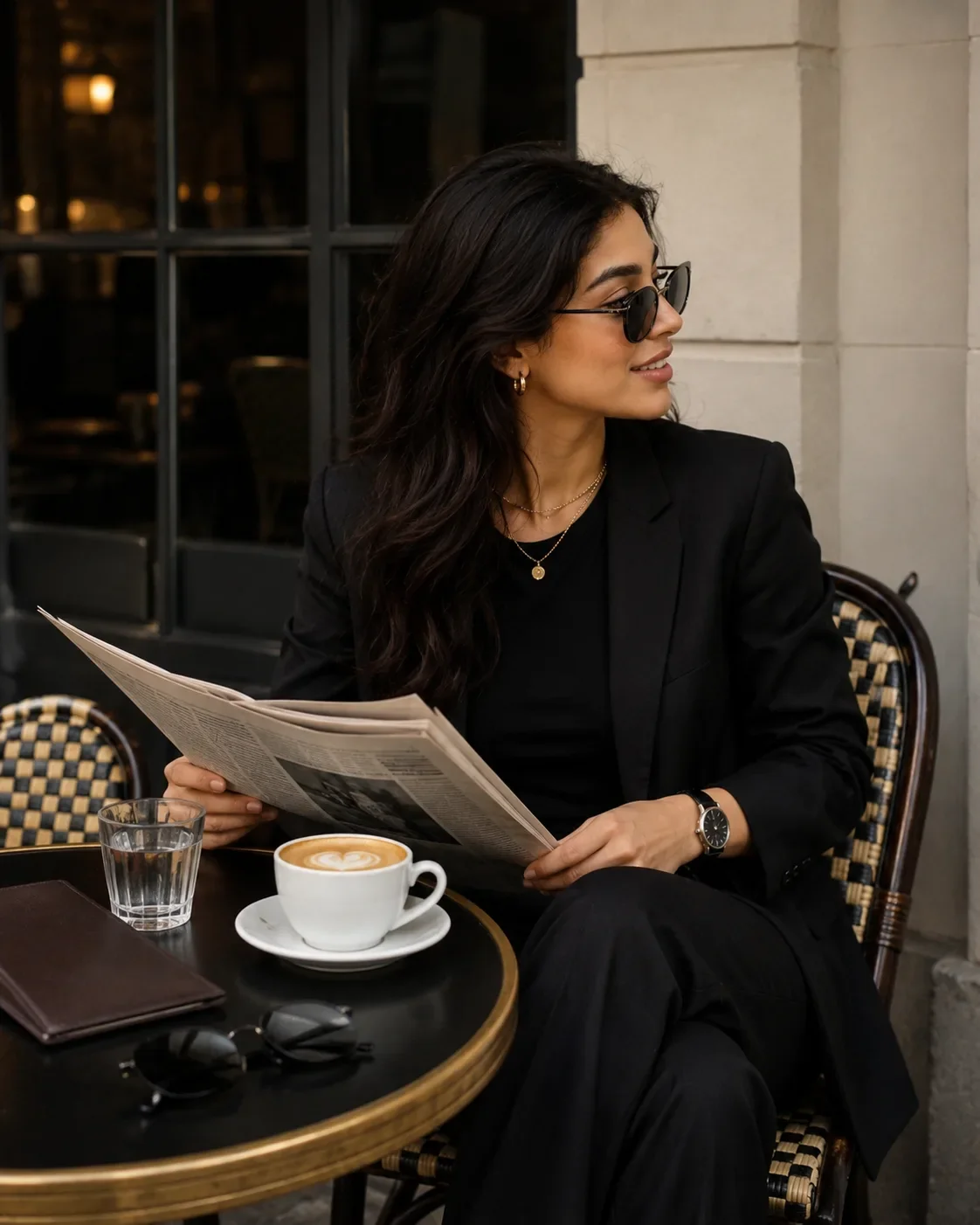
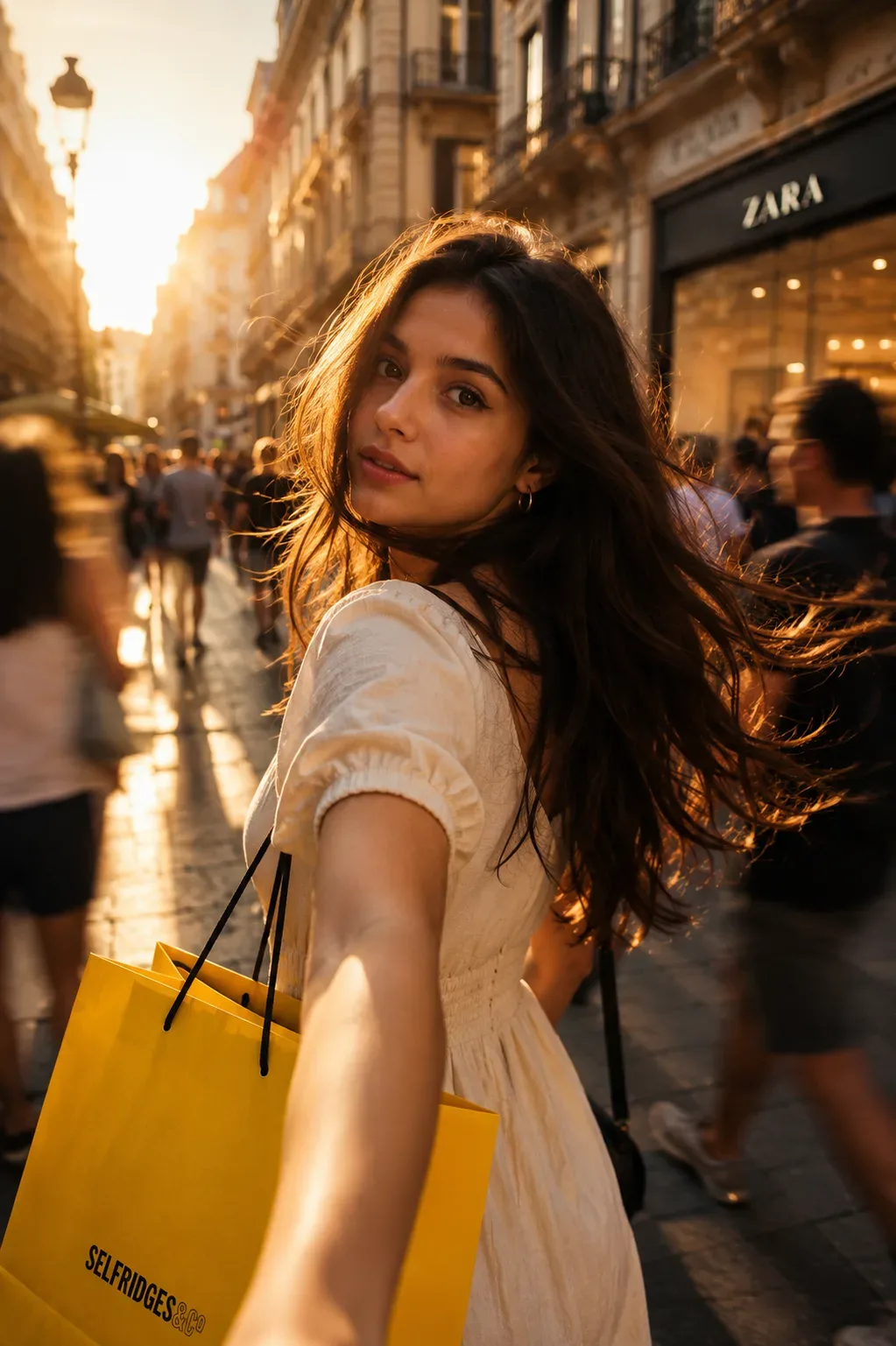
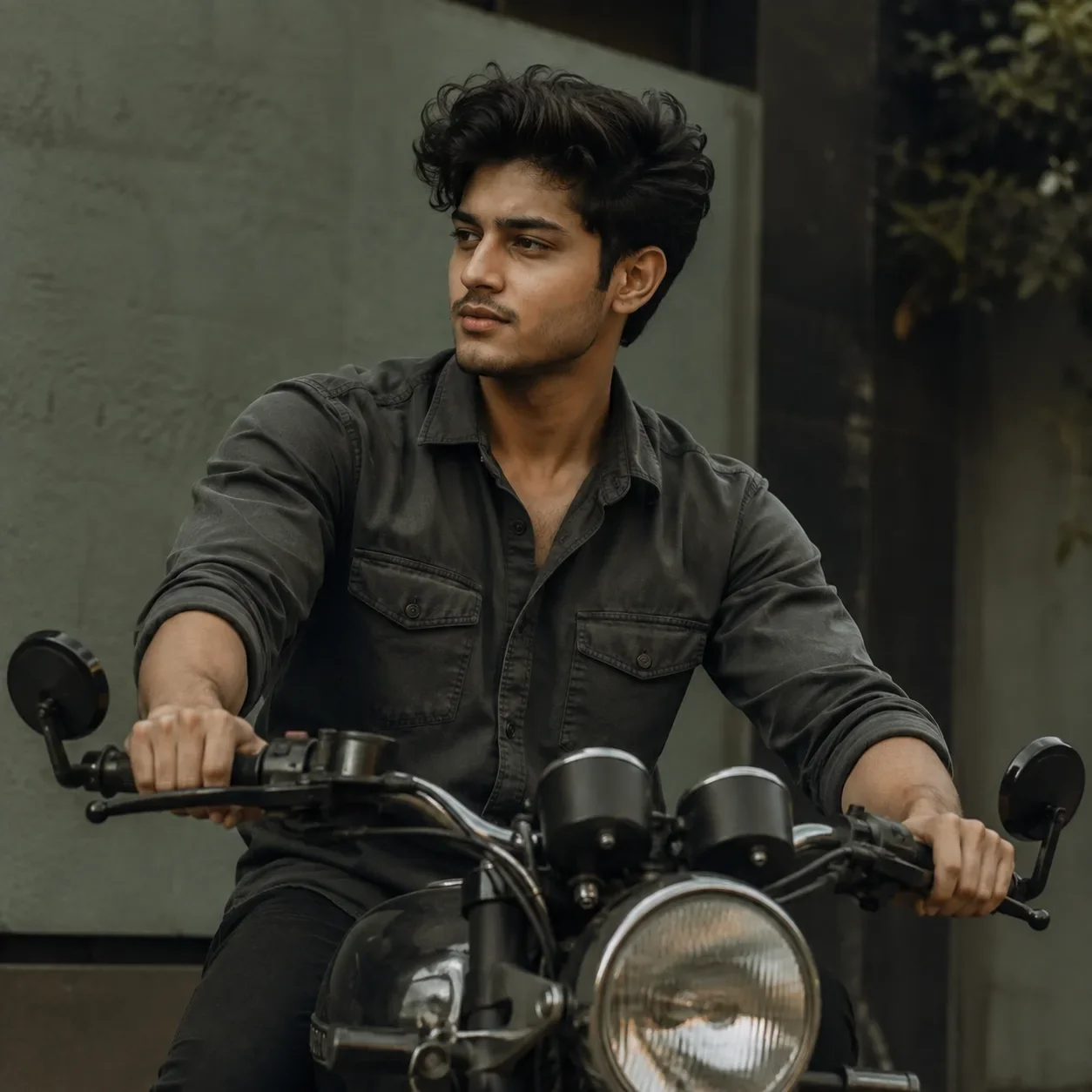
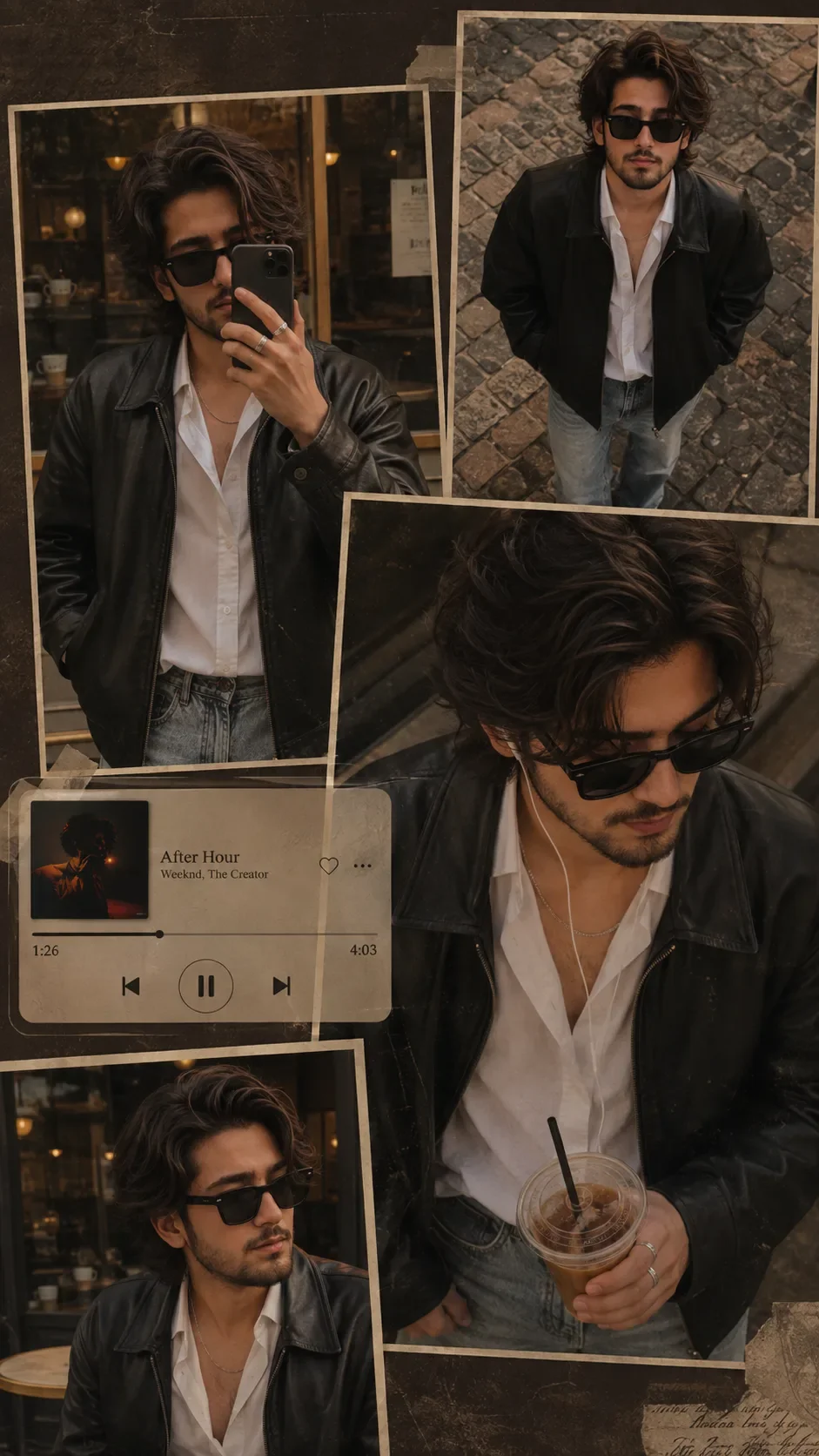
Quick Summary: This verified Google Gemini & Bing Image Creator (DALL-E 3) prompt creates an rich traditional Indian cultural aesthetic for AI Identity-preserving Stylish Fashion Portrait AI Photo Prompt with calibrated lighting, authentic texture physics, and tested 1-click copy-paste formula for instant AI generation without facial distortion.
- Photography
- Fashion
- Aesthetic
- Ai Image
- Trending
- Photography
- Fashion
- Aesthetic
- Ai Image
- Trending
- Viral Prompt
- Gemini Ai
- Bing Image Creator
- Copy Paste
About This Prompt
This AI prompt generates a AI Identity-preserving Stylish Fashion Portrait AI Photo Prompt — a high-quality, photorealistic image with balanced lighting, sharp focus, and intricate details suitable for social media sharing and digital content creation.
Optimized specifically for Google Gemini. Simply copy the prompt text below and paste it into the generator. You can easily customize specific keywords like colors, backgrounds, or subjects to make the final output uniquely yours.
AI Identity-preserving Stylish Fashion Portrait AI Photo Prompt - Copy Paste AI Prompt
Use the uploaded photo as the ONLY identity and facial reference. Transform the person in the uploaded image into a highly realistic, premium close-up fashion portrait inspired by the described styling. Preserve the person’s exact identity, natural facial structure, face shape, skin tone, nose, lips, jawline, eyebrows, ears, age, ethnicity, and all recognizable facial features. The final person must clearly look like the same individual from the uploaded photo—do not replace, redesign, beautify beyond recognition, or mix their face with another person.

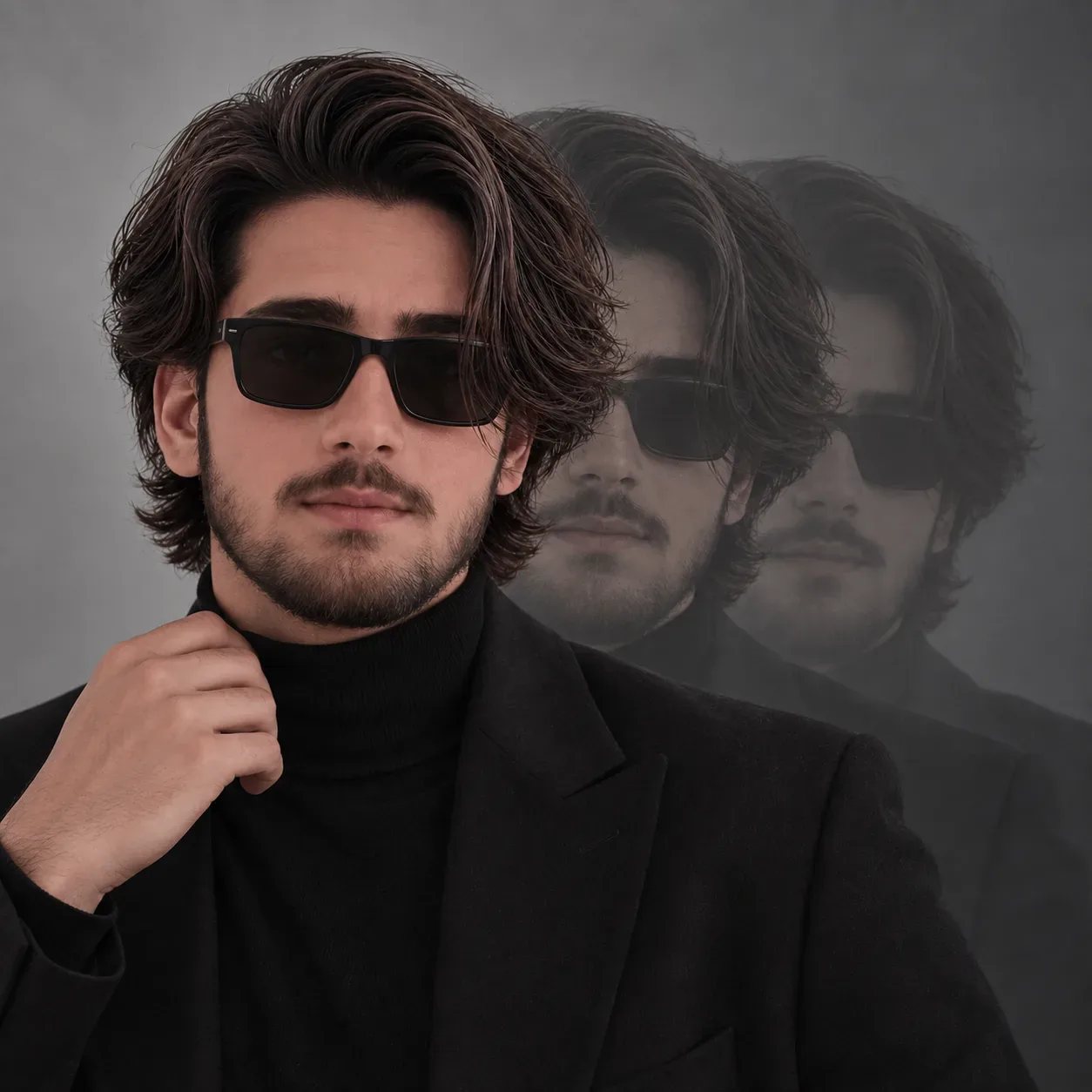
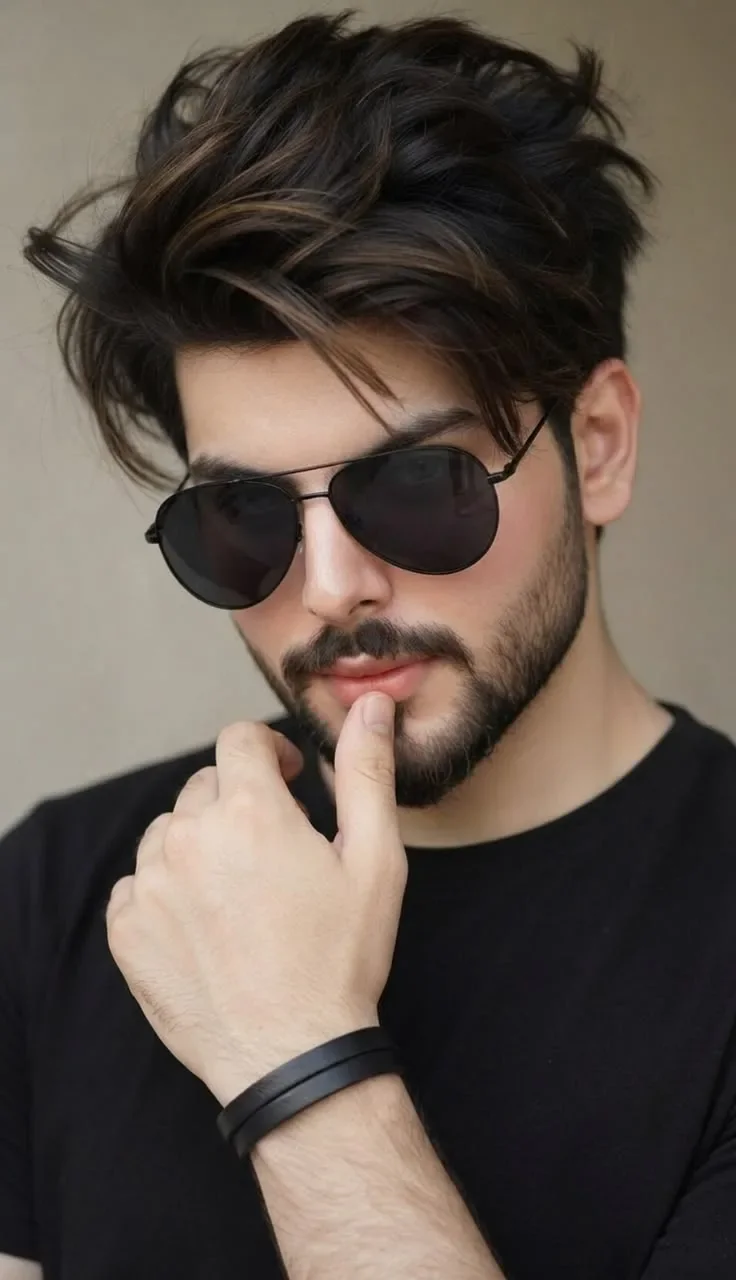
Create a vertical chest-up portrait with the subject facing slightly three-quarters toward the camera and gently tilting their head downward. Give them a calm, confident expression with closed, relaxed lips. Position one hand naturally near the chin: the index finger lightly touching the lower lip/chin area while the remaining fingers are softly folded. Maintain realistic hand anatomy and natural finger proportions.

Style the subject with thick, voluminous, slightly messy dark hair, featuring soft layered strands, a lifted textured top, subtle warm-brown highlights, and a few loose strands falling naturally across the forehead. Adapt the hairstyle realistically to the person while keeping their original hairline believable.

Add premium black aviator sunglasses with thin matte-black metal frames, dark smoky lenses, realistic reflections, symmetrical placement, and natural contact around the nose and ears. The glasses must fit the person’s face correctly without changing their facial proportions.

Dress the subject in a plain fitted black crew-neck T-shirt with no logo, print, pattern, or visible branding. Add two minimal black leather wristbands on the visible wrist.

Use a simple warm beige-gray studio background with a soft, slightly textured appearance and gentle background blur. Apply soft diffused natural studio lighting from the front-left, creating smooth highlights on the skin, subtle shadows around the face and jawline, and realistic depth. Keep the complexion natural with visible skin texture, pores, fine facial hair, and realistic beard or stubble only if appropriate to the uploaded person. Do not artificially change the person’s gender, age, or natural features.

Composition: tight vertical portrait, head and upper torso visible, subject centered, hand prominent in the lower foreground, shallow depth of field, approximately 85mm portrait-lens look, f/1.8, professional editorial fashion photography, premium Instagram portrait aesthetic.

Output quality: photorealistic, ultra-detailed, sharp facial features, realistic hair strands, accurate anatomy, cinematic color grading, balanced contrast, natural skin tones, soft background bokeh, high dynamic range, 8K-quality finish, vertical 4:5 aspect ratio.

IMPORTANT IDENTITY LOCK: The uploaded person’s face must remain unmistakably the same. Change only the hairstyle, sunglasses, clothing, pose, hand position, lighting, and background according to this prompt. Do not copy the identity or facial features of any reference model.

Negative prompt: different person, altered identity, face replacement, face mixing, changed face shape, changed nose, changed lips, changed jawline, changed skin tone, artificial beauty filter, plastic skin, excessive retouching, deformed face, asymmetrical sunglasses, visible eyes through dark lenses, distorted hands, extra fingers, missing fingers, fused fingers, duplicate hand, unnatural pose, oversized hand, poorly drawn hair, wig-like hair, blurry face, low resolution, noise, harsh flash, overexposure, underexposure, cartoon, painting, illustration, CGI appearance, text, watermark, logo, jewellery, patterned shirt, cluttered background.

Optical Identity & Likeness Preservation: Lock subject's authentic facial identity and natural posture while seamlessly integrating with sharp vehicle reflections and cinematic ambient lighting.What You'll Get
- 🎨 Style: Photography
- ✨ Mood: Photography
- 📱 Best For: Fashion
- 🤖 Works With: Google Gemini
- 🔥 Popularity: Copied 677 times
- 📅 Added: Sep 14, 2026
Explore Related Collections
Explore Photography Prompts — Browse our curated collection of Photography prompts tailored for creators. View all Photography prompts →
Explore Fashion Prompts — Discover more viral Fashion ideas for your next AI generation. View all Fashion prompts →
Explore Aesthetic Prompts — Explore our extensive library of Aesthetic templates ready to copy and paste. View all Aesthetic prompts →
Frequently asked questions
- How do I use the AI Identity-preserving Stylish Fashion Portrait AI Photo Prompt prompt?
- To use this prompt, simply click the "Copy Prompt" button above. Then, open Google Gemini, paste the copied text into the prompt box, and hit generate. You can instantly generate high-quality images without needing any reference photos.
- What is this prompt best used for?
- This specific prompt is highly optimized for creating engaging social media content and digital art. The formula is structured to produce high-contrast, visually appealing results that perform well on visual platforms.
- Can I customize the details of this prompt?
- Yes! While the core structure of the prompt is optimized for Google Gemini, you can easily customize the details. We recommend changing specific keywords like clothing colors, background locations, or the overall mood (e.g., changing "sunny" to "rainy" or "neon") to match your exact vision.