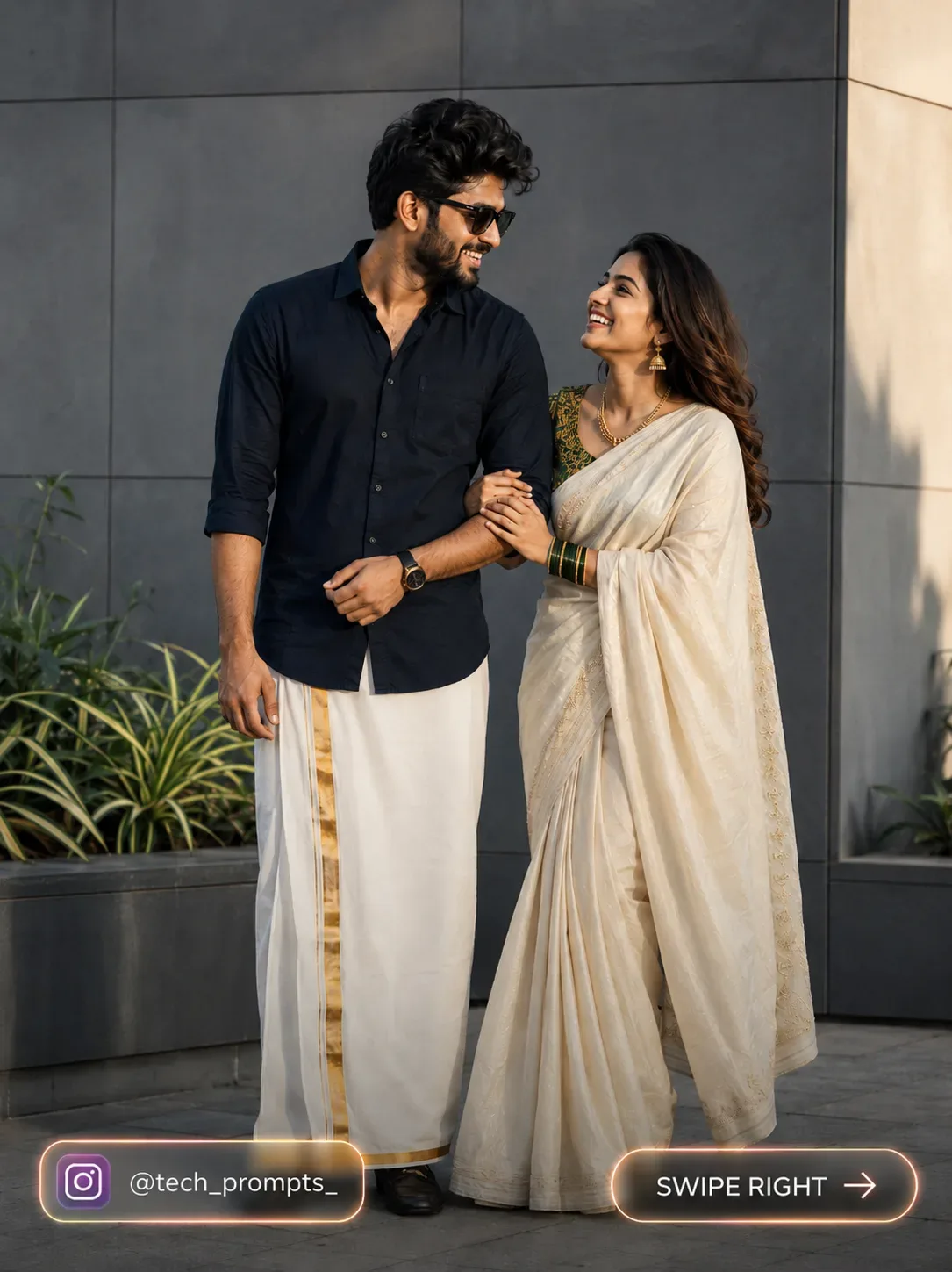
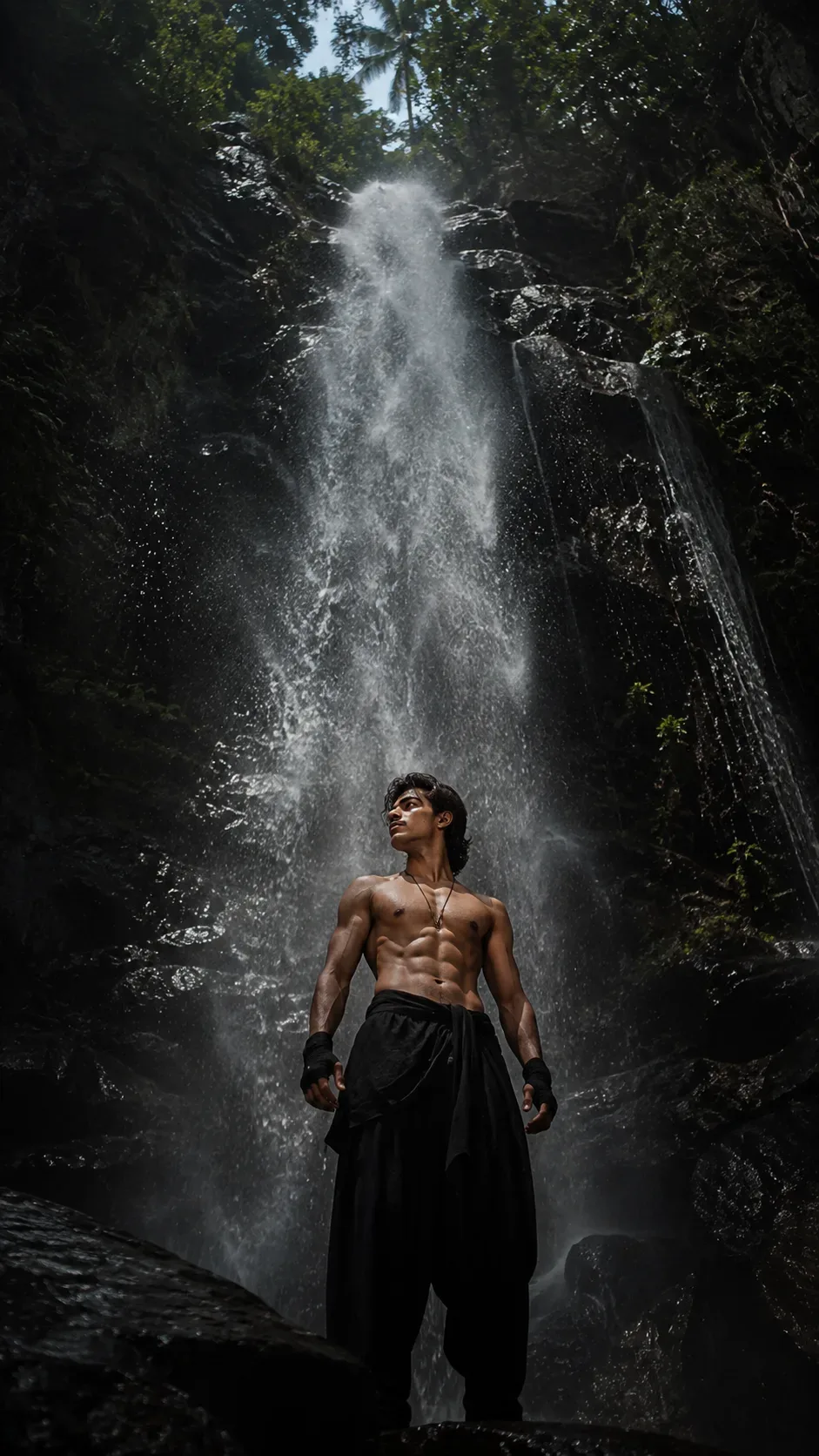
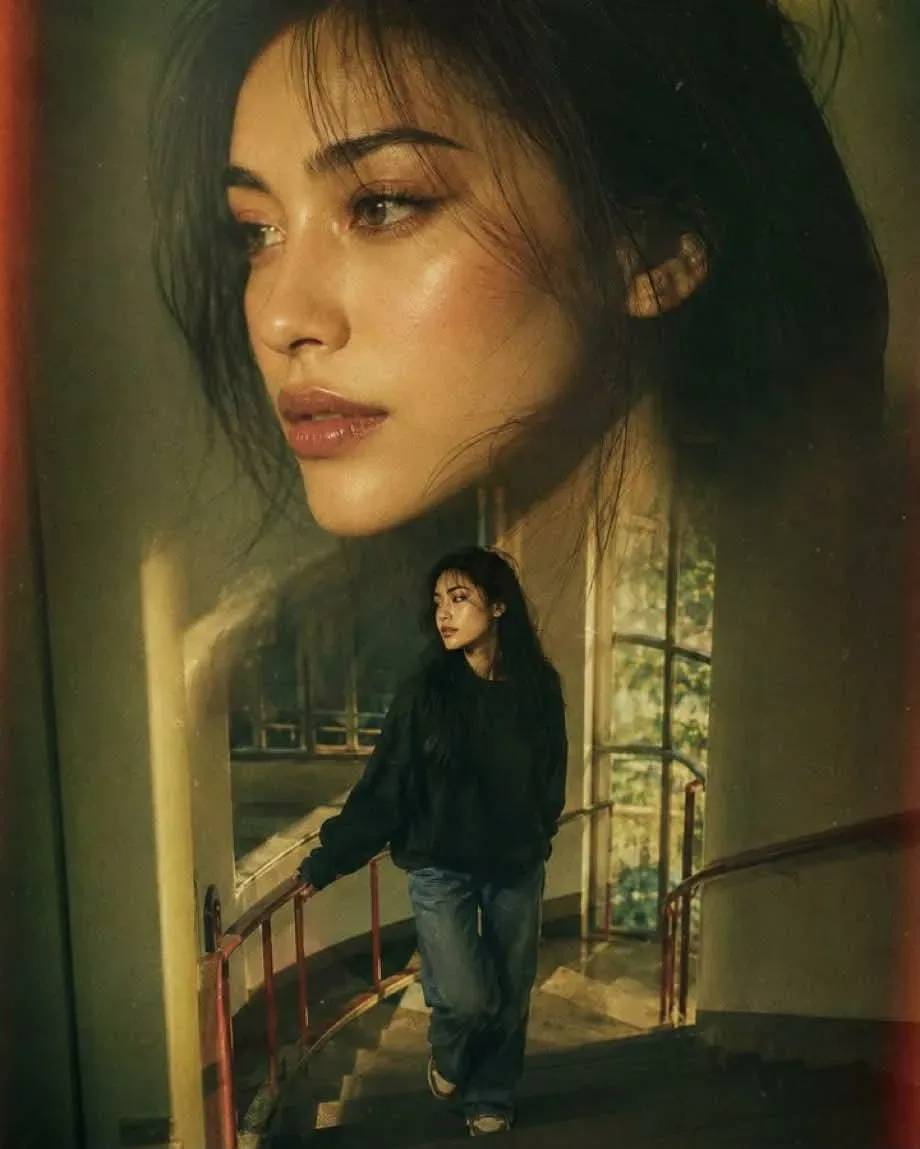
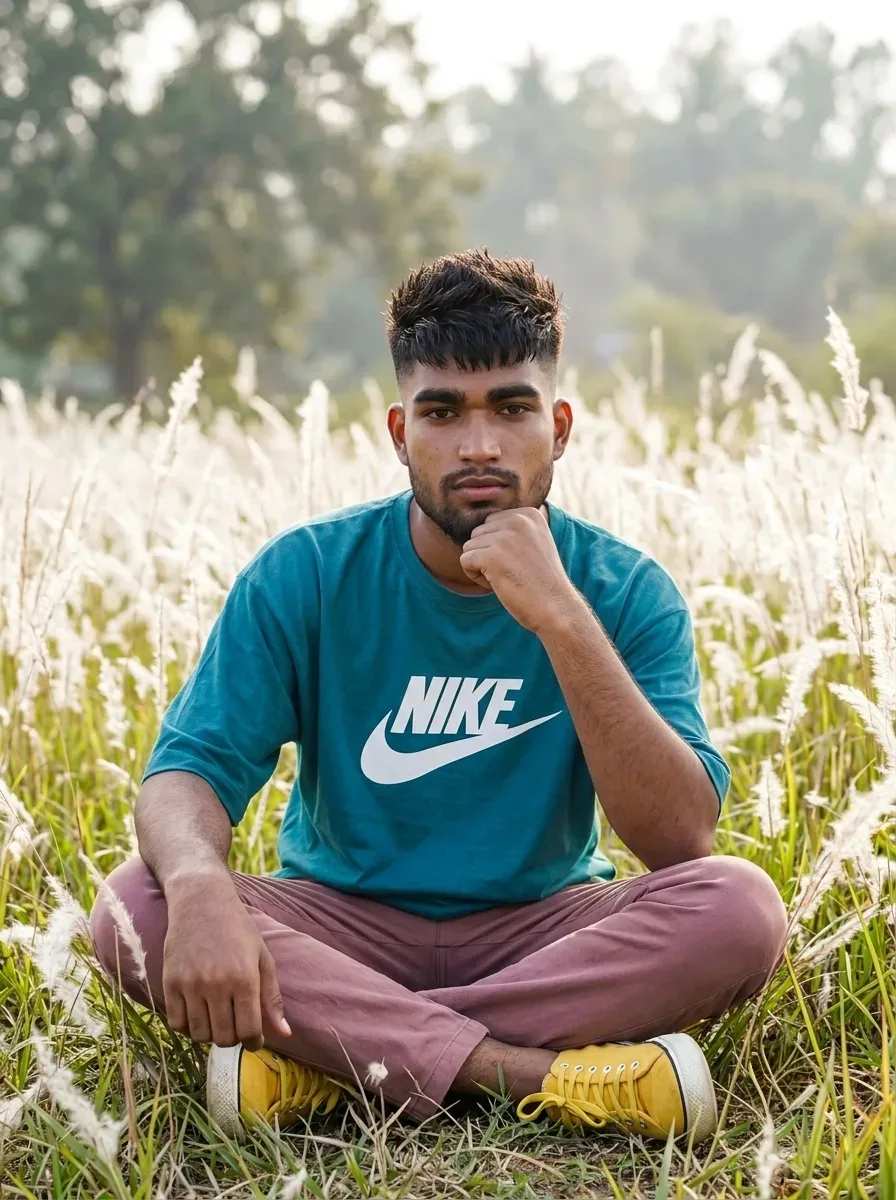
Quick Summary: This verified Google Gemini & Bing Image Creator (DALL-E 3) prompt creates an rich traditional Indian cultural aesthetic for 8K Hyper-Realistic Cinematic Editorial Studio AI Photo Prompt with calibrated lighting, authentic texture physics, and tested 1-click copy-paste formula for instant AI generation without facial distortion.
- Ai Image
- Photography
- Trending
- Photography
- Ai Image
- Trending
- Viral Prompt
- Gemini Ai
- Bing Image Creator
- Copy Paste
8K Hyper-Realistic Cinematic Editorial Studio AI Photo Prompt - Copy Paste AI Prompt
A
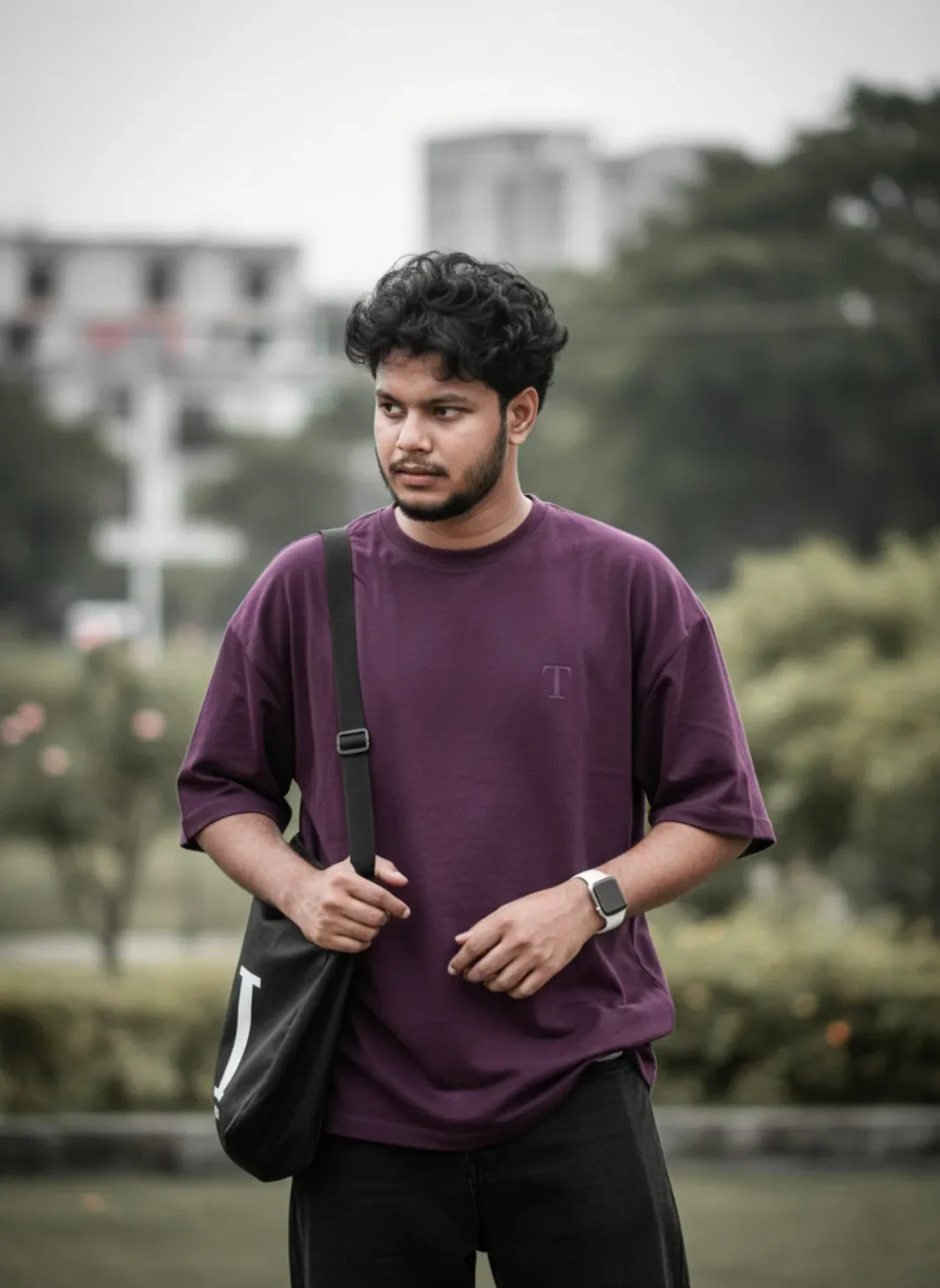
Subject: A 26-year-old Indian man, height 5 feet 5 inches, with a medium-fair skin tone, a well-defined stubble beard, and thick, curly black hair styled naturally. He has an expressive and thoughtful facial expression, looking slightly away from the camera.
Outfit & Accessories:
 * A relaxed-fit, oversized plum/deep purple crewneck t-shirt featuring a small subtle letter "T" logo embroidery on the left chest.
 * Dark charcoal or black denim jeans.
 * A black crossbody tote bag with a white strap graphic slung over his shoulder.
 * A modern smartwatch with a white band on his left wrist.
Pose & Composition: A medium shot (waist-up) with a natural standing posture. He holds the strap of his crossbody bag with one hand while keeping his other hand relaxed near his waist.
Lighting & Background: Shot outdoors with a soft, overcast daylight creating gentle shadows and a professional cinematic look. The background features a heavily blurred (bokeh) urban park or garden setting with soft greenery and out-of-focus architectural structures, ensuring a shallow depth of field that makes the subject pop.
Camera Style: Professional DSLR photography look, shot at f/1.8 aperture, high shutter speed, sharp focus on the eyes, rich color grading, and crisp textures.

Optical Identity & Likeness Preservation: Maintain 100% exact facial identity, bone structure, jawline contours, and natural skin undertone of reference photo without alteration or distortion.👤Customize in Face Consistency Studio
Lock 100% exact facial identity, bone structure & eye shape in Gemini & Bing.
Technical Prompt Parameters (Traditional Ethnic Indian)
| Parameter | Configuration | Output Impact |
|---|---|---|
| Target AI Engine | Google Gemini & Bing Image Creator (DALL-E 3) | Accurately understands intricate South Asian ethnic motifs, zardozi embroidery, and festive ambiance. |
| Recommended Aspect Ratio | 9:16 (Story / Reels / DP) or 3:4 (Portrait) | Optimized for mobile festive display pictures, WhatsApp status, and Instagram reels. |
| Camera & Lens Settings | 85mm f/1.4 G-Master, Sony A7R V, 61MP ultra-high texture fidelity | Resolves micro-level silk weave, mirror embroidery, and jewelry sparkle with zero blur. |
| Lighting Style | Festive diya ambient warmth + soft golden temple architectural light | Accentuates vibrant colors (marigold, crimson, gold) while keeping skin tones natural. |
| Negative Constraints | western attire, distorted jewelry, unnatural skin bleaching, muddy colors, deformed hands | Guarantees authentic cultural attire detailing and natural Indian skin melanin realism. |
| Reference Photo | Upload a front-facing portrait wearing festive or simple ethnic attire. | Upload front-facing reference photo for face matching. |
How to use this prompt
- Copy the prompt, open Google Gemini or Bing Image Creator, attach your reference photo, and generate instant 8K results.
How to get better results from 8K Hyper-Realistic Cinematic Editorial Studio AI Photo Prompt
Free 1-click copy 8k hyper-realistic cinematic editorial studio ai photo prompt for Google Gemini and Bing Image Creator. Authentic visual aesthetic, realistic lighting, and instant camera settings. Use it as a copy-ready starting point, then adjust the subject, scene, tone and output format for your own result.
- Ai Image
- Photography
- Trending
- Viral Prompt
- Gemini Ai
- Bing Image Creator
Customize before generating
- Replace the main subject, name, product or character details.
- Adjust lighting, background, mood, camera angle or aspect ratio if the prompt is visual.
- Change tone, audience, language and output format if the prompt is for text.
- Keep this core idea clear: A Subject: A 26-year-old Indian man, height 5 feet 5 inches, with a medium-fair skin tone, a well-defined stubble beard, and thick, curly black hair styled naturally....
Quick variations to try
- Make 8K Hyper-Realistic Cinematic Editorial Studio AI Photo Prompt more cinematic with stronger lighting and richer background detail.
- Turn 8K Hyper-Realistic Cinematic Editorial Studio AI Photo Prompt into a cleaner mobile-first version for social media posts or profile use.
- Create a premium version of 8K Hyper-Realistic Cinematic Editorial Studio AI Photo Prompt with sharper style, higher detail and a more polished final output.