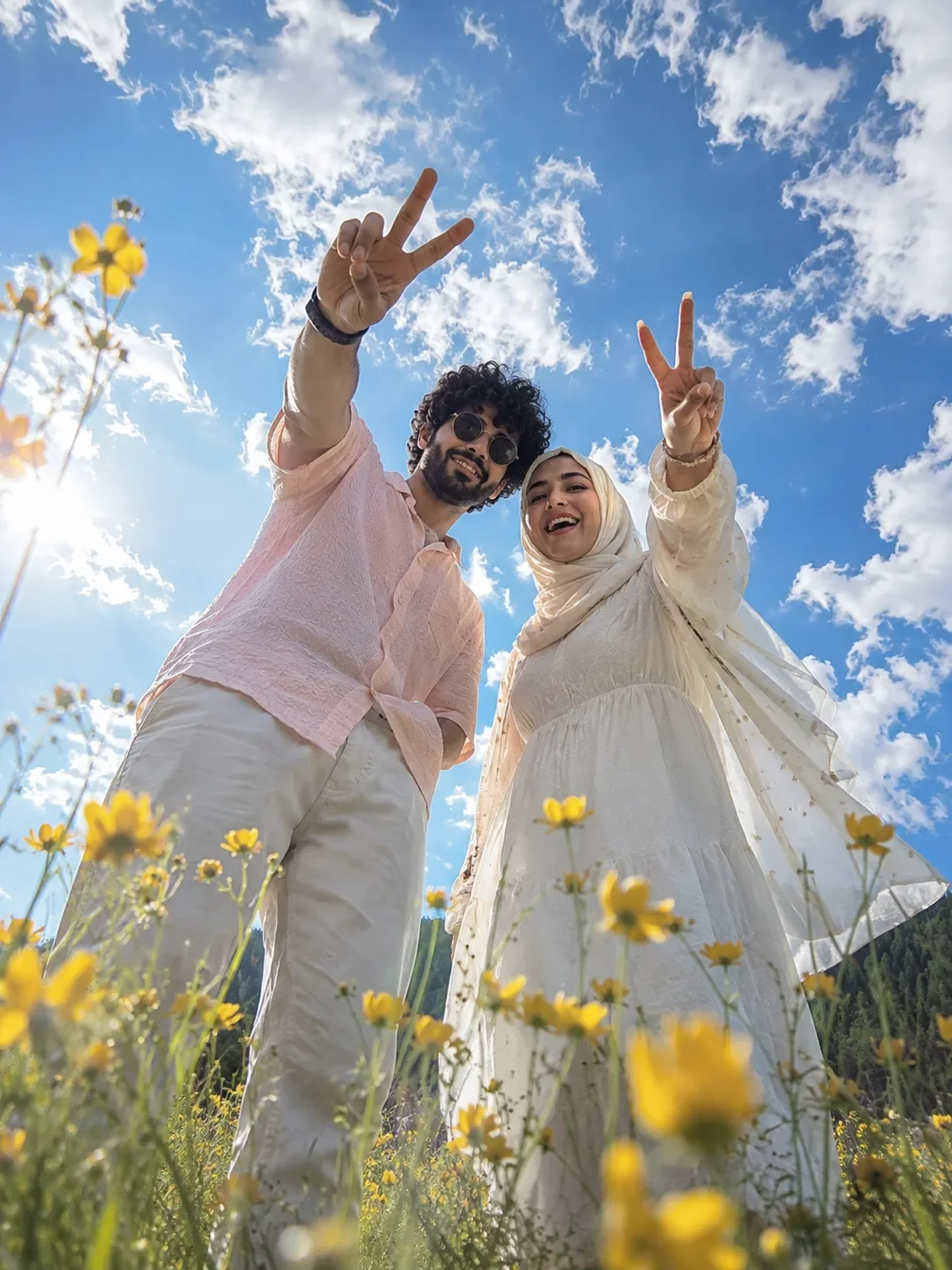
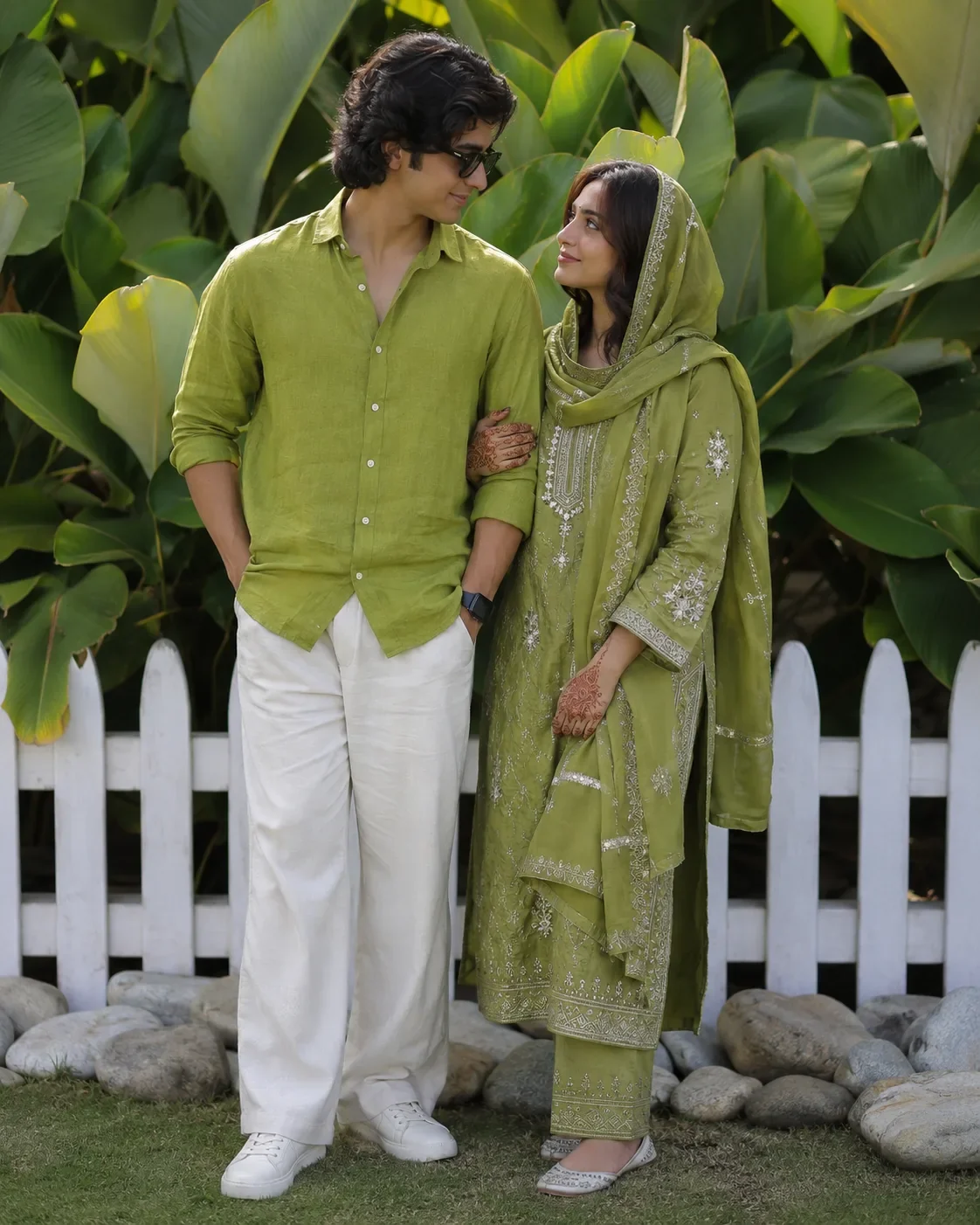
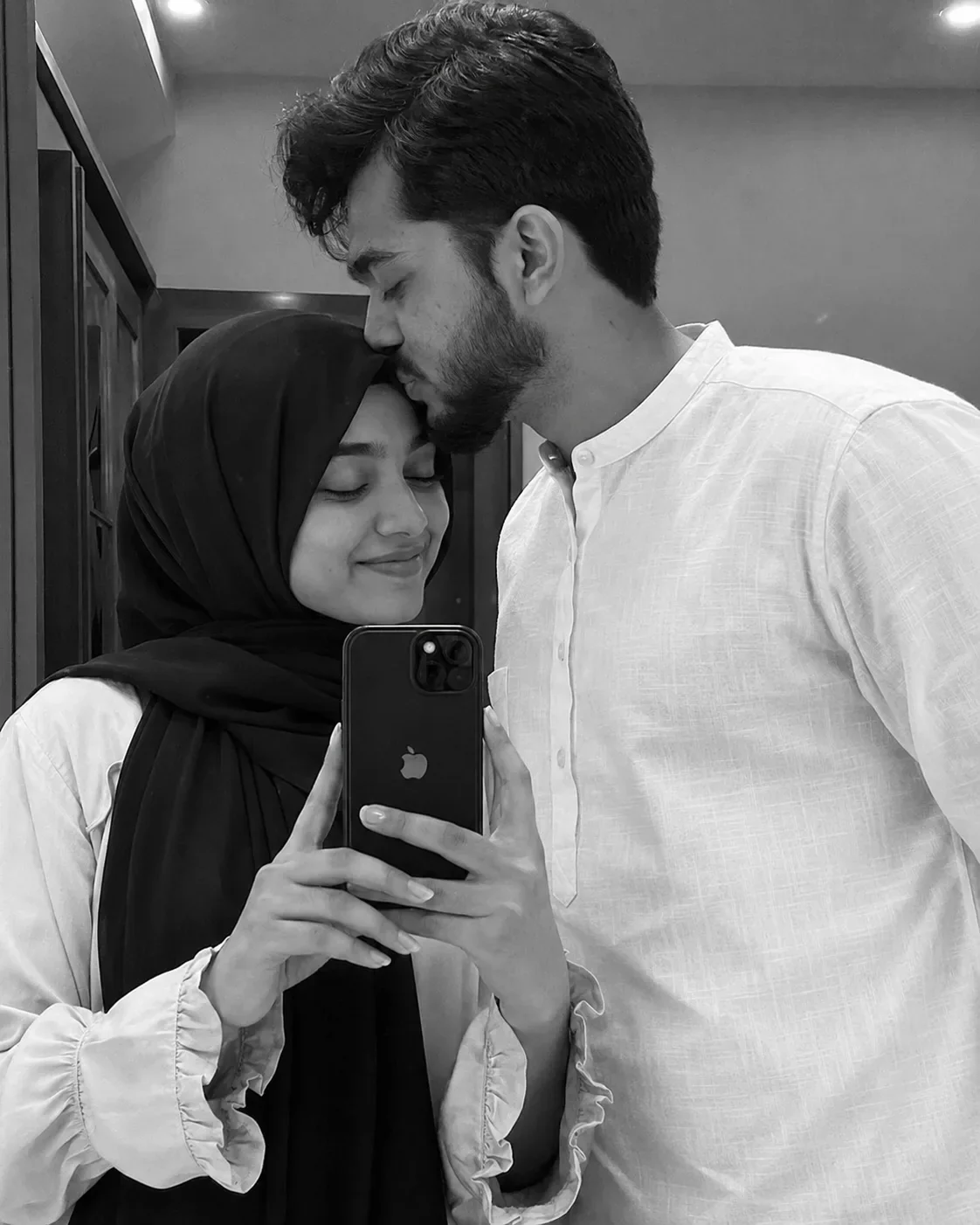
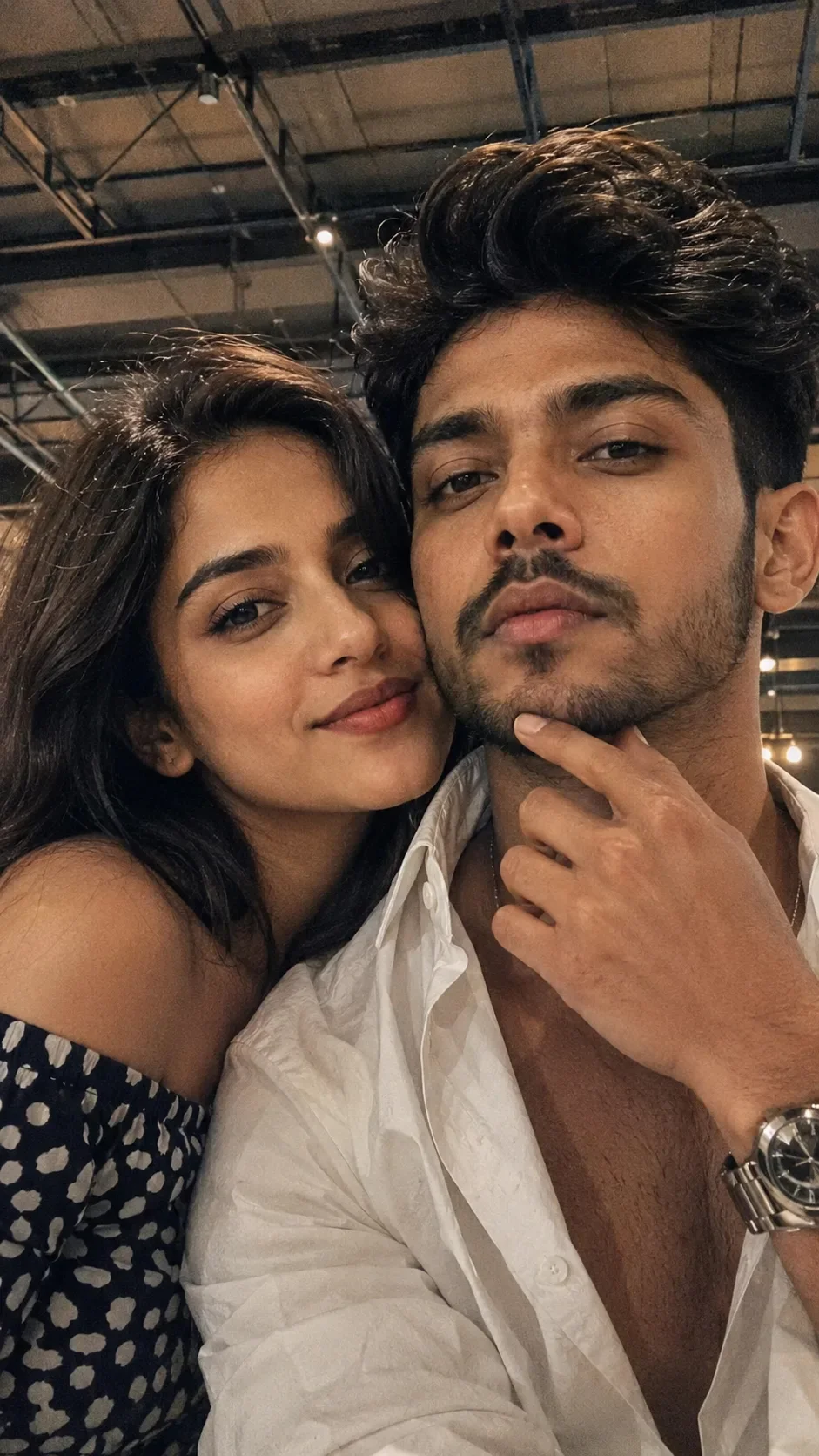
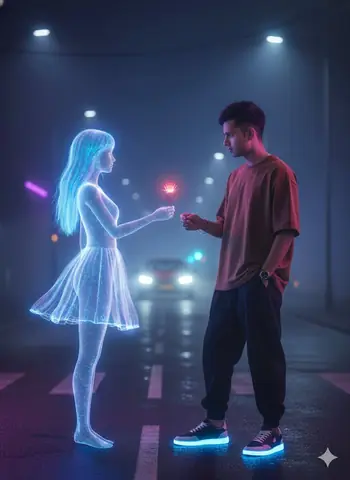
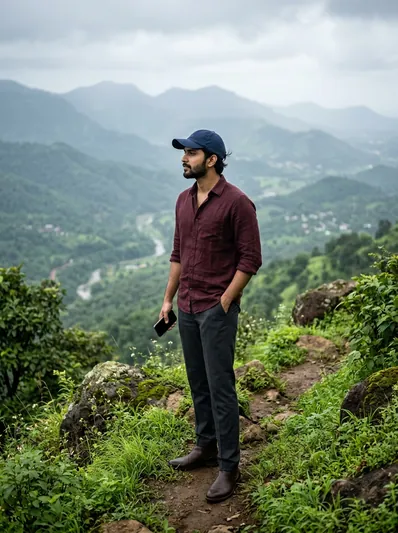
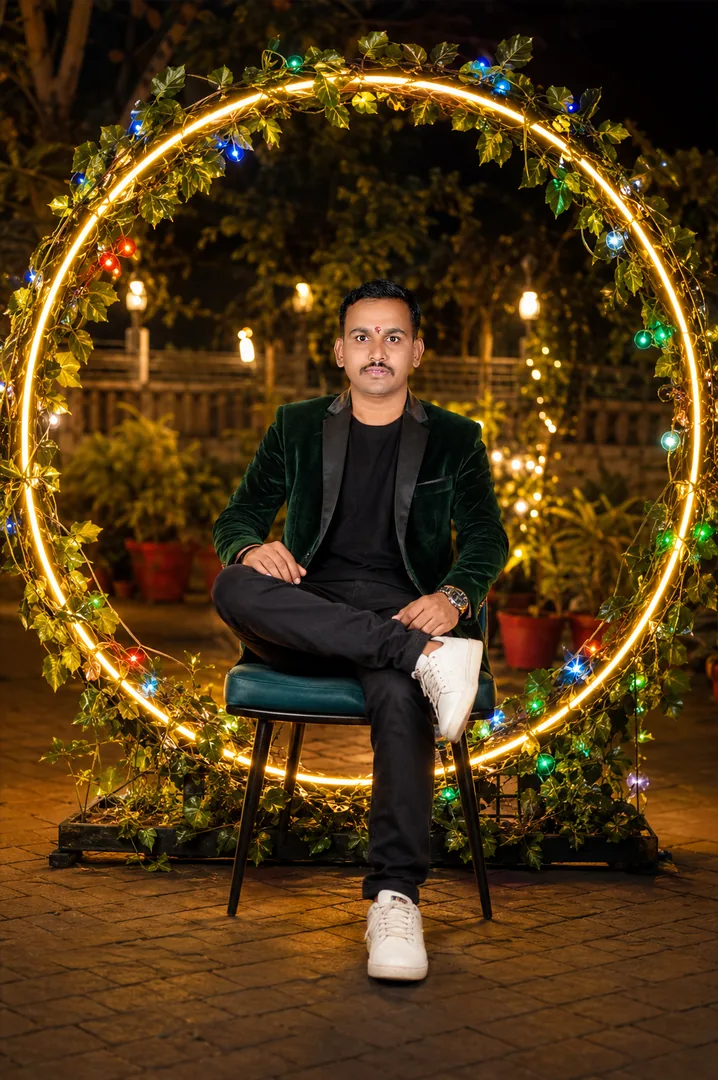
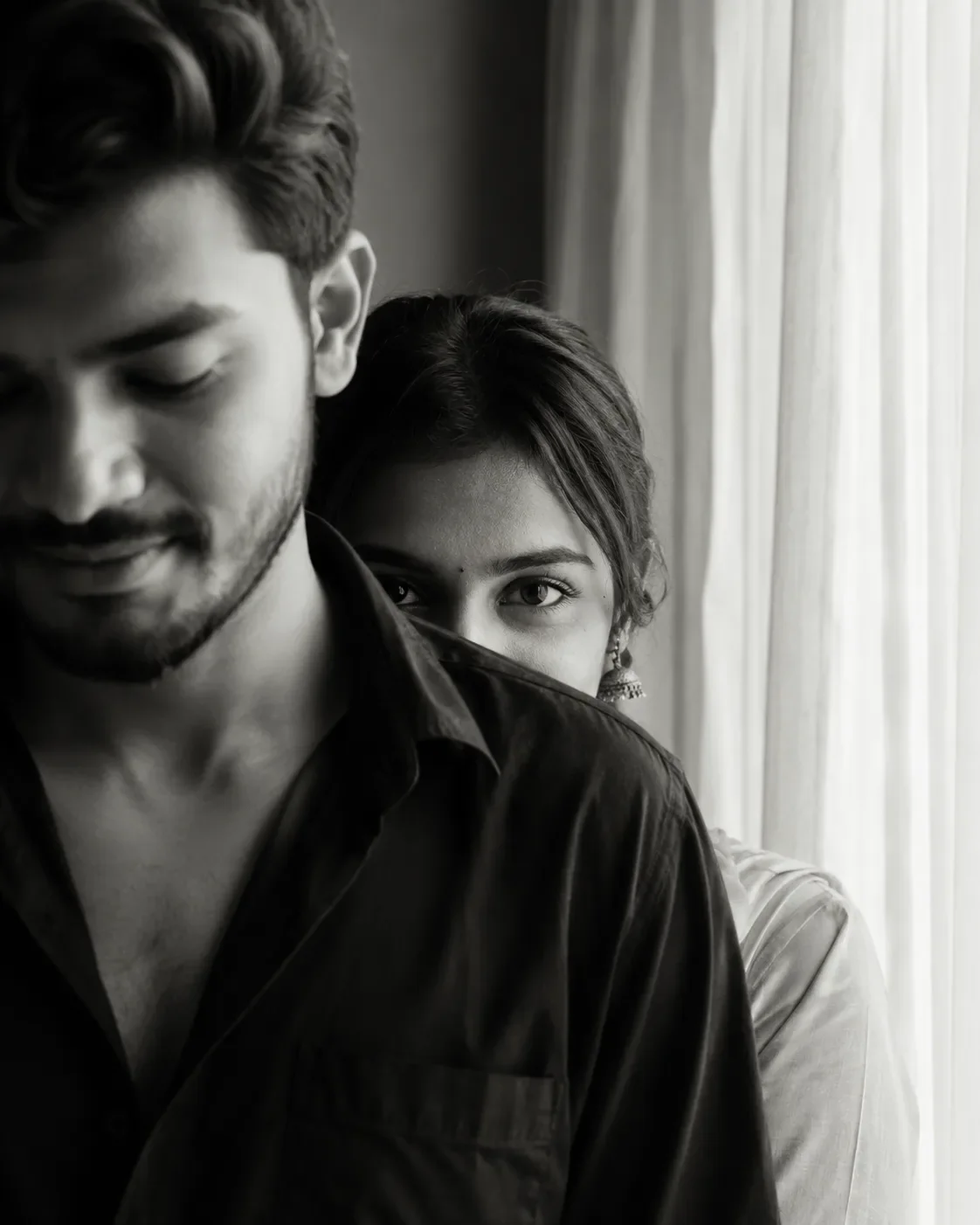
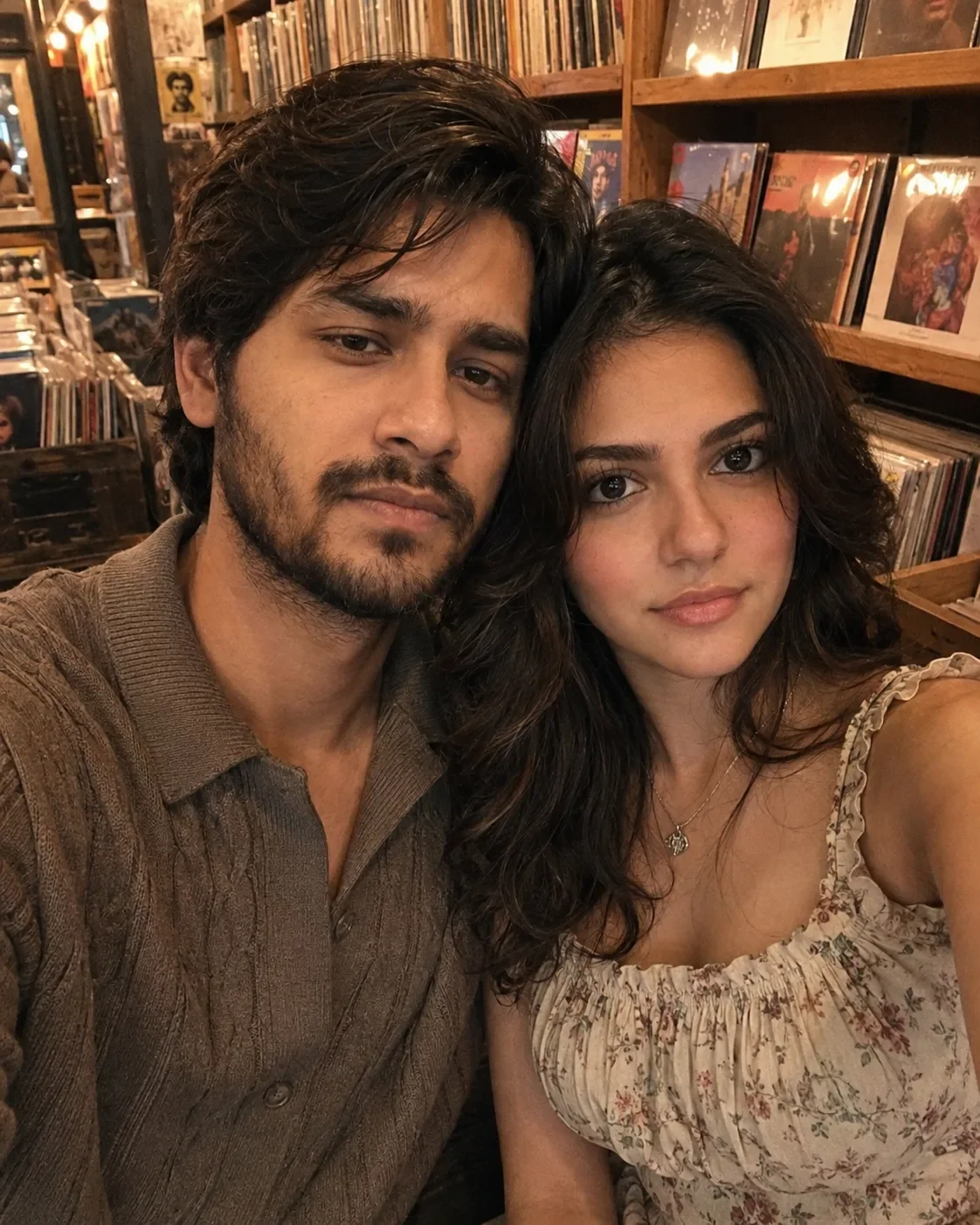
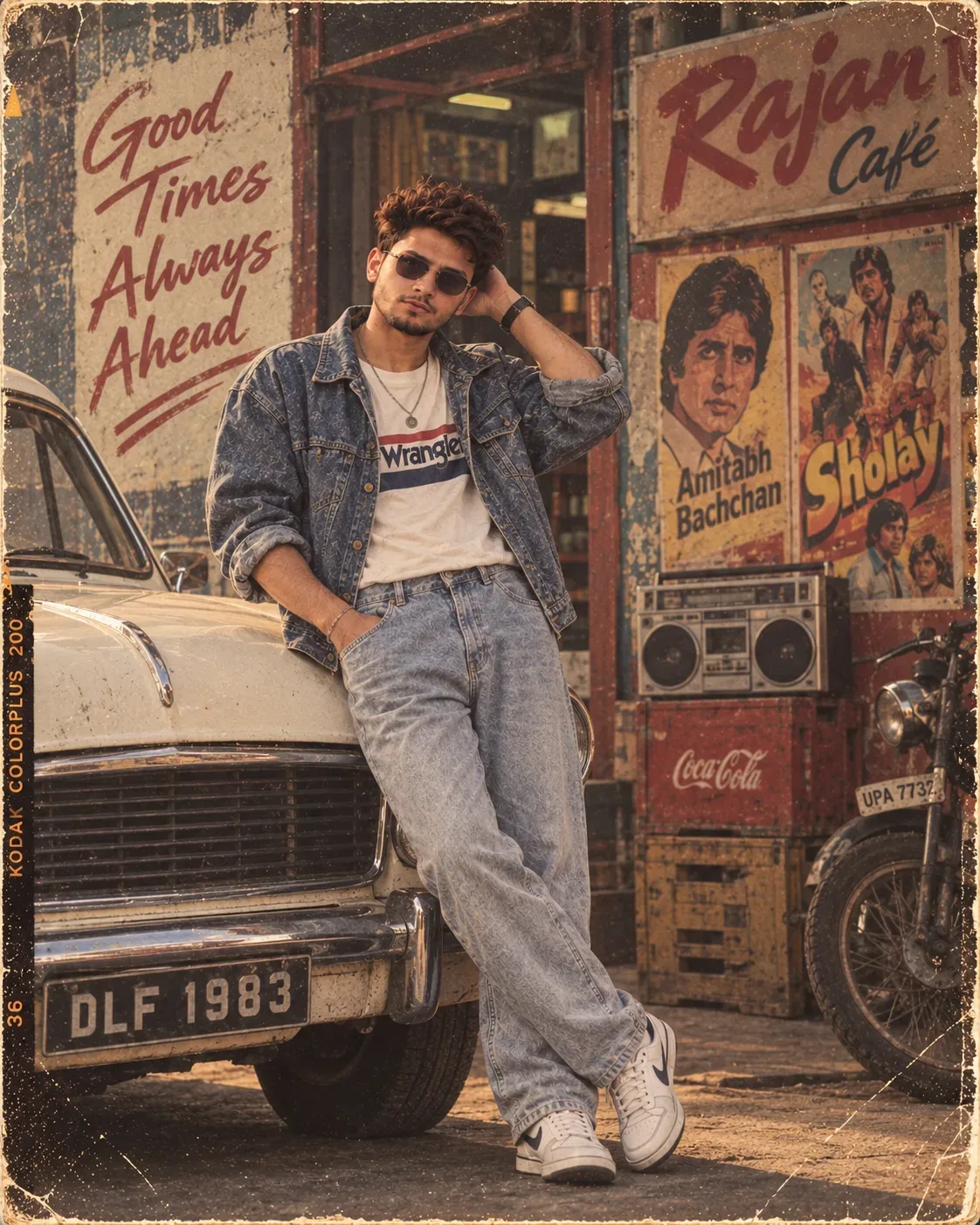
Quick Summary: This verified Google Gemini (Imagen 3) & Bing Image Creator prompt creates an intimate cinematic romantic couple aesthetic for "romantic Couple Golden-hour Portrait" AI Photo Prompt with calibrated lighting, authentic texture physics, and tested 1-click copy-paste formula for instant AI generation without facial distortion.
- Photography
- Couples
- Romantic
- Ai Image
- Trending
- Photography
- Couples
- Romantic
- Ai Image
- Trending
- Viral Prompt
- Gemini Ai
- Bing Image Creator
- Copy Paste
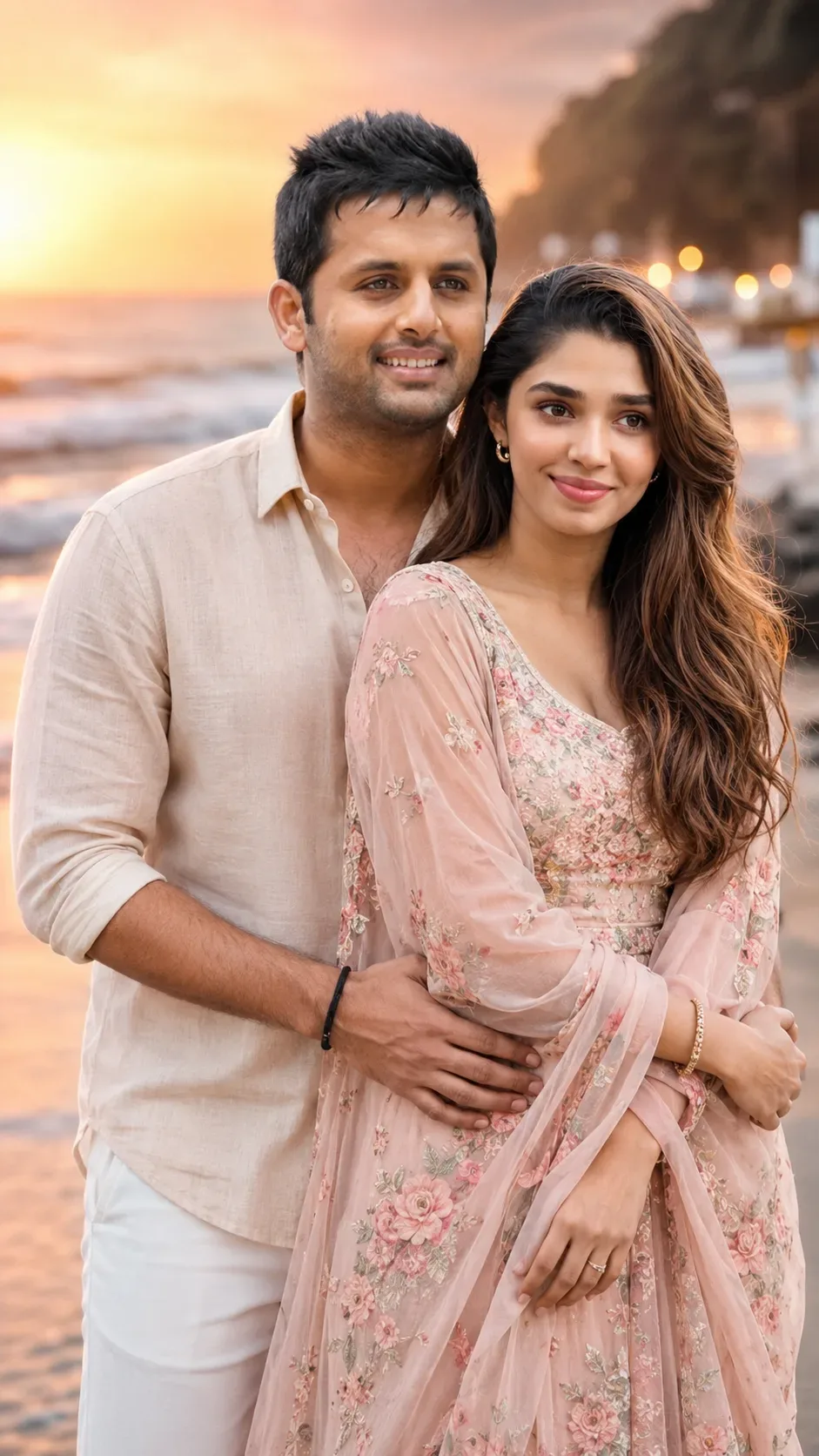
"romantic Couple Golden-hour Portrait" AI Photo Prompt - Copy Paste AI Prompt
STRICT RULE: Do not change either person's face in any way. Keep the
exact same facial structure, eyes, nose, lips, jawline, and skin tone
for both individuals as in the original uploaded photo — only outfit,
background, pose, and lighting should change. Both people must remain
clearly recognizable as the same individuals.

Style: Transform the couple into a romantic cinematic photoshoot.
Dress them in elegant coordinated outfits (soft pastel or warm-toned
traditional or semi-formal wear that complements each other). Pose
them close together in a natural romantic way — gently holding hands,
foreheads touching, one looking at the other with a warm smile, or a
soft embrace from behind.

Background: a dreamy setting such as a golden-hour beach with soft
waves, a garden with string/fairy lights at dusk, a misty mountain
viewpoint, or a candlelit rooftop under the stars. Add soft floating
elements like flower petals, warm bokeh lights, or gentle mist for
atmosphere.

Lighting: warm golden-hour or soft candlelight glow, gentle rim light
outlining both subjects, shallow depth of field with a dreamy blurred
background. Mood: tender, joyful, genuine emotional connection —
tasteful and elegant, not overly dramatic. Realistic DSLR photography
look, rich warm cinematic color grading, high detail on skin texture
and fabric.

Optical Identity & Likeness Preservation: Preserve authentic facial proportions, eye alignment, natural expressions, and true bone structure of both subjects from reference photo 1:1 without distortion.❤️Customize in Aesthetic Couple Studio
Customize couple poses, golden hour silhouettes & car night selfies.
Technical Prompt Parameters (Cinematic Romantic Couple)
| Parameter | Configuration | Output Impact |
|---|---|---|
| Target AI Engine | Google Gemini (Imagen 3) & Bing Image Creator | Flawless multi-subject compositional coherence and genuine emotional expressions. |
| Recommended Aspect Ratio | 3:4 (Portrait) or 16:9 (Cinematic Widescreen) | Perfect framing for dual-subject intimacy, shared poses, and environmental background depth. |
| Camera & Lens Settings | 50mm f/1.2 prime lens, Canon EOS R5, shallow depth of field | Isolates both subjects with creamy optical bokeh and ultra-sharp facial details. |
| Lighting Style | Warm twilight golden hour backlight with soft rim separation | Bathes both figures in romantic golden warmth while maintaining facial contour shadows. |
| Negative Constraints | misaligned eye lines, unnatural duplicate hands, harsh flat flash, plastic skin, distorted fingers | Prevents common AI multi-character hand mergers and disjointed eye directions. |
| Reference Photo | Upload individual headshots or a couple photo with visible facial angles. | Upload front-facing reference photo for face matching. |
How to use this prompt
- Copy the prompt, open Google Gemini or Bing Image Creator, attach your reference photo, and generate instant 8K results.
How to get better results from "romantic Couple Golden-hour Portrait" AI Photo Prompt
Free 1-click copy "romantic couple golden-hour portrait" ai photo prompt for Google Gemini and Bing Image Creator. Authentic photography aesthetic, realistic lighting, and instant camera settings. Use it as a copy-ready starting point, then adjust the subject, scene, tone and output format for your own result.
- Photography
- Couples
- Romantic
- Ai Image
- Trending
- Viral Prompt
Customize before generating
- Replace the main subject, name, product or character details.
- Adjust lighting, background, mood, camera angle or aspect ratio if the prompt is visual.
- Change tone, audience, language and output format if the prompt is for text.
- Keep this core idea clear: STRICT RULE: Do not change either person's face in any way. Keep the exact same facial structure, eyes, nose, lips, jawline, and skin tone for both individuals as in...
Quick variations to try
- Make "romantic Couple Golden-hour Portrait" AI Photo Prompt more cinematic with stronger lighting and richer background detail.
- Turn "romantic Couple Golden-hour Portrait" AI Photo Prompt into a cleaner mobile-first version for social media posts or profile use.
- Create a premium version of "romantic Couple Golden-hour Portrait" AI Photo Prompt with sharper style, higher detail and a more polished final output.