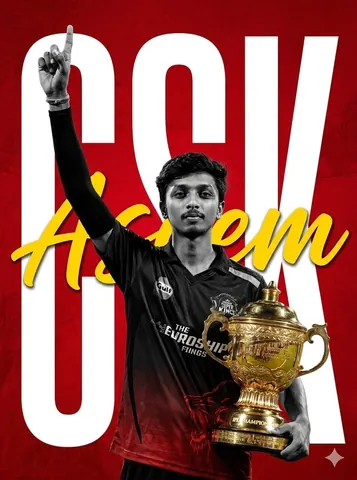
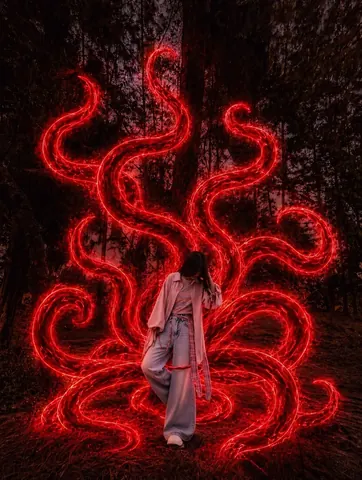
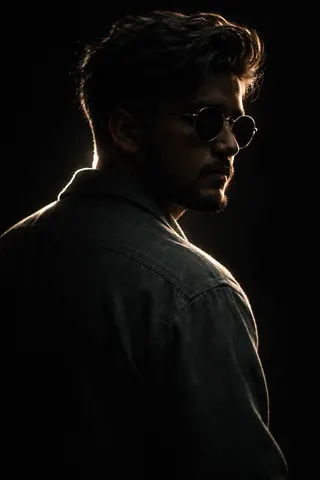
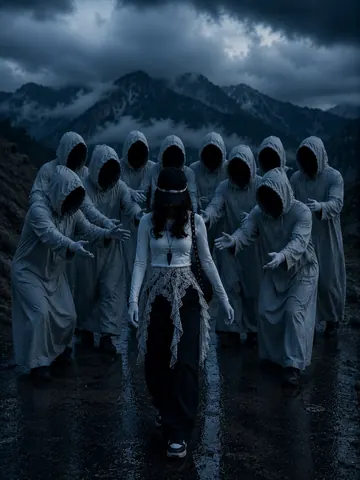
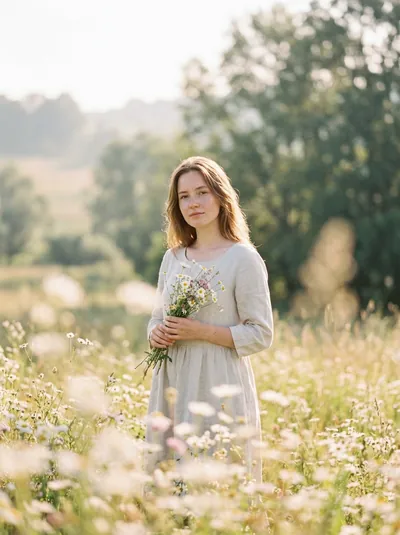
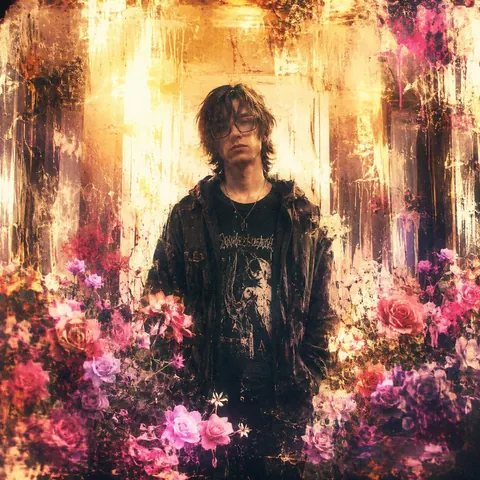
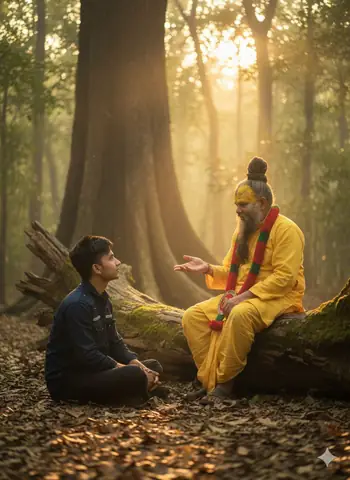
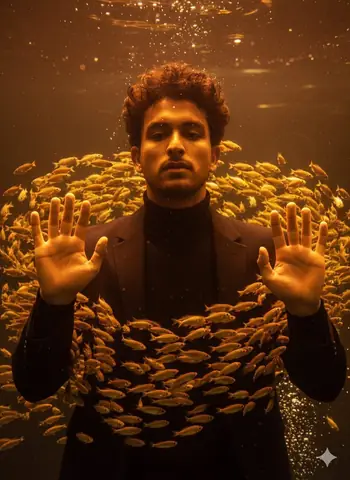
Quick Summary: This verified Google Gemini & Midjourney v6 prompt creates an cinematic moody dark atmospheric aesthetic for Red Demon King Enemy Behind Main Character with calibrated lighting, authentic texture physics, and tested 1-click copy-paste formula for instant AI generation without facial distortion.
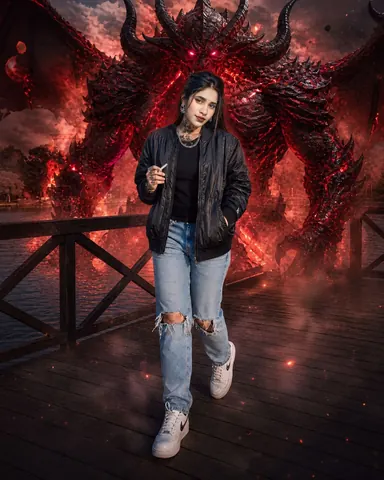
Red Demon King Enemy Behind Main Character - Copy Paste AI Prompt
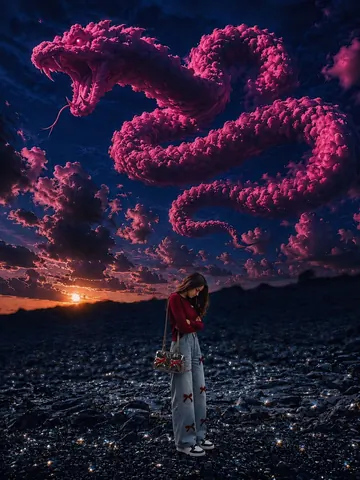
Use my uploaded photo as the main character reference and keep everything exactly the same. Add a massive Red Demon King enemy standing behind me with burning red eyes, black cracked horns, dark red flaming armor, smoke coming from the body, giant shadow wings, and dangerous evil energy. The demon should feel like my strongest enemy, with red fire sparks, lava glow, and cinematic destruction vibes around it. Ultra-detailed, realistic fantasy style with intense red aura and dark powerful mood.Technical Prompt Parameters (Cinematic Moody Noir)
| Parameter | Configuration | Output Impact |
|---|---|---|
| Target AI Engine | Google Gemini & Midjourney v6 | Renders deep shadow latitude, high dynamic range chiaroscuro, and atmospheric drama. |
| Recommended Aspect Ratio | 2.39:1 (Anamorphic Cinema) or 9:16 (Moody Vertical) | Creates Hollywood-grade wide letterboxed framing or striking immersive mobile wallpapers. |
| Camera & Lens Settings | Arri Alexa Mini LF, Cooke Anamorphic /i 50mm T2.3 prime | Distinctive anamorphic oval bokeh, delicate horizontal flare streaks, and rich organic grain. |
| Lighting Style | Chiaroscuro single key source with atmospheric haze and deep obsidian shadows | Accentuates mystery, silhouette shapes, and cinematic emotional depth. |
| Negative Constraints | flat daytime lighting, overexposed highlights, washed out blacks, cheerful colors, cartoonish lines | Preserves deep cinematic black levels and brooding atmospheric realism. |
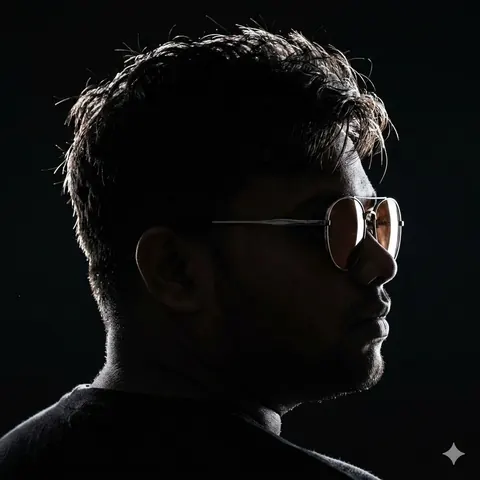
| Reference Photo | Upload a moodily lit portrait or high-contrast side-lit photo. | Upload front-facing reference photo for face matching. |
How to use this prompt
- Copy the prompt
- Open your AI tool
- Upload a reference photo if needed
- Paste the prompt
- Generate and save the result
How to get better results from Red Demon King Enemy Behind Main Character
Copy this Midjourney prompt for Red Demon King Enemy Behind Main Character. Use it as a ready prompt, adjust the subject, then generate a polished AI result. Use it as a copy-ready starting point, then adjust the subject, scene, tone and output format for your own result.
- Cinematic
- Dark
- Midjourney prompt testing
- fast copy-paste workflow
- creator ready output
Customize before generating
- Replace the main subject, name, product or character details.
- Adjust lighting, background, mood, camera angle or aspect ratio if the prompt is visual.
- Change tone, audience, language and output format if the prompt is for text.
- Keep this core idea clear: Use my uploaded photo as the main character reference and keep everything exactly the same. Add a massive Red Demon King enemy standing behind me with burning red...
Quick variations to try
- Make Red Demon King Enemy Behind Main Character more cinematic with stronger lighting and richer background detail.
- Turn Red Demon King Enemy Behind Main Character into a cleaner mobile-first version for social media posts or profile use.
- Create a premium version of Red Demon King Enemy Behind Main Character with sharper style, higher detail and a more polished final output.