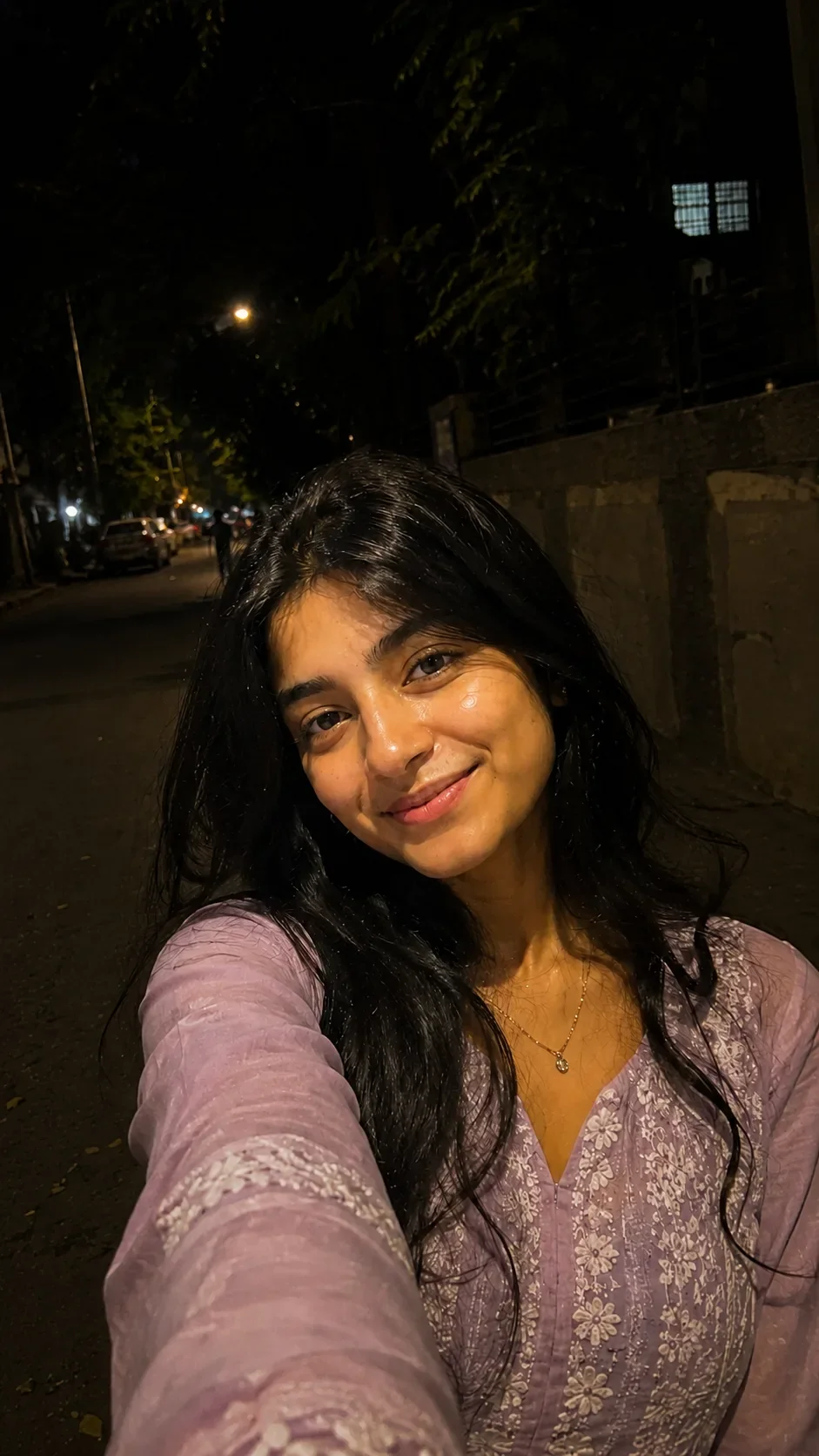
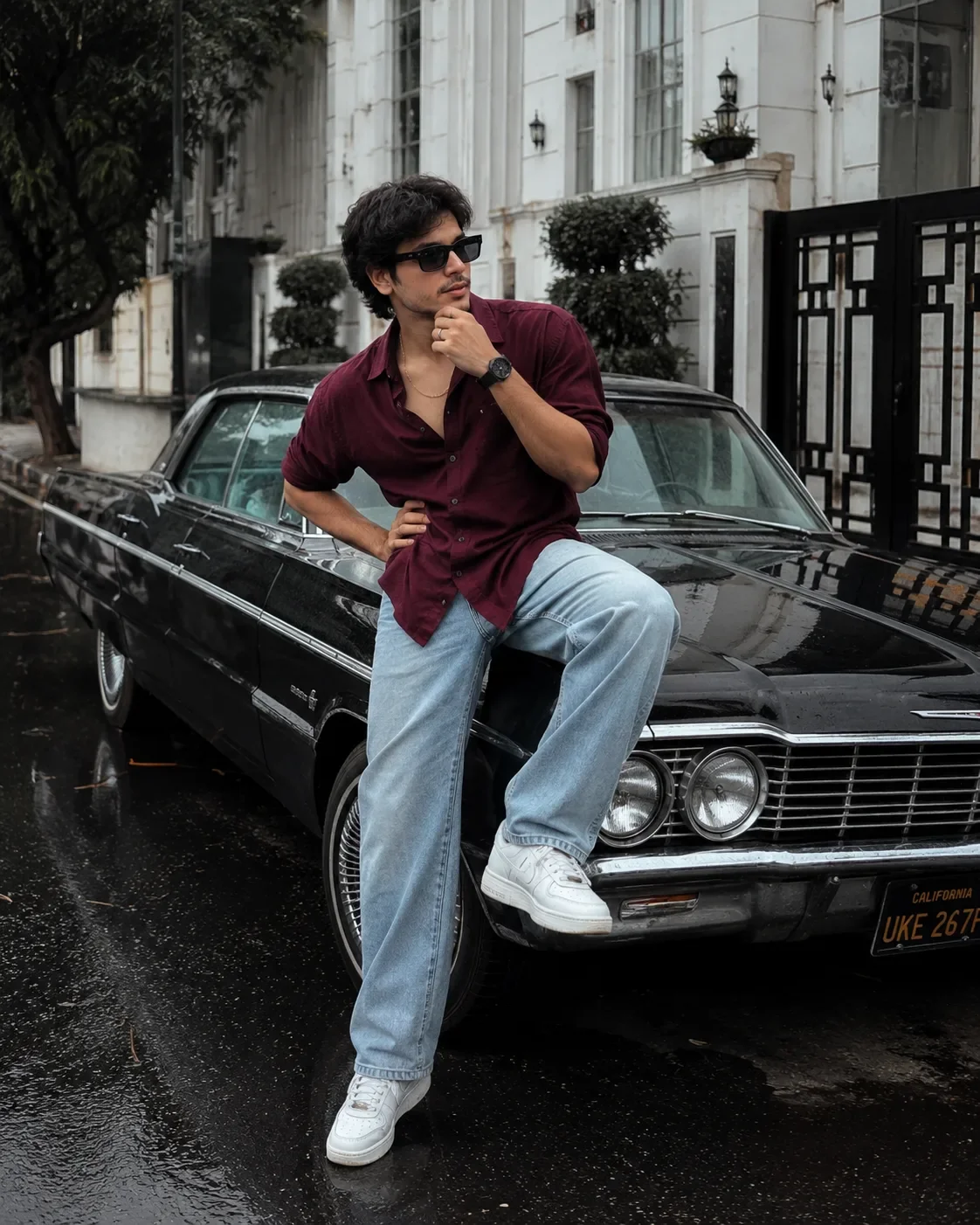
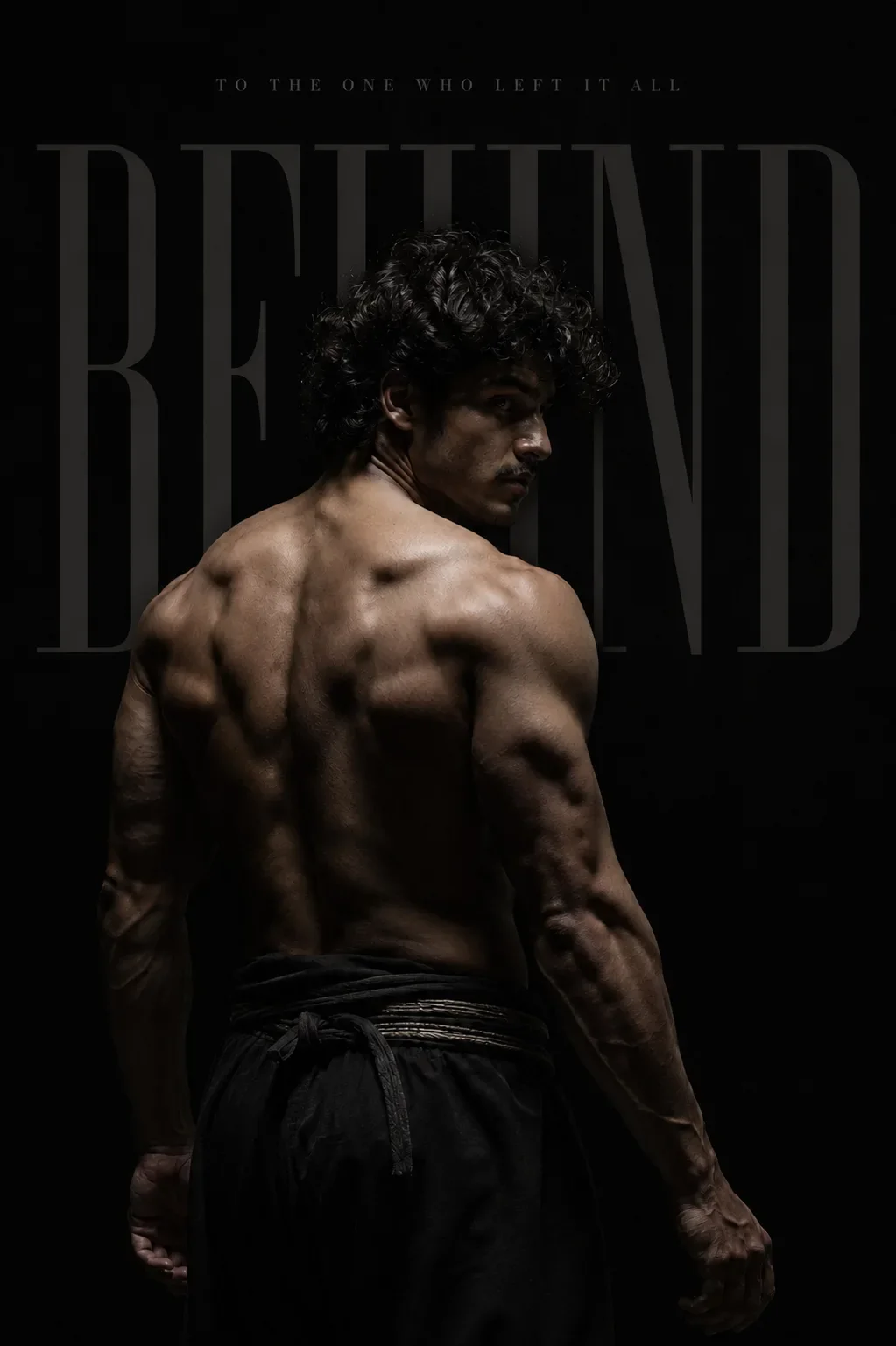
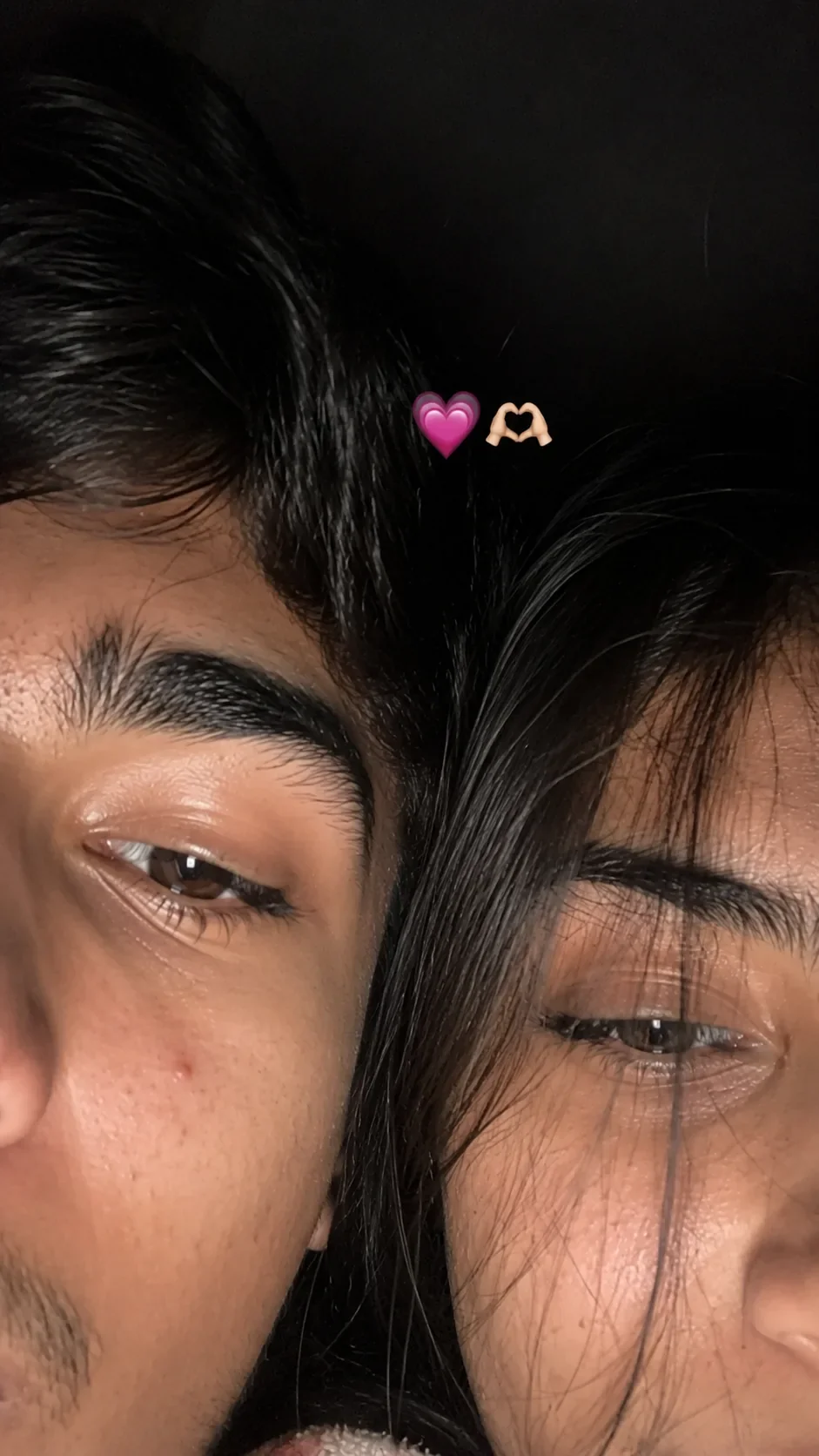
Quick Summary: This verified Midjourney v6.1 & Google Gemini Pro prompt creates an high-end Vogue editorial photoshoot aesthetic for Recreate The Uploaded Reference Photograph As Closely As Possible As A Highly Realistic Cinematic Smartphone Photograph AI Photo Prompt with calibrated lighting, authentic texture physics, and tested 1-click copy-paste formula for instant AI generation without facial distortion.
- Photography
- Ai Image
- Trending
- Photography
- Ai Image
- Trending
- Viral Prompt
- Gemini Ai
- Bing Image Creator
- Copy Paste
Recreate The Uploaded Reference Photograph As Closely As Possible As A Highly Realistic Cinematic Smartphone Photograph AI Photo Prompt - Copy Paste AI Prompt
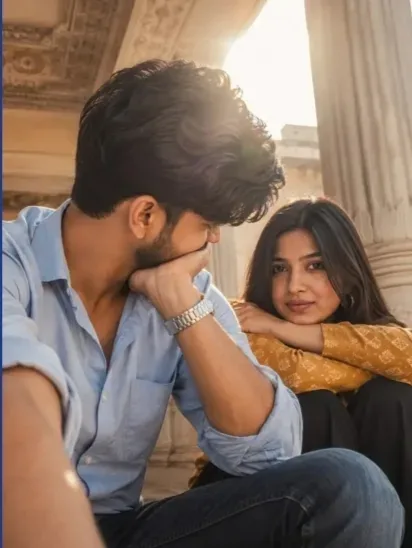
Recreate the uploaded reference photograph as closely as possible as a highly realistic cinematic smartphone photograph. Preserve the exact composition, framing, camera perspective, pose, positioning, expressions, clothing, environment, lighting, shadows, colors, depth of field, and overall atmosphere of the reference image.

FACE / IDENTITY — STRICT REFERENCE LOCK: Use the separately uploaded reference face image for the male subject. Preserve the exact facial identity and natural facial proportions from the face reference, including face shape, eyes, eyebrows, nose, lips, jawline, skin texture, complexion, and distinctive facial characteristics. Do not beautify, reshape, age, or alter the identity.

MALE SUBJECT: Foreground left, seated close to the camera. He wears a light powder-blue/sky-blue button-up shirt with the sleeves rolled up and dark jeans. His body is angled slightly toward the right. His head is tilted downward and slightly toward the camera, with his left hand supporting the side of his face near his cheek/ear. His thick, naturally messy dark hair falls forward over his forehead. A silver metal wristwatch is visible on his left wrist. Keep the relaxed, candid posture exactly as shown.

FEMALE SUBJECT: Background right, seated slightly behind the male subject. She has long, naturally straight dark-brown hair parted near the center and looks directly toward the camera with a calm, slightly thoughtful expression. She wears a mustard/golden-yellow patterned long-sleeve top and black/dark trousers. Her arms are folded/resting across her raised knees, with her face resting naturally above her forearms. Preserve her exact pose, proportions, hairstyle, clothing placement, and expression from the reference.

COMPOSITION: Vertical portrait photograph. The male subject occupies most of the left foreground and lower frame, while the female subject appears behind him on the right. Keep the same camera height, close perspective, subject spacing, cropping, and framing. Do not rearrange either person.

ENVIRONMENT: Preserve the elegant architectural setting with ornate warm-toned ceiling details, decorative patterns, a large white classical column on the right side, and bright sunlight entering from the upper-center background. Maintain the same sense of depth and indoor/outdoor transitional lighting.

LIGHTING / CAMERA: Warm natural sunlight with strong backlighting and a visible soft lens flare/glow near the upper center. Slightly hazy cinematic atmosphere, soft highlights, gentle shadows, realistic skin tones, subtle smartphone-camera exposure, natural depth of field, and realistic photographic imperfections. Keep the image soft and candid rather than overly sharp or artificially rendered.

COLOR / FILTER: Match the reference's warm, slightly faded cinematic color grading. Preserve natural skin tones without excessive orange, yellow, whitening, or artificial smoothing. Maintain the muted blue shirt, mustard clothing, dark trousers, warm architecture, and golden sunlight exactly as visually represented.

REALISM: Photorealistic, authentic smartphone photography, realistic skin texture, natural hair strands, accurate fabric texture, physically plausible lighting, realistic proportions, no CGI appearance, no excessive beauty retouching, no artificial facial changes.

IMPORTANT: Treat the uploaded reference image as the composition and pose reference and the separately uploaded face image as the strict identity reference. Do not change the pose, camera angle, clothing style, subject positions, lighting direction, or overall composition. No extra people, no additional objects, no text, no watermark, no borders.use reference image hair , hair color, hairstyle Hide the boy face seeing her and show half face and half of girl in under hand. 9:16 ratio me banna

Optical Identity & Likeness Preservation: Strictly retain 100% exact facial likeness, natural cheekbone contours, true skin undertone, and authentic gaze from source image without generic face replacement.Lock 100% exact facial identity, bone structure & eye shape in Gemini & Bing.
Technical Prompt Parameters (High-Fashion & Editorial Studio)
| Parameter | Configuration | Output Impact |
|---|---|---|
| Target AI Engine | Midjourney v6.1 & Google Gemini Pro | Tailored for high-end luxury editorial aesthetics, studio lighting ratios, and runway poses. |
| Recommended Aspect Ratio | 3:4 or 4:5 (Vogue & Instagram Portrait) | Matches professional fashion magazine crop standards and mobile feed aspect ratios. |
| Camera & Lens Settings | Hasselblad H6D-100c, 100mm f/2.2 medium format portrait lens | Produces ultra-clean skin pore texture, precise fabric weave detail, and three-dimensional falloff. |
| Lighting Style | Large parabolic softbox key light + silver reflector accent fill | Flattering, even illumination that highlights makeup, bone structure, and jewelry without harsh glare. |
| Negative Constraints | airbrushed wax skin, asymmetrical makeup, doll plastic appearance, deformed fingers, low resolution | Retains realistic human skin micro-texture without aggressive synthetic AI smoothing. |
| Reference Photo | Upload a clean studio headshot or selfie with neutral expression and hair pulled back. | Upload front-facing reference photo for face matching. |
How to use this prompt
- Copy the prompt, open Google Gemini or Bing Image Creator, attach your reference photo, and generate instant 8K results.
How to get better results from Recreate The Uploaded Reference Photograph As Closely As Possible As A Highly Realistic Cinematic Smartphone Photograph AI Photo Prompt
Free 1-click copy recreate the uploaded reference photograph as closely as possible as a highly realistic cinematic smartphone photograph ai photo prompt for Google Gemini and Bing Image Creator. Authentic photography aesthetic, realistic lighting, and instant camera settings. Use it as a copy-ready starting point, then adjust the subject, scene, tone and output format for your own result.
- Photography
- Ai Image
- Trending
- Viral Prompt
- Gemini Ai
- Bing Image Creator
Customize before generating
- Replace the main subject, name, product or character details.
- Adjust lighting, background, mood, camera angle or aspect ratio if the prompt is visual.
- Change tone, audience, language and output format if the prompt is for text.
- Keep this core idea clear: Recreate the uploaded reference photograph as closely as possible as a highly realistic cinematic smartphone photograph. Preserve the exact composition, framing...
Quick variations to try
- Make Recreate The Uploaded Reference Photograph As Closely As Possible As A Highly Realistic Cinematic Smartphone Photograph AI Photo Prompt more cinematic with stronger lighting and richer background detail.
- Turn Recreate The Uploaded Reference Photograph As Closely As Possible As A Highly Realistic Cinematic Smartphone Photograph AI Photo Prompt into a cleaner mobile-first version for social media posts or profile use.
- Create a premium version of Recreate The Uploaded Reference Photograph As Closely As Possible As A Highly Realistic Cinematic Smartphone Photograph AI Photo Prompt with sharper style, higher detail and a more polished final output.