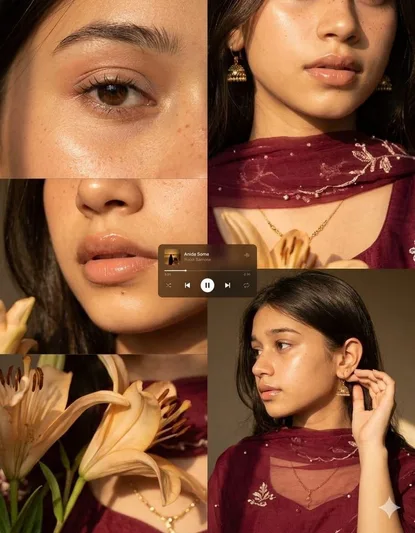
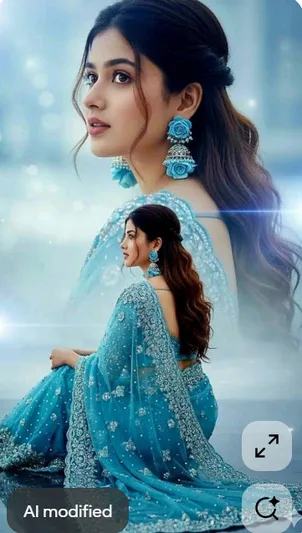
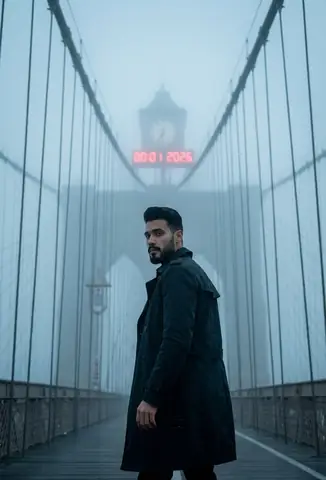
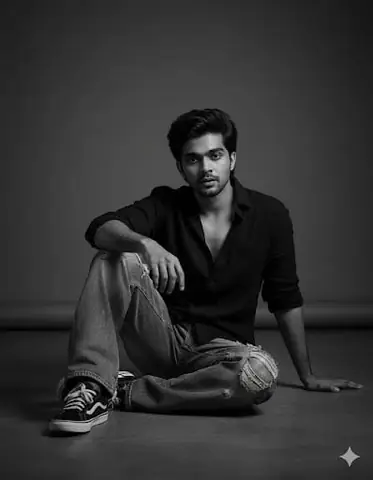
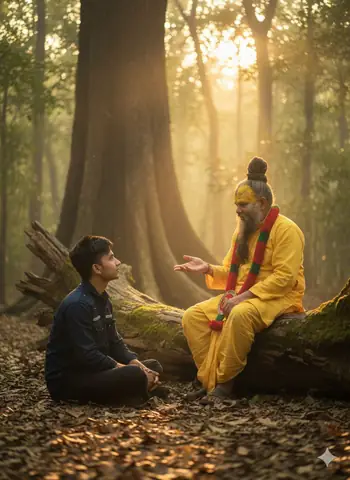
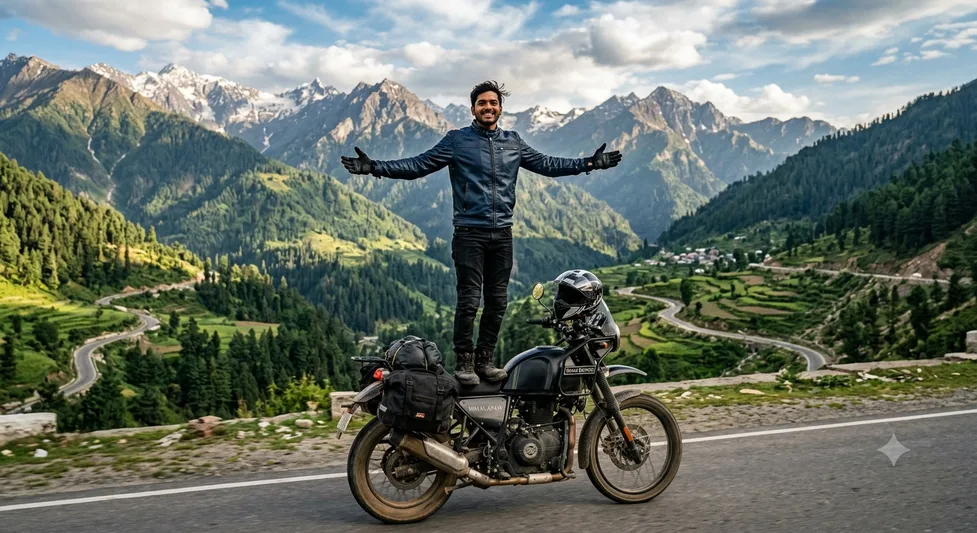
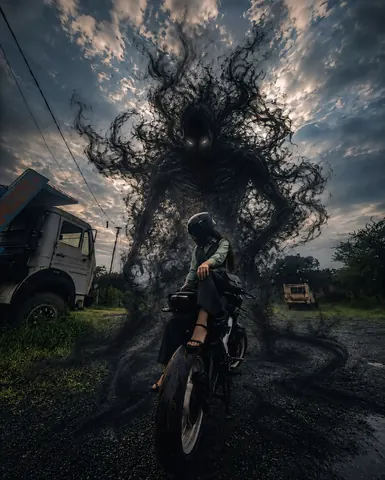
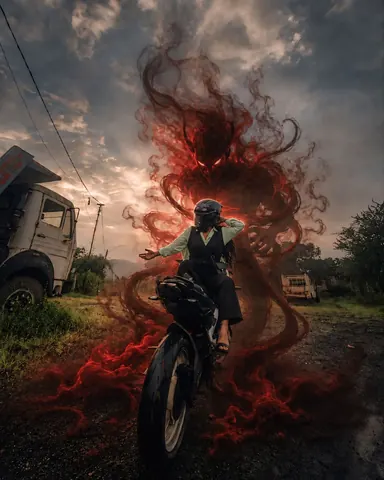
Quick Summary: This verified Midjourney v6.1 & Google Gemini Pro prompt creates an high-end Vogue editorial photoshoot aesthetic for Rajveins editions with calibrated lighting, authentic texture physics, and tested 1-click copy-paste formula for instant AI generation without facial distortion.
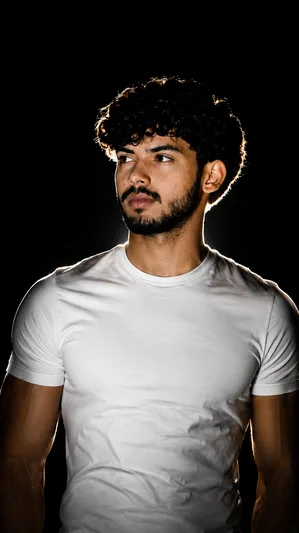
Rajveins editions - Copy Paste AI Prompt
Ultra realistic cinematic portrait of a confident young man wearing a fitted plain white t-shirt, standing against a pure deep black background, dramatic rim lighting glowing around hair and shoulders, high contrast studio lighting, sharp facial details, moody shadows, centered composition, realistic skin texture, dark aesthetic, minimal background, premium fashion photoshoot style, DSLR quality, soft glow outline, black and white contrast theme, ultra detailed, 4K portrait photography.Technical Prompt Parameters (High-Fashion & Editorial Studio)
| Parameter | Configuration | Output Impact |
|---|---|---|
| Target AI Engine | Midjourney v6.1 & Google Gemini Pro | Tailored for high-end luxury editorial aesthetics, studio lighting ratios, and runway poses. |
| Recommended Aspect Ratio | 3:4 or 4:5 (Vogue & Instagram Portrait) | Matches professional fashion magazine crop standards and mobile feed aspect ratios. |
| Camera & Lens Settings | Hasselblad H6D-100c, 100mm f/2.2 medium format portrait lens | Produces ultra-clean skin pore texture, precise fabric weave detail, and three-dimensional falloff. |
| Lighting Style | Large parabolic softbox key light + silver reflector accent fill | Flattering, even illumination that highlights makeup, bone structure, and jewelry without harsh glare. |
| Negative Constraints | airbrushed wax skin, asymmetrical makeup, doll plastic appearance, deformed fingers, low resolution | Retains realistic human skin micro-texture without aggressive synthetic AI smoothing. |
| Reference Photo | Upload a clean studio headshot or selfie with neutral expression and hair pulled back. | Upload front-facing reference photo for face matching. |
How to use this prompt
- Copy the prompt
- Open Google Gemini
- Upload your photo
- Paste the prompt
- Generate the image
How to get better results from Rajveins editions
Aesthetic look like rajveins Use it as a copy-ready starting point, then adjust the subject, scene, tone and output format for your own result.
- Aesthetic
- Chatgpt
- Gemini
- Gemini prompt testing
- fast copy-paste workflow
- creator ready output
Customize before generating
- Replace the main subject, name, product or character details.
- Adjust lighting, background, mood, camera angle or aspect ratio if the prompt is visual.
- Change tone, audience, language and output format if the prompt is for text.
- Keep this core idea clear: Ultra realistic cinematic portrait of a confident young man wearing a fitted plain white t-shirt, standing against a pure deep black background, dramatic rim lighting...
Quick variations to try
- Make Rajveins editions more cinematic with stronger lighting and richer background detail.
- Turn Rajveins editions into a cleaner mobile-first version for social media posts or profile use.
- Create a premium version of Rajveins editions with sharper style, higher detail and a more polished final output.