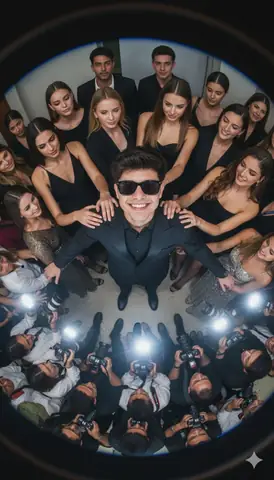
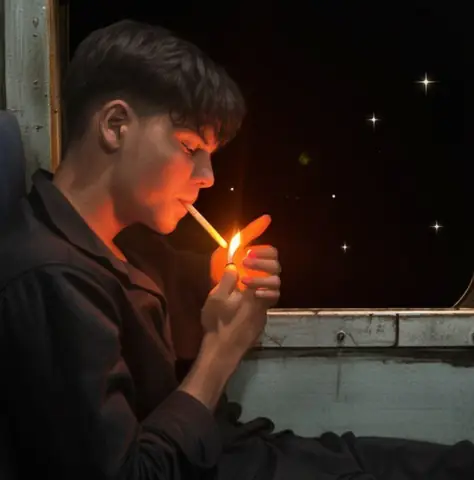
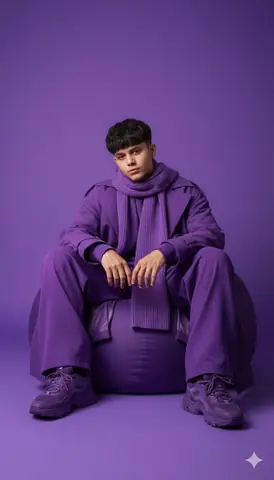
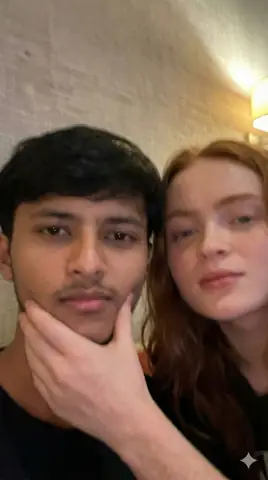
Quick Summary: This verified Google Gemini & Midjourney v6 prompt creates an authentic 90s vintage film aesthetic for Quiet Reflections Blue Hour In The Park AI Photo Prompt with calibrated lighting, authentic texture physics, and tested 1-click copy-paste formula for instant AI generation without facial distortion.
- Photography
- Ai Image
- Trending
- Photography
- Ai Image
- Trending
- Viral Prompt
- Gemini Ai
- Bing Image Creator
- Copy Paste
Quiet Reflections Blue Hour In The Park AI Photo Prompt - Copy Paste AI Prompt
Use the uploaded image as the **ONLY identity reference**. Preserve the person’s exact facial identity, facial proportions, jawline, cheekbones, forehead, eyebrows, eye shape and spacing, nose, lips, ears, skin tone, natural skin texture, pores, facial hair, hairstyle, hairline, hair density, hair direction, and overall appearance. **Do not beautify, reshape, smooth, retouch, age, de-age, or reinterpret the face or hairstyle.**

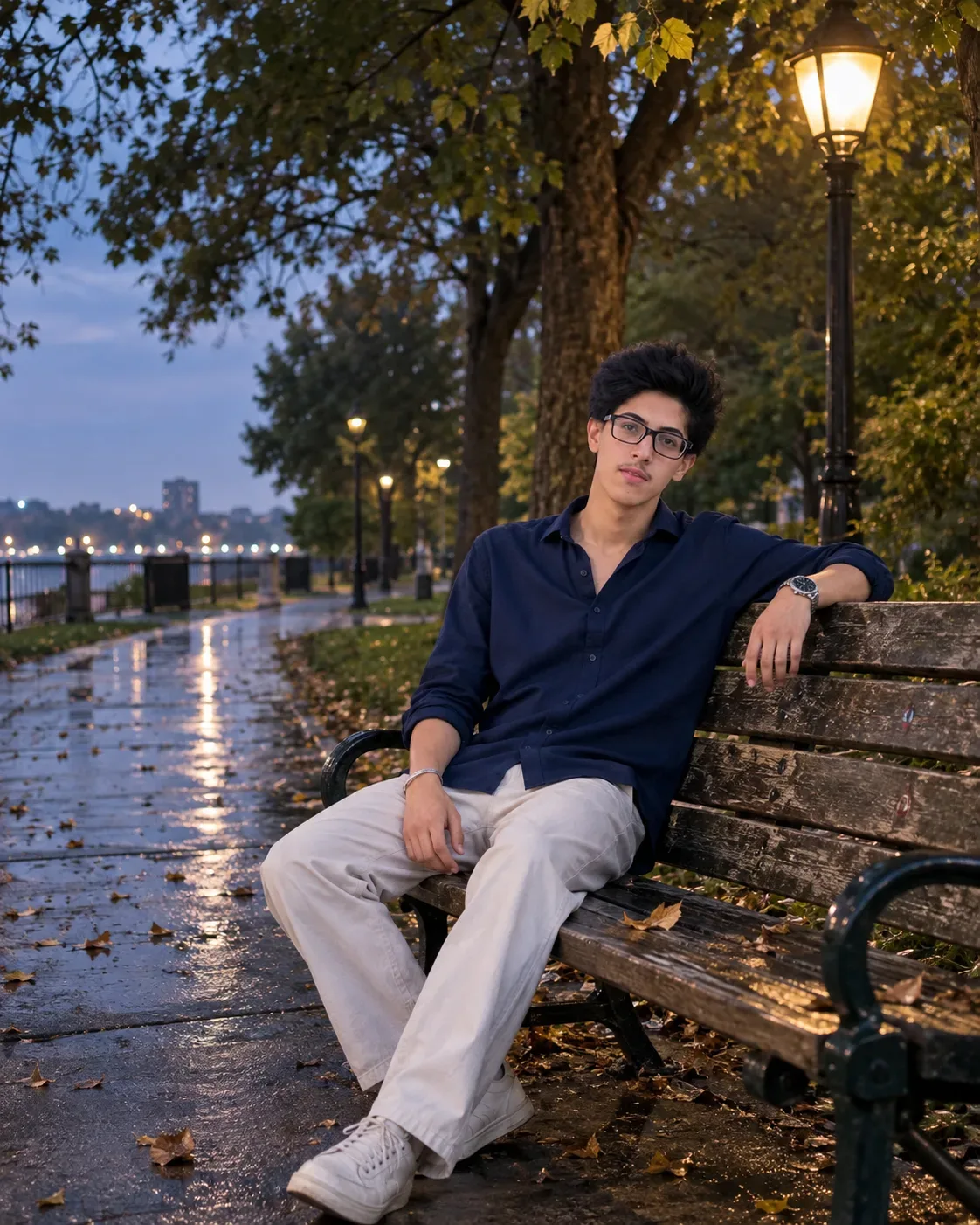
Create an **ultra-photorealistic vertical 4:5 DSLR photograph** of the same person sitting alone on a simple weathered wooden park bench during **blue hour after a light rain**.

### Composition

Wide medium-long shot from approximately **5–7 meters away**, showing the subject from the knees upward. The subject occupies only about **35–45% of the frame**, with the remaining frame showing the natural environment. Camera positioned approximately **35–45° toward the front-left of the bench**, at eye level. Use an **85mm lens** with natural perspective and no facial distortion.

### Pose

The subject sits naturally and quietly on the bench. His **left arm rests casually along the top rail of the backrest**, with relaxed fingers. His head gently rests against the upper edge of the bench and tilts slightly upward toward the evening sky. His face is turned approximately **30–40° toward the camera**, keeping most of the face visible without creating a side profile. His eyes naturally look upward into the distance rather than directly into the camera. His right hand rests casually beside his thigh. The posture should look completely spontaneous and comfortable.

### Expression

Subtle **quiet heartbreak, emotional exhaustion, silent acceptance, and deep reflection**. No tears, no dramatic acting, no exaggerated sadness, no smile. The emotion should come only from relaxed body language, distant eyes, and a naturally tired expression.

### Environment

A peaceful real-world public park after a light rain. Wet pavement with subtle realistic reflections, scattered fallen leaves, an empty walking path disappearing into the distance, large mature trees moving gently in the breeze, and a few warm streetlamps illuminating parts of the pathway and bench. Small distant city lights appear naturally blurred in the background. No crowds, no dramatic fog, no fantasy elements.

### Lighting

Natural blue-hour ambient light combined with soft warm streetlamp illumination. Realistic shadows, accurate reflections, balanced exposure, natural highlights and deep but detailed shadows. **No orange/teal Hollywood grading, no neon glow, no artificial rim lighting.**

### Photography

Shot on a **Sony A7 IV, 85mm lens, f/2.8**, authentic depth of field, realistic dynamic range, documentary photography style, true-to-life skin tones, subtle natural film grain, lifelike colors, realistic fabric texture, natural weather details, and authentic imperfections. The final image must look like a genuine candid photograph taken by a professional photographer, **not AI-generated artwork**.

### Identity Priority

**Identity preservation is the absolute highest priority.** If any instruction conflicts with identity preservation, always prioritize the exact face, hairstyle, skin texture, facial proportions, and recognizable appearance from the uploaded reference.

### Negative Prompt

Close-up portrait, tight crop, selfie angle, altered face, different person, AI face, changed hairstyle, different haircut, changed facial hair, beautified face, face reshaping, smooth skin, wax skin, plastic skin, excessive retouching, CGI, 3D render, fantasy lighting, oversaturated colors, excessive bokeh, HDR halos, unrealistic reflections, floating hair, perfect symmetry, distorted anatomy, extra fingers, malformed hands, unrealistic bench, unnatural pose, looking directly at camera, smiling, tears, text, watermark, oversharpening, painterly style, synthetic textures, artificial skin.

Optical Identity & Likeness Preservation: Maintain 100% exact facial identity, bone structure, jawline contours, and natural skin undertone of reference photo without alteration or distortion.👤Customize in Face Consistency Studio
Lock 100% exact facial identity, bone structure & eye shape in Gemini & Bing.
Technical Prompt Parameters (Vintage Film & Retro Polaroid)
| Parameter | Configuration | Output Impact |
|---|---|---|
| Target AI Engine | Google Gemini & Midjourney v6 | Preserves organic analog warmth, natural color saturation, and retro lighting response. |
| Recommended Aspect Ratio | 4:5 (Classic Film) or 1:1 (Square Polaroid) | Faithful recreation of vintage paper print dimensions and nostalgic photo albums. |
| Camera & Lens Settings | 35mm Leica M6, Kodak Portra 400, f/2.8, subtle chromatic dispersion | Renders genuine analog grain, gentle halation, and authentic film stock color science. |
| Lighting Style | Direct camera flash with soft falloff or warm golden hour sunset flare | Creates natural retro exposure highlights without artificial digital gloss. |
| Negative Constraints | digital sheen, oversaturated HDR, plastic skin, neon light, CGI 3D, modern watermark | Eliminates hyper-digital smoothness to maintain true photochemical aesthetic. |
| Reference Photo | Upload a daylight selfie; avoid heavy ring-light filters for best film look. | Upload front-facing reference photo for face matching. |
How to use this prompt
- Copy the prompt, open Google Gemini or Bing Image Creator, attach your reference photo, and generate instant 8K results.
How to get better results from Quiet Reflections Blue Hour In The Park AI Photo Prompt
Free 1-click copy quiet reflections blue hour in the park ai photo prompt for Google Gemini and Bing Image Creator. Authentic photography aesthetic, realistic lighting, and instant camera settings. Use it as a copy-ready starting point, then adjust the subject, scene, tone and output format for your own result.
- Photography
- Ai Image
- Trending
- Viral Prompt
- Gemini Ai
- Bing Image Creator
Customize before generating
- Replace the main subject, name, product or character details.
- Adjust lighting, background, mood, camera angle or aspect ratio if the prompt is visual.
- Change tone, audience, language and output format if the prompt is for text.
- Keep this core idea clear: Use the uploaded image as the **ONLY identity reference**. Preserve the person’s exact facial identity, facial proportions, jawline, cheekbones, forehead, eyebrows...
Quick variations to try
- Make Quiet Reflections Blue Hour In The Park AI Photo Prompt more cinematic with stronger lighting and richer background detail.
- Turn Quiet Reflections Blue Hour In The Park AI Photo Prompt into a cleaner mobile-first version for social media posts or profile use.
- Create a premium version of Quiet Reflections Blue Hour In The Park AI Photo Prompt with sharper style, higher detail and a more polished final output.