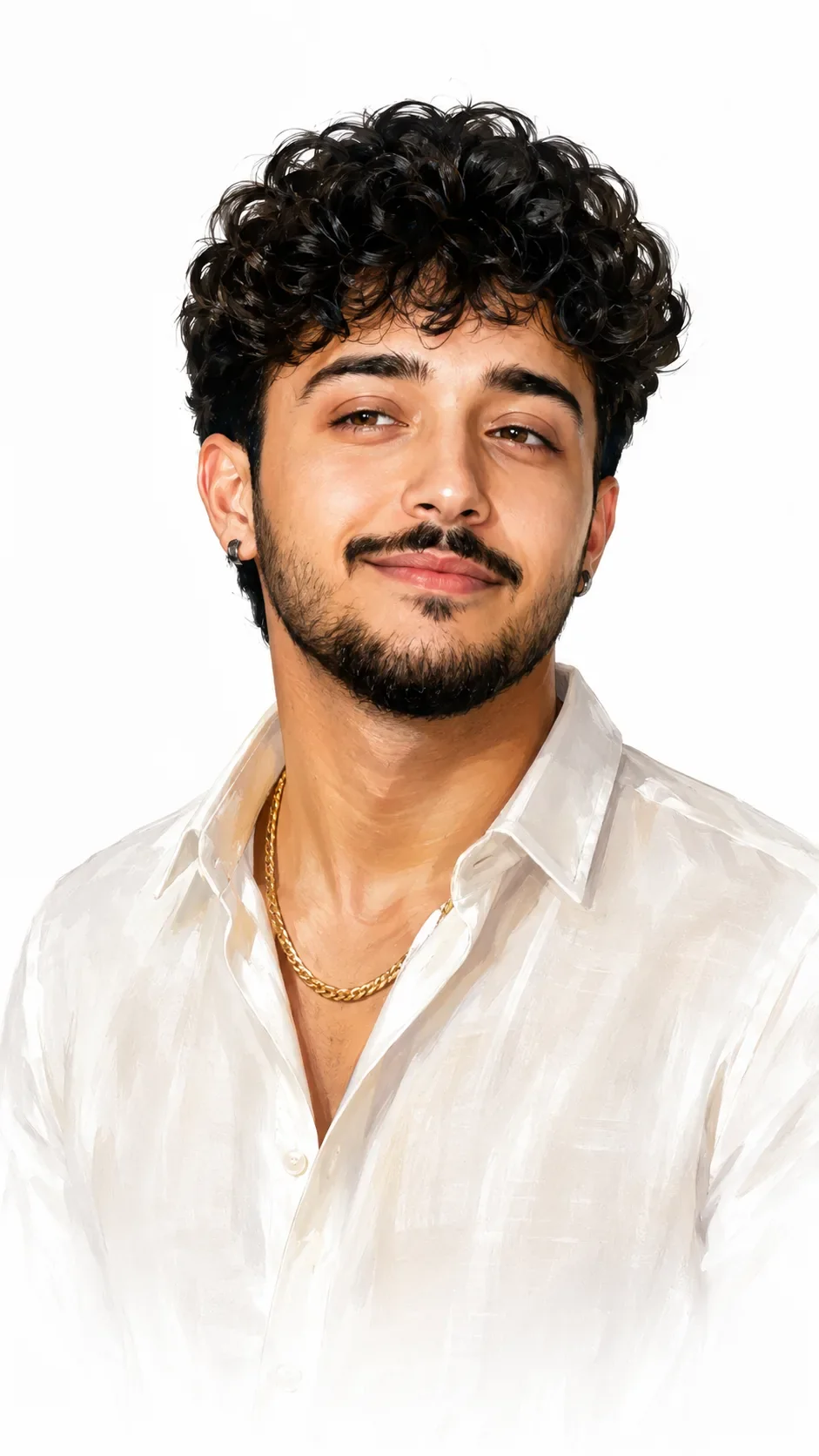
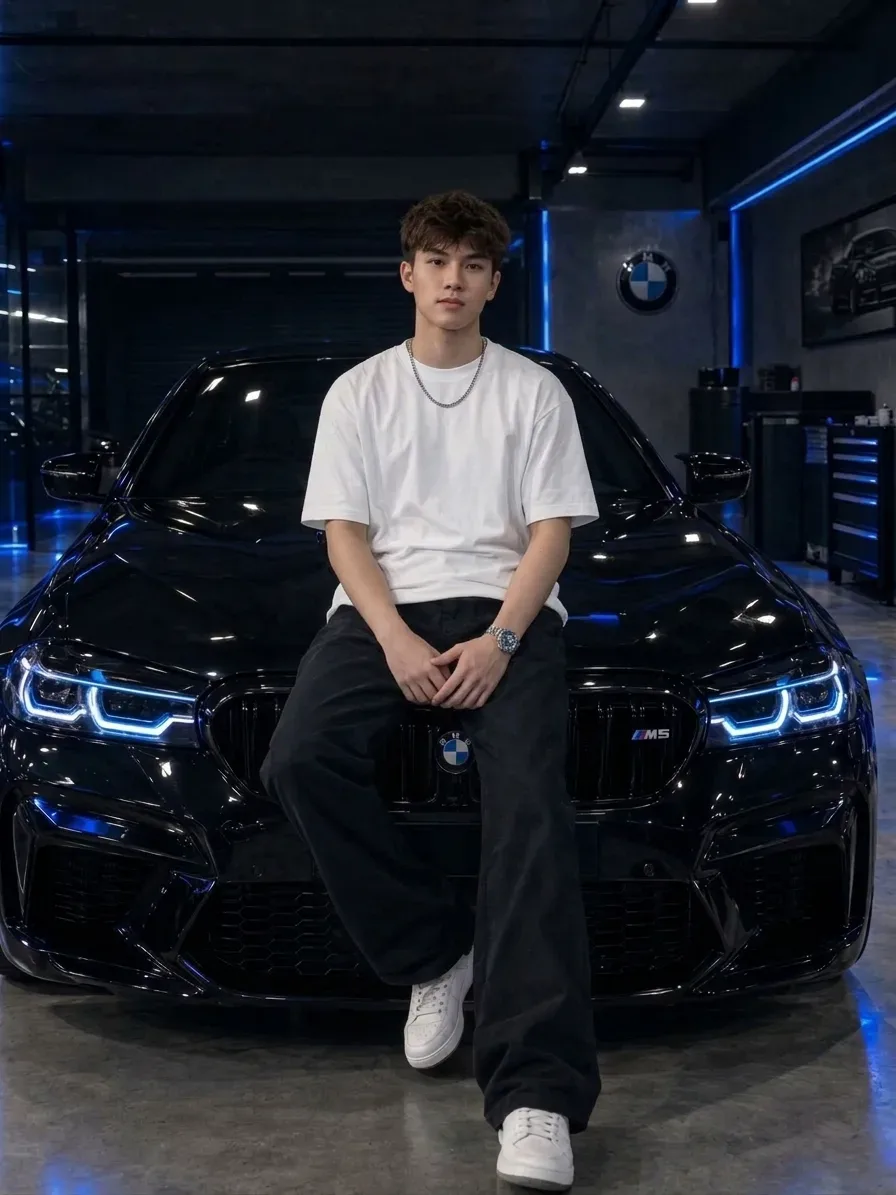
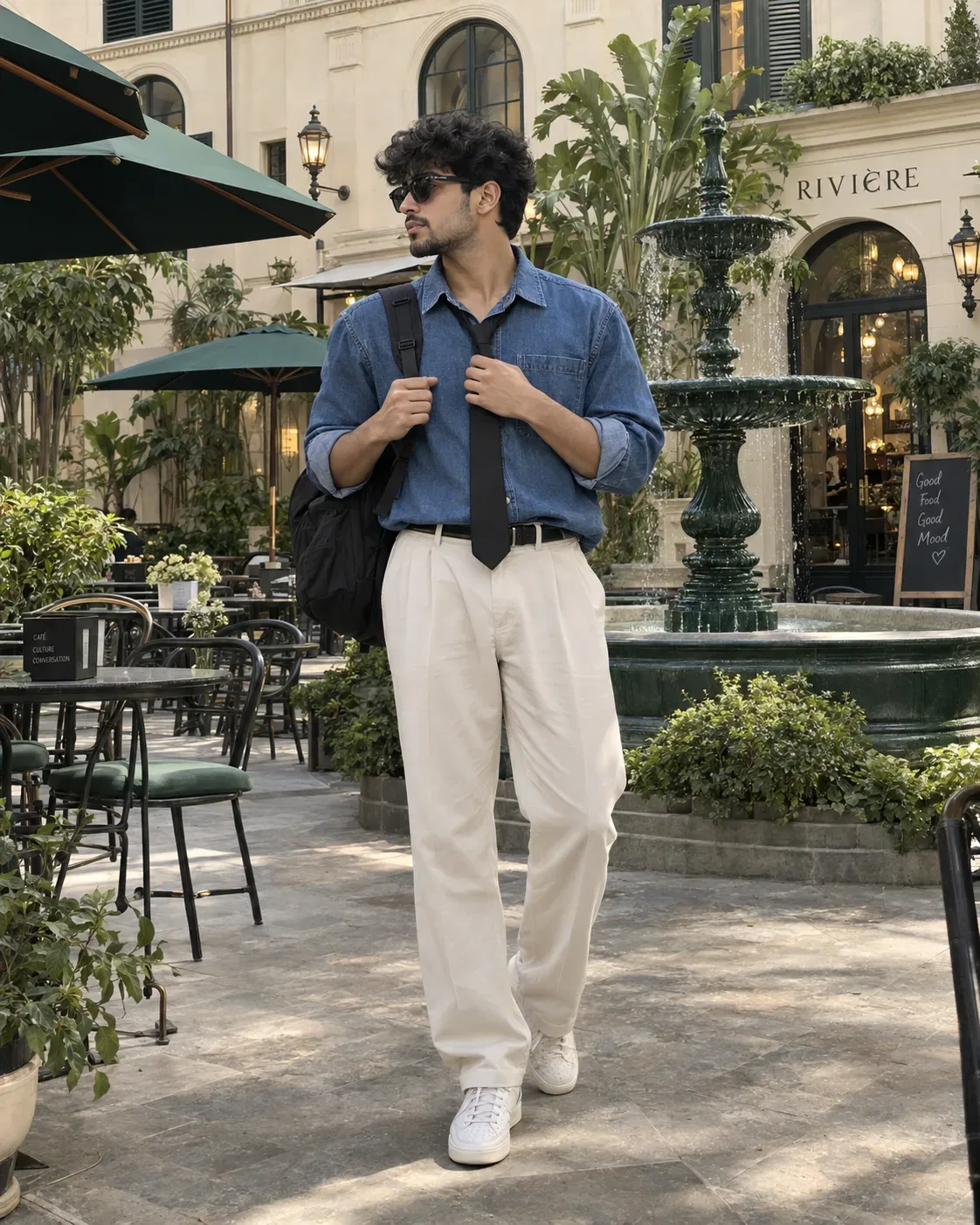
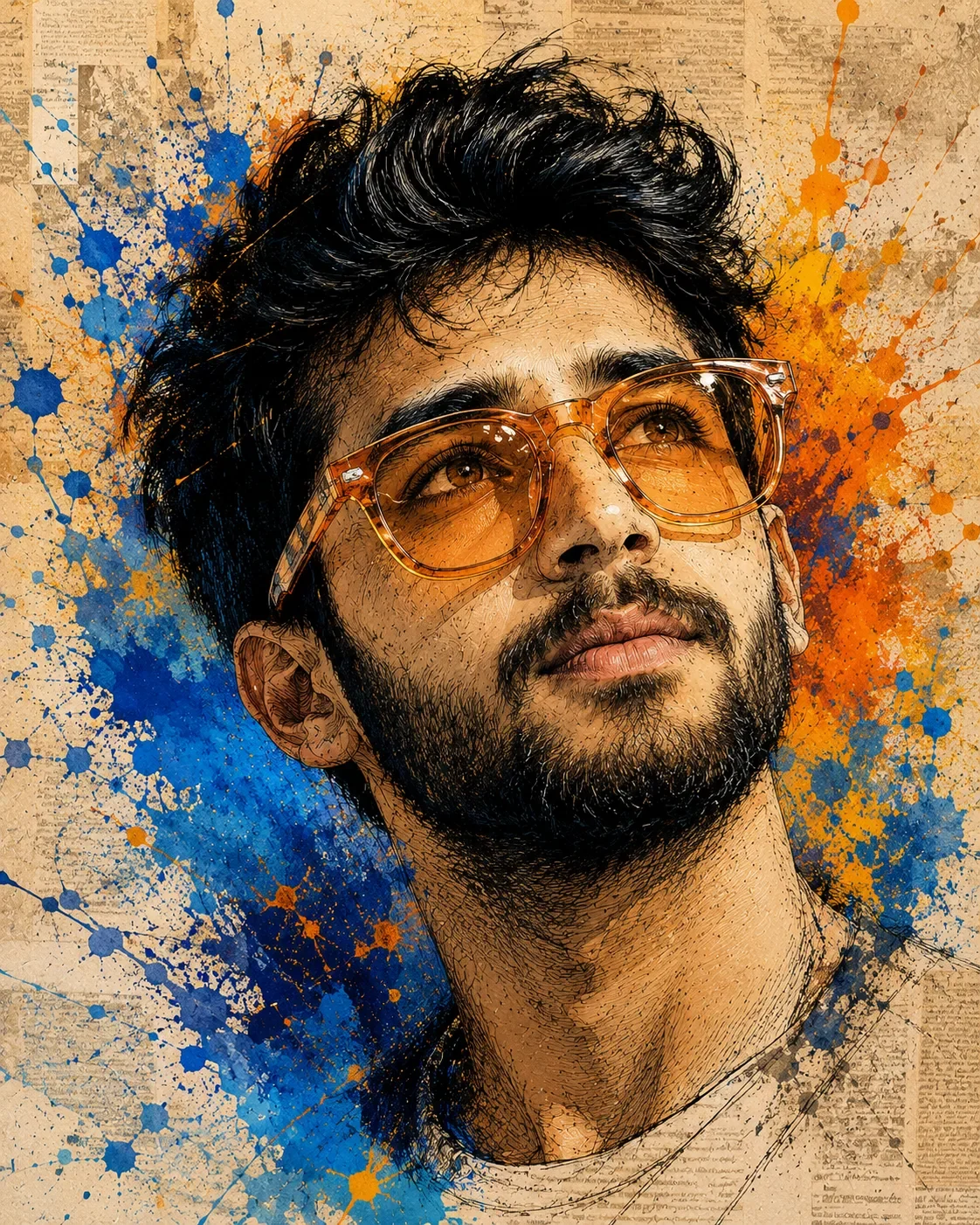
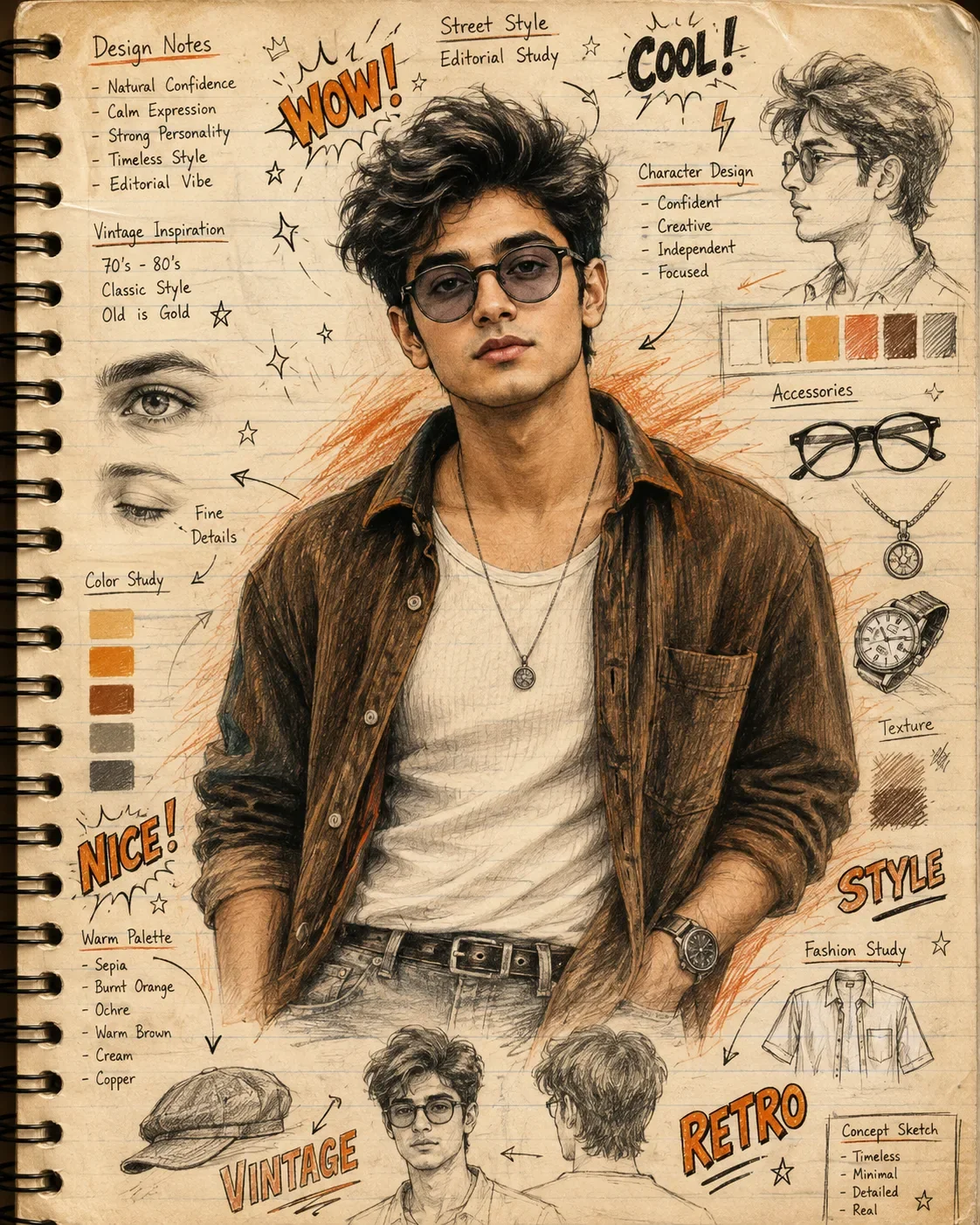
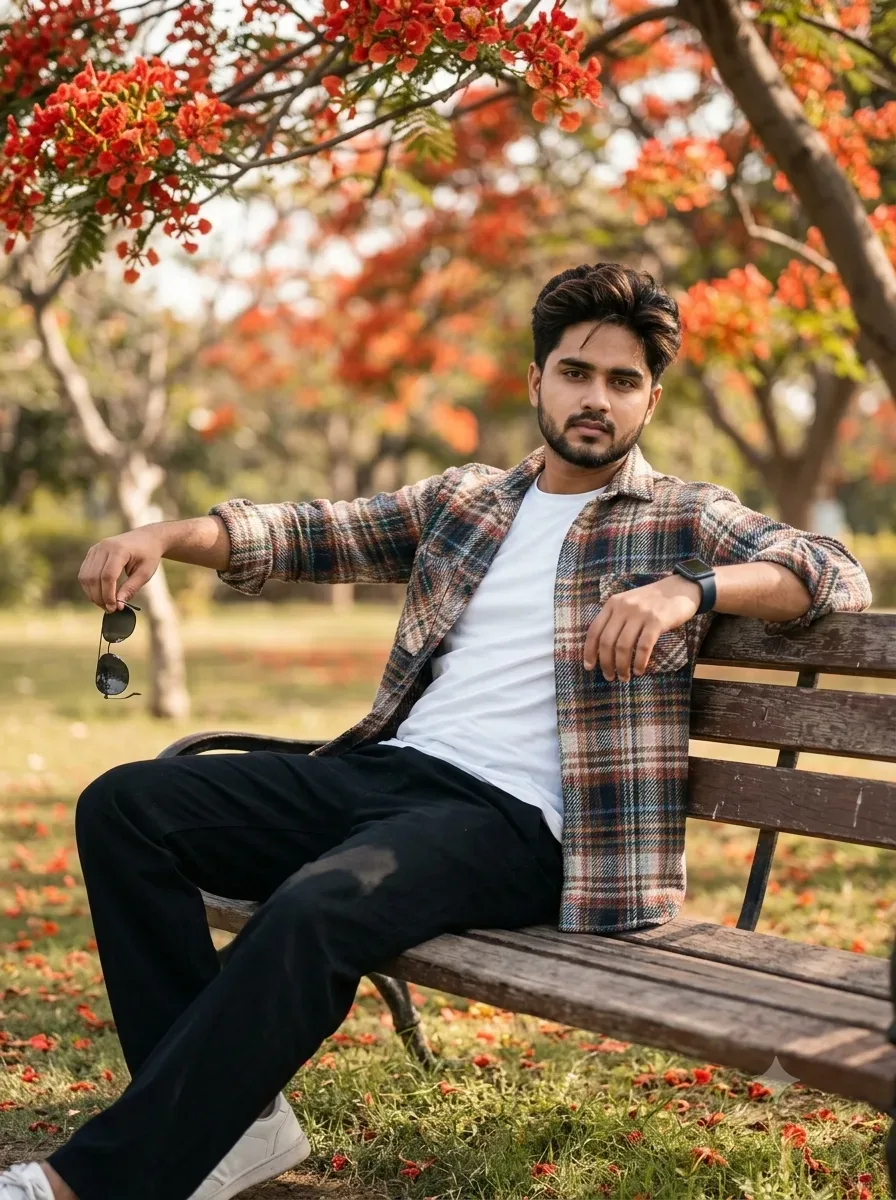
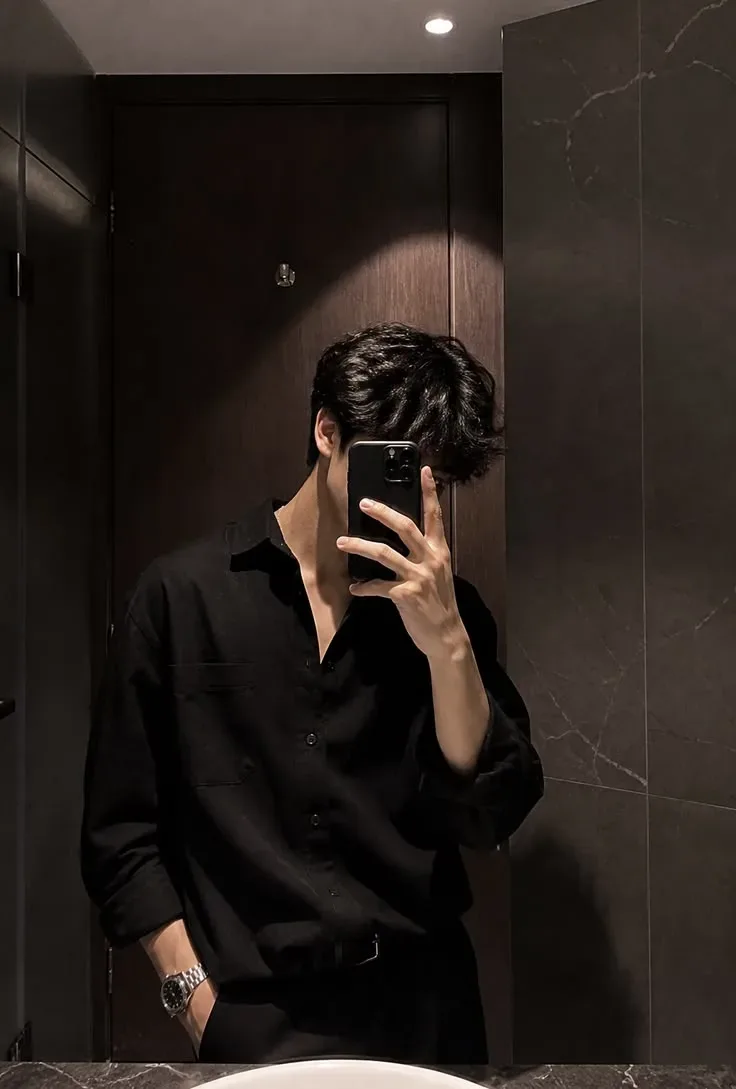
Quick Summary: This verified Google Gemini & Bing Image Creator (DALL-E 3) prompt creates an rich traditional Indian cultural aesthetic for Photorealistic Festival Portrait With Krishna Murali AI Photo Prompt with calibrated lighting, authentic texture physics, and tested 1-click copy-paste formula for instant AI generation without facial distortion.
- Illustration 3d
- Ai Image
- Trending
- Illustration 3d
- Ai Image
- Trending
- Viral Prompt
- Gemini Ai
- Bing Image Creator
- Copy Paste
Photorealistic Festival Portrait With Krishna Murali AI Photo Prompt - Copy Paste AI Prompt
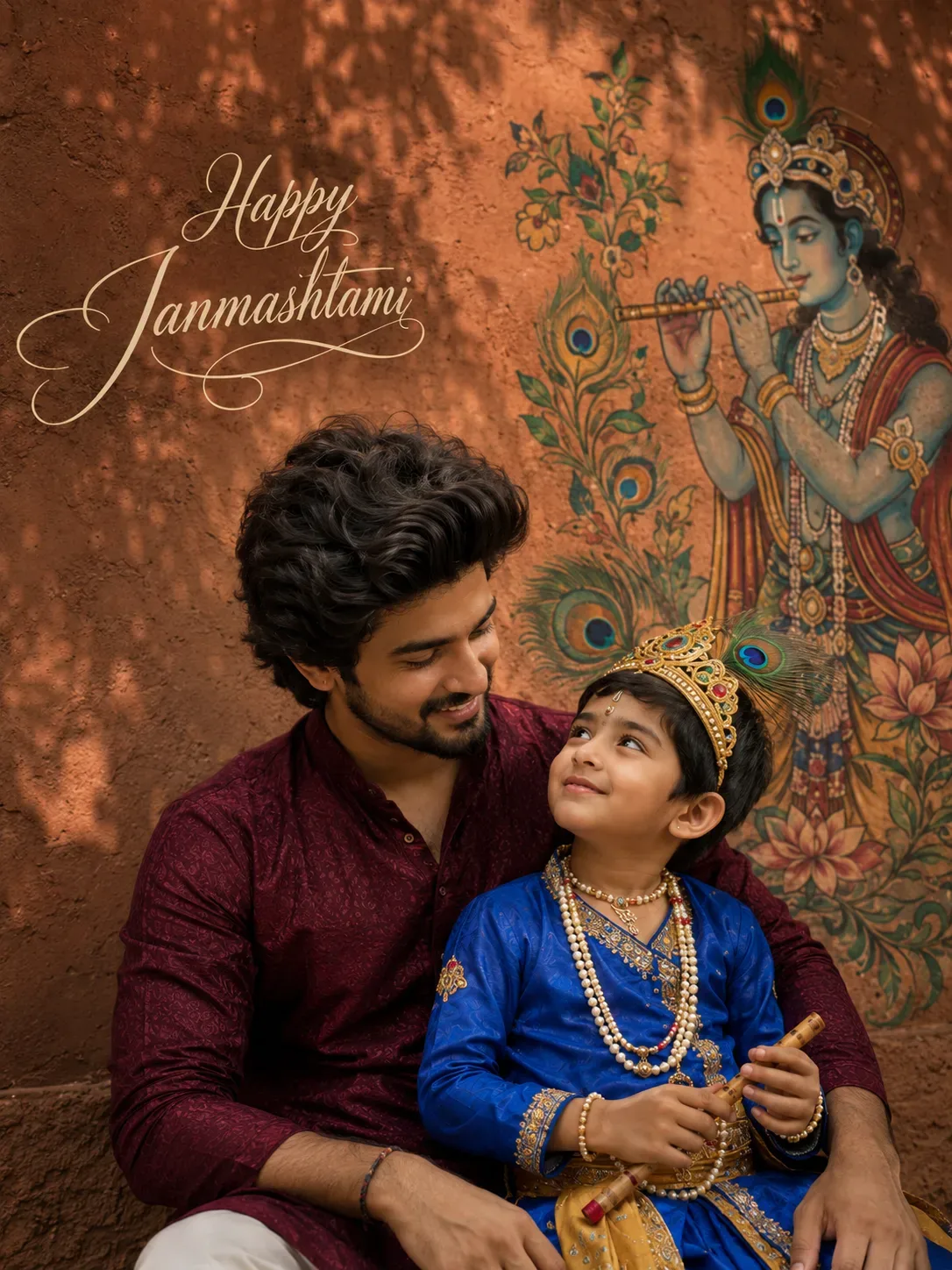
@Create image Create an extremely photorealistic 3:4 vertical professional festival portrait, photographed with a premium full-frame camera and high-end 50mm portrait lens.

Use the uploaded reference image as the strict identity reference for the adult male, accurately reproducing his face, facial proportions, skin tone, body structure and natural characteristics. Preserve his hairstyle while making it thicker, fuller and dramatically high-volume in a realistic professional grooming style

Create a deep earthy terracotta courtyard wall as the background. Instead of placing Krishna directly in the center, create a large artistic Krishna mural positioned slightly toward one side of the wall. Krishna should appear graceful and serene, surrounded by hand-painted peacock feathers, botanical elements and subtle traditional Indian patterns.

A large tree outside the frame creates soft overlapping leaf shadows that move naturally across the terracotta wall, producing realistic depth and atmosphere.

Change the composition completely: the adult male and little Krishna boy are sitting very close together, with the child leaning naturally against the adult's shoulder. The adult looks down toward the child with a warm, affectionate expression while the child looks upward toward

Capture the moment like a professional photographer caught an authentic emotional interaction rather than a posed portrait.

Use a slightly tighter crop, realistic facial detail, natural skin pores, individual hair strands, realistic eyes and catchlights, authentic shadows and subtle background separation.

Place "Happy Janmashtami" elegantly in cursive in the open area of the wall.

Optical Identity & Likeness Preservation: Maintain 100% exact facial identity, bone structure, jawline contours, and natural skin undertone of reference photo without alteration or distortion.Lock 100% exact facial identity, bone structure & eye shape in Gemini & Bing.
Technical Prompt Parameters (Traditional Ethnic Indian)
| Parameter | Configuration | Output Impact |
|---|---|---|
| Target AI Engine | Google Gemini & Bing Image Creator (DALL-E 3) | Accurately understands intricate South Asian ethnic motifs, zardozi embroidery, and festive ambiance. |
| Recommended Aspect Ratio | 9:16 (Story / Reels / DP) or 3:4 (Portrait) | Optimized for mobile festive display pictures, WhatsApp status, and Instagram reels. |
| Camera & Lens Settings | 85mm f/1.4 G-Master, Sony A7R V, 61MP ultra-high texture fidelity | Resolves micro-level silk weave, mirror embroidery, and jewelry sparkle with zero blur. |
| Lighting Style | Festive diya ambient warmth + soft golden temple architectural light | Accentuates vibrant colors (marigold, crimson, gold) while keeping skin tones natural. |
| Negative Constraints | western attire, distorted jewelry, unnatural skin bleaching, muddy colors, deformed hands | Guarantees authentic cultural attire detailing and natural Indian skin melanin realism. |
| Reference Photo | Upload a front-facing portrait wearing festive or simple ethnic attire. | Upload front-facing reference photo for face matching. |
How to use this prompt
- Copy the prompt, open Google Gemini or Bing Image Creator, attach your reference photo, and generate instant 8K results.
How to get better results from Photorealistic Festival Portrait With Krishna Murali AI Photo Prompt
Free 1-click copy photorealistic festival portrait with krishna murali ai photo prompt for Google Gemini and Bing Image Creator. Authentic illustration 3d aesthetic, realistic lighting, and instant camera settings. Use it as a copy-ready starting point, then adjust the subject, scene, tone and output format for your own result.
- Illustration 3d
- Ai Image
- Trending
- Viral Prompt
- Gemini Ai
- Bing Image Creator
Customize before generating
- Replace the main subject, name, product or character details.
- Adjust lighting, background, mood, camera angle or aspect ratio if the prompt is visual.
- Change tone, audience, language and output format if the prompt is for text.
- Keep this core idea clear: @Create image Create an extremely photorealistic 3:4 vertical professional festival portrait, photographed with a premium full-frame camera and high-end 50mm portrait...
Quick variations to try
- Make Photorealistic Festival Portrait With Krishna Murali AI Photo Prompt more cinematic with stronger lighting and richer background detail.
- Turn Photorealistic Festival Portrait With Krishna Murali AI Photo Prompt into a cleaner mobile-first version for social media posts or profile use.
- Create a premium version of Photorealistic Festival Portrait With Krishna Murali AI Photo Prompt with sharper style, higher detail and a more polished final output.