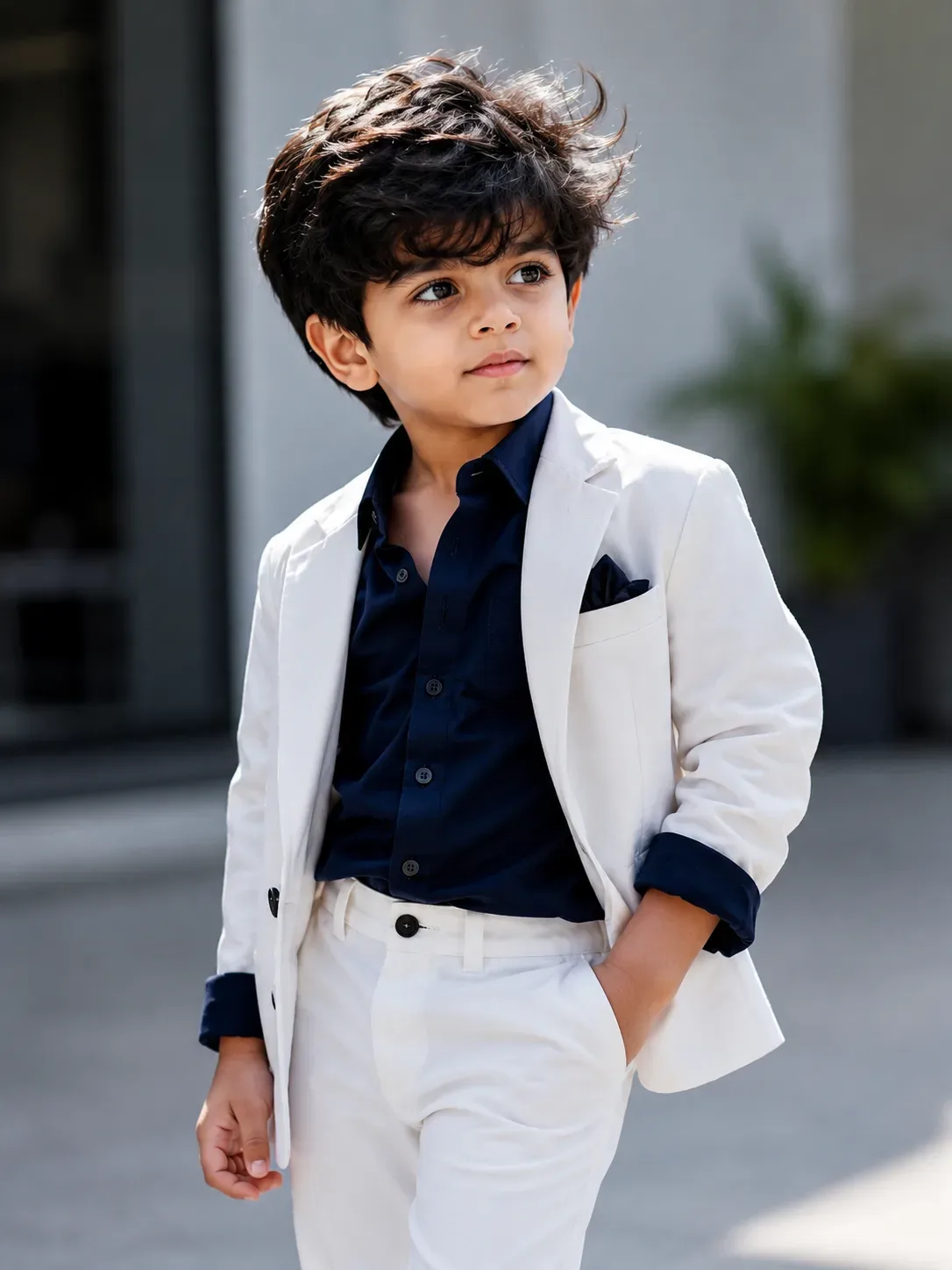
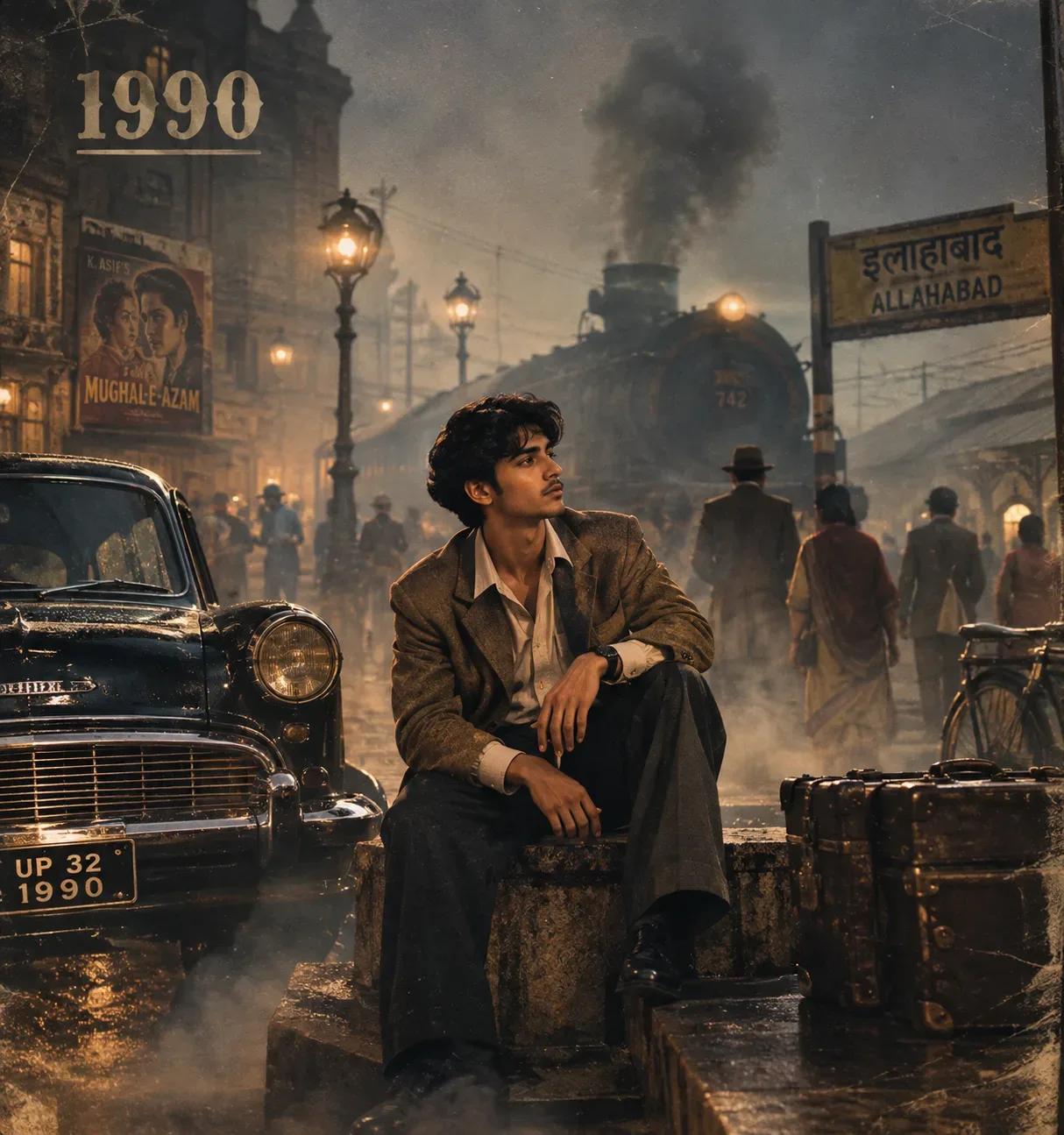
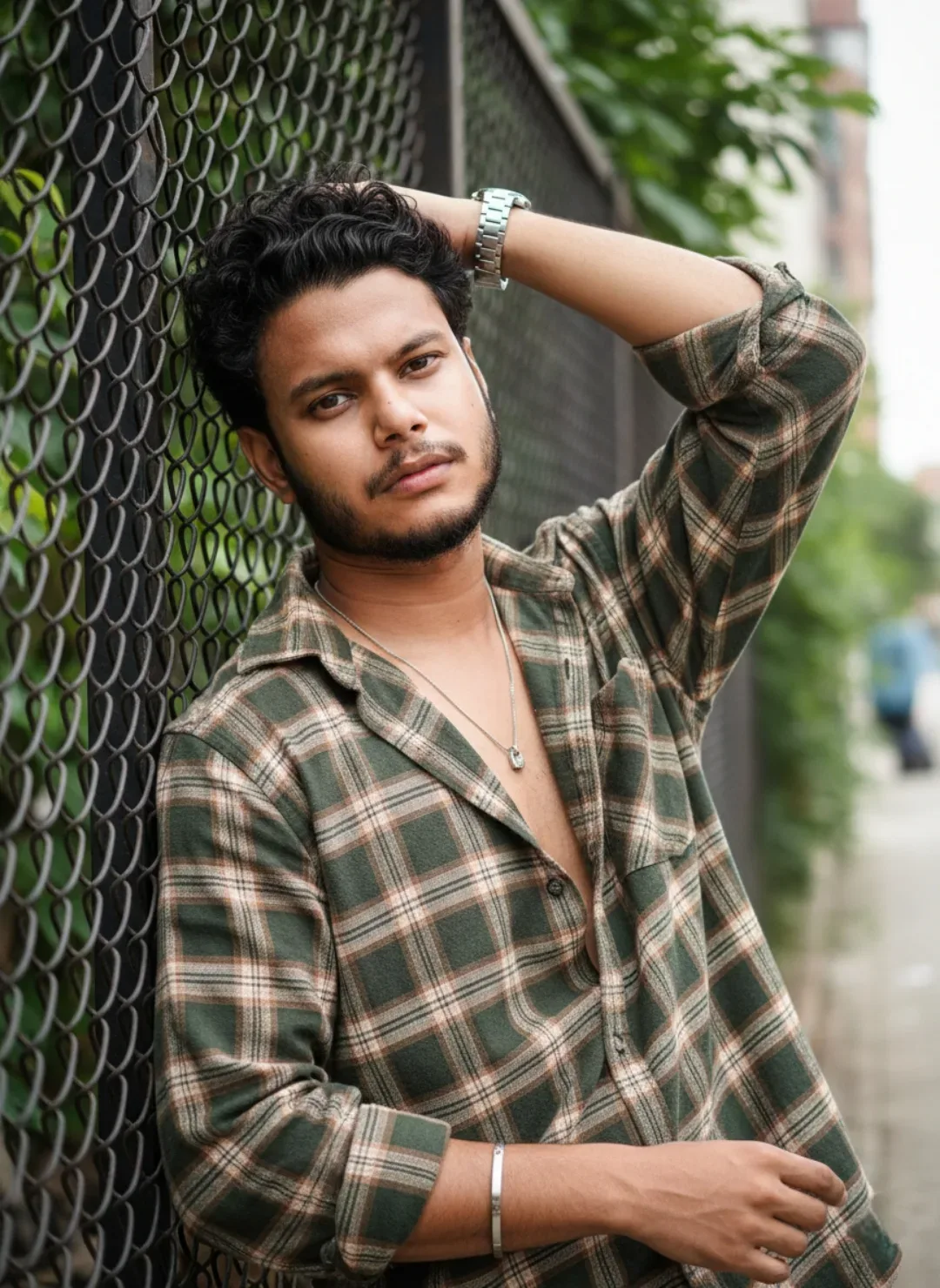
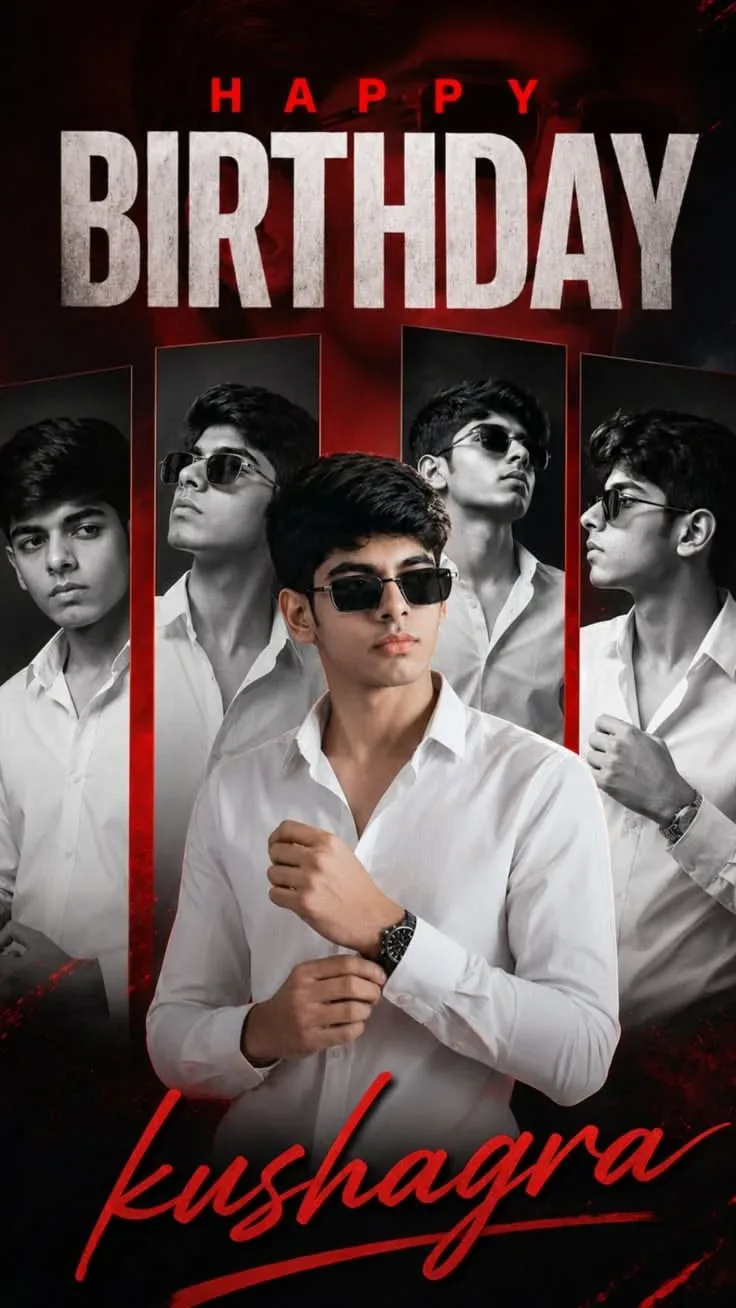
Quick Summary: This verified Google Gemini & Bing Image Creator prompt creates an stylish attitude boy street portrait for Photo With Best View Above Darawani Haveli AI Photo Prompt with calibrated lighting, authentic texture physics, and tested 1-click copy-paste formula for instant AI generation without facial distortion.
- Product Brand
- Ai Image
- Trending
- Product Brand
- Ai Image
- Trending
- Viral Prompt
- Gemini Ai
- Bing Image Creator
- Copy Paste
Photo With Best View Above Darawani Haveli AI Photo Prompt - Copy Paste AI Prompt
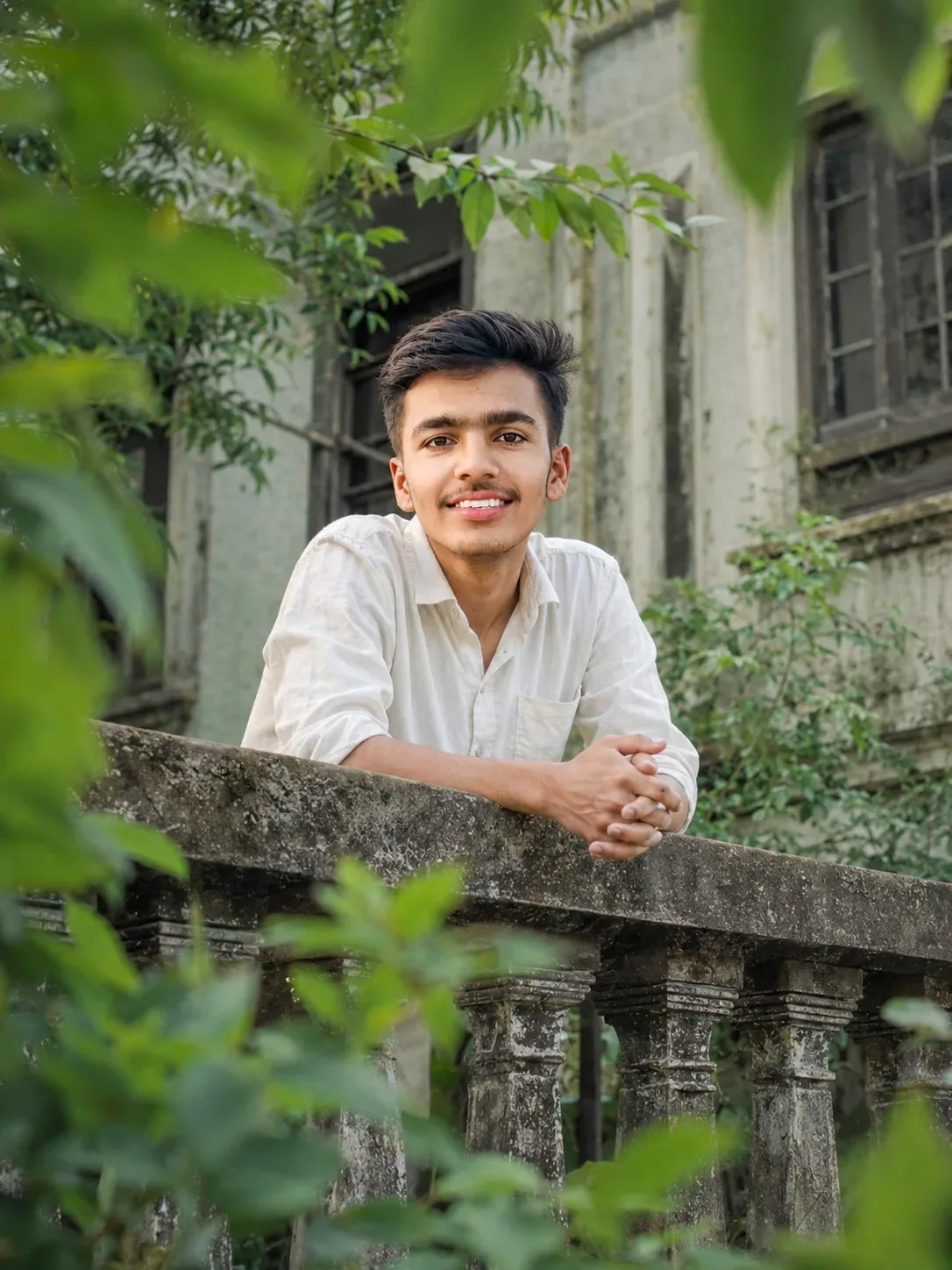
Create an ultra-realistic high-resolution DSLR photograph using the uploaded image as the absolute scene and composition reference. Recreate the image as faithfully as possible without redesigning or stylizing the scene.
SUBJECT: A young male standing/leaning naturally behind an old weathered balcony railing. Preserve the subject's visible facial structure, natural skin texture, hairstyle, proportions and expression from the reference image. He has neatly styled dark black hair swept naturally toward one side, subtle natural facial hair/moustache, and a calm, friendly expression with a slight natural smile. His eyes are looking directly toward the camera.
POSE: Match the reference pose precisely. The subject leans naturally forward over the balcony railing, with both forearms resting comfortably on the broad top railing. Both hands are positioned together toward the right side of his body, with fingers naturally interlocked/loosely clasped. Shoulders relaxed and posture natural. Preserve realistic human anatomy and exact hand positioning.
CLOTHING: Loose off-white/cream long-sleeve cotton button-up shirt. Collar naturally open with the upper buttons undone. Sleeves casually rolled/folded to around the forearms. Preserve realistic fabric texture, wrinkles, folds, stitching and natural draping.
BALCONY: A large old, dark-gray weathered concrete balcony railing dominates the lower-middle portion of the frame. The railing has a thick rough top slab and multiple classical decorative vertical balusters underneath. Show realistic aging, stains, dirt, chipped concrete, moss and weathering.
ARCHITECTURE: Behind the subject is an old abandoned-looking residential/heritage-style building. Pale gray-green weathered plaster walls with visible discoloration, stains, cracks and aged surfaces. Several large dark recessed windows with old dark frames are visible behind the subject. The building should feel naturally aged and slightly overgrown.
VEGETATION: Dense green foliage surrounds the building and balcony. Large leaves and branches are extremely close to the camera, creating strong natural foreground framing. The foreground leaves should be heavily out of focus while remaining recognizable. Additional greenery appears around the building and behind the subject, creating multiple layers of depth.
COMPOSITION: Vertical portrait photograph, approximately 4:5 aspect ratio. Keep the subject centered slightly above the middle of the frame. Maintain generous foliage around the edges and preserve the large foreground leaves. The balcony railing should run diagonally/horizontally across the lower-middle section exactly as shown in the reference. Do not crop out the railing or surrounding environment.
CAMERA: Professional full-frame DSLR/mirrorless photography, approximately 50–70mm lens, camera positioned around the subject's upper-body level. Aperture approximately f/2–f/2.8. Subject's face and upper body are sharply focused while foreground leaves and distant architecture have realistic optical blur. Natural depth of field and smooth lens bokeh.
LIGHTING: Soft natural diffused daylight passing through surrounding trees. Gentle illumination on the face and white shirt, subtle natural shadows under the hair, jawline, arms and railing. No studio lighting, no harsh flash, no artificial rim light.
COLOR & MOOD: Muted natural green, gray, cream and warm skin tones. Slightly desaturated cinematic photographic grading, soft contrast, realistic highlights and shadows, natural white balance. Quiet, peaceful, nostalgic and slightly contemplative atmosphere.
REALISM: Extremely realistic photography, authentic skin pores and texture, individual hair strands, realistic fabric fibers, physically accurate hands and fingers, detailed aged concrete, natural leaves, realistic shadows and optical depth. Genuine DSLR photographic appearance rather than an AI-generated look. High dynamic range but no excessive HDR.
IMPORTANT: Preserve the reference image's **exact composition, subject position, pose, facial orientation, hand placement, clothing, railing geometry, foliage arrangement, background architecture, camera perspective, depth of field, lighting and overall atmosphere. Do not add or remove objects. Do not beautify or change the subject's natural appearance.

Optical Identity & Likeness Preservation: Maintain 100% exact facial identity, bone structure, jawline contours, and natural skin undertone of reference photo without alteration or distortion.👤Customize in Face Consistency Studio
Lock 100% exact facial identity, bone structure & eye shape in Gemini & Bing.
Technical Prompt Parameters (Attitude Boy & Stylish DP)
| Parameter | Configuration | Output Impact |
|---|---|---|
| Target AI Engine | Google Gemini & Bing Image Creator | Engineered for viral Instagram reels display pictures and WhatsApp DP engagement. |
| Recommended Aspect Ratio | 9:16 (Full Screen DP & Reel) or 1:1 (Profile Icon) | Fills mobile display screens completely without black letterboxing or cropped hair. |
| Camera & Lens Settings | 85mm f/1.8 prime lens, Sony A7 IV, crisp focal separation | Sharp high-contrast focus on sunglasses, hoodie texture, and confident facial expression. |
| Lighting Style | Dramatic street golden hour or neon urban backlighting with cool rim contour | Carves strong jawline definition and dramatic contrast for a bold, commanding profile look. |
| Negative Constraints | cartoon face, childish features, distorted sunglasses, blurred background clutter, extra limbs | Keeps masculine features razor-sharp, realistic, and free from cartoon distortion. |
| Reference Photo | Upload a confident front-facing or slight 3/4 angle selfie with good daylight. | Upload front-facing reference photo for face matching. |
How to use this prompt
- Copy the prompt, open Google Gemini or Bing Image Creator, attach your reference photo, and generate instant 8K results.
How to get better results from Photo With Best View Above Darawani Haveli AI Photo Prompt
Free 1-click copy photo with best view above darawani haveli ai photo prompt for Google Gemini and Bing Image Creator. Authentic product brand aesthetic, realistic lighting, and instant camera settings. Use it as a copy-ready starting point, then adjust the subject, scene, tone and output format for your own result.
- Product Brand
- Ai Image
- Trending
- Viral Prompt
- Gemini Ai
- Bing Image Creator
Customize before generating
- Replace the main subject, name, product or character details.
- Adjust lighting, background, mood, camera angle or aspect ratio if the prompt is visual.
- Change tone, audience, language and output format if the prompt is for text.
- Keep this core idea clear: Create an ultra-realistic high-resolution DSLR photograph using the uploaded image as the absolute scene and composition reference. Recreate the image as faithfully...
Quick variations to try
- Make Photo With Best View Above Darawani Haveli AI Photo Prompt more cinematic with stronger lighting and richer background detail.
- Turn Photo With Best View Above Darawani Haveli AI Photo Prompt into a cleaner mobile-first version for social media posts or profile use.
- Create a premium version of Photo With Best View Above Darawani Haveli AI Photo Prompt with sharper style, higher detail and a more polished final output.