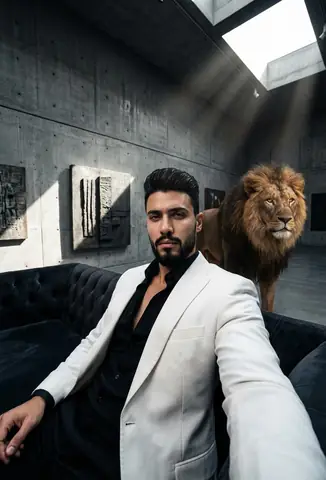
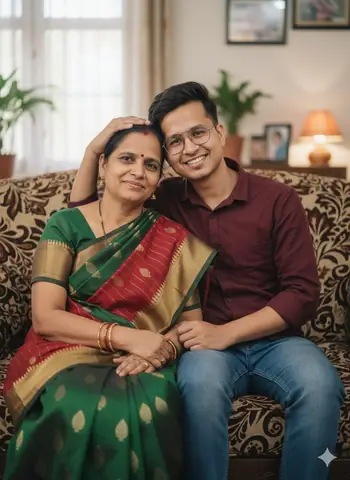
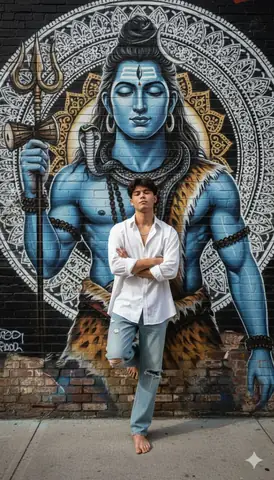
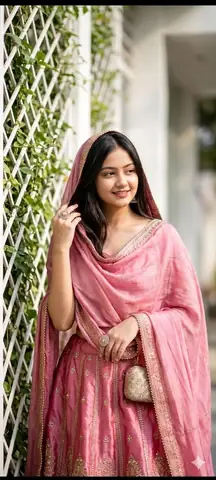
Quick Summary: This verified Google Gemini & Midjourney v6 prompt creates an authentic 90s vintage film aesthetic for Pensive Fashion Portrait With Dripping Motion Effect AI Photo Prompt with calibrated lighting, authentic texture physics, and tested 1-click copy-paste formula for instant AI generation without facial distortion.
- Photography
- Fashion
- Aesthetic
- Ai Image
- Trending
- Photography
- Fashion
- Aesthetic
- Ai Image
- Trending
- Viral Prompt
- Gemini Ai
- Bing Image Creator
- Copy Paste
Pensive Fashion Portrait With Dripping Motion Effect AI Photo Prompt - Copy Paste AI Prompt
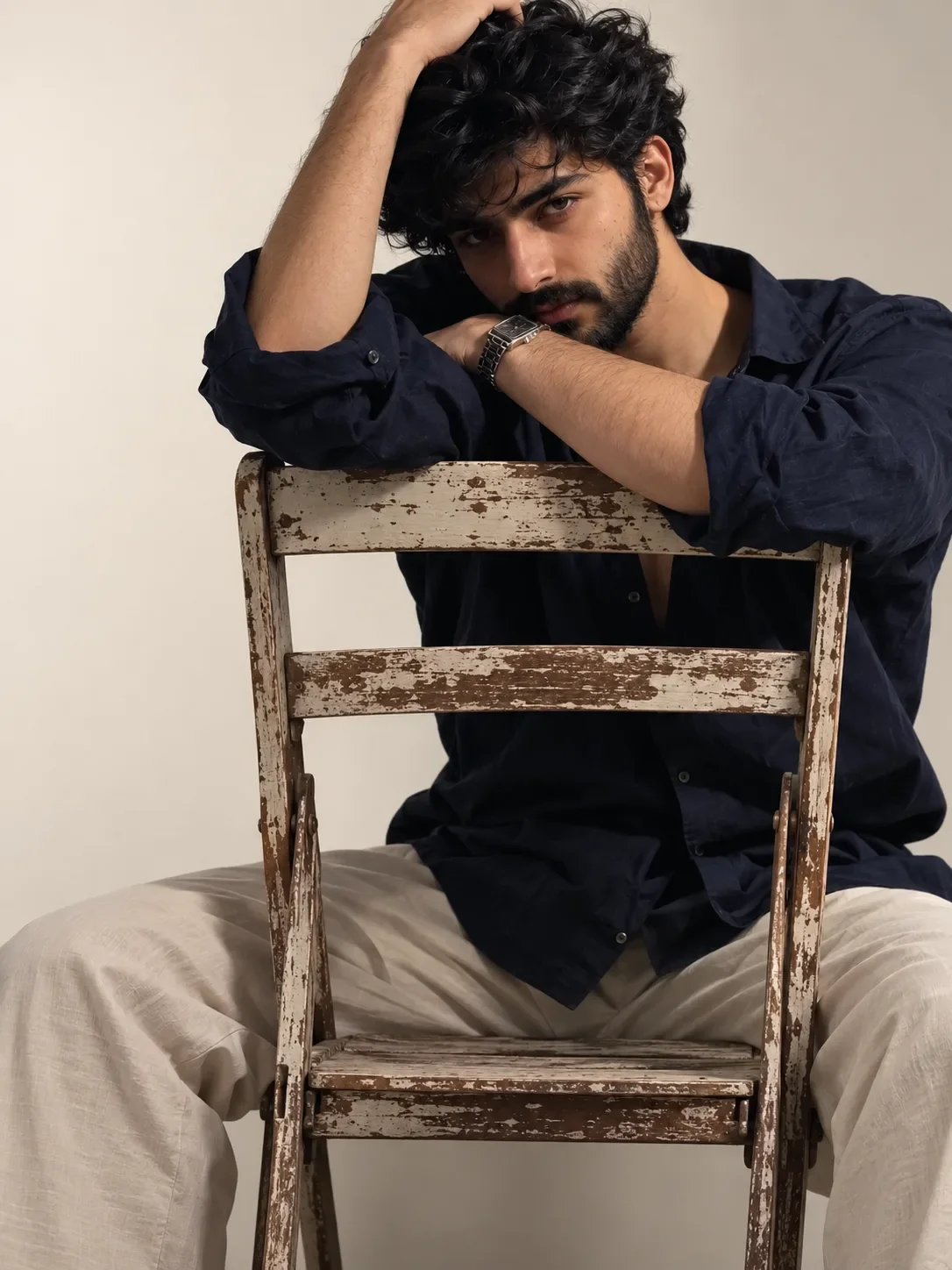
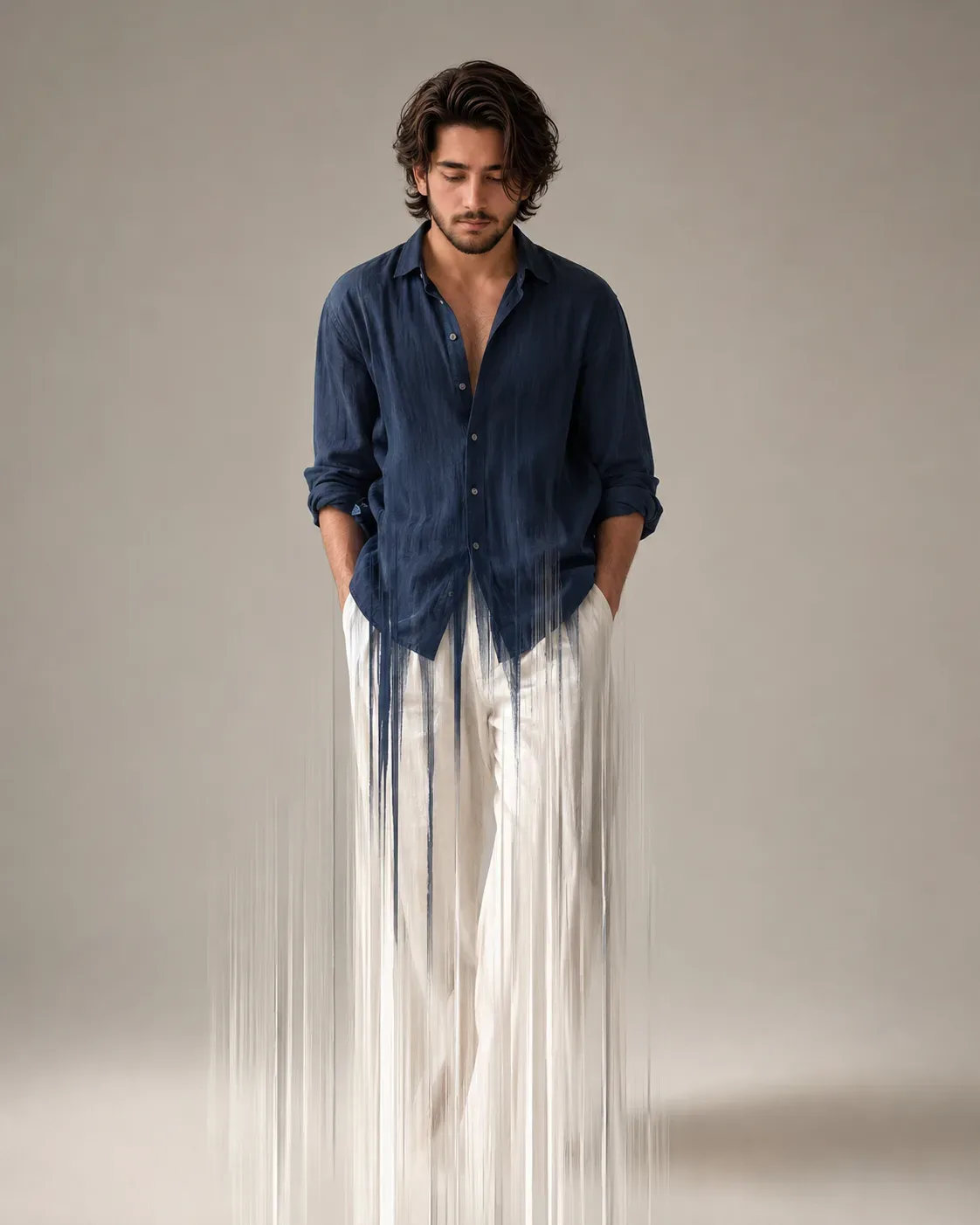
Create a highly detailed **cinematic fine-art fashion portrait** of a handsome young adult man standing against a minimalist **warm light-gray studio background**. The image is a full-body vertical composition with a sophisticated editorial aesthetic.

The man has **thick, medium-length dark brown/black wavy hair**, naturally tousled with substantial volume and loose curls around the forehead and sides. He has a defined masculine face, strong jawline, straight nose, subtle beard and mustache, and realistic natural skin texture.

His head is tilted slightly downward and he is looking toward the ground with a **quiet, introspective, serious expression**. His posture is relaxed and elegant, with his shoulders slightly lowered.

He wears a loose, oversized **deep navy-blue/steel-blue linen or cotton shirt**, partially unbuttoned at the chest, revealing a small amount of skin. The shirt has rolled-up sleeves and naturally flowing fabric with realistic folds and wrinkles. His hands are casually placed inside the pockets of his trousers.

He wears loose **off-white/cream wide-leg trousers** with soft natural folds. The trousers appear to gradually dissolve toward the bottom of the image.

### Artistic Dissolution Effect

The defining visual element is a dramatic **vertical motion-dissolution / paint-drip effect**.

The upper body remains relatively sharp and realistic, especially the face and hair, while the lower portions of the shirt and trousers progressively transform into **long, thin vertical streaks of translucent paint, fabric, light, and motion blur**.

The blue shirt begins to fragment around the waist and lower torso, with numerous narrow vertical blue-gray streaks extending downward.

The white trousers progressively dissolve into extremely long **vertical white and pale-gray streaks**, resembling flowing paint, silk threads, rain trails, or an exposure-based motion effect.

The effect should look as though the man's lower body is **melting vertically into light and liquid brushstrokes**, while still retaining subtle traces of the original clothing silhouette.

Some streaks should extend far below the man's natural body, creating an elegant elongated composition. The dissolution must be **organic and irregular**, with different streak lengths and widths rather than uniform digital lines.

### Lighting

Use soft, diffused **studio lighting** from the upper front/side, creating gentle highlights along the hair, cheekbones, shirt folds, and shoulders. The background remains smooth and uncluttered with subtle tonal variation.

Use restrained colors: **charcoal-black hair, deep desaturated navy-blue shirt, ivory-white trousers, warm gray background**, with subtle skin-tone warmth.

### Photography & Rendering

Ultra-realistic editorial photography combined with **surreal fine-art long-exposure aesthetics**. Extremely detailed facial features and hair, realistic fabric texture, natural anatomy, physically believable lighting, soft shadows, subtle film grain, muted color grading, sophisticated minimalist fashion photography, atmospheric composition, high dynamic range, realistic skin texture, sharp upper body transitioning into artistic motion blur.

The final image should feel like a **luxury fashion campaign combined with contemporary conceptual art**, elegant rather than horror-like or chaotic.

**Composition:** centered full-body portrait, vertical framing, ample negative space surrounding the subject.

**Aspect ratio:** **4:5 vertical**. keep the reference image exactly the same

**Negative prompt:** cartoon, anime, exaggerated musculature, distorted anatomy, extra limbs, malformed hands, duplicate person, harsh outlines, colorful background, excessive saturation, messy environment, text, logo, watermark, completely blurred face, rigid uniform streaks, artificial CGI appearance.

Optical Identity & Likeness Preservation: Lock subject's authentic facial identity and natural posture while seamlessly integrating with sharp vehicle reflections and cinematic ambient lighting.👤Customize in Face Consistency Studio
Lock 100% exact facial identity, bone structure & eye shape in Gemini & Bing.
Technical Prompt Parameters (Vintage Film & Retro Polaroid)
| Parameter | Configuration | Output Impact |
|---|---|---|
| Target AI Engine | Google Gemini & Midjourney v6 | Preserves organic analog warmth, natural color saturation, and retro lighting response. |
| Recommended Aspect Ratio | 4:5 (Classic Film) or 1:1 (Square Polaroid) | Faithful recreation of vintage paper print dimensions and nostalgic photo albums. |
| Camera & Lens Settings | 35mm Leica M6, Kodak Portra 400, f/2.8, subtle chromatic dispersion | Renders genuine analog grain, gentle halation, and authentic film stock color science. |
| Lighting Style | Direct camera flash with soft falloff or warm golden hour sunset flare | Creates natural retro exposure highlights without artificial digital gloss. |
| Negative Constraints | digital sheen, oversaturated HDR, plastic skin, neon light, CGI 3D, modern watermark | Eliminates hyper-digital smoothness to maintain true photochemical aesthetic. |
| Reference Photo | Upload a daylight selfie; avoid heavy ring-light filters for best film look. | Upload front-facing reference photo for face matching. |
How to use this prompt
- Copy the prompt, open Google Gemini or Bing Image Creator, attach your reference photo, and generate instant 8K results.
How to get better results from Pensive Fashion Portrait With Dripping Motion Effect AI Photo Prompt
Free 1-click copy pensive fashion portrait with dripping motion effect ai photo prompt for Google Gemini and Bing Image Creator. Authentic photography aesthetic, realistic lighting, and instant camera settings. Use it as a copy-ready starting point, then adjust the subject, scene, tone and output format for your own result.
- Photography
- Fashion
- Aesthetic
- Ai Image
- Trending
- Viral Prompt
Customize before generating
- Replace the main subject, name, product or character details.
- Adjust lighting, background, mood, camera angle or aspect ratio if the prompt is visual.
- Change tone, audience, language and output format if the prompt is for text.
- Keep this core idea clear: Create a highly detailed **cinematic fine-art fashion portrait** of a handsome young adult man standing against a minimalist **warm light-gray studio background**....
Quick variations to try
- Make Pensive Fashion Portrait With Dripping Motion Effect AI Photo Prompt more cinematic with stronger lighting and richer background detail.
- Turn Pensive Fashion Portrait With Dripping Motion Effect AI Photo Prompt into a cleaner mobile-first version for social media posts or profile use.
- Create a premium version of Pensive Fashion Portrait With Dripping Motion Effect AI Photo Prompt with sharper style, higher detail and a more polished final output.