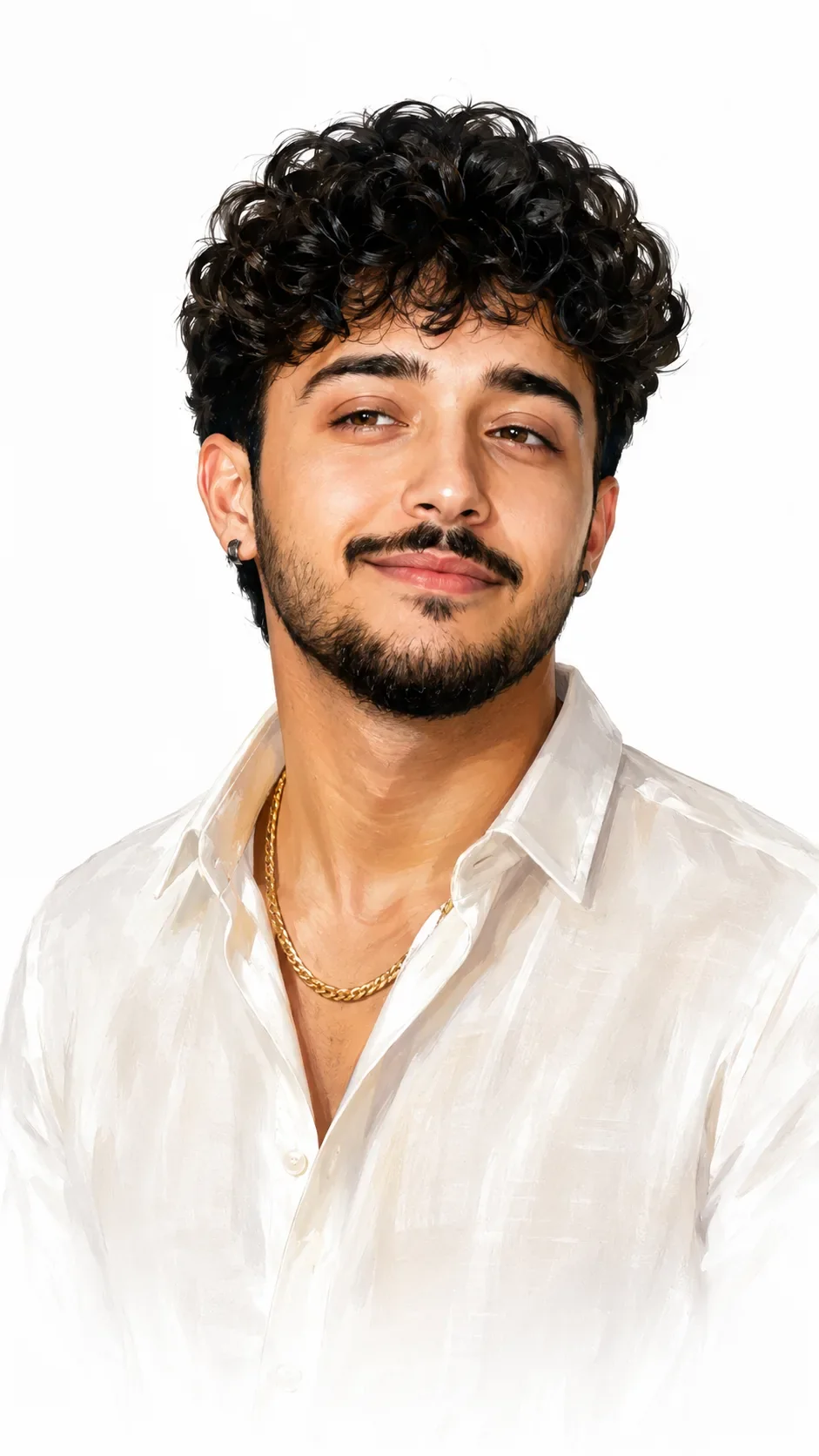
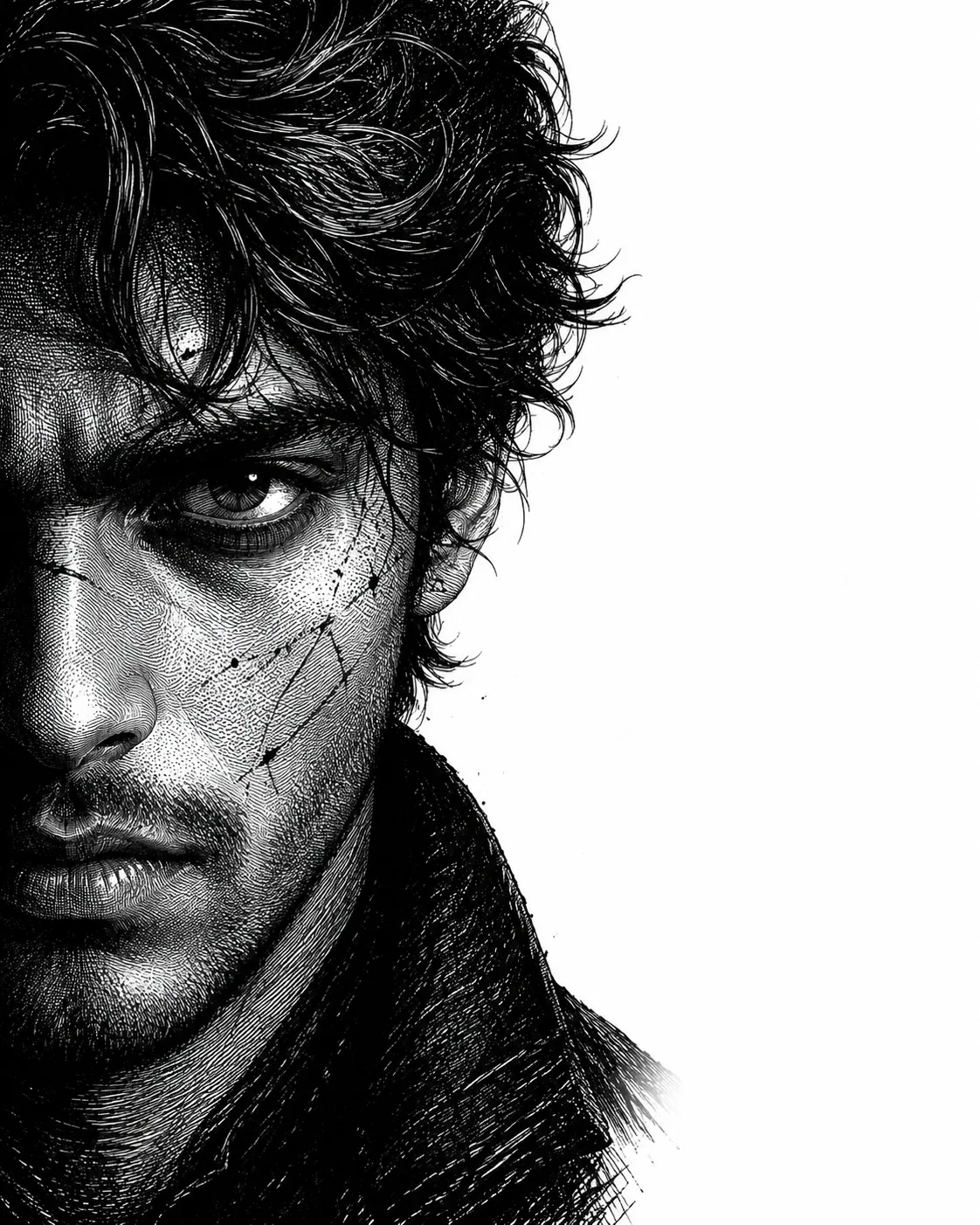
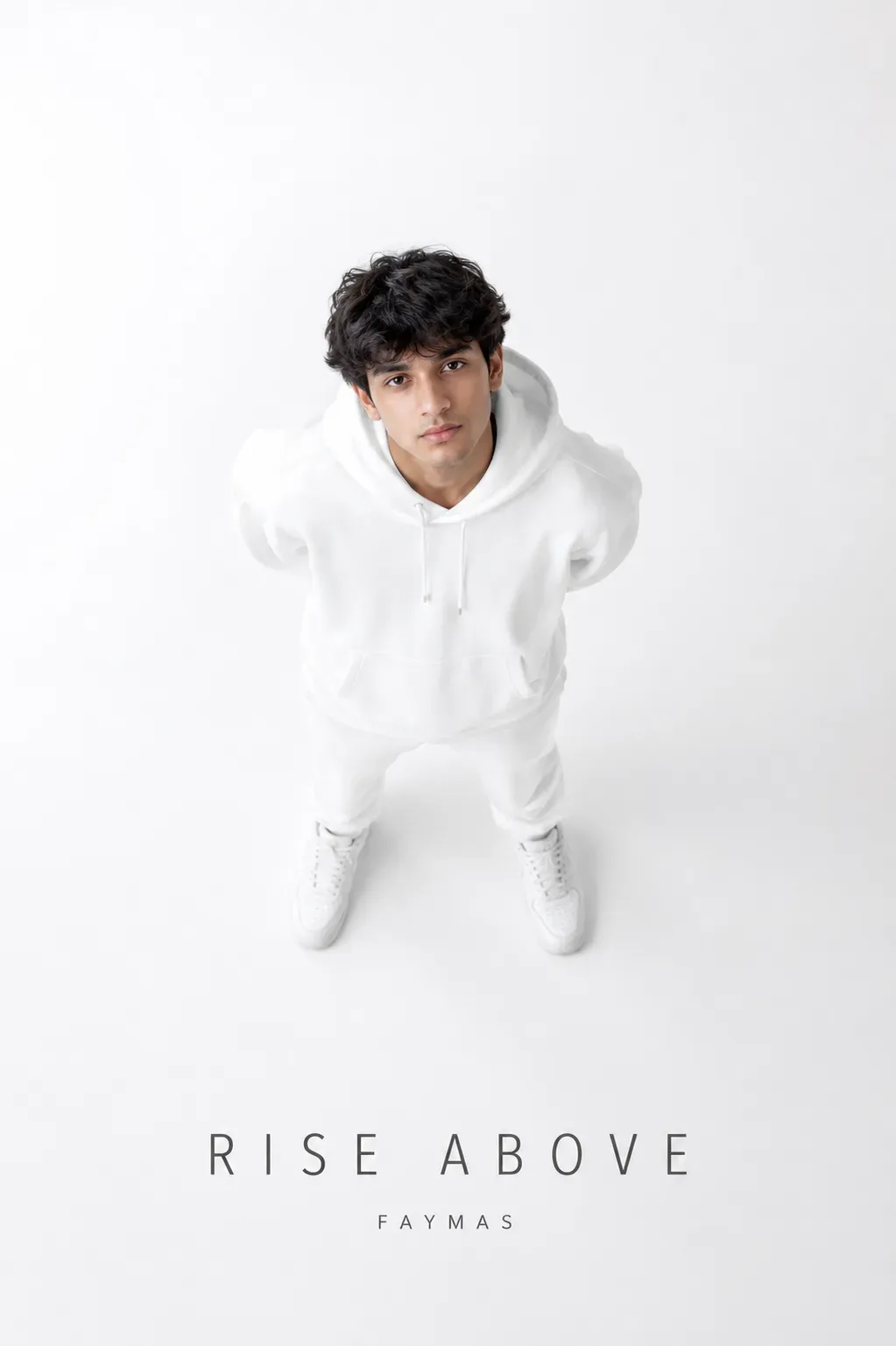
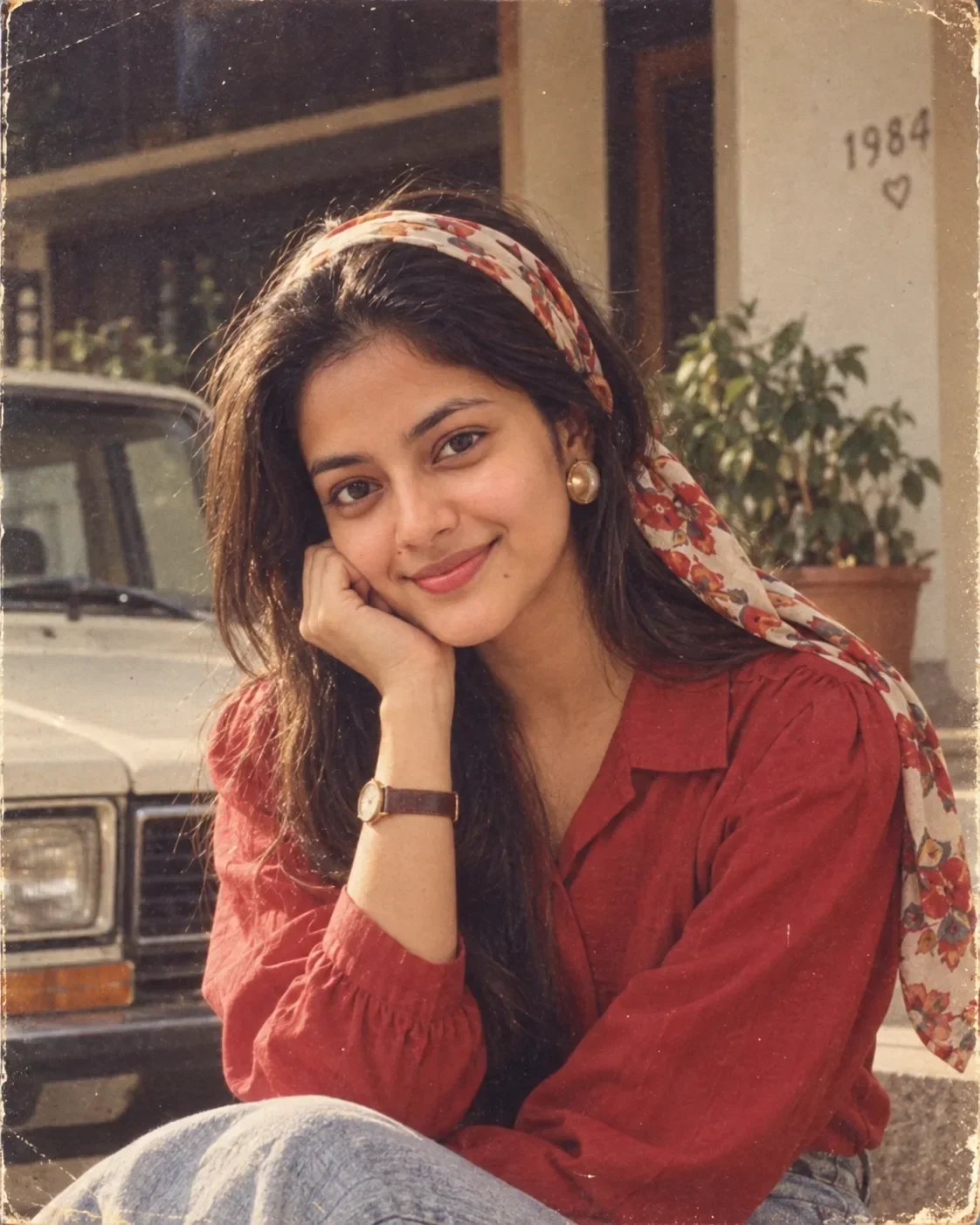
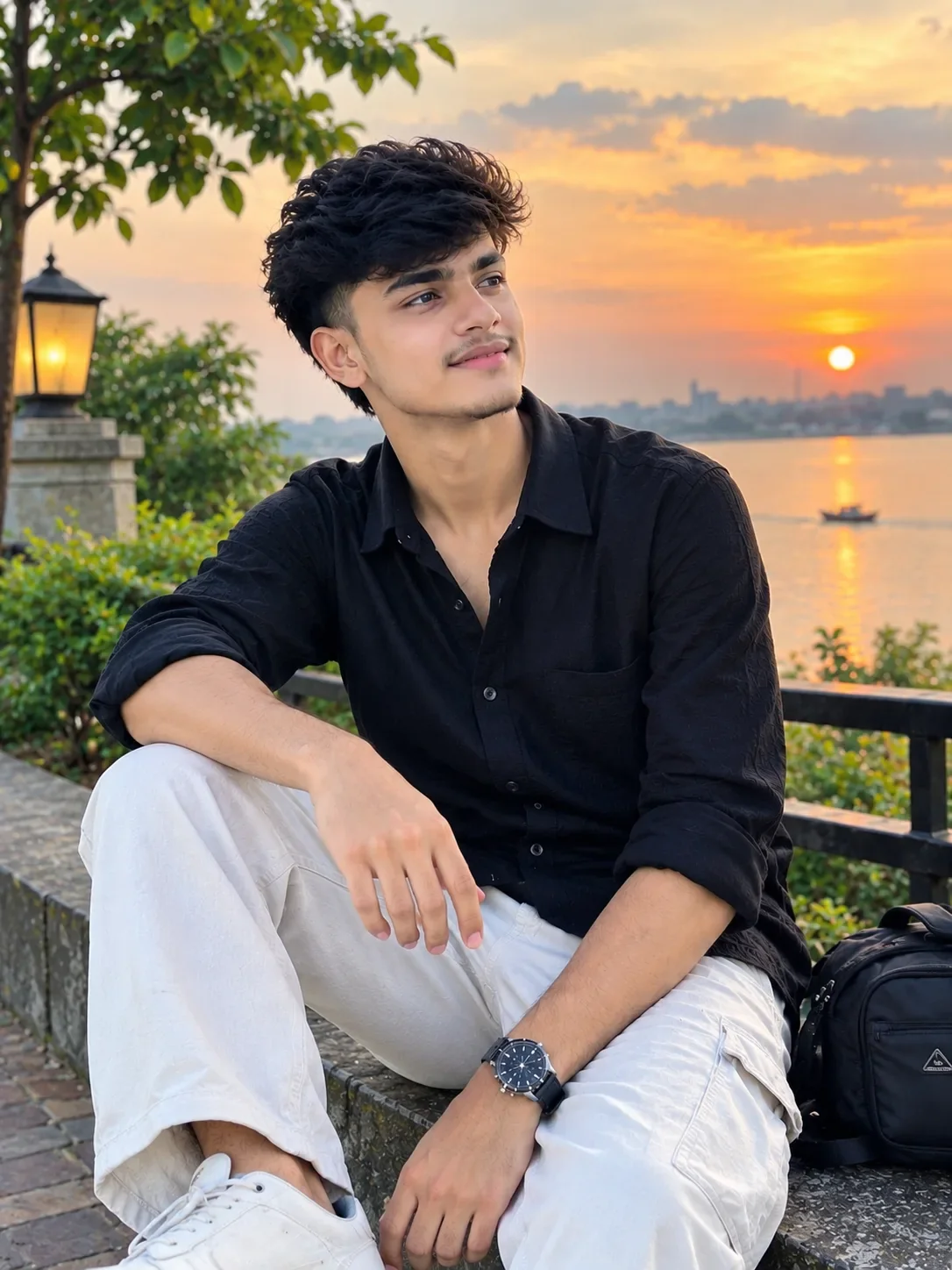
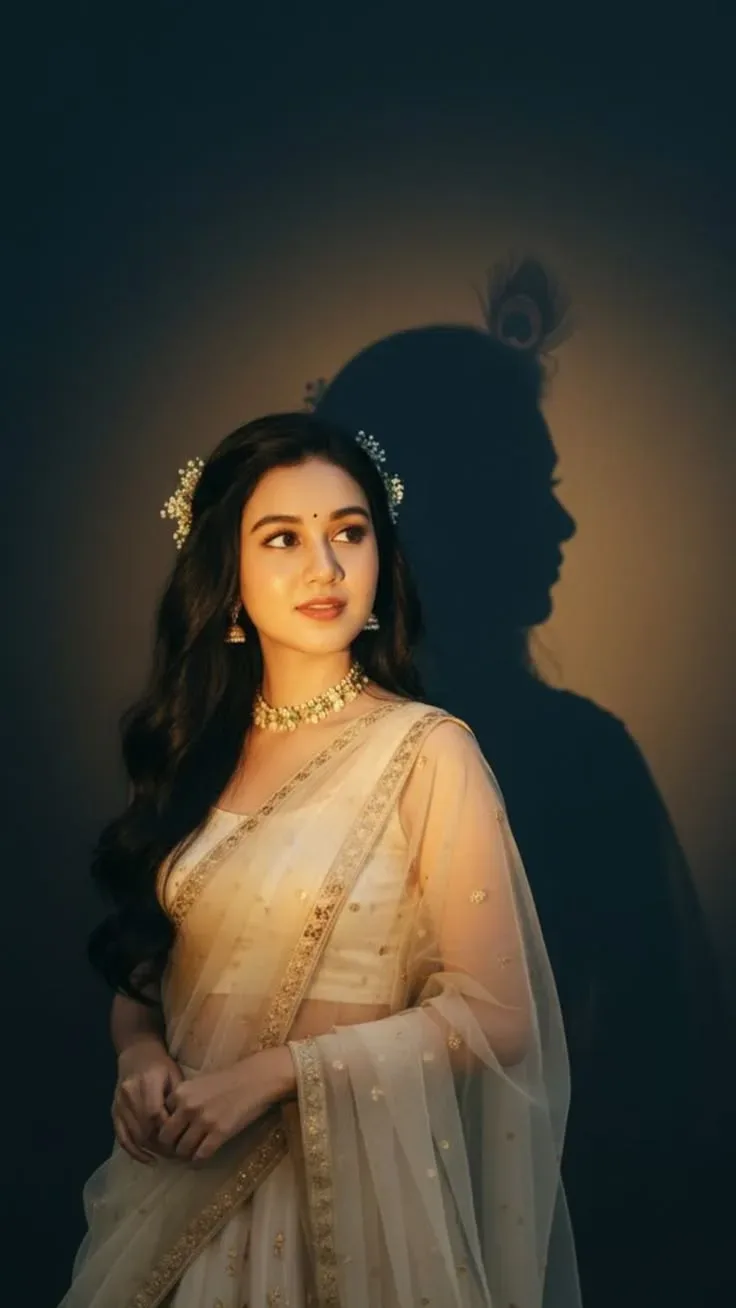
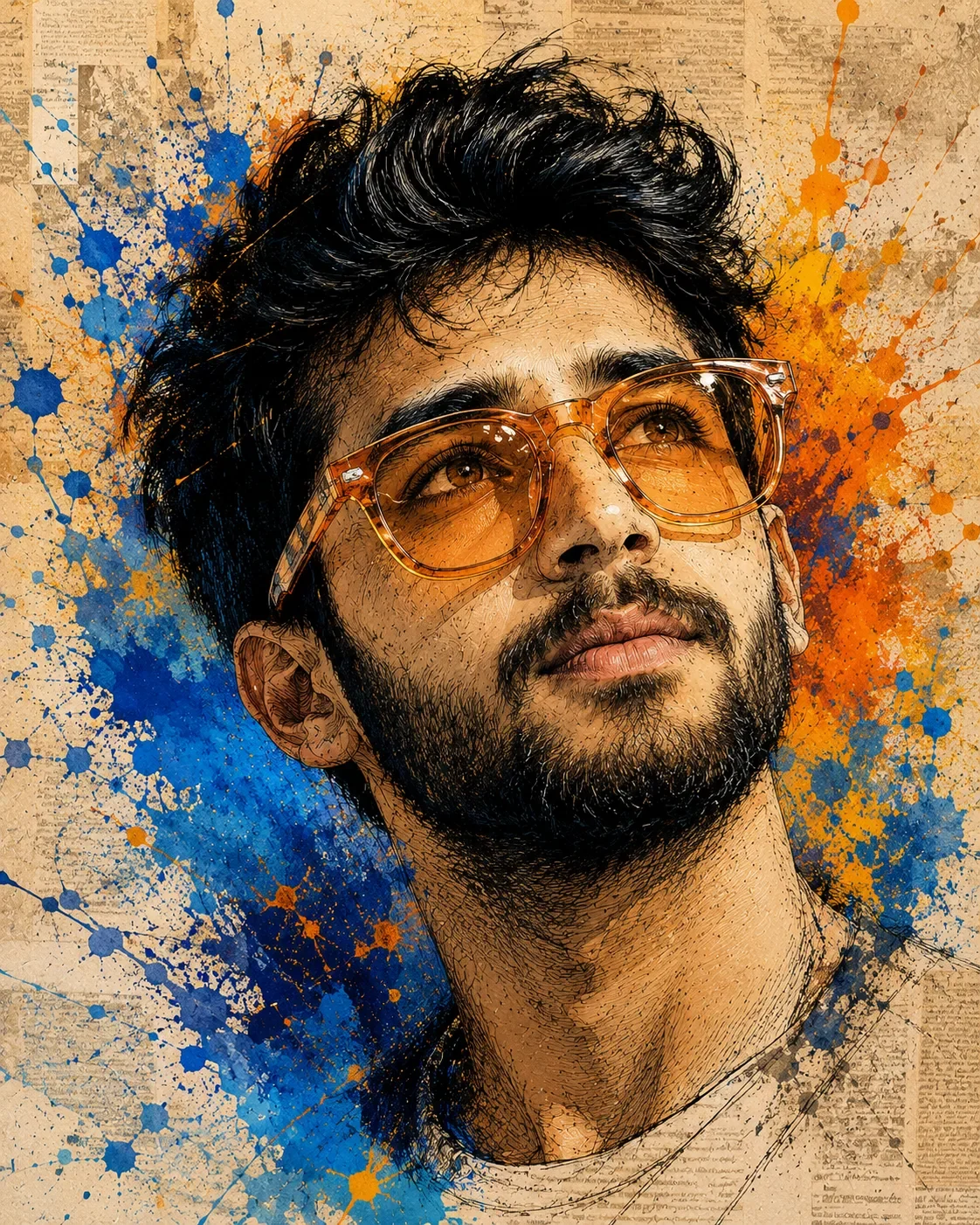
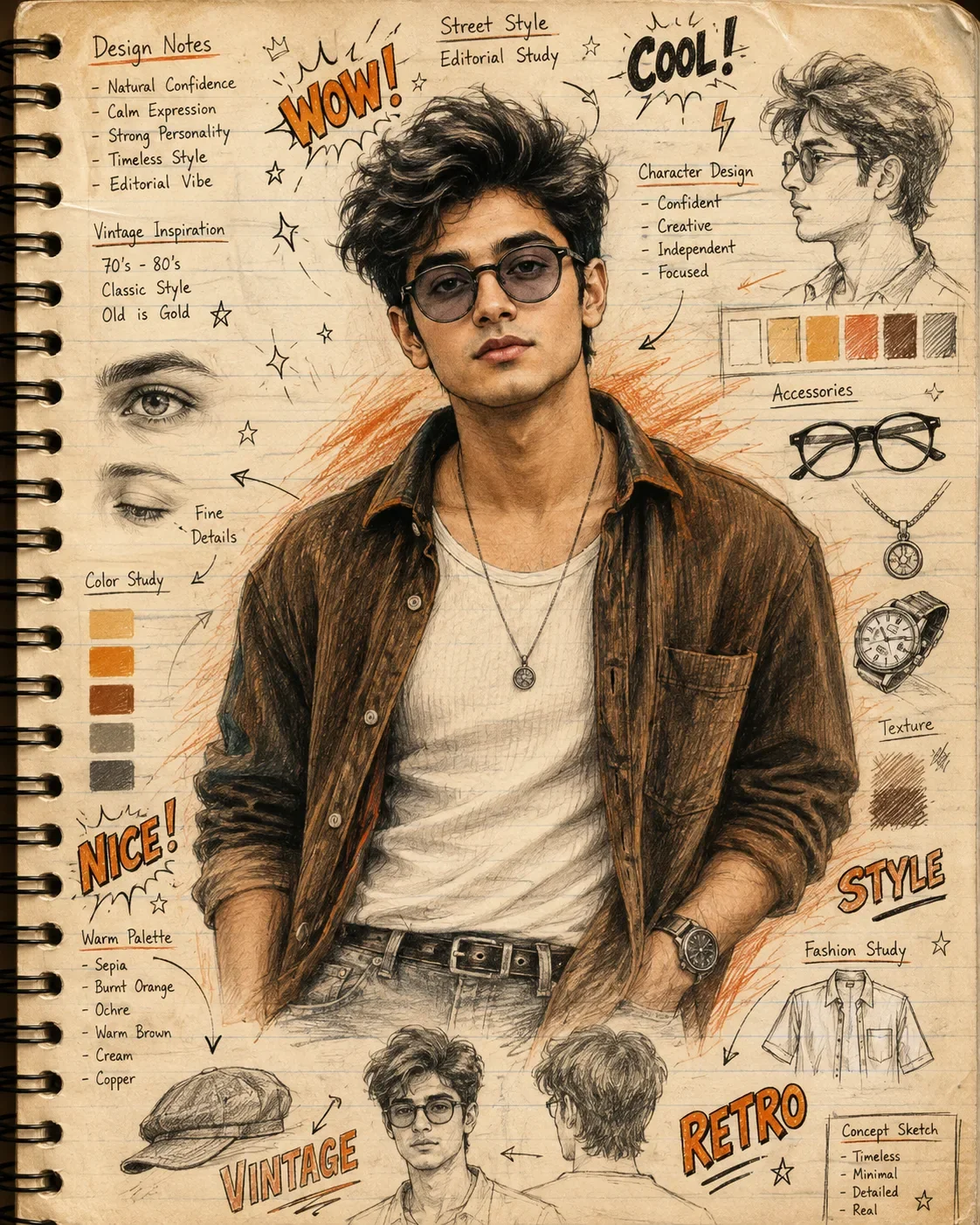
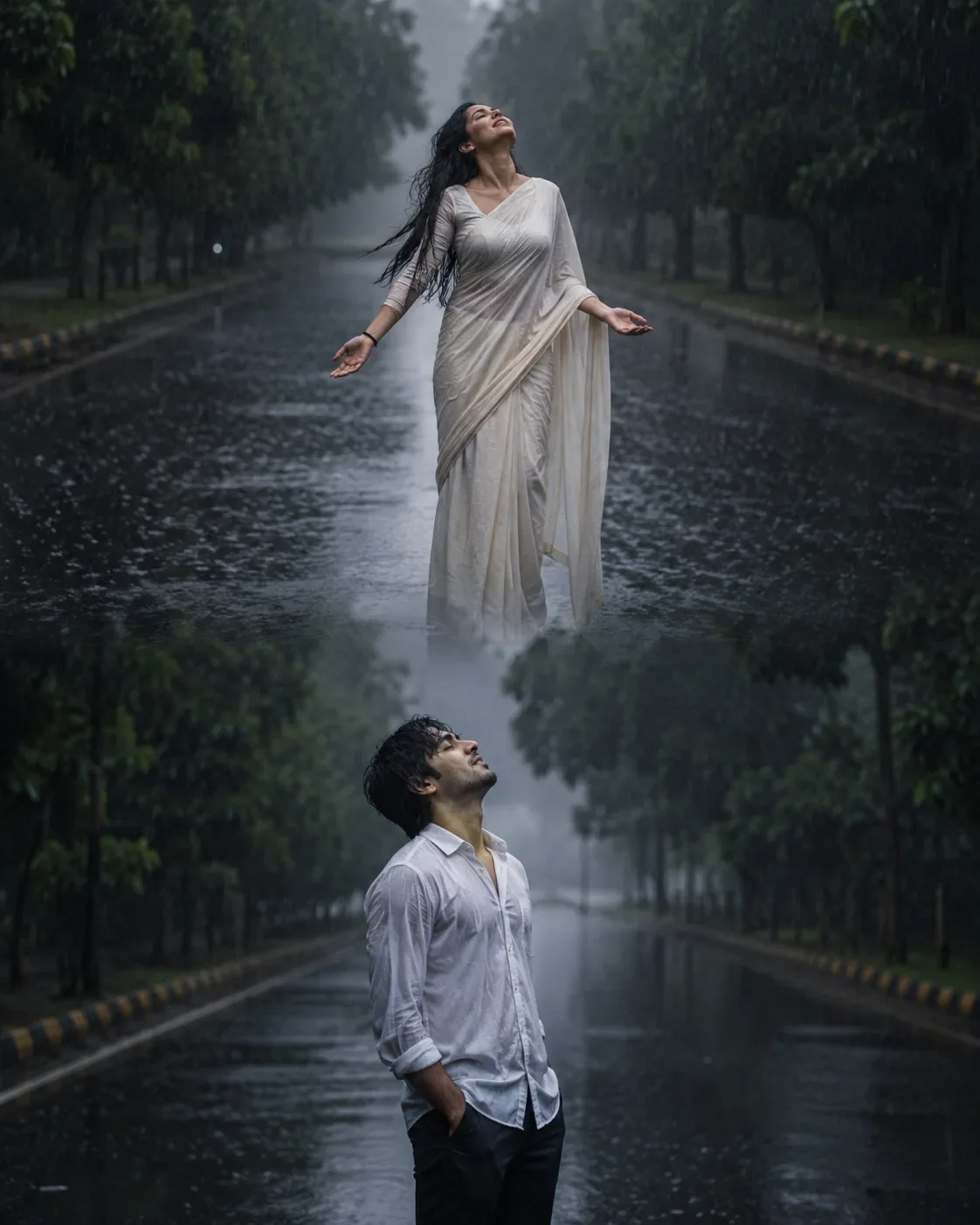
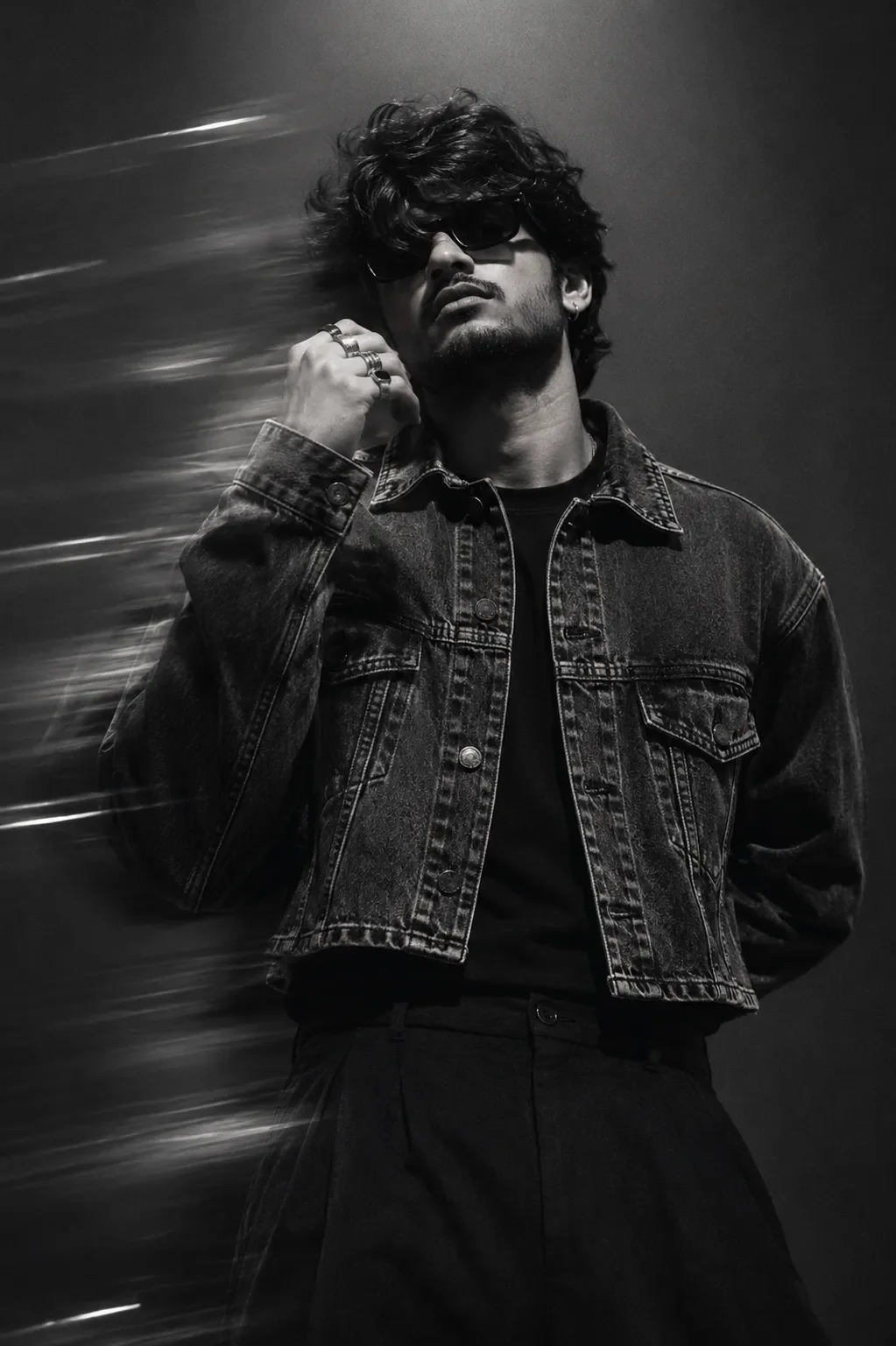
Quick Summary: This verified Google Gemini (Imagen 3) & Bing Image Creator prompt creates an intimate cinematic romantic couple aesthetic for One-photo PUBG Character Creator Ultra-realistic Face Identity Lock, Cinematic Tactical Outfit & 8K Phase One Style Po AI Photo Prompt with calibrated lighting, authentic texture physics, and tested 1-click copy-paste formula for instant AI generation without facial distortion.
- Illustration 3d
- Ai Image
- Trending
- Illustration 3d
- Ai Image
- Trending
- Viral Prompt
- Gemini Ai
- Bing Image Creator
- Copy Paste
One-photo PUBG Character Creator Ultra-realistic Face Identity Lock, Cinematic Tactical Outfit & 8K Phase One Style Po AI Photo Prompt - Copy Paste AI Prompt
ONE-PHOTO PUBG CHARACTER — PROFESSIONAL FACE-ONLY MASTER PROMPT

ABSOLUTE ONE-IMAGE INPUT RULE

1. USER MUST UPLOAD ONLY ONE IMAGE.
2. The single uploaded image must be the user's own clear face photograph.
3. The uploaded face photograph is the ONLY user-provided visual identity reference.
4. Do NOT request a second image.
5. Do NOT request a PUBG character reference image.
6. Do NOT request an outfit reference.
7. Do NOT request a background reference.
8. Do NOT request a weapon reference.
9. Do NOT request a helmet reference.
10. Everything except the user's facial identity must be generated automatically from this master prompt.
11. The example/reference character shown in the prompt is a DESIGN BLUEPRINT only, never an additional required upload.
12. The final result must be generated from ONE USER FACE PHOTO ONLY.

---

CORE CONCEPT

13. Transform the uploaded user into a premium, ultra-realistic PUBG-inspired tactical character.
14. The user's uploaded photograph controls ONLY the person's facial identity.
15. The character design, outfit, equipment, weapon, pose, environment, lighting and composition must be generated automatically.
16. Recreate the same overall visual concept as the described reference character.
17. The final character must look like the uploaded person naturally occupying this exact tactical character design.
18. Do not create a generic game character.
19. Do not create a random AI-generated face.
20. Do not substitute the user's identity with another person.
21. The user's face must remain the unmistakable identity of the final character.

---

ABSOLUTE FACIAL IDENTITY LOCK

22. Perform a deep facial analysis of the uploaded face photograph before rendering.
23. Analyze complete facial geometry.
24. Analyze face shape and proportions.
25. Analyze forehead structure.
26. Analyze eyebrow shape and natural placement.
27. Analyze eye shape and spacing.
28. Analyze eyelids and natural eye characteristics.
29. Analyze iris appearance.
30. Analyze natural gaze.
31. Analyze nose bridge.
32. Analyze nose width.
33. Analyze nostril structure.
34. Analyze nose tip.
35. Analyze lips and mouth shape.
36. Analyze upper/lower lip proportions.
37. Analyze cheek structure.
38. Analyze jawline.
39. Analyze chin shape.
40. Analyze natural facial asymmetry.
41. Analyze skin tone.
42. Analyze natural skin texture.
43. Analyze pores and fine facial details.
44. Analyze facial hair if visible.
45. Analyze hairline and recognizable hair characteristics.
46. Analyze the person's natural expression.
47. Lock all analyzed identity information before rendering.

---

STRICT NO-FACE-CHANGE COMMAND

48. Preserve the exact recognizable identity of the uploaded person.
49. Preserve fundamental facial geometry.
50. Preserve facial proportions.
51. Preserve eye shape.
52. Preserve eye spacing.
53. Preserve eyelids.
54. Preserve iris appearance.
55. Preserve eyebrows.
56. Preserve nose structure.
57. Preserve lips.
58. Preserve mouth proportions.
59. Preserve cheek structure.
60. Preserve jawline.
61. Preserve chin.
62. Preserve forehead proportions.
63. Preserve natural asymmetry.
64. Preserve natural skin tone.
65. Preserve distinctive facial characteristics.
66. Do NOT slim the face.
67. Do NOT widen the face.
68. Do NOT sharpen the jaw artificially.
69. Do NOT enlarge the eyes.
70. Do NOT alter the nose.
71. Do NOT alter the lips.
72. Do NOT change facial proportions.
73. Do NOT de-age the person.
74. Do NOT age the person.
75. Do NOT beautify by redesigning facial anatomy.
76. Do NOT apply a beauty filter.
77. Do NOT create artificial facial symmetry.
78. Do NOT replace the person with a model-like face.
79. Do NOT create a celebrity-like face.
80. Do NOT generate a lookalike.
81. Do NOT allow identity drift.
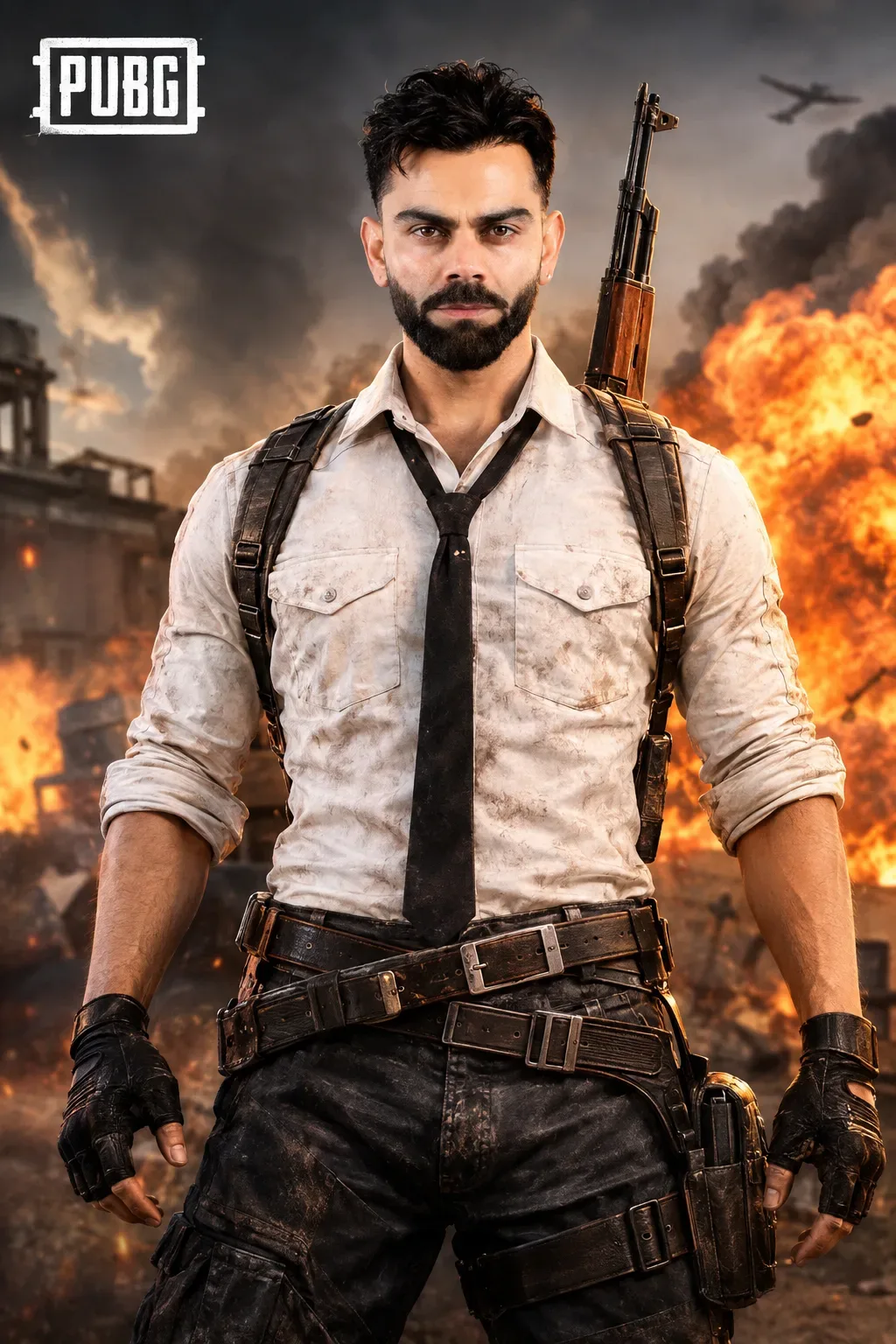
82. Facial identity has absolute priority over attractiveness and cinematic styling.

---

ATTRACTIVE PROFESSIONAL APPEARANCE

83. Make the final presentation naturally attractive, confident, masculine, sophisticated and charismatic.
84. Achieve attractiveness through professional photography, grooming, lighting and styling.
85. Never achieve attractiveness by changing facial anatomy.
86. The person should look like a premium editorial version of themselves.
87. Maintain natural facial character.
88. Keep the expression confident and composed.
89. Do not exaggerate the expression.
90. Do not make the face look artificial.

---

EYEBROW DETAIL

91. Preserve the user's natural eyebrow geometry.
92. Add ONE subtle modern professional eyebrow cut/slit.
93. Keep the cut small and refined.
94. Place it naturally within the existing eyebrow.
95. Do not alter the underlying eyebrow shape.
96. Do not make the eyebrow cut excessive.
97. Do not create multiple cuts.
98. Do not make it distracting.
99. The eyebrow detail should look like a realistic professional grooming choice.
100. It must remain compatible with the user's original identity.

---

CHARACTER OUTFIT — AUTOMATICALLY GENERATED

101. Generate a rugged white tactical button-up shirt.
102. The shirt must have realistic worn fabric texture.
103. Include two prominent chest pockets with flap closures.
104. Include realistic buttons and stitching.
105. Include subtle battlefield dirt and natural fabric wear.
106. Roll the sleeves naturally to approximately the forearm/elbow area.
107. Add a dark black necktie.
108. The tie must have a realistic professional knot.
109. Keep the tie centered naturally.
110. Allow the tie to extend down the center of the torso.
111. Add dark tactical trousers.
112. Use rugged charcoal/black fabric.
113. Include realistic folds, seams and worn texture.
114. Add multiple heavy-duty tactical leather belts around the waist.
115. Use realistic dark brown/black leather.
116. Add large metallic rectangular buckles.
117. Add additional tactical straps around the waist.
118. Add a tactical thigh strap on the visible side.
119. Add a realistic tactical holster/pouch attached to the thigh.
120. Add rugged fingerless tactical gloves.
121. Preserve realistic glove stitching and leather texture.
122. Add shoulder harness straps running over both shoulders.
123. Use realistic metal buckles and adjustment hardware.
124. Maintain a cohesive classic PUBG-inspired tactical outfit.
125. Do not replace the outfit with futuristic armor.
126. Do not add unnecessary sci-fi equipment.

---

WEAPON DESIGN

127. Automatically generate a realistic classic assault rifle positioned behind the character.
128. The rifle should rise naturally behind one shoulder.
129. Keep the rifle vertically oriented and visually balanced.
130. Use realistic metal components.
131. Use realistic dark wooden furniture where appropriate.
132. Preserve believable proportions and construction.
133. Keep the rifle clearly visible but secondary to the face.
134. Never place the rifle across the face.
135. Never obstruct the eyes or facial features.
136. Do not add multiple unnecessary weapons.
137. Do not turn the weapon into futuristic sci-fi equipment.

---

BODY AND POSE

138. Generate a realistic athletic adult male physique.
139. Maintain natural body proportions.
140. Use broad but realistic shoulders.
141. Use a strong natural torso.
142. Keep the arms proportionate.
143. Keep hands anatomically correct.
144. Use a confident upright tactical stance.
145. Keep both arms naturally lowered at the sides.
146. Keep the shoulders squared naturally.
147. Keep the torso facing primarily toward the camera.
148. Maintain a powerful but controlled posture.
149. Do not exaggerate muscles.
150. Do not create superhero proportions.
151. Do not distort hands or fingers.
152. Do not change the character into a bodybuilder.

---

BACKGROUND — AUTOMATIC PUBG-INSPIRED BATTLEFIELD

153. Automatically generate a dramatic battlefield environment.
154. Create a dark smoky sky.
155. Add dense realistic smoke clouds.
156. Add a large fiery explosion in the background.
157. Use intense orange and yellow firelight.
158. Add realistic dark smoke rising from the explosion.
159. Include subtle ruined urban structures in the distance.
160. Add atmospheric battlefield depth.
161. Add realistic environmental haze.
162. Add subtle distant debris only where naturally appropriate.
163. Keep the background cinematic and believable.
164. Do not add crowds.
165. Do not add random people.
166. Do not add unnecessary characters.
167. Do not add unrelated objects.
168. Keep the person as the dominant subject.

---

PUBG VISUAL IDENTITY AND BRANDING

169. Maintain a recognizable PUBG-inspired promotional aesthetic.
170. Include the official PUBG logo treatment in an appropriate corner of the composition when permitted by the image-generation system.
171. Keep the logo clean, sharp and correctly proportioned.
172. Do not distort the logo.
173. Do not create an unrelated game logo.
174. Do not replace PUBG branding with another game's branding.
175. Keep branding secondary to the character.
176. The overall image should resemble a premium PUBG promotional character poster.

---

CAMERA AND COMPOSITION

177. Use a vertical premium character-poster composition.
178. Frame the character from approximately upper thighs/waist to above the head, depending on natural composition.
179. Keep the character centered.
180. Keep the face prominent and unobstructed.
181. Maintain strong visual symmetry while preserving natural anatomy.
182. Use a realistic professional portrait perspective.
183. Keep the character sharply separated from the background.
184. Preserve realistic depth.
185. Use cinematic shallow depth of field.
186. Keep facial details extremely crisp.
187. Keep background fire and smoke slightly softer than the subject.
188. Avoid excessive wide-angle distortion.
189. Avoid unnatural perspective distortion.

---

PHASE ONE MEDIUM-FORMAT QUALITY

190. Simulate the visual characteristics of a high-end Phase One XF medium-format camera system.
191. Simulate a modern ultra-high-resolution medium-format digital-back appear

Optical Identity & Likeness Preservation: Maintain 100% exact facial identity, bone structure, jawline contours, and natural skin undertone of reference photo without alteration or distortion.Lock 100% exact facial identity, bone structure & eye shape in Gemini & Bing.
Technical Prompt Parameters (Cinematic Romantic Couple)
| Parameter | Configuration | Output Impact |
|---|---|---|
| Target AI Engine | Google Gemini (Imagen 3) & Bing Image Creator | Flawless multi-subject compositional coherence and genuine emotional expressions. |
| Recommended Aspect Ratio | 3:4 (Portrait) or 16:9 (Cinematic Widescreen) | Perfect framing for dual-subject intimacy, shared poses, and environmental background depth. |
| Camera & Lens Settings | 50mm f/1.2 prime lens, Canon EOS R5, shallow depth of field | Isolates both subjects with creamy optical bokeh and ultra-sharp facial details. |
| Lighting Style | Warm twilight golden hour backlight with soft rim separation | Bathes both figures in romantic golden warmth while maintaining facial contour shadows. |
| Negative Constraints | misaligned eye lines, unnatural duplicate hands, harsh flat flash, plastic skin, distorted fingers | Prevents common AI multi-character hand mergers and disjointed eye directions. |
| Reference Photo | Upload individual headshots or a couple photo with visible facial angles. | Upload front-facing reference photo for face matching. |
How to use this prompt
- Copy the prompt, open Google Gemini or Bing Image Creator, attach your reference photo, and generate instant 8K results.
How to get better results from One-photo PUBG Character Creator Ultra-realistic Face Identity Lock, Cinematic Tactical Outfit & 8K Phase One Style Po AI Photo Prompt
Free 1-click copy one-photo pubg character creator ultra-realistic face identity lock, cinematic tactical outfit & 8k phase one style po ai photo prompt for Google Gemini and Bing Image Creator. Authentic illustration 3d aesthetic, realistic lighting, and instant camera settings. Use it as a copy-ready starting point, then adjust the subject, scene, tone and output format for your own result.
- Illustration 3d
- Ai Image
- Trending
- Viral Prompt
- Gemini Ai
- Bing Image Creator
Customize before generating
- Replace the main subject, name, product or character details.
- Adjust lighting, background, mood, camera angle or aspect ratio if the prompt is visual.
- Change tone, audience, language and output format if the prompt is for text.
- Keep this core idea clear: ONE-PHOTO PUBG CHARACTER — PROFESSIONAL FACE-ONLY MASTER PROMPT ABSOLUTE ONE-IMAGE INPUT RULE 1. USER MUST UPLOAD ONLY ONE IMAGE. 2. The single uploaded image must...
Quick variations to try
- Make One-photo PUBG Character Creator Ultra-realistic Face Identity Lock, Cinematic Tactical Outfit & 8K Phase One Style Po AI Photo Prompt more cinematic with stronger lighting and richer background detail.
- Turn One-photo PUBG Character Creator Ultra-realistic Face Identity Lock, Cinematic Tactical Outfit & 8K Phase One Style Po AI Photo Prompt into a cleaner mobile-first version for social media posts or profile use.
- Create a premium version of One-photo PUBG Character Creator Ultra-realistic Face Identity Lock, Cinematic Tactical Outfit & 8K Phase One Style Po AI Photo Prompt with sharper style, higher detail and a more polished final output.