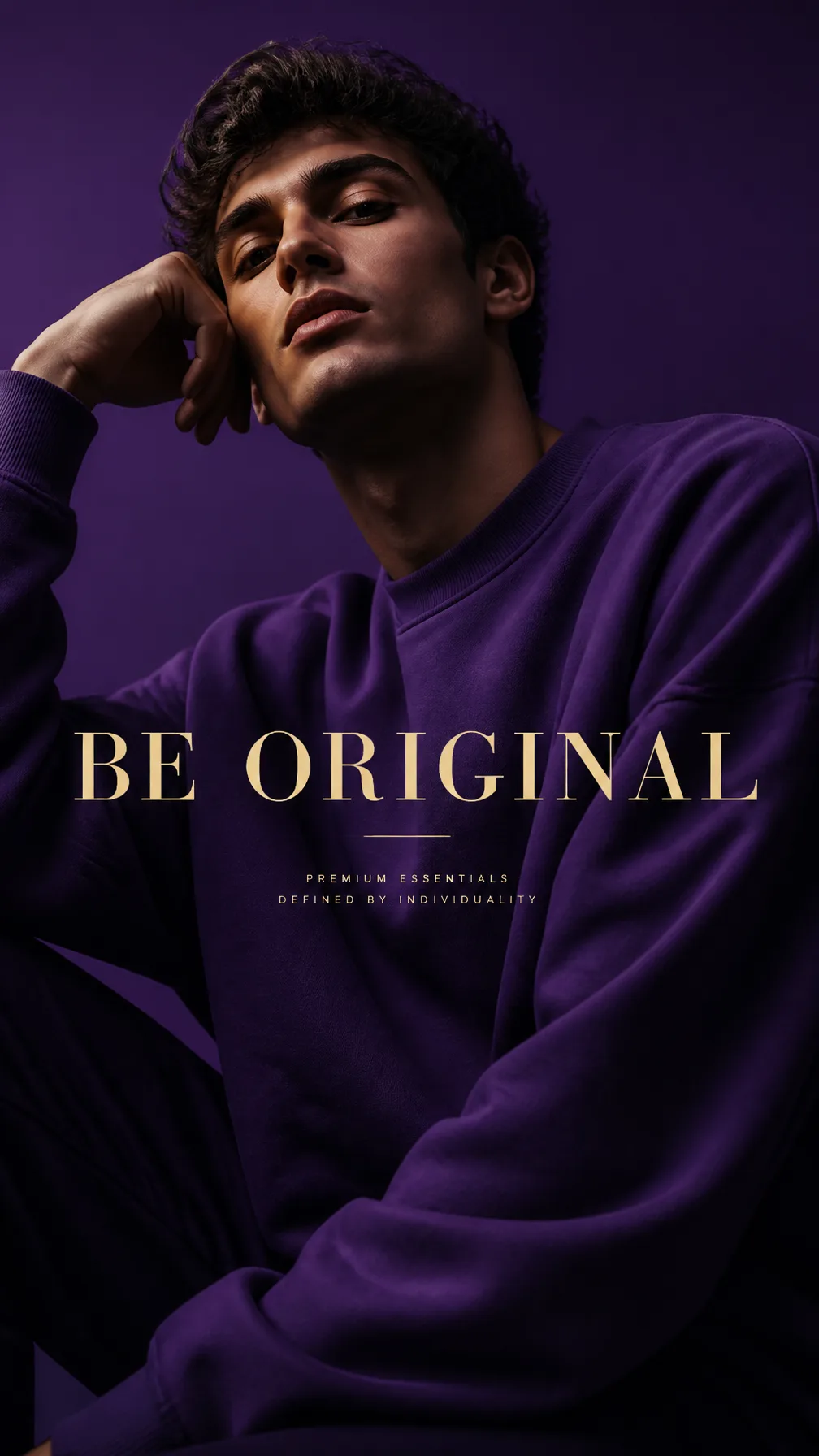
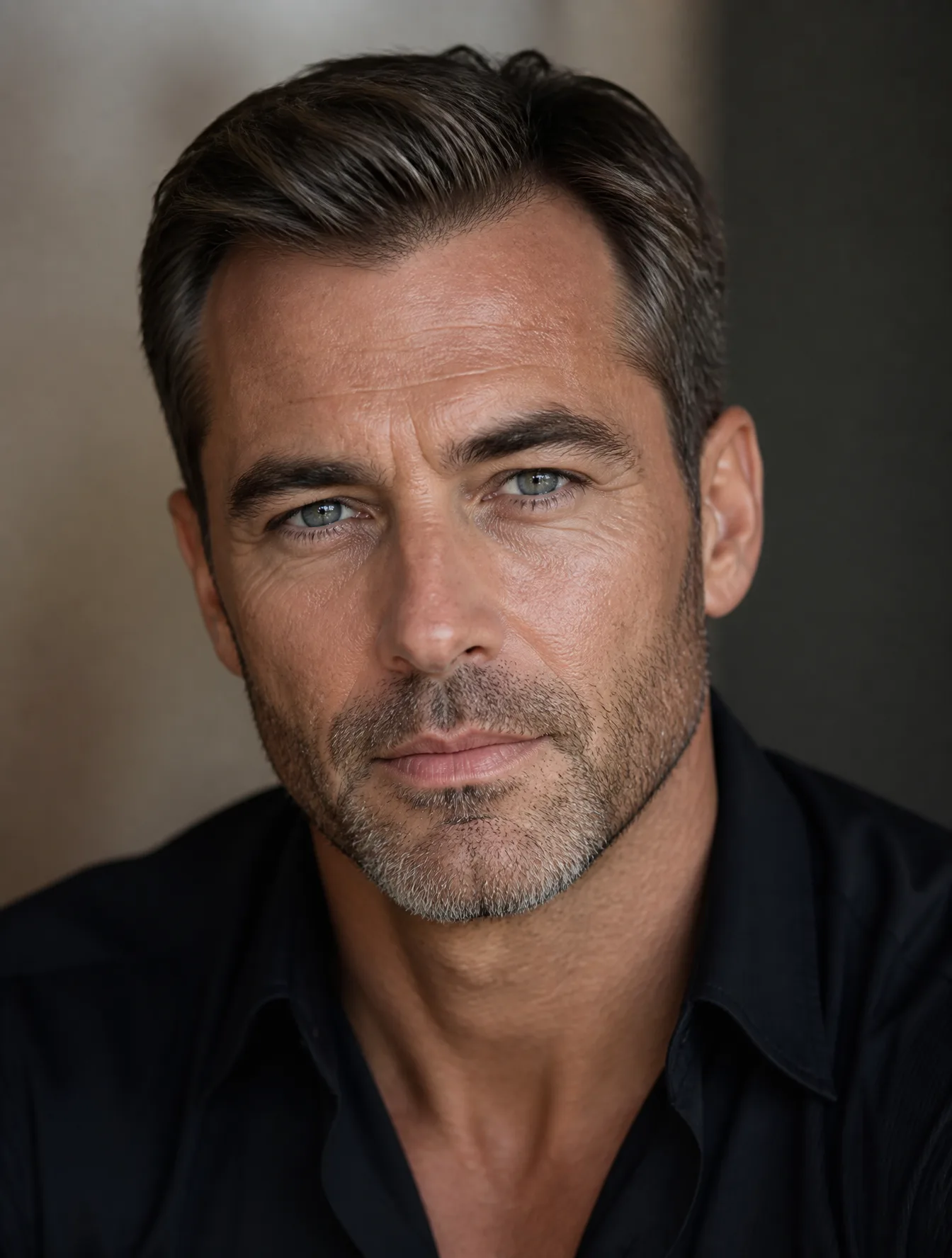
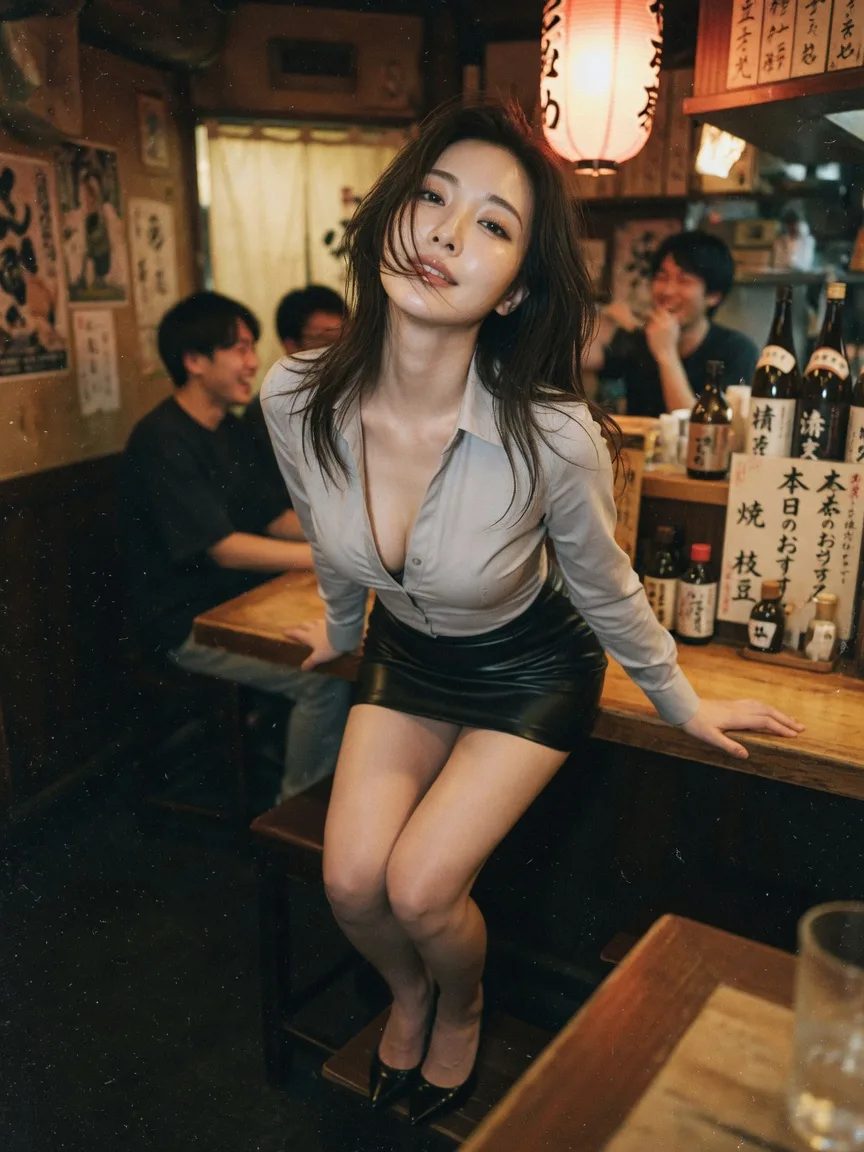
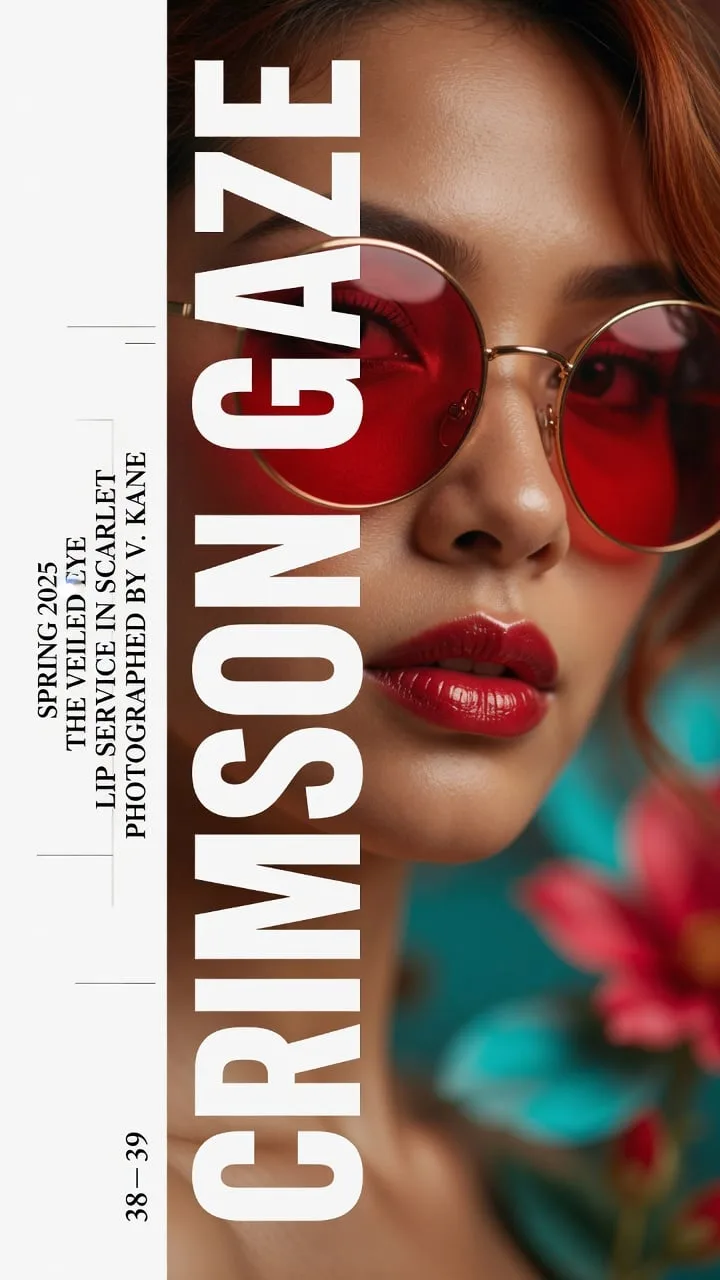
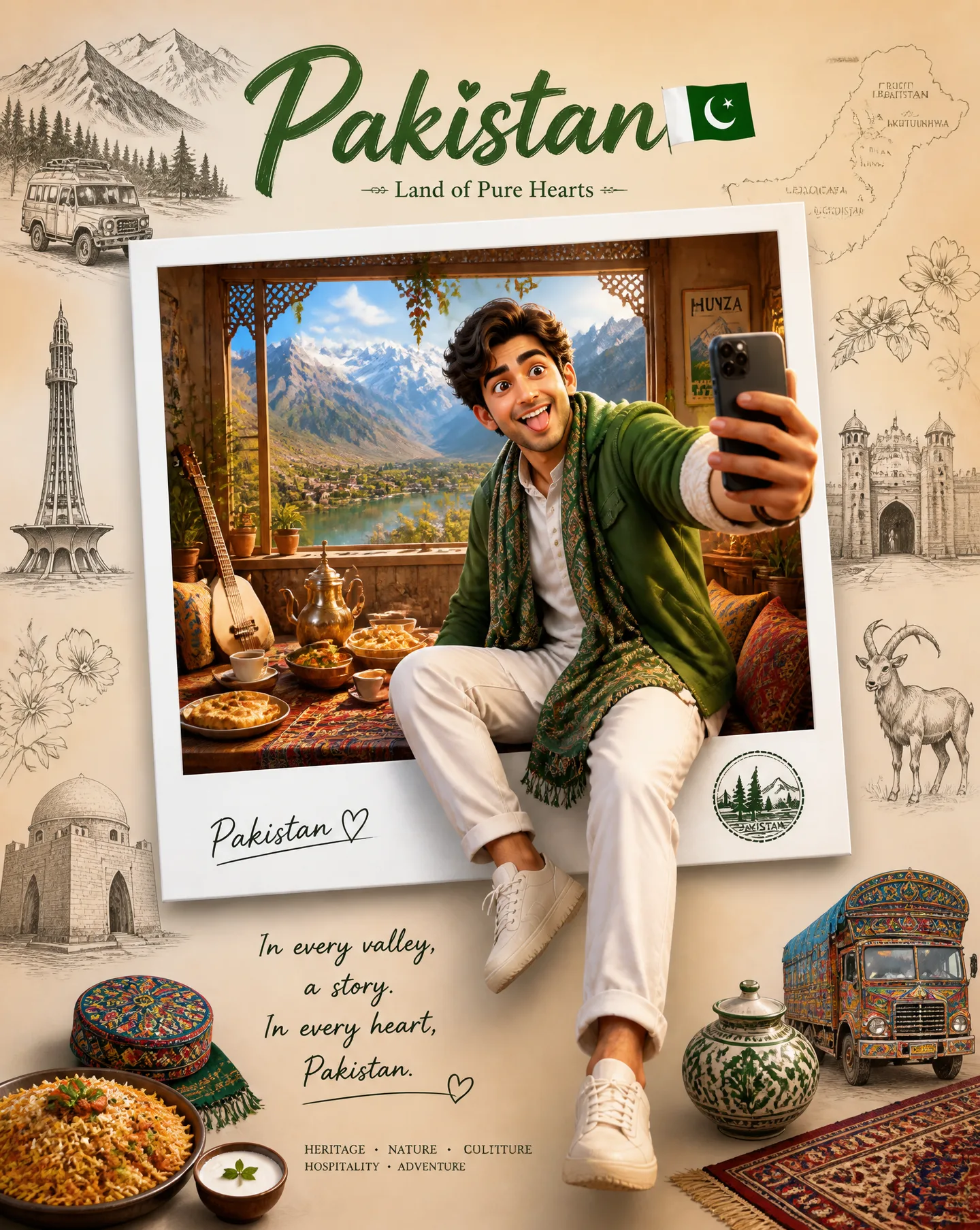
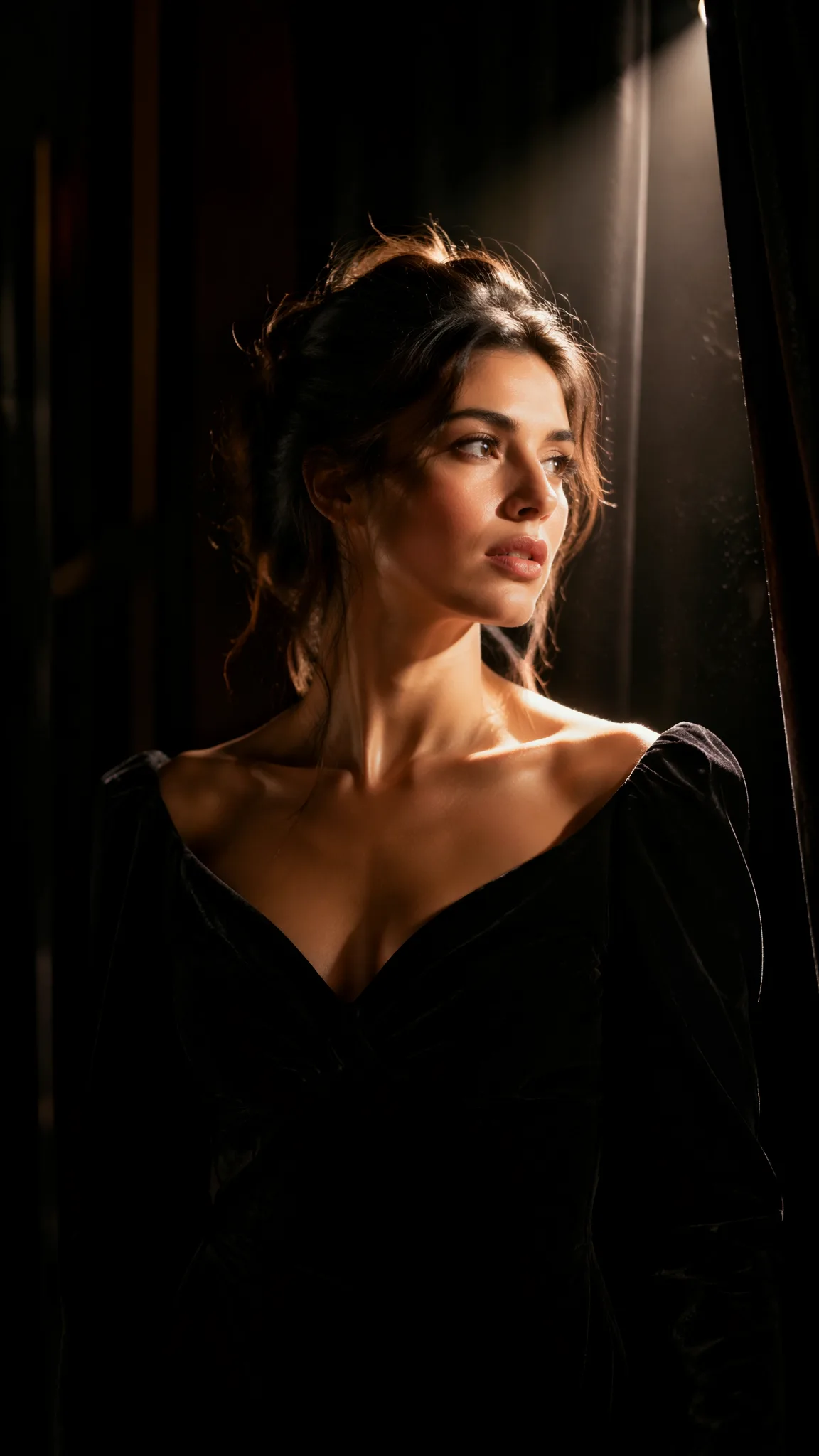
Quick Summary: This verified Google Gemini & Midjourney v6 prompt creates an authentic 90s vintage film aesthetic for Moody Rainy Night Solitude AI Photo Prompt Edition 22 with calibrated lighting, authentic texture physics, and tested 1-click copy-paste formula for instant AI generation without facial distortion.
- Photography
- Ai Image
- Trending
- Photography
- Ai Image
- Trending
- Viral Prompt
- Gemini Ai
- Bing Image Creator
- Copy Paste
About This Prompt
Use this prompt to generate a Moody Rainy Night Solitude AI Photo Prompt Edition 22 — a high-quality, photorealistic image with balanced lighting, sharp focus, and intricate details suitable for social media sharing and digital content creation.
For the best results, use this with Google Gemini. Simply copy the prompt text below and paste it into the generator. You can easily customize specific keywords like colors, backgrounds, or subjects to make the final output uniquely yours.
Moody Rainy Night Solitude AI Photo Prompt Edition 22 - Copy Paste AI Prompt
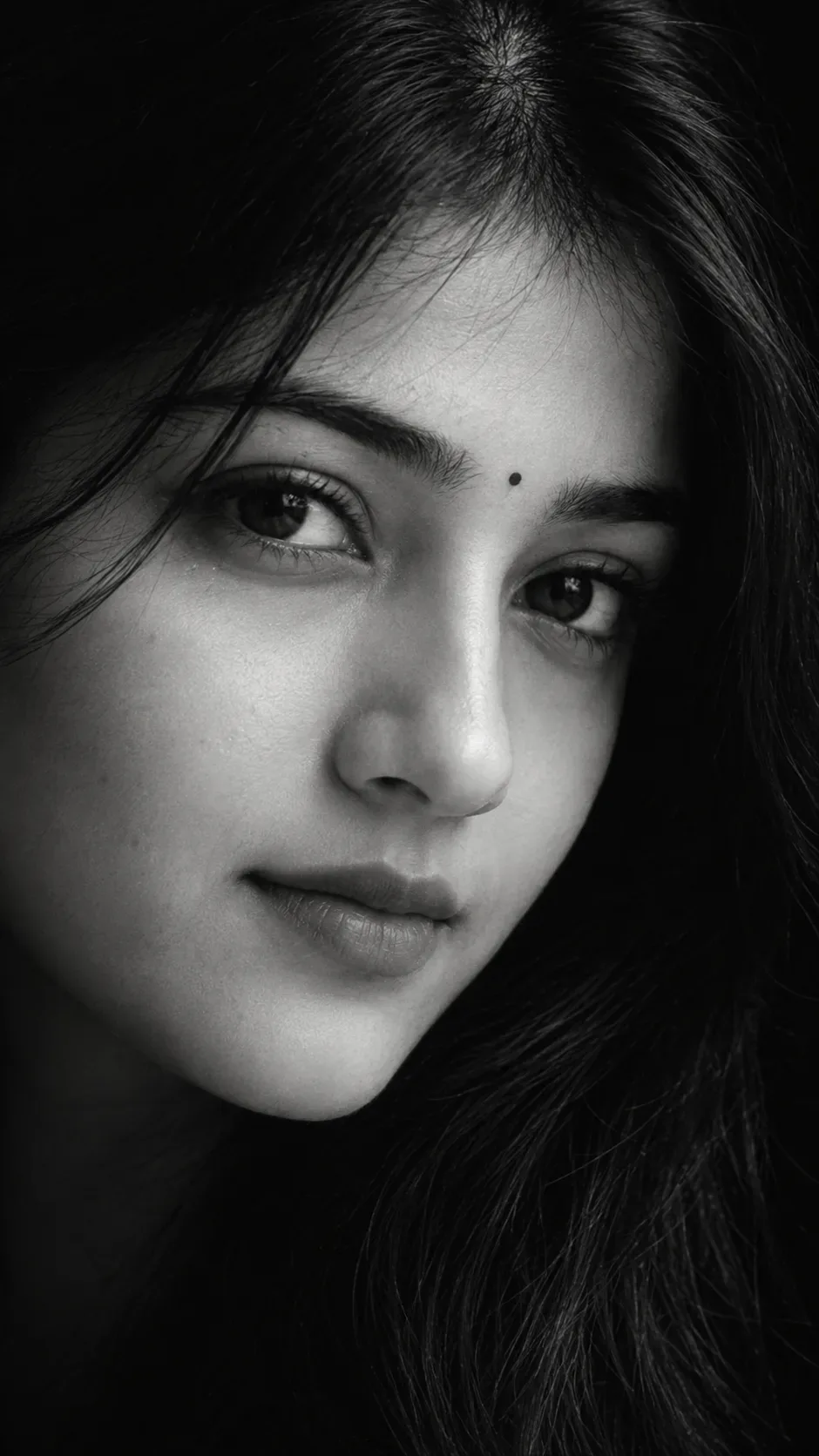
Create an ultra-realistic professional black-and-white fine-art portrait using my uploaded face photo as the PRIMARY IDENTITY REFERENCE and the provided reference image as the ABSOLUTE STRICT VISUAL REFERENCE. Reproduce the reference portrait as closely as technically possible.
IDENTITY:
Replace the reference subject's identity with my exact facial identity from my uploaded face photo. Preserve my real facial proportions and recognizable features: forehead, eyebrow shape, eye shape and placement, nose structure, nostrils, lips, chin, cheek structure, jawline, natural skin texture, and facial geometry. Do not create a generic face. Do not beautify or redesign my face.
REFERENCE MATCH — EXTREMELY STRICT:
Treat the supplied reference image as a locked composition template. Match its:
exact head orientation
exact face rotation
exact camera angle
exact camera distance
exact facial scale within the frame
exact face-to-frame ratio
exact eye position
exact eyebrow position
exact nose position and direction
exact lip position
exact chin placement
exact amount of visible cheek
exact crop
exact negative space
exact shadow placement
exact lighting direction
exact contrast
exact background darkness
POSE / HEAD POSITION:
Reproduce the reference's precise three-quarter/side facial orientation. The face is extremely close to the camera and fills almost the entire vertical frame. The visible eye is positioned in the upper-central/right region, the nose extends toward the left side, and the lips sit in the lower-left region, exactly following the reference geometry. Keep the head neither more upright nor more tilted than the reference.
FACIAL RATIO:
Preserve the same visible facial-area-to-frame ratio as the reference. Do not zoom out. Do not show the neck, shoulders, or full head unnecessarily. Maintain the same extreme close-up crop. The distance between the visible eye, nose, lips, and chin must visually occupy the same proportions as the reference.
EXPRESSION:
Match the reference's expression precisely: quiet, serious, neutral, mysterious and introspective. Lips gently closed and relaxed. No smile. No exaggerated emotion. Eye relaxed but subtly intense.
LIGHTING:
Recreate the reference's dramatic chiaroscuro lighting exactly. One directional light illuminates the central/front portion of the face while the opposite side gradually disappears into deep black shadow. Maintain the same bright highlight on the nose, eye area, cheek and lips, with the same soft transition from highlight to shadow.
BLACK & WHITE:
Pure monochrome black-and-white photography. No color tint. Deep blacks, bright controlled highlights, rich grayscale midtones, strong but natural contrast, subtle cinematic film grain.
BACKGROUND:
Completely black, seamless, minimal studio darkness. No objects, scenery, texture, gradient distractions, or visible environment. Hair and outer facial edges naturally blend into the black background just like the reference.
SKIN DETAIL:
Preserve realistic pores, fine lines, tiny natural skin imperfections, eyebrow hairs, eyelashes and authentic skin texture. Do not apply a beauty filter or artificial skin smoothing.
CAMERA:
Professional full-frame portrait photography, extreme close-up, approximately 85–105mm lens perspective, shallow depth of field, precise focus on the visible eye and facial features, realistic optical depth, natural photographic perspective.
FORMAT:
Vertical 9:16. The composition must follow the reference's exact visual proportions and cropping.
CRITICAL RULE:
MY UPLOADED FACE = IDENTITY ONLY.
REFERENCE IMAGE = POSE + CAMERA + FACE POSITION + SCALE + CROP + LIGHTING + EXPRESSION + BACKGROUND + TONALITY.
Do not copy the reference person's identity. Transfer the reference's photographic composition onto my identity.
DO NOT: change my identity, change facial proportions, make the face more attractive, alter eye size, alter nose shape, alter lips, rotate the head differently, zoom out, change the crop, brighten the background, add color, add makeup, smooth skin, create CGI/3D appearance, or produce a generic portrait.
GOAL: A near-identical recreation of the supplied reference photograph's composition, pose, facial placement, scale, lighting, crop, expression and black-and-white aesthetic, while using my face as the identity.

Optical Identity & Likeness Preservation: Maintain 100% exact facial identity, bone structure, jawline contours, and natural skin undertone of reference photo without alteration or distortion.What You'll Get
- 🎨 Style: Photography
- ✨ Mood: Photography
- 📱 Best For: Ai Image
- 🤖 Works With: Google Gemini
- 🔥 Popularity: Copied 97 times
- 📅 Added: Sep 14, 2026
Explore Related Collections
Explore Photography Prompts — Browse our curated collection of Photography prompts tailored for creators. View all Photography prompts →
Explore Ai Image Prompts — Discover more viral Ai Image ideas for your next AI generation. View all Ai Image prompts →
Explore Trending Prompts — Explore our extensive library of Trending templates ready to copy and paste. View all Trending prompts →
Frequently asked questions
- How do I use the Moody Rainy Night Solitude AI Photo Prompt Edition 22 prompt?
- To use this prompt, simply click the "Copy Prompt" button above. Then, open Google Gemini, paste the copied text into the prompt box, and hit generate. You can instantly generate high-quality images without needing any reference photos.
- What is this prompt best used for?
- This specific prompt is highly optimized for creating engaging social media content and digital art. The formula is structured to produce high-contrast, visually appealing results that perform well on visual platforms.
- Can I customize the details of this prompt?
- Yes! While the core structure of the prompt is optimized for Google Gemini, you can easily customize the details. We recommend changing specific keywords like clothing colors, background locations, or the overall mood (e.g., changing "sunny" to "rainy" or "neon") to match your exact vision.