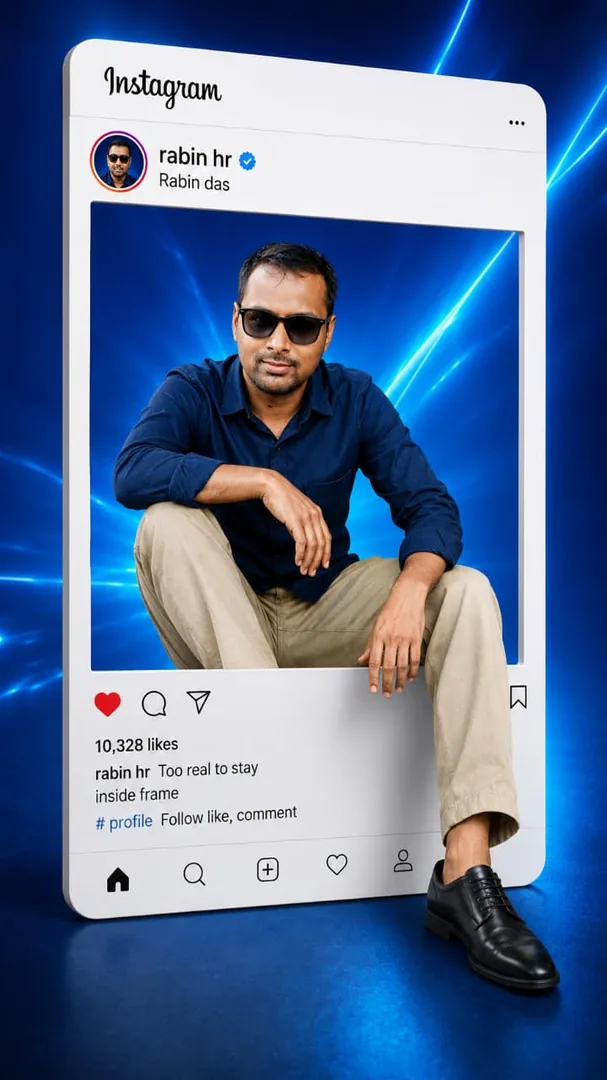
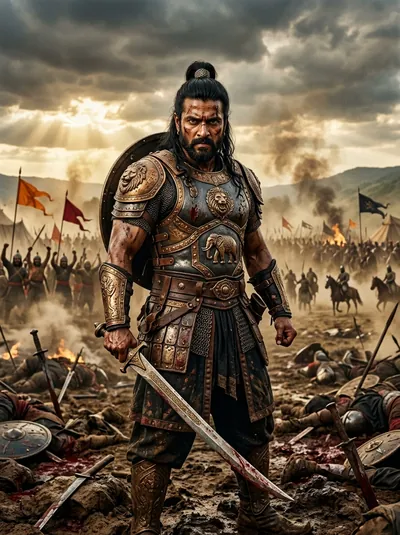
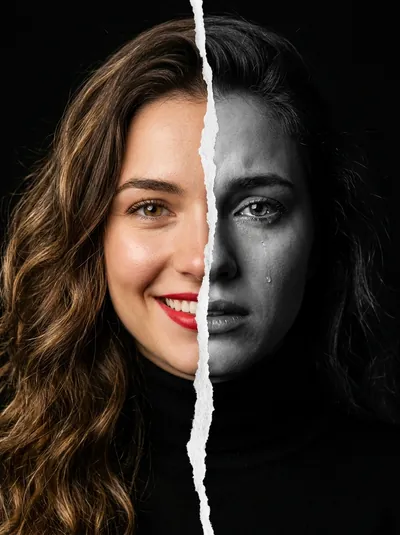
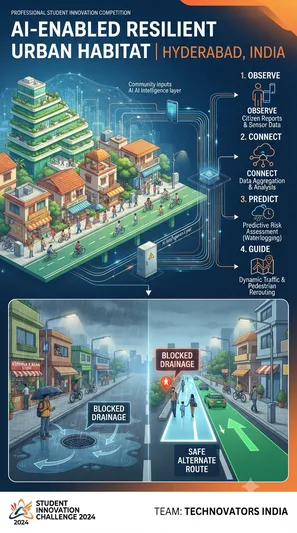
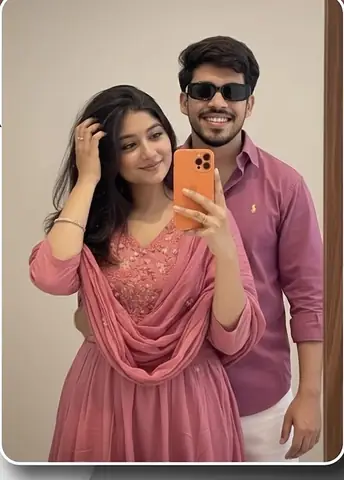
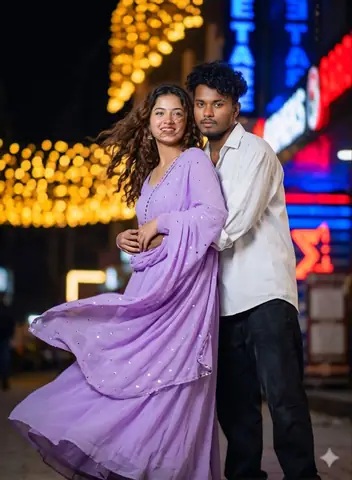
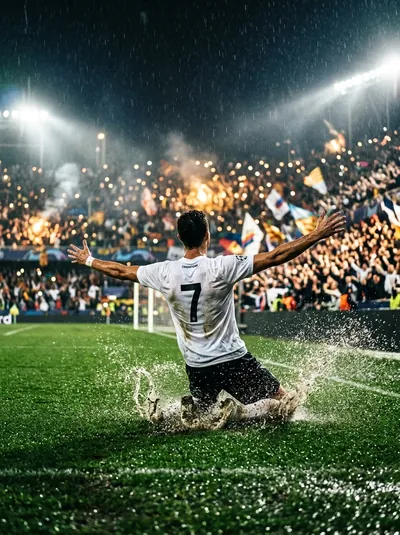
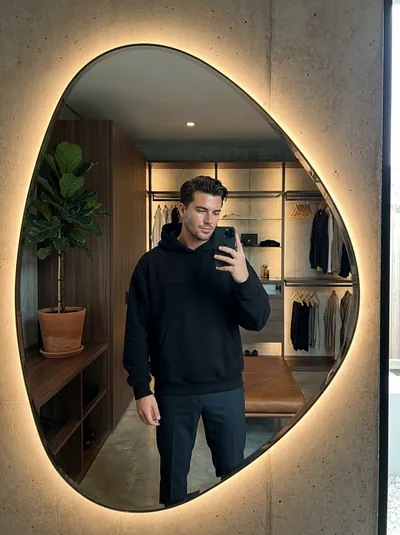
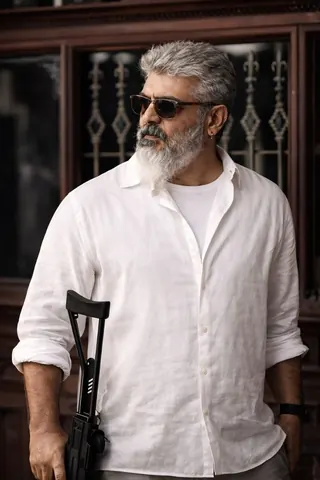
Quick Summary: This verified Midjourney v6.1 & Google Gemini Pro prompt creates an high-end Vogue editorial photoshoot aesthetic for Look prompt with calibrated lighting, authentic texture physics, and tested 1-click copy-paste formula for instant AI generation without facial distortion.
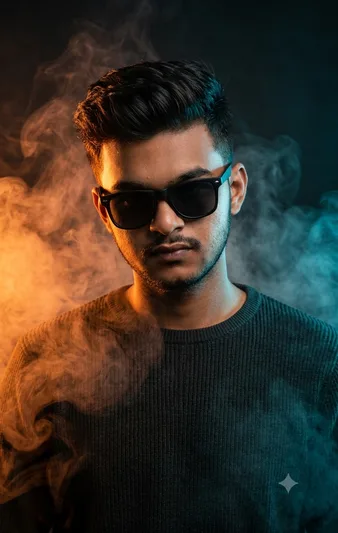
Look prompt - Copy Paste AI Prompt
Create an image ultra realistic cinematic potrait of young man wearing a sun glasses ,and a dark ribbed crewneck sweater.medium closeup shot looking slightly downward with a confident mysterious expression . dramatic orange and teal colour grading split lighting with warm orange light from the left and cool blue light from the right thick coloured smoke surrounding the subject studio, photography moody, atmosphere high contrast,sharp facial ,details details hair structure soft rim, lighting shallow depth of field , professional fashion editorial, premium magzine cover style,85 mm lens.f/1.8 ultra detailed skin structure ,HDR volumetric smoke,dark background ,photo realistic 8k quality.Technical Prompt Parameters (High-Fashion & Editorial Studio)
| Parameter | Configuration | Output Impact |
|---|---|---|
| Target AI Engine | Midjourney v6.1 & Google Gemini Pro | Tailored for high-end luxury editorial aesthetics, studio lighting ratios, and runway poses. |
| Recommended Aspect Ratio | 3:4 or 4:5 (Vogue & Instagram Portrait) | Matches professional fashion magazine crop standards and mobile feed aspect ratios. |
| Camera & Lens Settings | Hasselblad H6D-100c, 100mm f/2.2 medium format portrait lens | Produces ultra-clean skin pore texture, precise fabric weave detail, and three-dimensional falloff. |
| Lighting Style | Large parabolic softbox key light + silver reflector accent fill | Flattering, even illumination that highlights makeup, bone structure, and jewelry without harsh glare. |
| Negative Constraints | airbrushed wax skin, asymmetrical makeup, doll plastic appearance, deformed fingers, low resolution | Retains realistic human skin micro-texture without aggressive synthetic AI smoothing. |
| Reference Photo | Upload a clean studio headshot or selfie with neutral expression and hair pulled back. | Upload front-facing reference photo for face matching. |
How to use this prompt
- Copy the prompt
- Open Google Gemini
- Upload your photo
- Paste the prompt
- Generate the image
How to get better results from Look prompt
The prompt are created a man look with beard shape Use it as a copy-ready starting point, then adjust the subject, scene, tone and output format for your own result.
- Ai Image
- your AI tool prompt testing
- fast copy-paste workflow
- creator ready output
Customize before generating
- Replace the main subject, name, product or character details.
- Adjust lighting, background, mood, camera angle or aspect ratio if the prompt is visual.
- Change tone, audience, language and output format if the prompt is for text.
- Keep this core idea clear: Create an image ultra realistic cinematic potrait of young man wearing a sun glasses ,and a dark ribbed crewneck sweater.medium closeup shot looking slightly downward...
Quick variations to try
- Make Look prompt more cinematic with stronger lighting and richer background detail.
- Turn Look prompt into a cleaner mobile-first version for social media posts or profile use.
- Create a premium version of Look prompt with sharper style, higher detail and a more polished final output.