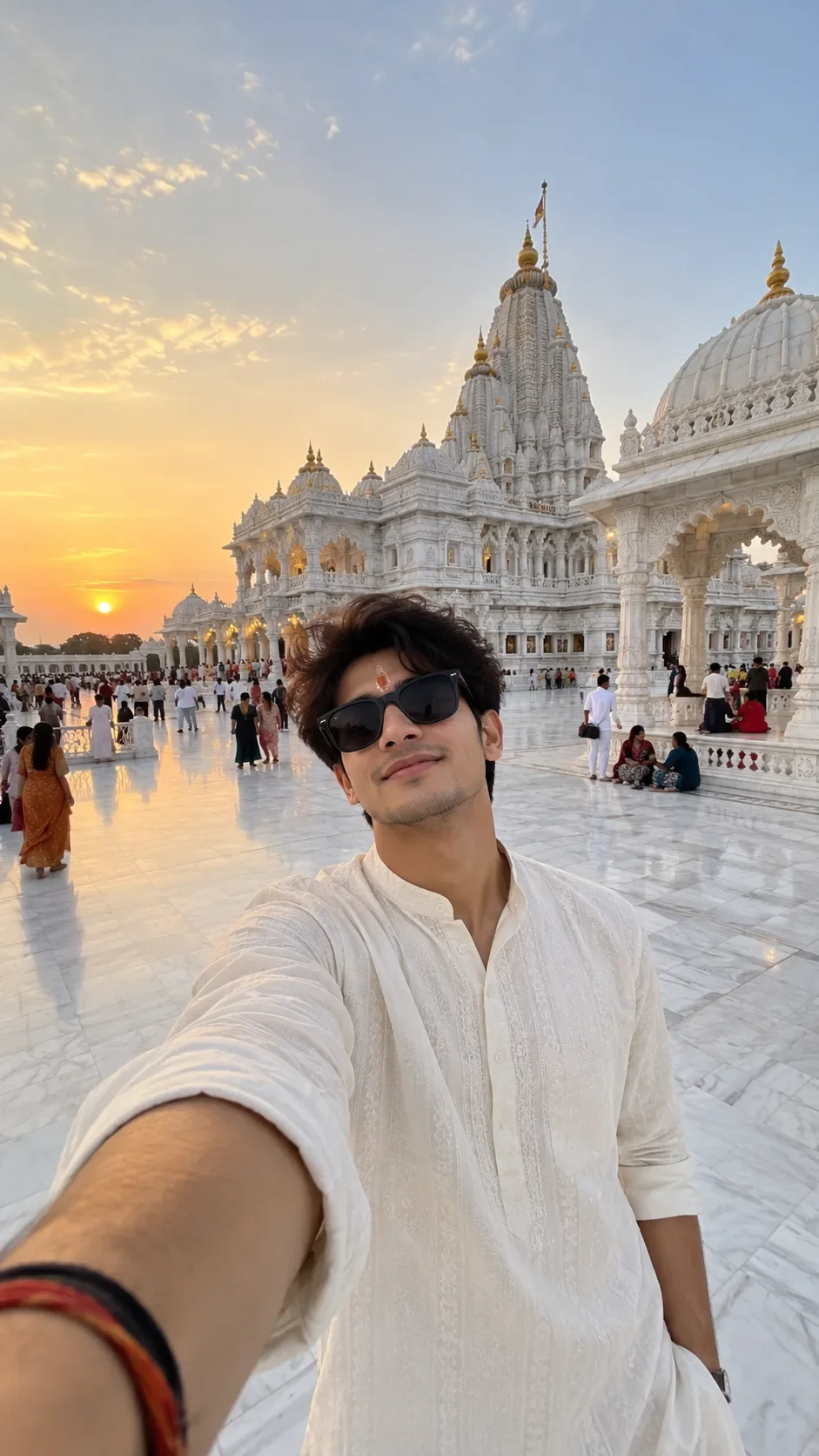
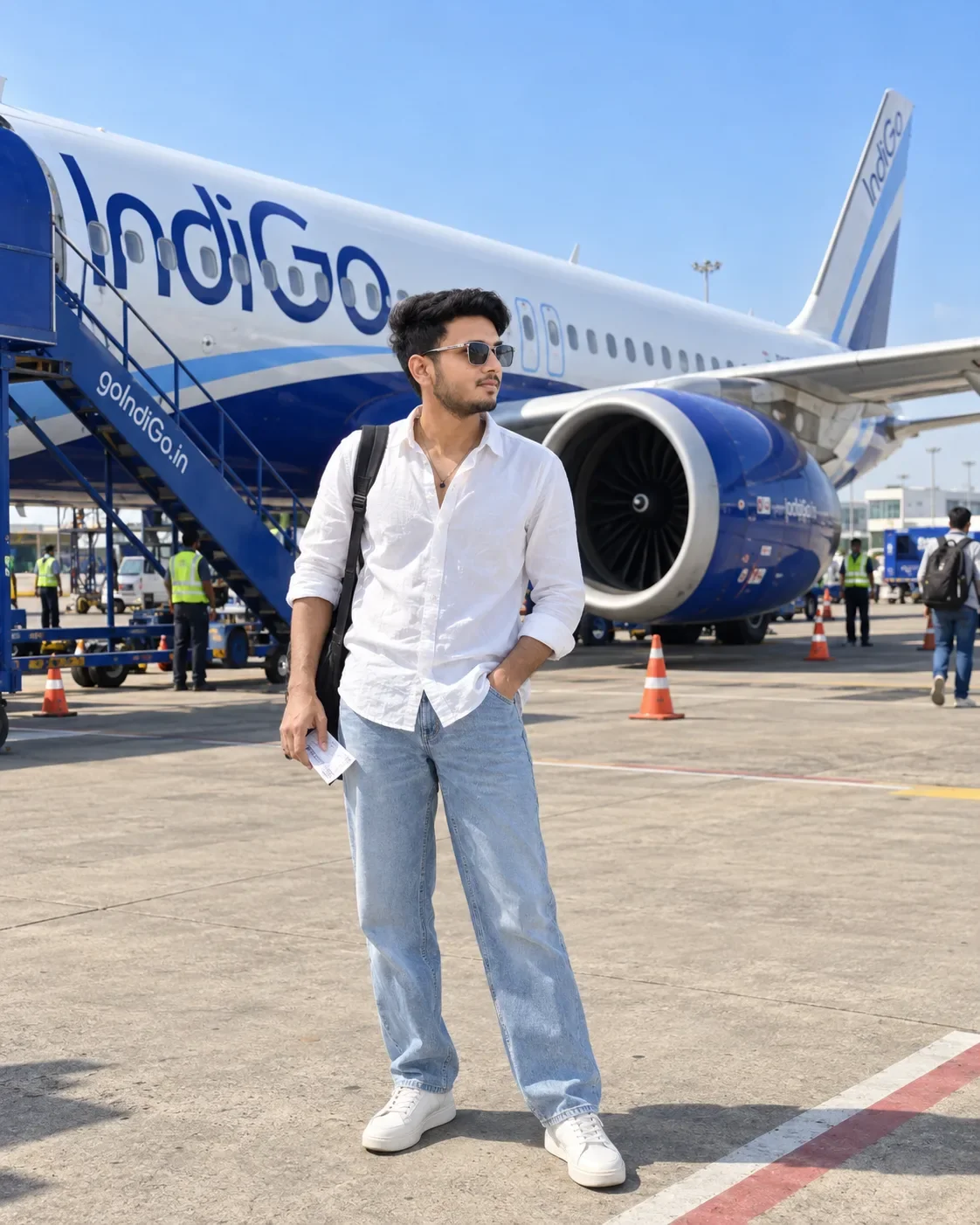
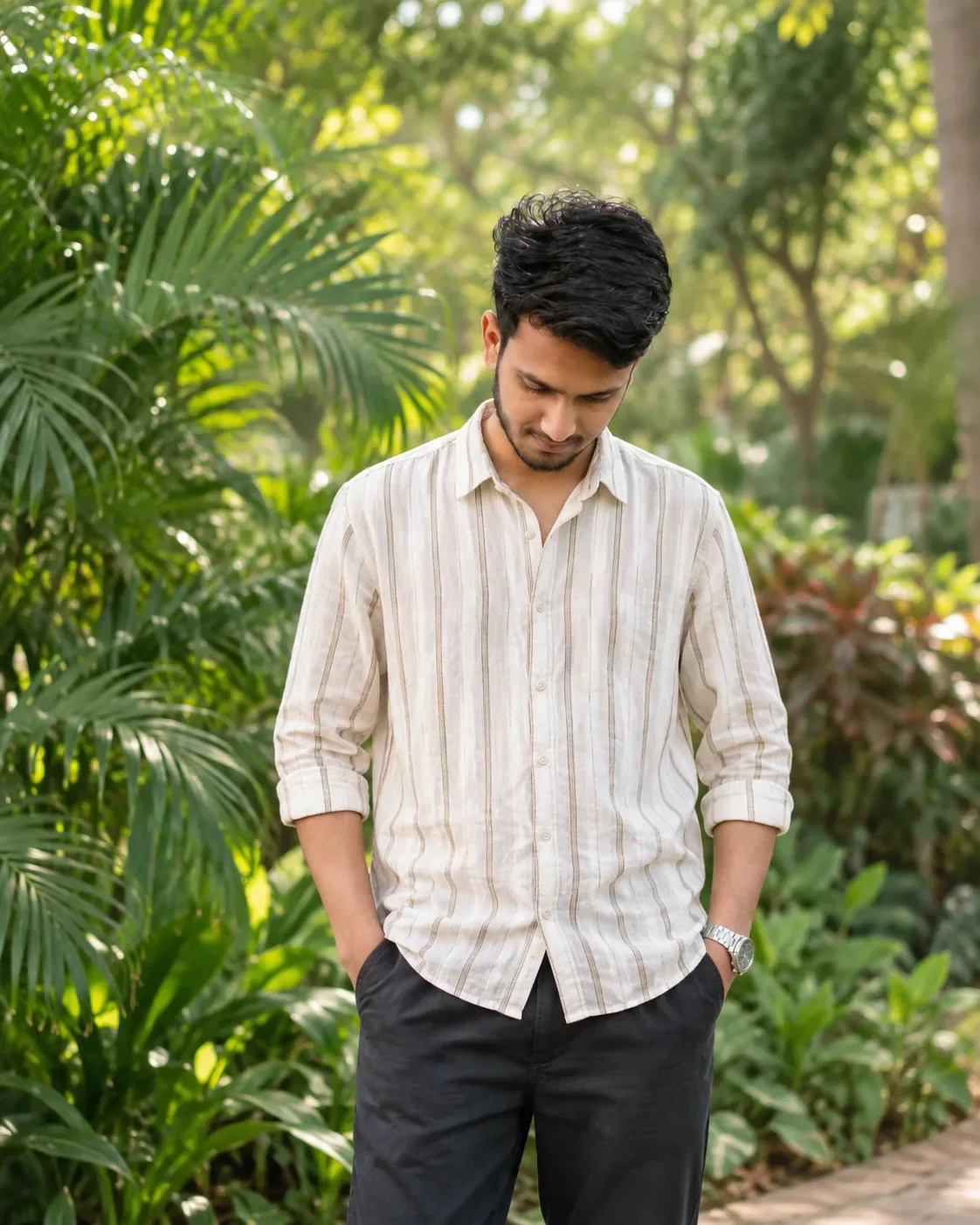
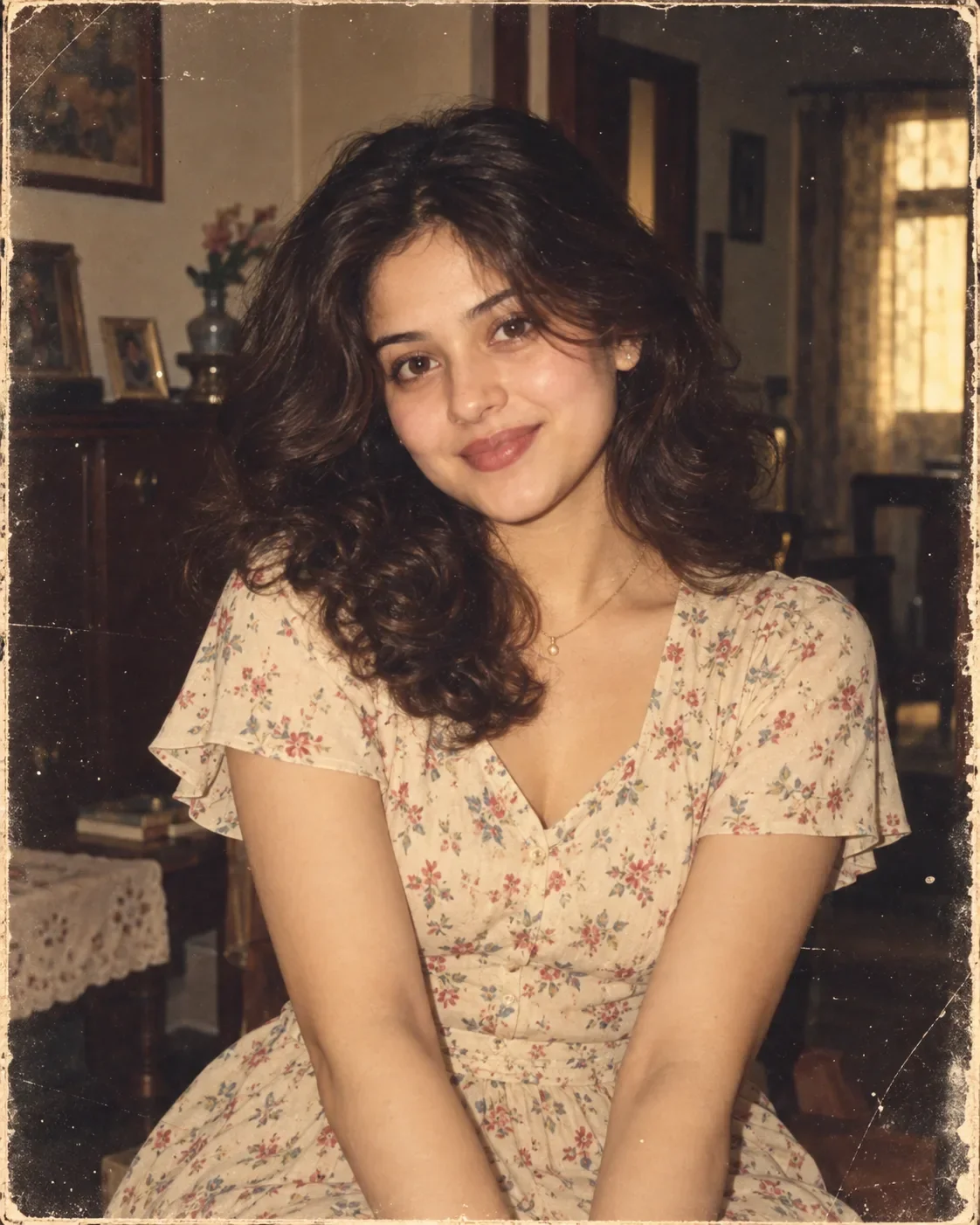
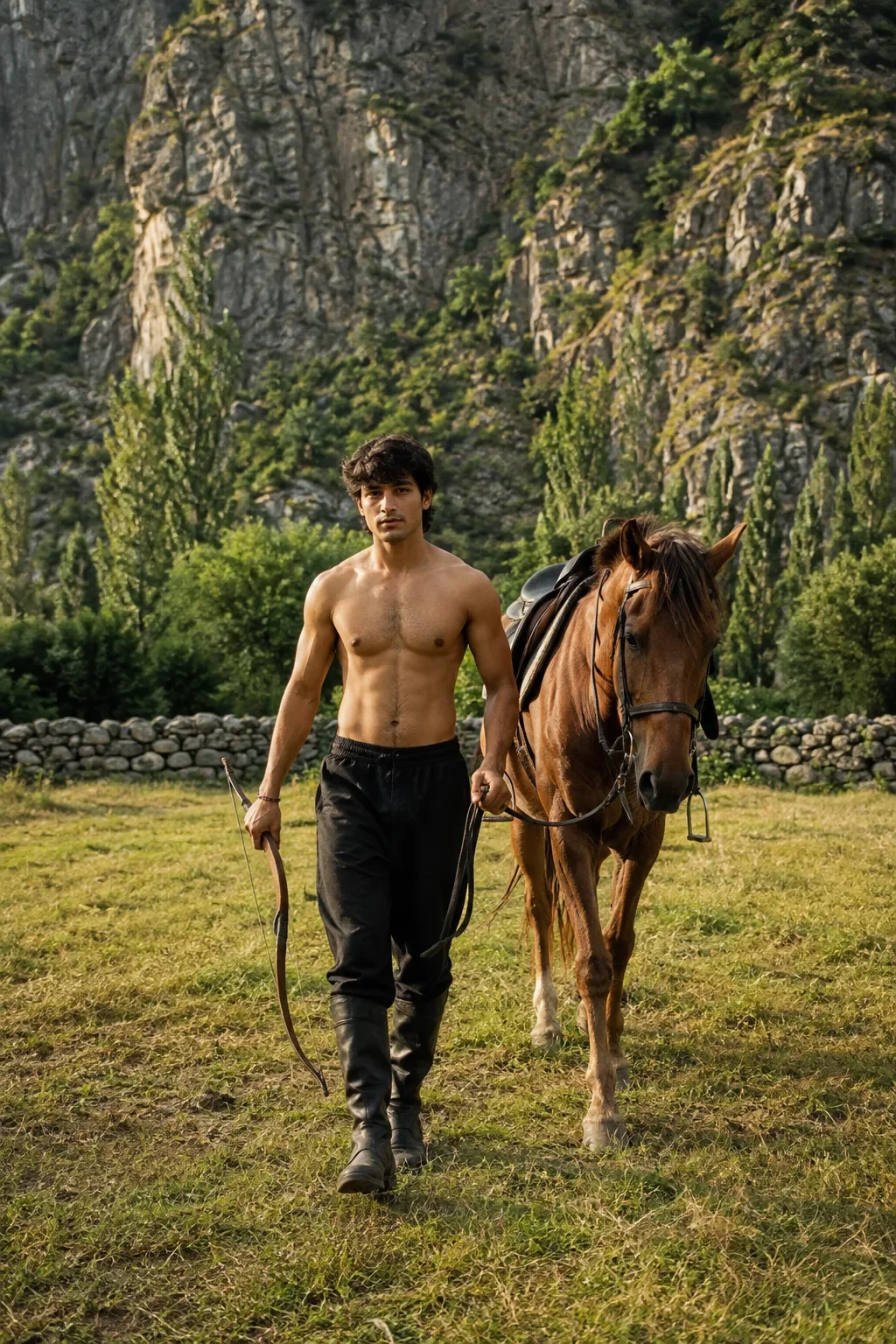
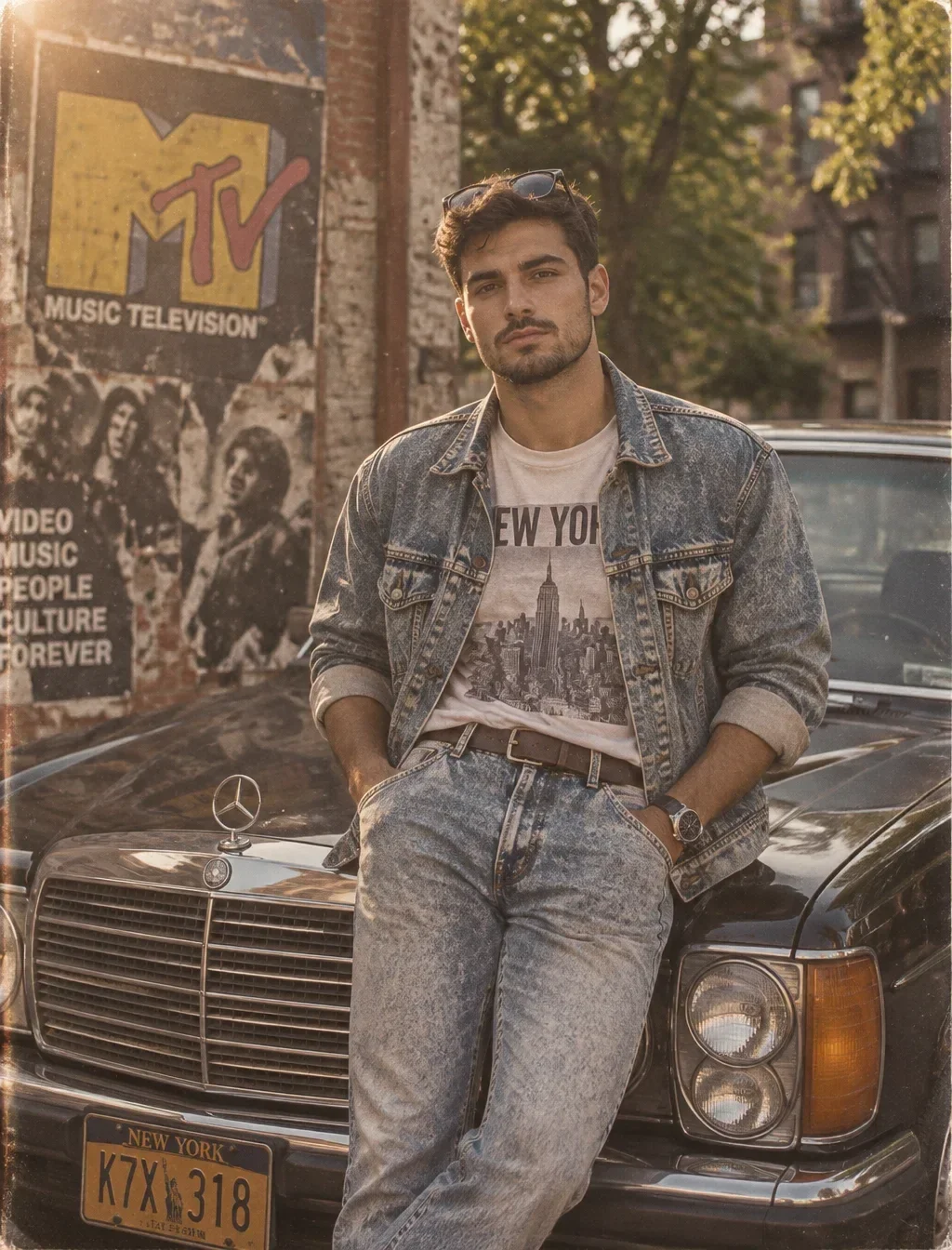
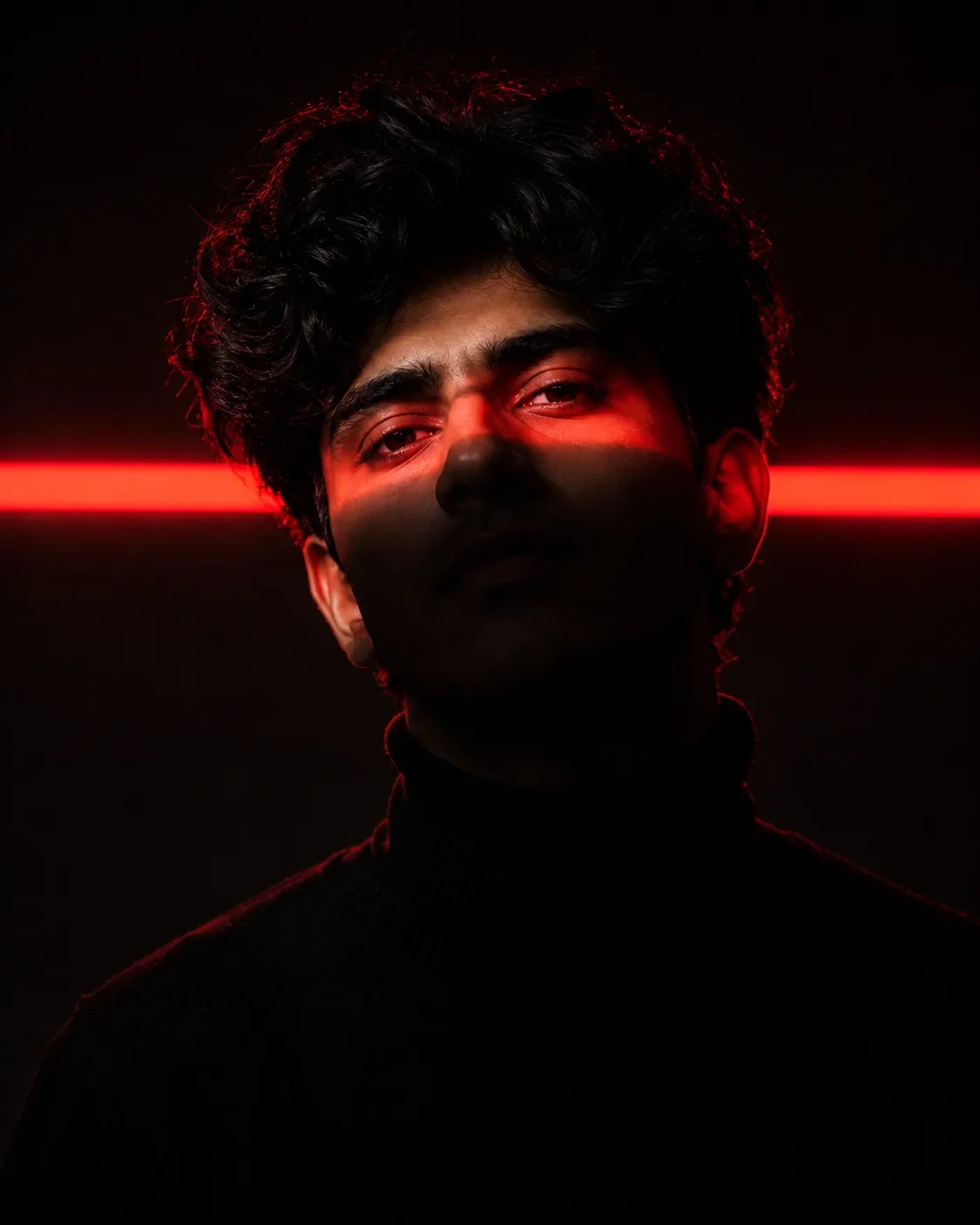
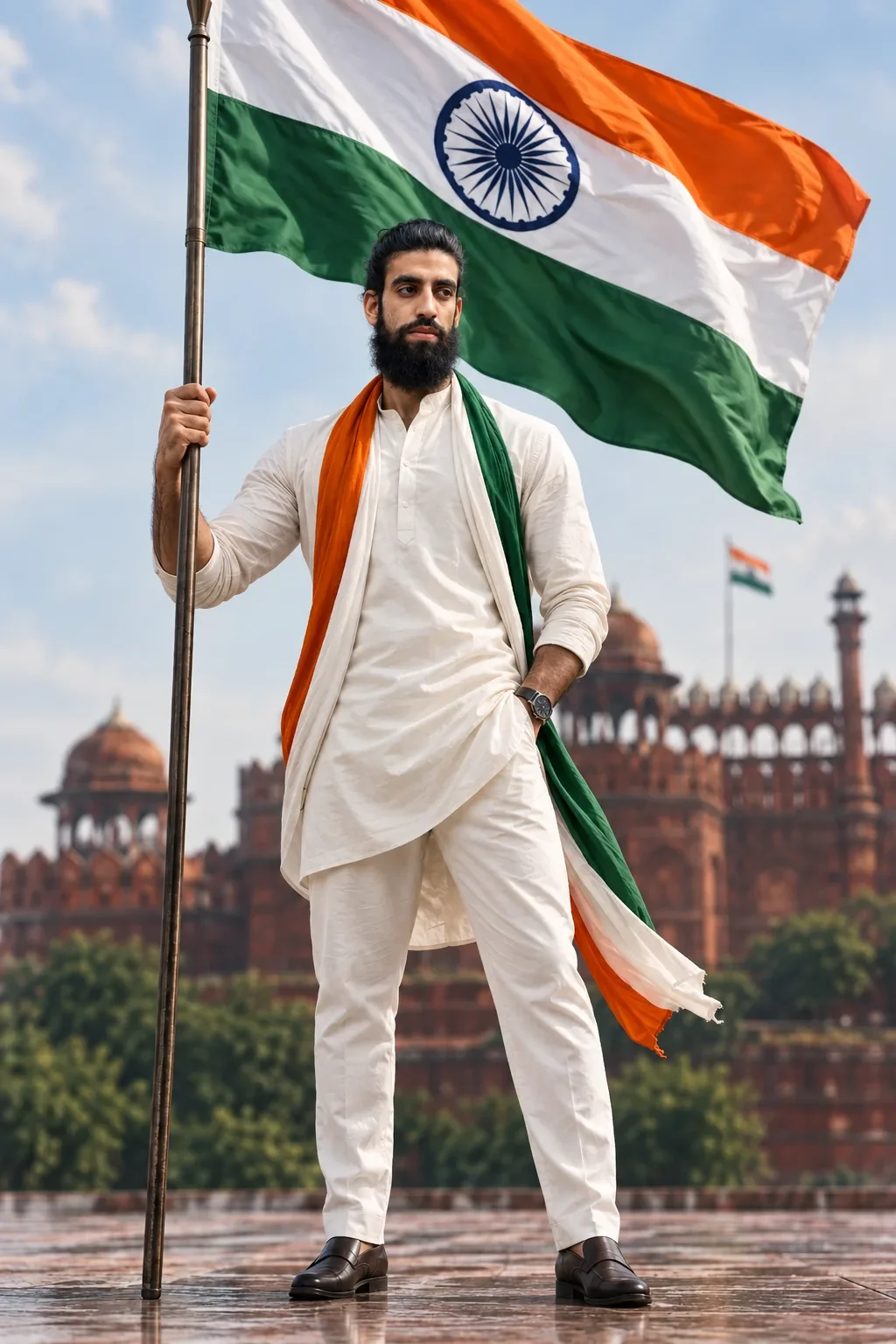
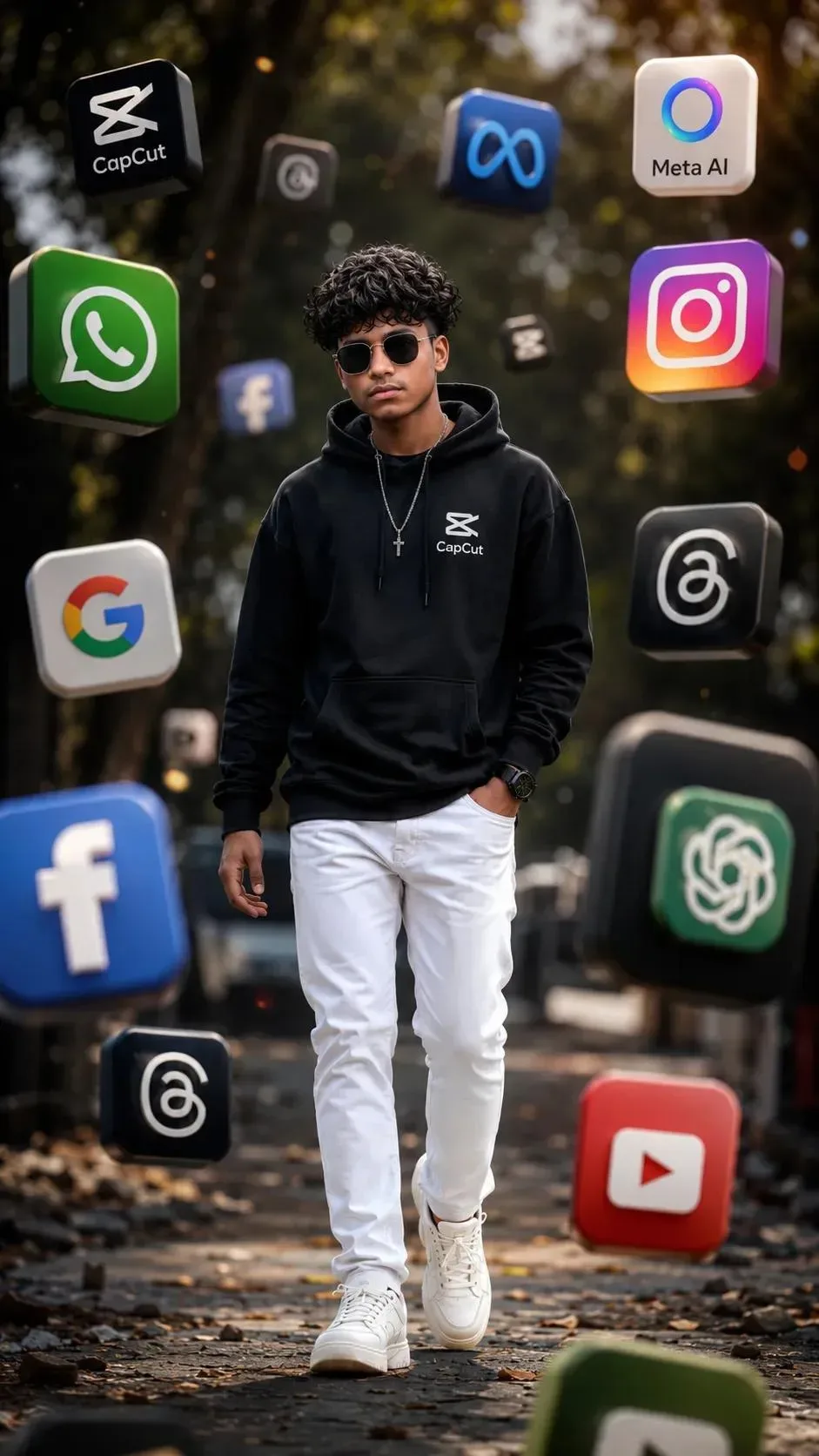
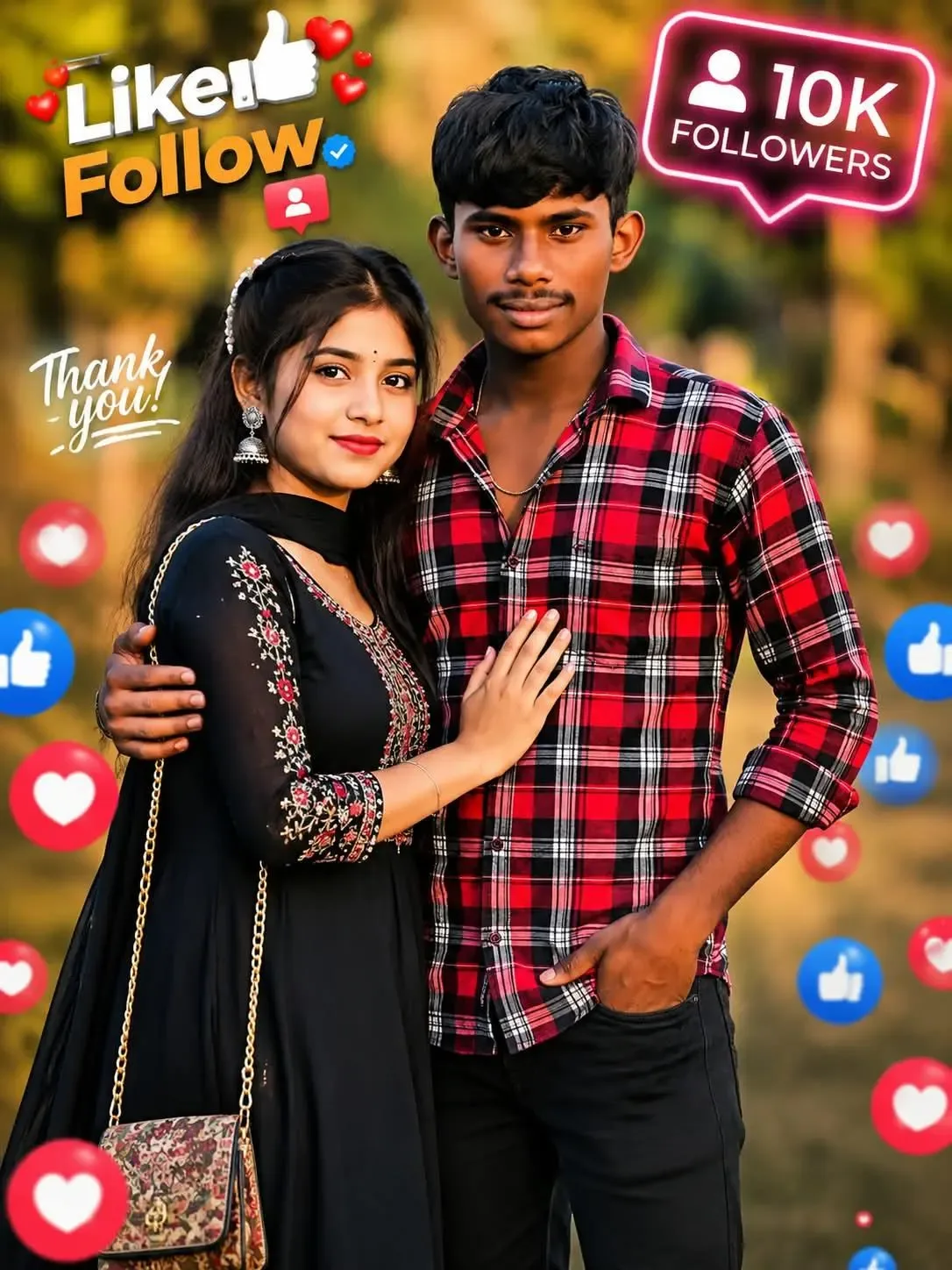
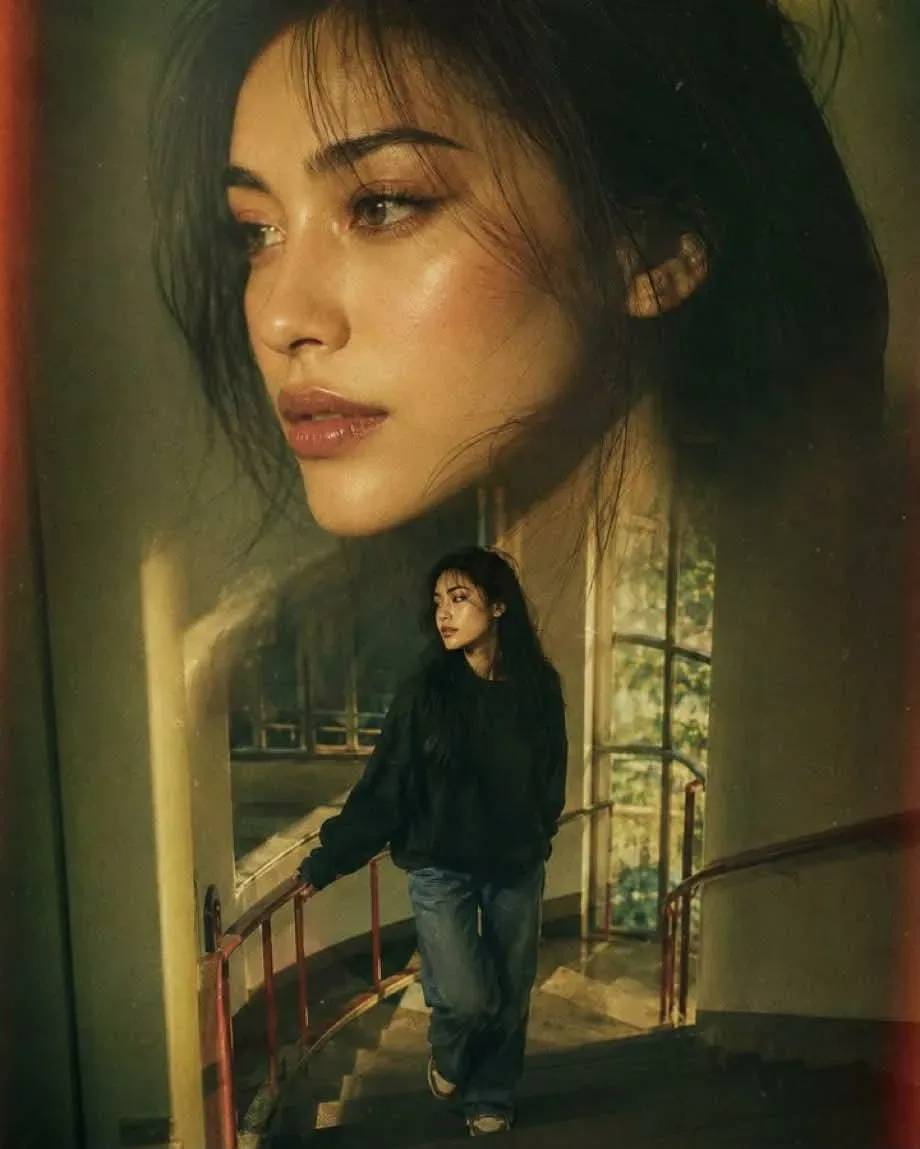
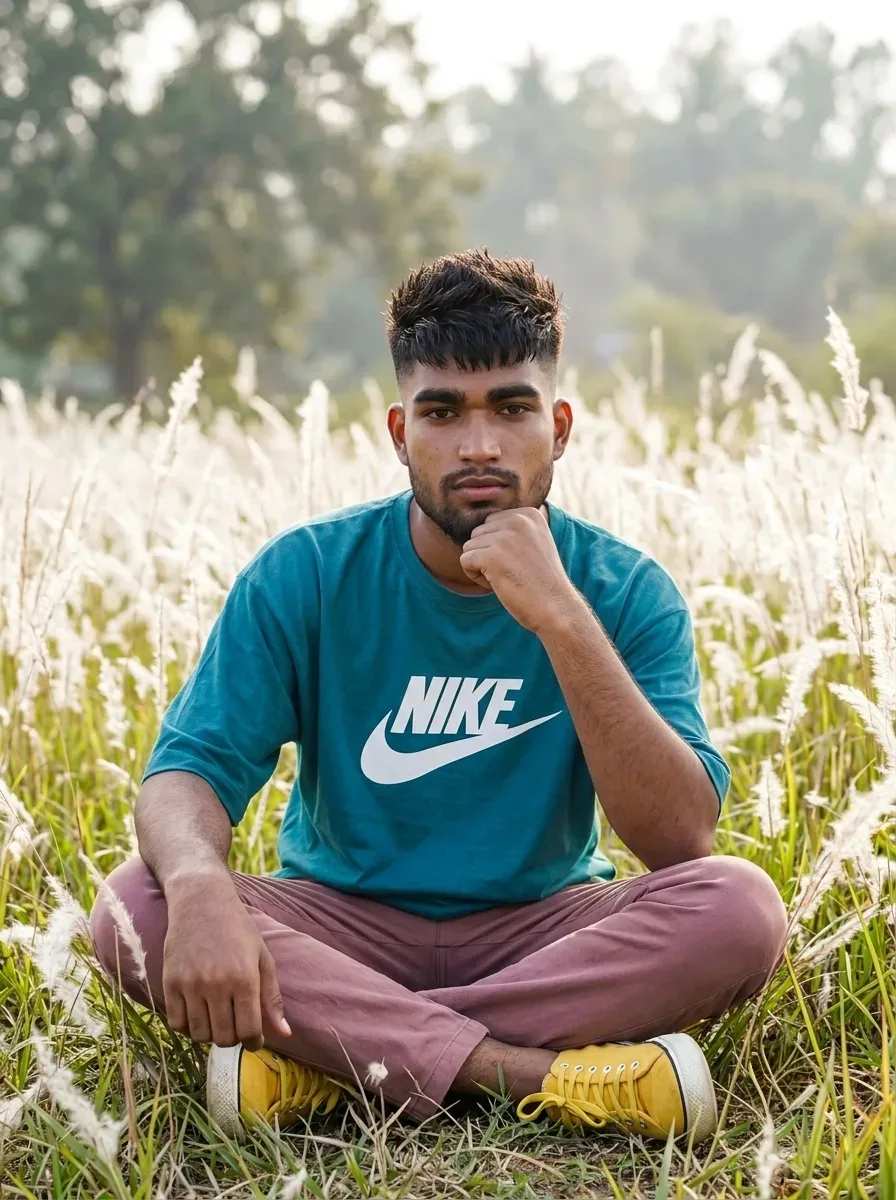
Quick Summary: This verified Midjourney v6.1 & Google Gemini Pro prompt creates an high-end Vogue editorial photoshoot aesthetic for Krishna Me Realistic Full-body Portrait AI Photo Prompt with calibrated lighting, authentic texture physics, and tested 1-click copy-paste formula for instant AI generation without facial distortion.
- Social Media
- Ai Image
- Trending
- Social Media
- Ai Image
- Trending
- Viral Prompt
- Gemini Ai
- Bing Image Creator
- Copy Paste
Krishna Me Realistic Full-body Portrait AI Photo Prompt - Copy Paste AI Prompt
Prompt:
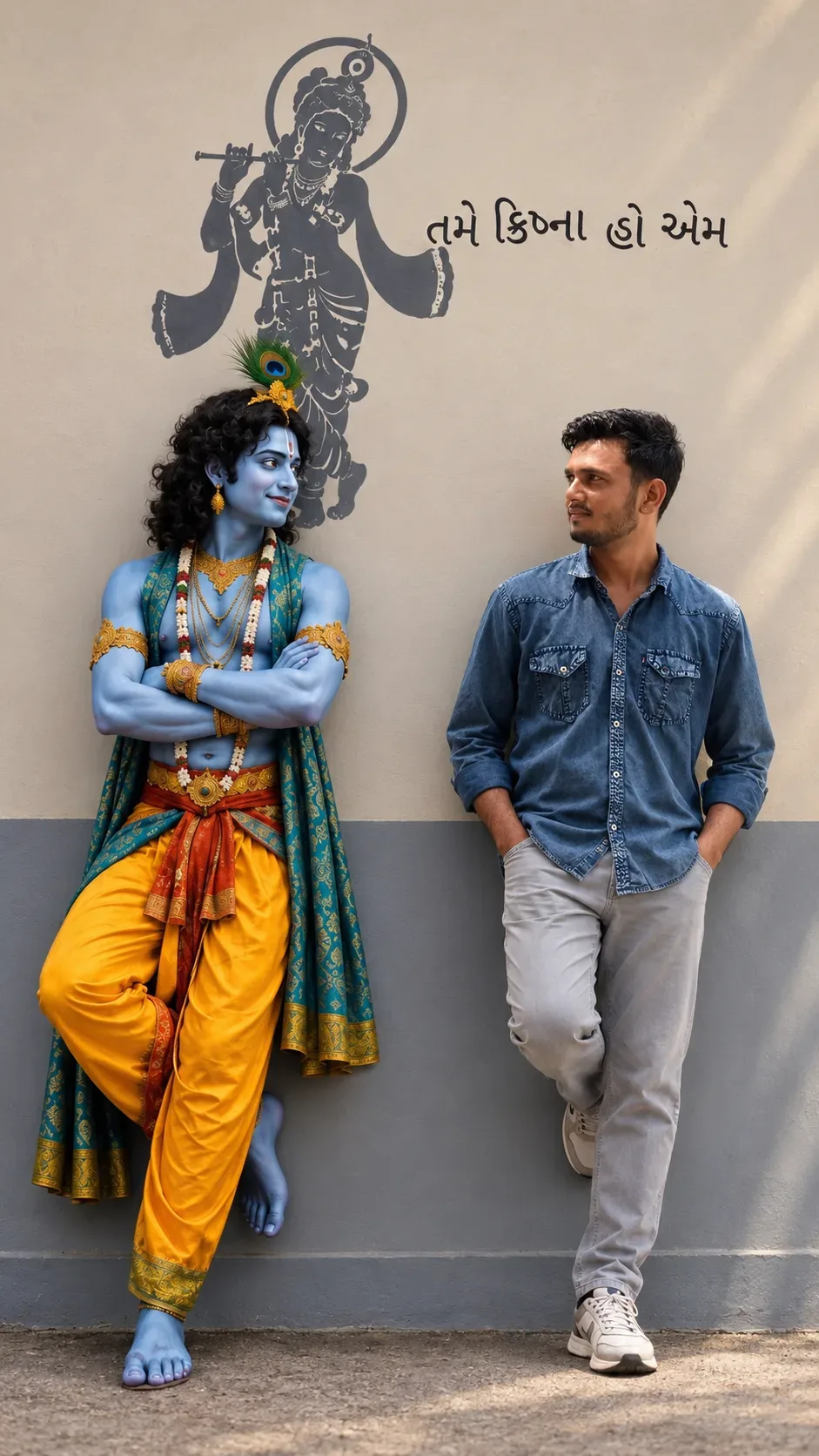
Create a highly realistic, cinematic full-body vertical photograph of the person from the uploaded reference photo standing casually beside Lord Krishna.
IMPORTANT — SUBJECT IDENTITY: Use the uploaded reference photo only for the human subject. Preserve his exact facial identity, face shape, hairstyle, skin tone, beard/stubble pattern, natural facial features, body proportions and overall appearance. Do not beautify, reshape, age, slim down, or alter his face. He must clearly look like the same person from the reference photo.
The human subject is wearing a dark blue denim shirt with sleeves naturally rolled up, light beige/grey trousers and clean white sneakers. His pose is relaxed and natural: leaning slightly against the wall, one leg casually bent, one or both hands comfortably in his pockets, and his body turned slightly toward Krishna. He is looking at Krishna with a calm, natural expression, as if sharing a quiet moment with him.
Beside him, show Lord Krishna as a highly realistic, beautiful divine human figure, with natural blue skin, curly dark hair, a traditional peacock feather crown, subtle tilak, elegant gold jewelry, flower garlands, a richly detailed teal/green shawl, and a vibrant yellow dhoti with traditional red-orange fabric. Krishna should have a peaceful, gentle smile and a friendly, relaxed expression. His arms are comfortably crossed and he is casually leaning against the same wall, with one leg slightly bent.
BACKGROUND: A warm beige/cream plaster wall with a large artistic black/dark-grey silhouette mural of Lord Krishna playing the flute behind them. Above/near the mural, include elegant Gujarati text reading exactly: “તમે કૃષ્ણા હો એમ”
Keep the background simple and authentic, like a real photographed wall rather than a fantasy environment.
COMPOSITION: Full-body shot of both subjects from head to feet, standing side-by-side with enough space around them. Vertical 4:5 portrait composition. Natural perspective, realistic body proportions, balanced framing, eye-level camera, slightly cinematic photography.
LIGHTING & QUALITY: Soft natural daylight, realistic skin texture, subtle shadows, detailed clothing fabric, realistic hair, physically accurate lighting, natural colors, high dynamic range, sharp facial details, professional DSLR photography, shallow natural depth of field while keeping both subjects clearly visible.
REALISM: Make Krishna look like a real person photographed in real life, not a cartoon, painting, CGI character, or statue. Make the human subject and Krishna match the same lighting, perspective, scale, shadows and photographic quality so they genuinely appear together in one photograph.
Do not change the human subject's identity. Do not add extra people. Do not create duplicate limbs or fingers. No artificial-looking face, no excessive beauty retouching, no plastic skin, no fantasy background

Optical Identity & Likeness Preservation: Lock subject's authentic facial identity and natural posture while seamlessly integrating with sharp vehicle reflections and cinematic ambient lighting.👤Customize in Face Consistency Studio
Lock 100% exact facial identity, bone structure & eye shape in Gemini & Bing.
Technical Prompt Parameters (High-Fashion & Editorial Studio)
| Parameter | Configuration | Output Impact |
|---|---|---|
| Target AI Engine | Midjourney v6.1 & Google Gemini Pro | Tailored for high-end luxury editorial aesthetics, studio lighting ratios, and runway poses. |
| Recommended Aspect Ratio | 3:4 or 4:5 (Vogue & Instagram Portrait) | Matches professional fashion magazine crop standards and mobile feed aspect ratios. |
| Camera & Lens Settings | Hasselblad H6D-100c, 100mm f/2.2 medium format portrait lens | Produces ultra-clean skin pore texture, precise fabric weave detail, and three-dimensional falloff. |
| Lighting Style | Large parabolic softbox key light + silver reflector accent fill | Flattering, even illumination that highlights makeup, bone structure, and jewelry without harsh glare. |
| Negative Constraints | airbrushed wax skin, asymmetrical makeup, doll plastic appearance, deformed fingers, low resolution | Retains realistic human skin micro-texture without aggressive synthetic AI smoothing. |
| Reference Photo | Upload a clean studio headshot or selfie with neutral expression and hair pulled back. | Upload front-facing reference photo for face matching. |
How to use this prompt
- Copy the prompt, open Google Gemini or Bing Image Creator, attach your reference photo, and generate instant 8K results.
How to get better results from Krishna Me Realistic Full-body Portrait AI Photo Prompt
Free 1-click copy krishna me realistic full-body portrait ai photo prompt for Google Gemini and Bing Image Creator. Authentic social media aesthetic, realistic lighting, and instant camera settings. Use it as a copy-ready starting point, then adjust the subject, scene, tone and output format for your own result.
- Social Media
- Ai Image
- Trending
- Viral Prompt
- Gemini Ai
- Bing Image Creator
Customize before generating
- Replace the main subject, name, product or character details.
- Adjust lighting, background, mood, camera angle or aspect ratio if the prompt is visual.
- Change tone, audience, language and output format if the prompt is for text.
- Keep this core idea clear: Prompt: Create a highly realistic, cinematic full-body vertical photograph of the person from the uploaded reference photo standing casually beside Lord Krishna....
Quick variations to try
- Make Krishna Me Realistic Full-body Portrait AI Photo Prompt more cinematic with stronger lighting and richer background detail.
- Turn Krishna Me Realistic Full-body Portrait AI Photo Prompt into a cleaner mobile-first version for social media posts or profile use.
- Create a premium version of Krishna Me Realistic Full-body Portrait AI Photo Prompt with sharper style, higher detail and a more polished final output.