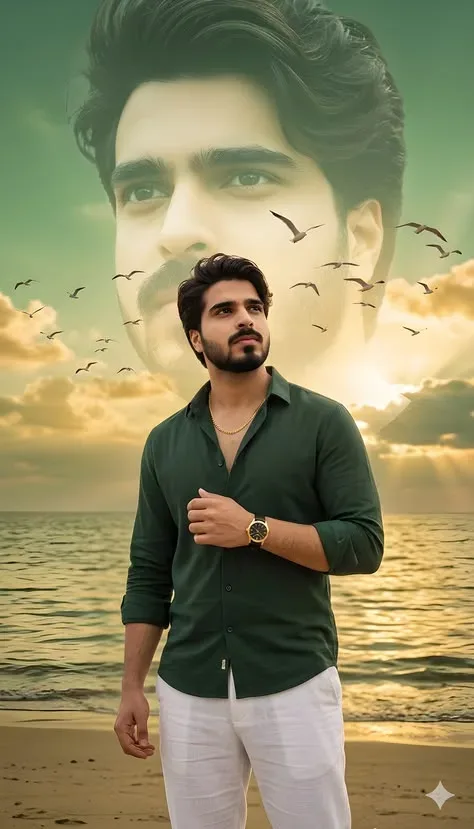
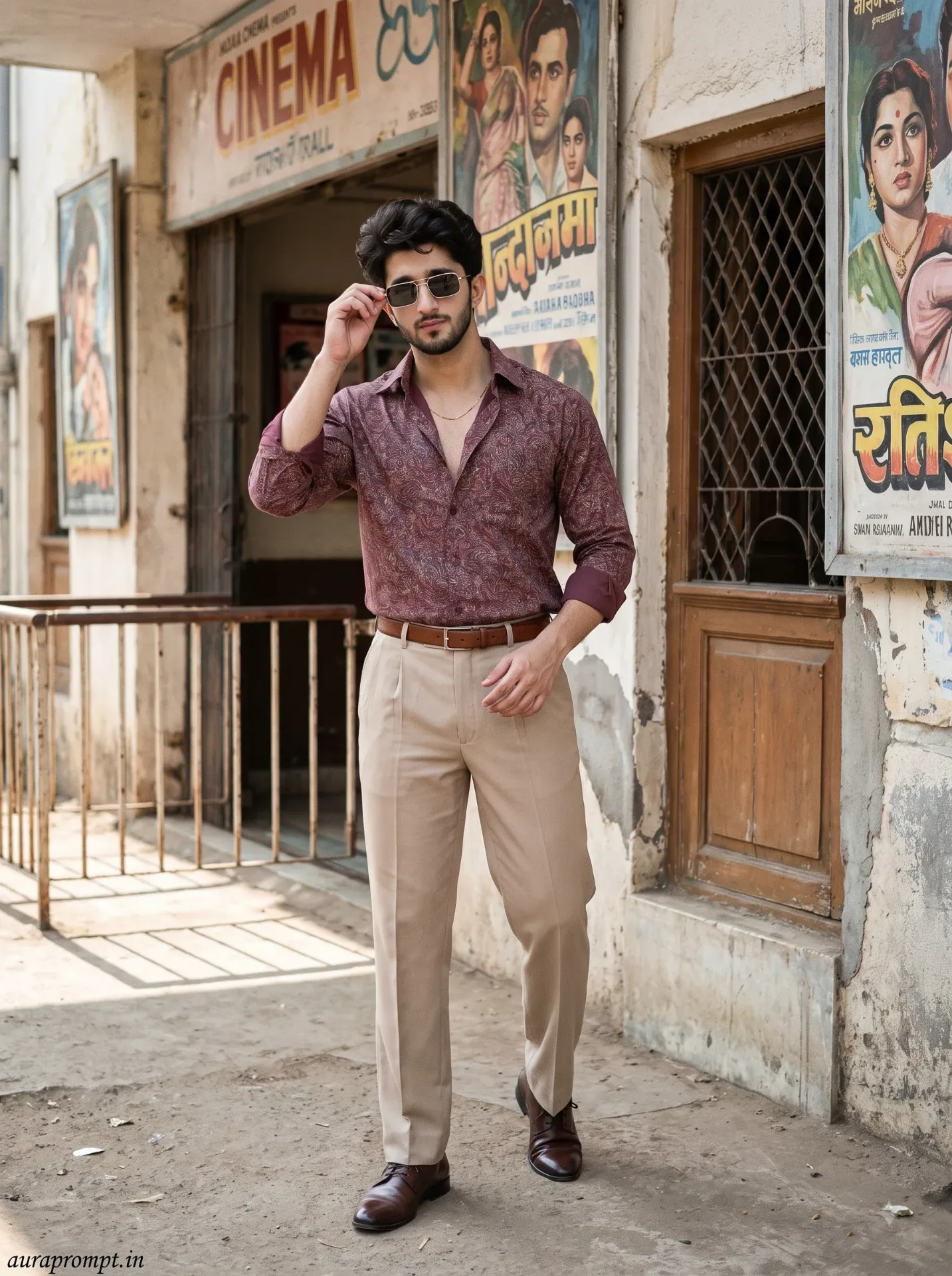
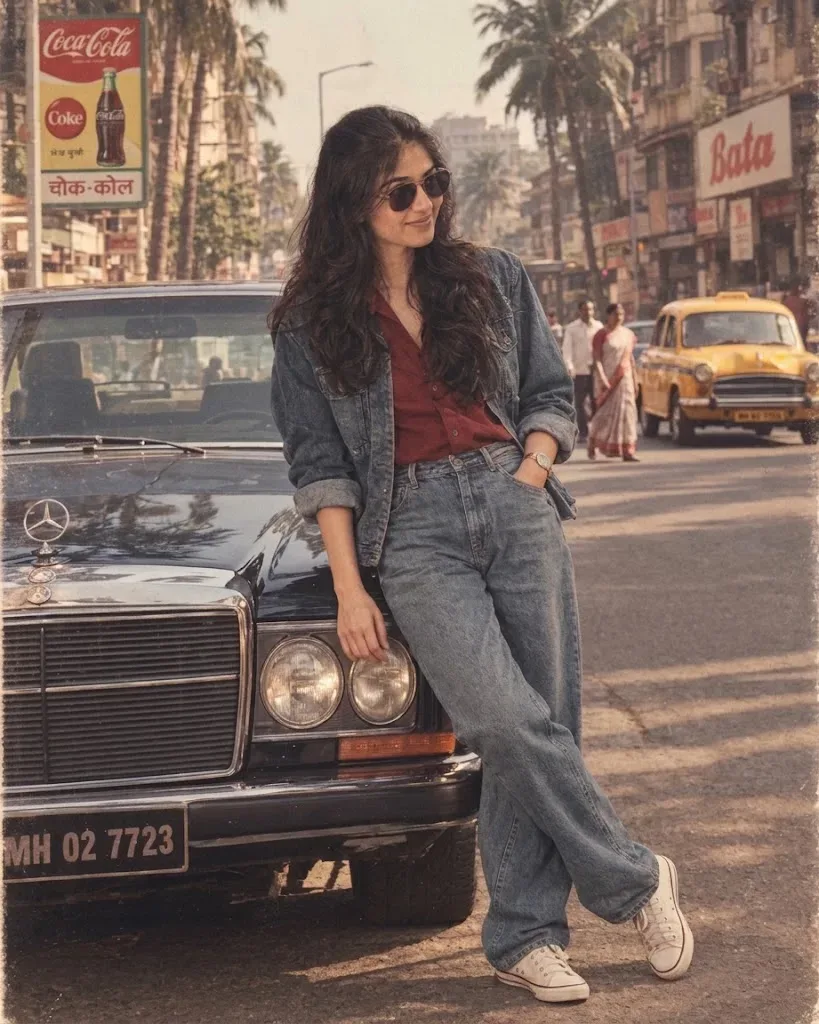
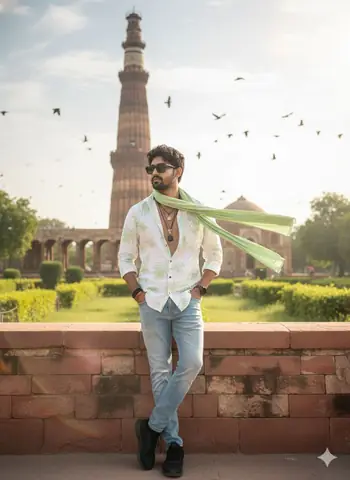
Quick Summary: This verified Google Gemini & Midjourney v6 prompt creates an authentic 90s vintage film aesthetic for "kanha Getup Janmashtami Kids Special" AI Photo Prompt with calibrated lighting, authentic texture physics, and tested 1-click copy-paste formula for instant AI generation without facial distortion.
- Ai Image
- Photography
- Trending
- Photography
- Ai Image
- Trending
- Viral Prompt
- Gemini Ai
- Bing Image Creator
- Copy Paste
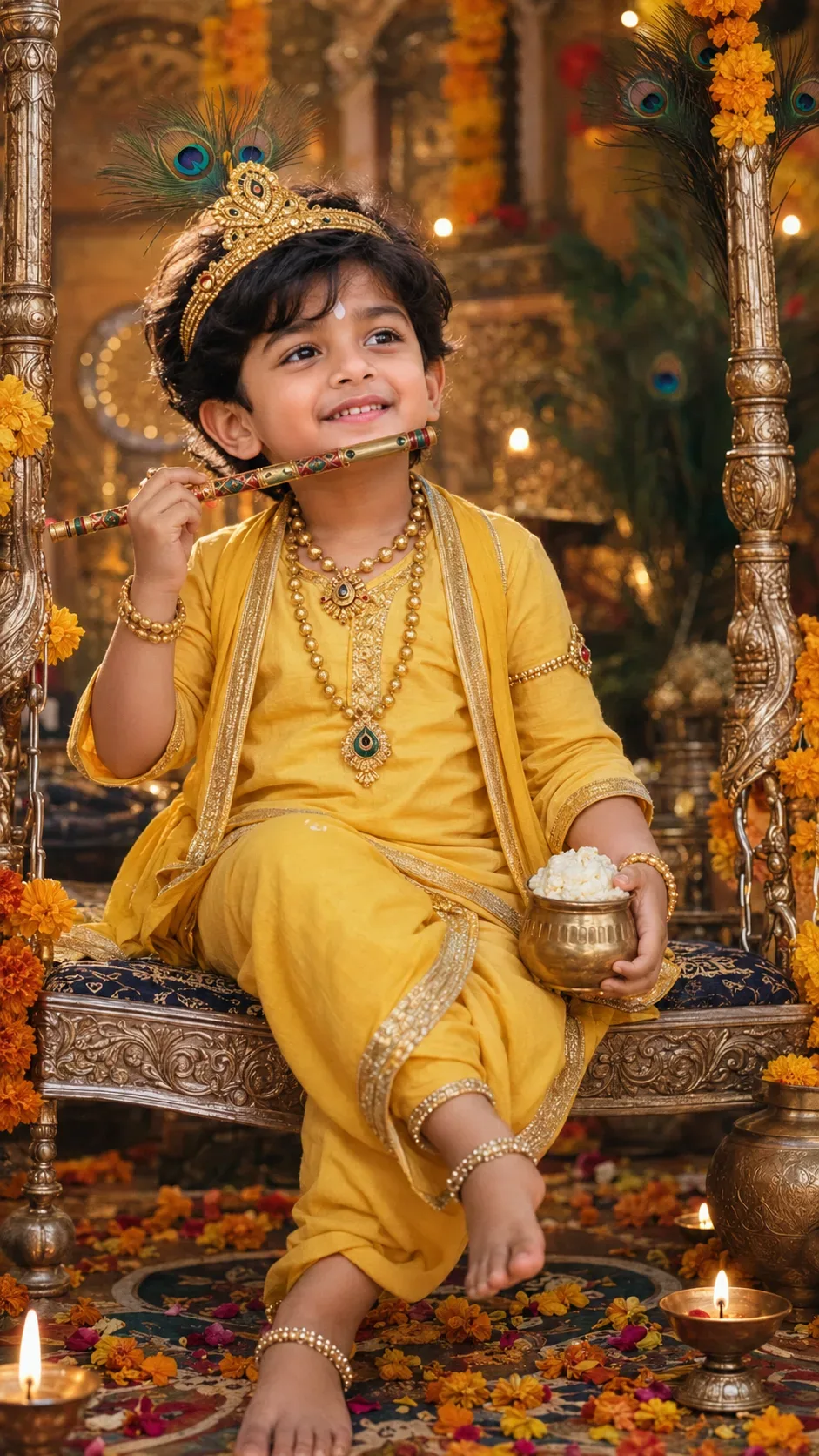
"kanha Getup Janmashtami Kids Special" AI Photo Prompt - Copy Paste AI Prompt
IDENTITY LOCK: Do not change the child's facial bone structure, eye
shape and color, nose shape, lip shape, jawline, or skin tone in any
way — keep it 100% identical to the original uploaded photo. Body
build and proportions unchanged. Non-negotiable.

Style: Dress the child in a traditional Kanha (baby Krishna) getup —
a soft yellow dhoti-kurta or pitambar with fine gold trim, a peacock
feather mukut (crown) placed gently on the head, a delicate gold
mala/necklace, and thin gold armlets/anklets. Add a small decorative
bansuri (flute) held playfully near the lips or resting in one hand,
and a tiny round matki (pot) or a small ball of makhan (butter) in
the other hand as a classic Kanha touch.

DIRECTED POSE (natural for a young child, not stiff): Sitting cross-
legged on a decorated swing (jhula) or standing with one foot slightly
forward, head tilted playfully to one side, one hand near the mouth
holding the flute, the other hand resting on the knee or holding the
small matki — a candid, playful child's pose, not a rigid stance.

GENUINE CHILD EXPRESSION: A natural, joyful giggle or gentle curious
smile with bright, wide eyes — the innocent, unposed expression of a
young child mid-laugh or mid-play, not an adult-styled expression.

LIGHTING SETUP (as a real photographer would dial it in): Key light —
warm diya and fairy-light glow from the decorated jhula/backdrop,
acting as a soft golden key from camera-left at a gentle angle
suitable for a close child portrait. Fill — soft ambient daylight or
indoor light from the front, balancing the warm key at roughly a 2:1
ratio so shadows stay soft. Rim light — string lights behind create a
soft golden edge-glow along the child's hair and shoulders. Catchlights
in the eyes should be warm and soft.

LENS & OPTICS: Simulate an 85mm lens at f/2.2 — flattering close
portrait compression, background rendered as soft creamy bokeh with
blurred peacock feathers, marigold garlands, and fairy lights, gentle
fall-off in sharpness away from the focal point, faint natural
vignette at the corners.

FILM/COLOR SCIENCE: Warm festive film response — diya highlights
bloom softly rather than clipping, shadows lifted gently rather than
crushed black, rich warm gold-peacock-blue midtones balancing
naturally against the child's skin tone.

SET DETAILING (peak detail): Intricately carved wooden or silver
jhula with fine floral patterns, marigold garlands and fresh flower
petals scattered nearby, small clay diyas glowing softly around the
base, a tiny brass matki with a hint of butter, delicate peacock
feather details on the mukut with visible fine texture, soft rangoli
pattern faintly visible on the floor.

RETOUCH PIPELINE: Frequency-separation-style retouching — smooth
tonal transitions on skin while fully preserving natural child skin
texture (soft, no artificial adult-style smoothing or added
definition). Subtle dodge-and-burn to retain natural facial planes,
no flattened or plastic-looking skin.

FINISHING: Fine film grain overlay at low opacity, soft warm festive
color grading, no digital sharpening halos, natural imperfect crop as
if not perfectly composed in-camera.

Ensure zero facial distortion, correct hand anatomy (five fingers per
hand, no fused or extra digits), and consistent shadow/light-source
logic between the warm diya key and ambient fill.

Optical Identity & Likeness Preservation: Lock subject's authentic facial identity and natural posture while seamlessly integrating with sharp vehicle reflections and cinematic ambient lighting.👤Customize in Face Consistency Studio
Lock 100% exact facial identity, bone structure & eye shape in Gemini & Bing.
Technical Prompt Parameters (Vintage Film & Retro Polaroid)
| Parameter | Configuration | Output Impact |
|---|---|---|
| Target AI Engine | Google Gemini & Midjourney v6 | Preserves organic analog warmth, natural color saturation, and retro lighting response. |
| Recommended Aspect Ratio | 4:5 (Classic Film) or 1:1 (Square Polaroid) | Faithful recreation of vintage paper print dimensions and nostalgic photo albums. |
| Camera & Lens Settings | 35mm Leica M6, Kodak Portra 400, f/2.8, subtle chromatic dispersion | Renders genuine analog grain, gentle halation, and authentic film stock color science. |
| Lighting Style | Direct camera flash with soft falloff or warm golden hour sunset flare | Creates natural retro exposure highlights without artificial digital gloss. |
| Negative Constraints | digital sheen, oversaturated HDR, plastic skin, neon light, CGI 3D, modern watermark | Eliminates hyper-digital smoothness to maintain true photochemical aesthetic. |
| Reference Photo | Upload a daylight selfie; avoid heavy ring-light filters for best film look. | Upload front-facing reference photo for face matching. |
How to use this prompt
- Copy the prompt, open Google Gemini or Bing Image Creator, attach your reference photo, and generate instant 8K results.
How to get better results from "kanha Getup Janmashtami Kids Special" AI Photo Prompt
Free 1-click copy "kanha getup janmashtami kids special" ai photo prompt for Google Gemini and Bing Image Creator. Authentic photography aesthetic, realistic lighting, and instant camera settings. Use it as a copy-ready starting point, then adjust the subject, scene, tone and output format for your own result.
- Ai Image
- Photography
- Trending
- Viral Prompt
- Gemini Ai
- Bing Image Creator
Customize before generating
- Replace the main subject, name, product or character details.
- Adjust lighting, background, mood, camera angle or aspect ratio if the prompt is visual.
- Change tone, audience, language and output format if the prompt is for text.
- Keep this core idea clear: IDENTITY LOCK: Do not change the child's facial bone structure, eye shape and color, nose shape, lip shape, jawline, or skin tone in any way — keep it 100%...
Quick variations to try
- Make "kanha Getup Janmashtami Kids Special" AI Photo Prompt more cinematic with stronger lighting and richer background detail.
- Turn "kanha Getup Janmashtami Kids Special" AI Photo Prompt into a cleaner mobile-first version for social media posts or profile use.
- Create a premium version of "kanha Getup Janmashtami Kids Special" AI Photo Prompt with sharper style, higher detail and a more polished final output.