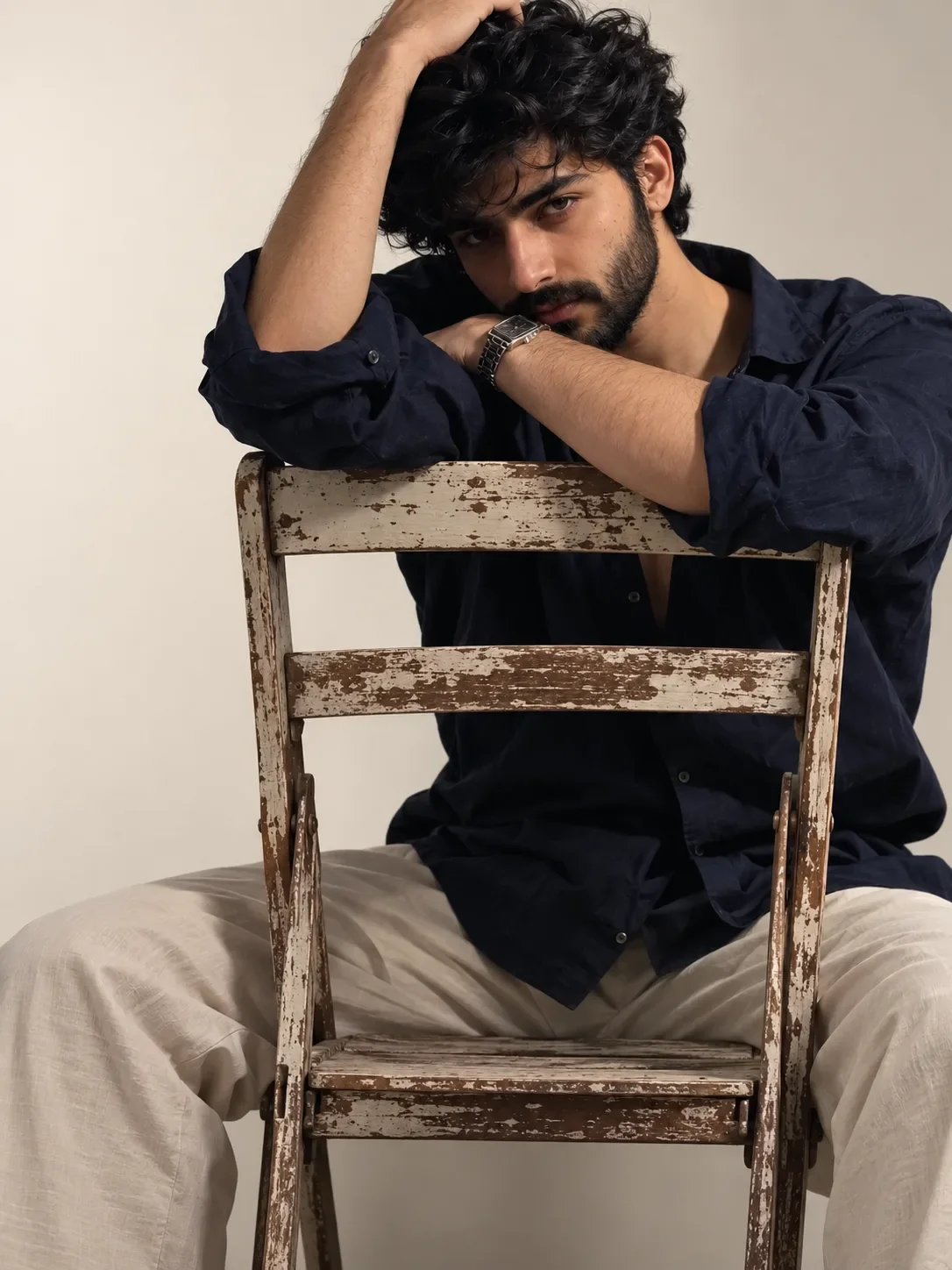
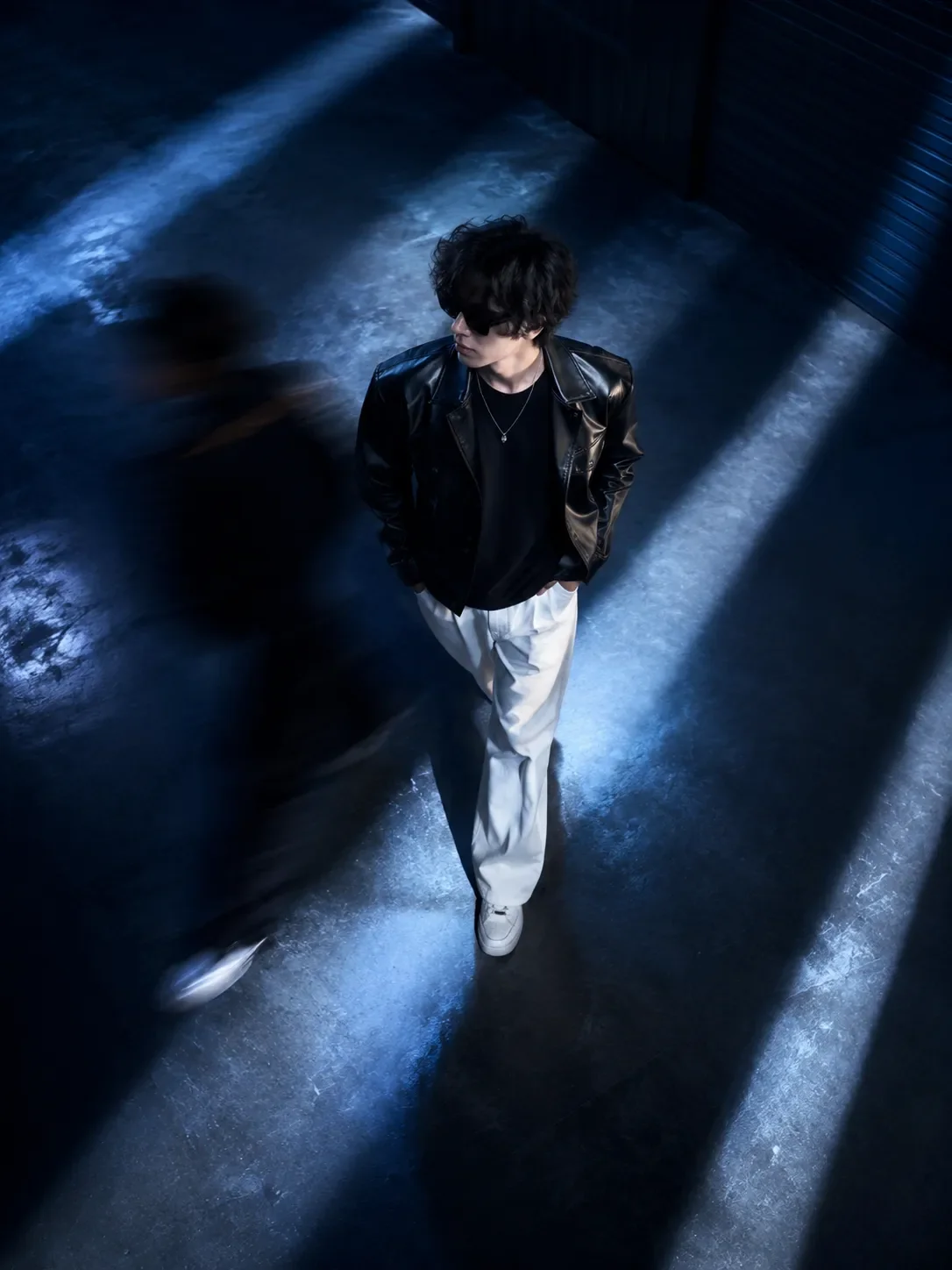
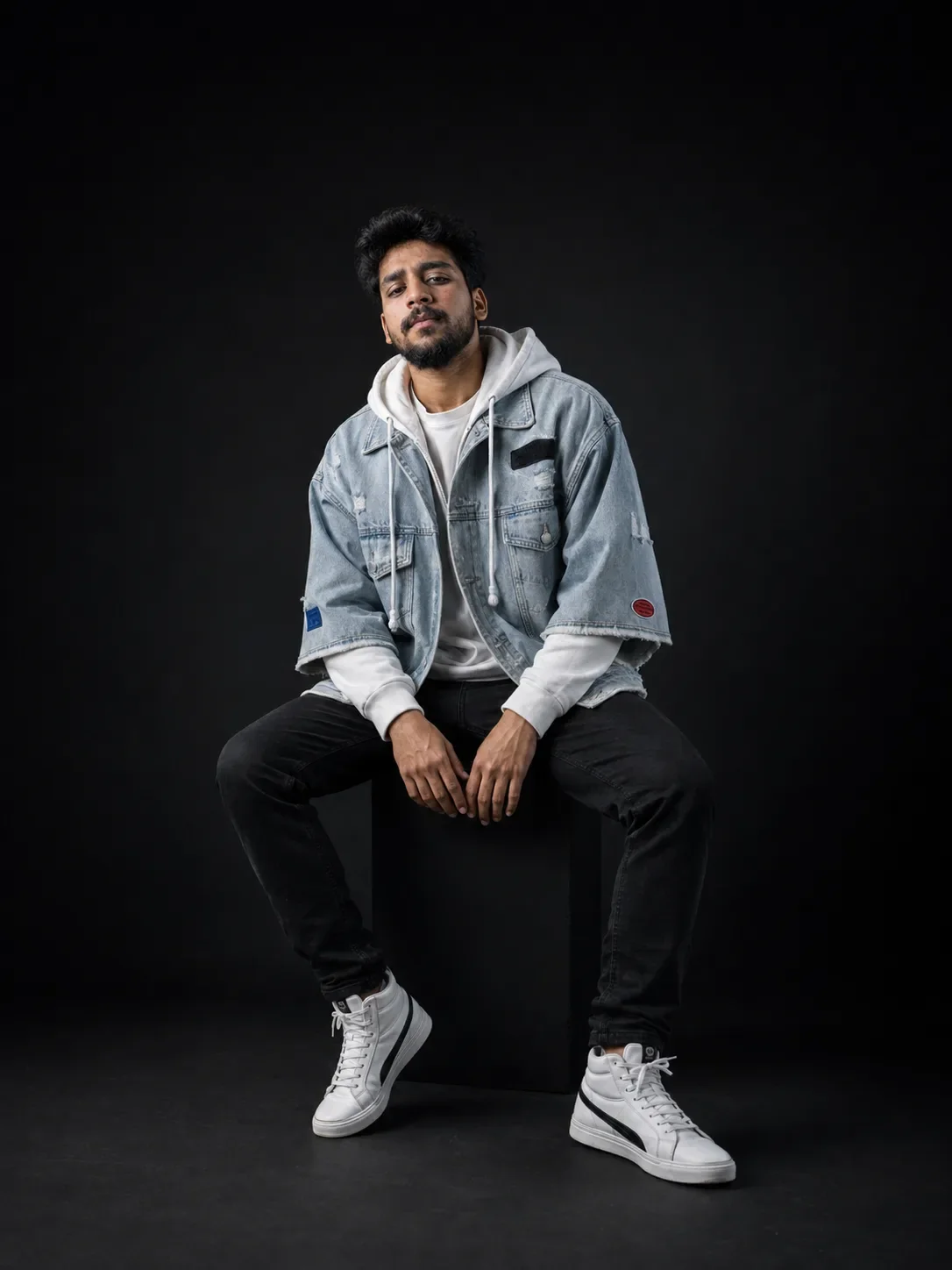
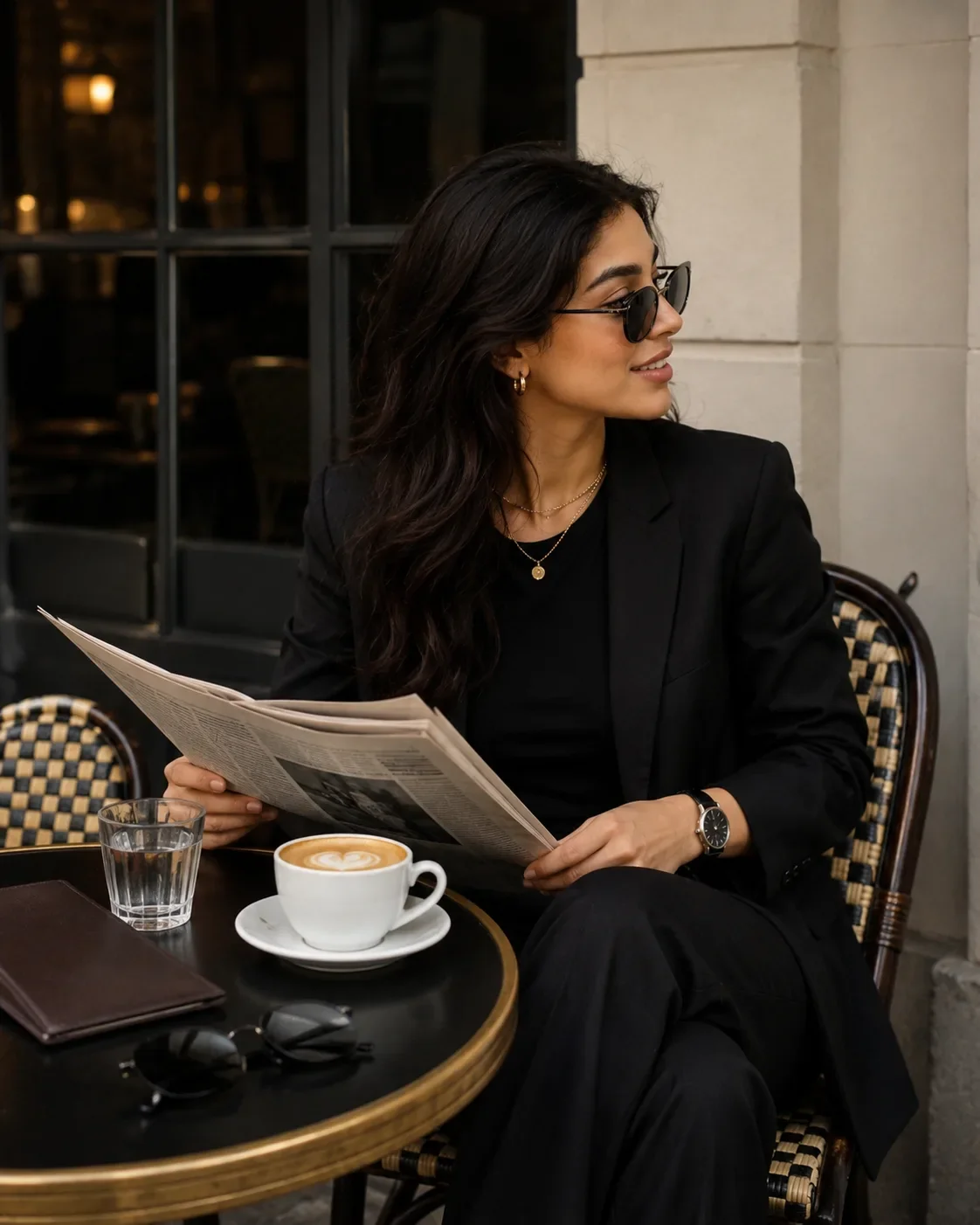
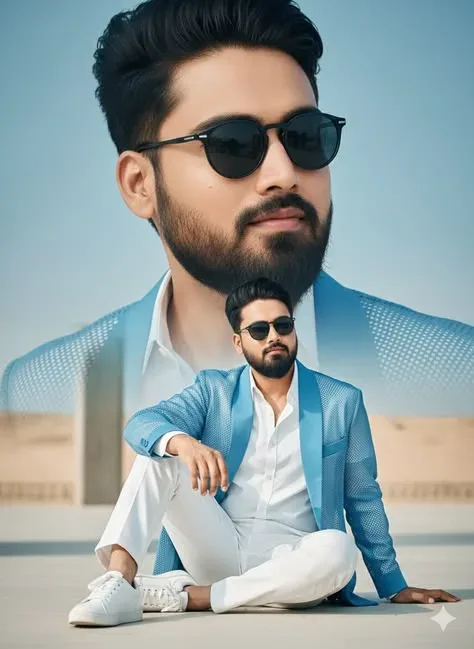
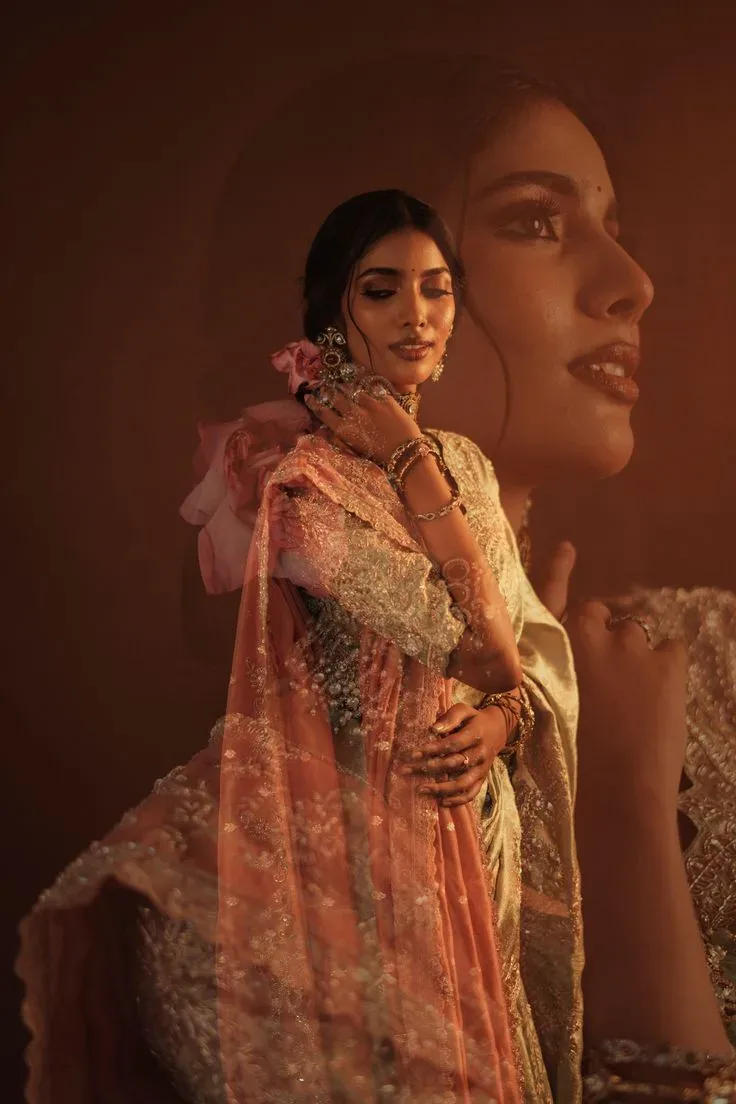
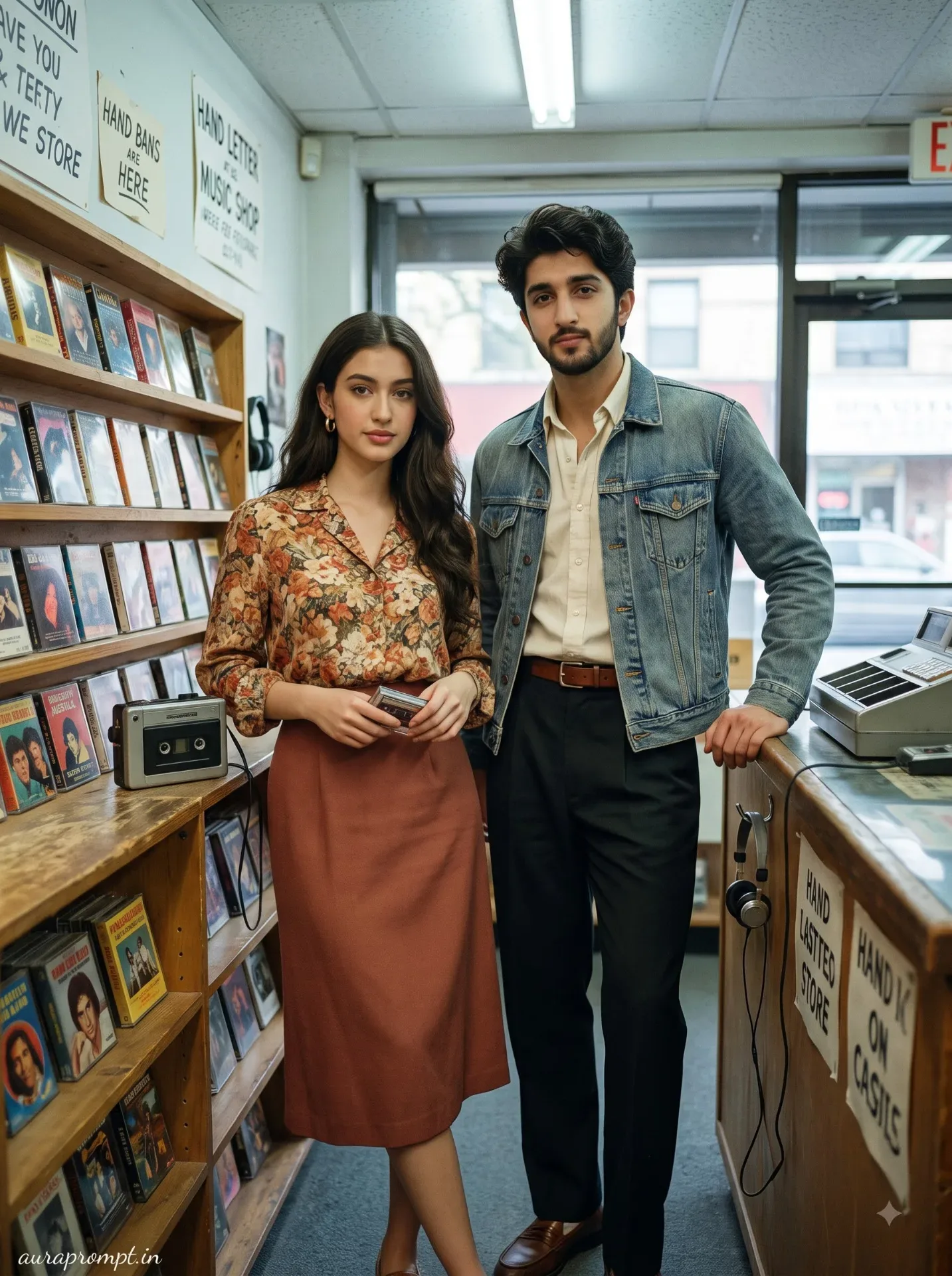
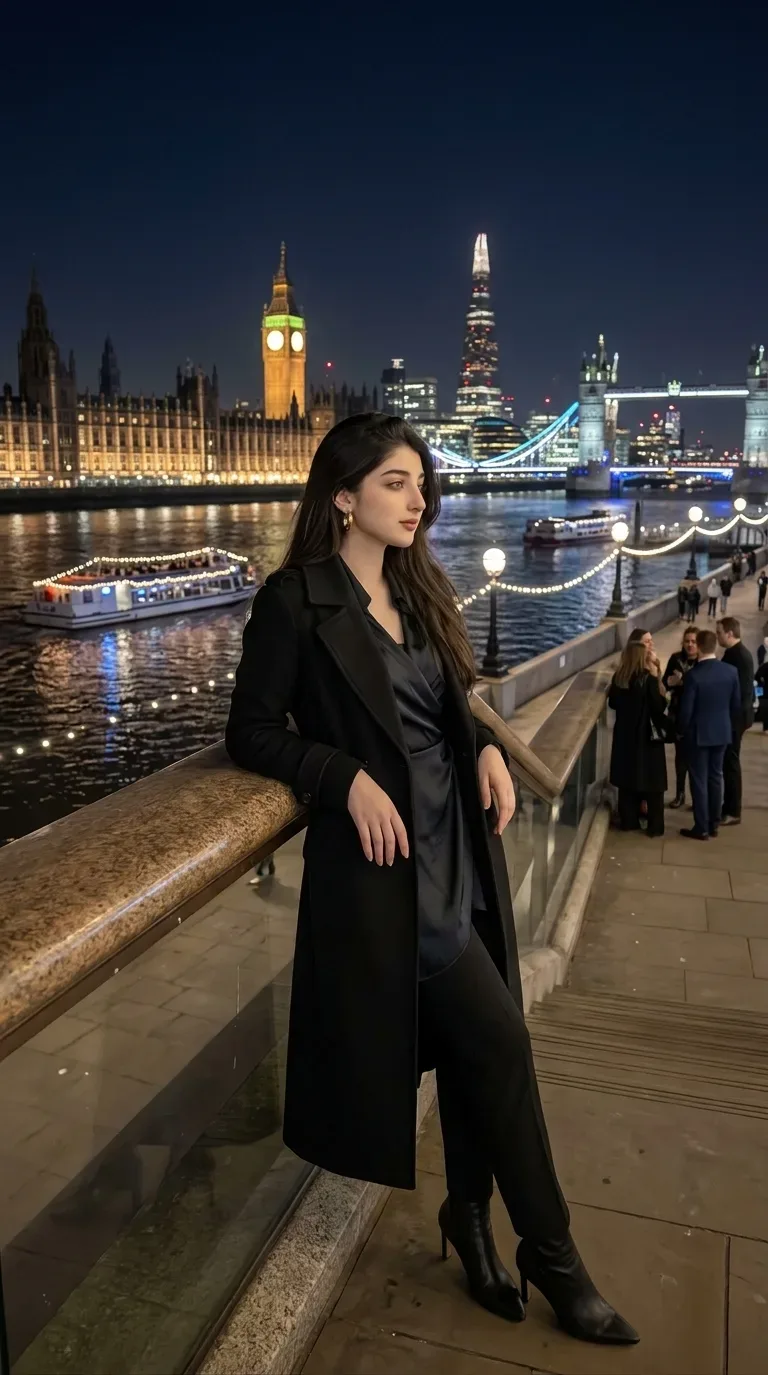
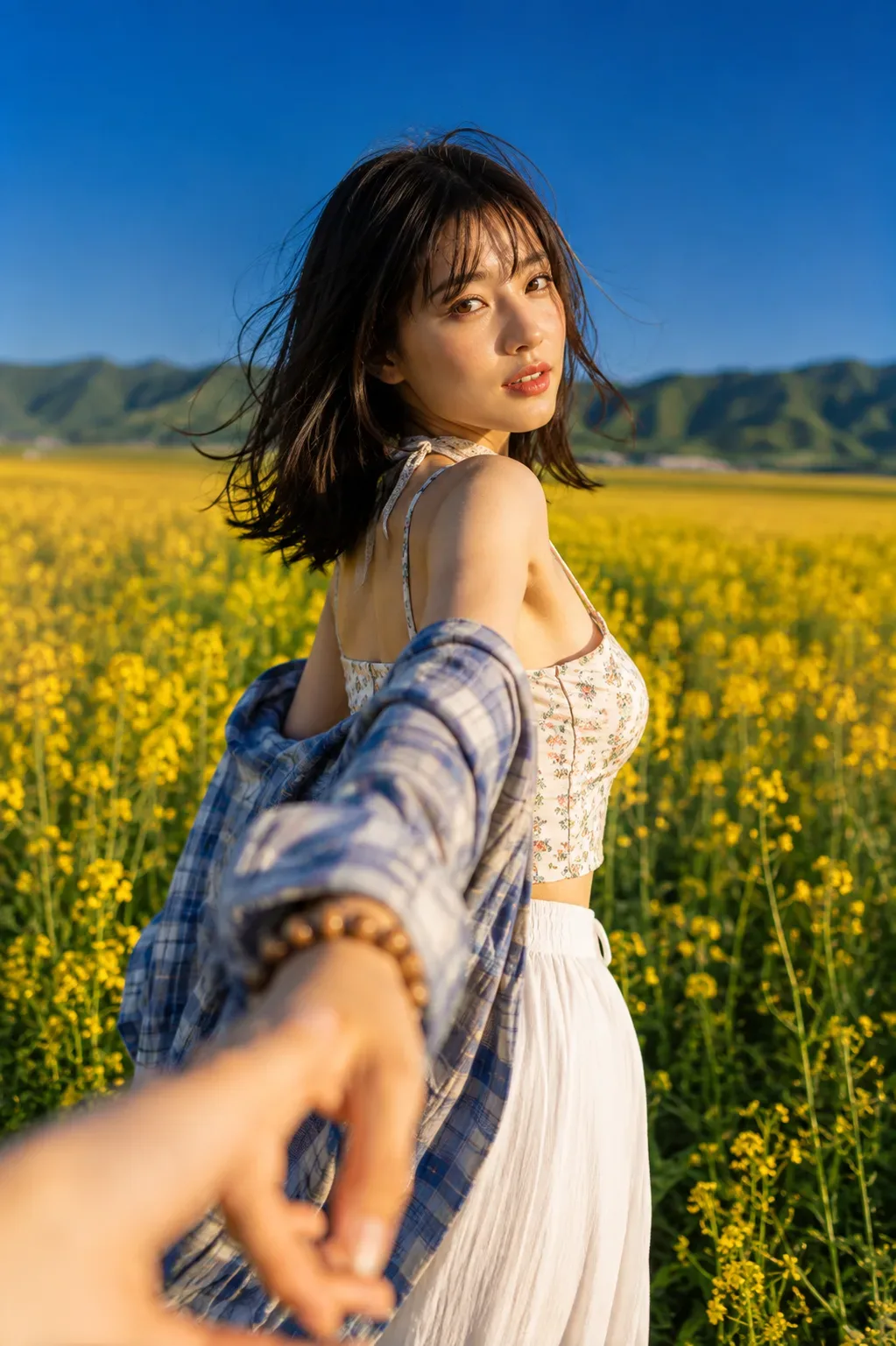
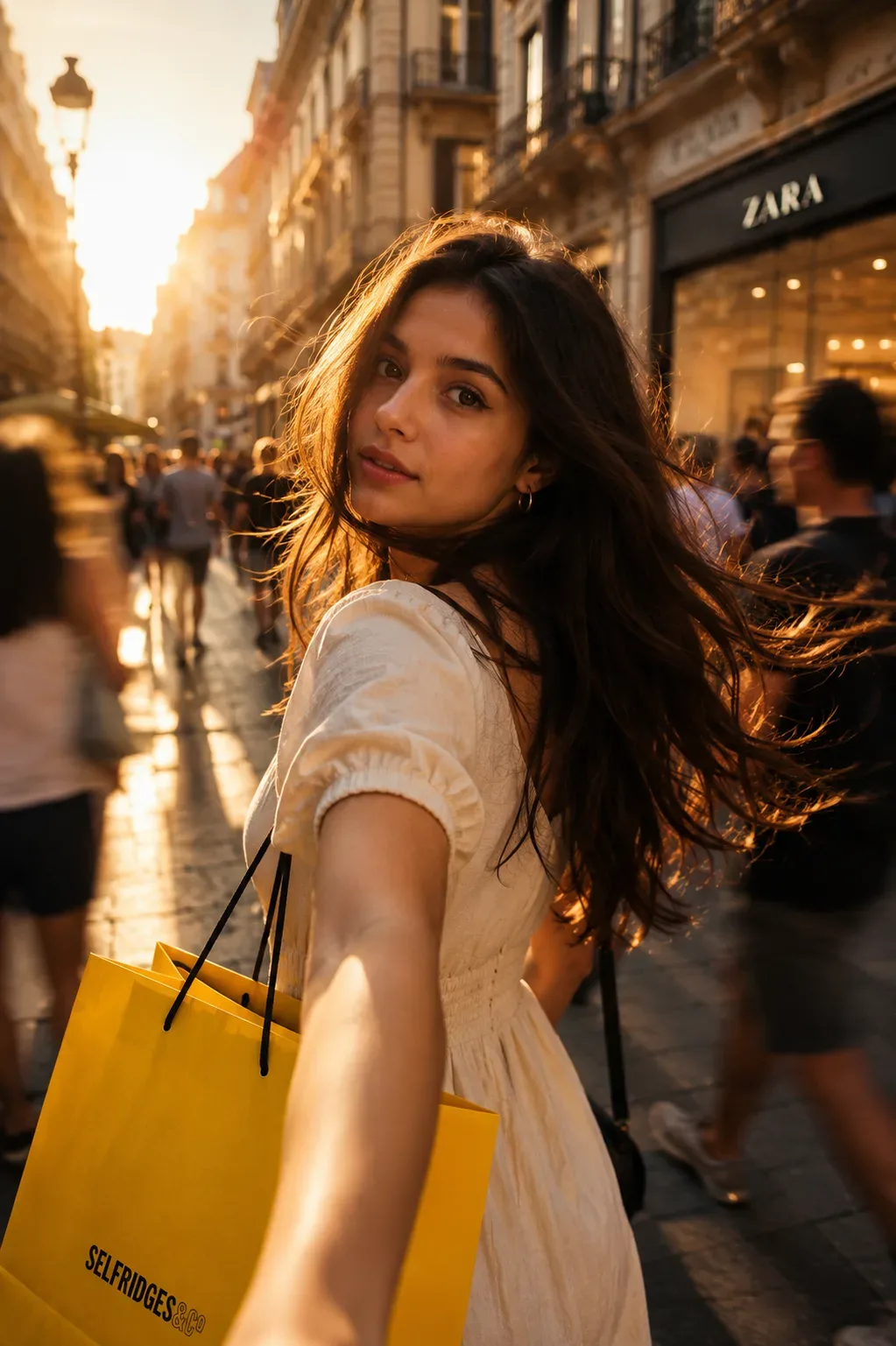
Quick Summary: This verified Midjourney v6.1 & Google Gemini Pro prompt creates an high-end Vogue editorial photoshoot aesthetic for A Three Panel High Fashion Editorial Spread AI Photo Prompt with calibrated lighting, authentic texture physics, and tested 1-click copy-paste formula for instant AI generation without facial distortion.
- Photography
- Fashion
- Aesthetic
- Ai Image
- Trending
- Photography
- Fashion
- Aesthetic
- Ai Image
- Trending
- Viral Prompt
- Gemini Ai
- Bing Image Creator
- Copy Paste
About This Prompt
This AI prompt generates a A Three Panel High Fashion Editorial Spread AI Photo Prompt — a high-quality, photorealistic image with balanced lighting, sharp focus, and intricate details suitable for social media sharing and digital content creation.
Optimized specifically for Google Gemini. Simply copy the prompt text below and paste it into the generator. You can easily customize specific keywords like colors, backgrounds, or subjects to make the final output uniquely yours.
A Three Panel High Fashion Editorial Spread AI Photo Prompt - Copy Paste AI Prompt
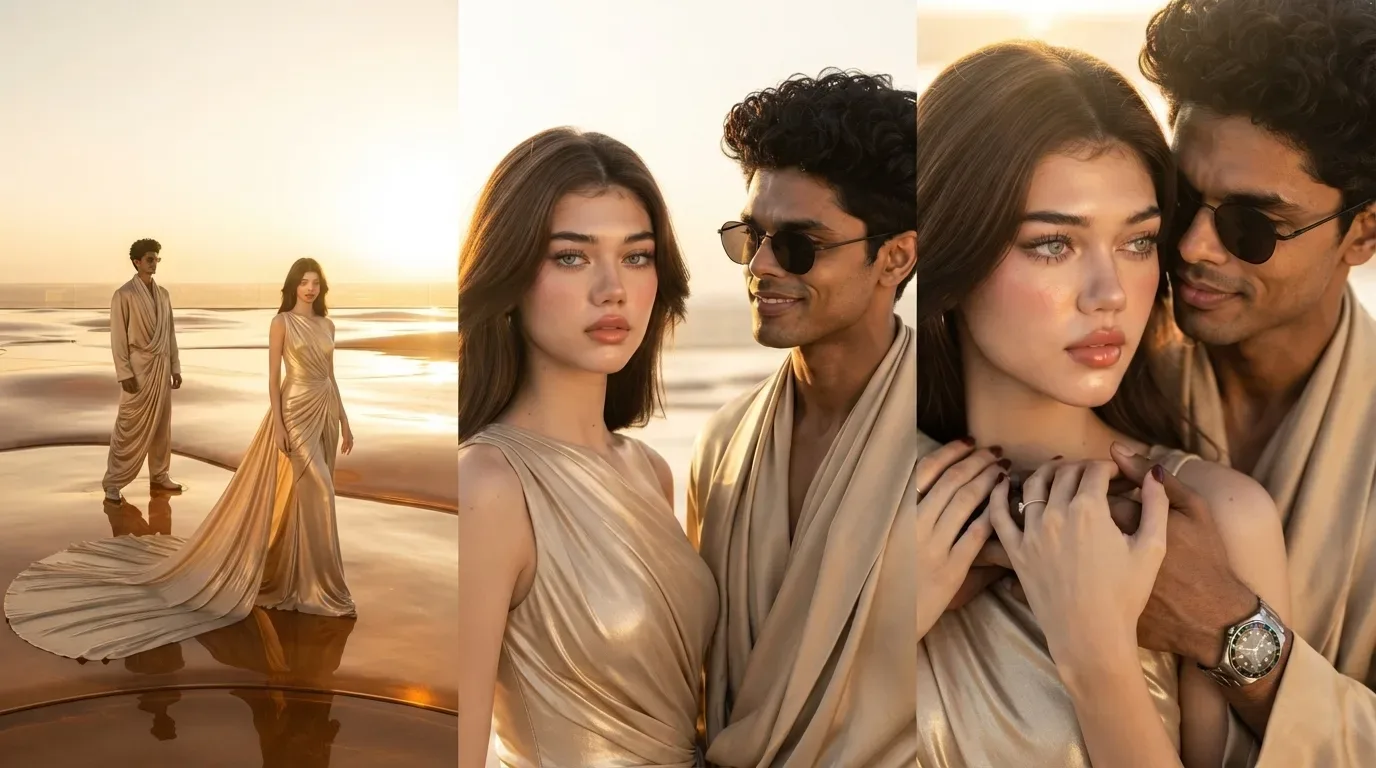
A three-panel high-fashion editorial spread set in a glowing sunset desert-glass luxury studio, with warm amber light, reflective molten-sand surfaces, and a cinematic golden atmosphere. The visual flow moves from scale → identity → emotion.

Left Panel (Wide Establishing Shot)
A vast desert-glass luxury environment stretches into a glowing horizon, resembling a fusion of molten sand and reflective amber glass. The woman appears in full-body view, slightly off-center, emphasizing scale and isolation within the grand space.

She wears a flowing champagne-gold couture gown with fluid draping and metallic sheen, its long train spreading naturally across the reflective surface. Golden-hour sunlight floods the scene, casting elongated soft shadows and creating a dreamy cinematic warmth. This panel establishes environment, scale, and mood.

Center Panel (Hero Editorial Shot – Face Clearly Visible)
A clean, perfectly framed mid-close editorial portrait where the woman’s face is the primary focal point. Her expression is calm, confident, and slightly introspective, with soft golden light sculpting her features naturally.

The camera captures her from upper torso to just above the head, ensuring clear visibility of eyes, makeup, and facial emotion. The champagne-gold couture gown is still visible at the shoulders and neckline, but secondary to her identity.

Warm amber highlights wrap around her face, while the background remains softly blurred in glowing desert tones. This panel becomes the emotional and identity anchor of the entire triptych.

Right Panel (Tight Cinematic Close-Up)
An intimate close-up focusing on facial detail and couture texture. Her skin glows under warm sunset lighting, with delicate highlights on cheekbones, lips, and eyes.

The background dissolves into abstract golden bokeh and shimmering sand-light reflections. Fine fabric details of the gown near the collarbone and shoulder add luxury texture without overpowering the face.

This panel delivers emotional intensity - cinematic, sensual, and editorially refined.

Optical Identity & Likeness Preservation: Strictly retain 100% exact facial likeness, natural cheekbone contours, true skin undertone, and authentic gaze from source image without generic face replacement.What You'll Get
- 🎨 Style: Photography
- ✨ Mood: Photography
- 📱 Best For: Fashion
- 🤖 Works With: Google Gemini
- 🔥 Popularity: Copied 1 times
- 📅 Added: Sep 14, 2026
Explore Related Collections
Explore Photography Prompts — Browse our curated collection of Photography prompts tailored for creators. View all Photography prompts →
Explore Fashion Prompts — Discover more viral Fashion ideas for your next AI generation. View all Fashion prompts →
Explore Aesthetic Prompts — Explore our extensive library of Aesthetic templates ready to copy and paste. View all Aesthetic prompts →
Frequently asked questions
- How do I use the A Three Panel High Fashion Editorial Spread AI Photo Prompt prompt?
- To use this prompt, simply click the "Copy Prompt" button above. Then, open Google Gemini, paste the copied text into the prompt box, and hit generate. You can instantly generate high-quality images without needing any reference photos.
- What is this prompt best used for?
- This specific prompt is highly optimized for creating engaging social media content and digital art. The formula is structured to produce high-contrast, visually appealing results that perform well on visual platforms.
- Can I customize the details of this prompt?
- Yes! While the core structure of the prompt is optimized for Google Gemini, you can easily customize the details. We recommend changing specific keywords like clothing colors, background locations, or the overall mood (e.g., changing "sunny" to "rainy" or "neon") to match your exact vision.