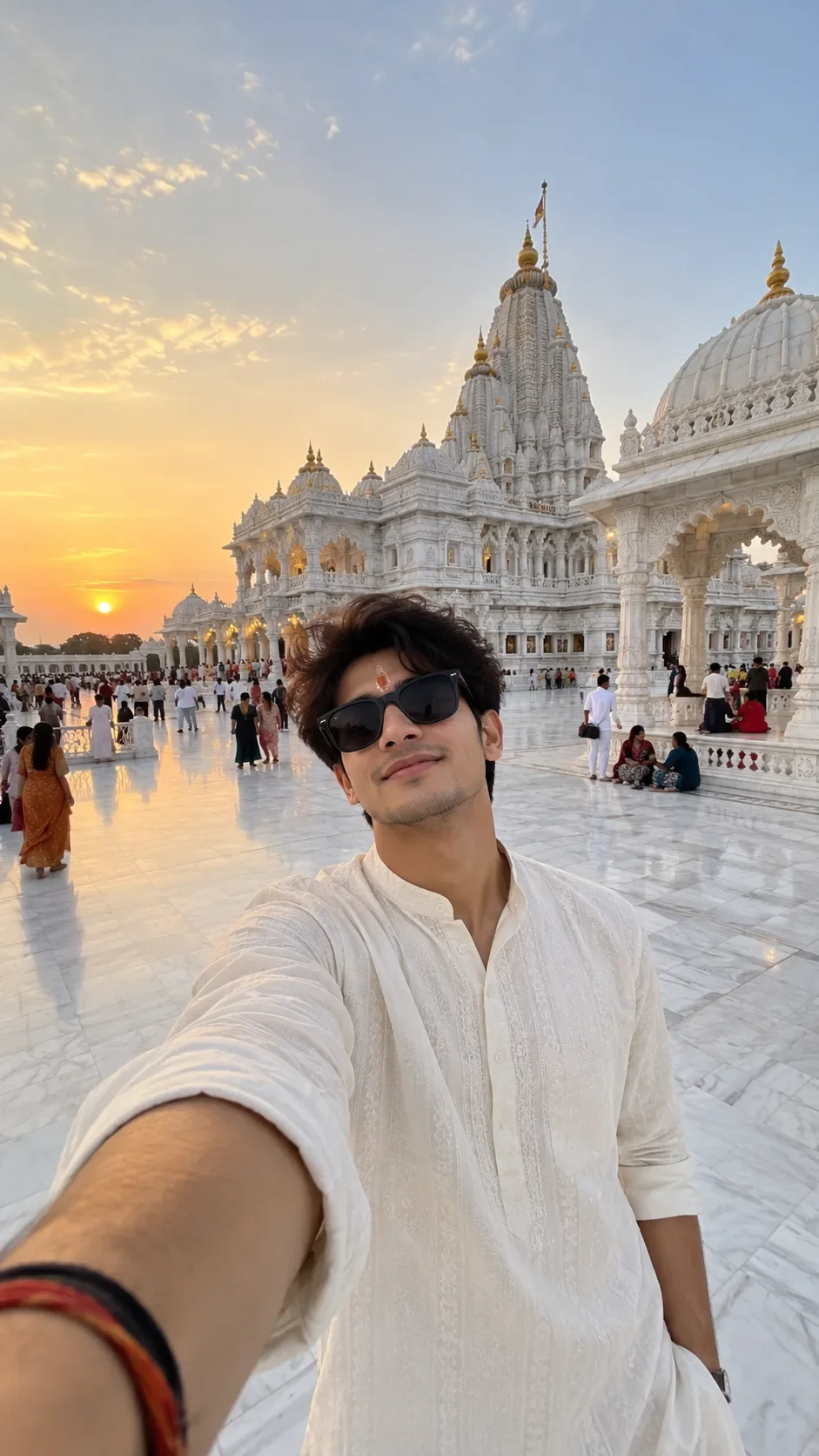
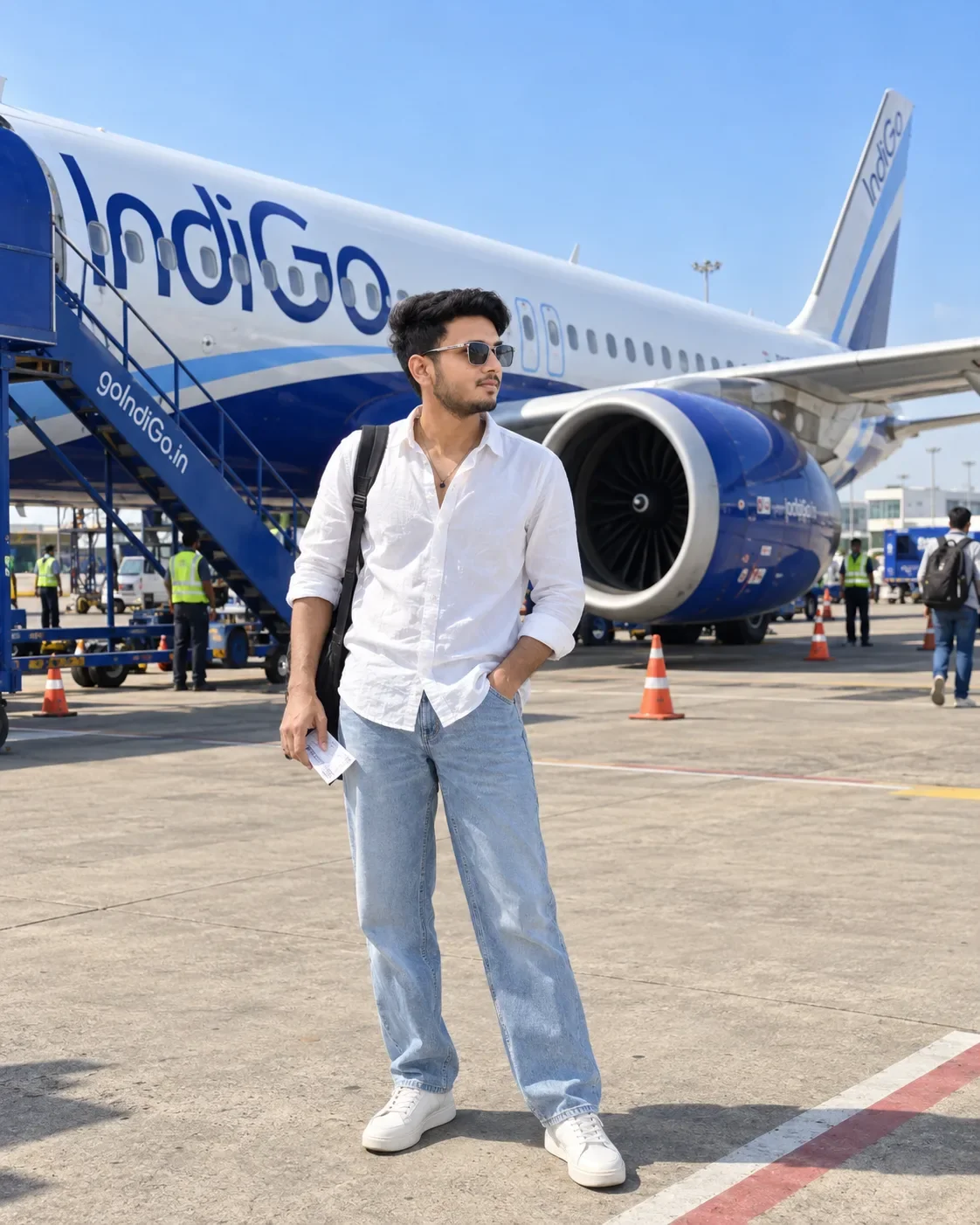
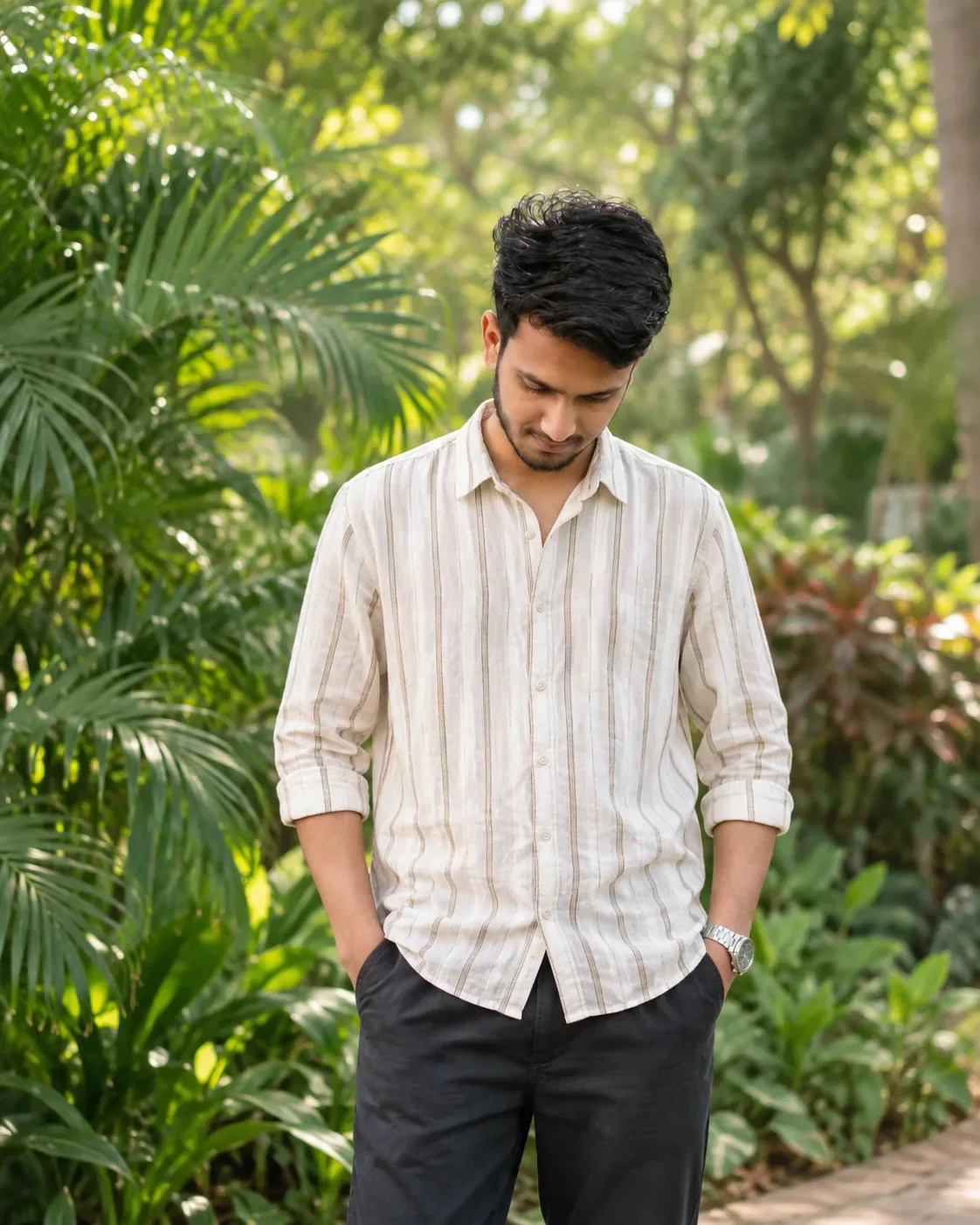
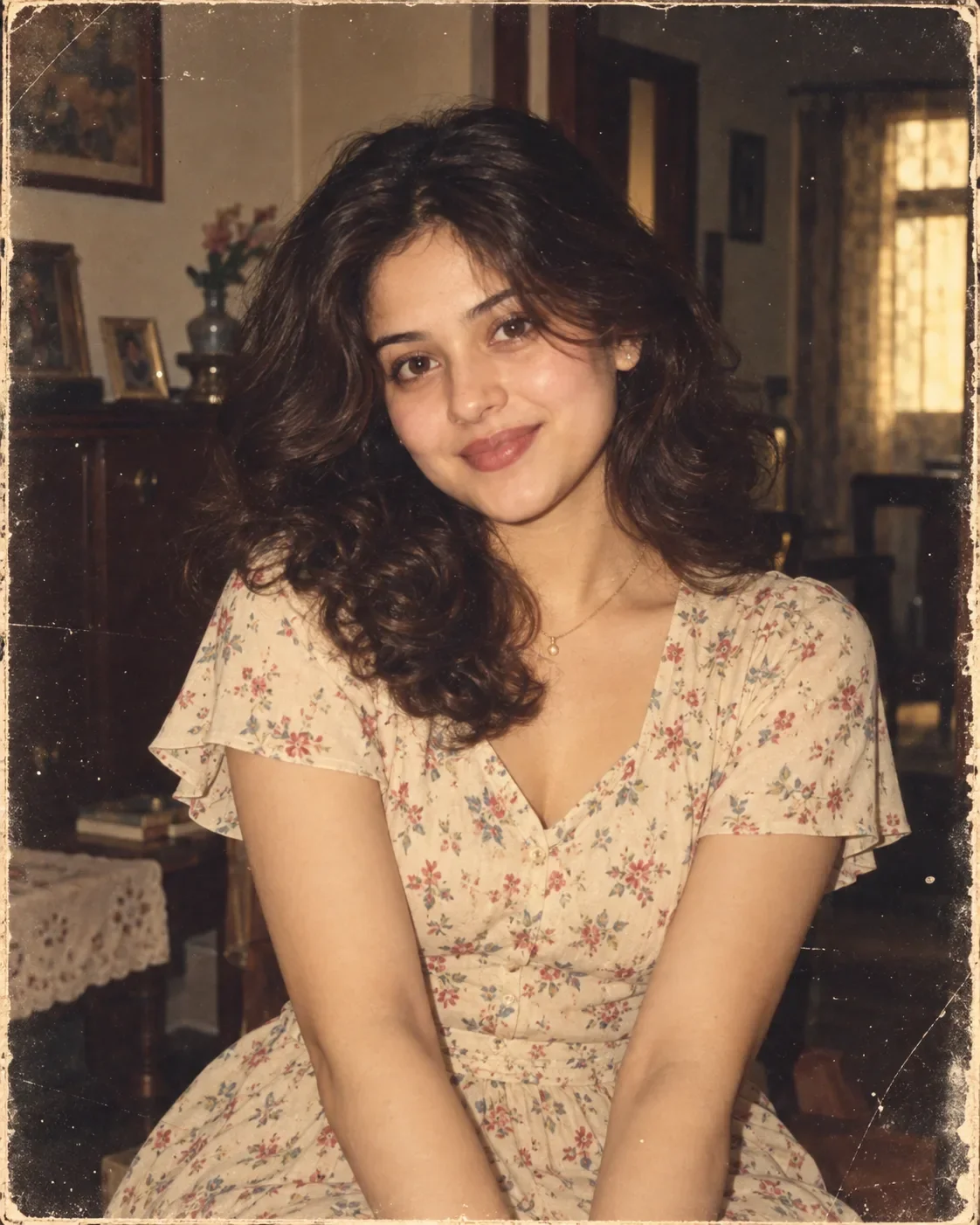
Quick Summary: This verified Google Gemini & Midjourney v6 prompt creates an authentic 90s vintage film aesthetic for Lost in the Golden Hour. AI Photo Prompt with calibrated lighting, authentic texture physics, and tested 1-click copy-paste formula for instant AI generation without facial distortion.
- Social Media
- Ai Image
- Trending
- Social Media
- Ai Image
- Trending
- Viral Prompt
- Gemini Ai
- Bing Image Creator
- Copy Paste
Lost in the Golden Hour. AI Photo Prompt - Copy Paste AI Prompt
Create a cinematic ultra-realistic editorial portrait using the provided reference face as the identity source. Preserve the person's recognizable facial identity, facial structure, proportions, skin tone, hairstyle characteristics and natural facial features while placing them into the exact visual composition and photographic aesthetic described below.

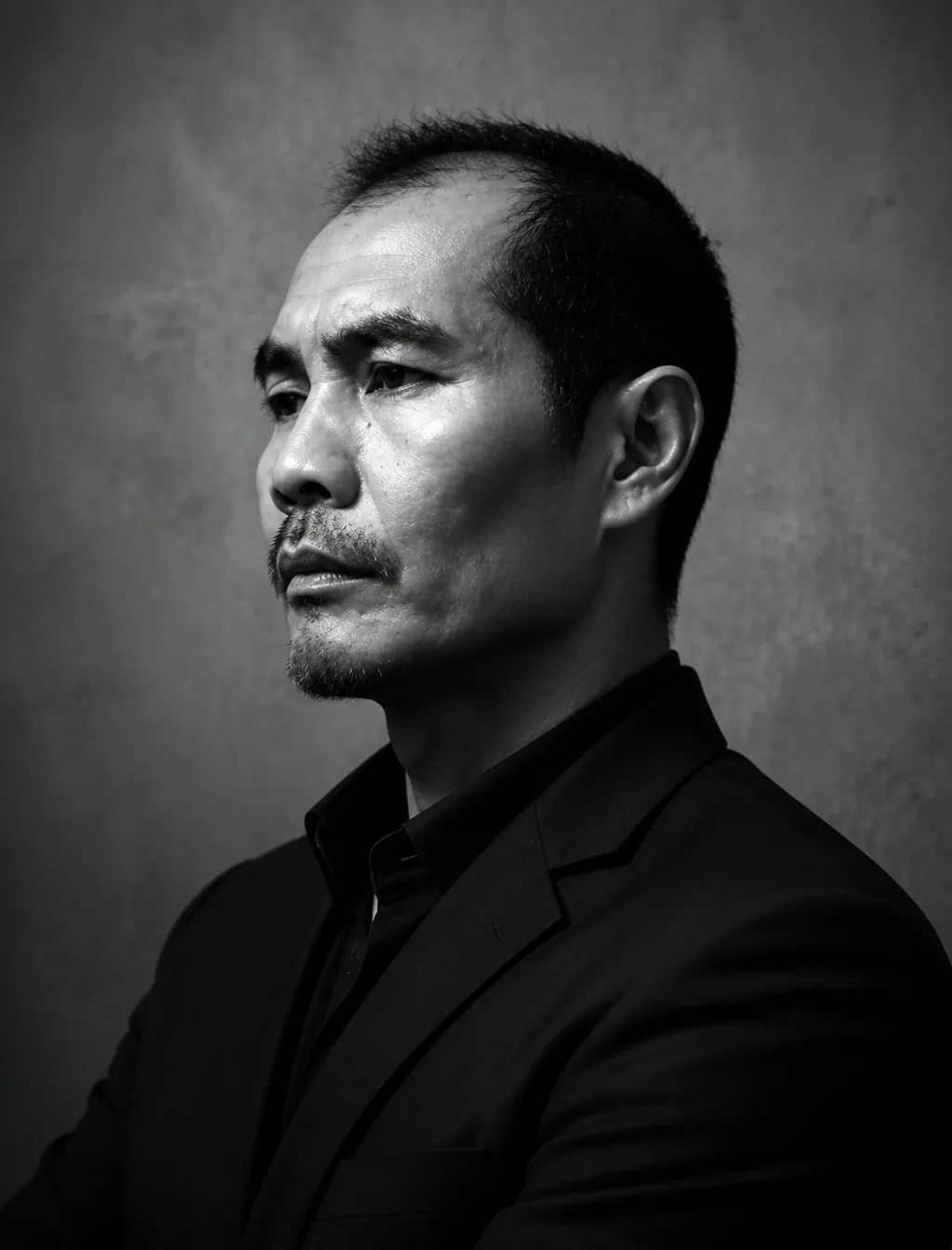
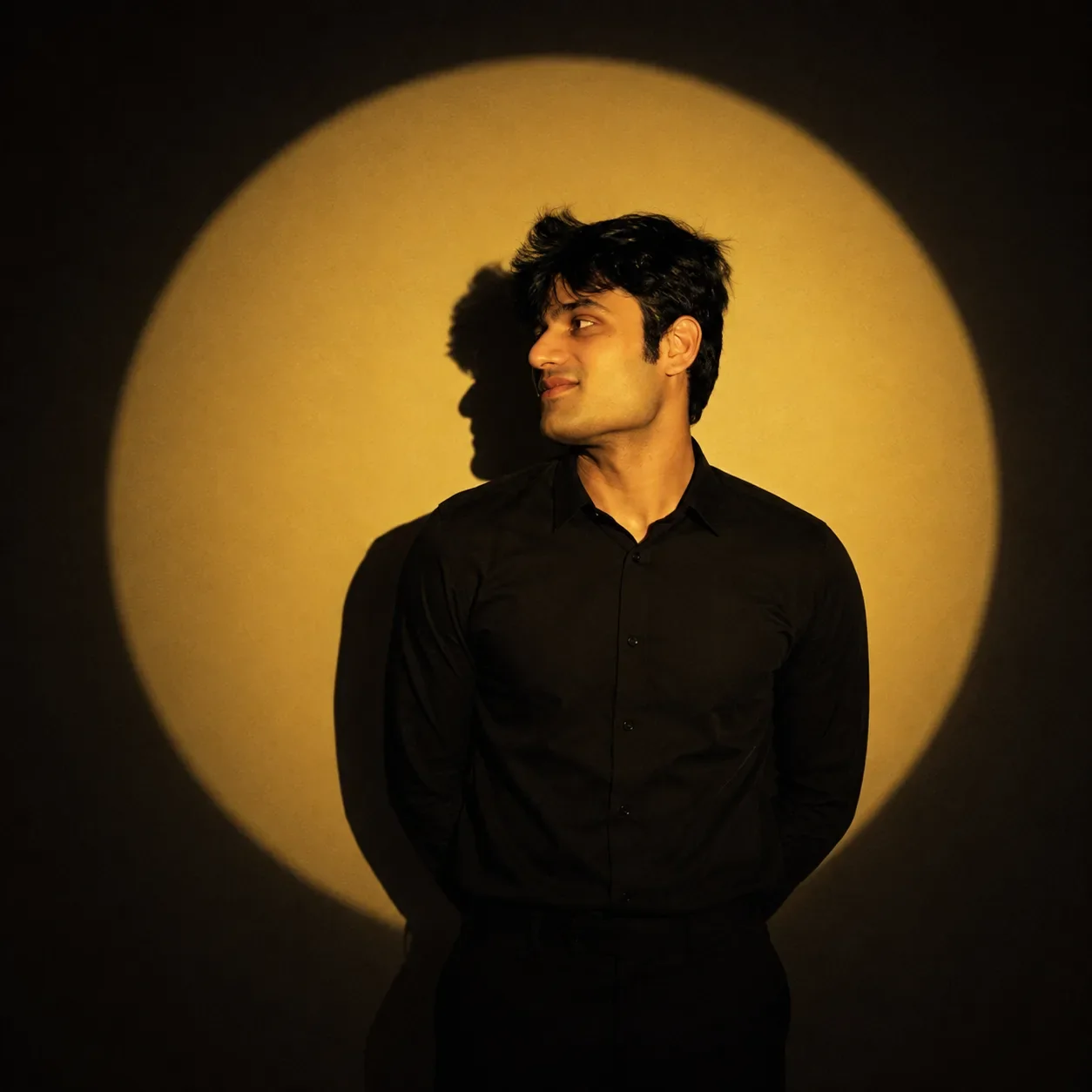
A young male subject standing upright in front of a completely plain dark wall, photographed in a square 1:1 composition. Frame the subject from approximately mid-thigh upward. His body faces almost directly toward the camera with squared shoulders and a calm, composed posture, while his head is naturally turned approximately 35–45 degrees toward the right side of the frame. His eyes look toward the right, away from the camera. Maintain a neutral, serious, introspective expression with relaxed facial muscles and no smile.

The subject wears an elegant completely black long-sleeve button-up shirt with a fully closed collar and black trousers, creating a minimalist monochromatic outfit. The clothing should have realistic fabric texture and natural folds, but remain predominantly black with portions disappearing naturally into deep shadow. No visible jewelry, logos, patterns or distracting accessories.

Use dramatic low-key studio lighting. Project a large, perfectly recognizable circular warm golden spotlight onto the wall behind the subject. The circular light should occupy most of the central background and create a strong golden-yellow illuminated area surrounded by progressively darker brown-black surroundings. The spotlight should look like real physical projected light rather than a digitally added graphic.

Use one strong hard warm light source positioned slightly toward the front-right of the subject. Illuminate the face with rich amber/golden highlights while allowing the opposite side of the face and most of the black clothing to fall into deep natural shadow. Create a clearly visible cast shadow of the subject on the wall behind him, slightly offset toward the left, including a recognizable silhouette of the head and shoulders.

The lighting must have strong chiaroscuro characteristics: bright golden facial highlights, extremely deep blacks, minimal fill light, dramatic tonal separation and pronounced shadow depth. Preserve realistic skin texture and subtle natural facial detail rather than making the skin plastic or excessively retouched.

Color grade the entire image with a restrained monochromatic warm palette: golden amber, muted yellow, dark brown and near-black. Warm cinematic white balance, slightly desaturated colors, rich amber highlights, crushed but natural blacks, subtle filmic contrast, gentle highlight rolloff and a very subtle vintage analog-film character.

Add extremely subtle photographic grain, mild atmospheric softness and delicate warm halation around the brightest portion of the circular spotlight. Avoid excessive HDR, excessive sharpness, artificial skin smoothing, neon colors or modern glossy commercial retouching.

The final image should feel like an artistic fashion/editorial portrait photographed in a dark studio using a hard theatrical spotlight: mysterious, minimalist, cinematic, nostalgic, restrained and sophisticated.

Camera aesthetic: professional full-frame photography, approximately 50mm lens perspective, natural facial proportions, moderate depth of field, subject sharply recognizable while the wall remains slightly softer, realistic optical rendering, subtle film grain, high dynamic range but intentionally low-key exposure.

Composition: centered subject, square 1:1 frame, large circular golden spotlight perfectly framing the upper body, generous dark negative space around the illuminated circle, balanced editorial composition.

Photorealistic, cinematic, realistic skin, realistic hair, physically accurate shadows, natural fabric texture, authentic studio lighting, high detail, subtle film photography character.

Optical Identity & Likeness Preservation: Lock subject's 1:1 facial likeness from reference image while seamlessly blending with authentic 35mm analog film grain, vintage color science, and classic studio shadows.👤Customize in Face Consistency Studio
Lock 100% exact facial identity, bone structure & eye shape in Gemini & Bing.
Technical Prompt Parameters (Vintage Film & Retro Polaroid)
| Parameter | Configuration | Output Impact |
|---|---|---|
| Target AI Engine | Google Gemini & Midjourney v6 | Preserves organic analog warmth, natural color saturation, and retro lighting response. |
| Recommended Aspect Ratio | 4:5 (Classic Film) or 1:1 (Square Polaroid) | Faithful recreation of vintage paper print dimensions and nostalgic photo albums. |
| Camera & Lens Settings | 35mm Leica M6, Kodak Portra 400, f/2.8, subtle chromatic dispersion | Renders genuine analog grain, gentle halation, and authentic film stock color science. |
| Lighting Style | Direct camera flash with soft falloff or warm golden hour sunset flare | Creates natural retro exposure highlights without artificial digital gloss. |
| Negative Constraints | digital sheen, oversaturated HDR, plastic skin, neon light, CGI 3D, modern watermark | Eliminates hyper-digital smoothness to maintain true photochemical aesthetic. |
| Reference Photo | Upload a daylight selfie; avoid heavy ring-light filters for best film look. | Upload front-facing reference photo for face matching. |
How to use this prompt
- Copy the prompt, open Google Gemini or Bing Image Creator, attach your reference photo, and generate instant 8K results.
How to get better results from Lost in the Golden Hour. AI Photo Prompt
Free 1-click copy lost in the golden hour. ai photo prompt for Google Gemini and Bing Image Creator. Authentic social media aesthetic, realistic lighting, and instant camera settings. Use it as a copy-ready starting point, then adjust the subject, scene, tone and output format for your own result.
- Social Media
- Ai Image
- Trending
- Viral Prompt
- Gemini Ai
- Bing Image Creator
Customize before generating
- Replace the main subject, name, product or character details.
- Adjust lighting, background, mood, camera angle or aspect ratio if the prompt is visual.
- Change tone, audience, language and output format if the prompt is for text.
- Keep this core idea clear: Create a cinematic ultra-realistic editorial portrait using the provided reference face as the identity source. Preserve the person's recognizable facial identity...
Quick variations to try
- Make Lost in the Golden Hour. AI Photo Prompt more cinematic with stronger lighting and richer background detail.
- Turn Lost in the Golden Hour. AI Photo Prompt into a cleaner mobile-first version for social media posts or profile use.
- Create a premium version of Lost in the Golden Hour. AI Photo Prompt with sharper style, higher detail and a more polished final output.