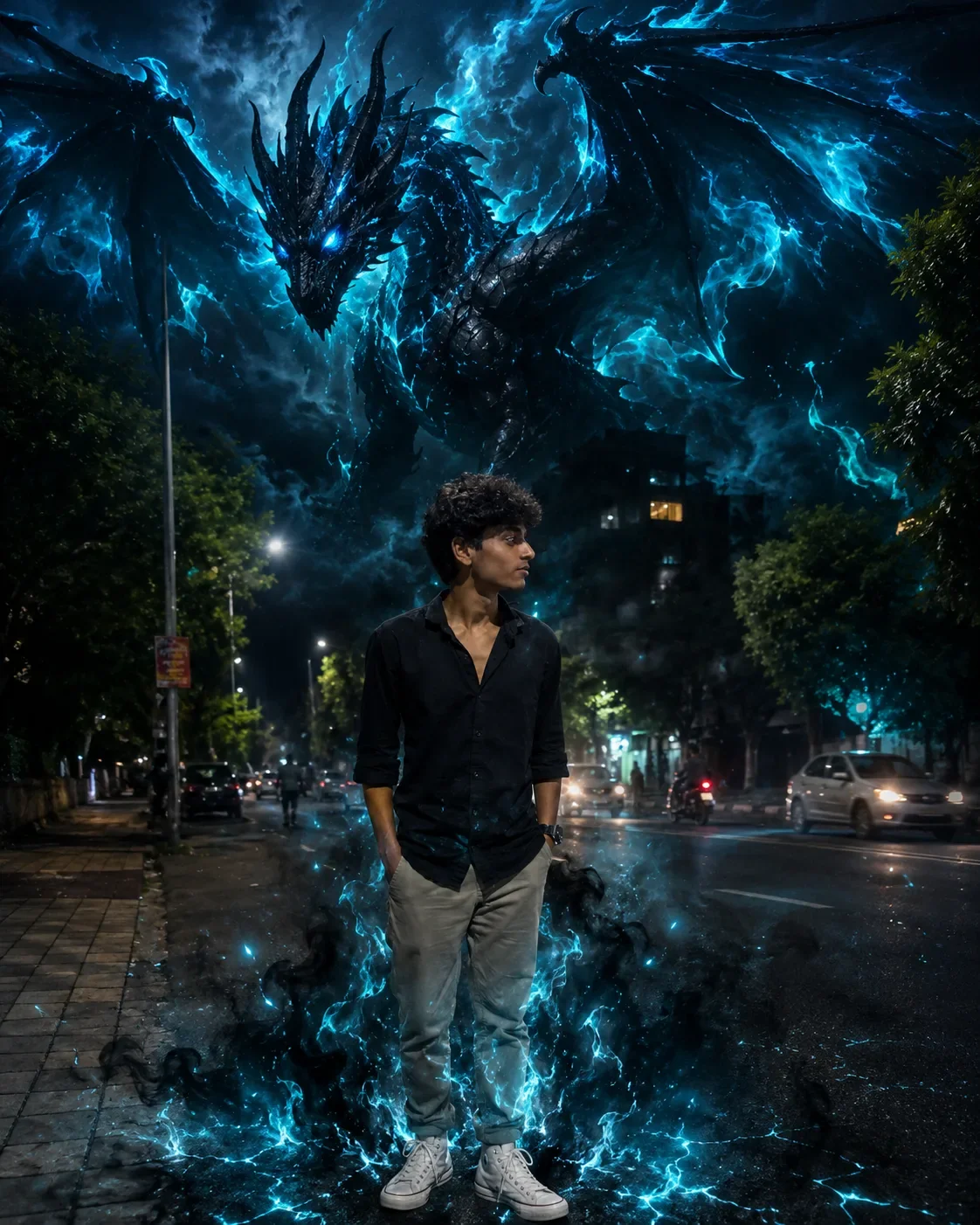
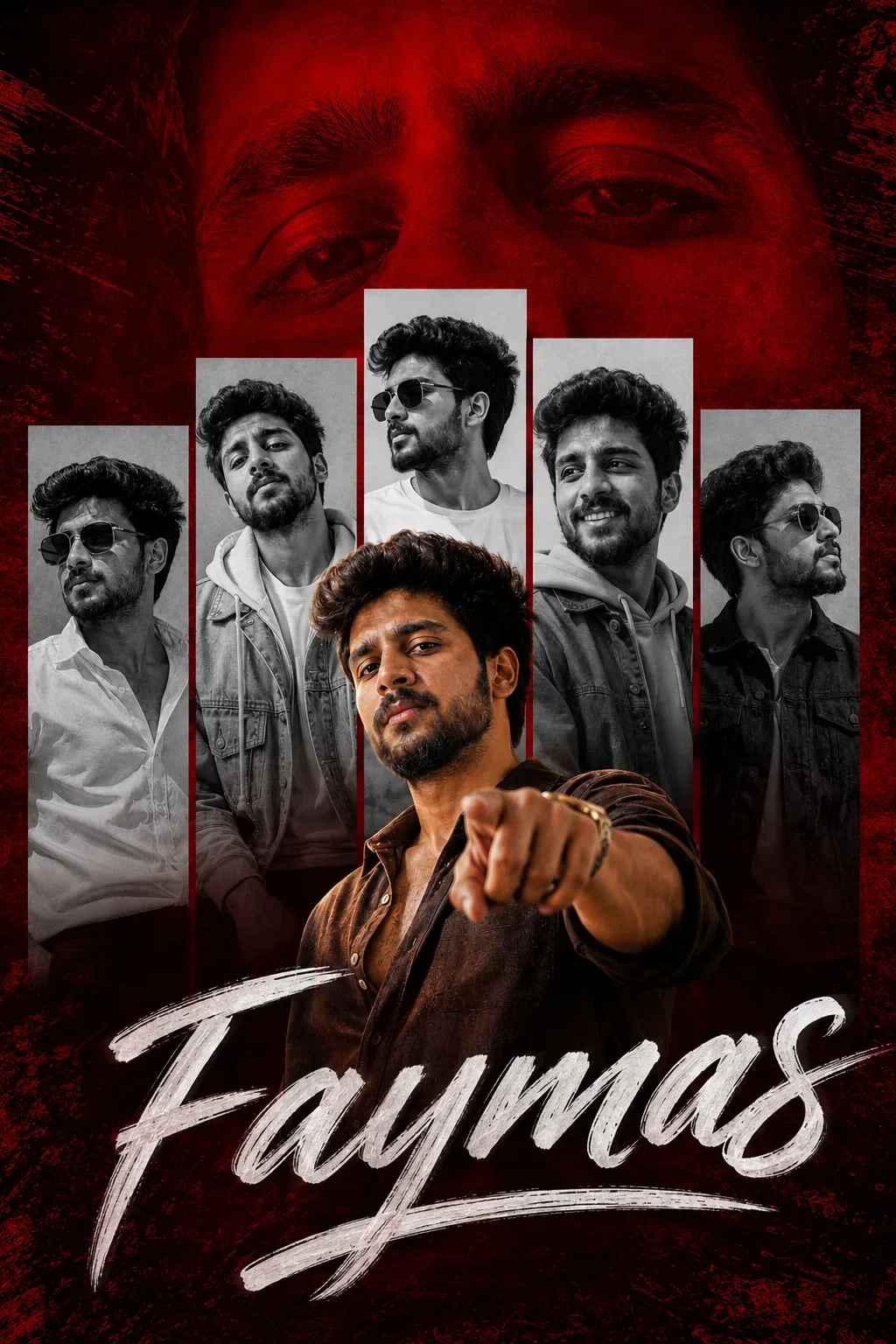
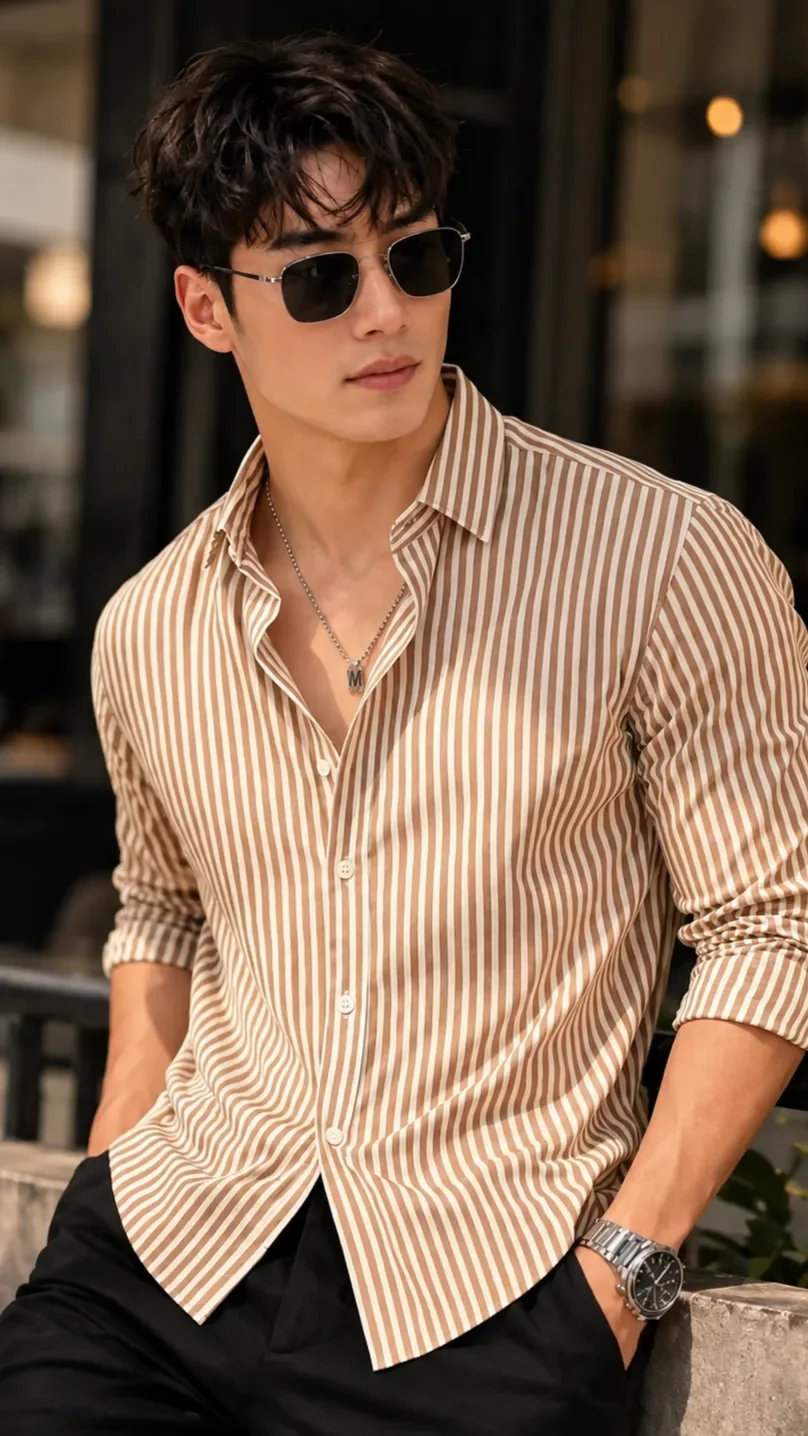
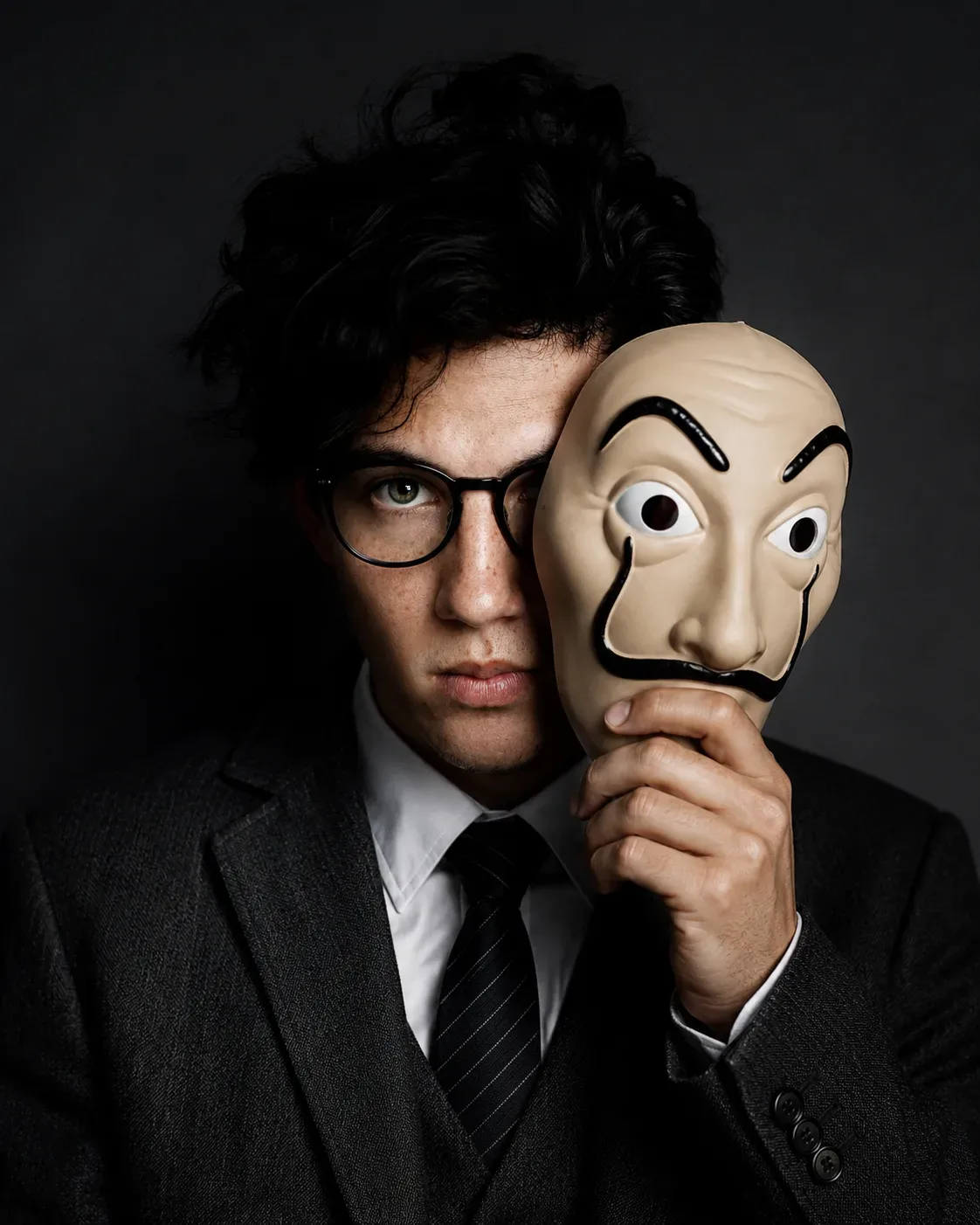
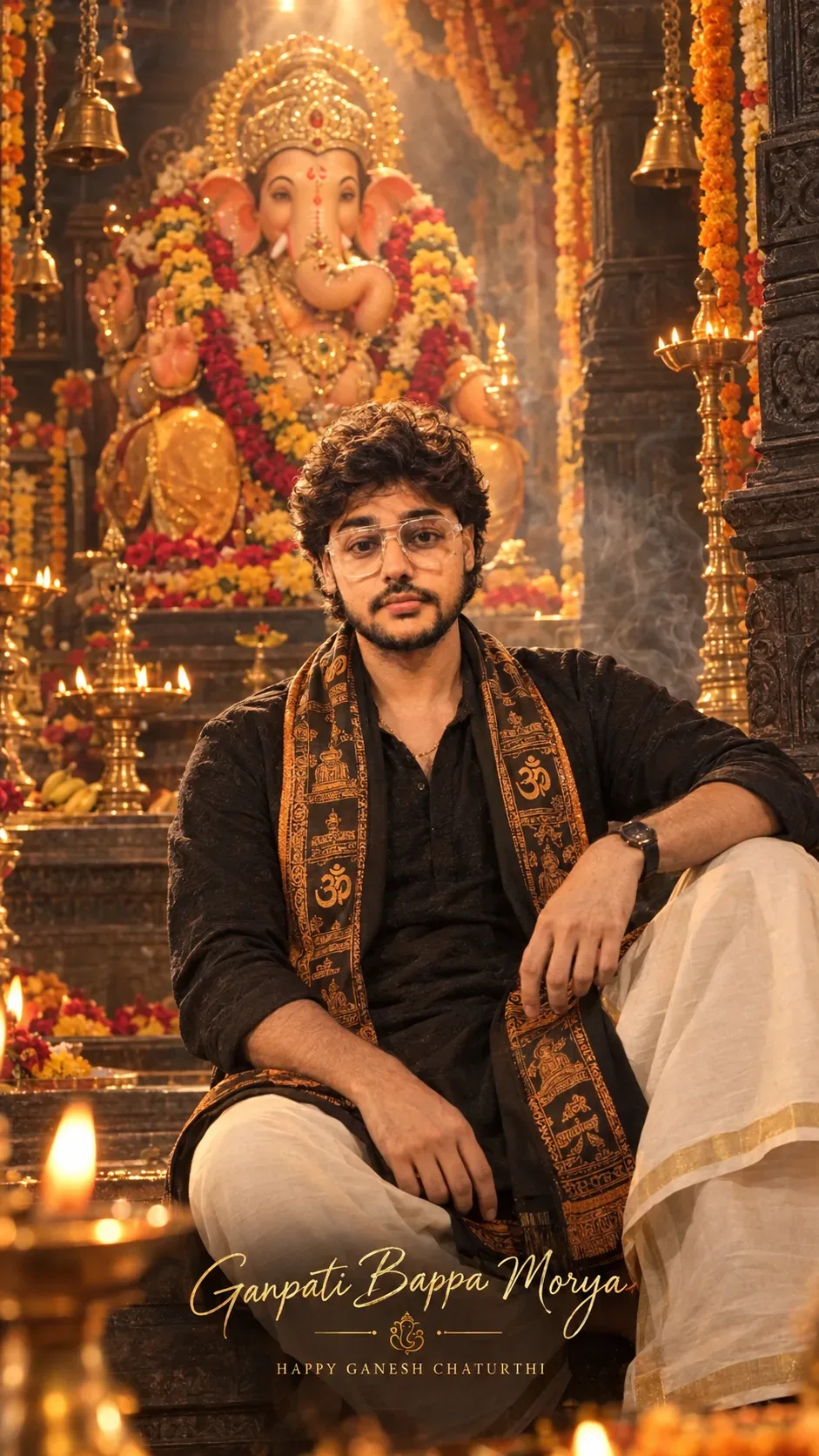
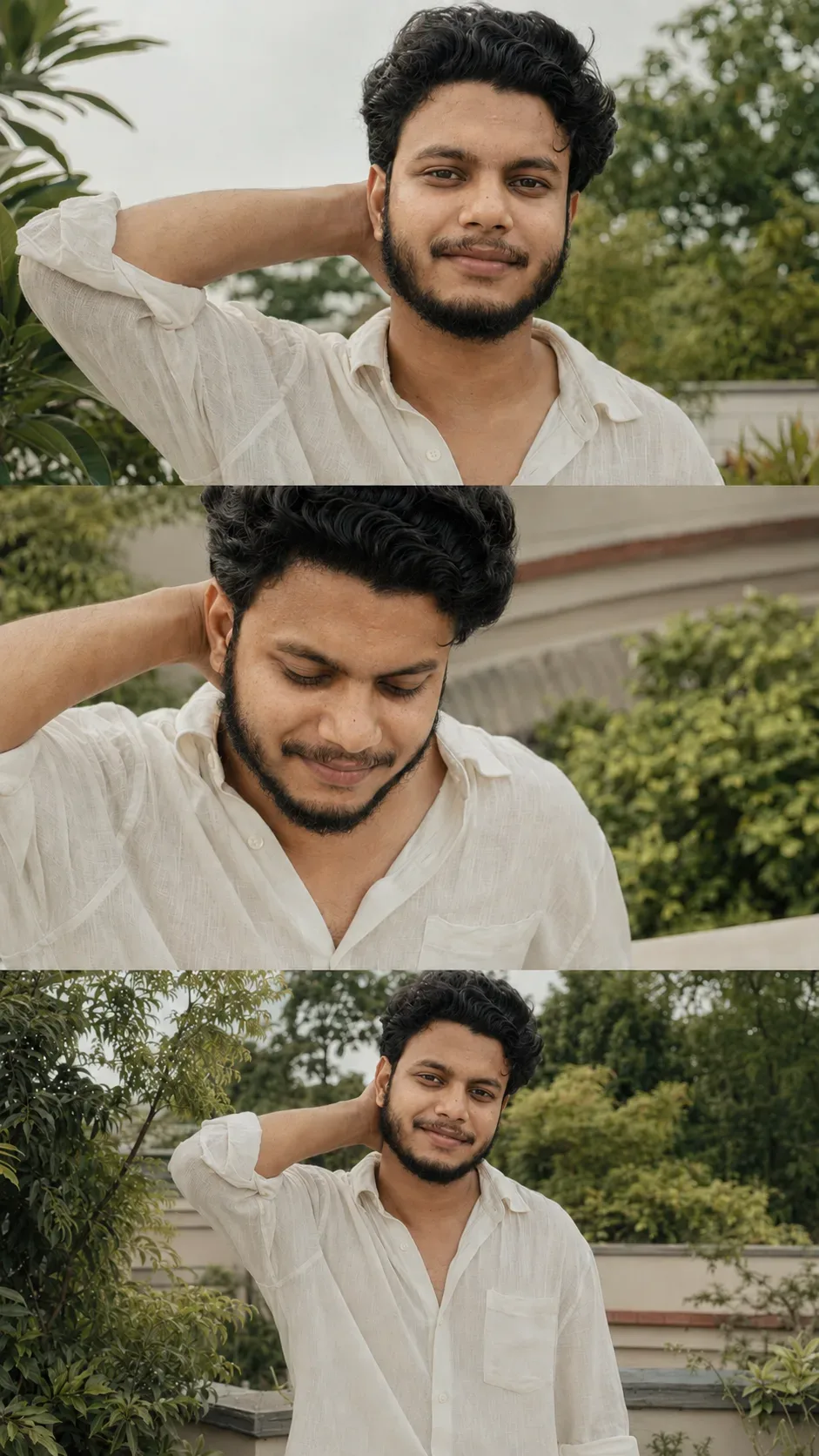
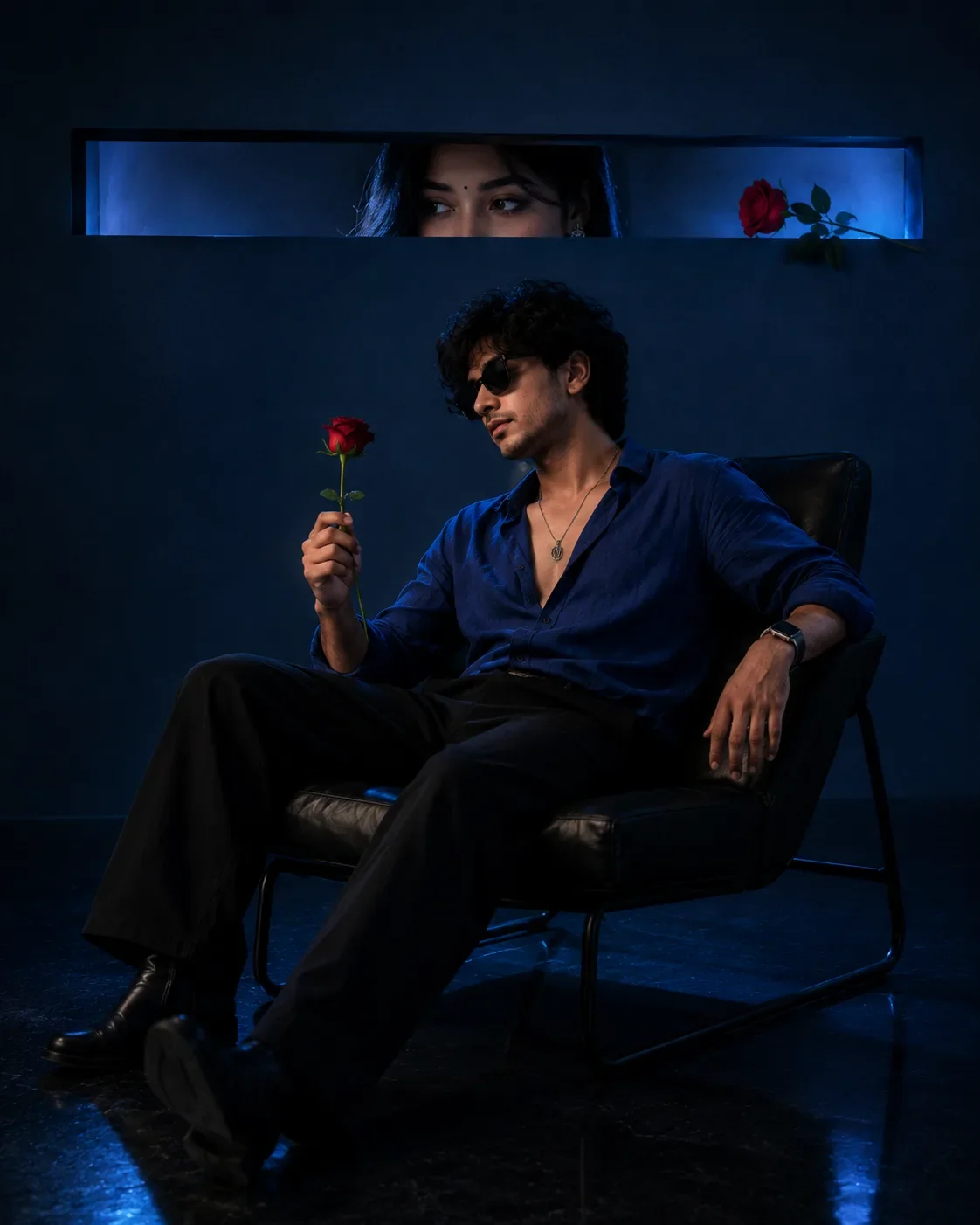
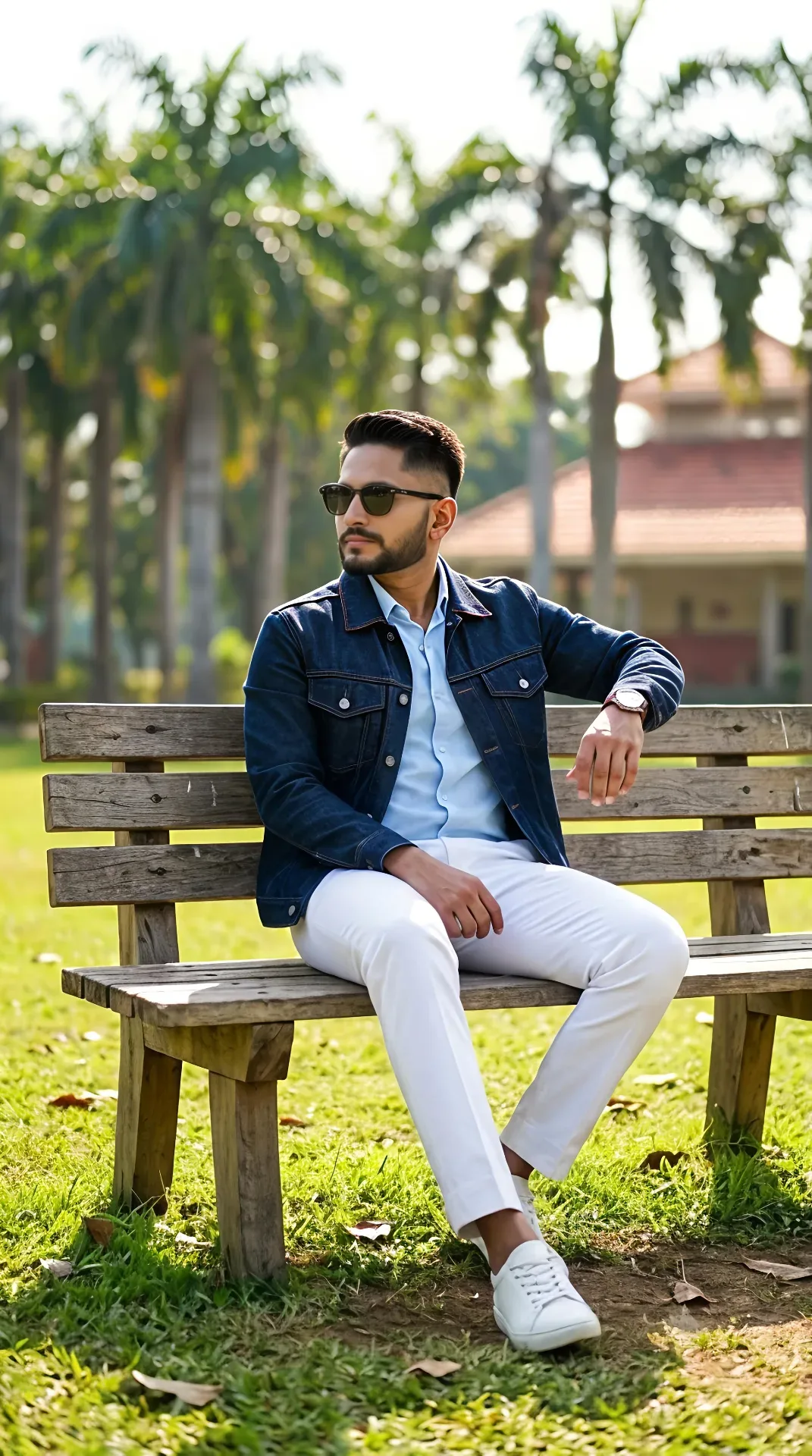
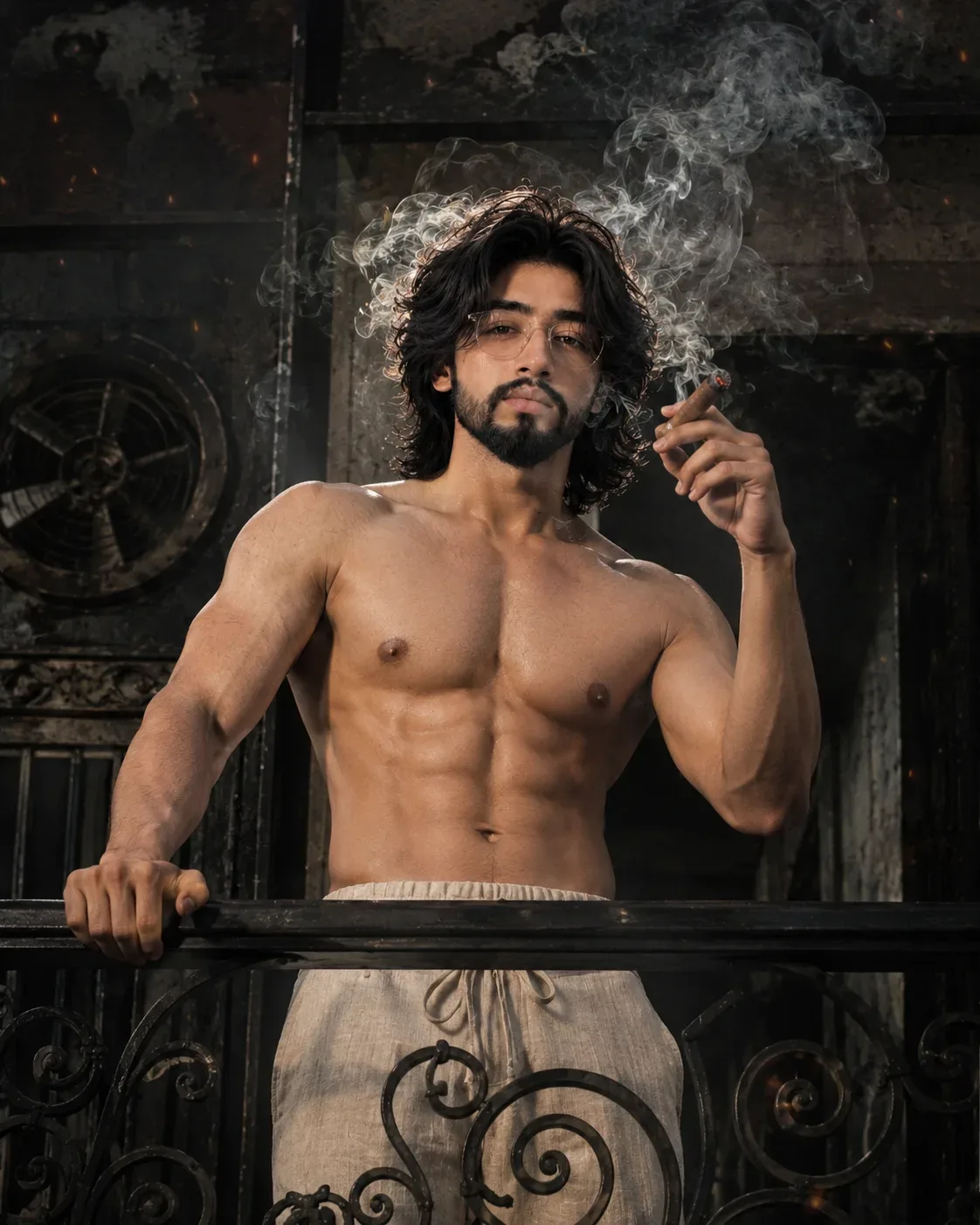
Quick Summary: This verified Google Gemini & Bing Image Creator prompt creates an stylish attitude boy street portrait for Like A Book Cover AI Photo Prompt with calibrated lighting, authentic texture physics, and tested 1-click copy-paste formula for instant AI generation without facial distortion.
- Wallpapers
- Ai Image
- Trending
- Wallpapers
- Ai Image
- Trending
- Viral Prompt
- Gemini Ai
- Bing Image Creator
- Copy Paste
About This Prompt
Design a Like A Book Cover AI Photo Prompt — a high-quality, photorealistic image with balanced lighting, sharp focus, and intricate details suitable for social media sharing and digital content creation.
We recommend generating this using Google Gemini. Simply copy the prompt text below and paste it into the generator. You can easily customize specific keywords like colors, backgrounds, or subjects to make the final output uniquely yours.
Like A Book Cover AI Photo Prompt - Copy Paste AI Prompt
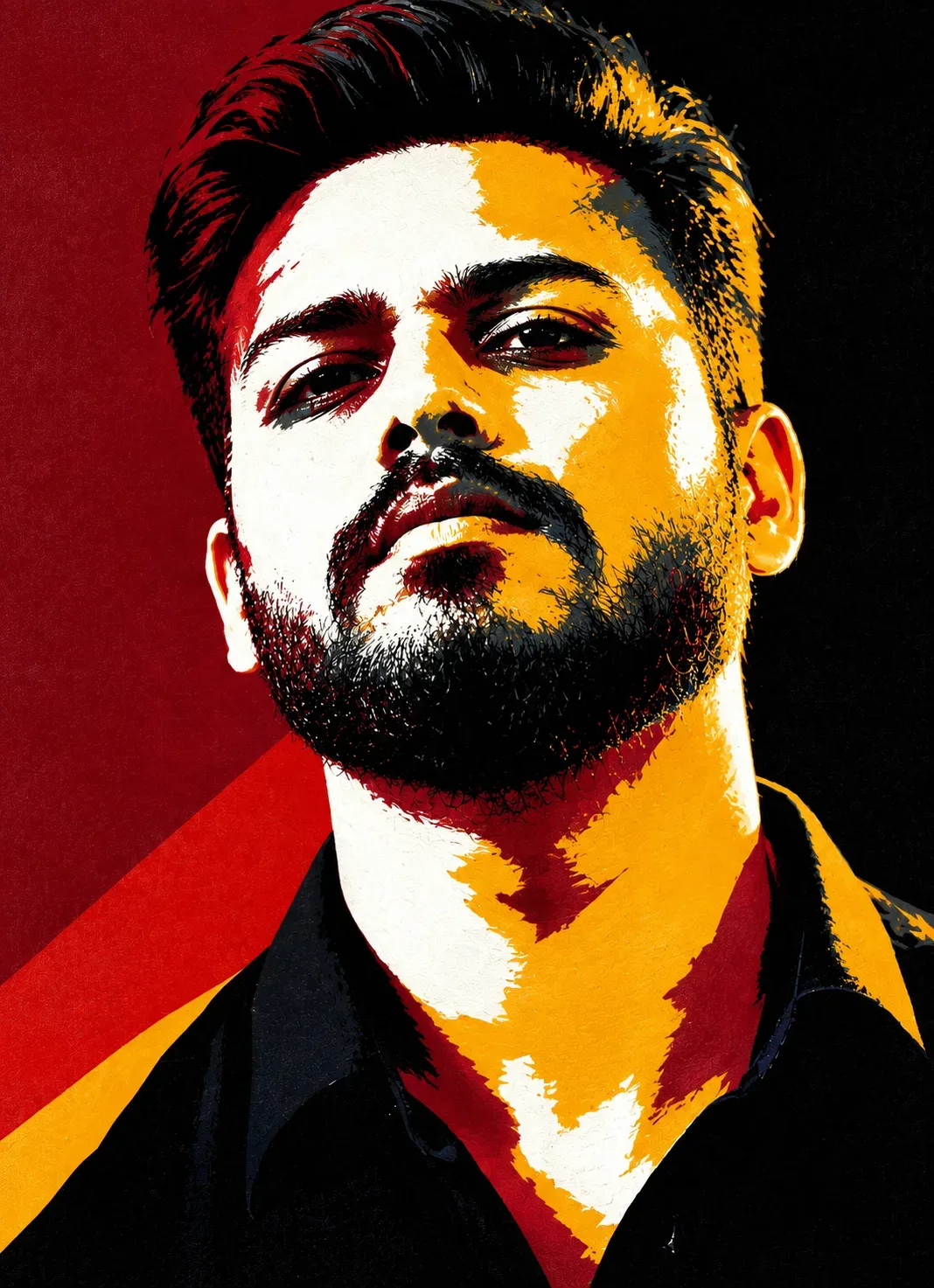
Create an ultra-high-quality, highly accurate image using the uploaded reference image as the ABSOLUTE STRICT VISUAL AND COMPOSITION REFERENCE.

REFERENCE IMAGE RULE:
Recreate the reference image as closely and accurately as technically possible. The reference image is the ONLY source for:

overall composition

character count

character positions

body orientation

poses

head angles

facial expressions

eye direction and gaze

body proportions and figure

clothing and accessories

hairstyle styling

lighting and shadows

color palette

background

framing and crop

scale and proportions of every character

overall artistic style and visual treatment


Do not redesign, rearrange, simplify, or reinterpret the reference image.

IDENTITY REPLACEMENT RULE — EXTREMELY IMPORTANT:
Replace ONLY the facial identities of the characters with the uploaded face references.

For EVERY MALE CHARACTER:
Use my uploaded male face photo as the ONLY source of facial identity. All male characters must use my exact recognizable facial identity, while preserving their individual original expressions, head angles, and poses from the reference image.

For EVERY FEMALE CHARACTER:
Use my uploaded female face photo as the ONLY source of facial identity. All female characters must use my exact recognizable female facial identity, while preserving their individual original expressions, head angles, and poses from the reference image.

Do not invent new faces. Do not mix identities. Do not use the original characters’ facial identities. Do not use any other person’s face.

FACIAL IDENTITY PRESERVATION:
Preserve the supplied face references’ recognizable facial structure, face shape, forehead, eyebrows, eyes, nose, lips, jawline, chin, skin tone, and natural facial proportions. The final faces must clearly look like the people in the uploaded identity references.

Do not beautify, redesign, reshape, slim, widen, age, masculinize, feminize, or otherwise alter the supplied facial identities.

EXPRESSION AND POSE RULE:
The REFERENCE IMAGE is the ONLY source for every character’s expression.

Preserve the exact expression of each corresponding character:

same emotional intensity

same eye direction

same eyelid position

same eyebrow position

same mouth shape

same lip position

same jaw tension

same head tilt

same facial angle

same overall attitude


The supplied face identity must be fitted into the reference character’s expression, NOT the other way around.

Do not give every character the same expression. Each character must retain the exact expression and visual attitude of the corresponding reference character.

STYLE AND VISUAL TREATMENT:
Preserve the reference image’s exact artistic style, including its level of realism or stylization, facial rendering, edge treatment, shadows, highlights, color blocking, texture, contrast, and overall visual language.

Do not turn the image into a different art style. Do not add unnecessary photorealistic details if the reference is stylized. Do not make the image cartoonish if the reference is realistic.

For this specific reference, preserve the bold graphic portrait aesthetic:

dramatic red, black, white, yellow, and dark blue-gray color palette

high-contrast graphic color blocking

sharp, expressive painted edges

strong shadow shapes

stylized but recognizable facial rendering

bold poster-like composition

textured artistic finish

no unnecessary text or typography


COMPOSITION LOCK:
Keep the exact same:

number of characters

character placement

body position

pose

head direction

camera angle

framing

crop

scale

background

lighting

color arrangement


Do not move, add, remove, duplicate, or rearrange any character.

FINAL RESULT:
The final image must look like the SAME original reference artwork, recreated with the supplied facial identities.

The viewer should immediately recognize:

1. The original reference composition and visual style.


2. The original characters’ expressions and poses.


3. The supplied male and female facial identities.


Only the faces/identities should change. Everything else must remain as close to the reference image as technically possible.

QUALITY CONTROL:
Before finalizing, compare the generated image against the reference image and correct any differences in composition, character placement, pose, expression, head angle, framing, colors, and artistic style.

Do not add text, logos, watermarks, captions, or extra elements unless they already exist in the reference image.

Optical Identity & Likeness Preservation: Strictly retain 100% exact facial likeness, natural cheekbone contours, true skin undertone, and authentic gaze from source image without generic face replacement.What You'll Get
- 🎨 Style: Wallpapers
- ✨ Mood: Wallpapers
- 📱 Best For: Ai Image
- 🤖 Works With: Google Gemini
- 🔥 Popularity: Copied 42 times
- 📅 Added: Sep 14, 2026
Frequently asked questions
- How do I use the Like A Book Cover AI Photo Prompt prompt?
- To use this prompt, simply click the "Copy Prompt" button above. Then, open Google Gemini, paste the copied text into the prompt box, and hit generate. You can instantly generate high-quality images without needing any reference photos.
- What is this prompt best used for?
- This specific prompt is highly optimized for creating engaging social media content and digital art. The formula is structured to produce high-contrast, visually appealing results that perform well on visual platforms.
- Can I customize the details of this prompt?
- Yes! While the core structure of the prompt is optimized for Google Gemini, you can easily customize the details. We recommend changing specific keywords like clothing colors, background locations, or the overall mood (e.g., changing "sunny" to "rainy" or "neon") to match your exact vision.
Explore Related Collections
Explore Wallpapers Prompts — Browse our curated collection of Wallpapers prompts tailored for creators. View all Wallpapers prompts →
Explore Ai Image Prompts — Discover more viral Ai Image ideas for your next AI generation. View all Ai Image prompts →
Explore Trending Prompts — Explore our extensive library of Trending templates ready to copy and paste. View all Trending prompts →