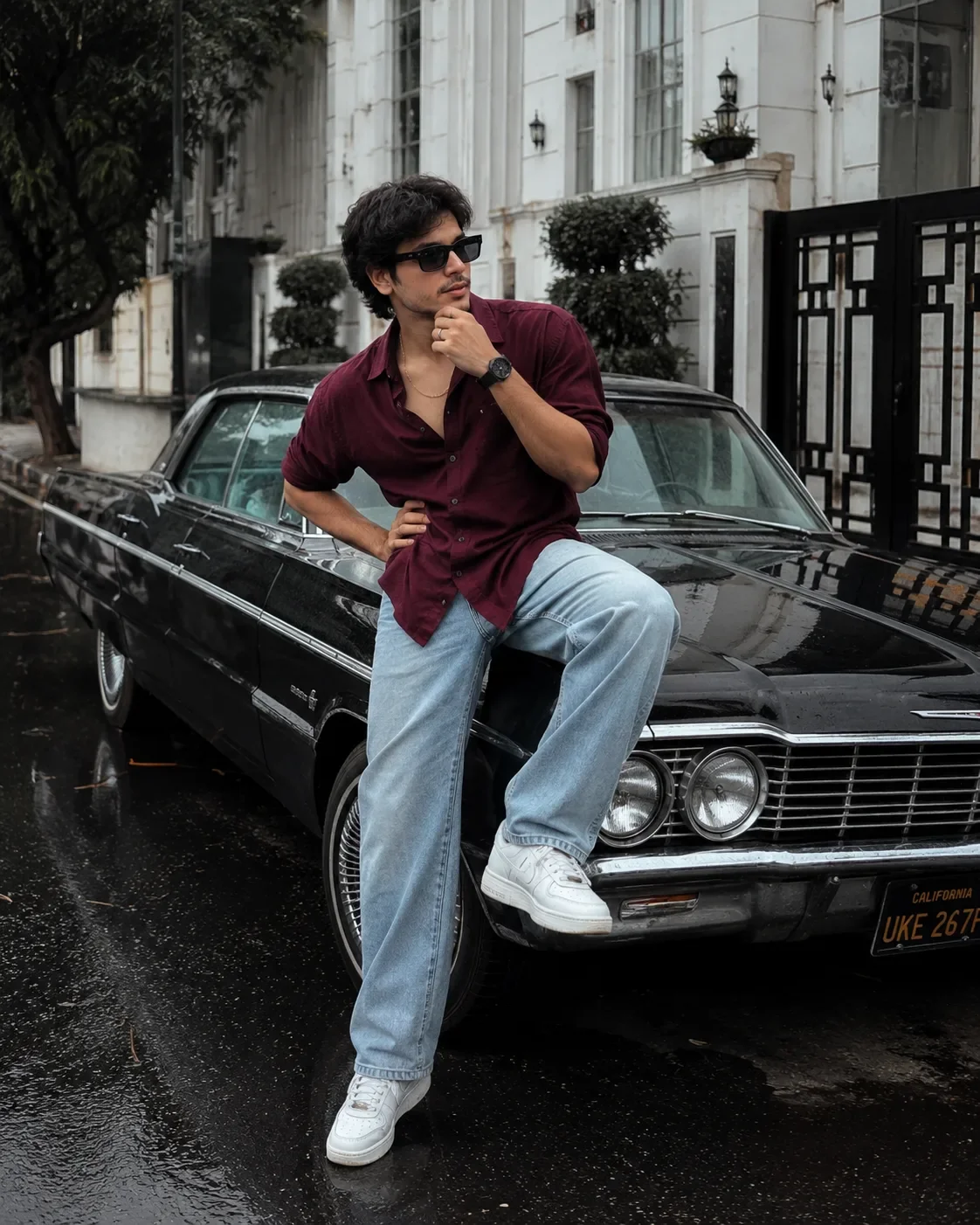
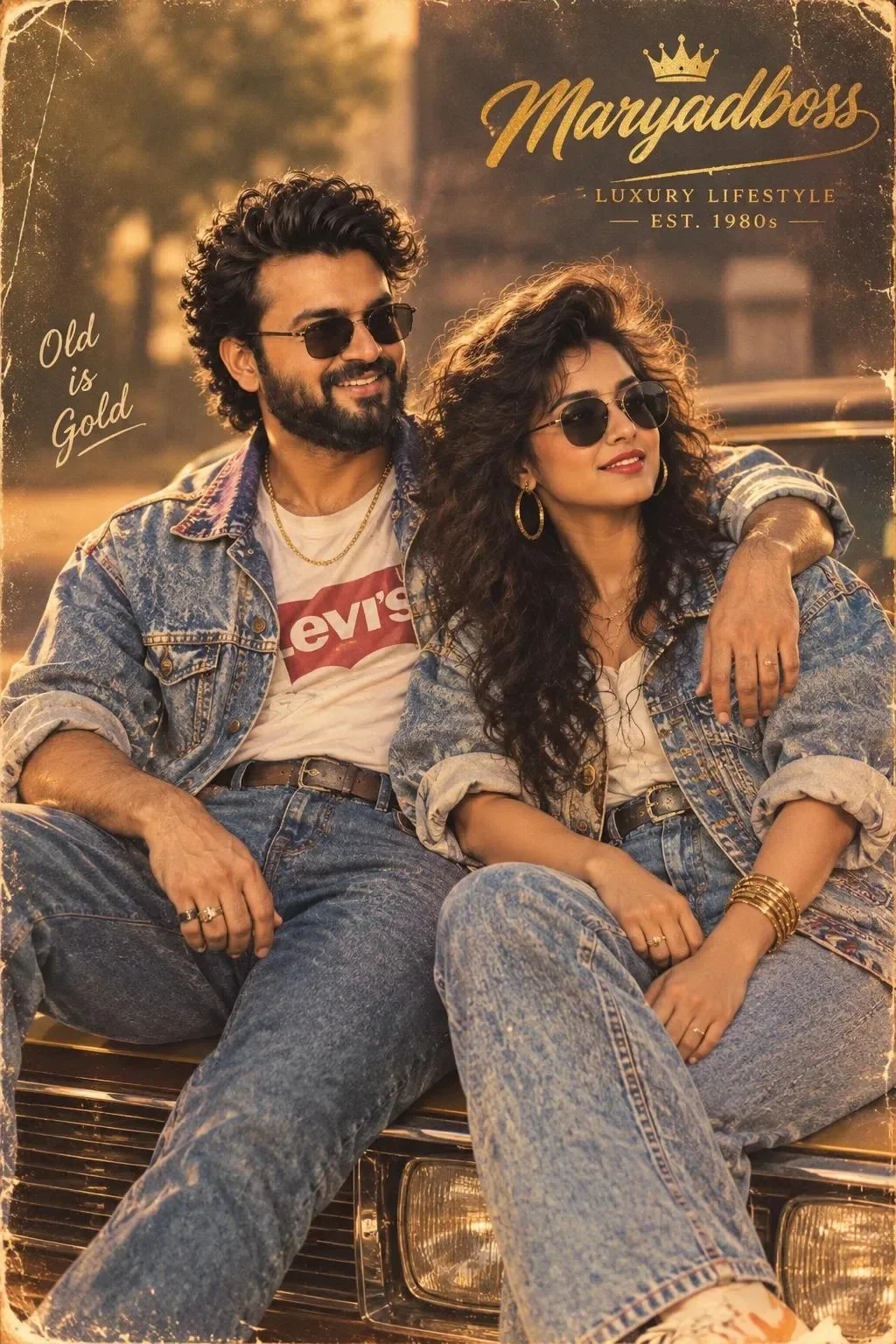
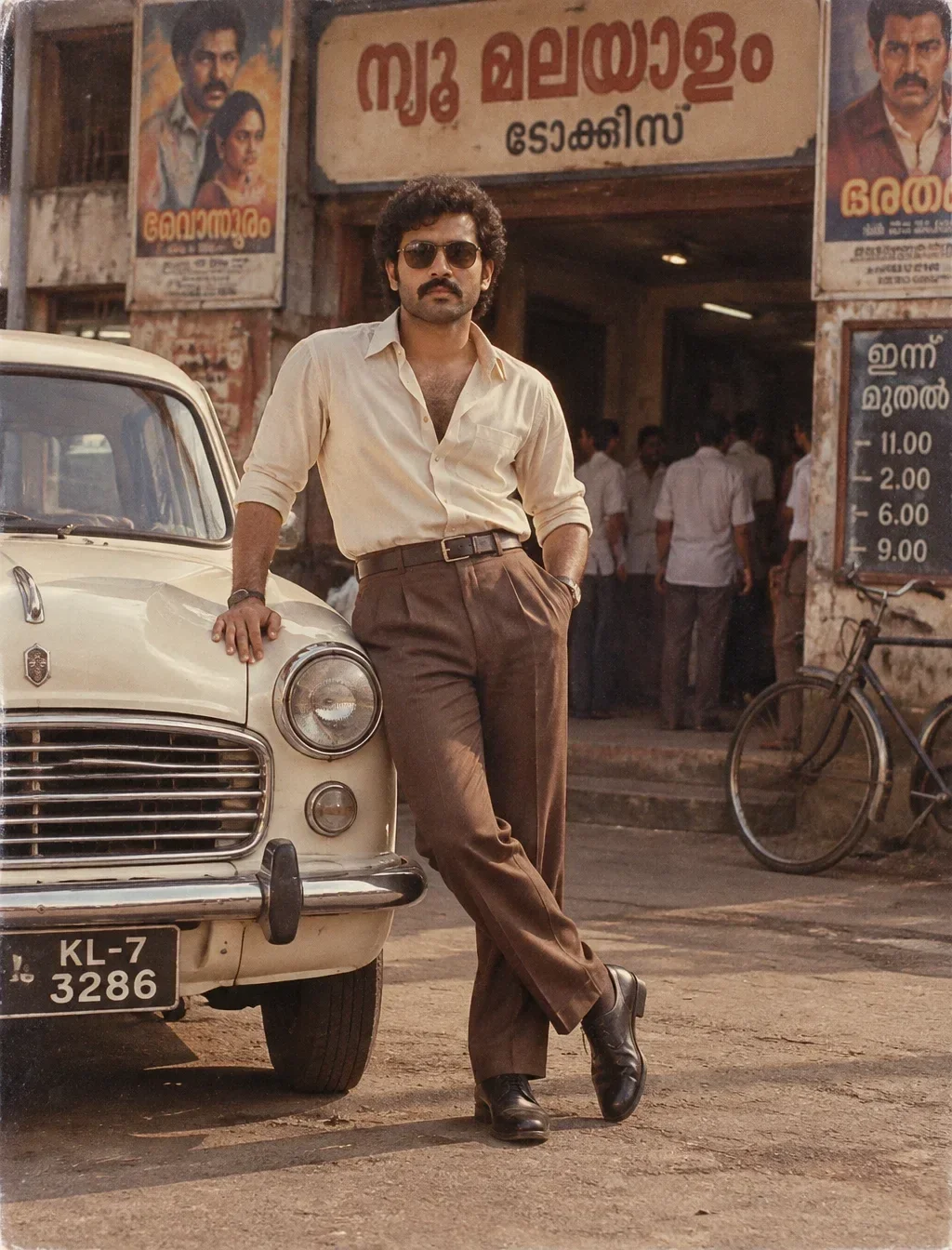
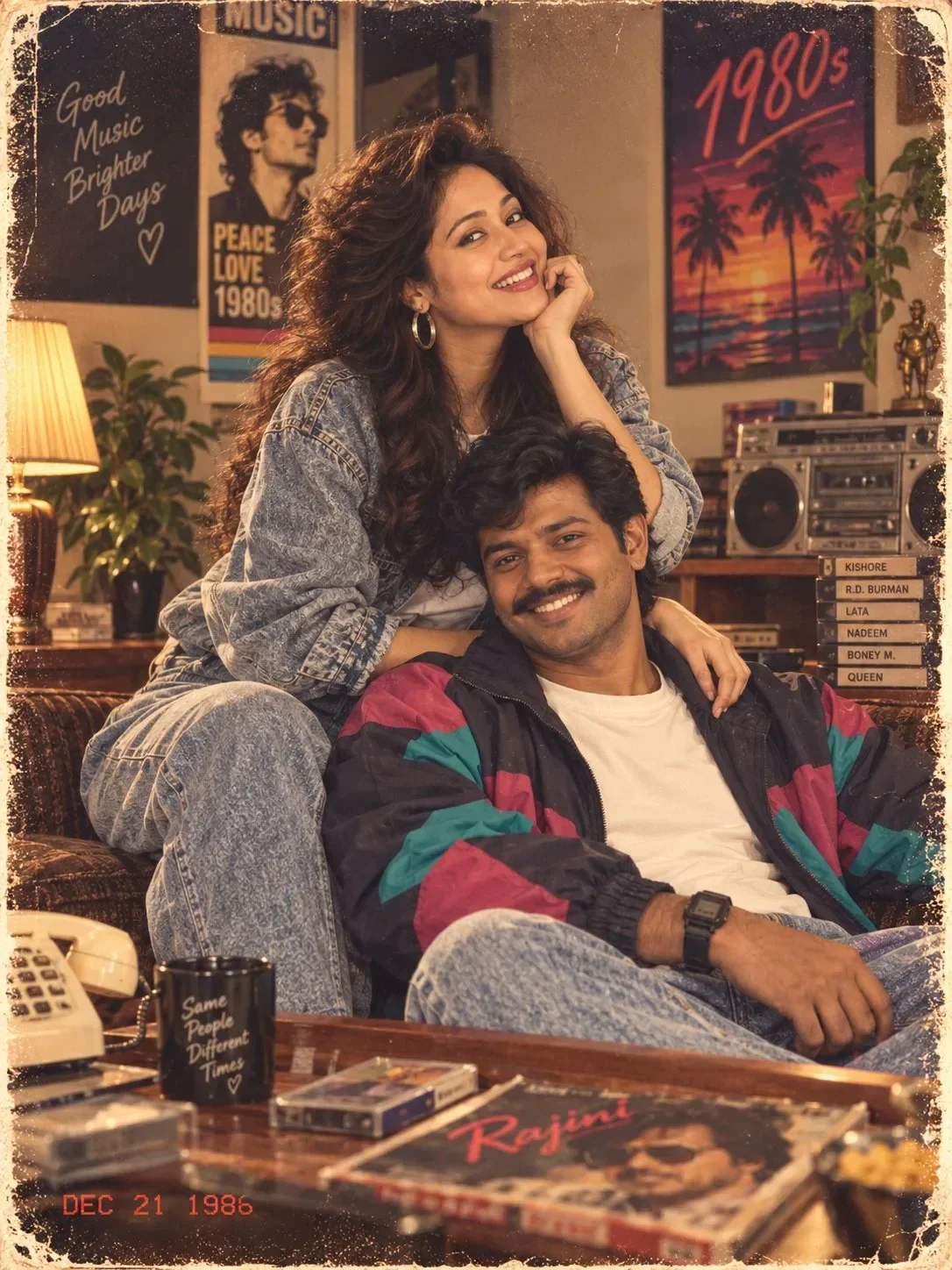
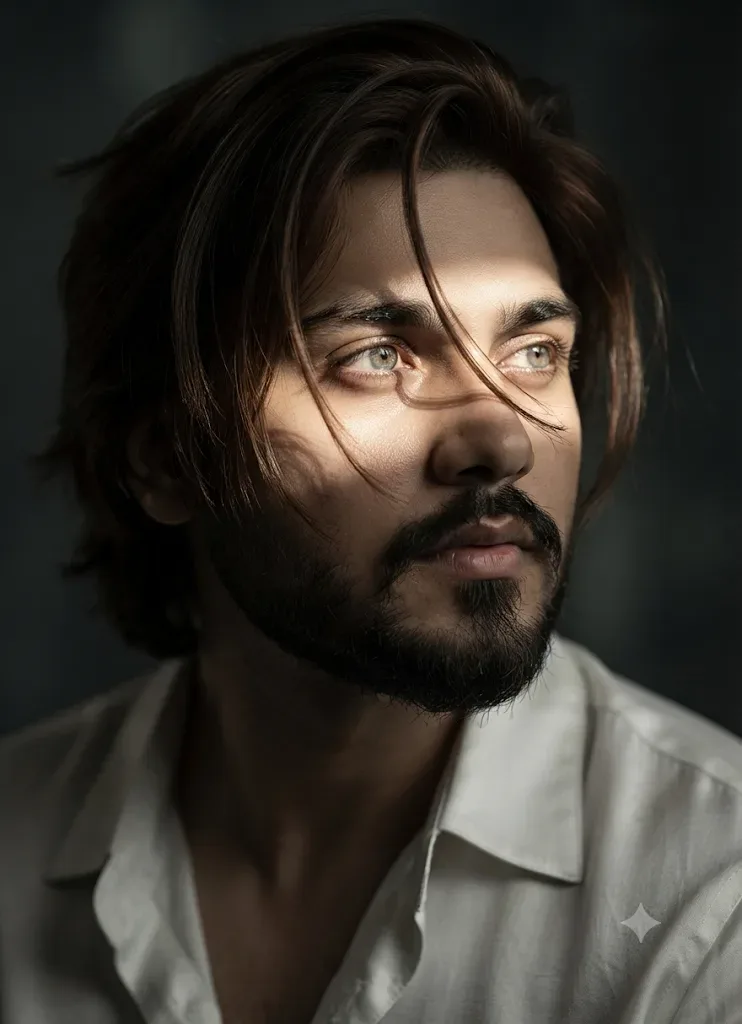
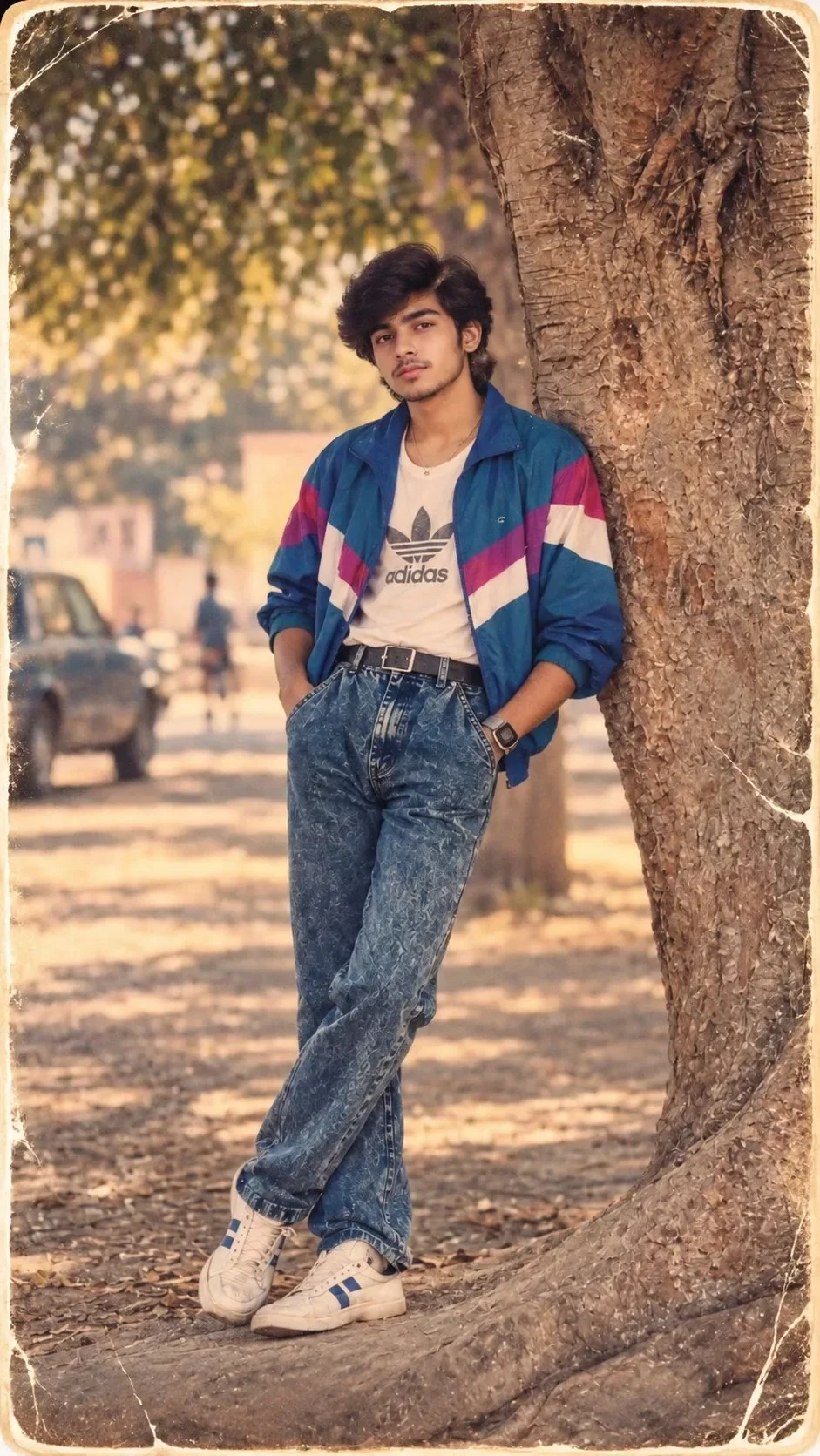
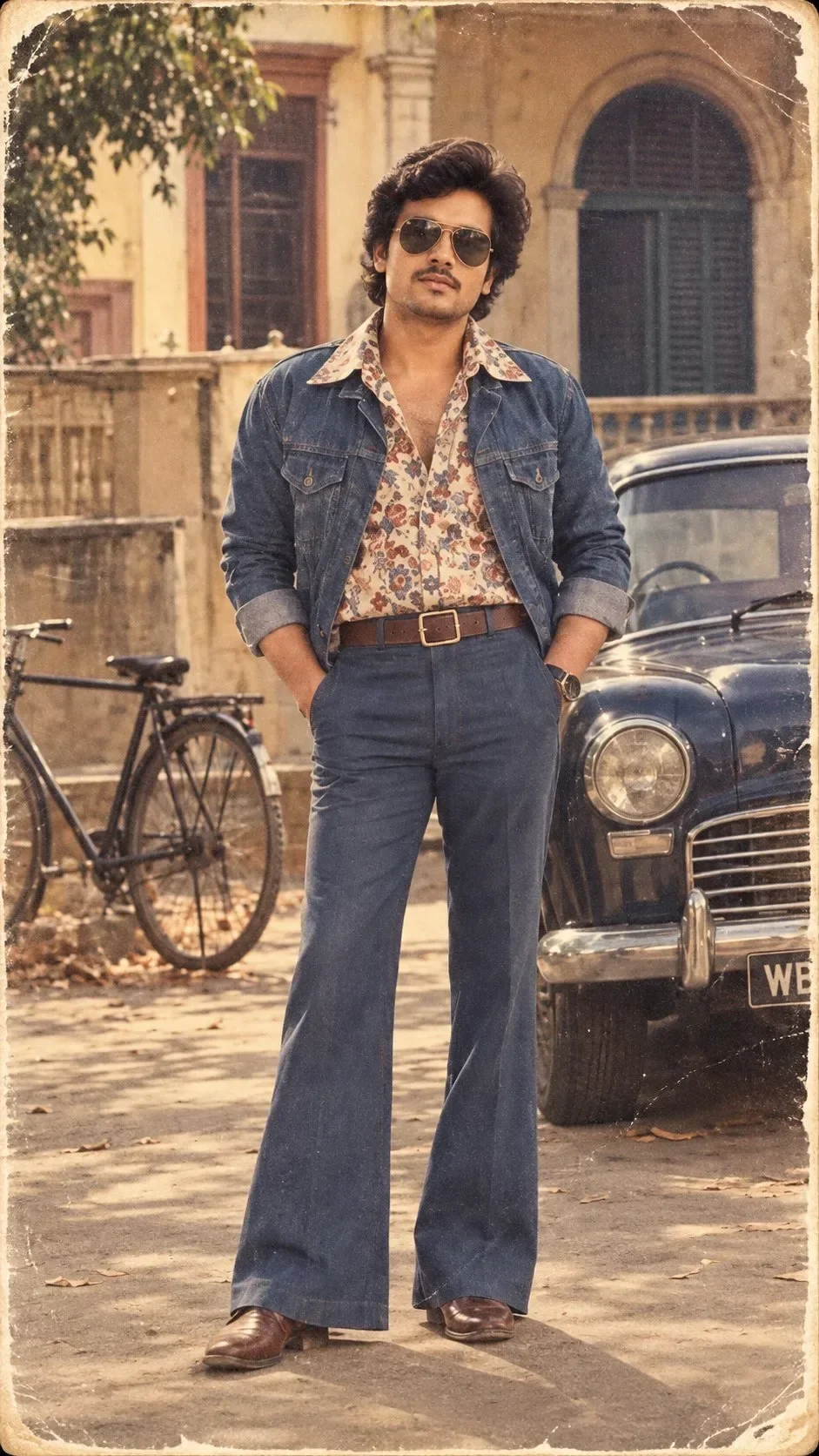
Quick Summary: This verified Google Gemini & Midjourney v6 prompt creates an authentic 90s vintage film aesthetic for Amber Shadows Vintage Cinematic Portrait AI Photo Prompt with calibrated lighting, authentic texture physics, and tested 1-click copy-paste formula for instant AI generation without facial distortion.
- Photography
- Vintage
- Retro
- Ai Image
- Trending
- Photography
- Vintage
- Retro
- Ai Image
- Trending
- Viral Prompt
- Gemini Ai
- Bing Image Creator
- Copy Paste
About This Prompt
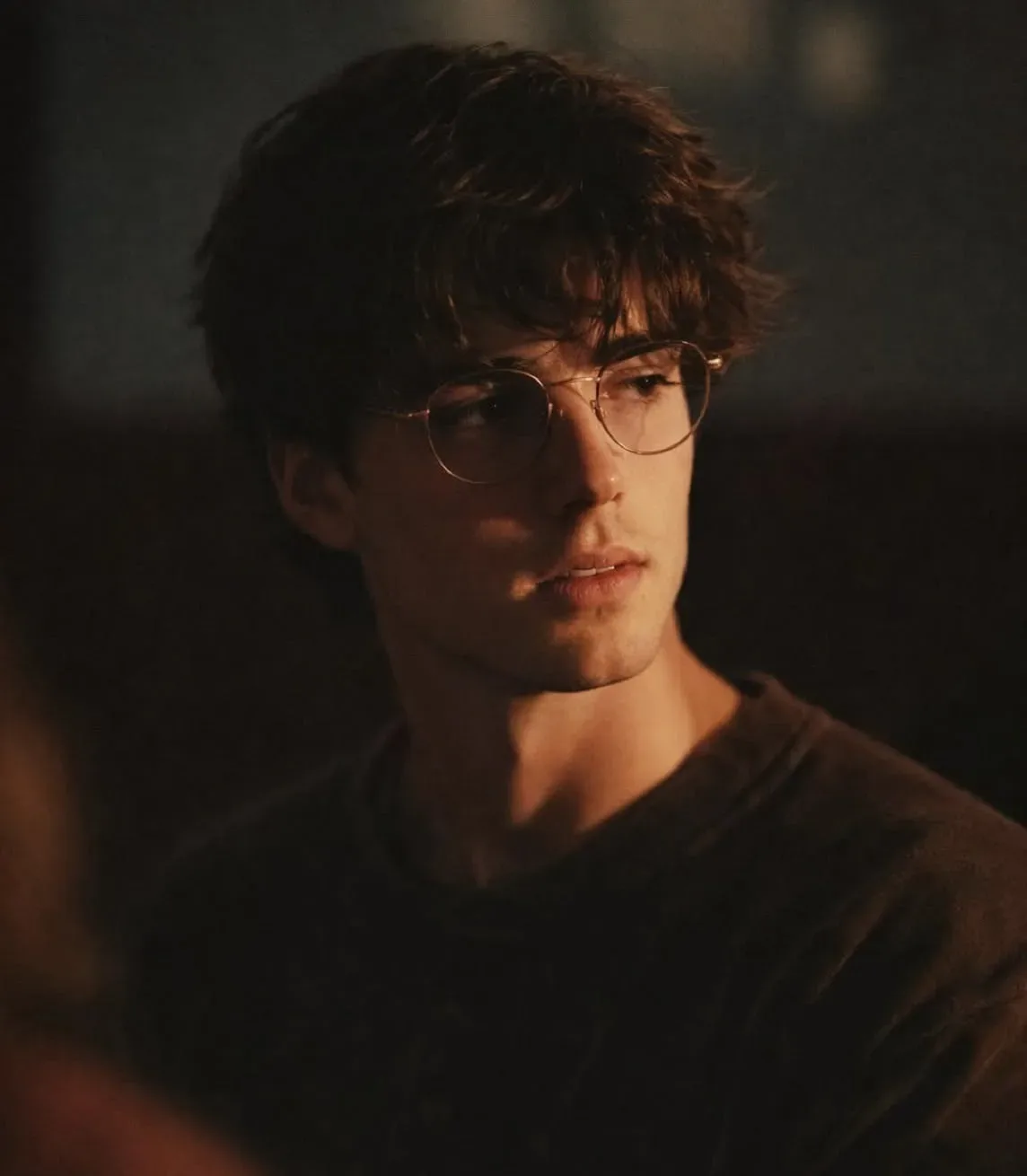
This AI prompt generates a Amber Shadows Vintage Cinematic Portrait AI Photo Prompt — a high-quality, photorealistic image with balanced lighting, sharp focus, and intricate details suitable for social media sharing and digital content creation.
For the best results, use this with Google Gemini. Simply copy the prompt text below and paste it into the generator. You can easily customize specific keywords like colors, backgrounds, or subjects to make the final output uniquely yours.
Amber Shadows Vintage Cinematic Portrait AI Photo Prompt - Copy Paste AI Prompt
IDENTITY REFERENCE — ABSOLUTE HIGHEST PRIORITY:

Use the uploaded photograph as the ONLY identity source. Ignore its original clothes, hairstyle, glasses, pose, expression, lighting, camera angle and background.

Preserve the uploaded person’s exact recognizable identity: natural skin tone, apparent age, face shape, forehead, natural hairline, eyebrows, eye shape and spacing, nose bridge, nose length and tip, cheeks, cheekbones, lips, ears, jaw width, jaw angle, chin, moustache, beard pattern and all natural facial proportions.

The finished person must remain immediately recognizable as the uploaded individual. Do not blend the identity with another model, create a generic replacement, beautify the face or alter its natural structure.

Create an ultra-photorealistic vertical 4:5 cinematic close-up portrait, 2048 × 2560 pixels.

EXACT COMPOSITION:

Show exactly ONE person in a close head-and-shoulders portrait.

Crop the image from the top of the hair to the middle of the chest. Allow parts of both shoulders to extend naturally beyond the side edges.

Position the face slightly right of centre. Place the top of the hair approximately 3% below the upper edge.

Keep the face turned approximately 10–15 degrees toward the viewer’s right. The eyes should look calmly just past the camera in the same direction.

Use an 85mm portrait lens at approximately f/1.4. Keep the eyes, glasses, nose, lips and nearby hair sharp while the ears, shoulders, foreground and background become gradually softer.

EXPRESSION:

Use a calm, thoughtful, slightly mysterious and emotionally distant expression.

Keep the eyebrows relaxed, jaw natural and lips gently closed or only slightly parted.

Do not create a smile, visible teeth, anger, surprise, sadness or exaggerated fashion expression.

HAIRSTYLE:

Preserve the uploaded person’s natural hair colour and original hairline.

Style the hair into thick, medium-length, voluminous and naturally messy dark hair.

Use:

* Soft wavy texture
* Long uneven fringe falling over the forehead
* Several loose strands near the eyebrows and glasses
* Natural volume around the top and sides
* Slightly feathered ends
* Subtle warm amber highlights
* Realistic individual strands

The hair should appear casually tousled rather than professionally styled.

Do not create short faded hair, straight flat hair, wet hair, sharp spikes, perfect curls or artificial wig texture.

CLEAR GLASSES — MANDATORY:

Add exactly ONE pair of oversized thin metal-frame prescription glasses.

The glasses must have:

* Large softly squared lenses
* Rounded corners
* Slight geometric shape
* Thin champagne-gold or warm bronze metal frame
* Thin single metal bridge
* Clear transparent lenses
* Slim metal temple arms
* Subtle warm reflections
* Very faint natural lens glare
* No colour tint
* Accurate contact with the nose and ears

The glasses must fit the uploaded person’s face width and nose shape naturally.

Keep both lenses perfectly symmetrical and aligned with the face angle. The eyes must remain clearly visible through the transparent lenses.

Allow a few hair strands to overlap the top edge of the glasses naturally.

Do not create sunglasses, black frames, thick plastic frames, circular Harry-Potter-style glasses, aviators, coloured lenses, duplicate glasses, crooked lenses or floating eyewear.

FACIAL HAIR:

Preserve the uploaded person’s natural beard and moustache pattern.

If facial hair is present, retain its natural density, shape and patchiness. If the uploaded person is clean-shaven, keep them clean-shaven.

Do not add, remove, thicken, darken or sharply reshape facial hair.

CLOTHING:

Dress the person in a plain dark charcoal-brown crewneck T-shirt.

The T-shirt must have:

* Soft matte cotton fabric
* Deep brown-black colour
* Relaxed neckline
* Natural shoulder folds
* No logo
* No writing
* No pattern
* No visible accessories

Only the upper chest and shoulder section should be visible.

BACKGROUND:

Create a very dark, heavily blurred indoor or nighttime background.

Use deep charcoal, black, muted olive-green and dark warm-brown tones.

Add vague, soft background shapes without any recognizable room, furniture, windows or objects.

Keep the background extremely out of focus and underexposed. The background must not compete with the face.

FOREGROUND BLUR:

Place a large, extremely blurred dark shape in the bottom-left foreground.

Use black and warm reddish-brown tones along its edge.

The blurred foreground object should softly cover a small part of the lower-left shoulder and chest, creating strong cinematic depth.

Do not allow it to cover the person’s face, glasses or main facial features.

LIGHTING:

Use dramatic low-key cinematic lighting.

Place one warm amber-tungsten key light at approximately 45 degrees from the viewer’s right side.

The warm light should illuminate:

* Viewer’s right side of the forehead
* Right eyebrow and eye
* Nose bridge and nose tip
* Right cheekbone
* Lips
* Jaw and neck
* Right side of the hair
* Upper-right shoulder

Keep the viewer’s left side of the face in deep but detailed shadow.

Add an extremely subtle warm rim light on selected hair strands. Do not add bright studio fill light.

Maintain realistic shadow transitions. The face must remain visible without becoming evenly illuminated.

Preserve the uploaded person’s natural skin tone. Show realistic skin pores, subtle imperfections, lip texture and individual hair strands.

Do not whiten, over-smooth, brighten or artificially beautify the skin.

COLOUR GRADING:

Use a dark vintage cinematic colour grade with:

* Warm amber highlights
* Deep brown shadows
* Muted olive background tones
* Soft black levels
* Slightly desaturated skin
* Fine analogue film grain
* Gentle highlight bloom
* Subtle vignette

Create the visual feeling of a moody 35mm film still photographed under warm tungsten light.

Do not use harsh HDR, bright colours, neon lighting, blue-orange blockbuster grading or excessive sharpness.

IMAGE QUALITY:

Create premium low-light DSLR photography with realistic skin, natural facial anatomy, accurate transparent glasses, individual hair strands and cinematic depth.

Keep the face detailed without making the photograph digitally perfect. Add subtle organic grain and slight low-light softness.

The result must look like a real cinematic photograph—not an AI-generated image, painting, illustration or 3D render.

STRICT COMPOSITION LOCK:

* Exactly one person
* Vertical 4:5 close-up
* Head and shoulders only
* Hair close to the top edge
* Face slightly right of centre
* Face turned slightly toward viewer’s right
* Calm thoughtful expression
* Thick messy medium-length dark hair
* Large clear thin bronze-metal glasses
* Eyes visible through lenses
* Plain dark charcoal-brown T-shirt
* Warm amber light from viewer’s right
* Deep shadow on viewer’s left
* Dark blurred olive-brown background
* Blurred dark foreground shape in bottom-left
* Shallow depth of field
* Vintage cinematic film grain

STRICT NEGATIVE INSTRUCTIONS:

Do not change the uploaded person’s identity, age, ethnicity, skin tone, facial shape, proportions, hairline or facial-hair pattern.

Do not create a different person, generic model, identity blend or extra background person.

No sunglasses, dark lenses, thick black frames, round frames, duplicate glasses or distorted eyewear.

No short fade haircut, perfectly styled hair, hat, cap, jacket, hoodie, necklace, chain, earrings or additional accessories.

No large smile, visible teeth, direct cheerful expression, closed eyes or exaggerated emotion.

No bright background, daylight outdoor scene, city skyline, forest, beach, studio backdrop or visible furniture.

No full-body framing, visible hands or additional objects.

No plastic skin, waxy face, extreme beauty retouching, cartoon, anime, painting, illustration or 3D render.

No text, caption, graphics, border, signature, logo or watermark.

FINAL PRIORITY ORDER:

1. Exact uploaded-person identity
2. Exact clear thin metal-frame glasses
3. Exact messy medium-length hairstyle
4. Exact close-up composition and expression
5. Exact warm side-light and deep shadows
6. Exact dark blurred background and foreground
7. Ultra-realistic cinematic film quality

Optical Identity & Likeness Preservation: Lock subject's authentic facial identity and natural posture while seamlessly integrating with sharp vehicle reflections and cinematic ambient lighting.Frequently asked questions
- How do I use the Amber Shadows Vintage Cinematic Portrait AI Photo Prompt prompt?
- To use this prompt, simply click the "Copy Prompt" button above. Then, open Google Gemini, paste the copied text into the prompt box, and hit generate. You can instantly generate high-quality images without needing any reference photos.
- What is this prompt best used for?
- This specific prompt is highly optimized for creating engaging social media content and digital art. The formula is structured to produce high-contrast, visually appealing results that perform well on visual platforms.
- Can I customize the details of this prompt?
- Yes! While the core structure of the prompt is optimized for Google Gemini, you can easily customize the details. We recommend changing specific keywords like clothing colors, background locations, or the overall mood (e.g., changing "sunny" to "rainy" or "neon") to match your exact vision.
What You'll Get
- 🎨 Style: Photography
- ✨ Mood: Photography
- 📱 Best For: Vintage
- 🤖 Works With: Google Gemini
- 🔥 Popularity: Copied 150 times
- 📅 Added: Sep 14, 2026
Explore Related Collections
Explore Photography Prompts — Browse our curated collection of Photography prompts tailored for creators. View all Photography prompts →
Explore Vintage Prompts — Discover more viral Vintage ideas for your next AI generation. View all Vintage prompts →
Explore Retro Prompts — Explore our extensive library of Retro templates ready to copy and paste. View all Retro prompts →