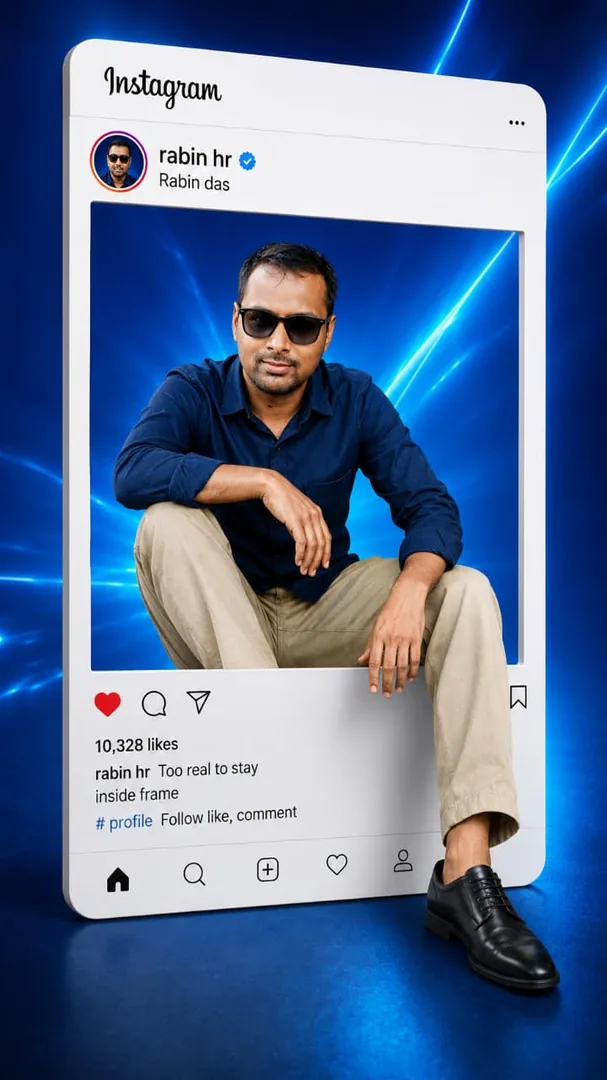
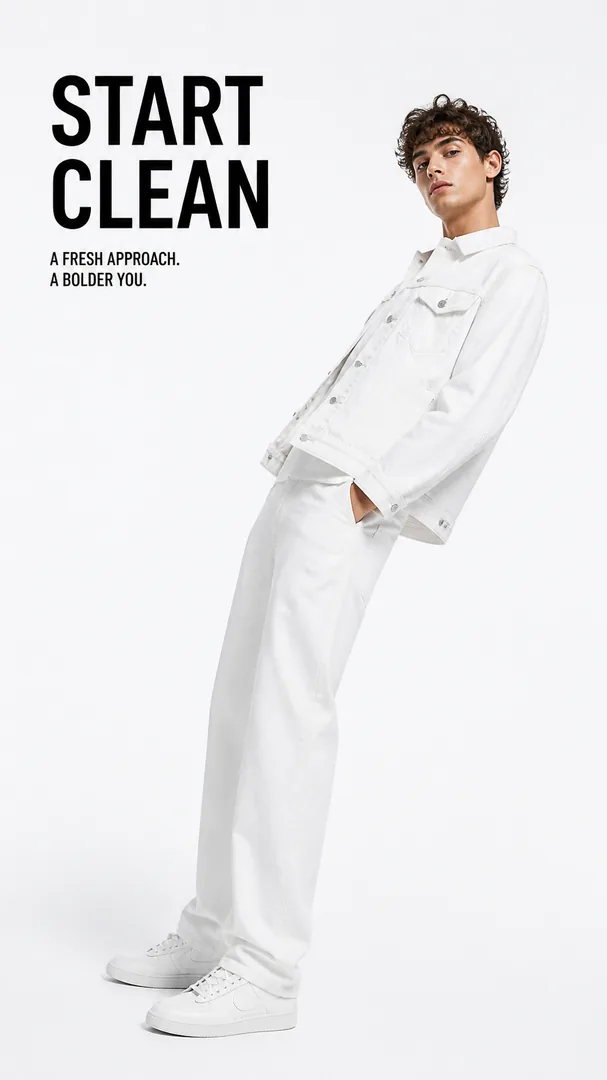
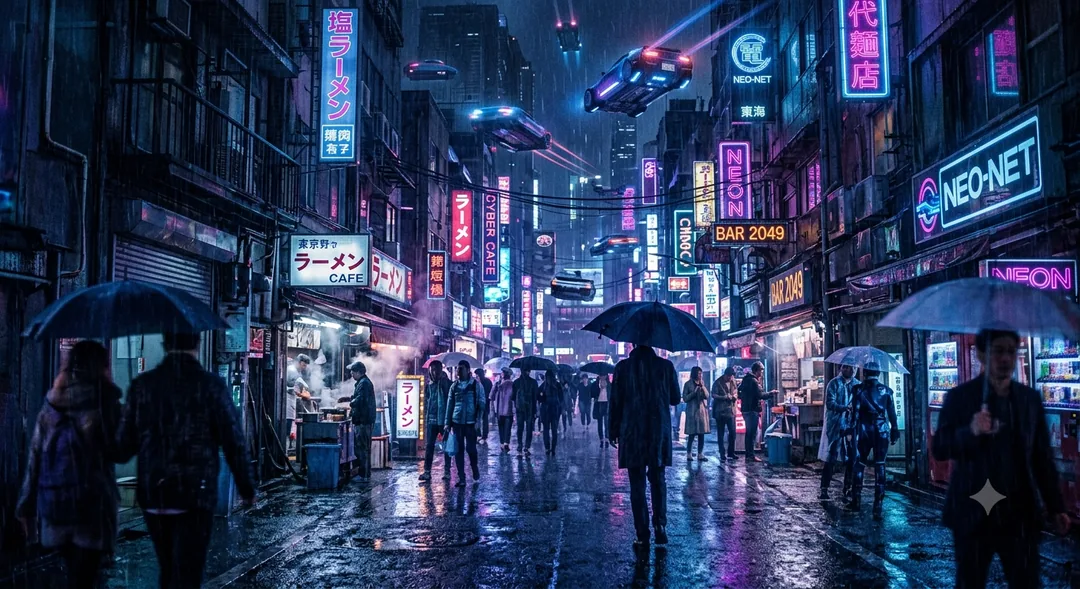
Server-rendered page

Historical Location Time Travel AI Prompt Copy Paste

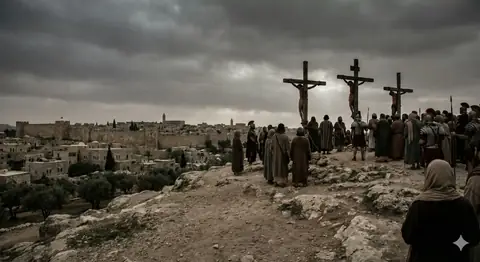
An image generated from specific coordinates at a precise historical date and time - 31.7785° N, 35.

Historical Location Time Travel - copy paste viral AI prompt

Historical Location Time Travel - copy paste viral AI prompt

0 copies

Prompt text

Create an image at coordinates 31.7785° N, 35.2296° E on April 3rd of the year 33 at 15:00 hours.

How to use this prompt

  1. Use coordinates and specific dates to generate historically accurate or conceptual location-based imagery.

How to get better results from Historical Location Time Travel

An image generated from specific coordinates at a precise historical date and time - 31.7785° N, 35.2296° E on April 3rd, year 33 at 15:00 hours. Use it as a copy-ready starting point, then adjust the subject, scene, tone and output format for your own result.

  • Ai Image
  • Travel
  • Historical Location
  • Historical
  • Location
  • Time

Customize before generating

  • Replace the main subject, name, product or character details.
  • Adjust lighting, background, mood, camera angle or aspect ratio if the prompt is visual.
  • Change tone, audience, language and output format if the prompt is for text.
  • Keep this core idea clear: Create an image at coordinates 31.7785° N, 35.2296° E on April 3rd of the year 33 at 15:00 hours.

Quick variations to try

  1. Make Historical Location Time Travel more cinematic with stronger lighting and richer background detail.
  2. Turn Historical Location Time Travel into a cleaner mobile-first version for social media posts or profile use.
  3. Create a premium version of Historical Location Time Travel with sharper style, higher detail and a more polished final output.
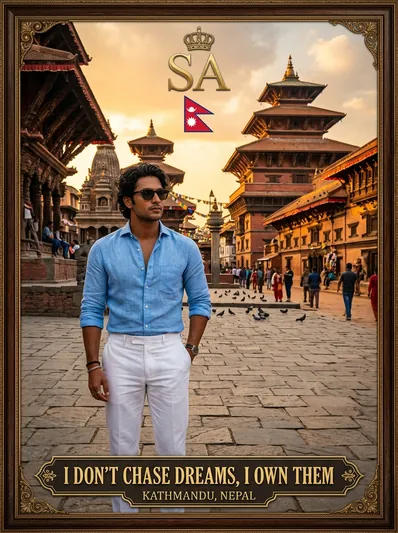
Prompt quality checklist

Keep the subject, reference image, style, output format and quality constraint clear before generating. Change only the personal details, platform, language, background or tone that matter for your result.

Suggested prompt examples

  • Boy on vacation clicking photo - copy paste viral AI prompt

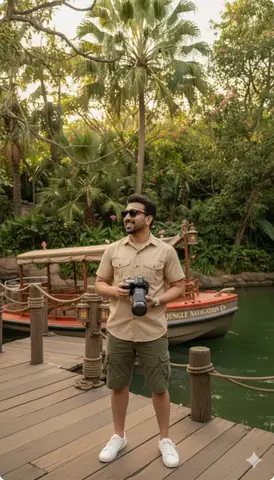
    Boy on vacation clicking photo

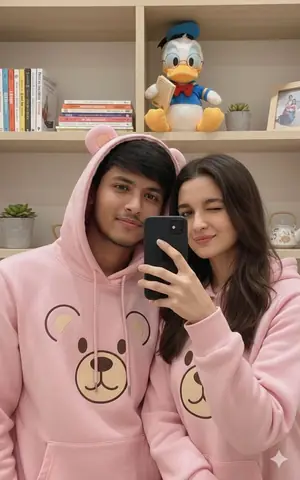
    An ultra-realistic travel photo of the same young man near Disneyland’s Adventureland Jungle Cruise, wearing a khaki safari outfit and white sneakers, holding...

    Ai Image / Boys / Fashion / Gemini · 2,961 copies · Apr 14, 2026

  • travelling style poster - copy paste on Gemini AI

    travelling style poster

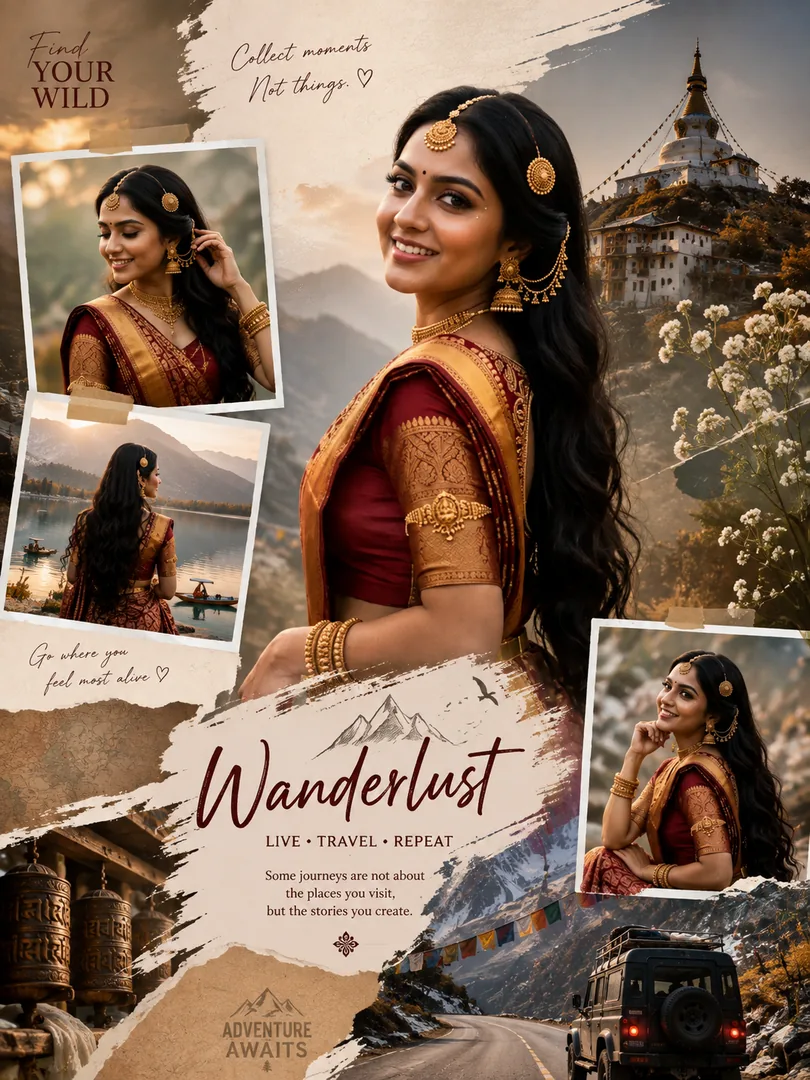
    this prompt helps you to create a stylish travel poster

    Ai Image / Photo Editing / Portrait · 17 copies · May 27, 2026

  • Luxury Ski Trip Collage - copy paste viral AI prompt

    Luxury Ski Trip Collage

    A 2x2 photo collage featuring luxury ski influencer lifestyle on a high-end ski chalet balcony with snowy mountain views, wearing white thermal bodysuit and faux-fur...

    3d / Ai Image / Collage / Girls · Apr 14, 2026

  • Landmark Blueprint Infographic - copy paste viral AI prompt

    Landmark Blueprint Infographic

    An infographic combining a real photograph of a landmark with blueprint-style technical annotations including structural data, measurements, material quantities...

    Aesthetic / Ai Image / Architecture / Educational · Apr 14, 2026

  • "Golden Coast Rider – Cinematic Sunset Royal Enfield Portrait" - copy paste on Gemini AI

    "Golden Coast Rider – Cinematic Sunset Royal Enfield Portrait"

    Standing beside his matte-black Royal Enfield Continental GT 650 on a scenic coastal boulevard, a young traveler embraces a rare moment of peace as the golden sunset...

    Boys / Film Look / Travel · 82 copies · Jun 4, 2026

  • Look prompt - copy paste on Gemini AI

    Look prompt

    The prompt are created a man look with beard shape

    Ai Image · 39 copies · Jul 1, 2026

  • Funny Sticker - copy paste on Gemini AI

    Funny Sticker

    "Create a 4×4 (16-panel) ultra-realistic sticker sheet featuring the exact same young woman from the uploaded reference photos in every panel. Preserve her facial...

    Ai Image / Gemini · 3 copies · Jul 1, 2026

  • Create a cinematic "main character energy" scene, walking confidently through a busy city street, pe - copy paste on Gemini AI

    Create a cinematic "main character energy" scene, walking confidently through a busy city street, pe

    A person leaning against a luxury sports car in Dubai at sunset, cinematic lighting, luxury lifestyle aesthetic, sharp focus, realistic shadows, high-end fashion...

    Ai Image / Boys / Gemini · 39 copies · Jun 23, 2026

  • Best Sunset Beach AI Prompt - copy paste on Gemini AI

    Best Sunset Beach AI Prompt

    Sunset Beach AI Photo Editing Prompts – Create Dreamy Beach Sunset AI Photos

    Ai Image / Instagram / Portrait · 138 copies · Jun 7, 2026

  • Behind-the-Scenes Movie Shot - copy paste on Gemini AI

    Behind-the-Scenes Movie Shot

    Behind-the-Scenes Movie Shot

    Ai Image / Film Look / Group Photo · 8 copies · Jun 7, 2026

  • Passport Portal 3D Scene | Visa Stamp Destinations Erupting - copy paste viral AI prompt

    Passport Portal 3D Scene | Visa Stamp Destinations Erupting

    Epic 3D scene of weathered passport open with visa stamps erupting into miniature city destinations. Coffee stains become lakes, flight paths as golden trajectories....

    3d / Ai Image / Augmented Reality / Branding · Jan 19, 2026

  • Gemini Night Couple Portrait - copy paste viral AI prompt

    Gemini Night Couple Portrait

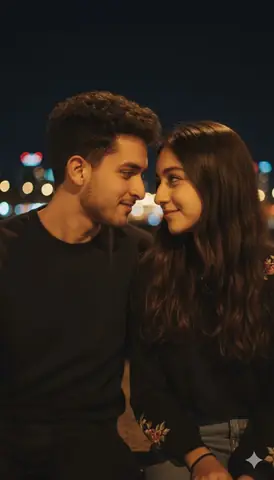
    A candid couple smiling together at night with urban lights surrounding them.

    Aesthetic / Ai Image / Couples / Gemini · 4,016 copies · Apr 14, 2026

Frequently asked questions about this prompt

What does Historical Location Time Travel help create?
An image generated from specific coordinates at a precise historical date and time - 31.7785° N, 35.2296° E on April 3rd, year 33 at 15:00 hours. The page is built around Ai Image, Travel, Historical Location, Historical, Location, Time, so users can copy the prompt, customize the important details and generate a more specific result.
Which AI tool should I use with Historical Location Time Travel?
Use the AI tool that matches the prompt type, such as Gemini, ChatGPT, Midjourney or another image/text generator. If your tool supports reference images, upload a clean image before pasting the prompt.
How do I customize Historical Location Time Travel without breaking the result?
Keep the core intent intact and only replace the personal details that matter: subject, name, product, location, style, background, tone, language and output size. The useful core starts around: Create an image at coordinates 31.7785° N, 35.2296° E on April 3rd of the year 33 at 15:00 hours.
Is this prompt good for Ai Image workflows?
Yes. This prompt is grouped with Ai Image, Travel, Historical Location, Historical, Location, Time, which makes it useful for users looking for similar copy-paste ideas, visual styles, caption formats or creator workflows.
Why should I not remove too many details from the prompt?
AI tools respond better when the prompt keeps the subject, style, constraints and final output clear. Removing too much detail usually makes the result generic, inconsistent or harder to repeat.
What should I do if the first result is weak?
Change one thing at a time. Improve the weakest detail first, such as lighting, composition, subject description, language, aspect ratio, realism, tone or final format, then generate again.
Can I use Historical Location Time Travel for social media or client work?
You can use it as a starting point for personal, creator or business workflows. Before publishing, check the output carefully, remove private details and make sure the generated content matches your brand or client brief.
What should I open after this prompt?
Use the suggested prompt section to explore 12 related ideas from the Viral Prompts library. Internal prompt links help you compare styles quickly without starting over.

Core prompt workflow

Choose the closest page, open one prompt, copy the text, replace only the personal details, then test one version before trying another. Image prompts work best with clear subject, lighting, camera, background and aspect ratio details. Text prompts work best with role, audience, tone, examples, limits and final output format.