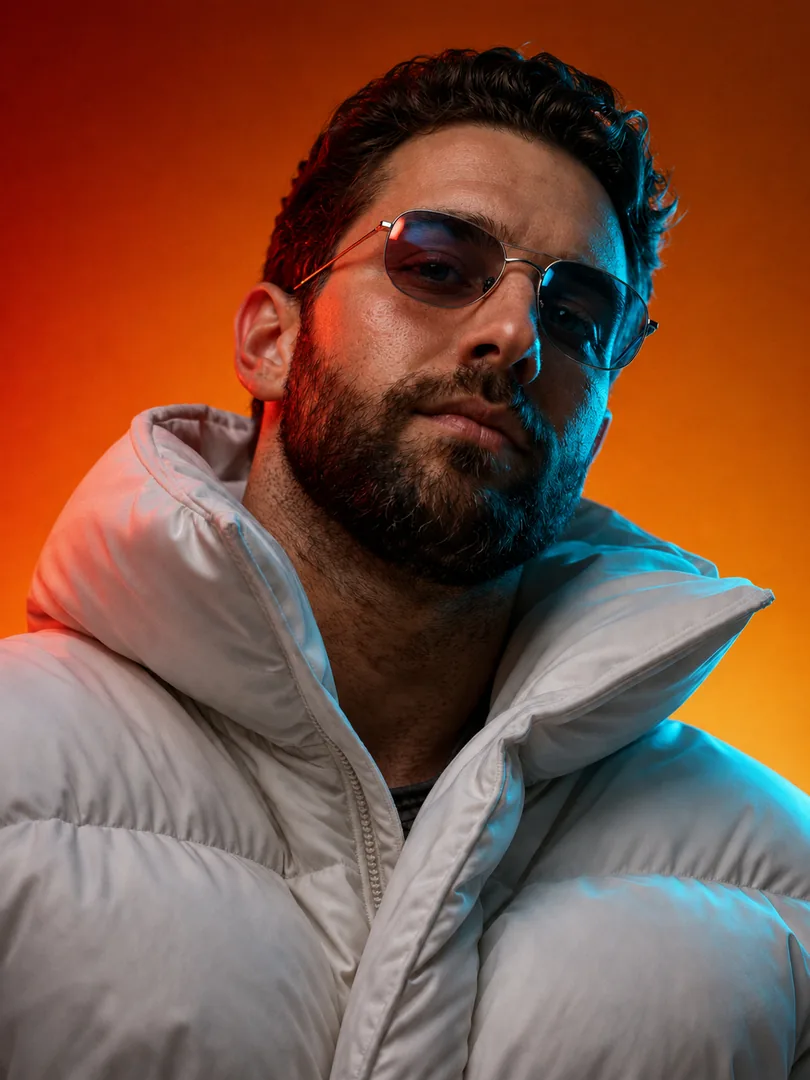
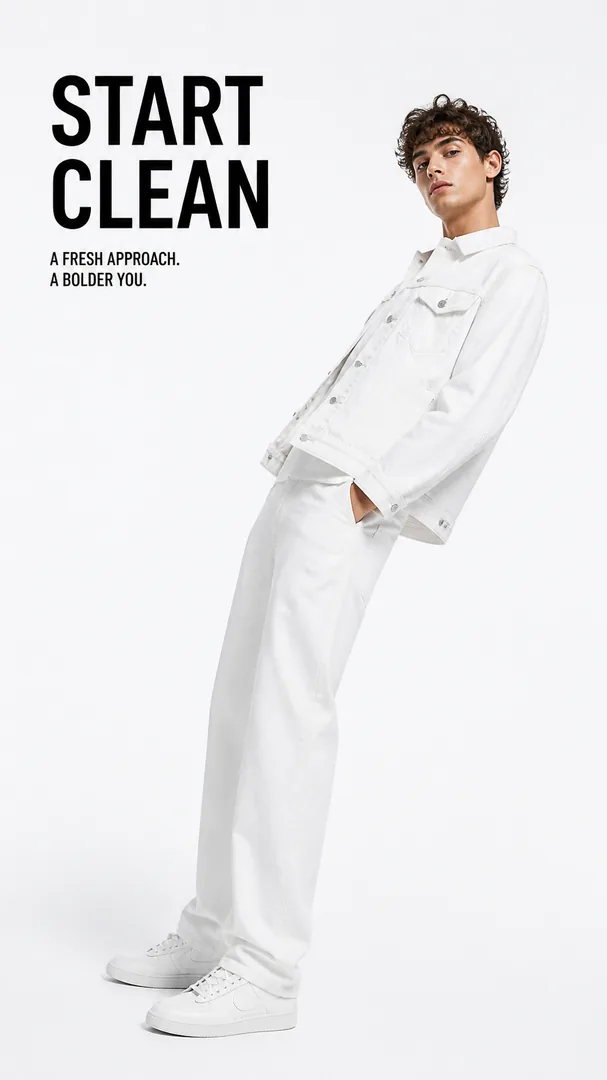
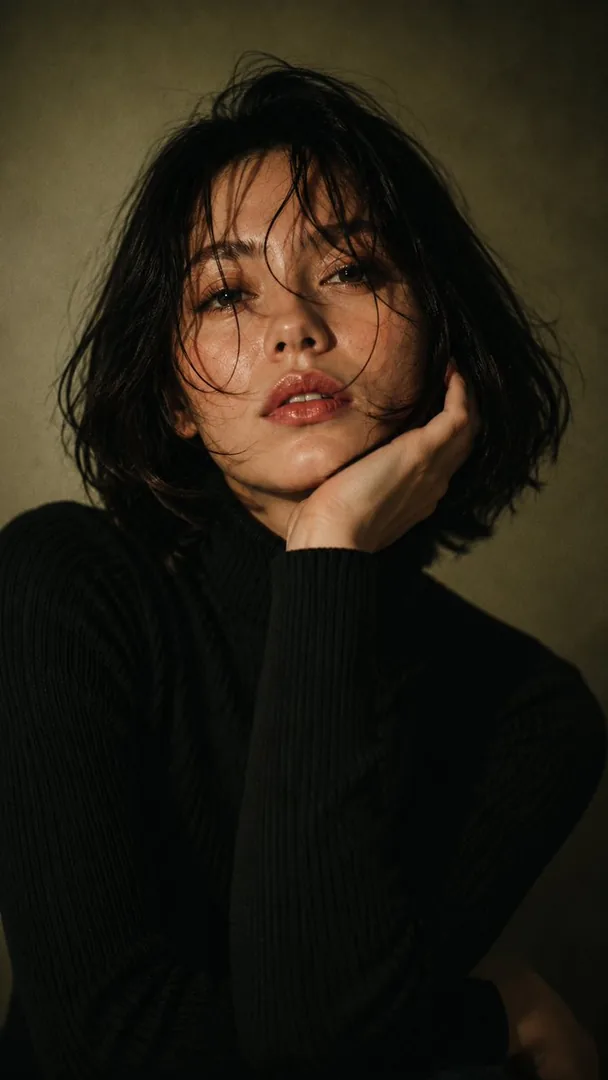
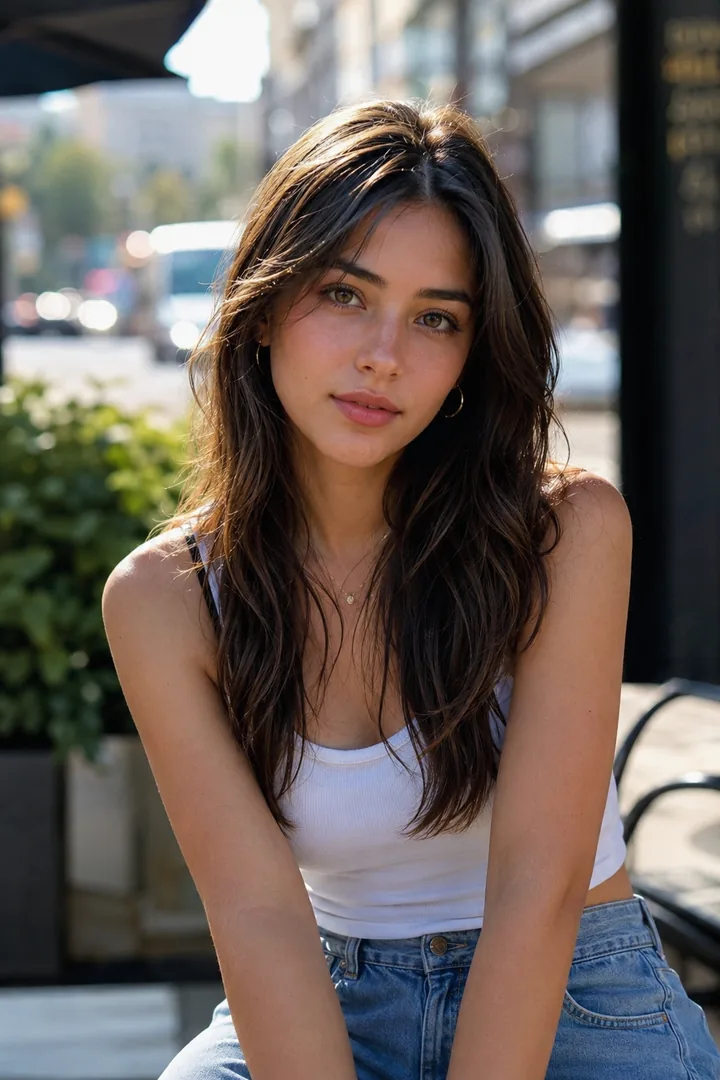
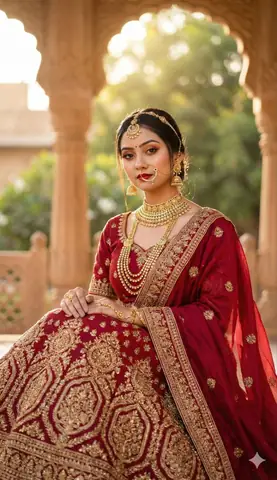
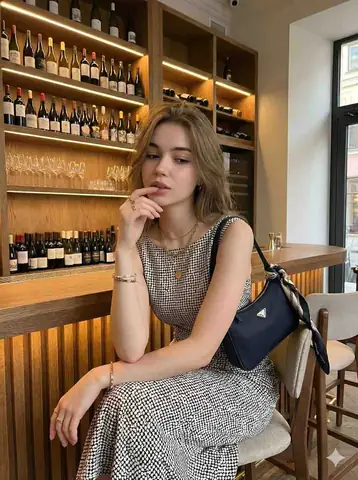
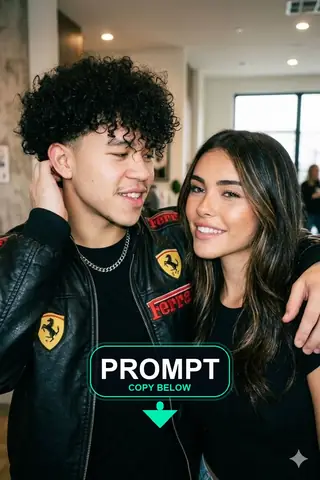
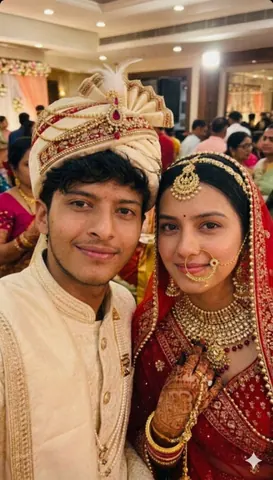
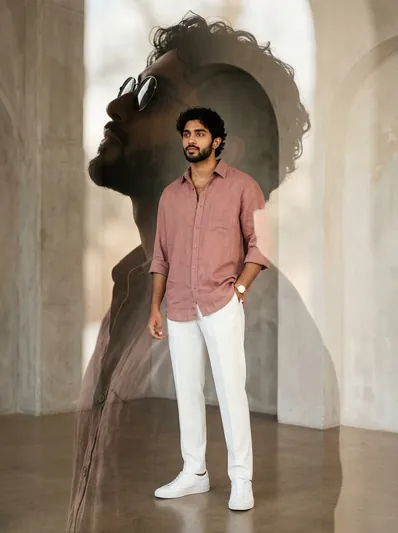
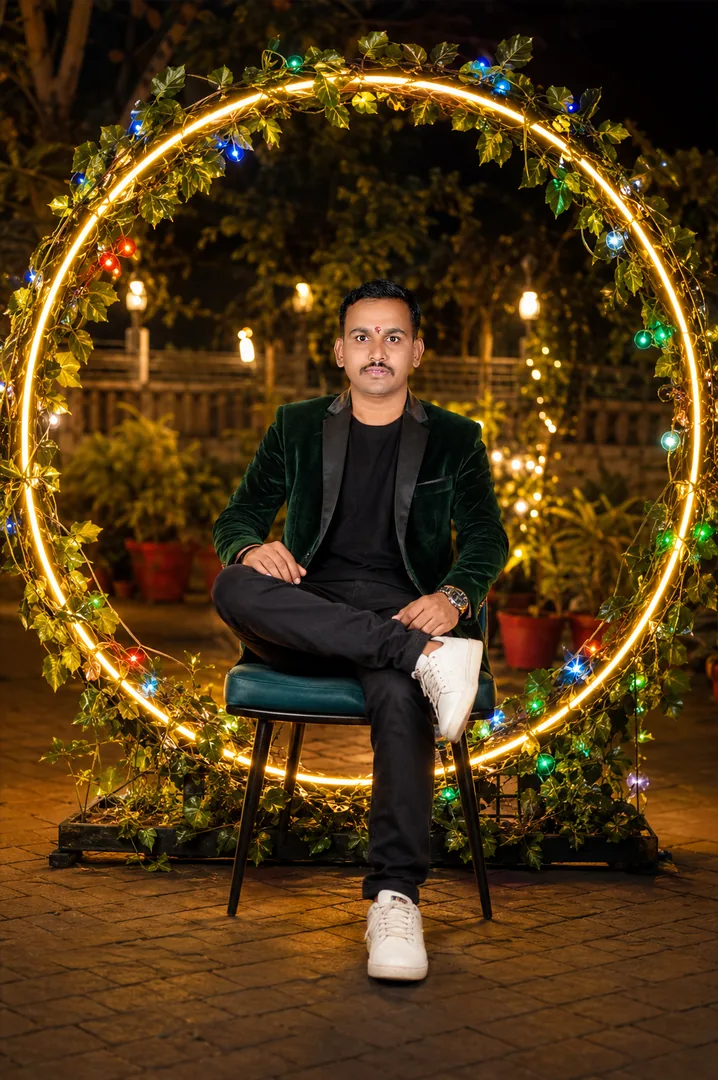
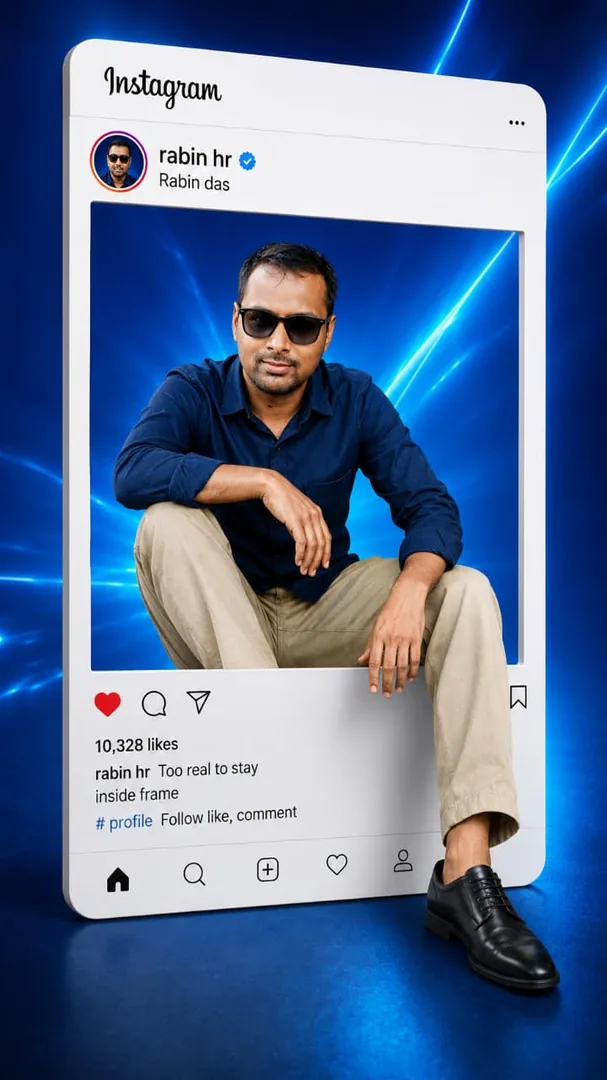
Quick Summary: This verified Google Gemini & Midjourney v6 prompt creates an authentic 90s vintage film aesthetic for High Contrast Fashion Editorial Portrait with calibrated lighting, authentic texture physics, and tested 1-click copy-paste formula for instant AI generation without facial distortion.
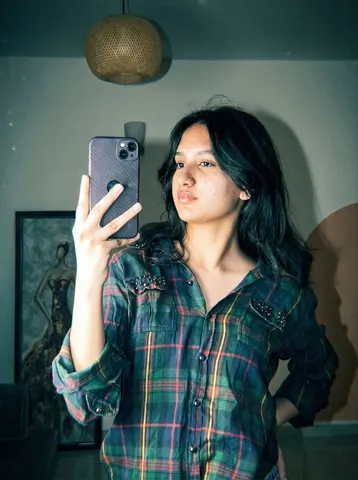
High Contrast Fashion Editorial Portrait - Copy Paste AI Prompt
Apply a high-contrast, direct flash photography style with a harsh on-camera flash effect. The lighting should be frontal and intense, creating bright highlights on skin and reflective surfaces, with deep, sharp shadows falling behind the subject. Introduce slight overexposure on highlights while maintaining crisp subject clarity.Color grade the image with a cool, teal-tinted tone in shadows and midtones, while keeping skin tones slightly warm but desaturated. Reduce overall saturation slightly, but boost contrast heavily to create a punchy, editorial look. Add subtle cyan/green shifts in darker areas and neutral whites with a slight bluish cast.Introduce heavy film grain across the entire image—fine but dense, with a gritty texture reminiscent of high ISO analog film. Include mild noise in shadows and midtones for a raw, imperfect feel. Add slight chromatic aberration on edges and a very subtle vignette to enhance focus on the subject.Simulate a glossy, 90s fashion editorial finish: sharp details, slightly crushed blacks, lifted highlights, and a clean yet raw aesthetic. Maintain a digital + analog hybrid look with a polished but edgy vibe.”Colour grading: teal-tinted tone in shadows and midtones, while keeping skin tones, high-contrast, direct flash photography style with a glossy finish. Apply a heavy film grain and a cool, slightly desaturated color grade with a cross-processed look.Most important: don’t change my face and body angles keep it 100% fixTechnical Prompt Parameters (Vintage Film & Retro Polaroid)
| Parameter | Configuration | Output Impact |
|---|---|---|
| Target AI Engine | Google Gemini & Midjourney v6 | Preserves organic analog warmth, natural color saturation, and retro lighting response. |
| Recommended Aspect Ratio | 4:5 (Classic Film) or 1:1 (Square Polaroid) | Faithful recreation of vintage paper print dimensions and nostalgic photo albums. |
| Camera & Lens Settings | 35mm Leica M6, Kodak Portra 400, f/2.8, subtle chromatic dispersion | Renders genuine analog grain, gentle halation, and authentic film stock color science. |
| Lighting Style | Direct camera flash with soft falloff or warm golden hour sunset flare | Creates natural retro exposure highlights without artificial digital gloss. |
| Negative Constraints | digital sheen, oversaturated HDR, plastic skin, neon light, CGI 3D, modern watermark | Eliminates hyper-digital smoothness to maintain true photochemical aesthetic. |
| Reference Photo | Upload a daylight selfie; avoid heavy ring-light filters for best film look. | Upload front-facing reference photo for face matching. |
How to use this prompt
- Copy the prompt
- Open your AI tool
- Upload a reference photo if needed
- Paste the prompt
- Generate and save the result
How to get better results from High Contrast Fashion Editorial Portrait
Copy this AI prompt for High Contrast Fashion Editorial Portrait. Use it as a ready prompt, adjust the subject, then generate a polished AI result. Use it as a copy-ready starting point, then adjust the subject, scene, tone and output format for your own result.
- Fashion
- Portrait
- your AI tool prompt testing
- fast copy-paste workflow
- creator ready output
Customize before generating
- Replace the main subject, name, product or character details.
- Adjust lighting, background, mood, camera angle or aspect ratio if the prompt is visual.
- Change tone, audience, language and output format if the prompt is for text.
- Keep this core idea clear: Apply a high-contrast, direct flash photography style with a harsh on-camera flash effect. The lighting should be frontal and intense, creating bright highlights on...
Quick variations to try
- Make High Contrast Fashion Editorial Portrait more cinematic with stronger lighting and richer background detail.
- Turn High Contrast Fashion Editorial Portrait into a cleaner mobile-first version for social media posts or profile use.
- Create a premium version of High Contrast Fashion Editorial Portrait with sharper style, higher detail and a more polished final output.