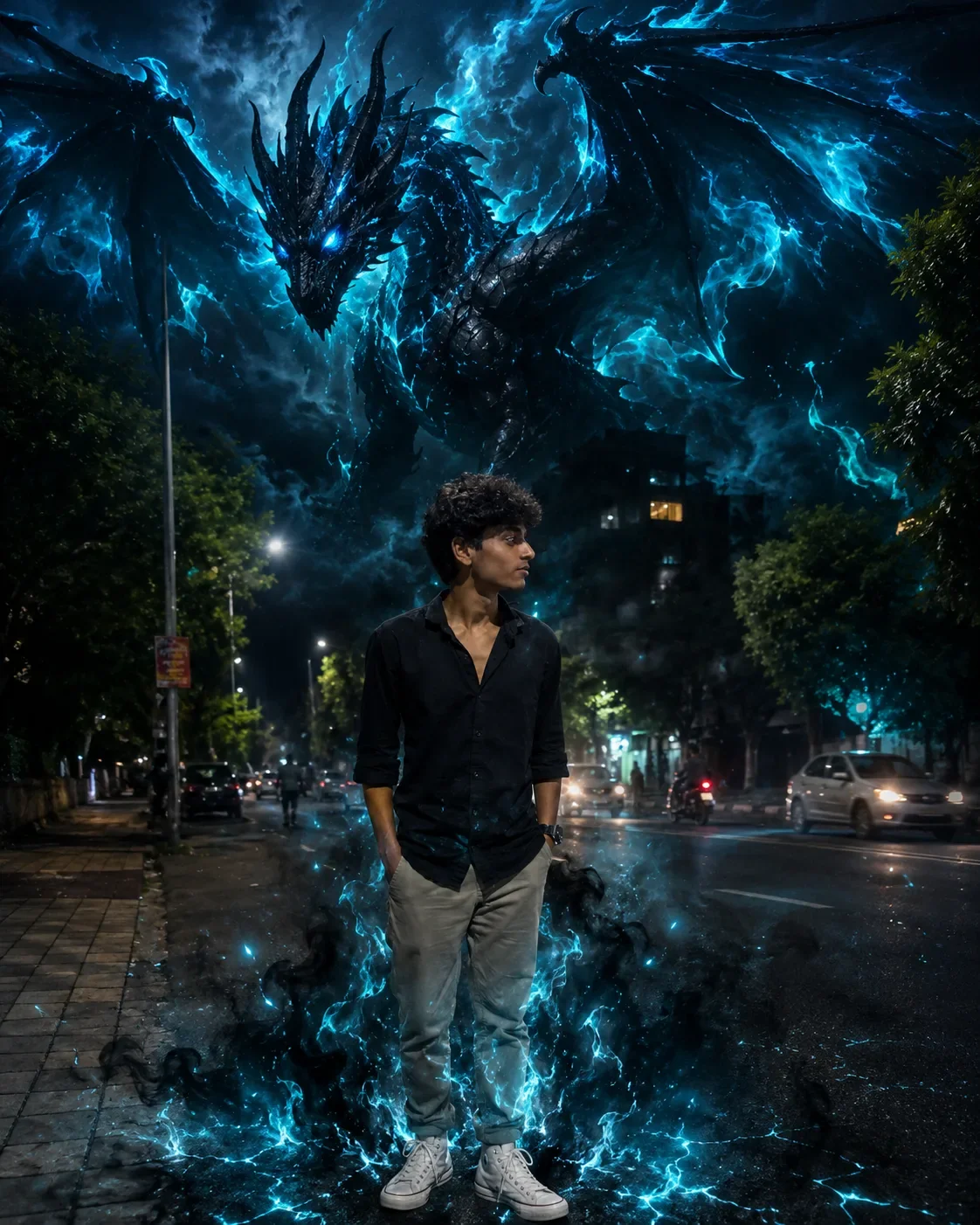
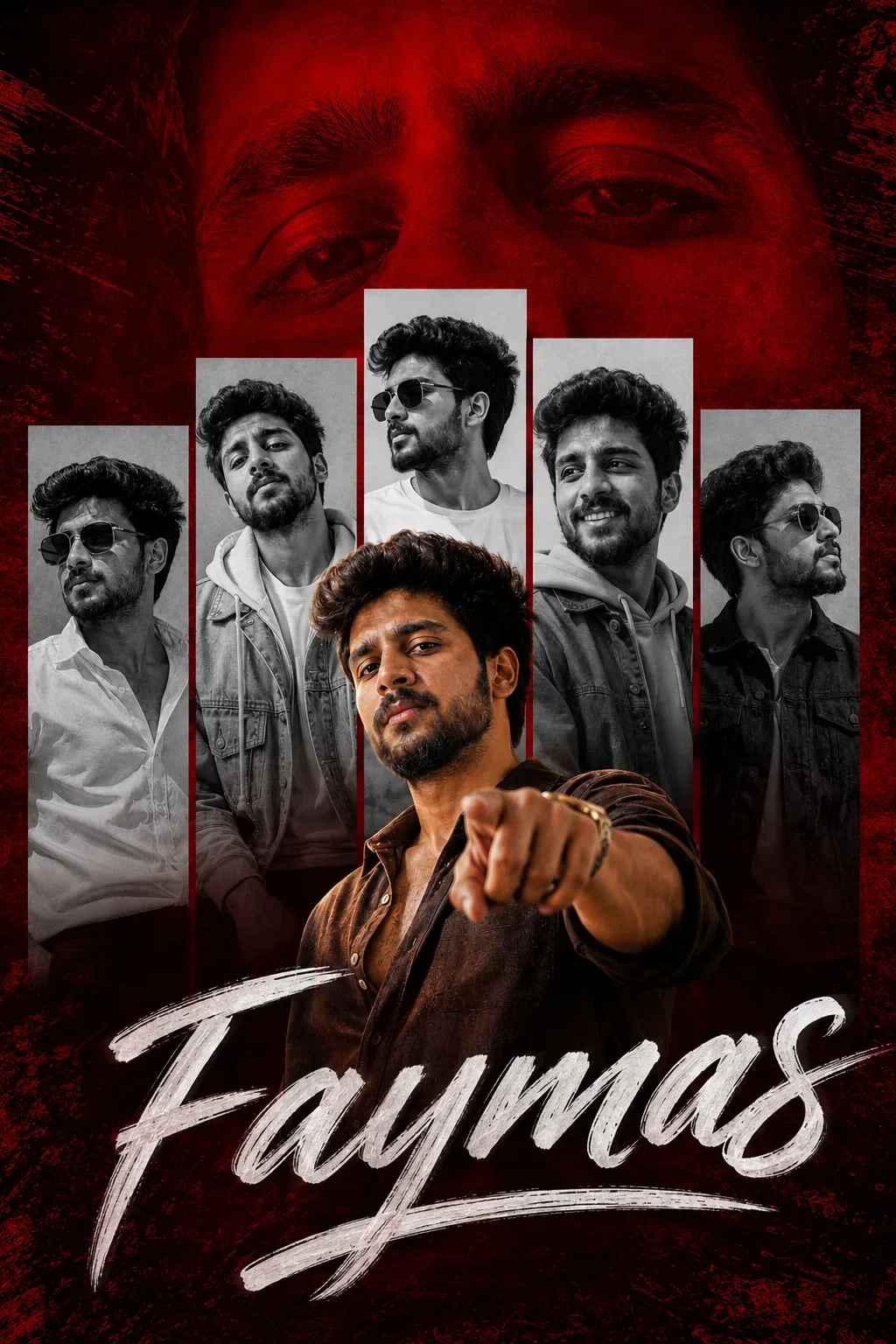
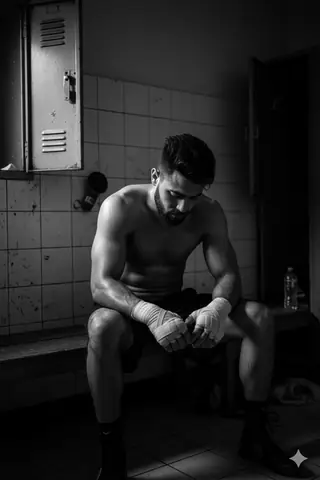
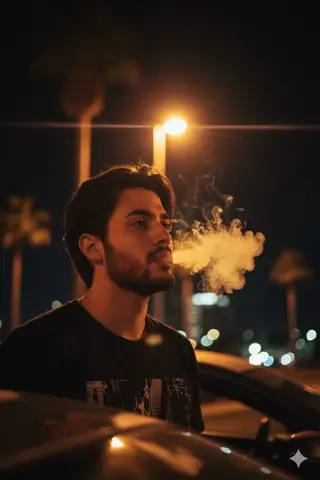
Quick Summary: This verified Google Gemini & Midjourney v6 prompt creates an authentic 90s vintage film aesthetic for You Lost Me AI Photo Prompt with calibrated lighting, authentic texture physics, and tested 1-click copy-paste formula for instant AI generation without facial distortion.
- Wallpapers
- Ai Image
- Trending
- Wallpapers
- Ai Image
- Trending
- Viral Prompt
- Gemini Ai
- Bing Image Creator
- Copy Paste
About This Prompt
Create a You Lost Me AI Photo Prompt — a high-quality, photorealistic image with balanced lighting, sharp focus, and intricate details suitable for social media sharing and digital content creation.
This prompt works best with Google Gemini. Simply copy the prompt text below and paste it into the generator. You can easily customize specific keywords like colors, backgrounds, or subjects to make the final output uniquely yours.
You Lost Me AI Photo Prompt - Copy Paste AI Prompt
Create an ultra-realistic cinematic travel photograph using my uploaded face photo as the ONLY identity reference.
IDENTITY — HIGHEST PRIORITY:
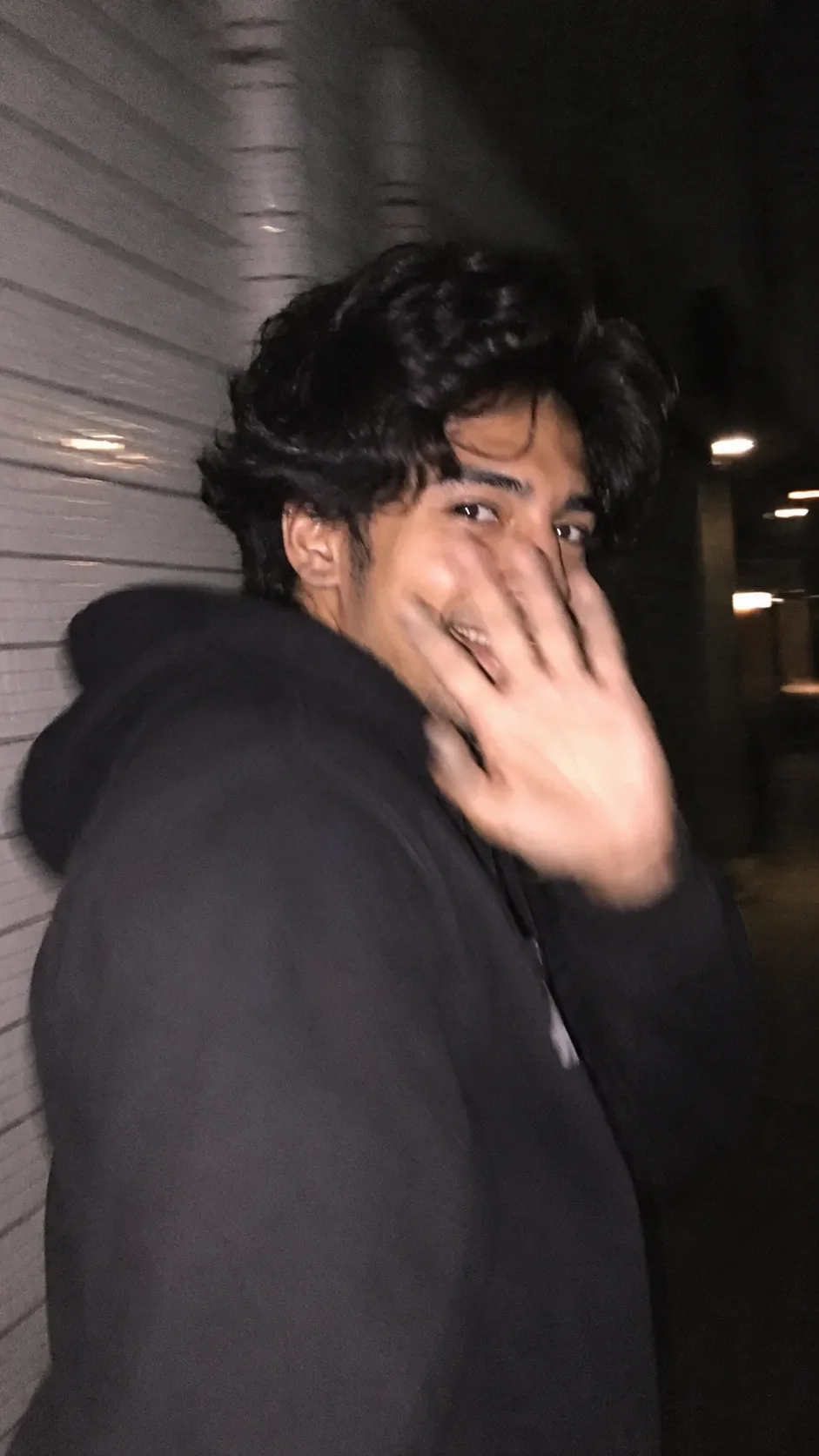
Replace the person in the reference image with me. Preserve my exact facial identity, facial structure, skin tone, age, natural hairline, hairstyle, hair texture, and recognizable features from my face reference. Do not copy the identity, face, or hair of the person in the target image. My face and hair must remain consistent and naturally integrated into the scene.
COMPOSITION & POSE — MATCH THE REFERENCE:
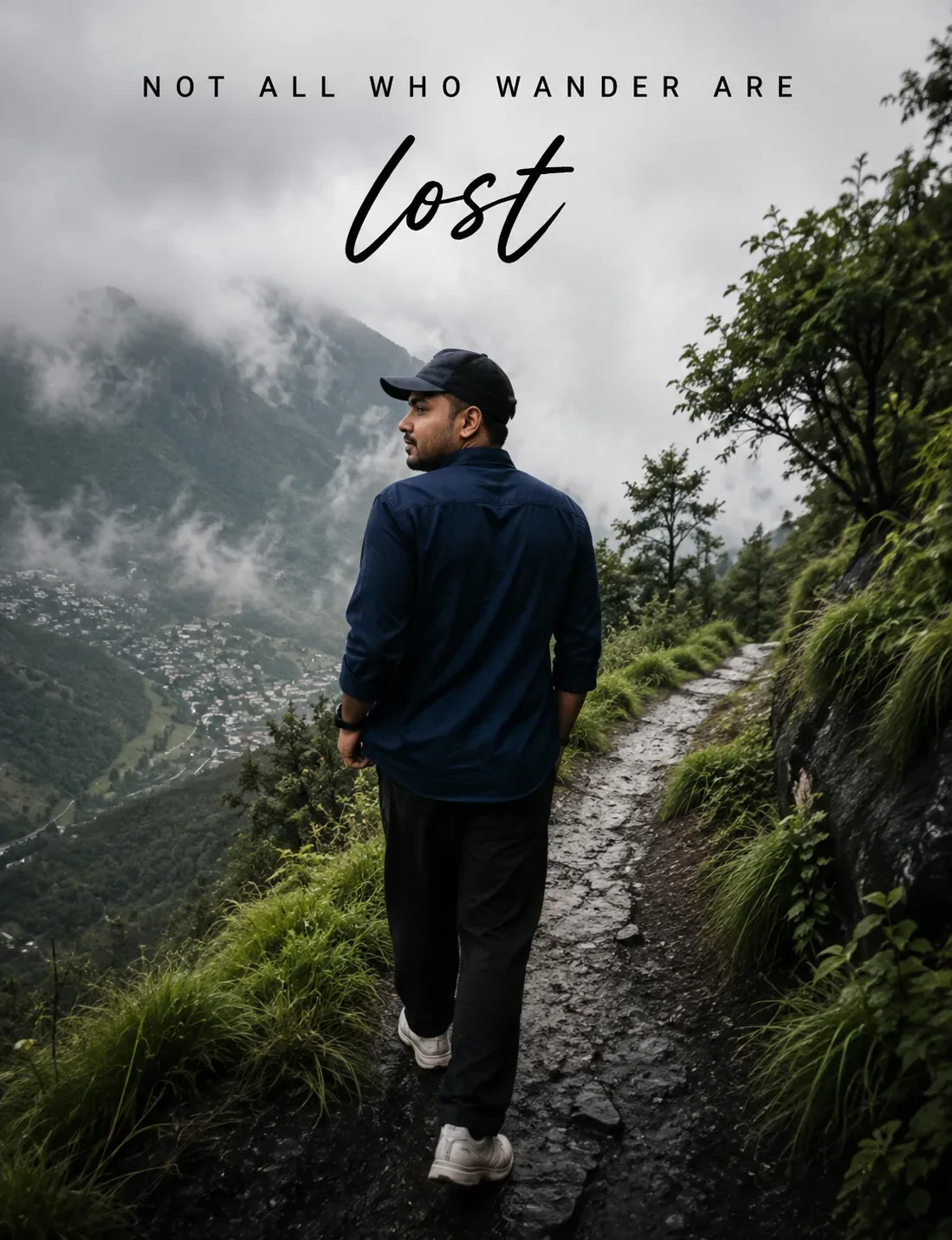
Recreate the uploaded reference image with the same overall composition, camera perspective, framing, body position, walking pose, head angle, posture, and proportions. Show me from behind while walking away along the narrow mountain trail, with my head naturally turned slightly toward the left so a subtle side profile of my own face is visible. Keep the pose relaxed and natural, with the same arm positions and walking stance.
CLOTHING:
Dark navy-blue long-sleeve casual shirt, black relaxed-fit trousers, white/cream chunky sneakers, and a dark wristwatch/fitness band. Preserve realistic fabric folds, stitching, shadows, and natural clothing proportions.
BACKGROUND — MATCH REFERENCE AS CLOSELY AS POSSIBLE:
Keep the same misty Himalayan mountain environment: narrow wet rocky hiking trail winding through lush green vegetation, steep valley on the left, dramatic fog-covered mountains in the distance, dense trees and grass on the right, overcast pale-gray sky, atmospheric mountain mist, damp terrain, and soft natural daylight. Maintain the same depth, perspective, environmental placement, and visual mood as the reference.
CAMERA & PHOTOGRAPHY:
Vertical portrait composition, approximately 4:5 aspect ratio, full-body framing, photographed from behind at approximately eye/chest height. Natural documentary travel photography, realistic DSLR look, subtle shallow depth of field, detailed foreground vegetation, atmospheric background separation, realistic perspective, soft diffused overcast lighting, cinematic tonal range, natural contrast, authentic photographic grain.
TEXT — RECREATE EXACTLY:
At the top of the image, reproduce the following typography and placement:
“NOT ALL WHO WANDER ARE”
— uppercase, thin minimalist sans-serif font, widely spaced letters, centered horizontally.
Directly underneath, large handwritten brush/script lettering:
“lost”
Keep the text black/dark charcoal, elegant and minimal, with the same approximate positioning, spacing, scale, and visual hierarchy as the reference image. Spell the text exactly as written.
REALISM:
Photorealistic, natural human anatomy, realistic skin and hair, physically accurate lighting, authentic wet rocks, realistic vegetation, natural atmospheric haze, detailed mountain textures, subtle imperfections, professional outdoor photography.
STRICT PRESERVATION:
Keep the reference image's pose, composition, background, trail direction, mountain placement, vegetation arrangement, camera perspective, framing, lighting mood, and text layout essentially unchanged. Only replace the person's identity with my face and my hair and naturally adapt the visible side profile to my identity.
NEGATIVE PROMPT:
Do not change my identity, do not use another person's face, no generic face, no face morphing, no altered facial structure, no different hairstyle, no artificial-looking hair, no extra people, no duplicate body, no distorted anatomy, no extra limbs or fingers, no cartoon/CGI appearance, no excessive beauty retouching, no plastic skin, no oversharpening, no unrealistic mountains, no changed trail composition, no text spelling errors, no missing text, no random typography, no watermark, no logo.

Optical Identity & Likeness Preservation: Lock subject's authentic facial identity and natural posture while seamlessly integrating with sharp vehicle reflections and cinematic ambient lighting.What You'll Get
- 🎨 Style: Wallpapers
- ✨ Mood: Wallpapers
- 📱 Best For: Ai Image
- 🤖 Works With: Google Gemini
- 🔥 Popularity: Copied 78 times
- 📅 Added: Sep 14, 2026
Frequently asked questions
- How do I use the You Lost Me AI Photo Prompt prompt?
- To use this prompt, simply click the "Copy Prompt" button above. Then, open Google Gemini, paste the copied text into the prompt box, and hit generate. You can instantly generate high-quality images without needing any reference photos.
- What is this prompt best used for?
- This specific prompt is highly optimized for creating engaging social media content and digital art. The formula is structured to produce high-contrast, visually appealing results that perform well on visual platforms.
- Can I customize the details of this prompt?
- Yes! While the core structure of the prompt is optimized for Google Gemini, you can easily customize the details. We recommend changing specific keywords like clothing colors, background locations, or the overall mood (e.g., changing "sunny" to "rainy" or "neon") to match your exact vision.
Explore Related Collections
Explore Wallpapers Prompts — Browse our curated collection of Wallpapers prompts tailored for creators. View all Wallpapers prompts →
Explore Ai Image Prompts — Discover more viral Ai Image ideas for your next AI generation. View all Ai Image prompts →
Explore Trending Prompts — Explore our extensive library of Trending templates ready to copy and paste. View all Trending prompts →