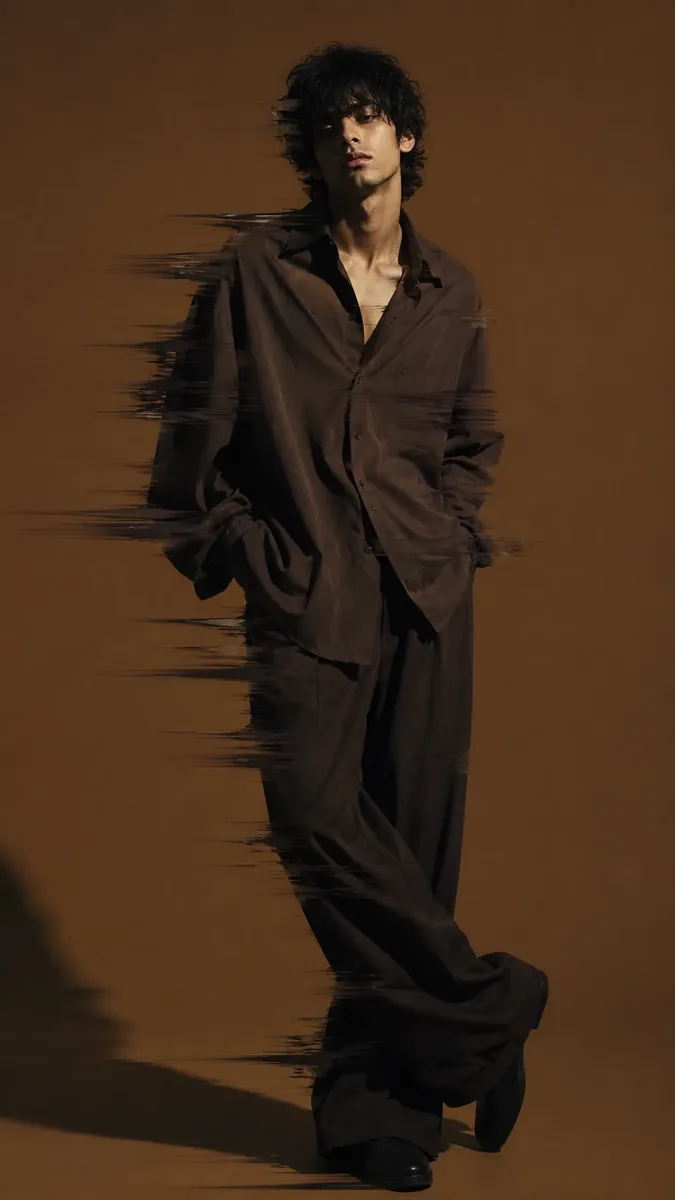
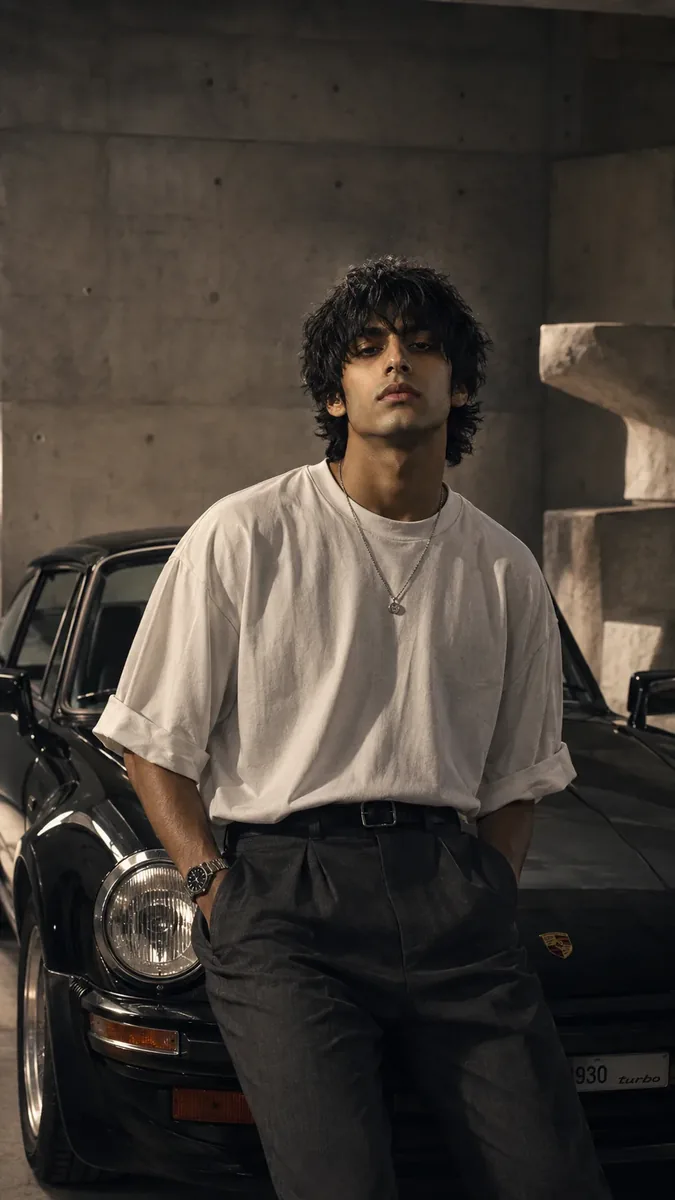
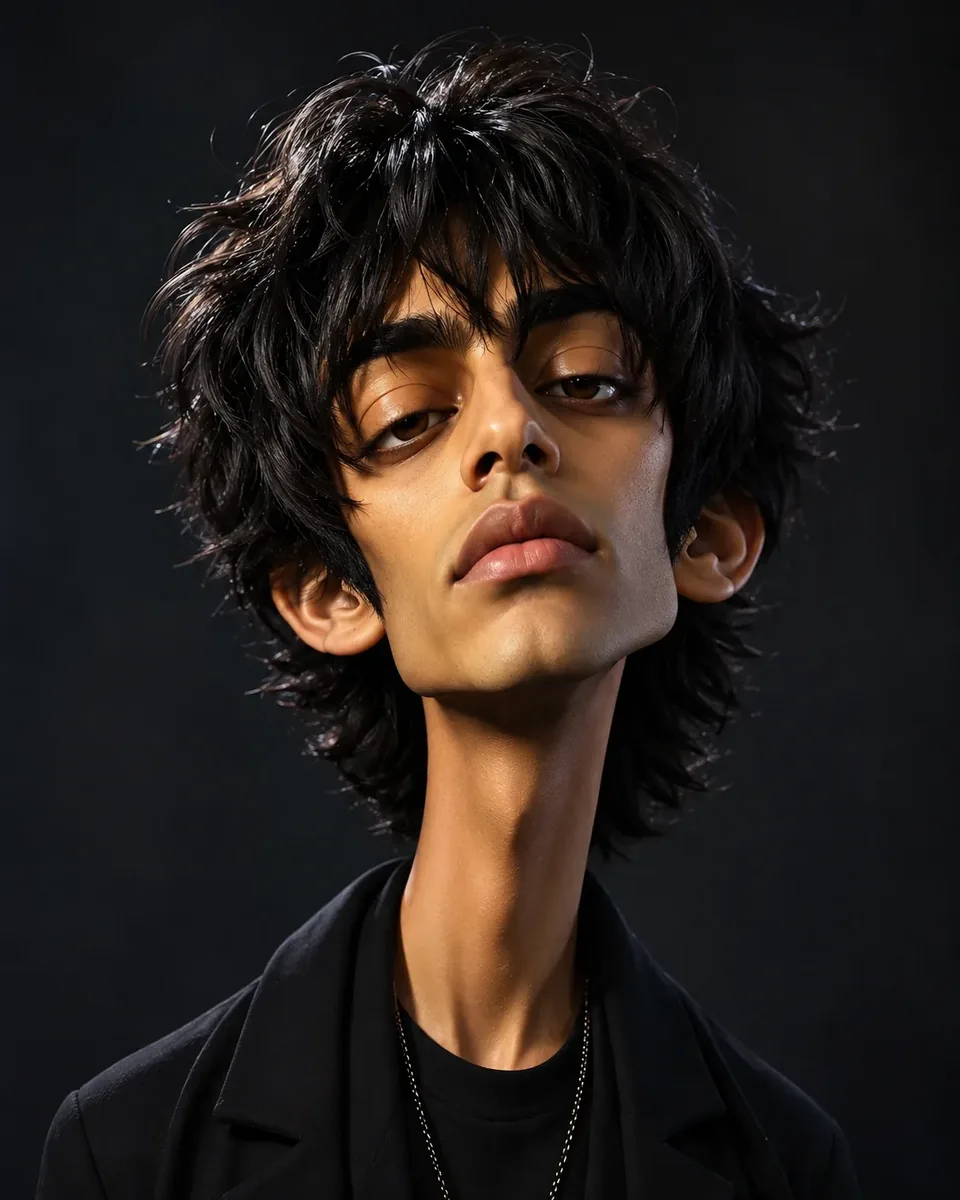
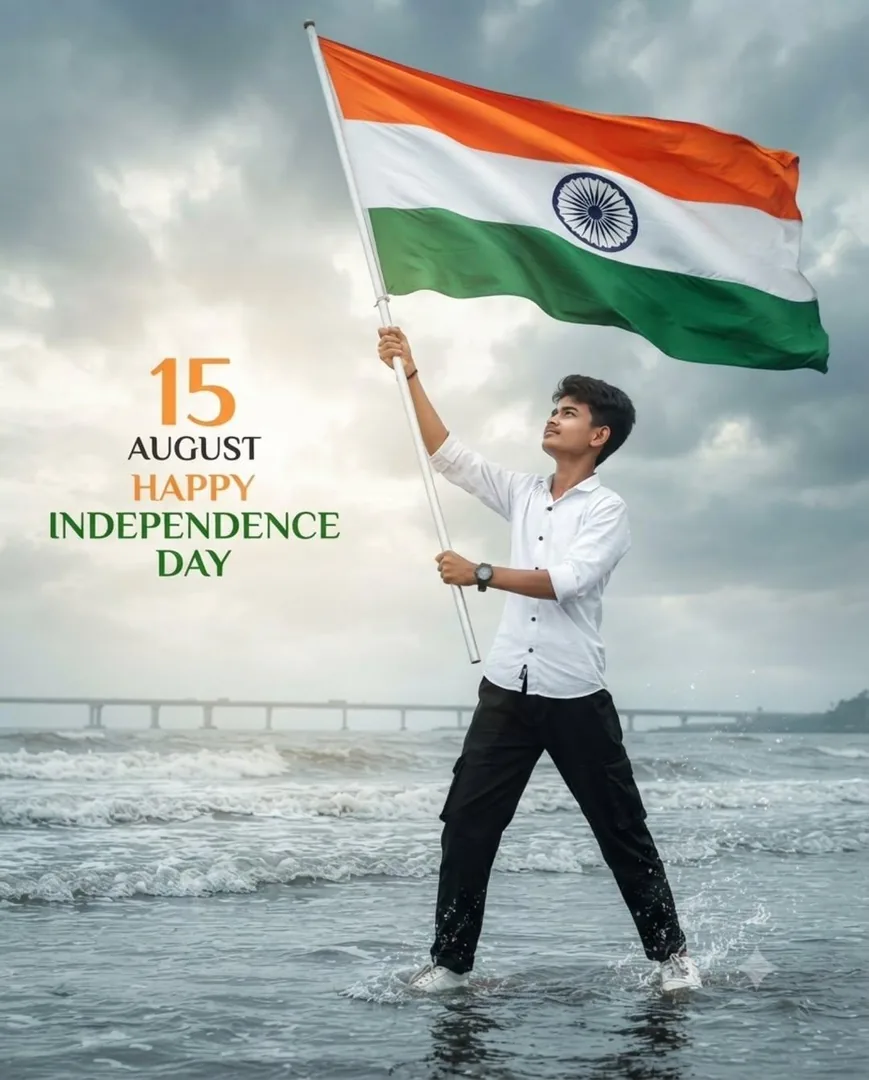
Quick Summary: This verified Google Gemini & Bing Image Creator prompt creates an stylish attitude boy street portrait for Mobile Application Ui Design Generator with calibrated lighting, authentic texture physics, and tested 1-click copy-paste formula for instant AI generation without facial distortion.
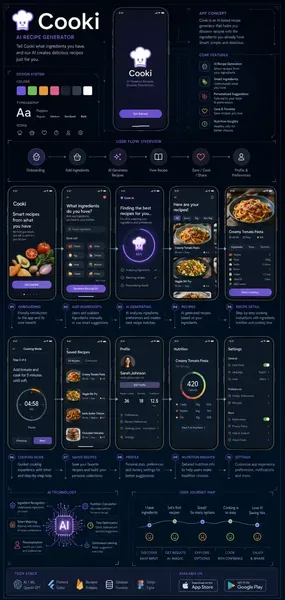
Mobile Application Ui Design Generator - Copy Paste AI Prompt
Create a futuristic ultra-detailed blueprint infographic poster for a mobile application UI/UX design presentation.

APP NAME: [---------------]
APP DESCRIPTION: [---------------]

Style:
- Clean modern mobile app blueprint aesthetic
- Premium UI/UX case study presentation style
- Minimal futuristic infographic layout
- Highly organized visual hierarchy
- Symmetrical and balanced composition
- Dark or light background depending on app mood
- Elegant neon accent colors matching the app theme
- Professional startup presentation quality
- Apple + Figma + Behance inspired design language

Canvas:
- Aspect ratio 9:16
- Ultra HD wallpaper/poster quality
- Vertical mobile presentation layout


Main Design Requirements:
- AI should intelligently determine the most important mobile app screens based on the app name and description
- Automatically generate only the most relevant UI pages for the app category and user flow
- Possible screens may include:
  • Home Screen
  • Dashboard
  • Profile Page
  • Analytics / Stats
  • Settings
  • Notifications
  • Onboarding
  • Login / Authentication
  • Chat / Messaging
  • AI Assistant
  • E-commerce Product Pages
  • Checkout Flow
  • Booking System
  • Finance Wallet
  • Social Feed
  • Music Player
  • Video Streaming
  • Health Tracking
  • Maps / Navigation
  • Admin Panel
  • Task Management
  • Calendar / Scheduling
  • Learning Interface
  • SaaS Control Panel
  • Smart Device Controls
  • Any additional screens that logically match the app purpose

- AI must create a believable real-world UX flow automatically
- Screens should feel connected as part of one complete ecosystem
- Show logical navigation between screens
- Include blueprint-style callout lines and technical UI labels
- Add smooth flow arrows and UX mapping indicators
- Include realistic mobile UI elements and interactions
- Maintain clean spacing, accurate alignment, and consistent design systems
- Typography must be clean, readable, and professionally written
- Avoid gibberish, fake symbols, or broken UI text
- Add tiny feature descriptions beside important UI sections
- Include subtle grid overlays, wireframe guides, and technical infographic markings
- UI should feel functional, modern, and production-ready


- Use clean spacing and accurate alignment
- Add blueprint-style callout lines and UI labels
- Add smooth flow arrows between screens
- Include realistic mobile UI elements
- Use clean typography with readable accurate text
- Text must look professionally designed and grammatically correct
- Avoid gibberish text
- Add tiny feature descriptions beside components
- Include subtle grid overlays and technical UI markings

Visual Elements:
- Floating UI cards
- Glassmorphism effects
- Thin blueprint lines
- Wireframe overlays
- UX flow diagrams
- Tiny icon systems
- Data visualization widgets
- Notification popups
- Micro-interaction indicators
- App ecosystem visualization

Design Language:
- Futuristic but realistic
- Minimal clutter
- Elegant infographic storytelling
- Premium startup pitch deck aesthetic
- Dribbble/Behance quality
- Clean and readable
- High information density without chaos

Lighting & Rendering:
- Soft ambient glow
- High contrast clean lighting
- Sharp vector-like UI edges
- Ultra crisp details
- Subtle depth and shadows
- Cinematic infographic rendering

Rules:
- No watermark
- No branding unless app name provided
- No random unreadable symbols
- Accurate clean English typography
- UI should feel functional and believable
- Maintain professional UI/UX consistency
- Focus on clarity and modern design systems

Optical Specifications & Identity Preservation (Rule 12):
- Face Likeness: Maintain 100% exact facial identity, bone structure, eye shape, jawline, nose structure, and skin undertone of the reference photo without alteration or substitution; strictly preserve facial likeness 1:1; no facial distortion, no generic face substitution.
- Optics & Camera: Shot on 85mm f/1.4 prime lens, shallow depth of field, calibrated cinematic studio lighting, ultra-sharp optical focus, high dynamic range (HDR), zero chromatic aberration, 8k master resolution.Technical Prompt Parameters (Attitude Boy & Stylish DP)
| Parameter | Configuration | Output Impact |
|---|---|---|
| Target AI Engine | Google Gemini & Bing Image Creator | Engineered for viral Instagram reels display pictures and WhatsApp DP engagement. |
| Recommended Aspect Ratio | 9:16 (Full Screen DP & Reel) or 1:1 (Profile Icon) | Fills mobile display screens completely without black letterboxing or cropped hair. |
| Camera & Lens Settings | 85mm f/1.8 prime lens, Sony A7 IV, crisp focal separation | Sharp high-contrast focus on sunglasses, hoodie texture, and confident facial expression. |
| Lighting Style | Dramatic street golden hour or neon urban backlighting with cool rim contour | Carves strong jawline definition and dramatic contrast for a bold, commanding profile look. |
| Negative Constraints | cartoon face, childish features, distorted sunglasses, blurred background clutter, extra limbs | Keeps masculine features razor-sharp, realistic, and free from cartoon distortion. |
| Reference Photo | Upload a confident front-facing or slight 3/4 angle selfie with good daylight. | Upload front-facing reference photo for face matching. |
How to use this prompt
- Copy the prompt text below, replace bracketed placeholders with your customized details or upload your reference photo, and paste directly into Google Gemini (Imagen 3) or Bing Image Creator.
How to get better results from Mobile Application Ui Design Generator
Generate Mobile Application Ui Design Generator using this viral copy-paste AI prompt. Optimized for Google Gemini (Imagen 3), Bing Image Creator, Midjourney v6, and Flux. Use it as a copy-ready starting point, then adjust the subject, scene, tone and output format for your own result.
- Ai Art
- Branding
- Trending
- Viral
- Gemini prompt testing
- fast copy-paste workflow
Customize before generating
- Replace the main subject, name, product or character details.
- Adjust lighting, background, mood, camera angle or aspect ratio if the prompt is visual.
- Change tone, audience, language and output format if the prompt is for text.
- Keep this core idea clear: Create a futuristic ultra-detailed blueprint infographic poster for a mobile application UI/UX design presentation. APP NAME: [---------------] APP DESCRIPTION:...
Quick variations to try
- Make Mobile Application Ui Design Generator more cinematic with stronger lighting and richer background detail.
- Turn Mobile Application Ui Design Generator into a cleaner mobile-first version for social media posts or profile use.
- Create a premium version of Mobile Application Ui Design Generator with sharper style, higher detail and a more polished final output.