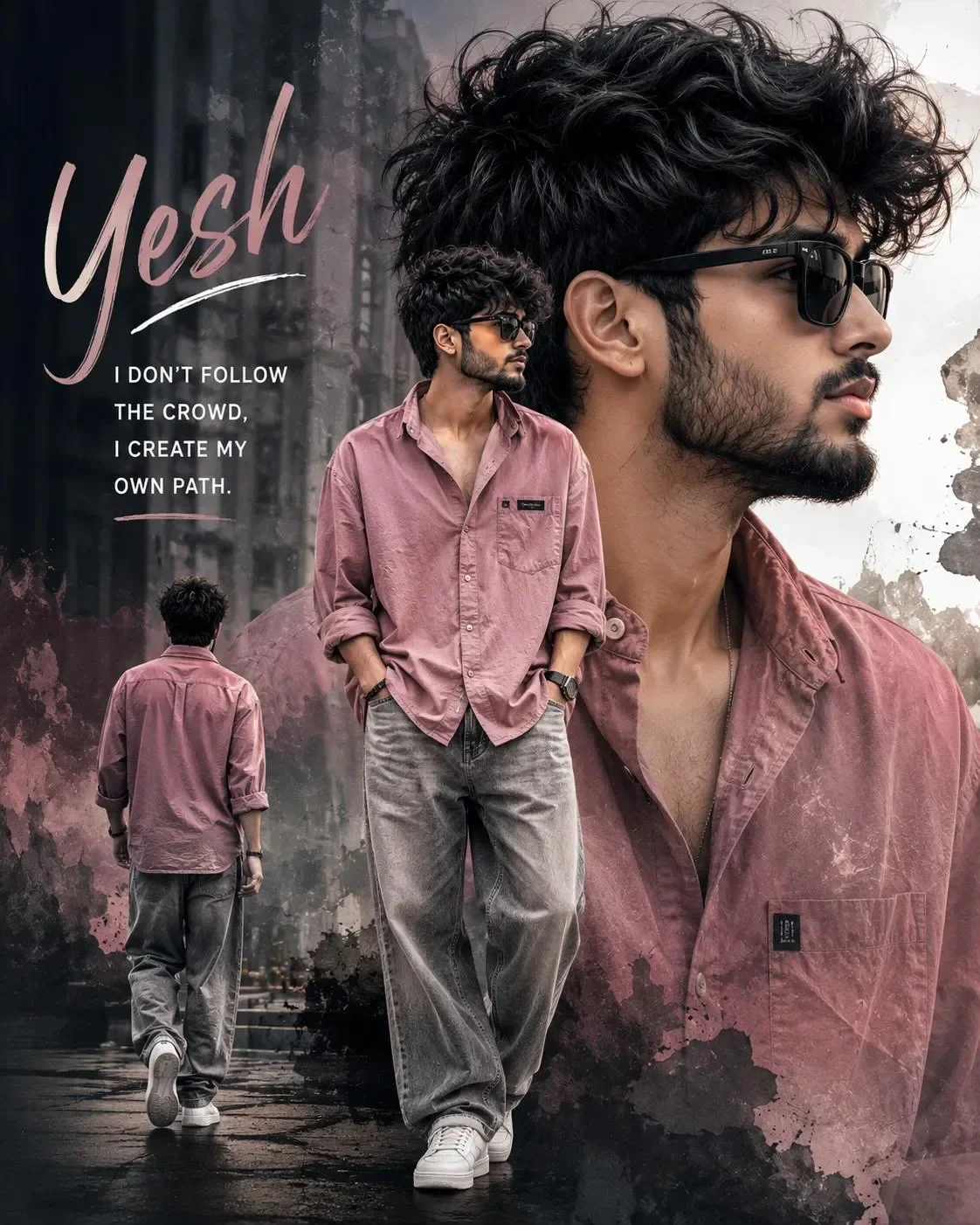
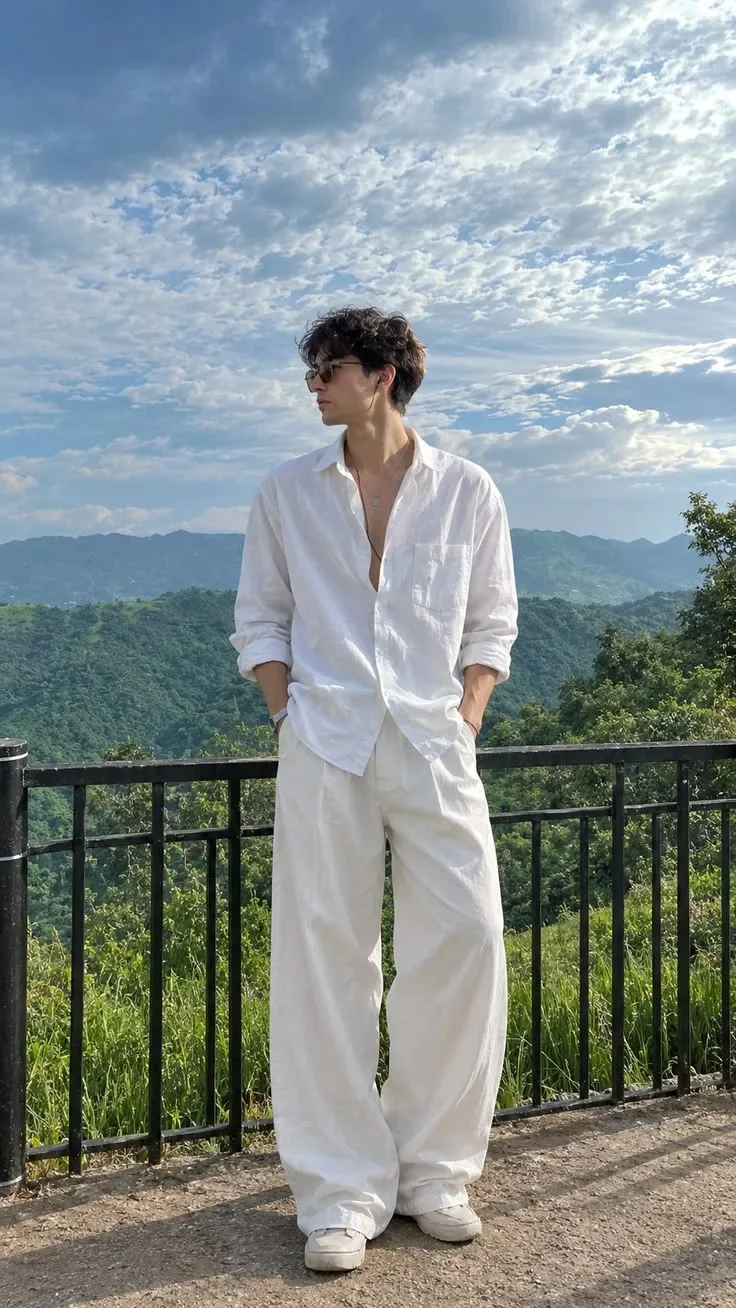
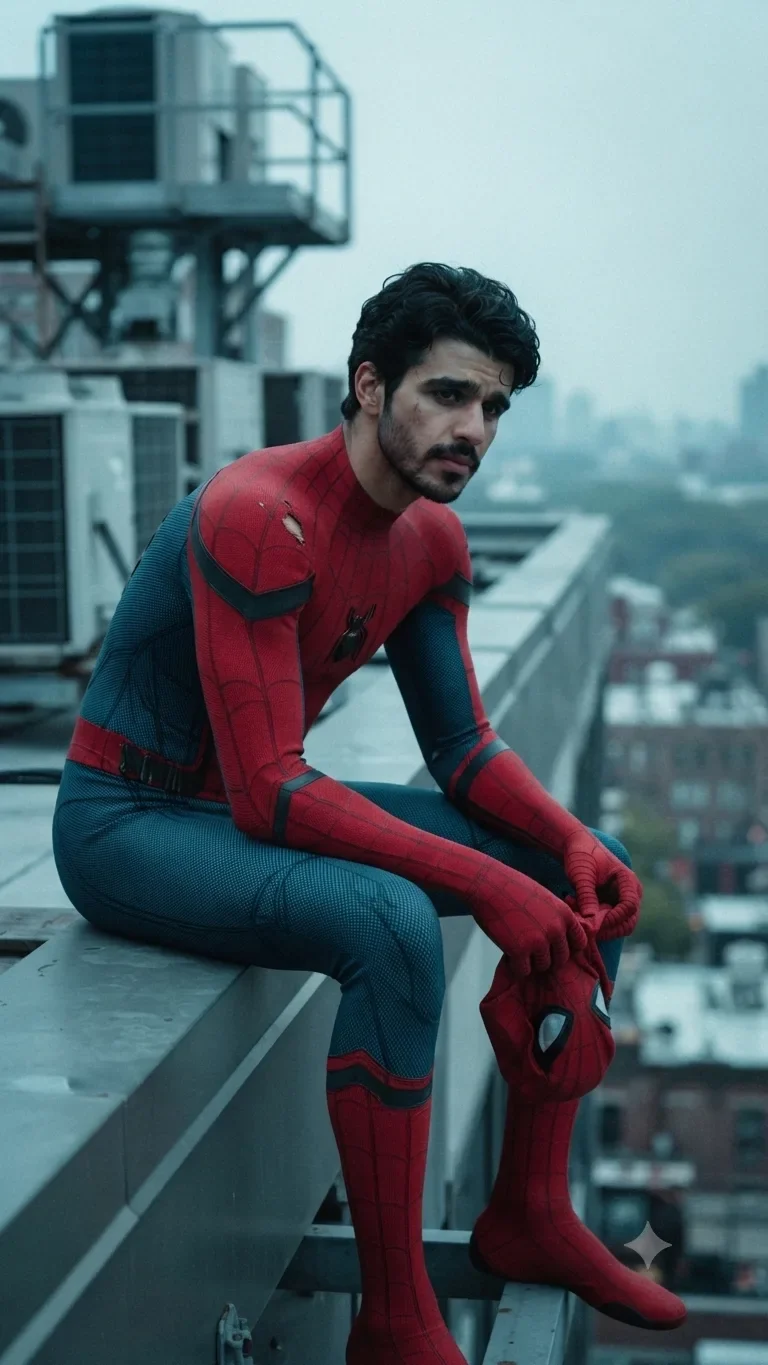
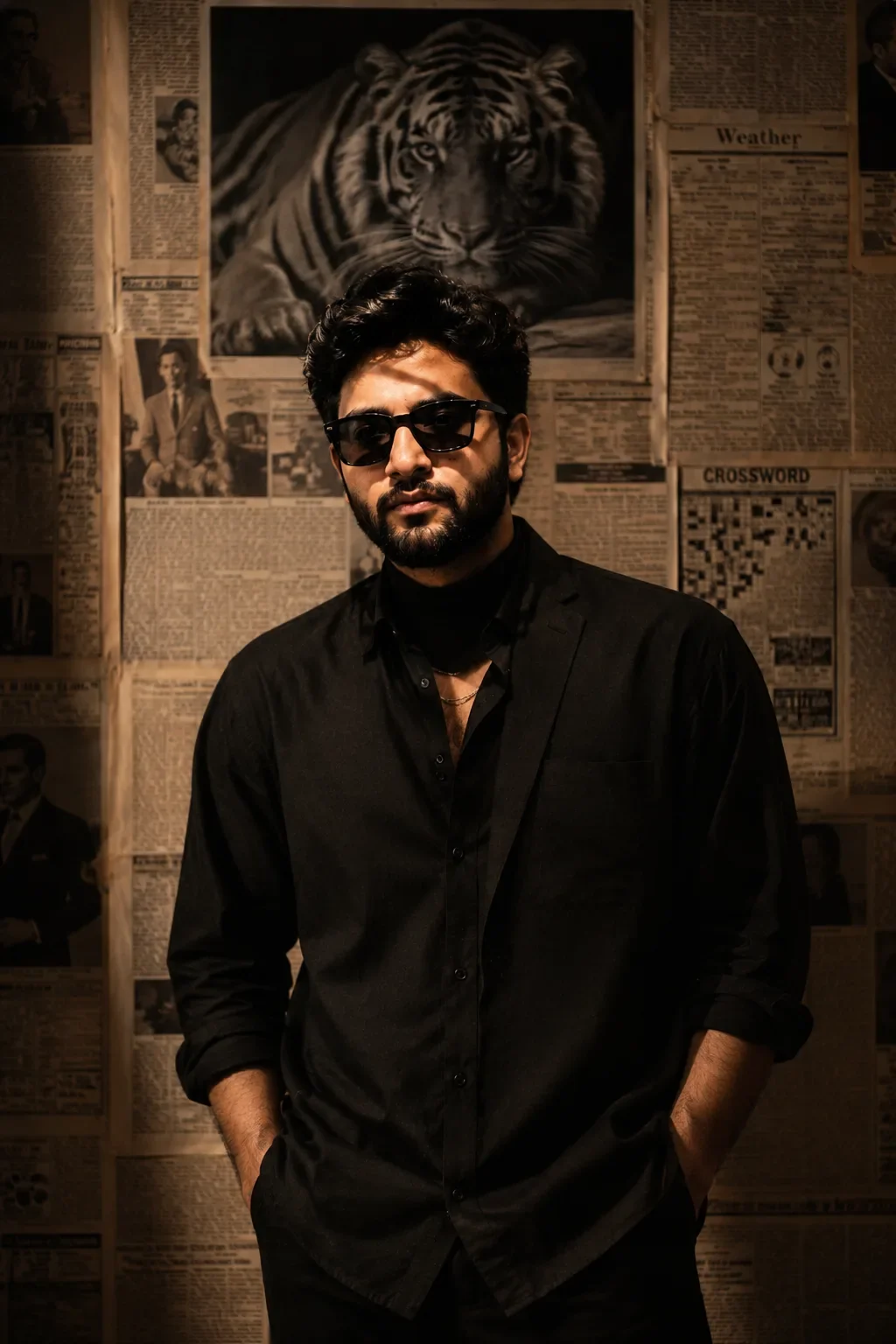
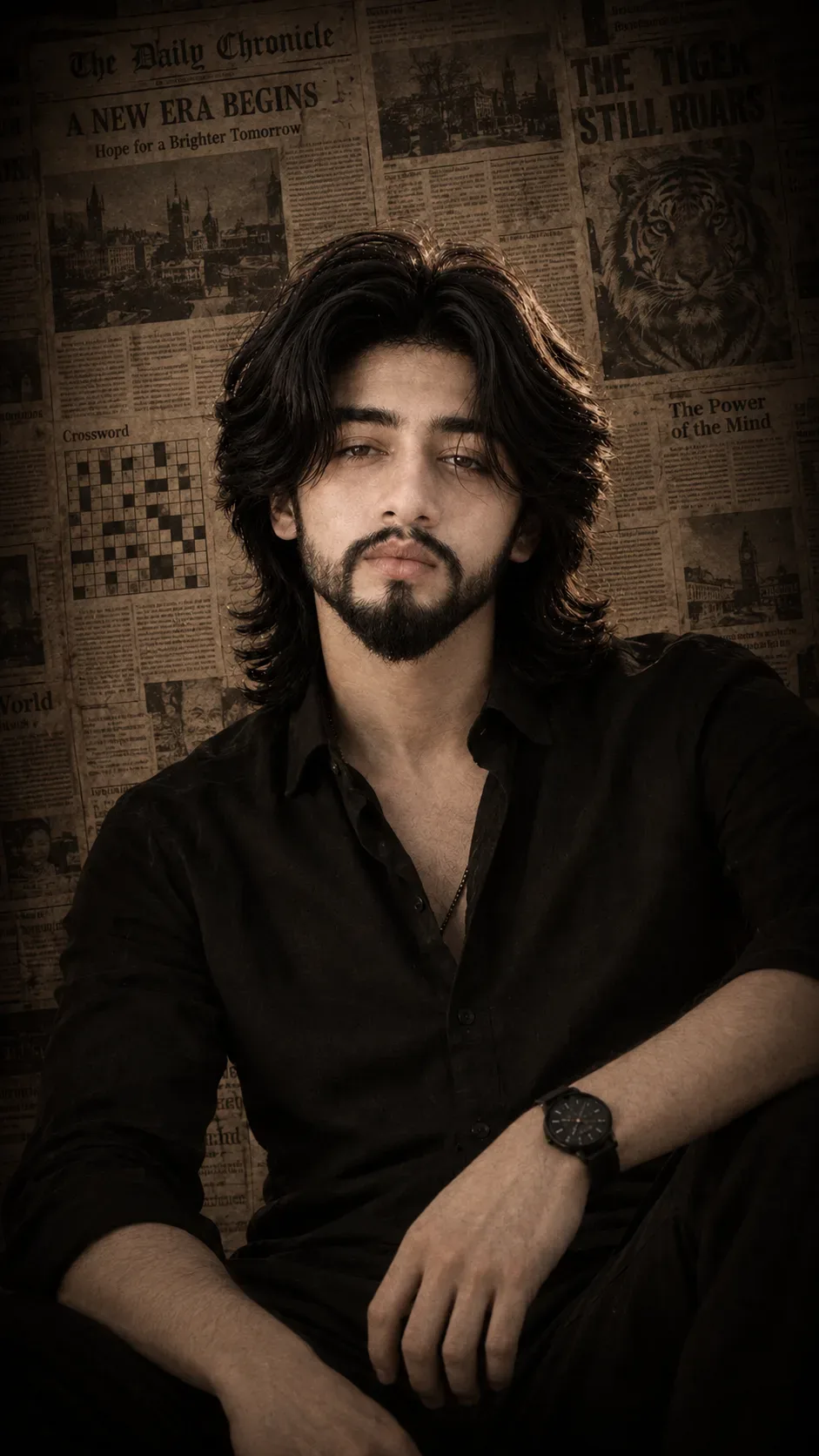
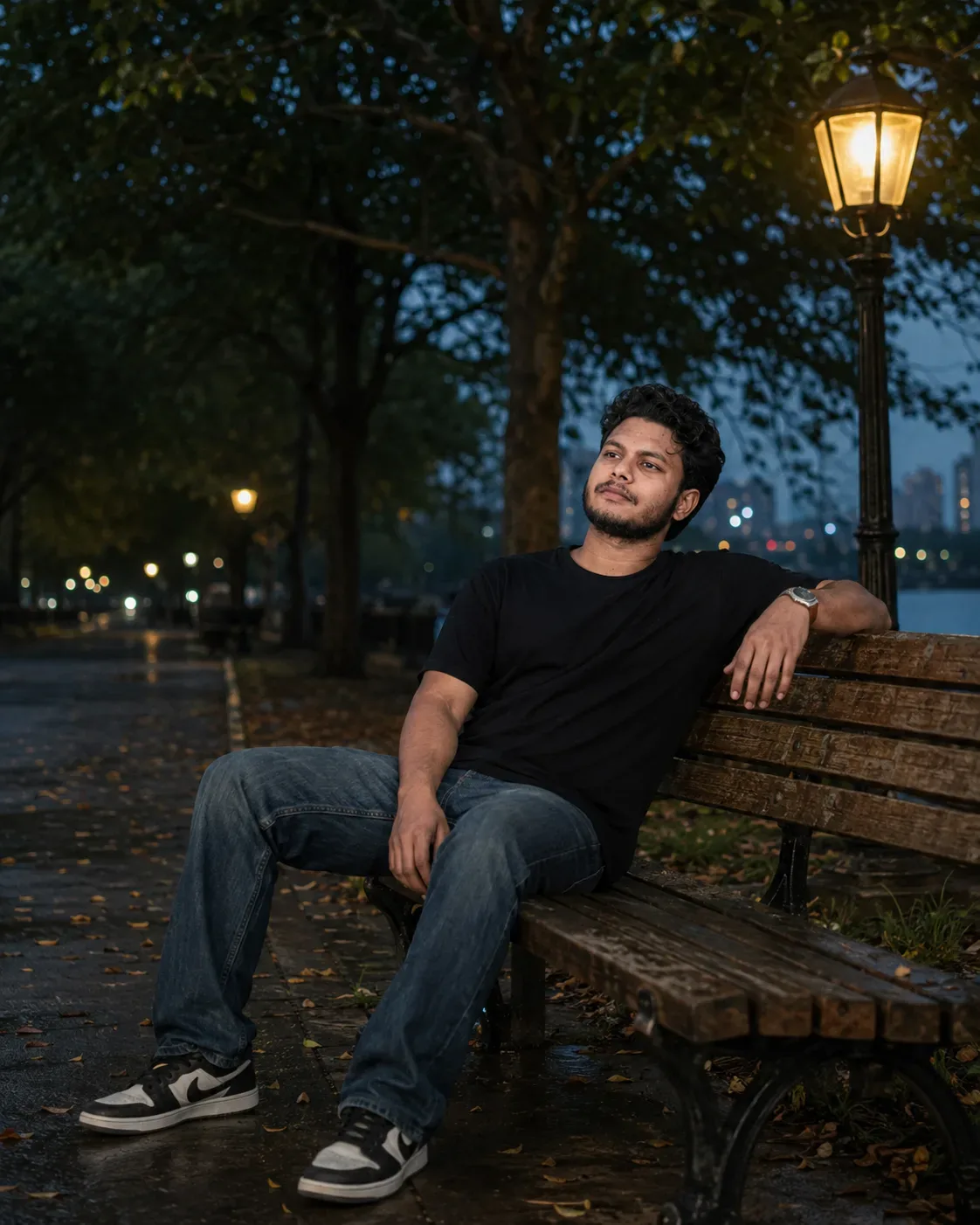
Quick Summary: This verified Google Gemini & Midjourney v6 prompt creates an authentic 90s vintage film aesthetic for Upload Your Photo As A Cinematic Royal Portrait AI Photo Prompt with calibrated lighting, authentic texture physics, and tested 1-click copy-paste formula for instant AI generation without facial distortion.
- Photography
- Ai Image
- Trending
- Photography
- Ai Image
- Trending
- Viral Prompt
- Gemini Ai
- Bing Image Creator
- Copy Paste
About This Prompt
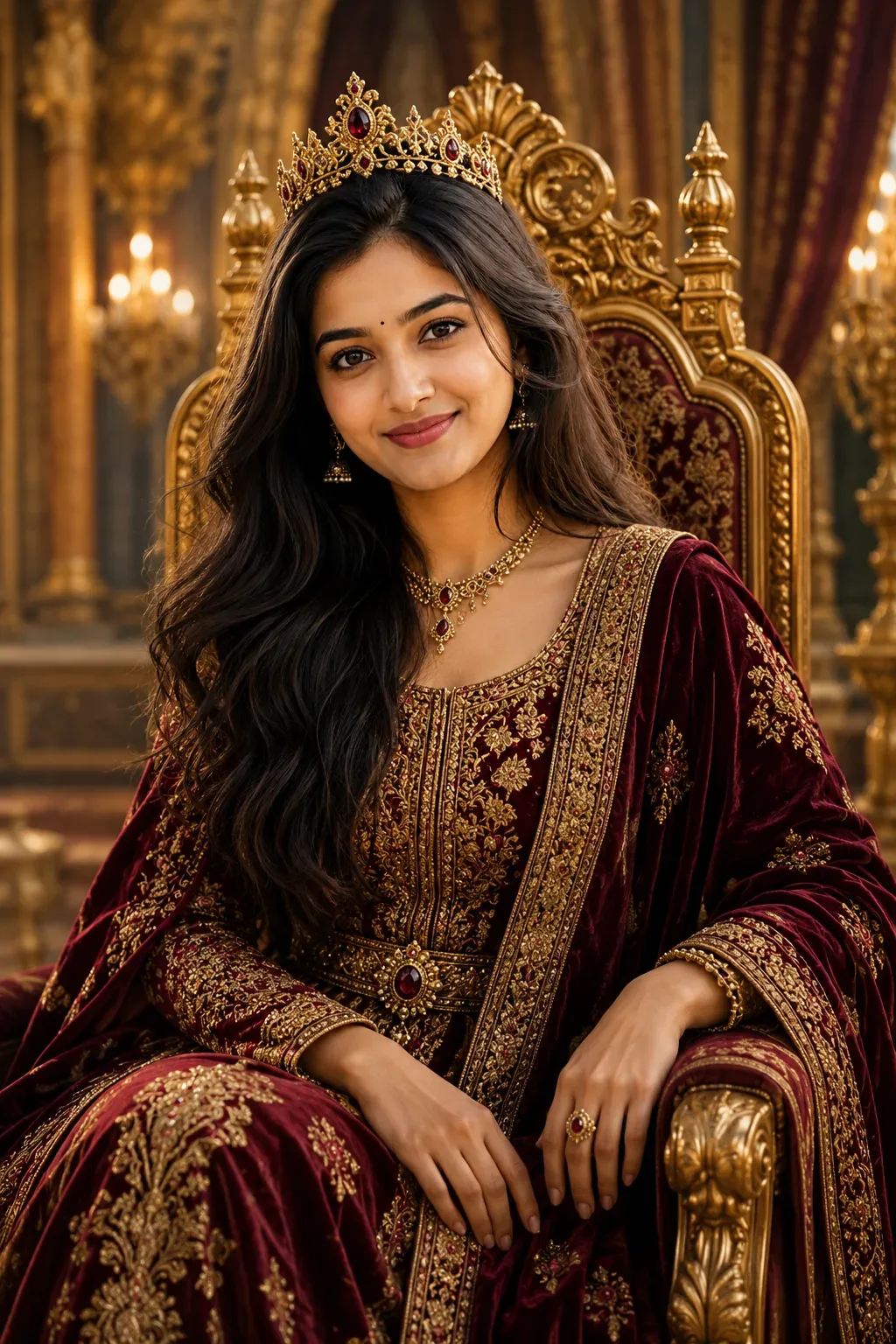
Create a Upload Your Photo As A Cinematic Royal Portrait AI Photo Prompt — a high-quality, photorealistic image with balanced lighting, sharp focus, and intricate details suitable for social media sharing and digital content creation.
Optimized specifically for Google Gemini. Simply copy the prompt text below and paste it into the generator. You can easily customize specific keywords like colors, backgrounds, or subjects to make the final output uniquely yours.
Upload Your Photo As A Cinematic Royal Portrait AI Photo Prompt - Copy Paste AI Prompt
Use the uploaded reference photo as the ONLY identity reference for the main character.

STRICT IDENTITY PRESERVATION:
Maintain the exact identity of the person from the uploaded photo. Preserve the same facial structure, facial proportions, eyes, nose, lips, jawline, skin tone, hairstyle, hairline, age, and all other recognizable facial characteristics.

The final royal character must immediately and clearly look like the same person from the uploaded reference photo. Do not replace the person with a different face or alter their recognizable identity.

Transform the person into a majestic, ultra-realistic cinematic royal portrait while naturally preserving their identity, gender presentation, facial characteristics, hairstyle, and overall appearance.

GENDER-ADAPTIVE ROYAL CHARACTER DESIGN:
Adapt the royal styling naturally to the person in the uploaded photo.

For a masculine-presenting person, portray them as a powerful and sophisticated king, prince, or royal ruler. Dress them in an elegant embroidered royal coat or ceremonial attire with rich velvet, detailed gold or silver embroidery, refined royal jewelry, and a luxurious flowing cloak. Add a tasteful crown or regal headpiece appropriate to the character.

For a feminine-presenting person, portray them as a powerful and elegant queen, princess, or royal ruler. Dress them in a luxurious royal gown with rich silk, velvet, intricate embroidery, refined jewelry, and graceful royal details. Add an elegant crown, tiara, or regal headpiece appropriate to the character.

Do not unnecessarily masculinize or feminize the person. Preserve the person's natural gender presentation and adapt the royal styling accordingly.

ROYAL ATTIRE AND DETAILS:
Create highly detailed, premium royal clothing made from luxurious velvet, silk, brocade, and finely embroidered fabrics. Include intricate gold or silver threadwork, subtle gemstones, elegant jewelry, ornamental details, royal accessories, and realistic handcrafted textures.

The clothing must feel historically inspired yet timeless and cinematic, with a premium high-budget fantasy film aesthetic. All fabrics, jewelry, and accessories should look physically realistic and naturally integrated with the person's body.

POSE AND EXPRESSION:
Give the character a calm, confident, dignified, and powerful expression.

Use a graceful and commanding royal posture appropriate to the person's natural presence. The character may be seated elegantly on an ornate throne or standing confidently beside it.

The pose should communicate authority, sophistication, confidence, and timeless royalty.

ENVIRONMENT:
Place the character inside a magnificent royal palace or grand throne room.

Surround the scene with ornate architecture, tall marble columns, detailed carvings, elegant chandeliers, luxurious curtains, rich tapestries, subtle golden decorative elements, polished surfaces, and a sense of cinematic scale.

The environment should feel grand, luxurious, timeless, and believable without distracting attention from the main character.

CINEMATIC COMPOSITION:
Create an elegant medium-to-full body portrait.

Use a balanced cinematic composition with the subject prominently positioned as the visual focus. Use an eye-level or slightly low camera angle to create a sense of dignity, authority, and importance.

Keep the face clearly visible and recognizable. Use realistic depth of field with the background softly detailed and slightly separated from the subject.

LIGHTING:
Use sophisticated cinematic lighting with warm golden highlights, soft ambient palace lighting, realistic shadows, subtle rim lighting, and natural illumination across the face.

Create a luxurious, dramatic, and timeless atmosphere. Ensure the face remains naturally lit, detailed, and clearly visible.

VISUAL STYLE:
Ultra-realistic cinematic royal portrait, photorealistic human face, natural skin texture, realistic anatomy, highly detailed royal clothing, realistic fabric textures, physically believable jewelry, premium cinematic lighting, elegant color grading, professional portrait photography, high dynamic range, sharp focus on the face, subtle depth of field, epic yet refined production design.

OUTPUT FORMAT:
Vertical 2:3 composition.

IMPORTANT:
Keep the person immediately recognizable as the exact individual from the uploaded reference photo.

Do not change the person's identity, facial structure, facial proportions, skin tone, age, hairstyle, or recognizable features.

Avoid cartoon or illustration styles, anime, plastic-looking skin, excessive beauty filters, identity changes, face distortion, duplicate faces, deformed hands, extra fingers, duplicate limbs, distorted anatomy, unrealistic jewelry, blurry facial features, text, logos, watermarks, low-detail clothing, oversaturated colors, or artificial-looking skin.

Optical Identity & Likeness Preservation: Lock subject's authentic facial identity and natural posture while seamlessly integrating with sharp vehicle reflections and cinematic ambient lighting.What You'll Get
- 🎨 Style: Photography
- ✨ Mood: Photography
- 📱 Best For: Ai Image
- 🤖 Works With: Google Gemini
- 🔥 Popularity: Copied 86 times
- 📅 Added: Sep 14, 2026
Frequently asked questions
- How do I use the Upload Your Photo As A Cinematic Royal Portrait AI Photo Prompt prompt?
- To use this prompt, simply click the "Copy Prompt" button above. Then, open Google Gemini, paste the copied text into the prompt box, and hit generate. You can instantly generate high-quality images without needing any reference photos.
- What is this prompt best used for?
- This specific prompt is highly optimized for creating engaging social media content and digital art. The formula is structured to produce high-contrast, visually appealing results that perform well on visual platforms.
- Can I customize the details of this prompt?
- Yes! While the core structure of the prompt is optimized for Google Gemini, you can easily customize the details. We recommend changing specific keywords like clothing colors, background locations, or the overall mood (e.g., changing "sunny" to "rainy" or "neon") to match your exact vision.
Explore Related Collections
Explore Photography Prompts — Browse our curated collection of Photography prompts tailored for creators. View all Photography prompts →
Explore Ai Image Prompts — Discover more viral Ai Image ideas for your next AI generation. View all Ai Image prompts →
Explore Trending Prompts — Explore our extensive library of Trending templates ready to copy and paste. View all Trending prompts →