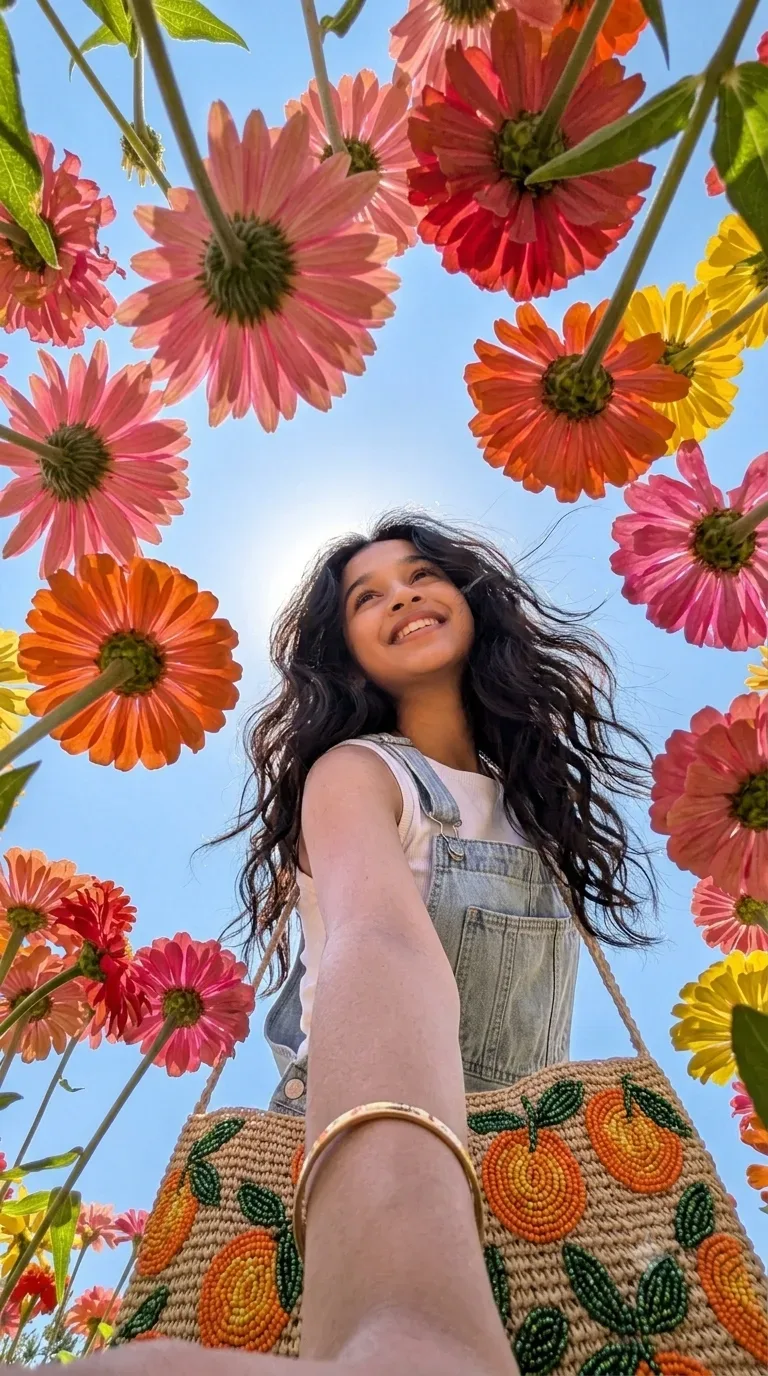
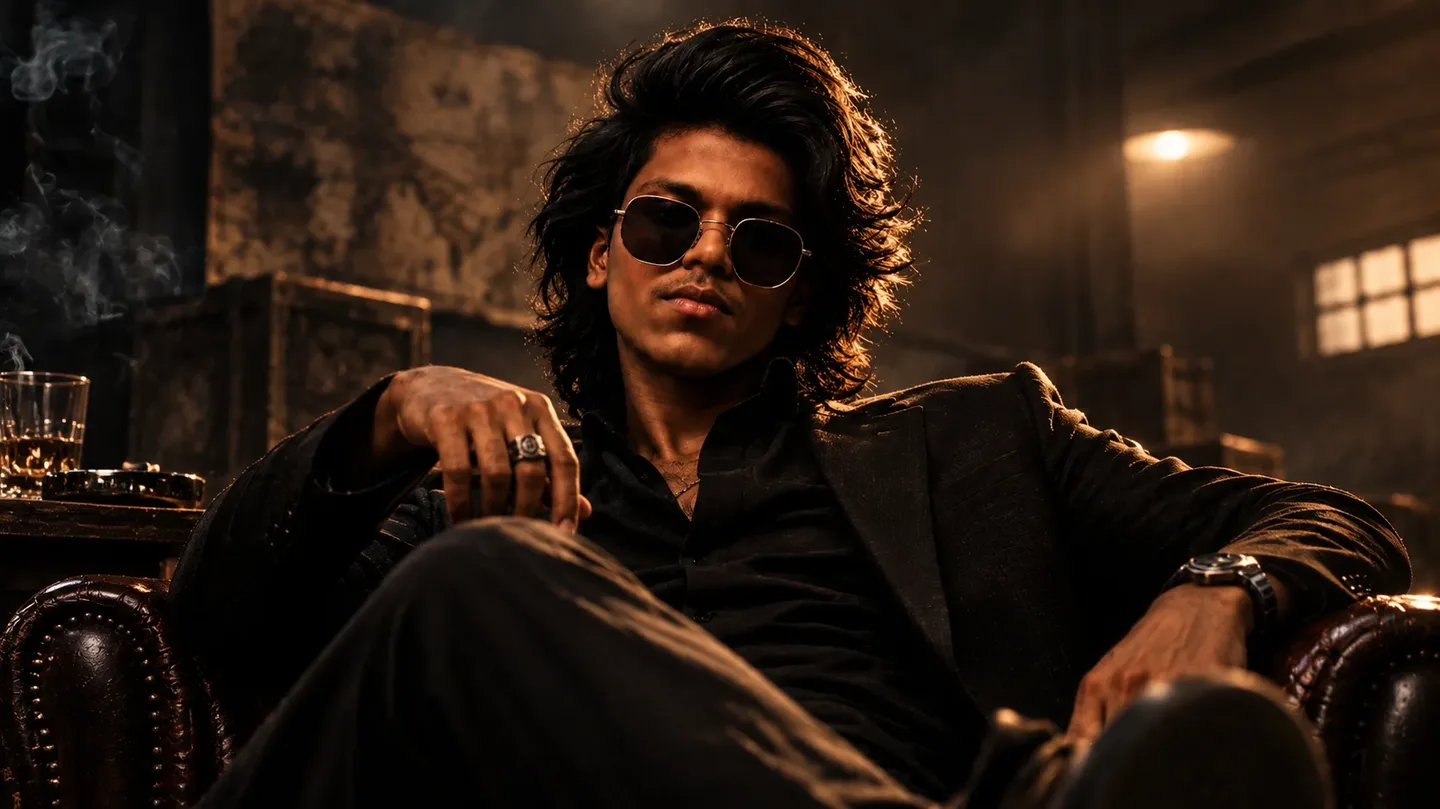
Quick Summary: This verified Midjourney Niji 6 / Flux.1 Schnell / Bing Image Creator prompt creates an hyper-detailed 3D cyberpunk stylized aesthetic for Transform The Input Image Into A AI Photo Prompt with calibrated lighting, authentic texture physics, and tested 1-click copy-paste formula for instant AI generation without facial distortion.
About This Prompt
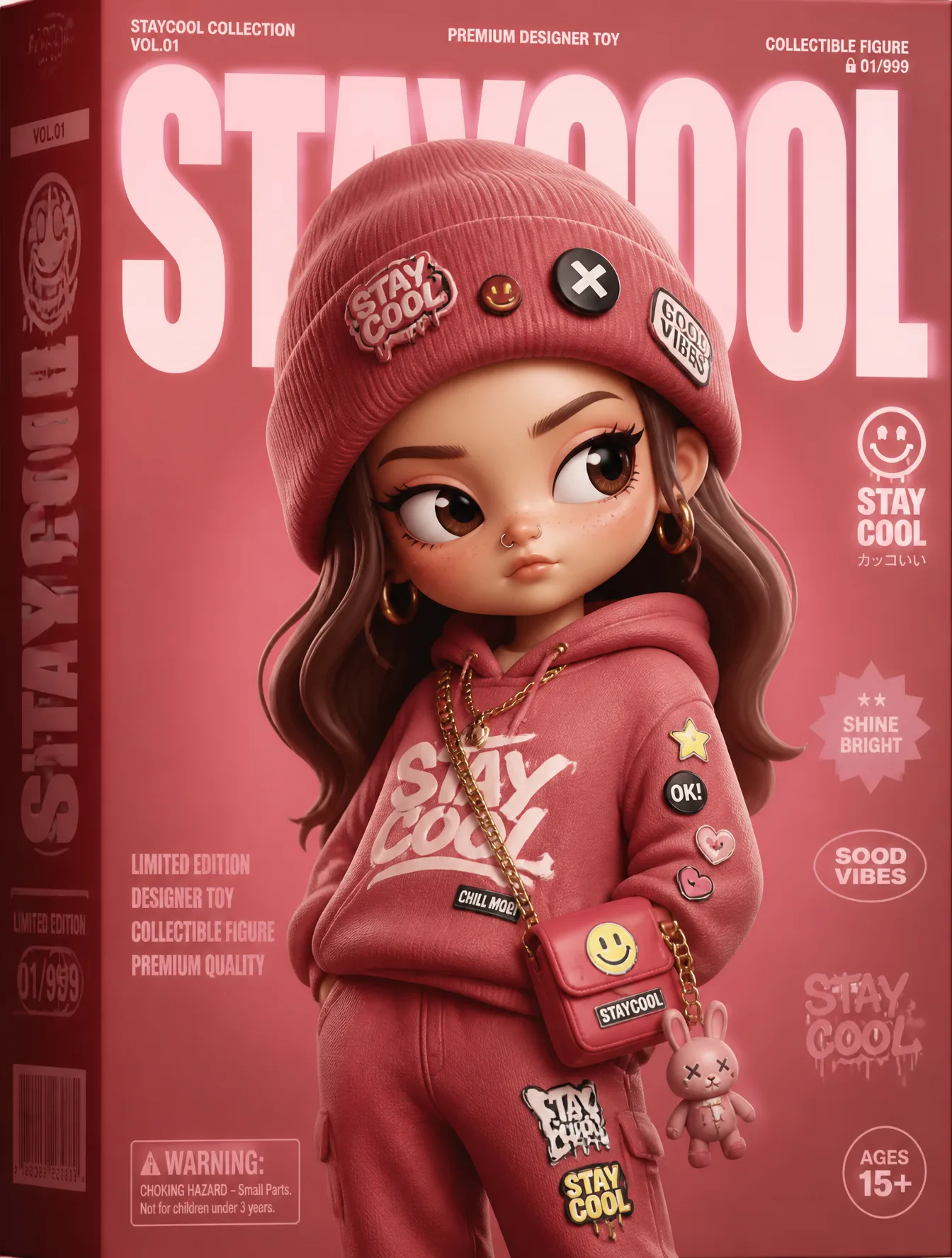
Use this prompt to generate a Transform The Input Image Into A AI Photo Prompt — a high-quality, photorealistic image with balanced lighting, sharp focus, and intricate details suitable for social media sharing and digital content creation.
Optimized specifically for your AI generator. Simply copy the prompt text below and paste it into the generator. You can easily customize specific keywords like colors, backgrounds, or subjects to make the final output uniquely yours.
Transform The Input Image Into A AI Photo Prompt - Copy Paste AI Prompt
Transform the input image into a premium designer collectible-art toy aesthetic. Preserve the subject's identity, pose, composition, and key features, but reinterpret everything as a highly detailed stylized vinyl/resin character. Features: Cute yet sophisticated designer toy proportions Large expressive eyes with subtle side-glance attitude Smooth polished skin and soft sculpted facial features High-end 3D render quality Hyper-detailed materials and textures Soft ambient global illumination Studio-grade lighting with gentle bloom Slightly exaggerated facial proportions Clean toy-like surface finish Premium collectible figurine appearance Styling: Add playful graphic stickers, pins, patches, charms, decals,   that match the subject's personality Decorative details should feel curated and collectible, not random Fashion and clothing should remain inspired by the original image but elevated into designer-toy aesthetics Rich layered materials such as knit fabrics, glossy plastics, enamel pins, embroidered patches, metallic jewelry, and soft textiles Subtle freckles, texture details, and micro-surface imperfections for realism Composition: Centered portrait framing Magazine-cover presentation Bold oversized typography Modern editorial layout Minimal geometric UI elements Limited edition collectible packaging design language Clean visual hierarchy Luxury streetwear toy-brand aesthetic Color System: Extract the dominant color from the outfit Use that color as the primary background gradient Create monochromatic harmony between background and wardrobe Add small complementary accent colors through stickers and accessories Vibrant but cohesive palette Rendering: Ultra-detailed 3D character render Octane/Redshift/Cinema5D quality Sharp focus High contrast Soft depth of field Commercial toy photography Luxury collectible product shot Premium designer art toy aesthetic Contemporary street-culture collectible design

Note: Strictly retain 100% exact facial likeness, natural cheekbone contours, true skin undertone, and authentic gaze from source image without generic face replacement.What You'll Get
- 🎨 Style: Ai Image
- ✨ Mood: Meigen
- 📱 Best For: Trending
- 🤖 Works With: your AI generator
- 🔥 Popularity: Copied 32 times
- 📅 Added: Sep 15, 2026
Frequently asked questions
- How do I use the Transform The Input Image Into A AI Photo Prompt prompt?
- To use this prompt, simply click the "Copy Prompt" button above. Then, open your AI generator, paste the copied text into the prompt box, and hit generate. You can instantly generate high-quality images without needing any reference photos.
- What is this prompt best used for?
- This specific prompt is highly optimized for creating engaging social media content and digital art. The formula is structured to produce high-contrast, visually appealing results that perform well on visual platforms.
- Can I customize the details of this prompt?
- Yes! While the core structure of the prompt is optimized for your AI generator, you can easily customize the details. We recommend changing specific keywords like clothing colors, background locations, or the overall mood (e.g., changing "sunny" to "rainy" or "neon") to match your exact vision.
Explore Related Collections
Explore Ai Image Prompts — Browse our curated collection of Ai Image prompts tailored for creators. View all Ai Image prompts →
Explore Trending Prompts — Discover more viral Trending ideas for your next AI generation. View all Trending prompts →