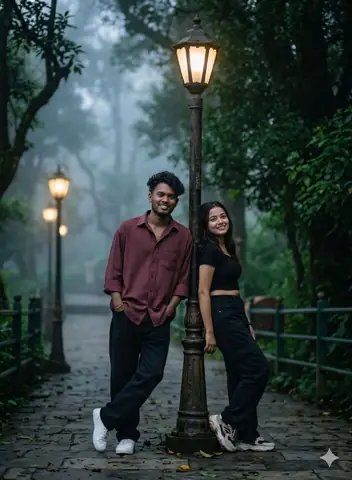
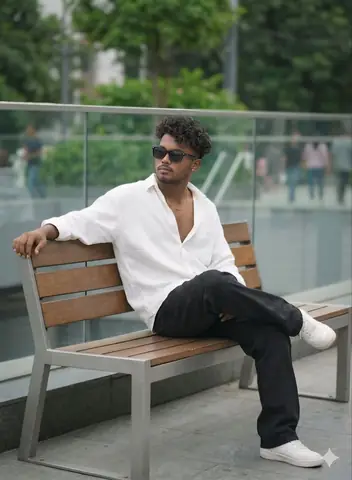
Quick Summary: This verified Midjourney Niji 6 / Flux.1 Schnell / Bing Image Creator prompt creates an hyper-detailed 3D cyberpunk stylized aesthetic for { "Task": "Dynamic_Educational_Infographics_Generator" AI Photo Prompt with calibrated lighting, authentic texture physics, and tested 1-click copy-paste formula for instant AI generation without facial distortion.
About This Prompt
Use this prompt to generate a { "Task": "Dynamic_Educational_Infographics_Generator" AI Photo Prompt — a high-quality, photorealistic image with balanced lighting, sharp focus, and intricate details suitable for social media sharing and digital content creation.
Optimized specifically for your AI generator. Simply copy the prompt text below and paste it into the generator. You can easily customize specific keywords like colors, backgrounds, or subjects to make the final output uniquely yours.
What You'll Get
- 🎨 Style: Ai Image
- ✨ Mood: Meigen
- 📱 Best For: Trending
- 🤖 Works With: your AI generator
- 🔥 Popularity: Copied 52 times
- 📅 Added: Sep 15, 2026
{ "Task": "Dynamic_Educational_Infographics_Generator" AI Photo Prompt - Copy Paste AI Prompt
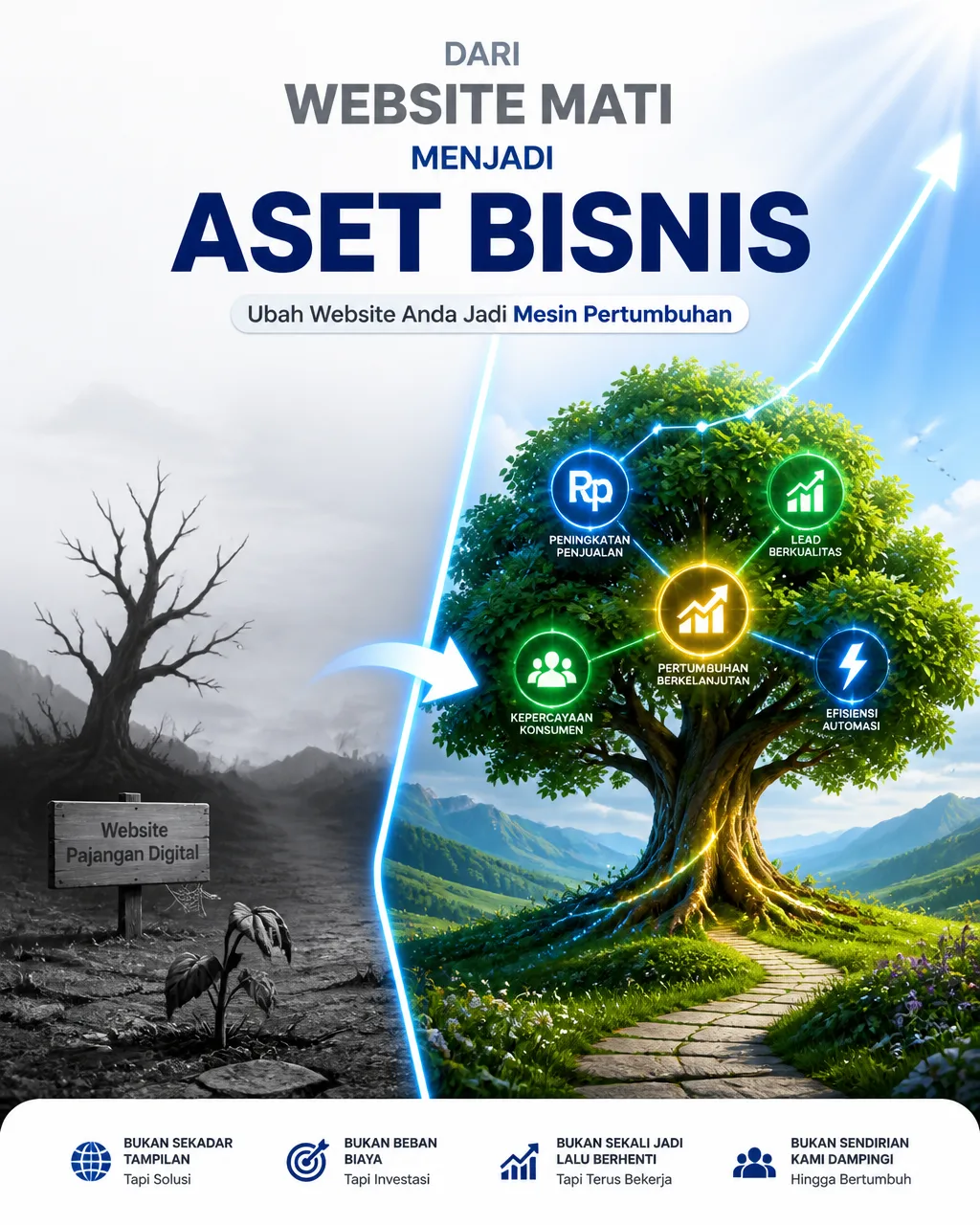
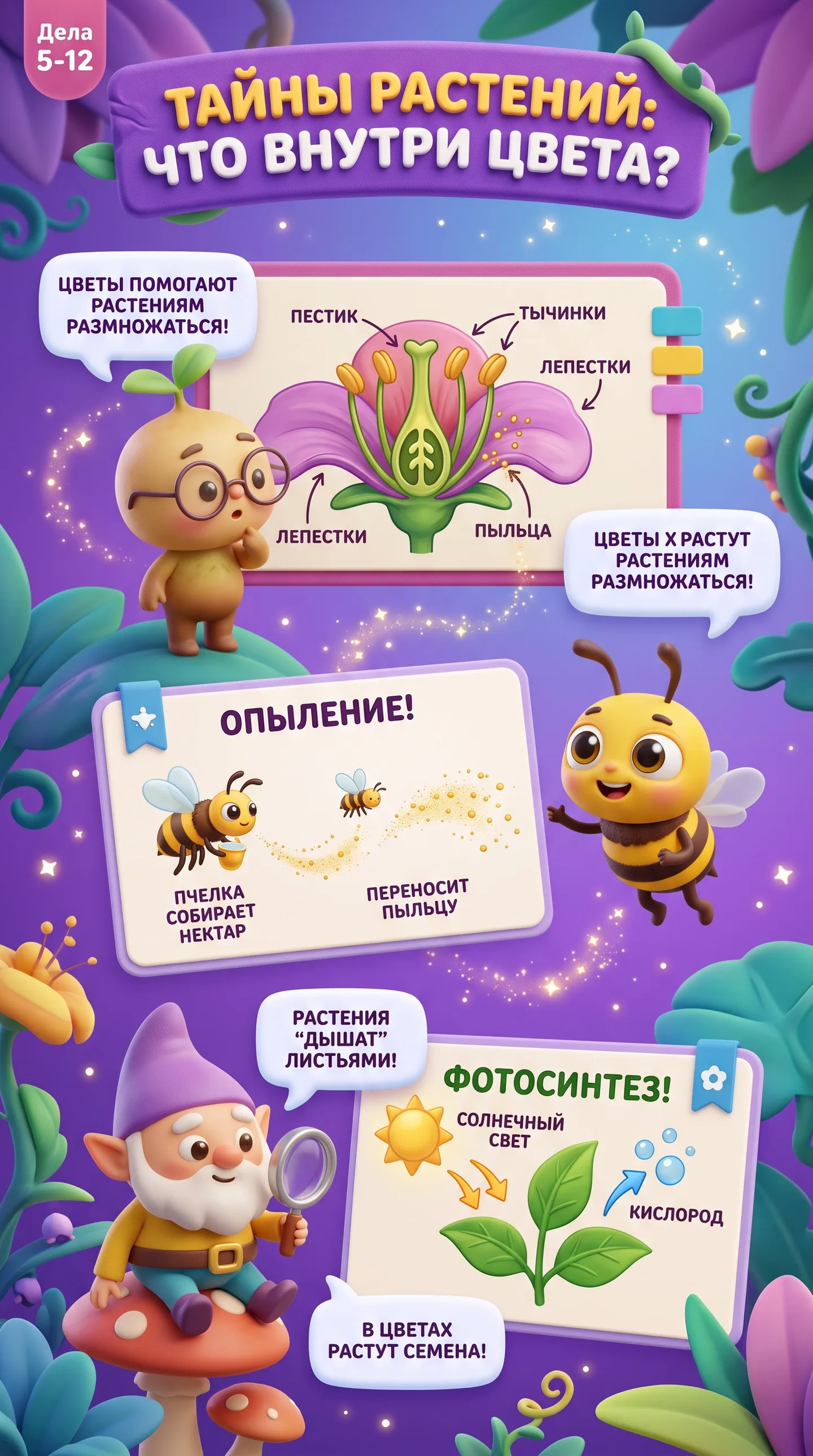
{  "task": "dynamic_educational_infographics_generator",  "engine": "gpt-image-2",  "target_aspect_ratio": "9:16",  "randomization_seed": "dynamic_auto_generate",  "target_audience": "children (ages 5-12), educational, engaging, visually captivating",  "art_style": "3D Pixar animation style, Disney-like character design, smooth claymation textures, vibrant and cheerful color palette, soft volumetric studio lighting, highly detailed 8k render, whimsical and friendly atmosphere",  "topic_pool": [    "дикая природа и животные",    "космос и планеты",    "великие исторические личности и изобретатели",    "увлекательная ботаника и растения",    "сказочные персонажи и мифы",    "познавательные науки (физика, химия, биология)",    "настольные и видеоигры, история развлечений",    "география и удивительные уголки планеты"  ],  "generation_instructions": {    "selection_rule": "Randomly select 1 distinct topic from the topic_pool and 1 sub-theme for each execution to ensure 100% unique infographics every time.",    "layout_structure": {      "header": "A bold, friendly 3D Pixar-style title banner with playful readable Cyrillic text related to the chosen topic.",      "visual_elements": "3 to 4 cute, expressive 3D animated characters, objects, or mascot creatures explaining the subject matter.",      "infographic_cards": "Charming floating UI panels, cute dialog bubbles, directional arrows, and mini-diagrams with short educational notes in Russian.",      "composition": "Vertical 9:16 layout, clean hierarchical structure designed for kids' learning and visual engagement."    }  },  "random_modifiers": {    "mood": "[RANDOM_MOOD: curious, adventurous, playful, magical, energetic]",    "environment_background": "[RANDOM_BG: vibrant floating classroom, enchanted cartoon forest, futuristic space laboratory, colorful underwater coral kingdom, sunny magical meadow]",    "dominant_color_palette": "[RANDOM_PALETTE: sunny yellow and sky blue, vibrant mint and coral, magic purple and gold, bright orange and teal]"  },  "quality_and_text_rules": {    "rendering": "Unreal Engine 5 render style, subsurface scattering on characters, crisp typography, clean shapes, rich textures.",    "text_handling": "Accurate, clean Cyrillic lettering for educational titles and key facts, no random gibberish text."  },  "negative_prompt": "scary, dark, moody, realistic photo, flat 2D vector, blurry, low resolution, messy layout, unreadable distorted text, violence, muted colors"}

Note: Lock subject's authentic facial identity and natural posture while seamlessly integrating with sharp vehicle reflections and cinematic ambient lighting.Explore Related Collections
Explore Ai Image Prompts — Browse our curated collection of Ai Image prompts tailored for creators. View all Ai Image prompts →
Explore Trending Prompts — Discover more viral Trending ideas for your next AI generation. View all Trending prompts →
Frequently asked questions
- How do I use the { "Task": "Dynamic_Educational_Infographics_Generator" AI Photo Prompt prompt?
- To use this prompt, simply click the "Copy Prompt" button above. Then, open your AI generator, paste the copied text into the prompt box, and hit generate. You can instantly generate high-quality images without needing any reference photos.
- What is this prompt best used for?
- This specific prompt is highly optimized for creating engaging social media content and digital art. The formula is structured to produce high-contrast, visually appealing results that perform well on visual platforms.
- Can I customize the details of this prompt?
- Yes! While the core structure of the prompt is optimized for your AI generator, you can easily customize the details. We recommend changing specific keywords like clothing colors, background locations, or the overall mood (e.g., changing "sunny" to "rainy" or "neon") to match your exact vision.