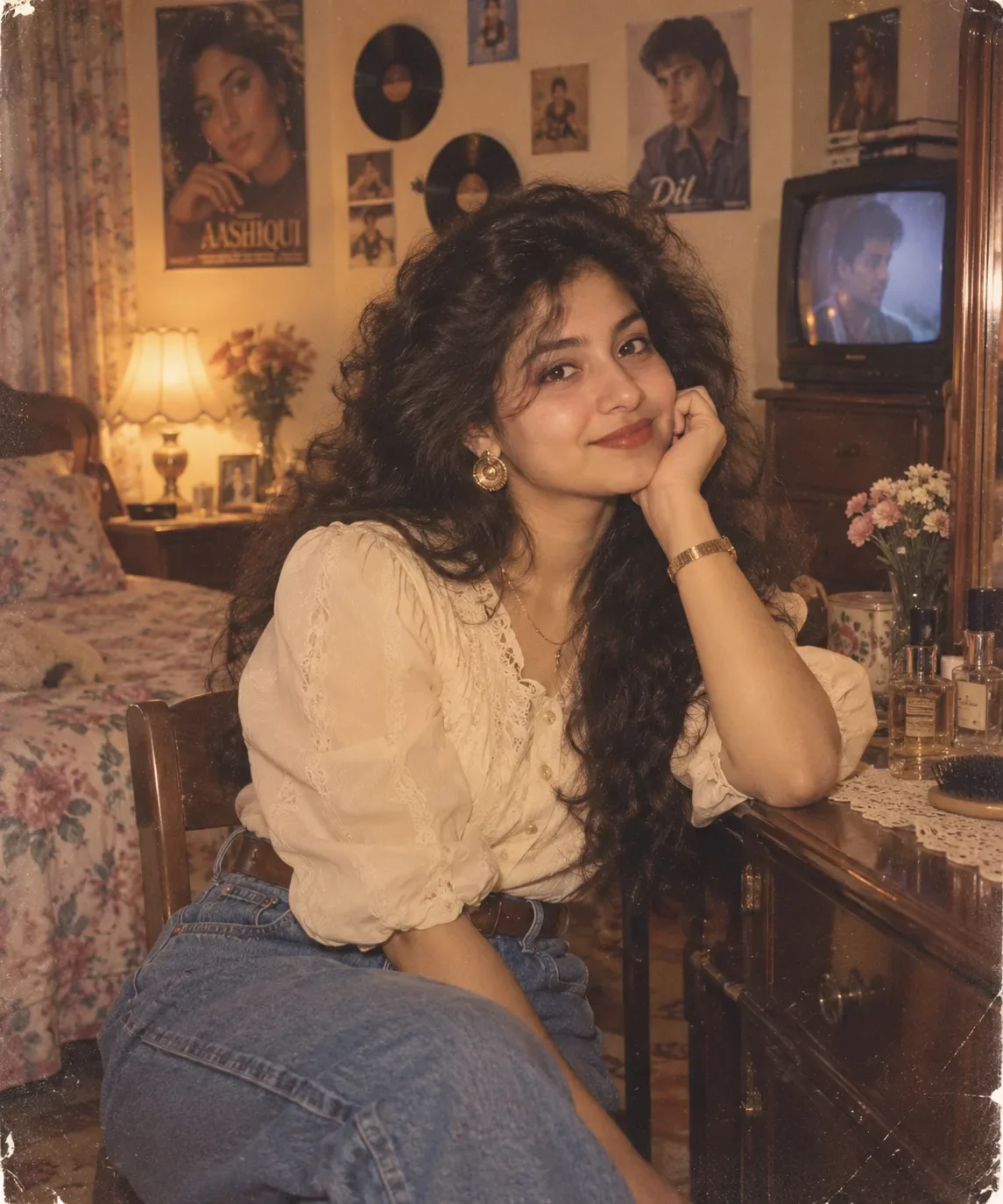
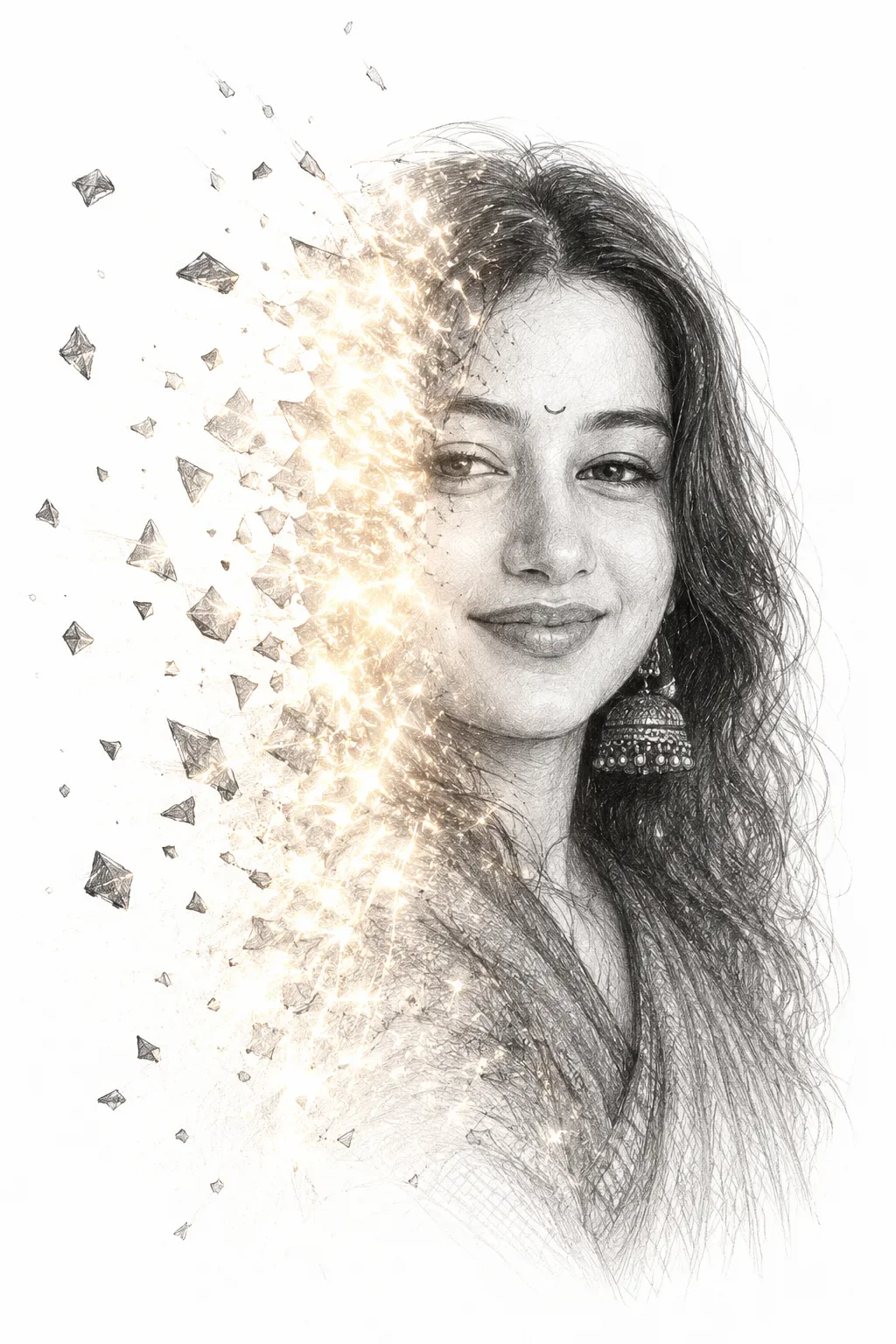
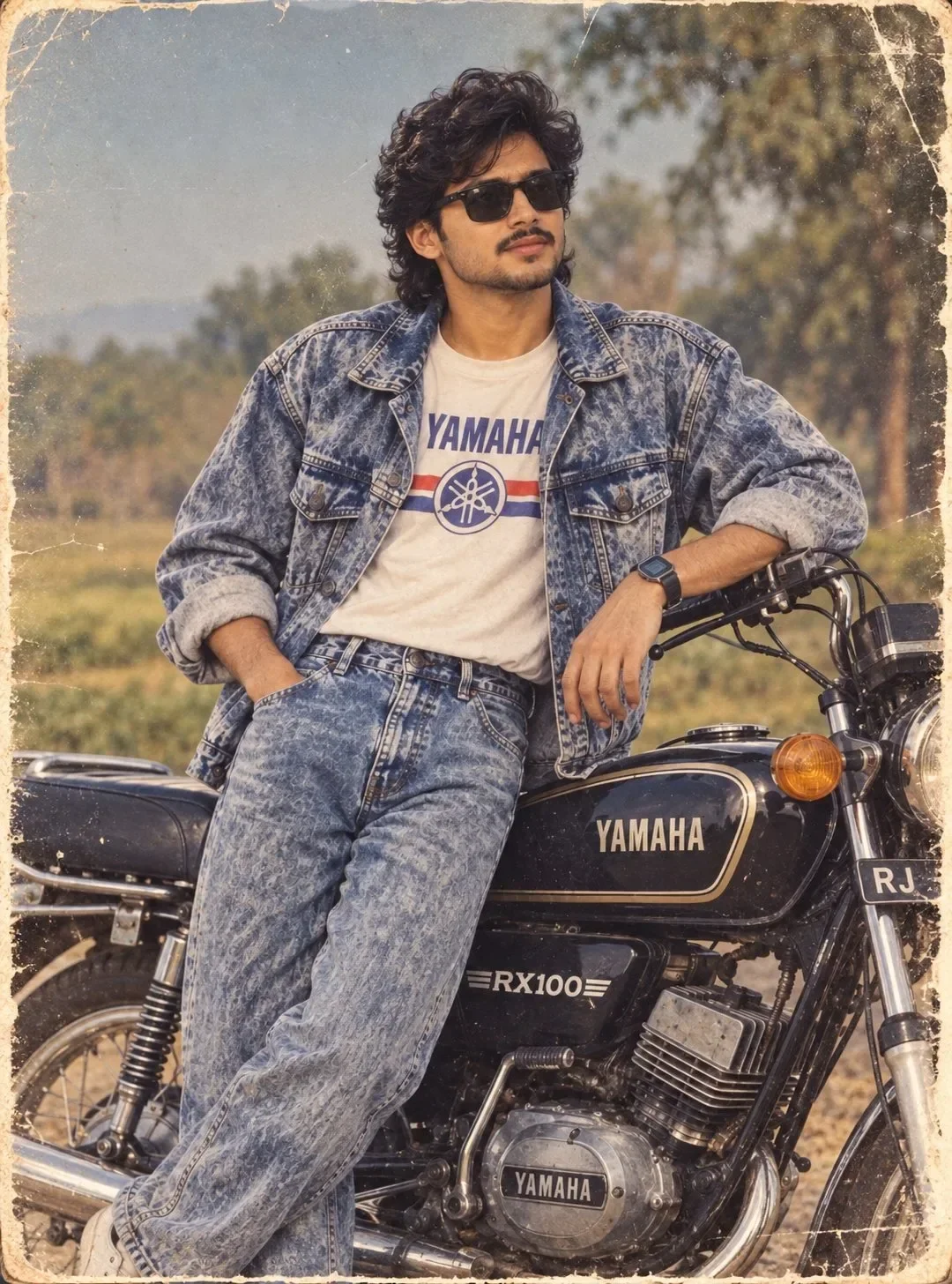
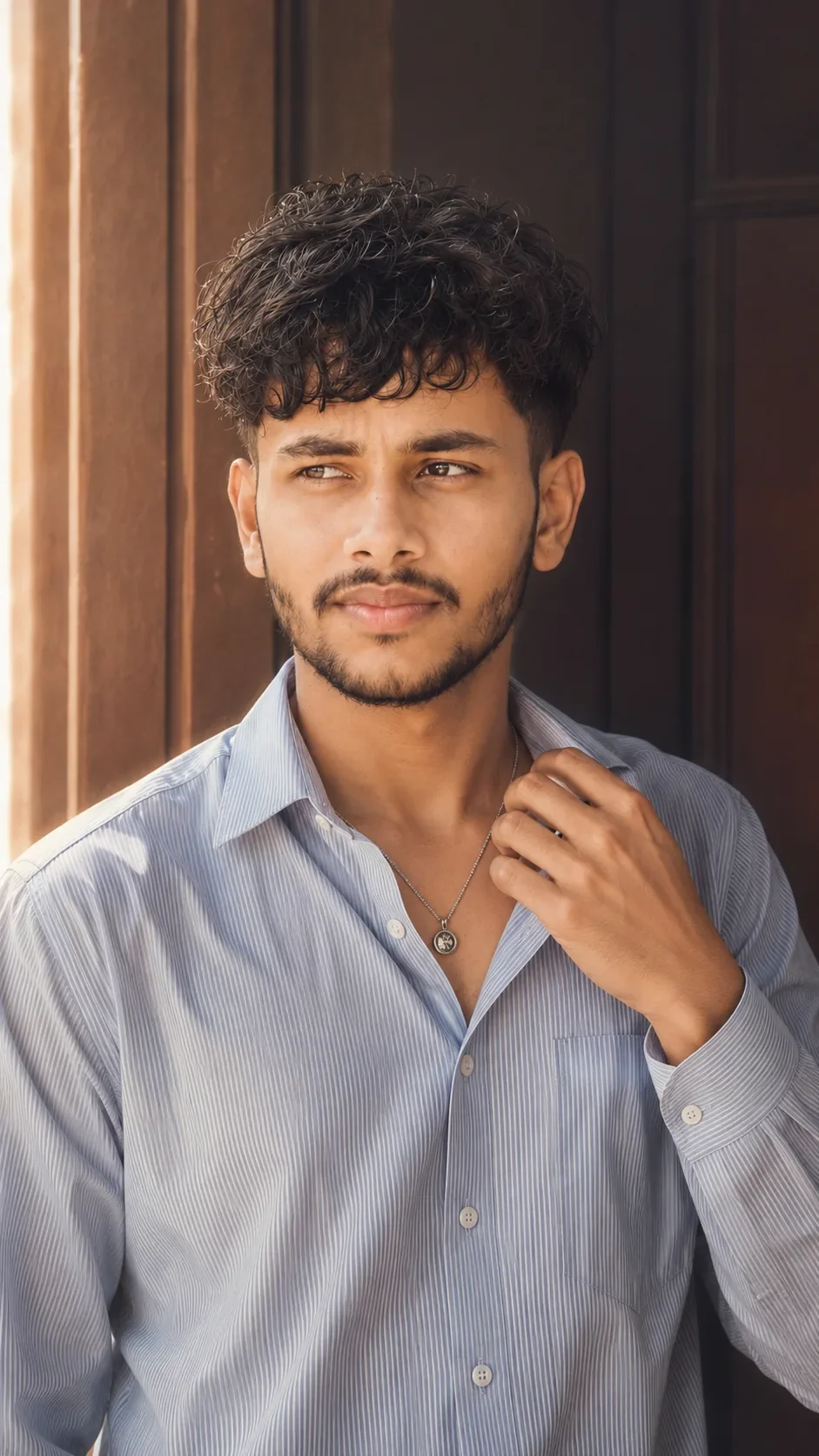
Quick Summary: This verified Midjourney Niji 6 / Flux.1 Schnell / Bing Image Creator prompt creates an hyper-detailed 3D cyberpunk stylized aesthetic for { "Style_Name": "Ground Up" AI Photo Prompt with calibrated lighting, authentic texture physics, and tested 1-click copy-paste formula for instant AI generation without facial distortion.
About This Prompt
This AI prompt generates a { "Style_Name": "Ground Up" AI Photo Prompt — a high-quality, photorealistic image with balanced lighting, sharp focus, and intricate details suitable for social media sharing and digital content creation.
For the best results, use this with your AI generator. Simply copy the prompt text below and paste it into the generator. You can easily customize specific keywords like colors, backgrounds, or subjects to make the final output uniquely yours.
What You'll Get
- 🎨 Style: Ai Image
- ✨ Mood: Meigen
- 📱 Best For: Trending
- 🤖 Works With: your AI generator
- 🔥 Popularity: Copied 36 times
- 📅 Added: Sep 14, 2026
{ "Style_Name": "Ground Up" AI Photo Prompt - Copy Paste AI Prompt
{

"style_name": "Ground Up",

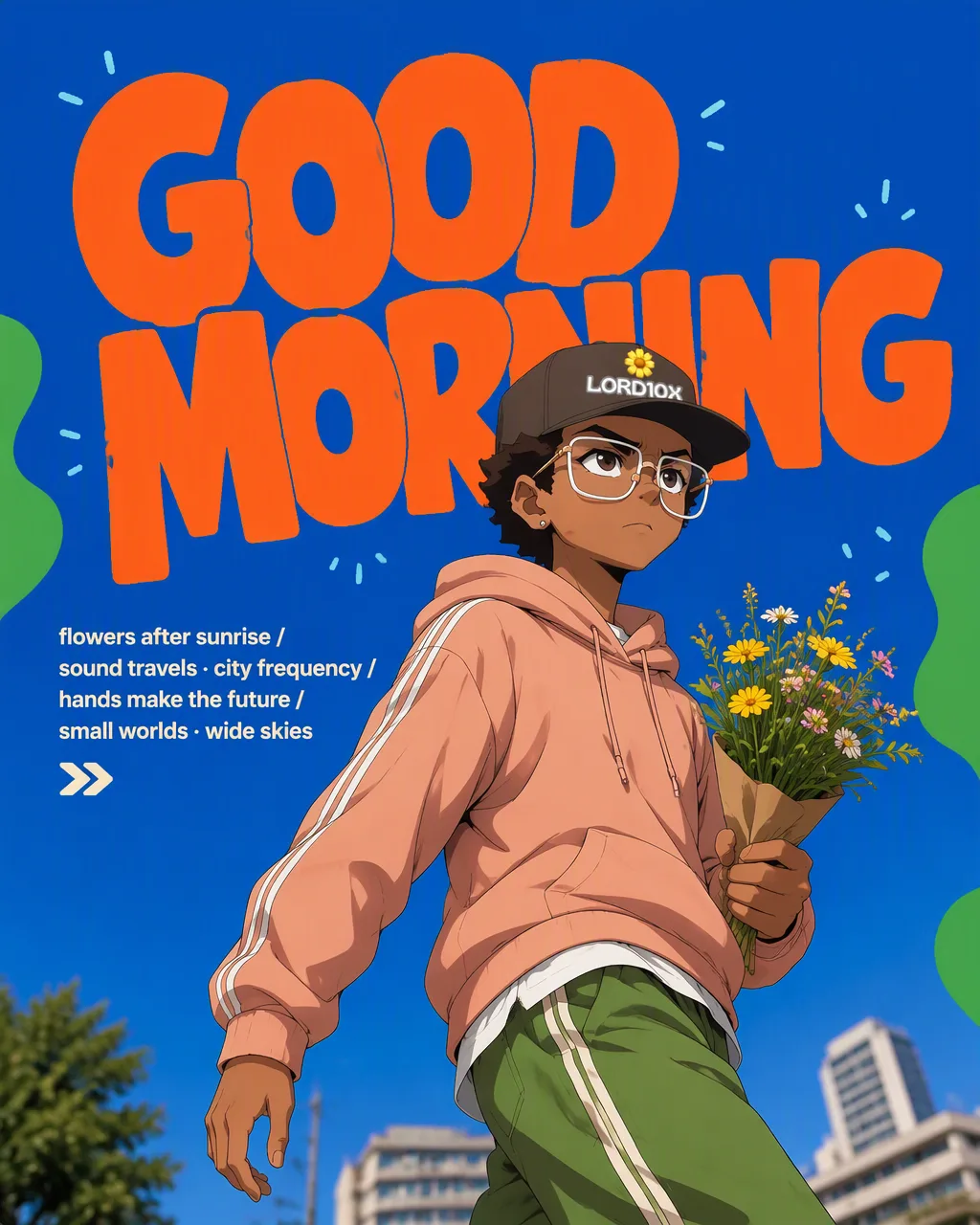
"style_slug": "cobalt-sky-blend-chunky-orange",

"canvas": "4:5 portrait, flat cobalt field #0B4FD0 that blends seamlessly into the photographed sky",

"color": {

"field": "cobalt / ultramarine #0B4FD0",

"display": "warm orange #F2652A",

"shapes": "leaf green #52B04E",

"text": "cream #F7F0DC",

"rule": "four colors, no fifth — and the flat blue must match the photographed sky exactly so the horizon between graphic and sky is invisible"

},

"typography": {

"headline": "two-word imperative, ALL CAPS, chunky rounded display with soft wobbly terminals and slightly irregular baselines — hand-cut feel, not a clean geometric; orange, top of frame, 1–2 lines, letters nearly touching",

"occlusion": "the subject or their prop overlaps the headline from below, breaking one or two letters",

"caption": "2–3 short lines of small cream lowercase sans, left side at mid-height, sentence fragments separated by a slash",

"marks": "small blue or light-blue tick dashes scattered around the headline like registration marks",

"glyph": "one hand-drawn mark near the caption — double chevron / diagonal arrow / curved arrow / four-point sparkle / crescent moon"

},

"graphic_shapes": "soft organic green blobs and ribbon squiggles bleeding in from the left and right edges, always cropped by the frame, never floating in the middle",

"photography": {

"angle": "camera low to the ground, tilted up — the subject towers and the horizon sits in the bottom quarter",

"light": "direct midday sun, hard shadows, high saturation, clear blue sky",

"subject": "the character mid-motion — walking, reaching, lifting, leaning in — looking up or off-camera, relaxed and pleased, never posing at the lens",

"wardrobe": "styled ONLY from the four-color palette; the outfit is part of the color system",

"casting": "vary the age hard across the set — teens through seventies",

"prop": "one real object that names the activity: flowers, a record, a vase, a telescope"

},

"design_rules": [

"the seam between flat blue and real sky must be undetectable — this is the whole trick",

"green shapes only ever touch the edges",

"headline is an instruction, two words, present tense",

"no drop shadows on the type; it sits flat on the blue like screen print"

],

"swap_variables": {

"subject": "fashion gallery",

"headline": "GOOD MORNING",

"caption": "flowers after sunrise / sound travels · city frequency / hands make the future / small worlds · wide skies",

"glyph": "chevrons / arrow / sparkle / moon",

"prop": "wildflower bouquet / vinyl + suitcase turntable / raw vase / refractor telescope"

}

}

Note: Strictly retain 100% exact facial likeness, natural cheekbone contours, true skin undertone, and authentic gaze from source image without generic face replacement.Explore Related Collections
Explore Ai Image Prompts — Browse our curated collection of Ai Image prompts tailored for creators. View all Ai Image prompts →
Explore Trending Prompts — Discover more viral Trending ideas for your next AI generation. View all Trending prompts →
Frequently asked questions
- How do I use the { "Style_Name": "Ground Up" AI Photo Prompt prompt?
- To use this prompt, simply click the "Copy Prompt" button above. Then, open your AI generator, paste the copied text into the prompt box, and hit generate. You can instantly generate high-quality images without needing any reference photos.
- What is this prompt best used for?
- This specific prompt is highly optimized for creating engaging social media content and digital art. The formula is structured to produce high-contrast, visually appealing results that perform well on visual platforms.
- Can I customize the details of this prompt?
- Yes! While the core structure of the prompt is optimized for your AI generator, you can easily customize the details. We recommend changing specific keywords like clothing colors, background locations, or the overall mood (e.g., changing "sunny" to "rainy" or "neon") to match your exact vision.