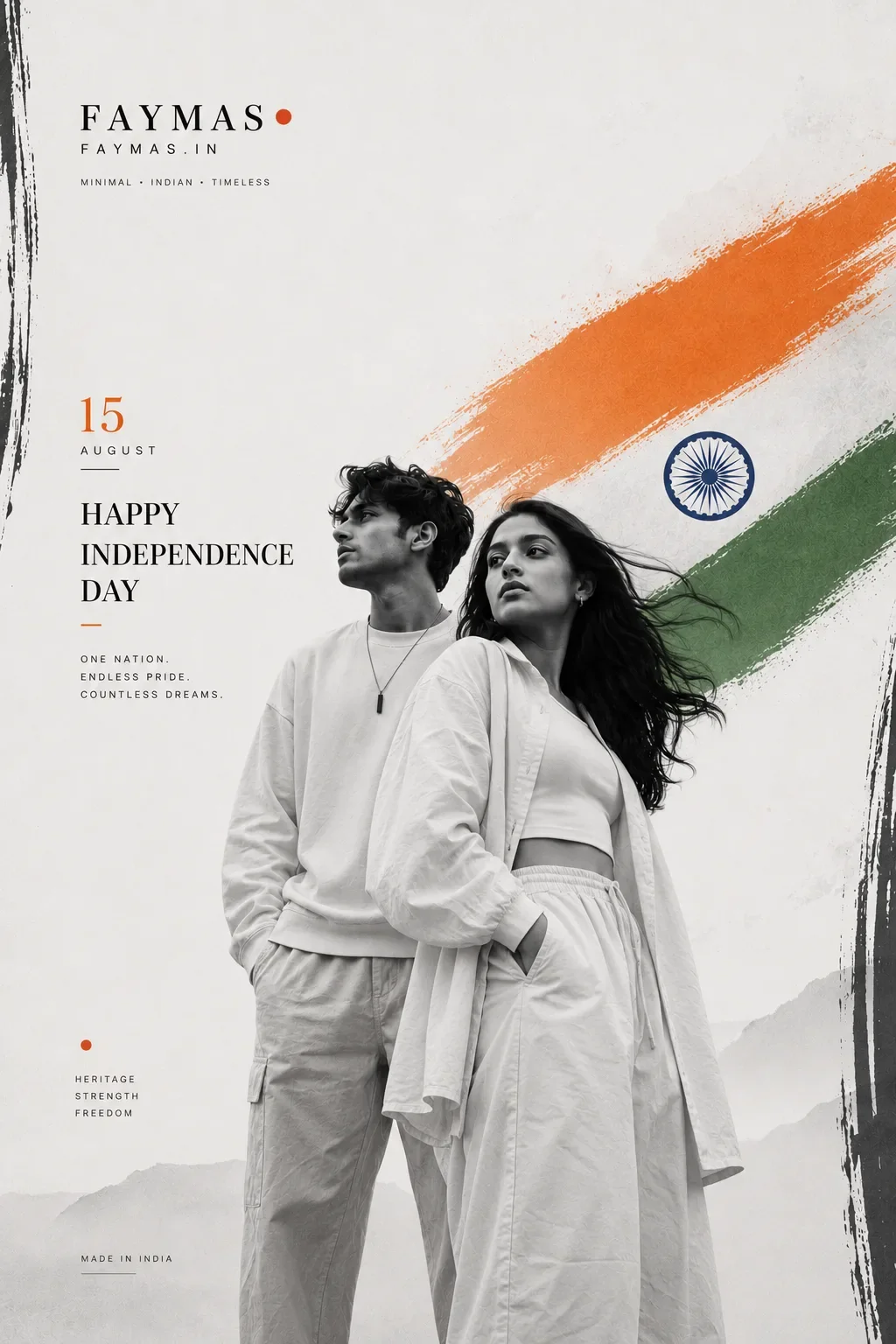
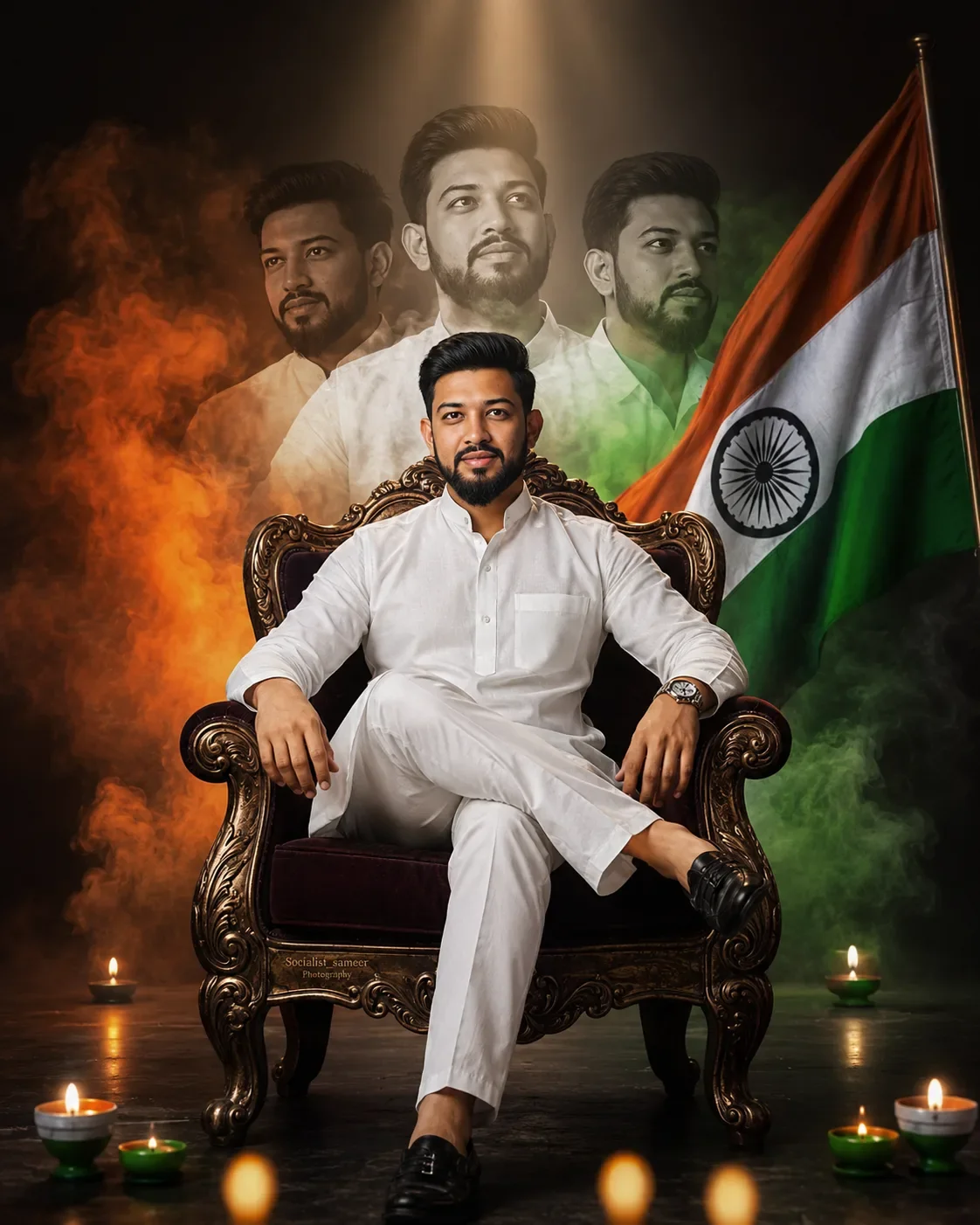
Quick Summary: This verified Google Gemini & Bing Image Creator (DALL-E 3) prompt creates an rich traditional Indian cultural aesthetic for Sarpanch Partinithi Independence Day Wishes AI Photo Prompt with calibrated lighting, authentic texture physics, and tested 1-click copy-paste formula for instant AI generation without facial distortion.
- Independence Day 2026
- Ai Image
- Trending
- Independence Day 2026
- Ai Image
- Trending
- Viral Prompt
- Gemini Ai
- Bing Image Creator
- Copy Paste
About This Prompt
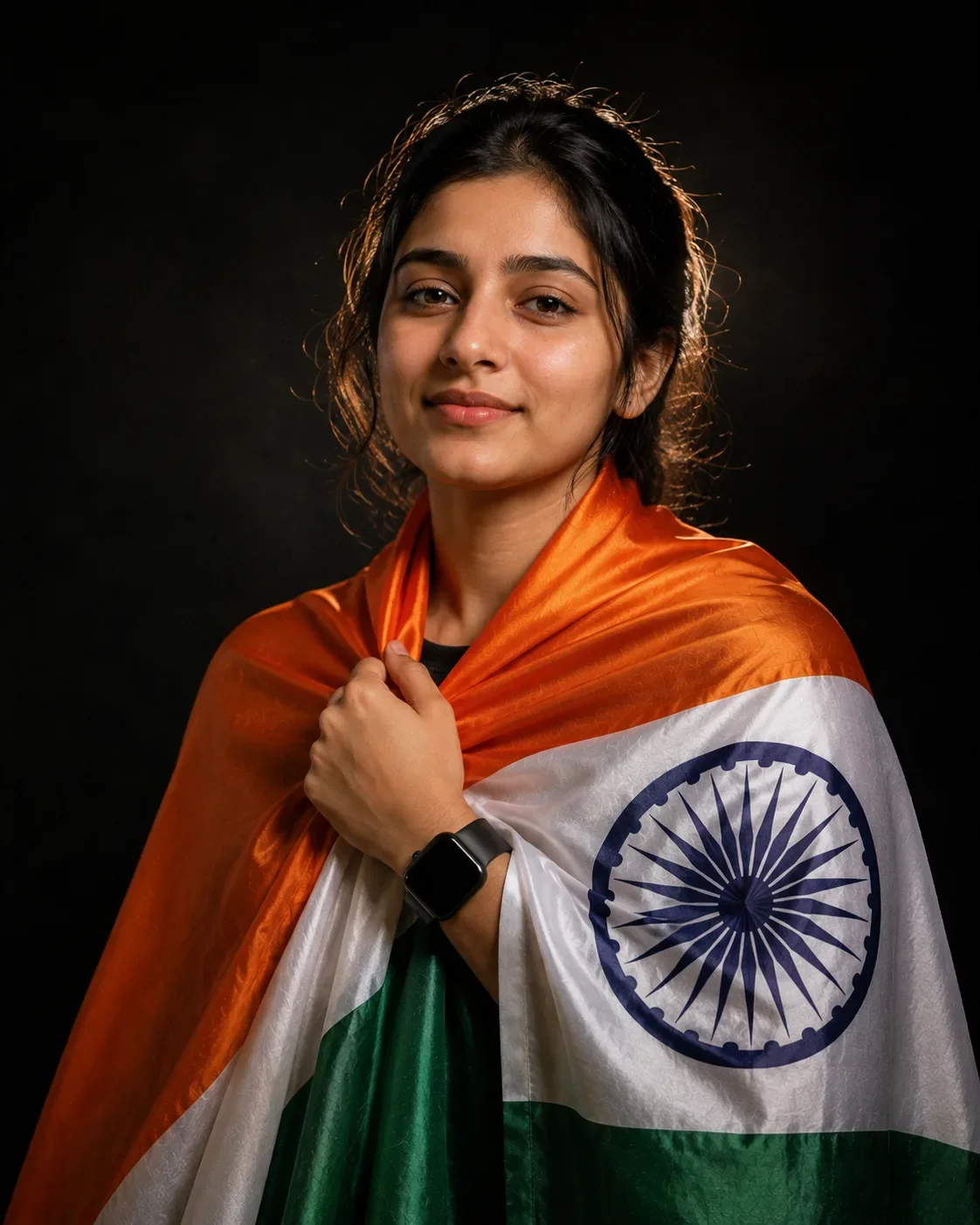
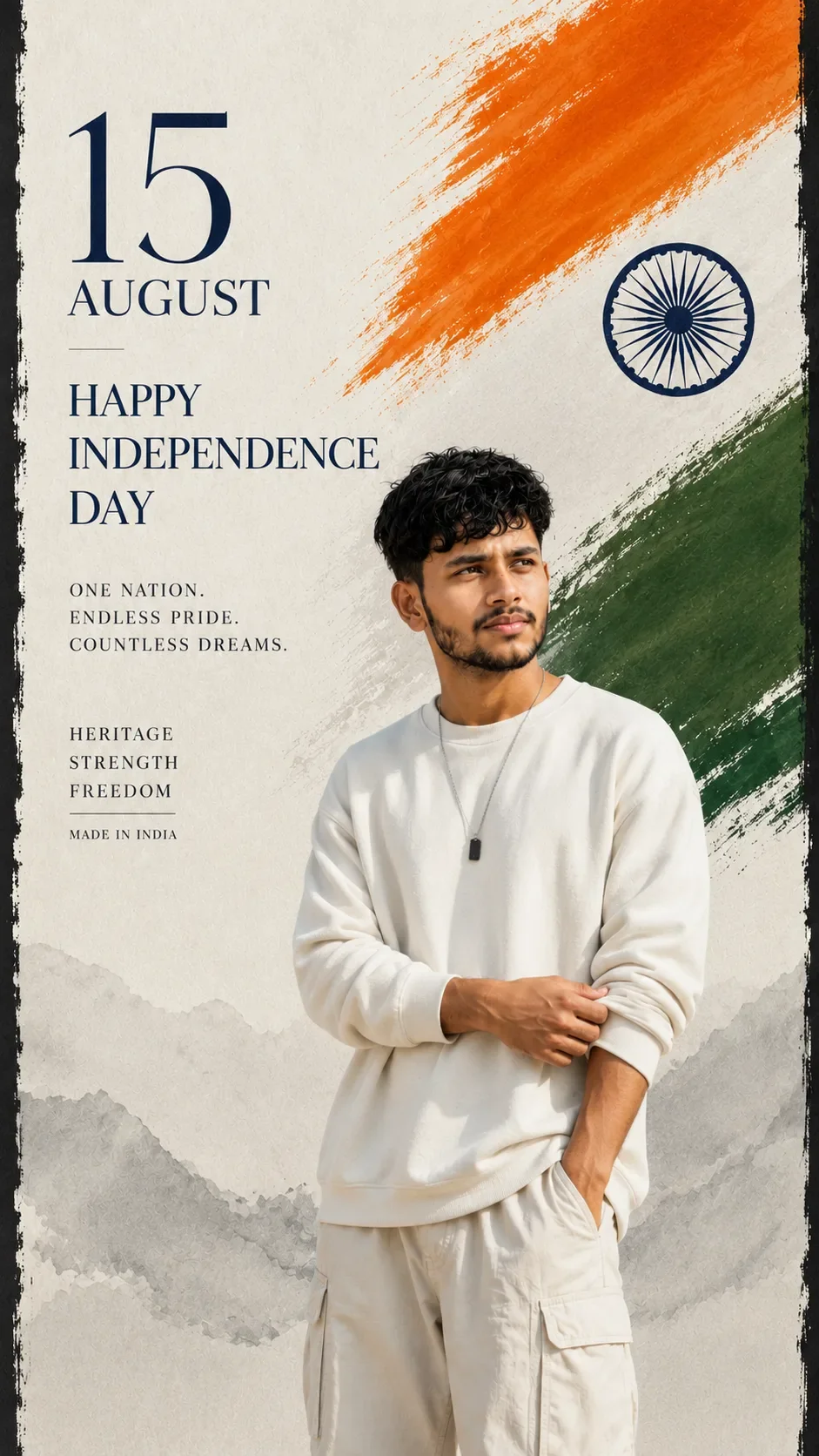
This AI prompt generates a Sarpanch Partinithi Independence Day Wishes AI Photo Prompt — a high-quality, photorealistic image with balanced lighting, sharp focus, and intricate details suitable for social media sharing and digital content creation.
For the best results, use this with Google Gemini. Simply copy the prompt text below and paste it into the generator. You can easily customize specific keywords like colors, backgrounds, or subjects to make the final output uniquely yours.
What You'll Get
- 🎨 Style: Independence Day 2026
- ✨ Mood: Independence Day 2026
- 📱 Best For: Ai Image
- 🤖 Works With: Google Gemini
- 🔥 Popularity: Copied 261 times
- 📅 Added: Sep 14, 2026
Sarpanch Partinithi Independence Day Wishes AI Photo Prompt - Copy Paste AI Prompt
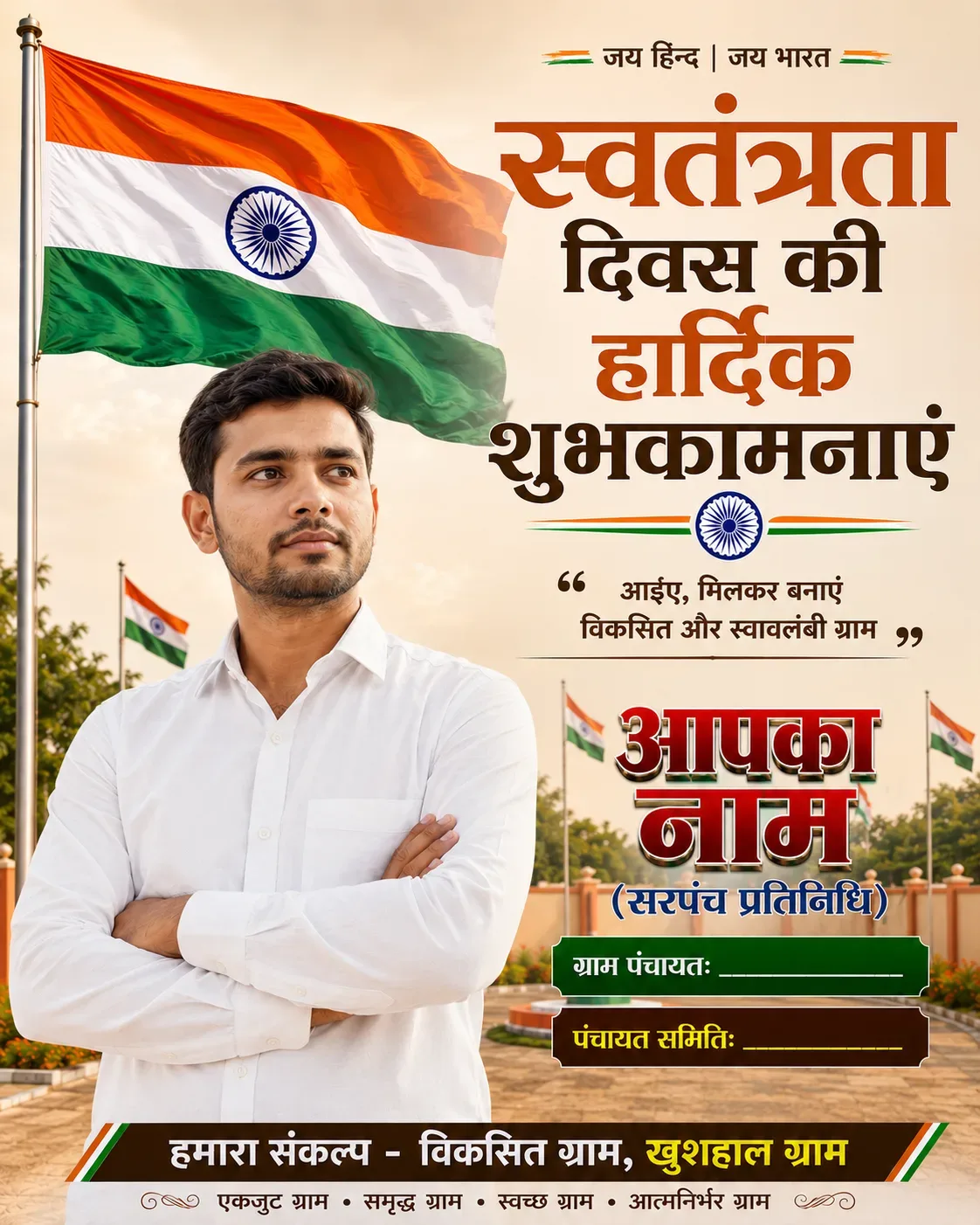
Create a premium, ultra-realistic Indian Independence Day political/community greeting poster in 4:5 vertical ratio. Use the uploaded person's photo as the main portrait, preserving the person's natural face, hairstyle, skin tone and overall appearance accurately. Show the person wearing a clean, well-fitted white full-sleeve shirt with natural proportions; do not prominently show belt or jeans, and keep the portrait elegant and professional. Use the exact same premium visual style and color palette as the reference design: warm cream/beige background, rich brown/maroon typography, saffron-orange, white, green and deep navy accents, subtle 3D text, elegant shadows and polished professional flex-banner finishing. Place a large realistic Indian Tricolor waving beautifully in the background with Ashoka Chakra clearly visible, along with a few smaller Indian flags, subtle greenery, a clean landscaped public/community setting and soft golden natural lighting. Do NOT show any Panchayat Bhawan or identifiable real location in the background. At the top write: “जय हिन्द | जय भारत”. Main headline in bold elegant Hindi typography: “स्वतंत्रता दिवस की हार्दिक शुभकामनाएं”. Add a tasteful patriotic quote: “आइए, मिलकर बनाएं विकसित और स्वावलंबी ग्राम”. Add completely customizable fields only: “आपका नाम”, “(सरपंच प्रतिनिधि)”, “ग्राम पंचायत: __________”, “पंचायत समिति: __________”. Do not automatically insert any person's name, village name, district, Panchayat name, location, political party, logo, teacher name, channel name, organization name or any other identifying information. Keep all customizable information blank/placeholders so users can easily replace them with their own details. At the bottom add: “हमारा संकल्प - विकसित ग्राम, खुशहाल ग्राम” and a small line: “एकजुट ग्राम • समृद्ध ग्राम • स्वच्छ ग्राम • आत्मनिर्भर ग्राम”. Keep the composition clean, premium, realistic and highly readable, with the portrait positioned slightly lower and naturally integrated into the design. No unnecessary development-work list, no schemes, no fake achievements, no extra text, no watermark, no AI artifacts, no distorted hands or face, no excessive decorations. Professional high-end Indian Independence Day flex banner, photorealistic DSLR quality, natural skin texture, realistic lighting, sharp details, elegant typography, 4:5 aspect ratio.

Optical Identity & Likeness Preservation: Maintain 100% exact facial identity, bone structure, jawline contours, and natural skin undertone of reference photo without alteration or distortion.Explore Related Collections
Explore Independence Day 2026 Prompts — Browse our curated collection of Independence Day 2026 prompts tailored for creators. View all Independence Day 2026 prompts →
Explore Ai Image Prompts — Discover more viral Ai Image ideas for your next AI generation. View all Ai Image prompts →
Explore Trending Prompts — Explore our extensive library of Trending templates ready to copy and paste. View all Trending prompts →
Frequently asked questions
- How do I use the Sarpanch Partinithi Independence Day Wishes AI Photo Prompt prompt?
- To use this prompt, simply click the "Copy Prompt" button above. Then, open Google Gemini, paste the copied text into the prompt box, and hit generate. You can instantly generate high-quality images without needing any reference photos.
- What is this prompt best used for?
- This specific prompt is highly optimized for creating engaging social media content and digital art. The formula is structured to produce high-contrast, visually appealing results that perform well on visual platforms.
- Can I customize the details of this prompt?
- Yes! While the core structure of the prompt is optimized for Google Gemini, you can easily customize the details. We recommend changing specific keywords like clothing colors, background locations, or the overall mood (e.g., changing "sunny" to "rainy" or "neon") to match your exact vision.