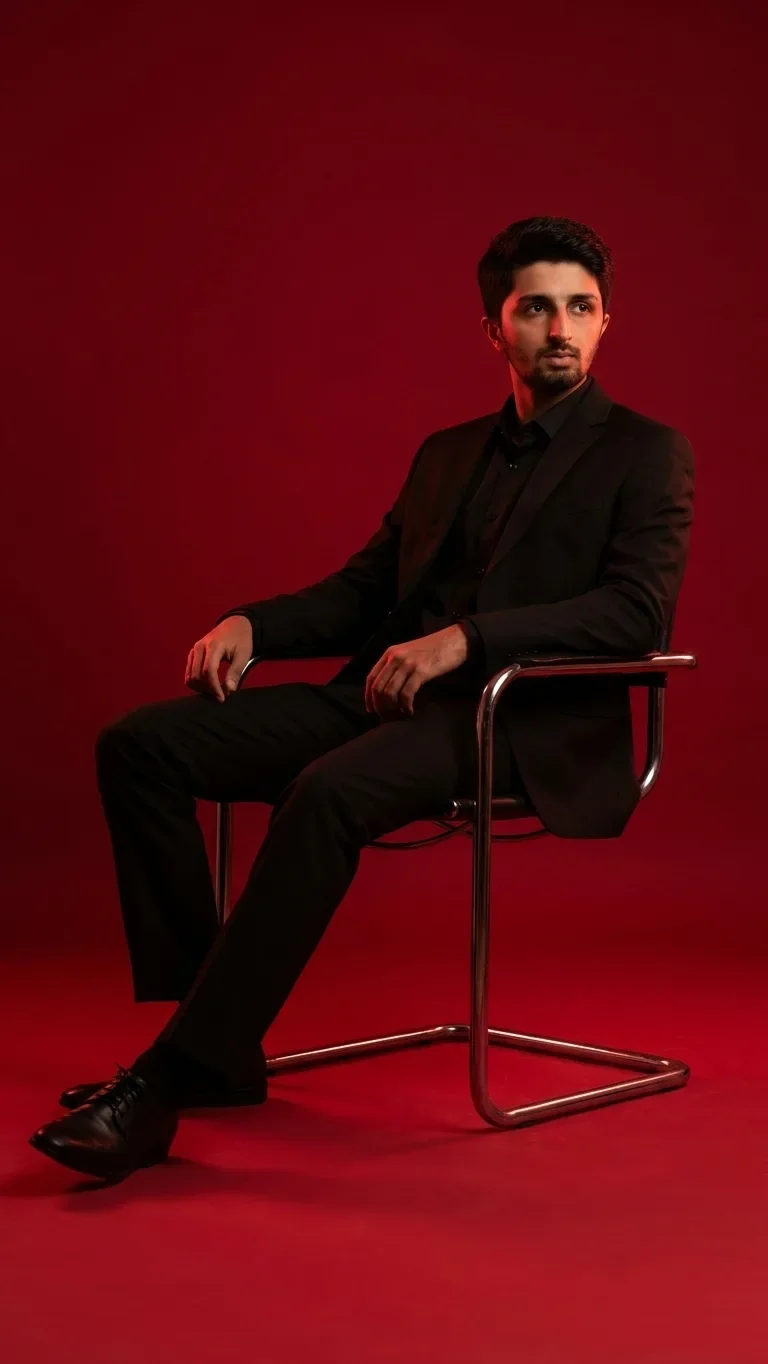
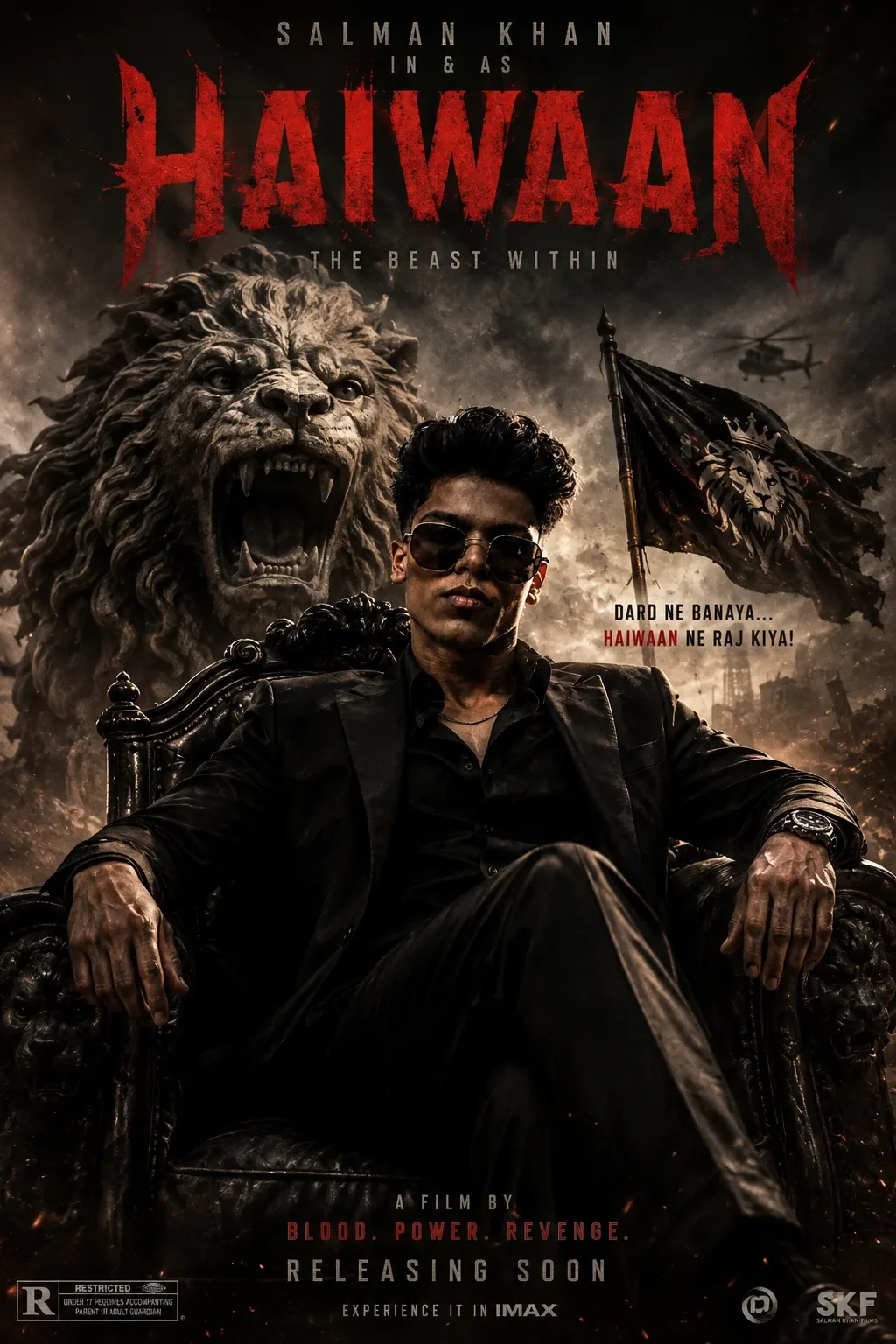
Quick Summary: This verified Google Gemini & Bing Image Creator (DALL-E 3) prompt creates an rich traditional Indian cultural aesthetic for Neon Glow AI Photo Prompt with calibrated lighting, authentic texture physics, and tested 1-click copy-paste formula for instant AI generation without facial distortion.
- Photography
- Ai Image
- Trending
- Photography
- Ai Image
- Trending
- Viral Prompt
- Gemini Ai
- Bing Image Creator
- Copy Paste
Neon Glow AI Photo Prompt - Copy Paste AI Prompt
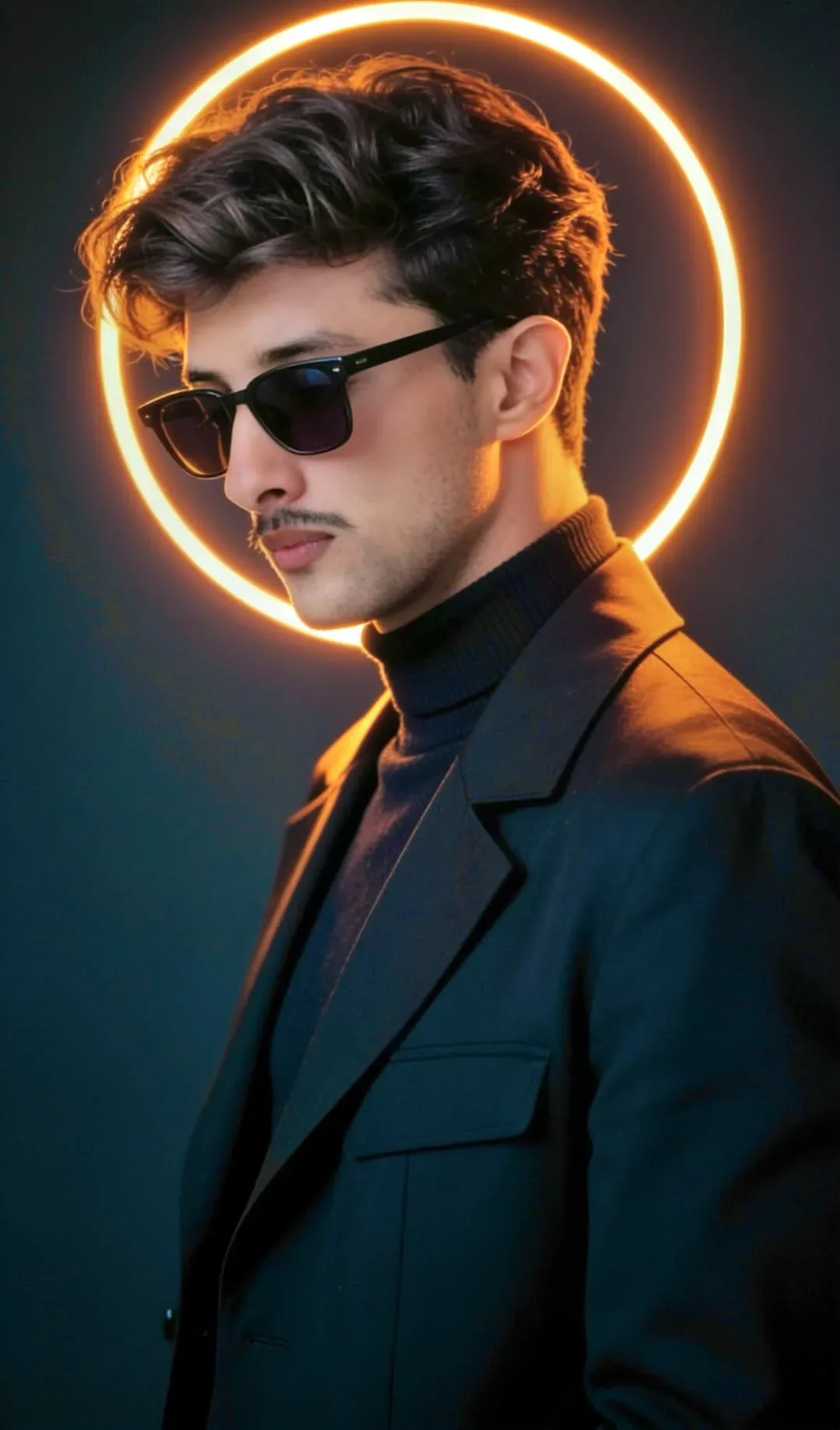
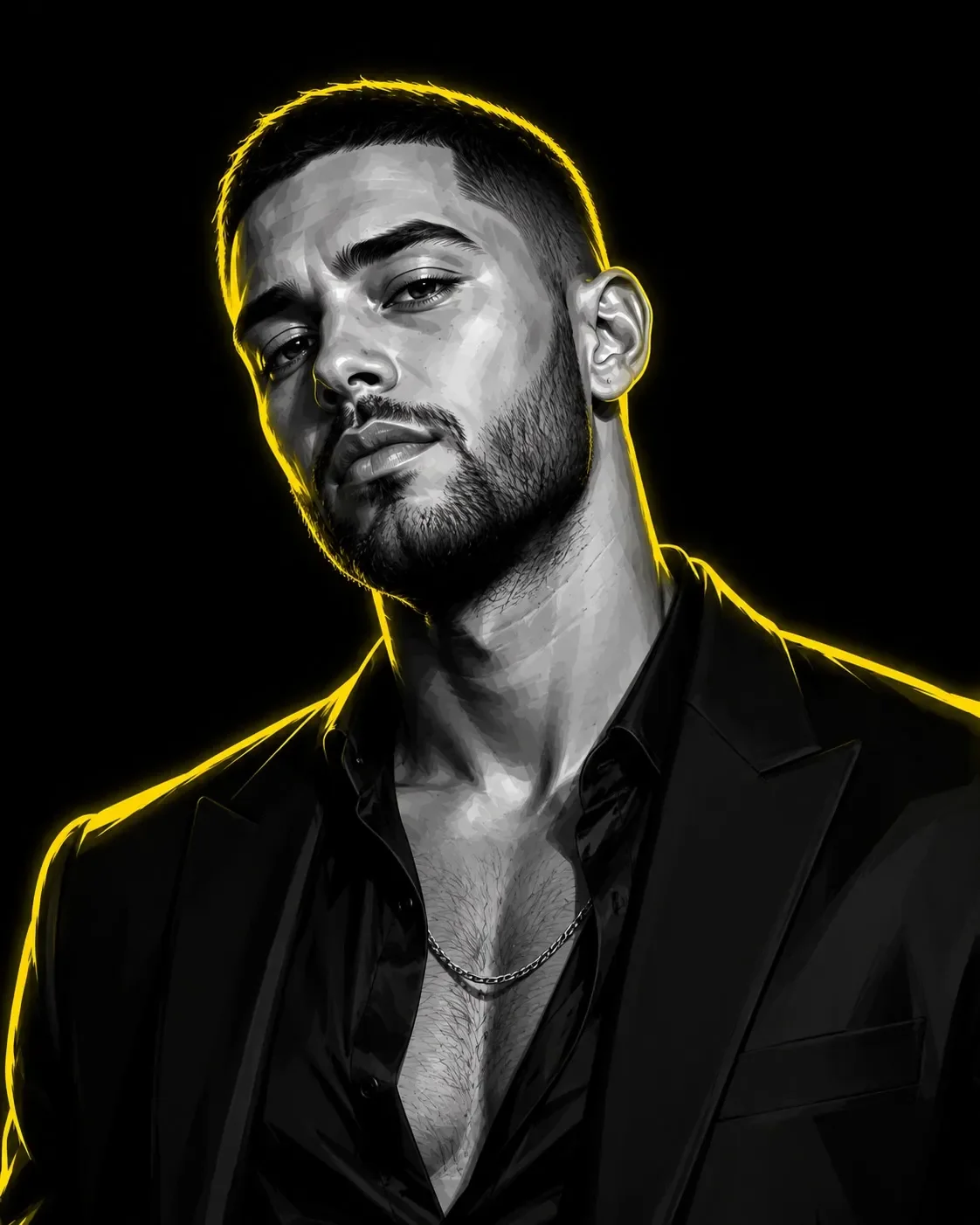
Transform the uploaded reference photo into a premium Neon Identity portrait. Preserve the subject’s exact facial identity, hairstyle, facial hair, age, ethnicity, expression, pose, and clothing silhouette while reimagining the image as a cinematic high-contrast graphic illustration.

Style:
Ultra-detailed monochrome portrait, grayscale skin tones, graphic novel rendering, vector-inspired shading, sharp geometric highlights, deep blacks, dramatic contrast, luxury editorial aesthetic, premium digital painting, hyper-clean facial details, crisp eyes, strong jawline definition, realistic likeness preservation.

Lighting:
Intense glowing neon yellow rim light tracing the entire outer silhouette of the subject, including hair, shoulders, clothing edges, and profile contours. Yellow glow should feel electric, energetic, and premium while remaining clean and controlled.

Background:
Pure solid black background with no texture, no objects, no scenery, no gradients, no environmental elements.

Composition:
4:5 vertical portrait, subject occupying most of the frame, chest-up or waist-up depending on original reference composition. Strong visual focus on face and silhouette.

Color Palette:
Black, white, grayscale, and neon yellow only. No other colors.

Quality:
Ultra HD, razor-sharp details, luxury poster quality, social-media viral aesthetic, cinematic portrait photography meets graphic illustration.

Important:
No text.
No typography.
No logos.
No watermarks.
No symbols.
No extra accessories added.
No necklaces or pendants unless already present in the original photo.

Do not change clothing style unless visible in the reference. Preserve the exact identity of the uploaded subject.

---

Optical Identity & Likeness Preservation: Maintain 100% exact facial identity, bone structure, jawline contours, and natural skin undertone of reference photo without alteration or distortion.👤Customize in Face Consistency Studio
Lock 100% exact facial identity, bone structure & eye shape in Gemini & Bing.
Technical Prompt Parameters (Traditional Ethnic Indian)
| Parameter | Configuration | Output Impact |
|---|---|---|
| Target AI Engine | Google Gemini & Bing Image Creator (DALL-E 3) | Accurately understands intricate South Asian ethnic motifs, zardozi embroidery, and festive ambiance. |
| Recommended Aspect Ratio | 9:16 (Story / Reels / DP) or 3:4 (Portrait) | Optimized for mobile festive display pictures, WhatsApp status, and Instagram reels. |
| Camera & Lens Settings | 85mm f/1.4 G-Master, Sony A7R V, 61MP ultra-high texture fidelity | Resolves micro-level silk weave, mirror embroidery, and jewelry sparkle with zero blur. |
| Lighting Style | Festive diya ambient warmth + soft golden temple architectural light | Accentuates vibrant colors (marigold, crimson, gold) while keeping skin tones natural. |
| Negative Constraints | western attire, distorted jewelry, unnatural skin bleaching, muddy colors, deformed hands | Guarantees authentic cultural attire detailing and natural Indian skin melanin realism. |
| Reference Photo | Upload a front-facing portrait wearing festive or simple ethnic attire. | Upload front-facing reference photo for face matching. |
How to use this prompt
- Copy the prompt, open Google Gemini or Bing Image Creator, attach your reference photo, and generate instant 8K results.
How to get better results from Neon Glow AI Photo Prompt
Free 1-click copy neon glow ai photo prompt for Google Gemini and Bing Image Creator. Authentic photography aesthetic, realistic lighting, and instant camera settings. Use it as a copy-ready starting point, then adjust the subject, scene, tone and output format for your own result.
- Photography
- Ai Image
- Trending
- Viral Prompt
- Gemini Ai
- Bing Image Creator
Customize before generating
- Replace the main subject, name, product or character details.
- Adjust lighting, background, mood, camera angle or aspect ratio if the prompt is visual.
- Change tone, audience, language and output format if the prompt is for text.
- Keep this core idea clear: Transform the uploaded reference photo into a premium Neon Identity portrait. Preserve the subject’s exact facial identity, hairstyle, facial hair, age, ethnicity...
Quick variations to try
- Make Neon Glow AI Photo Prompt more cinematic with stronger lighting and richer background detail.
- Turn Neon Glow AI Photo Prompt into a cleaner mobile-first version for social media posts or profile use.
- Create a premium version of Neon Glow AI Photo Prompt with sharper style, higher detail and a more polished final output.